How we make this list: we compare pricing pages, product documentation and public user reviews. Rankite is independent; if a vendor ever pays for a featured spot, that listing is clearly labeled Partner.
Key takeaways
- Translating software splits into three jobs: desktop CAT tools for freelance translators (Trados, memoQ, Wordfast, CafeTran), cloud localization platforms for product teams (Phrase, Crowdin, Lokalise), and machine translation engines (DeepL).
- Freelance translators face a real choice between subscription and perpetual licensing: Trados Studio's Freelance Subscription runs $408 a year while memoQ and Wordfast sell perpetual licenses.
- Smartcat and OmegaT both cost nothing for the core CAT workflow, which makes them the starting point for students and new freelancers.
- Localization platforms bill by hosted words or processed words, so adding target languages multiplies the cost; Crowdin's Pro plan at $59 a month is the friendliest entry point for dev teams.
- DeepL Pro at $10.49 a month is the machine translation subscription professionals actually pay for, and it plugs into most CAT tools.
Quick comparison
| Tool | Best for | Starting price | Free plan |
|---|
 Trados Studio Trados Studio | Freelance translators working with agencies | $408 per year (Freelance Subscription; perpetual Freelance license $915) | Free trial |
 memoQ memoQ | Translators who prefer owning their software outright | $770 per license (perpetual) | Free trial |
 Phrase Phrase | Companies unifying software strings and translation workflows | $27 per month (Freelancer; team plans from $525 per month) | Free trial |
 Smartcat Smartcat | Freelancers who want a free CAT tool plus a client marketplace | Free (Basic paid plan $1,200 per year) | Yes |
 DeepL DeepL | Professionals who need the best machine translation quality | $10.49 per month (Starter; €8.99 per month billed monthly) | Yes |
 Crowdin Crowdin | Development teams localizing software continuously | $59 per month (Pro; free plan available) | Yes |
 Lokalise Lokalise | Product teams with design-heavy localization workflows | $144 per month (Explorer; free plan available) | Yes |
 Wordfast Pro Wordfast Pro | Freelancers who want affordable perpetual licensing | $240 (one-time license) | Free trial |
 CafeTran Espresso CafeTran Espresso | Translators on Mac or Linux who want a native desktop CAT | €200 (one-time license) | Free trial |
 OmegaT OmegaT | Anyone who wants a free, open-source CAT tool forever | Free | Yes |
Is your product missing or out of date?
We review this list regularly. Vendors can request a listing, send updated pricing or ask about featured placement.
Translation software that pays for itself in 2026
Translation is one of those fields where the software pays for itself or it does not get bought. A freelance translator bills per word, so a tool that adds ten percent throughput pays off its license in weeks. A product team shipping an app in twelve languages saves more from automation and translation memory reuse than the platform subscription costs. The ten tools below cover the whole market: desktop CAT tools that individual translators buy, cloud platforms that teams buy, and the machine translation engine almost everyone plugs into both.
#1
Trados Studio
Best for: Freelance translators working with agencies
Visit trados.com
Starting price$408 per year (Freelance Subscription; perpetual Freelance license $915)
Free planFree trial
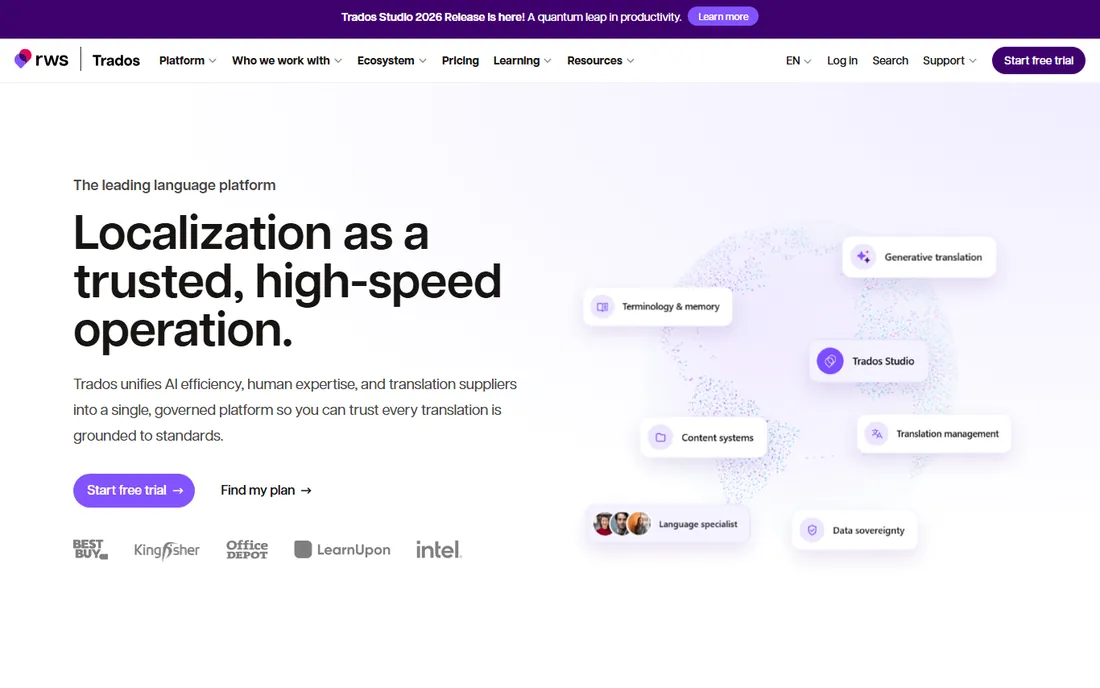
The Freelance Subscription at $408 a year includes translation memory, terminology management, machine translation integration, and review tools, with a perpetual Freelance license available at $915 for buyers who would rather own than rent. Higher tiers add project management and vendor features for agencies.
The dominance comes with costs. Trados is Windows-first, the interface carries two decades of accumulated features, and the yearly subscription never stops. Working translators treat it as a cost of doing business because translation memories built in Trados travel with you for your entire career. If your client base is agencies, this is the safest single purchase in the category.
What we like- Industry standard agencies require
- Deep translation memory and terminology features
- Cloud collaboration with Trados Team
Watch out for- Expensive for beginners
- Windows-centric
- Subscription fatigue after years of perpetual licenses
#2
memoQ
Best for: Translators who prefer owning their software outright
Visit memoq.com
Starting price$770 per license (perpetual)
Free planFree trial
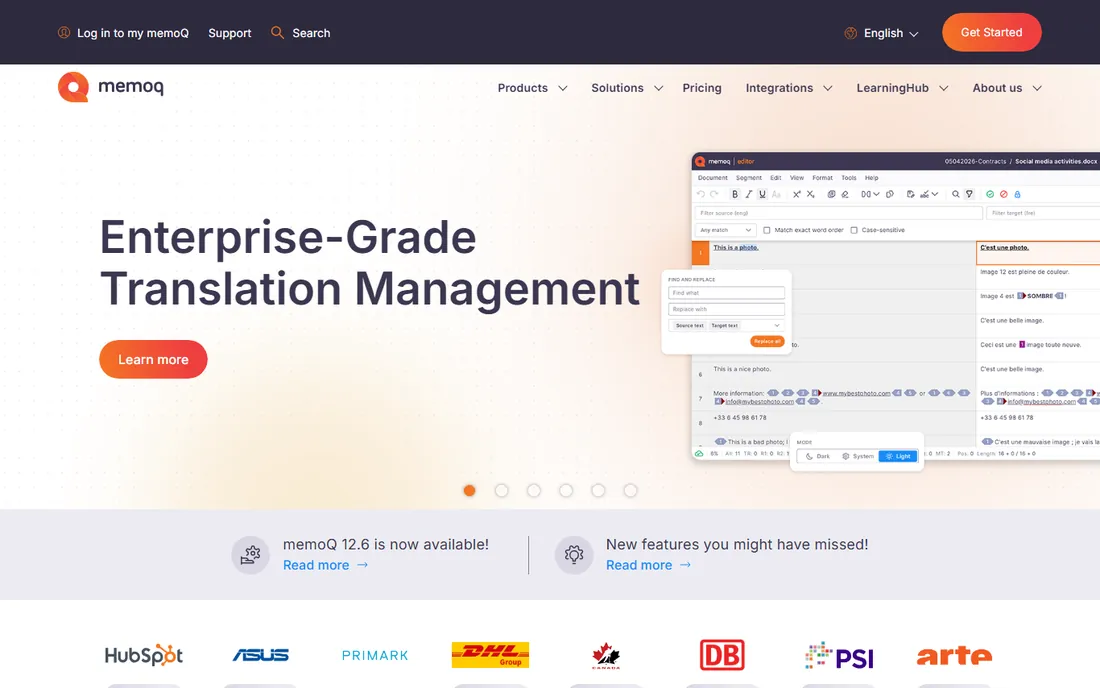
The $770 perpetual license means you buy once and own it, with no annual subscription to keep the lights on. Feature-wise it matches or beats Trados: LiveDocs aligns existing translations into memories, Muses predict your phrasing, MatchPatch repairs fuzzy matches, and the project management tools are genuinely strong for teams running multi-translator jobs.
The trade-off is market position. Trados remains the agency standard, so memoQ users occasionally convert projects or work through compatibility layers. The $770 upfront cost is real for someone starting out, though it works out cheaper than Trados subscriptions within two years. Translators who dislike subscriptions and work directly with end clients tend to land here and stay.
What we like- Perpetual license with no forced subscription
- Powerful LiveDocs and Muses productivity features
- Strong project management for teams
Watch out for- $770 upfront is a lot for new freelancers
- Smaller agency ecosystem than Trados
- Interface takes time to master
#3
Phrase
Best for: Companies unifying software strings and translation workflows
Visit phrase.com
Starting price$27 per month (Freelancer; team plans from $525 per month)
Free planFree trial
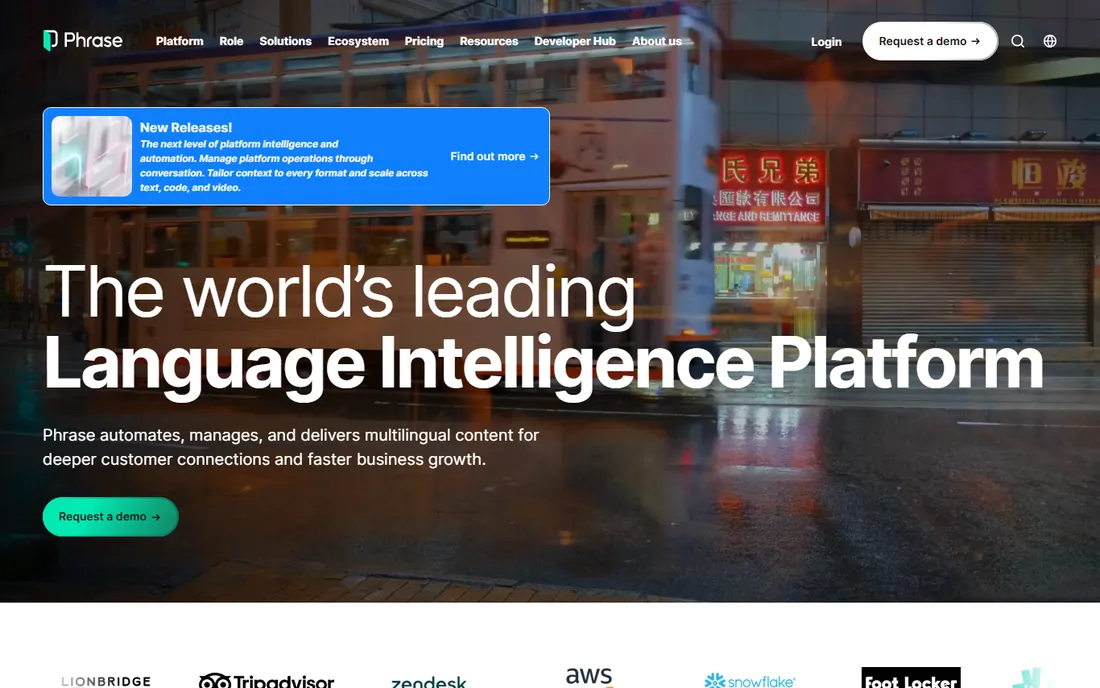
After the merger, the Memsource TMS folded into the Phrase Localization Suite, a family of products covering software strings, translation management, workflow orchestration, and AI-powered translation. The Freelancer edition at $27 a month gives individual translators CAT features, translation memories, term bases, and integrations with GitHub, GitLab, and Bitbucket. Team plans start at $525 a month for Software UI/UX and $1,245 a month for full Team, with Business and Enterprise on custom quotes.
This is enterprise software wearing a freelancer-friendly mask. The suite is genuinely powerful for companies running continuous localization, with AI customization, language quality assessment, and hundreds of integrations. But the pricing structure, managed words, processed words, product capacities, MT units, is the most complex in this list. Choose Phrase when you are a company localizing product, not when you are a translator looking for a CAT tool.
What we like- Full suite covering strings, TMS, orchestration, and AI
- Strong enterprise integrations
- CAT features for individual translators
Watch out for- Team pricing jumps to $525-plus per month quickly
- Billing units across products are complex
- Overkill for solo translators
#4
Smartcat
Best for: Freelancers who want a free CAT tool plus a client marketplace
Visit smartcat.com
Starting priceFree (Basic paid plan $1,200 per year)
Free planYes
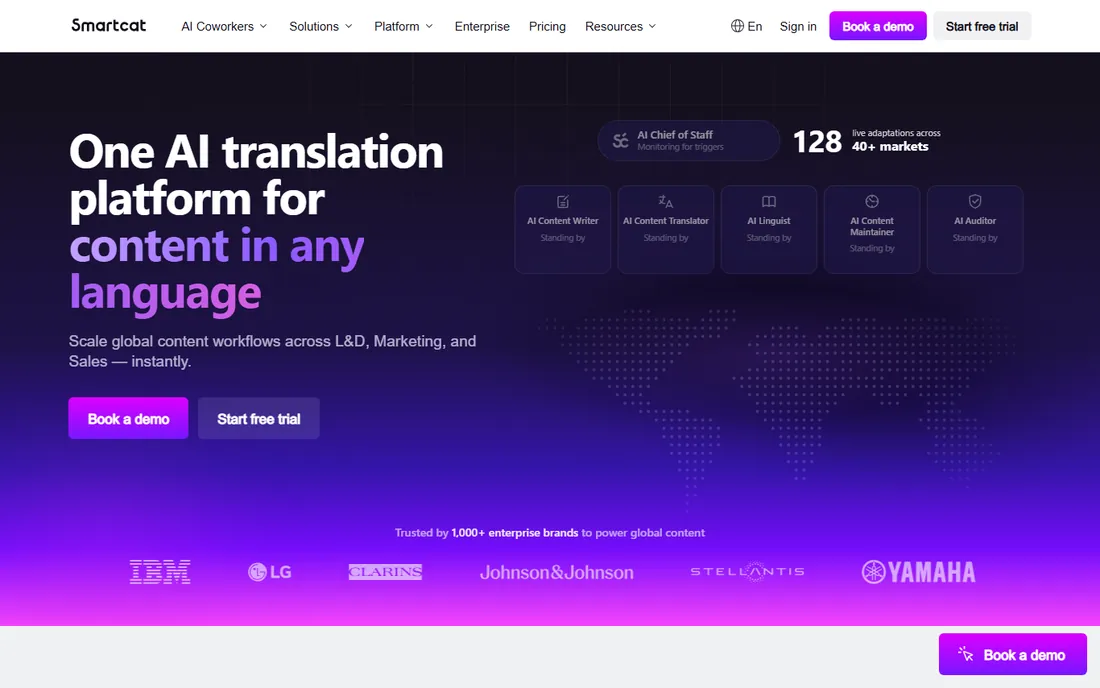
Freelancers get translation memory, machine translation, terminology, and a workflow that agencies and direct clients can join, all at no cost. The marketplace lets clients find you, and Smartcat handles payments, which reviewers consistently praise: accept the project, deliver it, and the money lands in your wallet without chasing invoices.
The free tier is not a trial; it is the product for individuals. Paid plans start at $1,200 a year for Basic, aimed at small language service providers needing collaborative workspaces. Some machine translation features and OCR are paid add-ons even for free users. But for a new translator, Smartcat removes the biggest barrier in the category: the upfront software cost.
What we like- Full CAT tool free for freelancers
- Built-in marketplace connects translators with clients
- Automated payments remove invoicing hassle
Watch out for- Jump from free to paid plans is steep for small teams
- Some MT features are paid add-ons
- Platform lock-in concerns
#5
DeepL
Best for: Professionals who need the best machine translation quality
Visit deepl.com
Starting price$10.49 per month (Starter; €8.99 per month billed monthly)
Free planYes
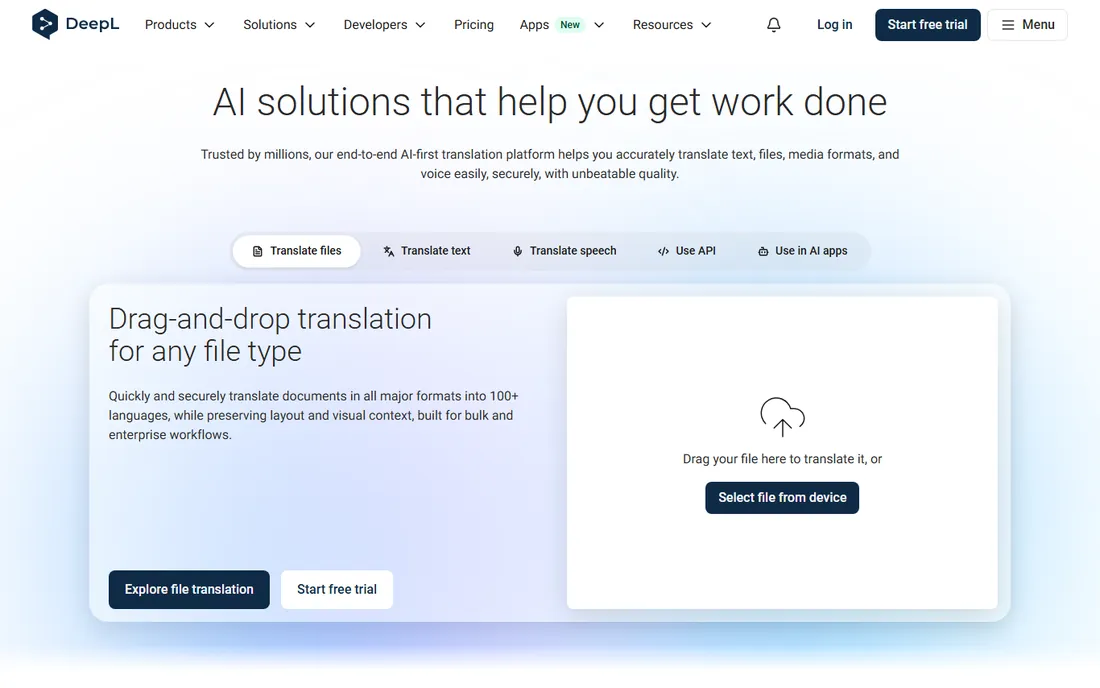
Its neural models produce more natural-sounding translations than Google Translate, particularly for German, French, Dutch, and Polish, and translators routinely use it as the first-draft engine inside their CAT tools. The free tier covers 50,000 characters a month with basic web translation, while Starter at $10.49 a month raises limits to 300,000 characters and adds editable document translation. Advanced and Ultimate tiers scale to teams, and an API Pro plan starts at $5.49 a month plus usage.
DeepL is not a CAT tool and does not try to be one. It translates; your CAT tool manages memory, terminology, and projects. The integration story is the point: DeepL plugs into Trados Studio, memoQ, and Microsoft Office, so it slots into existing workflows. Language coverage is narrower than Google's, and heavy users hit Starter limits fast.
What we like- Noticeably more natural output than rivals, especially for European languages
- Integrates with Trados, memoQ, and Office apps
- Generous free tier
Watch out for- Language coverage narrower than Google Translate
- Starter character limits bind heavy users
- Per-user pricing adds up for teams
#6
Crowdin
Best for: Development teams localizing software continuously
Visit crowdin.com
Starting price$59 per month (Pro; free plan available)
Free planYes
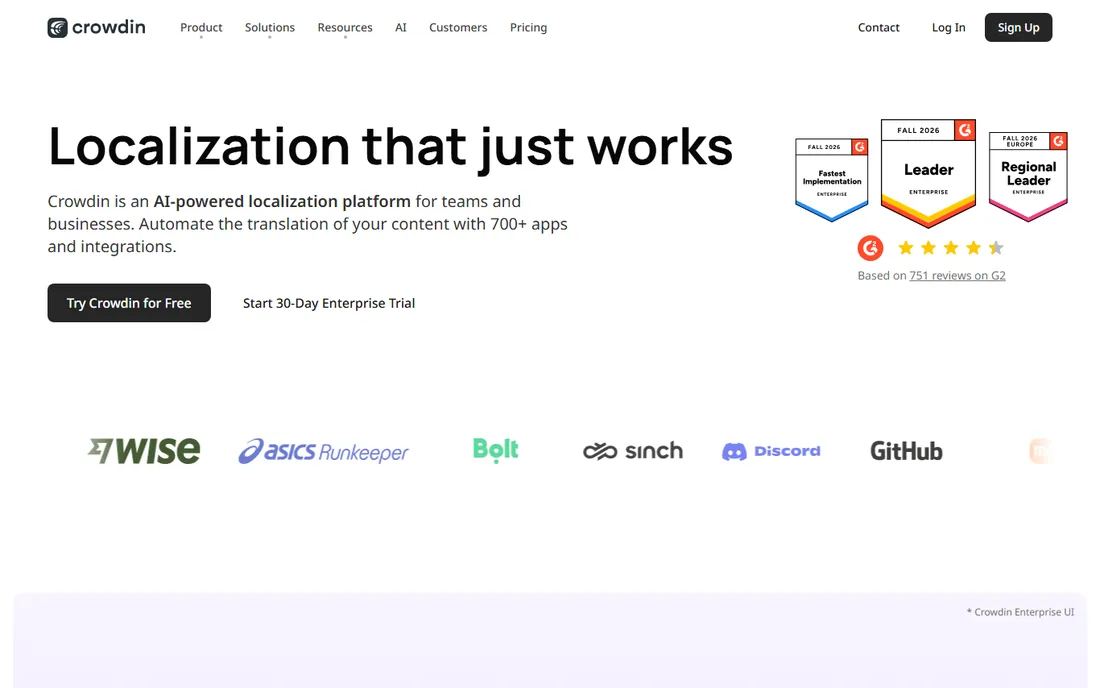
It integrates with GitHub, GitLab, Bitbucket, Figma, and hundreds of other tools, pulling source strings automatically and pushing translations back. The free tier covers 60,000 hosted words for small projects, Pro at $59 a month suits teams up to 10 people, and Team at $179 adds managers and more integrations. Crowdin Enterprise starts at $450 a month for compliance-heavy organizations.
The billing model demands attention. Hosted words equal source words times target languages, so shipping in twelve languages costs twelve times the single-language price. That is standard for the category, but it surprises first-time buyers. If your localization starts in a code repository, Crowdin is usually the first platform to evaluate.
What we like- 600-plus integrations with dev tools
- Strong open-source and crowdsourcing support
- Free tier for small projects
Watch out for- Hosted-word billing multiplies with each target language
- Enterprise features gated behind Team+ at $450
- Setup takes real configuration
#7
Lokalise
Best for: Product teams with design-heavy localization workflows
Visit lokalise.com
Starting price$144 per month (Explorer; free plan available)
Free planYes
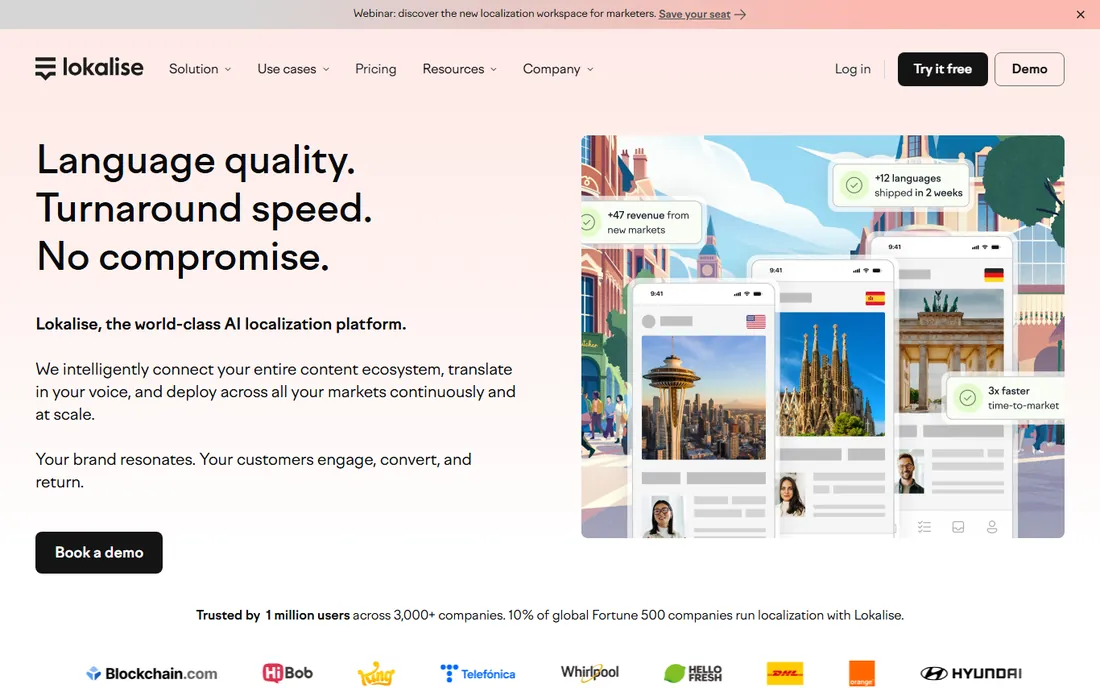
Its pitch is localization for apps and websites where design and development move fast: Figma integration, screenshot context, in-context editing, and automation that keeps translations in sync with releases. The editor is clean enough that translators actually enjoy working in it, and collaboration features handle the handoffs between developers, translators, and reviewers.
Billing runs on processed words plus advanced seats, which requires forecasting before you commit. Reviewers note that meaningful security features like 2FA sit behind the Advanced tier, which stings at these prices. Lokalise is the right choice when localization is a product function with designers and developers in the loop.
What we like- Excellent Figma and design-tool integrations
- Clean editor translators like
- Strong automation for product teams
Watch out for- Entry price high for small teams
- Key features like 2FA gated behind the $999 Advanced tier
- Processed-word billing needs forecasting
#8
Wordfast Pro
Best for: Freelancers who want affordable perpetual licensing
Visit wordfast.com
Starting price$240 (one-time license)
Free planFree trial
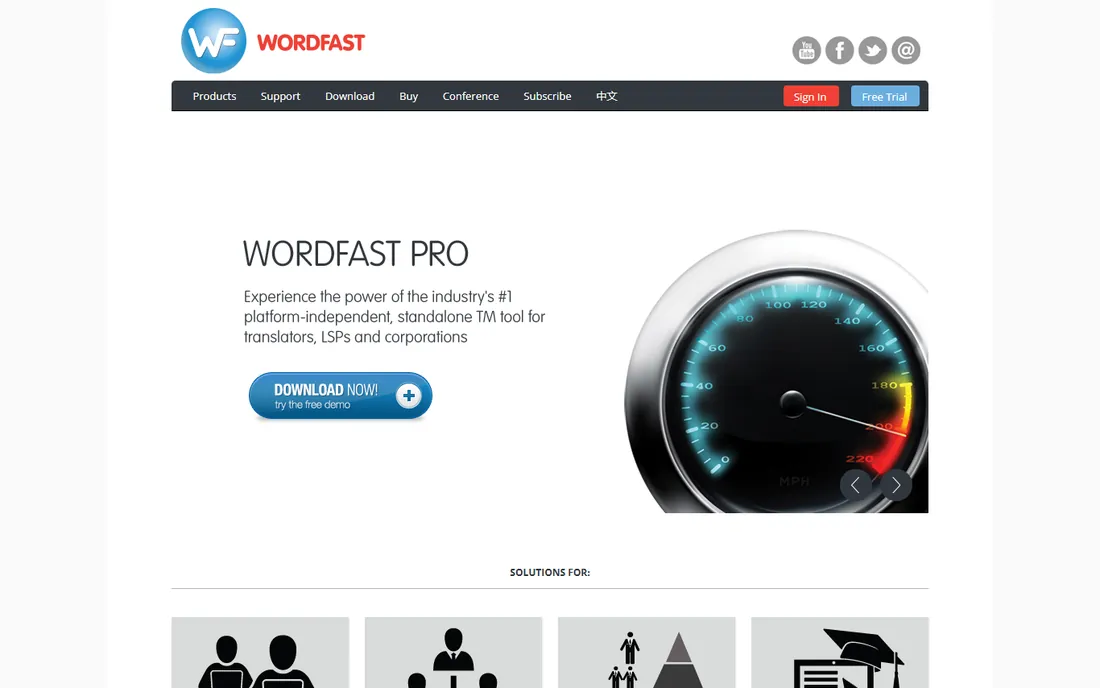
At $240 for a one-time license, it costs less than a year of Trados subscription and far less than memoQ's $770, while covering the core CAT workflow: translation memory, terminology, machine translation, and quality checks. Reviewers praise the straightforward setup and strong memory capabilities, and it handles the Office formats that make up most freelance work without drama.
The feature set is narrower than Trados or memoQ, agency recognition is lower, and development moves slower than the cloud platforms. Wordfast Anywhere, the free web version, covers light work at no cost. For a freelancer starting out, or a translator in a market where rates do not support a $400-a-year tool subscription, Wordfast Pro is the rational middle ground between free tools and the industry standard.
What we like- Cheapest perpetual license among major CAT tools
- Straightforward setup reviewers praise
- Handles Word, Excel, and diverse formats well
Watch out for- Smaller feature set than Trados or memoQ
- Less agency recognition
- Development pace slower than cloud rivals
#9
CafeTran Espresso
Best for: Translators on Mac or Linux who want a native desktop CAT
Visit cafetran.com
Starting price€200 (one-time license)
Free planFree trial
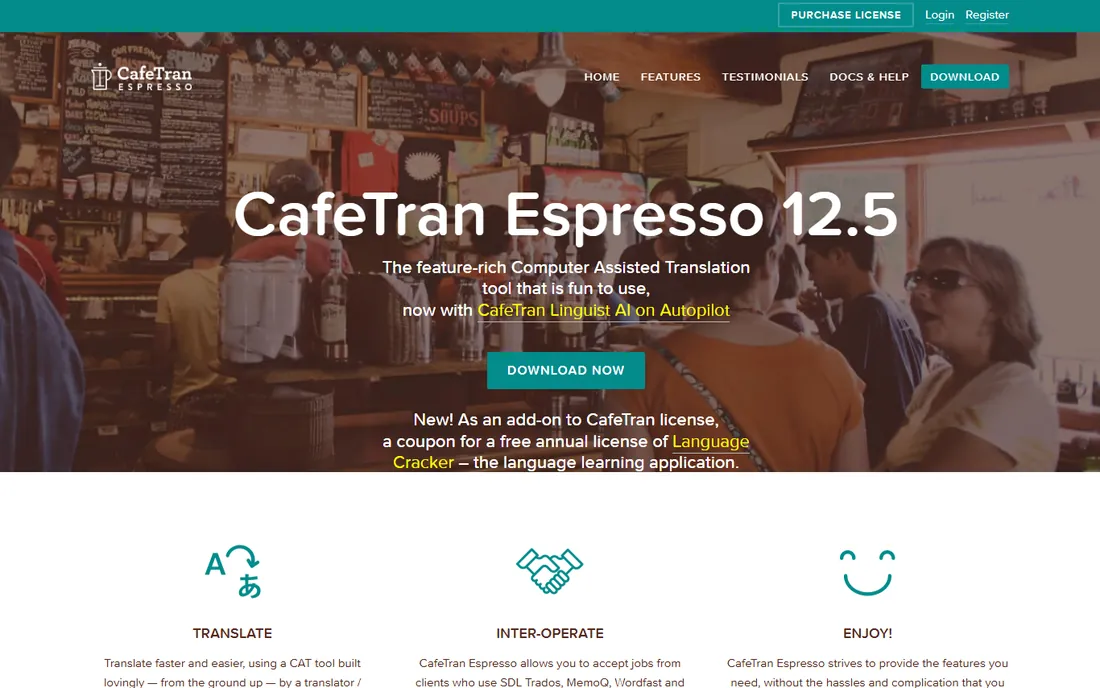
It runs natively on Mac, Windows, and Linux, which matters because the big commercial tools are Windows-first. The €200 perpetual license includes free upgrades, and the free trial covers 1,000 memory units and 500 glossary entries, enough to evaluate it on a real project. It is built on open standards like XLIFF and TMX, handles a wide range of file formats, and is famously fast with huge translation memories since it keeps them in RAM.
But translators who stick with it tend to become evangelists, praising the speed, the one-developer responsiveness, and the absence of subscription rent. If you work on a Mac or Linux and want a serious desktop CAT tool without paying Trados prices, this is your lane.
What we like- Native on Mac, Windows, and Linux
- Perpetual €200 license
- Fast with very large translation memories
Watch out for- Interface is idiosyncratic
- Smaller community means fewer tutorials
- Free trial limited to 1,000 memory units
#10
OmegaT
Best for: Anyone who wants a free, open-source CAT tool forever
Visit omegat.org
Starting priceFree
Free planYes
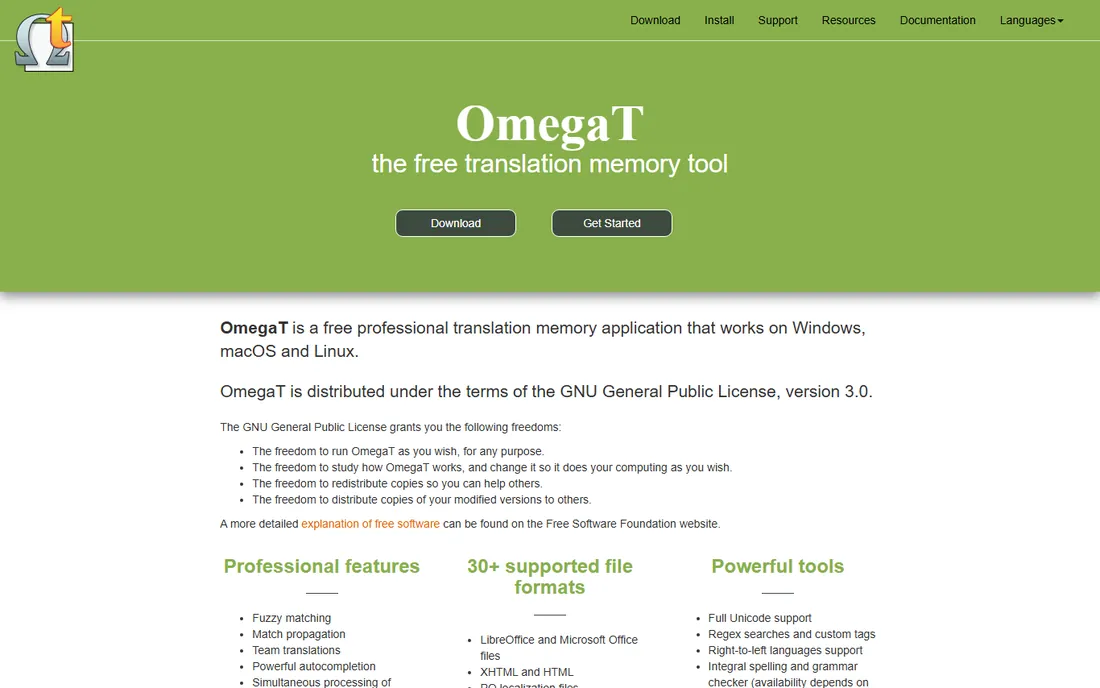
It is GPL-licensed, costs nothing, and handles the professional workflow: fuzzy matching, unlimited translation memories in TMX format, glossaries, tag validation, team projects, and over 50 file formats with the Okapi plugin, including Trados SDLXLIFF and Wordfast TXML. It runs anywhere Java runs, which means Windows, Mac, Linux, and Solaris. Machine translation plugins cover Google, Microsoft, DeepL, and others.
The price shows in the experience. The Java interface looks dated, configuration takes patience, and there is no commercial support desk, just community documentation. But the translation engine is genuinely capable, and for students, volunteers, and translators in low-rate markets, OmegaT removes cost from the equation entirely.
What we like- Completely free with no limits
- Runs on Windows, Mac, and Linux
- Strong standards support including Trados and Wordfast formats
Watch out for- Dated Java interface
- Setup and configuration demand patience
- No commercial support or hand-holding
The category's real divide is not between brands but between buyers. Freelance translators buy CAT tools: desktop software that manages their translation memories, terminology, and quality checks across every client. Trados, memoQ, Wordfast, CafeTran, and OmegaT all live here, and Smartcat straddles the line with its free CAT plus marketplace. The economics are personal: the tool must pay for itself in throughput, and the memories you build become a career asset.
Product teams and companies buy localization platforms: cloud systems that pull strings from code repositories, route them through translators, and push results back into releases. Phrase, Crowdin, and Lokalise live here, and their economics are organizational: automation and memory reuse across releases, billed by words and languages.
Buying the wrong kind is the classic mistake. A solo translator does not need Crowdin's repository automation, and a product team should not run twelve-language releases through a desktop CAT tool. Identify which buyer you are first; the brand choice comes second.
How to choose translating software
Start with your role. Freelance translators should weigh agency requirements first: if your clients demand Trados, buy Trados. If you work direct with end clients, memoQ's perpetual license or Wordfast's $240 price tag may serve you better, and Smartcat or OmegaT cost nothing to start. Mac and Linux users should shortlist CafeTran and OmegaT immediately, since the big commercial tools are Windows-first.
Teams should count languages before comparing prices. Every platform bills words times target languages, so model your actual volume: source word count, number of languages, and release frequency. Crowdin's $59 Pro plan is the cheapest serious entry for dev teams; Lokalise fits design-heavy product workflows at $144; Phrase suits enterprises that need the full suite.
Machine translation is a separate decision. DeepL's $10.49 Starter plan is the professional default, and it integrates with the CAT tools above rather than replacing them. Never ship raw machine translation to a paying client; the professional workflow is MT first draft, human post-editing, and QA checks.
How we chose
We split the market into its three real segments, freelance CAT tools, localization platforms, and machine translation, and picked the established product in each slot. Pricing comes from vendor pricing pages and recent provider-supplied listings. We noted the Memsource-to-Phrase migration and the subscription-versus-perpetual licensing divide that defines freelance buying. We excluded generic AI chatbots and website-translation plugins without professional workflows. No hands-on testing is claimed; assessments rest on documented features, pricing, and reported translator experience.
Frequently asked questions
Do I need Trados Studio to work as a freelance translator?
Not always, but often. Many agencies list Trados as a requirement, and owning it widens the jobs you can take. If you work directly with end clients rather than through agencies, memoQ, Wordfast, Smartcat, or OmegaT handle the same workflow. The practical move is to ask your target clients what they require before buying anything.
Subscription or perpetual license: which is better for CAT tools?
It depends on your time horizon. Trados Studio's Freelance Subscription at $408 a year is cheaper in year one than memoQ's $770 perpetual license, but the perpetual license wins from year two onward. If you are unsure you will still be translating in two years, subscribe; if this is your career, buy perpetual.
Can I translate professionally with free tools?
Yes, with caveats. Smartcat's free CAT tool and OmegaT's open-source software both handle professional translation memory workflows at no cost. What free tools do not give you is agency recognition: some clients require Trados or memoQ files specifically.
How does machine translation fit into professional workflows?
Machine translation like DeepL produces the first draft, and the human translator post-edits it inside a CAT tool, with translation memory and terminology checks catching inconsistencies. This is the standard agency workflow now. Raw machine output should never go to a paying client unedited, and CAT tools are built to manage exactly this process.
Why do localization platforms charge per language?
Platforms bill on hosted or processed words, which multiply source words by target languages. A 10,000-word app in twelve languages is 120,000 hosted words. This is standard across Crowdin, Lokalise, and Phrase. Model your real volume, source words times languages times release frequency, before comparing plan prices.
What is the cheapest way to start as a translator?
Start with Smartcat or OmegaT, both free, and add DeepL's free tier for machine translation assistance. When clients start requiring specific file formats or tools, buy the cheapest license that satisfies them: Wordfast Pro at $240 one-time is the lowest-cost commercial CAT license.
Sources we checked (14)
- https://www.capterra.com/p/151746/Trados-Studio/pricing/
- https://www.trustradius.com/compare-products/lokalise-vs-trados-studio
- https://www.spotsaas.com/compare/memoq-translator-pro-vs-xtm-cloud
- https://www.softwaresuggest.com/phrase
- https://slashdot.org/software/comparison/POEditor-vs-Phrase/
- https://www.g2.com/products/smartcat/pricing
- https://toolradar.com/tools/deepl/pricing
- https://www.g2.com/products/crowdin/pricing
- https://crowdin.com/g2-deals
- https://www.g2.com/products/lokalise/pricing
- https://www.softwareworld.co/software/wordfast-pro-reviews/
- https://www.proz.com/software-comparison-tool/tool/cafetran_espresso/97
- https://en.wikipedia.org/wiki/OmegaT
- https://alconost.com/en/blog/localization-platforms-comparison
Is your product missing or out of date?
We review this list regularly. Vendors can request a listing, send updated pricing or ask about featured placement.

Shihab Mia · Founder, Rankite
Shihab has spent more than a decade helping SaaS and e-commerce brands grow through search. He writes Rankite's software buying guides from pricing pages, documentation and public user reviews. More about Shihab.