How we make this list: we compare pricing pages, product documentation and public user reviews. Rankite is independent; if a vendor ever pays for a featured spot, that listing is clearly labeled Partner.
Key takeaways
- DeepL is the strongest choice for document and business translation quality, starting at $8.74 per user a month with a free tier for light use.
- Google Cloud Translation and Microsoft Translator are the go-to APIs for developers, both with generous free tiers (500,000 and 2 million characters a month respectively).
- Smartling, Phrase and Lokalise suit companies running continuous localization, with deep integrations, translation memory and human review workflows.
- Weglot is the fastest path to a multilingual website, while memoQ and Trados Studio remain the professional desktop tools freelance translators trust.
Quick comparison
| Tool | Best for | Starting price | Free plan |
|---|
 DeepL DeepL | High-quality document and business translation | $8.74 per user/month (billed annually) | Yes (free translator with character limits) |
 Google Cloud Translation Google Cloud Translation | Developers embedding translation into products | $20 per million characters (after free tier) | Yes (first 500,000 characters per month free) |
 Microsoft Translator Microsoft Translator | Enterprises already invested in Azure and Microsoft 365 | See website (consumption-based pricing) | Yes (free tier for light usage) |
 Smartling Smartling | Enterprises running end-to-end localization programs | See website (Core and Enterprise tiers) | No |
 Phrase Phrase | Large localization teams needing deep customization | See website | No |
 Lokalise Lokalise | Product teams localizing apps and software | See website | No |
 Crowdin Crowdin | Developer-led teams wanting continuous localization | See website (Free, Pro, Team and Team+ plans) | See website |
 Weglot Weglot | Website owners who want multilingual sites fast | See website | Free trial |
 memoQ memoQ | Professional translators and language service providers | See website (translator, LSP and enterprise editions) | See website |
 Trados Studio Trados Studio | Translation agencies and enterprise language teams | See website | See website |
Is your product missing or out of date?
We review this list regularly. Vendors can request a listing, send updated pricing or ask about featured placement.
#1
DeepL
Best for: High-quality document and business translation
Visit deepl.com
Starting price$8.74 per user/month (billed annually)
Free planYes (free translator with character limits)
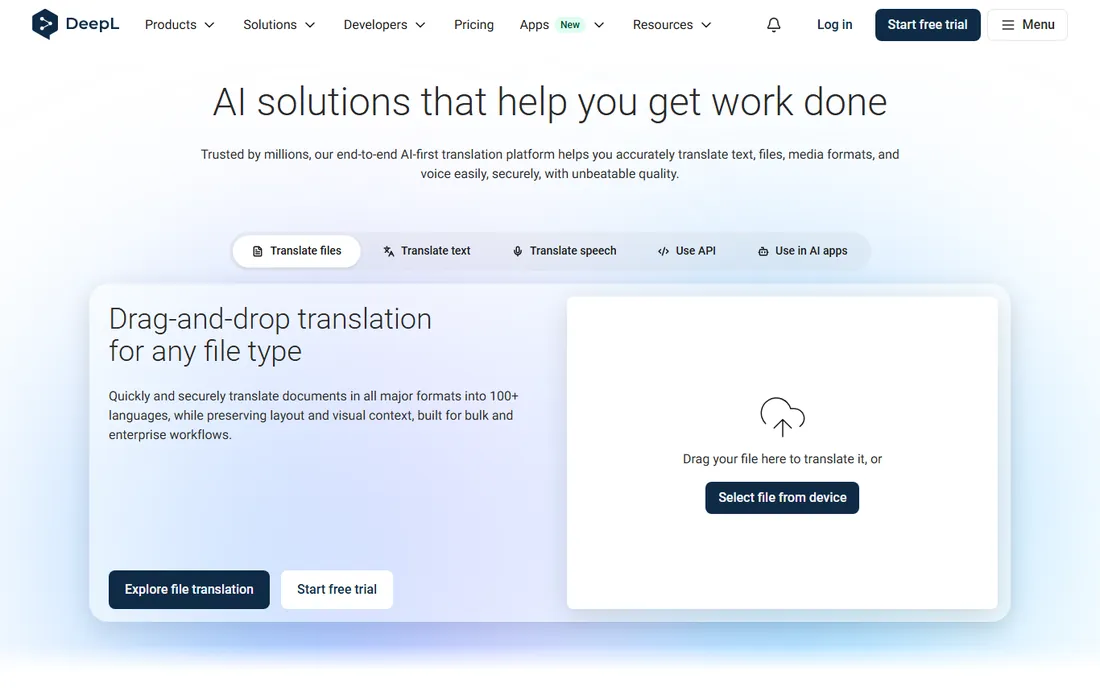
DeepL earns its reputation. Independent blind tests and translator surveys consistently rank its output above Google Translate for European language pairs, with more natural phrasing on business and legal content. The Pro Starter plan at $8.74 per user a month brings unlimited text translation, glossaries and document uploads, and the free tier handles casual use.
The limits are real. DeepL supports far fewer languages than Google's 189, so it is not the tool for rare language pairs. Heavy document users will need the Advanced or Ultimate tiers. For companies whose core markets are Europe and the Americas, it is the quality pick.
What we like- Translation quality widely rated above rivals for European languages
- Glossaries keep terminology consistent
- API with generous free tier for developers
Watch out for- Fewer supported languages than Google
- Document translation caps on lower plans
Starting price$20 per million characters (after free tier)
Free planYes (first 500,000 characters per month free)
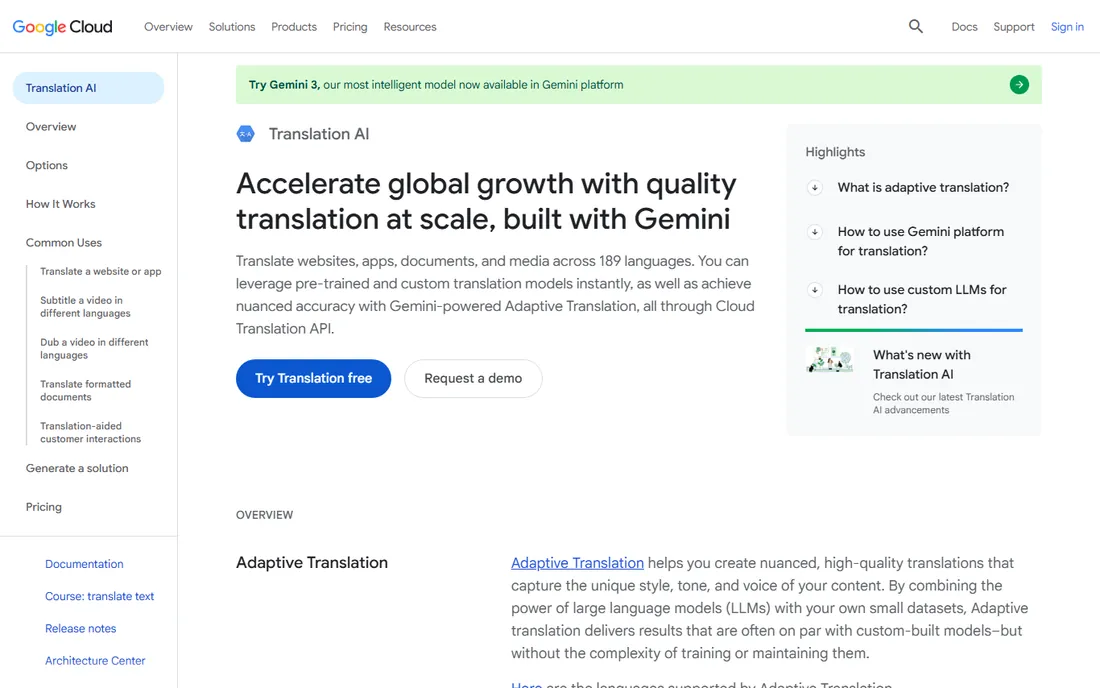
Google Cloud Translation is the infrastructure choice. The API covers 189 languages, the first 500,000 characters each month are free, and usage beyond that costs $20 per million characters for the standard neural model. Advanced editions add domain-specific custom models, formatted document translation and batch processing, plus Gemini-powered adaptive translation.
It is a developer product through and through. There is no desktop translation environment or translation memory workstation here; you integrate the API into your own app, site or workflow. For product teams shipping multilingual features, nothing else matches the combination of price, scale and language coverage.
What we like- 189 languages, the broadest coverage available
- Free tier covers serious volume
- Advanced edition adds custom models and document translation
Watch out for- Quality varies on low-resource languages
- API-only, so no built-in translator workstation
Starting priceSee website (consumption-based pricing)
Free planYes (free tier for light usage)
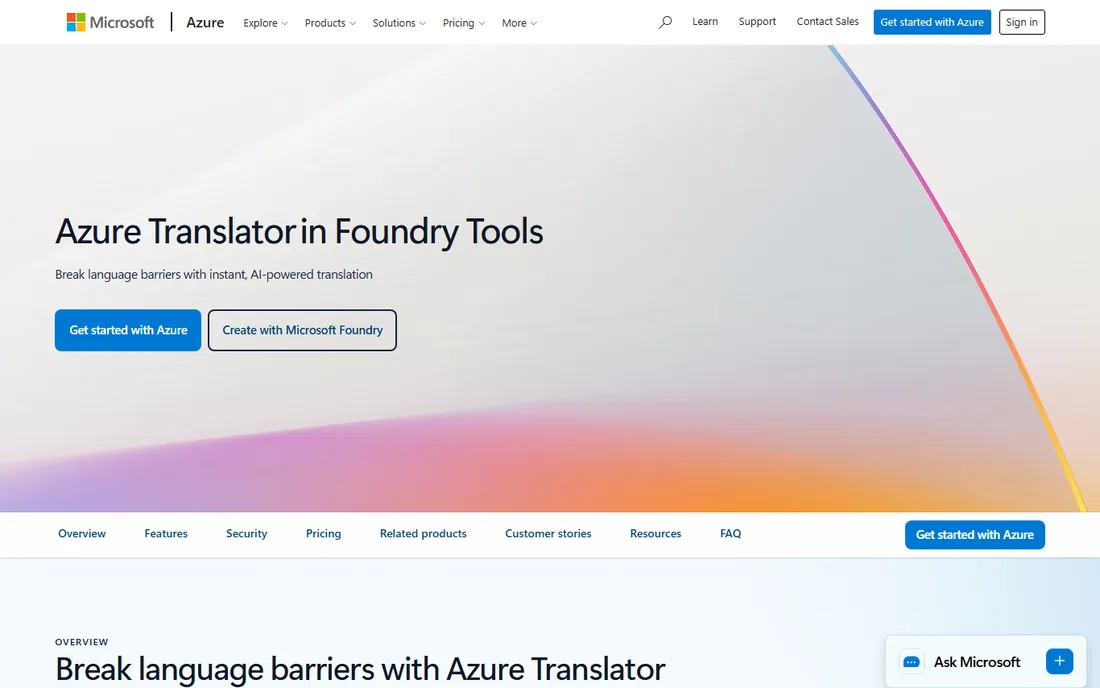
Microsoft's translator is the engine behind translation in Word, Outlook, Teams, Edge and PowerPoint, and the Azure service puts that same engine behind a REST API. It handles text and document translation across more than 100 languages, with custom translation models you can train on your own terminology without machine learning skills. Pricing is consumption-based with a free tier for light usage.
The main friction is navigation. Microsoft has reorganized the product under Foundry Tools, and pricing lives across Azure's pricing pages rather than on one simple screen. If your company already runs on Azure, the integration value is obvious. Everyone else should compare total cost against Google's simpler per-character pricing.
What we like- Same engine that powers Word, Teams and Edge translation
- Custom models without ML expertise
- Deep Azure integration
Watch out for- Pricing details live behind the Azure pricing pages
- Consumer app is separate from the business product
Starting priceSee website (Core and Enterprise tiers)
Free planNo
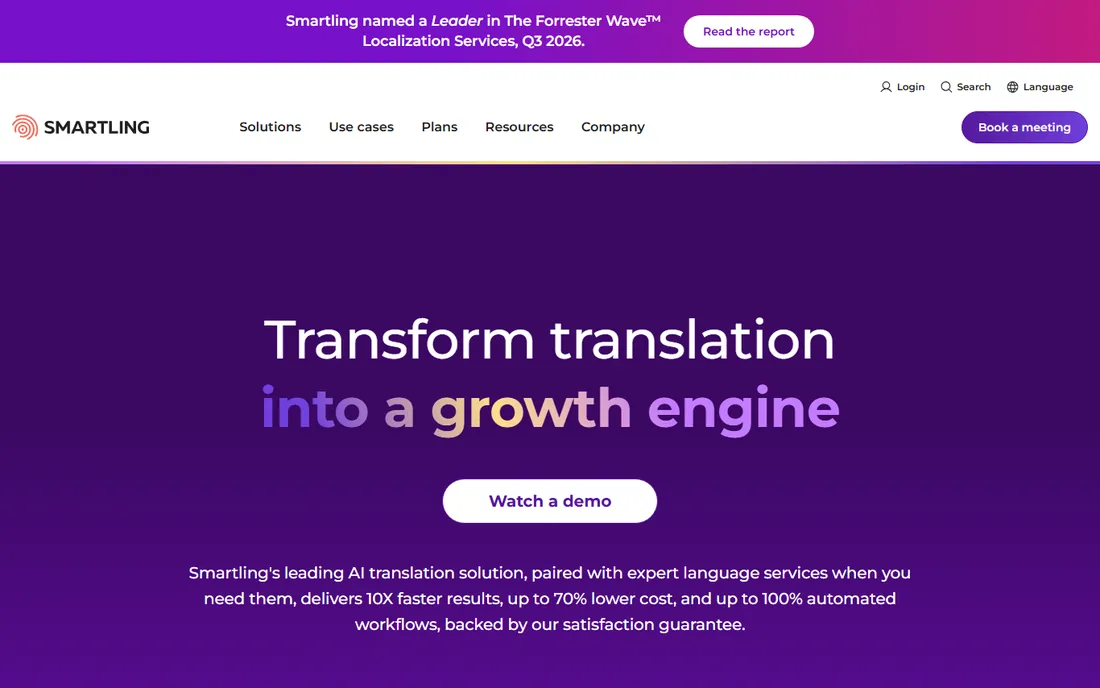
Smartling positions itself as the full localization department in a box: machine translation, human linguists, quality scoring, connectors for CMS and code repositories, and spend tracking in one cloud platform. It is built for companies localizing marketing sites, product UI, support content and learning materials continuously rather than as one-off projects.
This is squarely enterprise software. Pricing is tiered and quoted, and the platform makes the most sense when you have ongoing multilingual content flowing through it. Smaller teams will find the onboarding and cost hard to justify compared with a tool like Weglot or Crowdin.
What we like- Cloud-native platform with 50+ connectors
- AI plus human review in one workflow
- Strong quality scoring and analytics
Watch out for- Enterprise pricing with no public numbers
- Overkill for one-off translation needs
#5
Phrase
Best for: Large localization teams needing deep customization
Visit phrase.com
Starting priceSee website
Free planNo
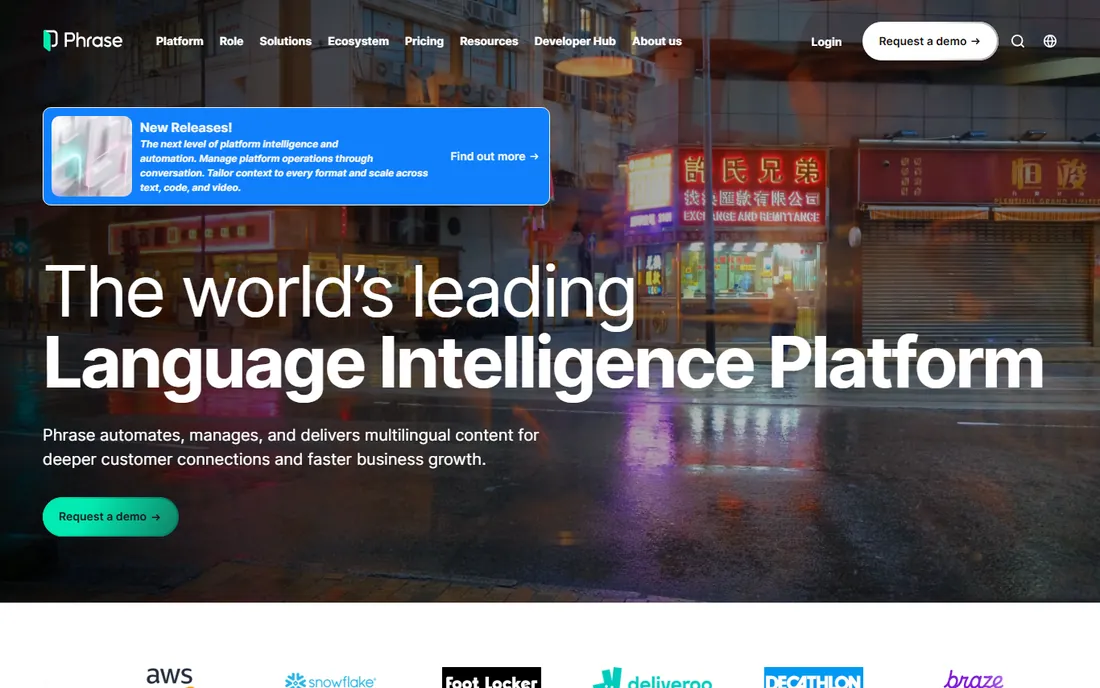
Phrase, which grew out of the Memsource platform, is one of the most capable translation management systems for large operations. It combines machine translation, translation memory, terminology management and workflow automation with extensive APIs, and it scores well in independent analyst evaluations for enterprise language technology.
Like Smartling, it is built for teams with real localization volume and dedicated staff. There is no public pricing and no free tier, so evaluation means talking to sales. Companies with hundreds of thousands of words a month and complex approval chains will find the depth worth it; smaller teams should start simpler.
What we like- Powerful automation and reporting
- Open API and integrations ecosystem
- Recognized leader in analyst evaluations
Watch out for- Pricing is quoted
- Complexity requires dedicated localization staff to get full value
Starting priceSee website
Free planNo
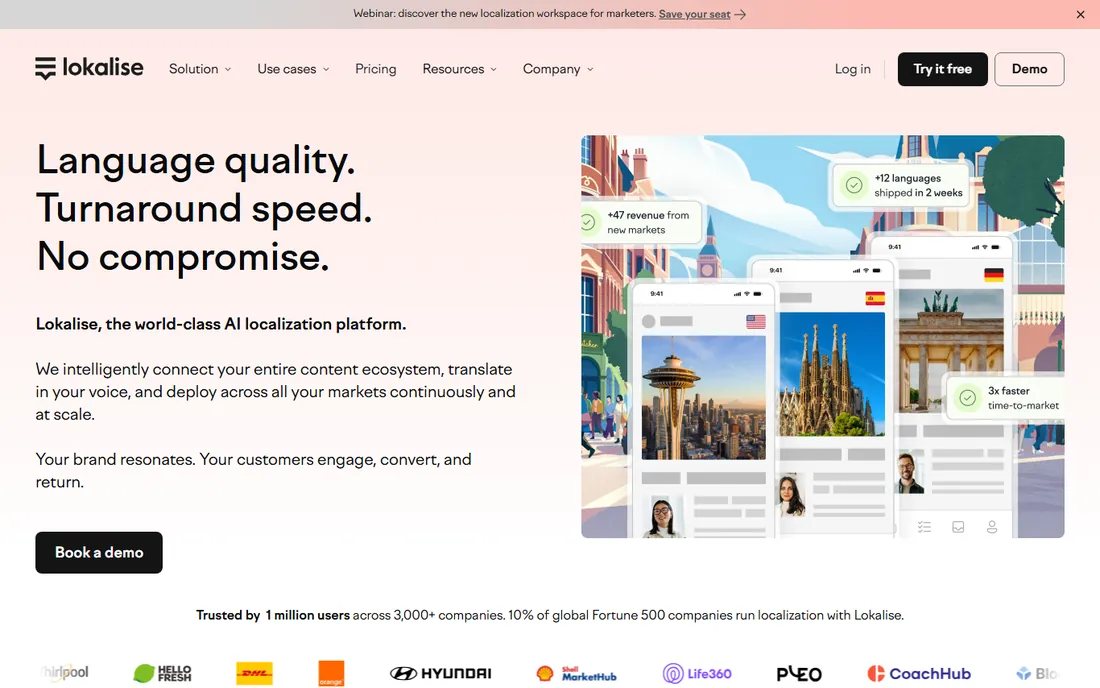
Lokalise is the product team's localization platform. It connects to your code repositories, design tools and app stores, supports over-the-air updates for mobile apps so translations ship without app store resubmissions, and embeds AI translation with translation memory. The interface is built for developers, designers and product managers working together.
The focus is narrow by design: software and product content. If your main need is translating marketing pages, documentation or support articles, a broader platform may fit better. Pricing starts with published tiers but moves to quotes as you scale, so confirm costs before committing your whole product surface.
What we like- Built for developers with SDKs, API and OTA updates
- Strong Figma and design integrations
- AI translation built in
Watch out for- Pricing is quoted on higher tiers
- Marketing content localization is not its strength
#7
Crowdin
Best for: Developer-led teams wanting continuous localization
Visit crowdin.com
Starting priceSee website (Free, Pro, Team and Team+ plans)
Free planSee website
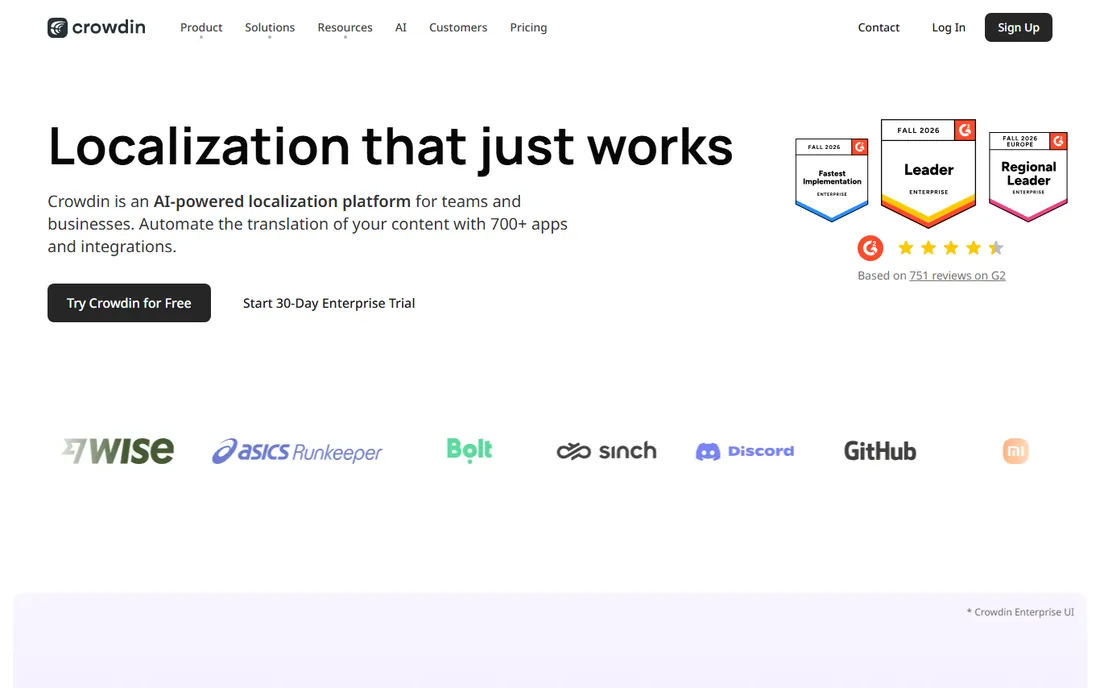
Crowdin has become the default for open-source and developer-heavy projects that need translation running continuously. Content flows from your repository into Crowdin, gets pre-translated with machine translation or AI, reviewed by translators with visual context, and synced back through your CI/CD pipeline. The integration library, with 700+ apps, covers nearly every development tool.
Pricing spans a free tier through Pro, Team and Team+ plans, with costs tied to hosted word counts rather than per-seat on most tiers. Some teams find the tier boundaries confusing, and heavy volumes push you up the ladder quickly. For continuous software localization, it remains one of the most practical choices.
What we like- 700+ apps and integrations
- Strong GitHub and CI/CD workflows
- AI translation with context harvesting
Watch out for- Tier structure can feel confusing
- Costs climb with word volume on higher plans
#8
Weglot
Best for: Website owners who want multilingual sites fast
Visit weglot.com
Starting priceSee website
Free planFree trial
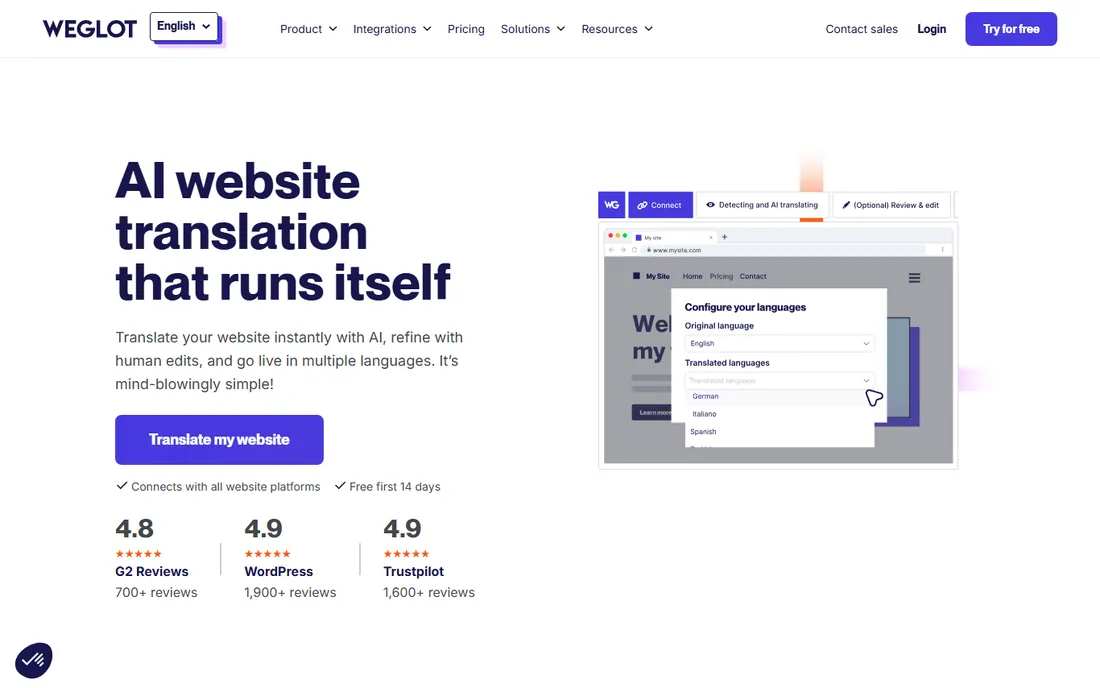
Weglot takes the simplest possible approach to website translation: connect your site, and it generates fully translated, SEO-friendly versions under language-specific URLs within minutes. You can then refine translations in a visual editor, order professional human translation for key pages, and let it handle new content automatically. It works with any website technology, including WordPress, Shopify and custom builds.
The catch is the meter. Plans are priced by translated word count, so a large, frequently updated site gets expensive over time. It is also a website tool, not a general translation platform: for apps, documents or professional translator workflows, look at the tools above. For "make my site multilingual this afternoon," nothing is faster.
What we like- Live in minutes with no code
- Automatic SEO-friendly translated pages
- Visual editor for refining translations
Watch out for- Pricing scales with word count, which grows as your site grows
- Less suited to app or document localization
#9
memoQ
Best for: Professional translators and language service providers
Visit memoq.com
Starting priceSee website (translator, LSP and enterprise editions)
Free planSee website
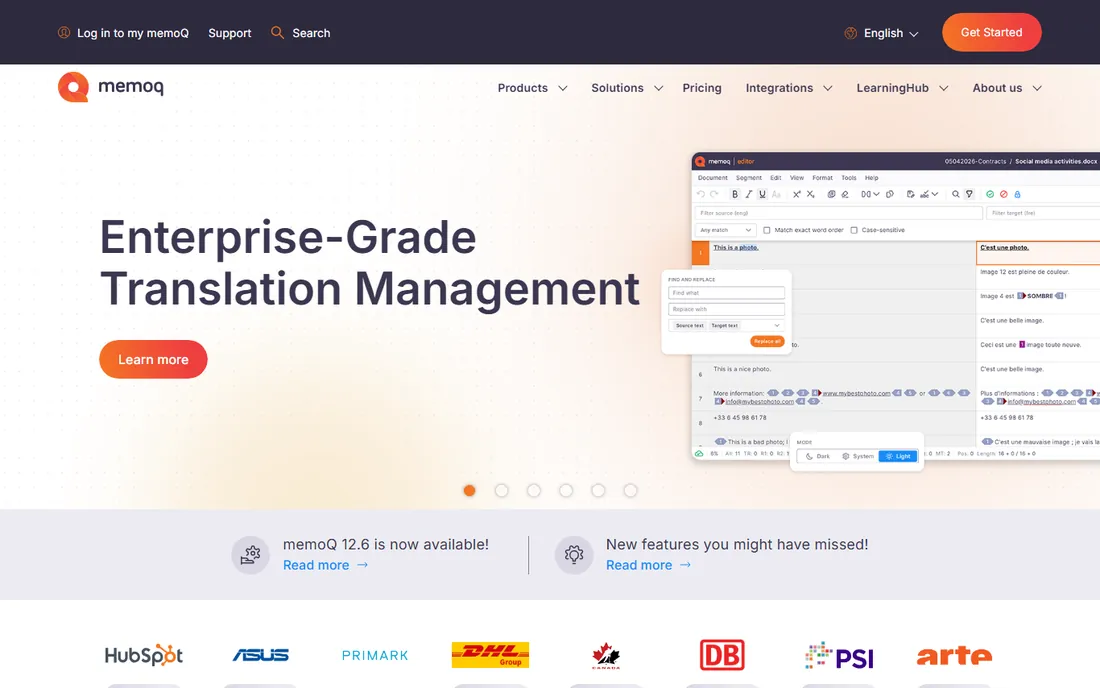
memoQ is a translator's workbench: translation memory, terminology bases, quality assurance checks and project management in one desktop application, with a server edition for teams. It was designed by translators, and it shows in details like customizable segmentation rules and LiveDocs for aligning past translations. The newer memoQ AGT adds AI-based translation automation.
The ecosystem skews Windows and desktop, though web components exist for collaboration. Pricing varies by edition, from individual translator licenses to enterprise server deployments, and larger deals are quoted. Freelancers who translate for a living will find it one of the two industry-standard choices alongside Trados.
What we like- Designed with translators, with a familiar Office-like interface
- Strong terminology and QA features
- Adaptive generative translation built in
Watch out for- Windows-centric desktop heritage
- Enterprise pricing is quoted
#10
Trados Studio
Best for: Translation agencies and enterprise language teams
Visit trados.com
Starting priceSee website
Free planSee website
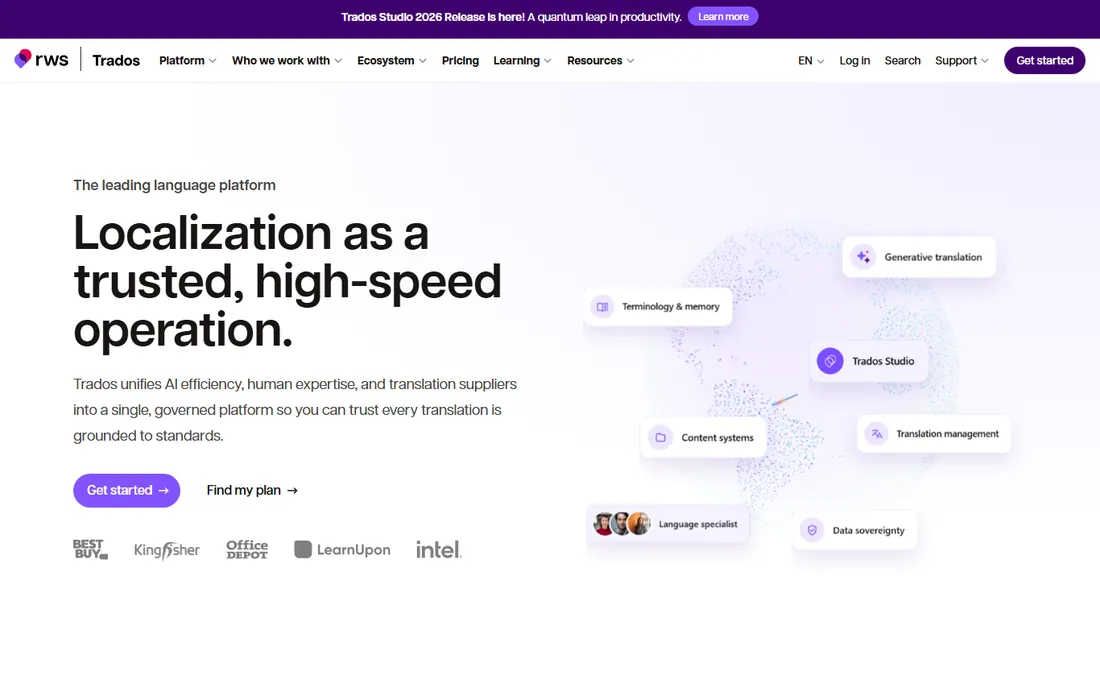
Trados Studio, from RWS, is the long-standing industry standard for computer-assisted translation. Its file format compatibility is unmatched, which matters when clients and agencies exchange projects, and the RWS AppStore offers more than 350 extensions. Recent versions add cloud collaboration alongside the classic desktop application.
The reputation for complexity is earned: decades of features make for a dense interface, and pricing has historically been premium, though subscription options have softened the entry cost. For agencies that need maximum compatibility with client workflows and the deepest feature set, it remains the default choice.
What we like- Industry-standard format compatibility
- 350+ apps in the RWS AppStore
- Cloud and desktop options
Watch out for- Historically expensive licenses
- Interface carries years of accumulated complexity
We built the list from the tools that dominate translator forums, G2 and Capterra rankings, and industry analyst reports, covering three distinct jobs: raw machine translation, developer APIs, and managed localization workflows. We verified each vendor homepage and used vendor-published pricing where the pages showed it, marking everything else as "See website". We did not run test translations, and per-character pricing changes, so check the vendor's current pricing page before estimating project costs.
If you need to translate documents or business content by hand, start with DeepL and add memoQ or Trados Studio if you translate professionally. If you are building translation into software, compare Google Cloud Translation and Microsoft Translator on price per character and the languages you need. If you run ongoing multilingual content, pick a management platform: Weglot for websites, Crowdin or Lokalise for products, Smartling or Phrase for enterprise programs.
What to check before you commit
Machine translation quality varies sharply by language pair, so test your actual content rather than trusting benchmarks. Check data handling: free consumer translators may train on your input, while business tiers offer data privacy guarantees. For APIs, model the real cost at your volume, since per-character fees add up fast at millions of characters. And confirm the languages you need are supported; DeepL's quality means little if your market speaks a language it does not cover.
Frequently asked questions
What is the best translate software for documents?
DeepL is the most popular pick for document translation, with formatting preserved and quality that professional translators rate highly. Google Cloud Translation's document API and Translation Hub handle document translation at enterprise scale. For sensitive documents, use a paid business tier with data privacy guarantees rather than a free consumer tool.
Is Google Translate free for business use?
The consumer Google Translate app and website are free, but business use through the Cloud Translation API is paid: the first 500,000 characters per month are free, then $20 per million characters for standard neural translation. High-volume or custom-model use costs more.
Do I need a translation management system or just machine translation?
If you translate occasionally, machine translation alone is enough. If you ship multilingual product or content continuously, a translation management system like Crowdin, Lokalise, Smartling or Phrase pays for itself through translation memory reuse, automated workflows and quality control.
Can machine translation replace human translators?
For internal drafts, user-generated content and low-stakes material, often yes. For marketing copy, legal documents and anything where tone and accuracy carry risk, professional translators still outperform machines. Most serious localization programs combine machine translation with human review.
How much does website translation cost?
Weglot-style tools price by translated word count, so a small site costs little and a large one costs more. API-based approaches charge per character, around $20 per million characters on Google Cloud Translation after the free tier. Human translation typically costs $0.10 to $0.20 per word, which is why machine translation with human review is the common compromise.
Which tool is best for freelance translators?
memoQ and Trados Studio are the two industry standards, and most agency clients expect one of them. Both offer translation memory, terminology management and QA tools built for professional workflows. DeepL complements either one as a machine translation engine for first drafts.
Sources we checked (10)
- https://www.deepl.com
- https://www.smartling.com
- https://memoq.com
- https://trados.com
- https://crowdin.com
- https://lokalise.com
- https://phrase.com
- https://weglot.com
- https://cloud.google.com/translate
- https://azure.microsoft.com/en-us/products/ai-services/ai-translator
Is your product missing or out of date?
We review this list regularly. Vendors can request a listing, send updated pricing or ask about featured placement.

Shihab Mia · Founder, Rankite
Shihab has spent more than a decade helping SaaS and e-commerce brands grow through search. He writes Rankite's software buying guides from pricing pages, documentation and public user reviews. More about Shihab.