How we make this list: we compare pricing pages, product documentation and public user reviews. Rankite is independent; if a vendor ever pays for a featured spot, that listing is clearly labeled Partner.
Key takeaways
- Most employee PC tracking tools now cost between $5 and $18 per user per month, with a free trial of 7 to 14 days standard and free plans rare.
- ActivTrak is the only tool on this list with a genuine free tier, while Teramind and Veriato sit at the top end with insider-risk and data loss prevention features.
- If you need continuous screen video, look at Controlio; for on-premises deployment, check Teramind, Veriato, Controlio, or KeepActive.
- Check your state laws and tell employees before you install anything: silent monitoring without notice can be illegal and will destroy trust if discovered.
Quick comparison
| Tool | Best for | Starting price | Free plan |
|---|
 ActivTrak ActivTrak | Privacy-conscious productivity analytics | $10 per user/month | Yes (free for up to 3 users) |
 Teramind Teramind | Deep monitoring with DLP and insider threat detection | $14 per user/month (billed annually; 5-seat minimum) | Free trial (7 days cloud, 14 days on-premises) |
 Insightful Insightful | Balanced workforce analytics with strong privacy design | $8 per user/month | Free trial (7 days, no credit card required) |
 Hubstaff Hubstaff | Time tracking tied to payroll and billing | $4.99 per user/month | Free trial (14 days) |
 Time Doctor Time Doctor | Screenshot-based verification for distributed teams | $6.67 per user/month (billed annually) | Free trial (14 days) |
 Controlio Controlio | Continuous screen video recording | $6.67 per user/month (billed annually) | Free trial (14 days) |
 KeepActive KeepActive | Budget-friendly monitoring with DLP included | $5.50 per user/month (billed annually) | Free trial (14 days) |
 Veriato Veriato | Insider risk management at enterprise scale | $18 per user/month (billed annually; 5-user minimum) | No |
Is your product missing or out of date?
We review this list regularly. Vendors can request a listing, send updated pricing or ask about featured placement.
The best tracking software for PC
Starting price$10 per user/month
Free planYes (free for up to 3 users)
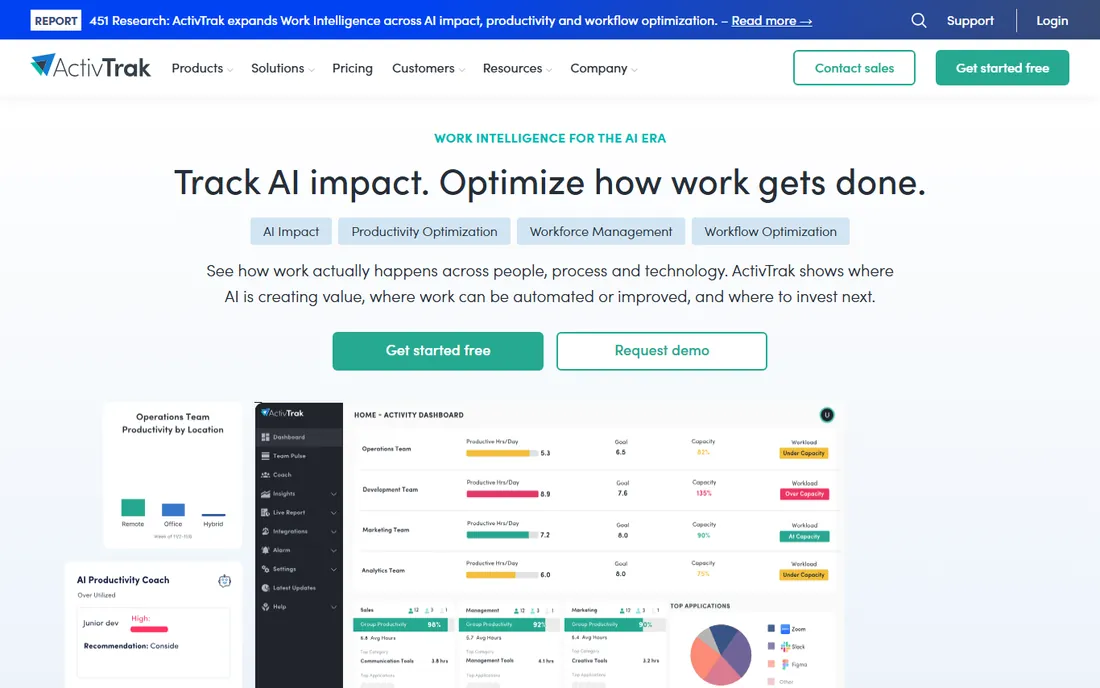
If you want productivity data without turning your office into a panopticon, ActivTrak is the balanced starting point. The free tier covers up to three users with basic activity visibility, which makes it the only genuinely free option on this list and a practical way to test the concept before committing budget. Paid plans from $10 per worker per month add productivity trends, workload balance, capacity planning, and AI adoption analytics.
The standout feature is the privacy angle. ActivTrak lets you configure anonymization and limits on data collection, which helps when you need to show leadership real numbers while keeping employee trust intact. It also flags false activity such as mouse jigglers, so the data you act on is harder to game. The catch is that the deeper surveillance features are not included in the base plans: screenshots, live screen views, and title-bar detail come through a Screen Details add-on. There is also no on-premises deployment, so regulated firms that must keep data on their own servers will need to look elsewhere.
What we like- Genuine free tier for very small teams
- Privacy-first design with anonymization controls
- Strong productivity and AI usage analytics
Watch out for- Screenshots and live screen view require a paid add-on
- Cloud-only with no on-premises option
- Paid plans billed annually
#2
Teramind
Best for: Deep monitoring with DLP and insider threat detection
Visit teramind.co
Starting price$14 per user/month (billed annually; 5-seat minimum)
Free planFree trial (7 days cloud, 14 days on-premises)
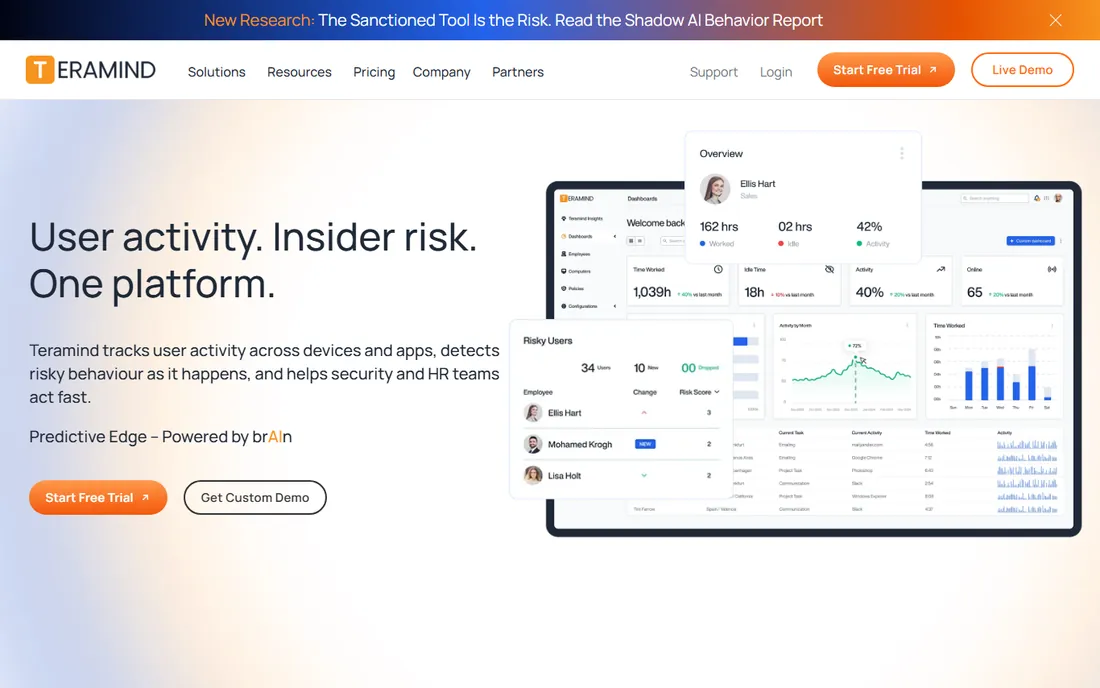
Teramind is the heavy-duty option for companies that need proof, not just dashboards. The Starter plan at $14 per user per month covers live view, screen recording, and basic activity monitoring, but the features Teramind is known for begin at the UAM tier ($28) with keystroke logging, email and file monitoring, and risk scoring, and full data loss prevention at the DLP tier ($32). An Enterprise tier adds OCR-based detection for custom pricing.
The real strength is deployment flexibility paired with automated enforcement. Teramind can block risky actions in real time, apply hundreds of pre-built DLP rules, and run on-premises or in your own private cloud, which matters for healthcare, finance, and government-adjacent businesses. The tradeoffs are cost and complexity. Every plan requires at least five seats, and the five-seat minimum means the smallest deployments still pay for five licenses. Configuring rules and schedules properly takes time, and without careful setup the depth of monitoring can create privacy concerns that a smaller tool would not.
What we like- Deepest feature set: keystroke logging, session recording, DLP rules
- Cloud, on-premises, and private cloud deployment
- Real-time alerts and automated rule actions
Watch out for- Pricey once you move past the Starter tier
- Five-seat minimum excludes very small teams
- Setup and policy configuration take real effort
#3
Insightful
Best for: Balanced workforce analytics with strong privacy design
Visit insightful.io
Starting price$8 per user/month
Free planFree trial (7 days, no credit card required)
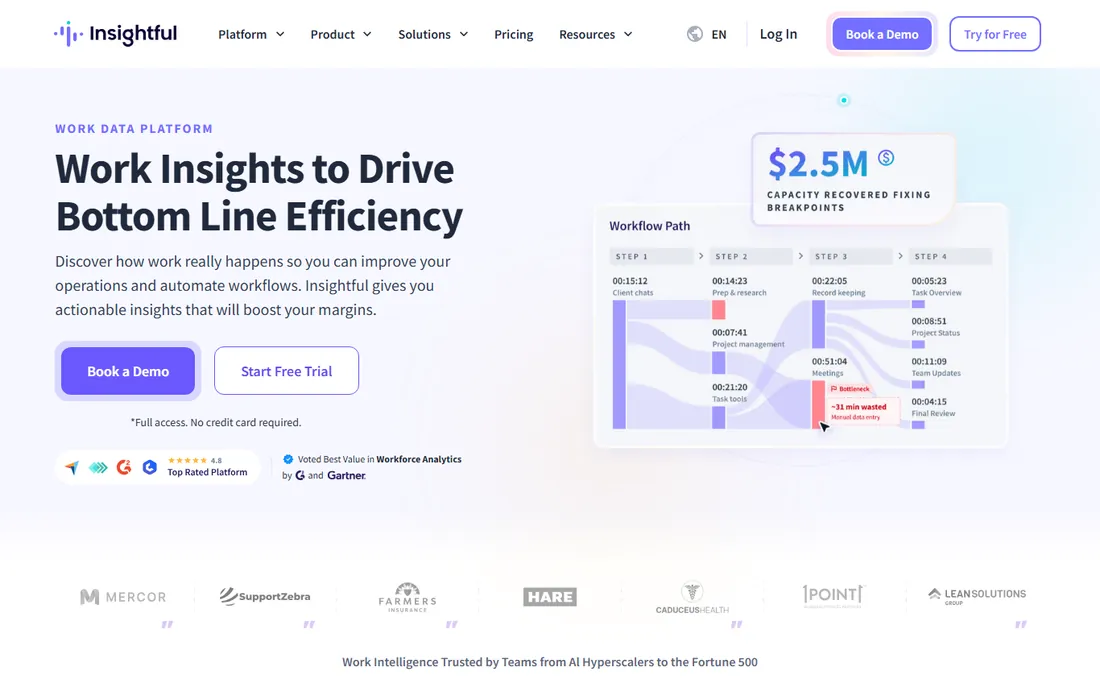
Insightful positions itself as the privacy-respecting middle ground, and it mostly earns that claim. The platform deliberately avoids surveillance-style keystroke logging and instead focuses on work patterns: where time goes, which apps dominate the day, and which teams are over capacity. Plans start at $8 per user per month, and a seven-day trial with no credit card makes evaluation easy. The company notes Forbes recognition for employee privacy, which tells you where it invests its product thinking.
The day-to-day value is operational rather than forensic. You get utilization data, idle time trends, meeting load analysis, and visibility into AI tool adoption, which is exactly what an operations manager needs to rebalance workloads or cut unused software licenses. The honest catch is ceiling: if you later need keystroke capture, email monitoring, or insider-risk scoring, Insightful will not grow into that, and you will face a migration. It is the right fit when the goal is better management, not investigations.
What we like- No keystroke logging by default
- Recognizes employee privacy in its product design
- Fast 14-day path to value with simple deployment
Watch out for- Less deep forensic detail than Teramind or Veriato
- Pricing climbs across three tiers
- Smaller integrations catalog than enterprise rivals
Starting price$4.99 per user/month
Free planFree trial (14 days)
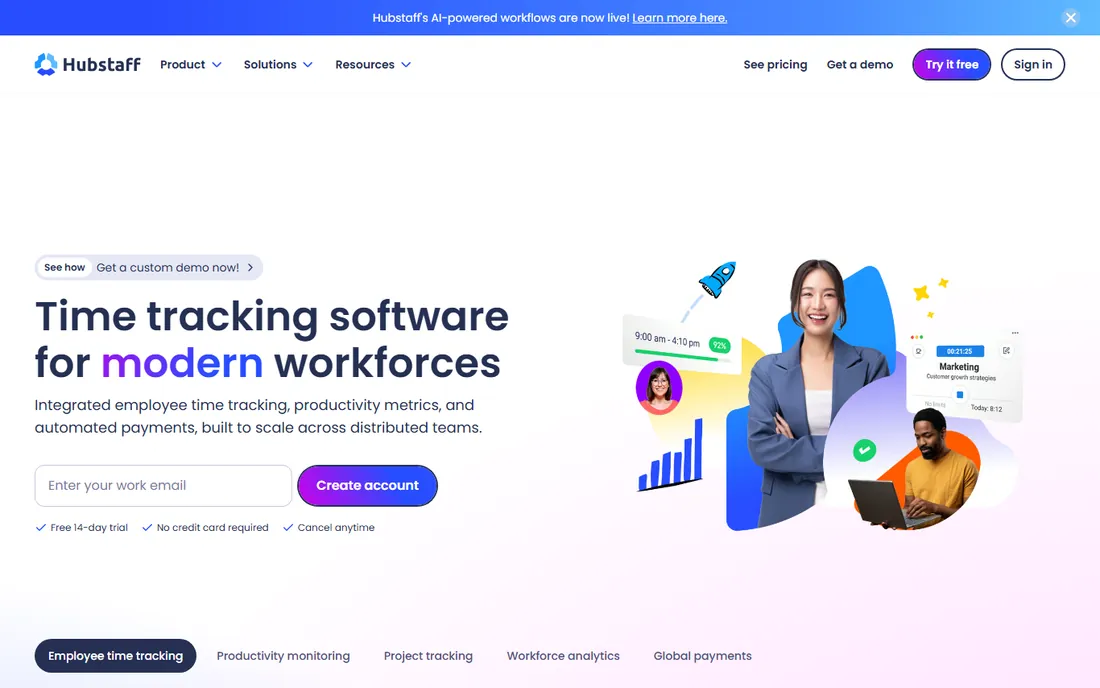
For teams that care as much about hours and pay as about activity, Hubstaff connects tracking to payroll. It is primarily a time tracker with productivity features layered on: employees track time to tasks and projects, screenshots and activity levels verify the hours, and the built-in payroll module can pay contractors and staff in multiple currencies. Pricing starts at $4.99 per user per month, and Hubstaff says more than 140,000 users run its platform.
The standout is the money loop. Tracked hours flow into timesheets, project budgets, client invoices, and actual payments, which eliminates the usual gap between a monitoring tool and the payroll system. AI-powered unusual activity detection also flags mouse jigglers and scripted activity, keeping records honest. The catch is philosophical: Hubstaff is less of a surveillance tool than a productivity and payroll tool, so if your priority is keystroke logging or insider threat detection, the tools above it on this list go further. It also works best when the team actually uses the timer consistently.
What we like- Built-in payroll and global payments
- Project budgets and invoicing from tracked time
- Affordable entry price with a free 14-day trial
Watch out for- Less detailed monitoring than dedicated surveillance tools
- Screenshot features are optional rather than core
- Activity metrics depend on timer discipline
Starting price$6.67 per user/month (billed annually)
Free planFree trial (14 days)
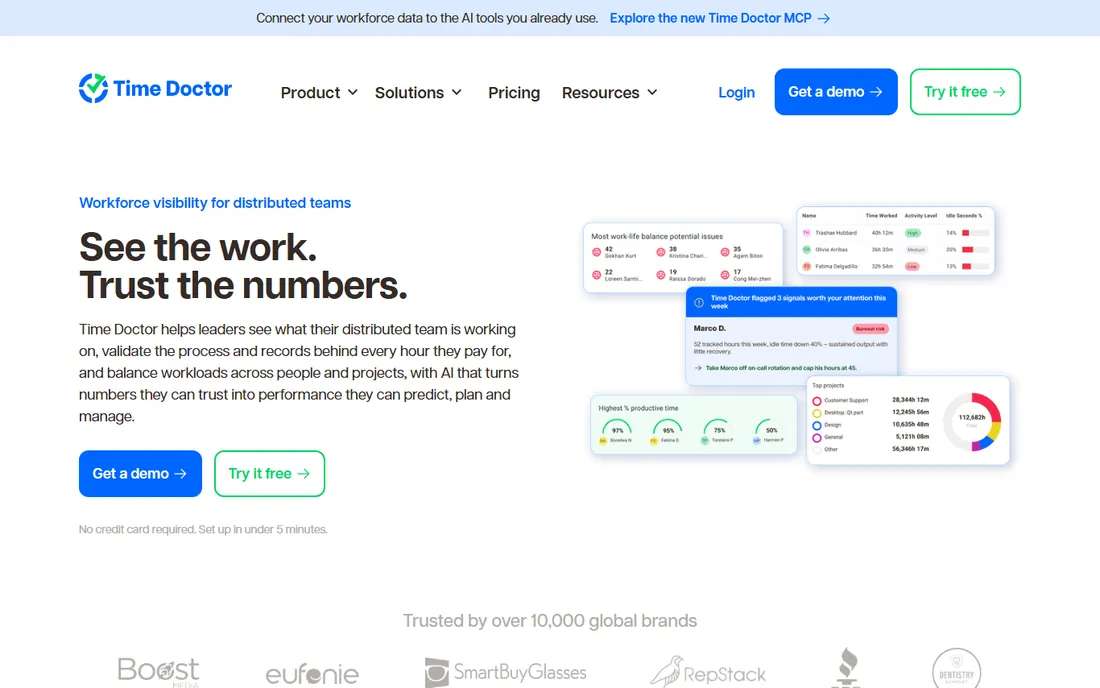
Time Doctor has been in this category longer than most competitors, and its screenshot workflow shows it. The Basic plan at $6.67 per user per month billed annually covers automatic tracking, projects and tasks, timeline reports, and screenshots, which is enough for a small distributed team that needs verifiable hours. Standard at $11.67 adds web and app usage reporting, attendance, payroll, and 60-plus integrations, while Premium at $16.70 brings AI benchmarks and video screen recording.
The differentiator is trust engineering. Every hour is tied to the work behind it, employees can see the same data their managers see, and the company holds ISO 27001, SOC 2 Type 2, GDPR, and HIPAA certifications, which makes security reviews much easier. The honest catch is the pricing ladder: the plan you probably want is rarely the cheapest one. Basic lacks payroll and app usage reports, and the per-seat cost rises roughly five dollars at each step, so model the real annual cost before you commit. There is no free plan, but the 14-day Premium trial is genuinely full-featured.
What we like- Long-established screenshot workflow
- Payroll, attendance, and leave tracking on upper tiers
- Strong compliance posture with ISO 27001, SOC 2, and HIPAA
Watch out for- No free plan, only a trial
- Useful features like payroll sit on the Standard tier and up
- Video screen recording reserved for Premium
Starting price$6.67 per user/month (billed annually)
Free planFree trial (14 days)
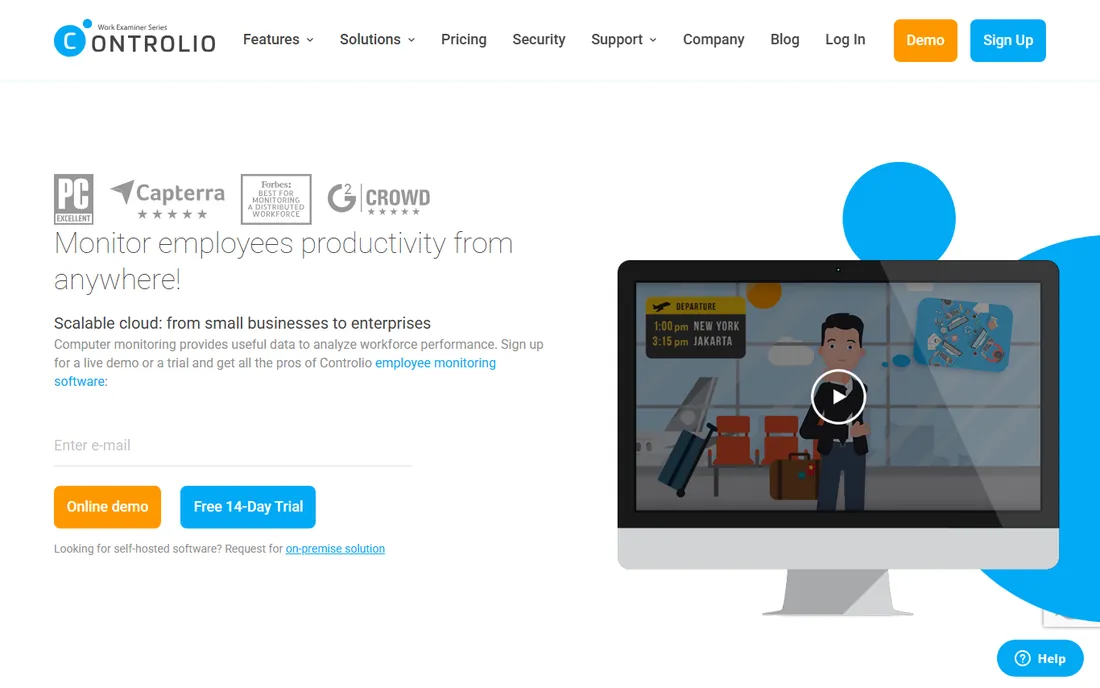
Controlio's signature feature is continuous screen video: instead of periodic screenshots, you get a gapless recording of each monitored PC that you can replay like a video player. For investigations, compliance reviews, or settling disputes about what happened on a screen, that replayability is genuinely useful. The Basic plan starts at $6.67 per user per month billed annually ($7.99 month to month), with a 14-day free trial, and an Advanced tier adds API access, SSO, and document tracking.
The second strength is deployment choice. Controlio runs in the cloud or on your own servers, offers a GDPR mode for EU compliance and HIPAA-friendly on-premises setups, and the agent can run in stealth mode or as a visible tray icon depending on your policy. The catch is storage and scope: continuous video generates far more data than screenshots, so you need to plan retention, and Controlio is a monitoring tool, not a payroll tool, so you will still need separate software for payments and billing. No geolocation tracking is offered either.
What we like- Continuous video recording instead of snapshots
- Optional stealth mode for the client agent
- On-premises deployment with HIPAA and GDPR modes
Watch out for- Video storage needs planning at scale
- No payroll or billing features
- Pricing is cloud-first with on-prem on request
Starting price$5.50 per user/month (billed annually)
Free planFree trial (14 days)
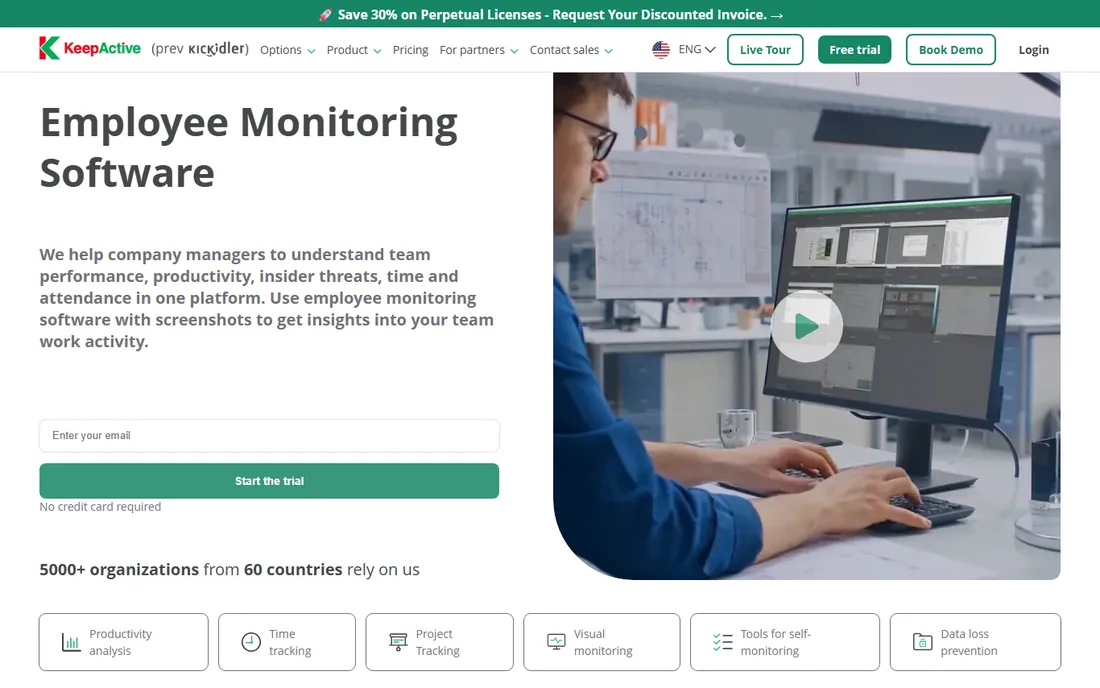
Formerly called Kickidler, KeepActive undercuts nearly every competitor on price while keeping a serious data loss prevention suite. The employee monitoring plan costs $5.50 per user per month billed annually, with a 14-day free trial, and that includes file transfer tracking and blocking, printed document tracking, screen photography prevention, and user behavior analytics. A separate time-tracking version costs even less for teams that only need hours.
The value proposition is simple: DLP features that Teramind gates behind a $32 tier come at one-sixth of the price. KeepActive also offers on-premises deployment for companies that must keep monitoring data local, plus a self-monitoring interface that lets employees see their own data. The honest catch is polish and ecosystem. The interface and documentation feel older than ActivTrak or Insightful, integrations are limited, and the company is smaller, so expect less hand-holding during rollout. For a budget-conscious small business that needs DLP on day one, though, the math is hard to argue with.
What we like- Lowest headline price on this list
- DLP suite included without a premium tier
- Self-hosted on-premises option available
Watch out for- Interface feels less polished than newer rivals
- Smaller integrations ecosystem
- Vendor support resources are thinner than the big names
Starting price$18 per user/month (billed annually; 5-user minimum)
Free planNo
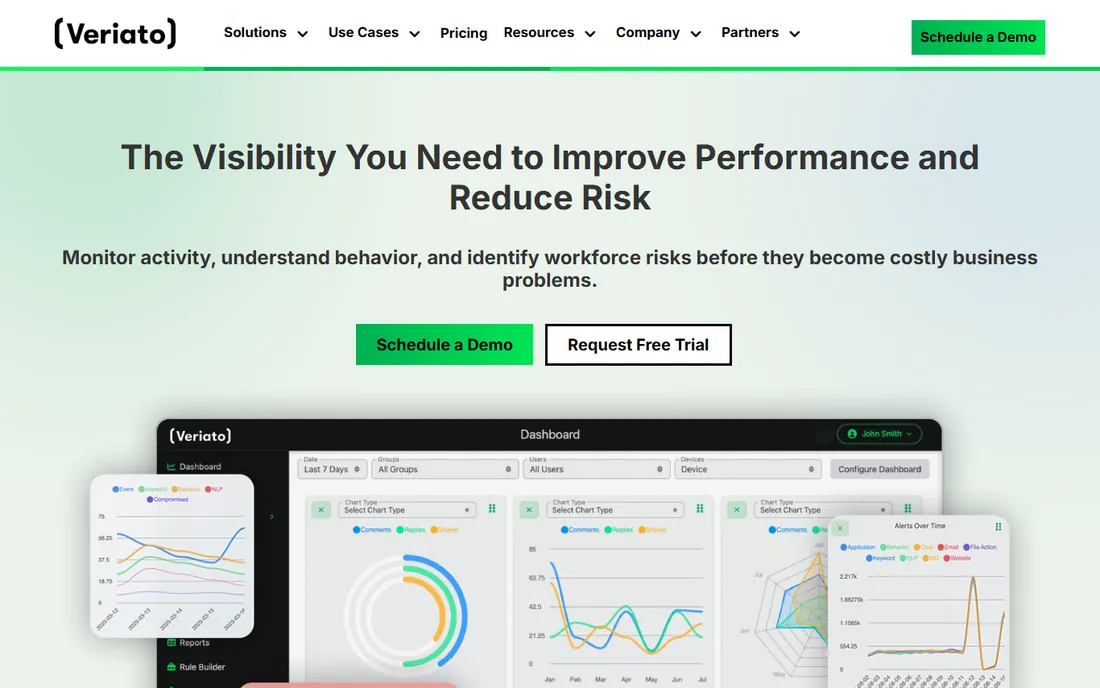
Veriato has been watching endpoints since the days when it was known as SpectorSoft, and its pitch is insider risk rather than time clocks. The lineup splits into Veriato UAM for workforce visibility and productivity, priced at $18 per user per month billed annually with a five-user minimum, and Veriato IRM for insider risk management with AI-powered risk scoring, behavior baselining, and sentiment analysis at custom pricing. The platform tracks more than 130 behavioral signals in real time.
The fit is specific: security, HR, and compliance teams that need to detect disengagement, data exfiltration, or policy violations before they become incidents. Deployment flexibility is strong, with cloud or on-premises options and configurable monitoring policies, plus Microsoft 365 and REST API integrations. The catch is accessibility. This is the most expensive tool on the list, there is no free trial or published self-serve path, and the five-user minimum plus a quote-driven sales process make it a poor fit for a ten-person shop that just wants timesheets. Choose Veriato when insider risk is a real business threat, not when you need simple productivity numbers.
What we like- 25-plus years in the category, formerly SpectorSoft
- AI-powered risk scoring and sentiment analysis
- Cloud or on-premises deployment with granular policies
Watch out for- Highest starting price on this list
- No free trial or self-serve signup
- Minimum five users and enterprise-oriented sales process
How we chose
We evaluated tools against the realities of employee PC monitoring: deployment options, depth of visibility, pricing transparency, trial availability, and how each vendor handles employee privacy. We pulled current pricing from vendor pricing pages and vendor-published comparison content, checked feature lists against official documentation, and weighed public reviews on G2, Capterra, Software Advice, and Reddit to understand where each tool frustrates real users. We also looked at company-size fit, since a five-seat minimum or a quote-only enterprise process rules out tools for the small businesses this guide is written for. We did not run hands-on trials of these products.
Start with the question you actually need answered, because these tools optimize for different ones. If the problem is unverifiable hours and payroll disputes, Hubstaff or Time Doctor will pay for themselves faster than a forensic tool. If the problem is data walking out the door, you need Teramind, KeepActive, or Veriato with real DLP features, not a time tracker with screenshots.
Decide how much visibility is too much
More capture is not always better. Keystroke logging, continuous video, and stealth agents create legal exposure and employee relations risk, and in several US states you must notify employees before monitoring work devices. ActivTrak and Insightful deliberately keep capture lighter, which is often enough for productivity management and much easier to defend to your team.
Check deployment and data storage needs
Cloud tools are easier to roll out, but healthcare, finance, and government-adjacent firms often need on-premises or private cloud deployment. Teramind, Controlio, Veriato, and KeepActive offer on-prem options; ActivTrak and Insightful are cloud-only. Ask where recordings are stored and how long they are kept before you sign.
Budget the real cost, not the headline price
The advertised per-seat rate is only the start. Teramind and Veriato both require five-seat minimums, ActivTrak's screenshots need a paid add-on, and Time Doctor's useful payroll features sit on the Standard tier. Multiply the plan you actually need by your headcount, then add storage and implementation time.
Monitoring staff without wrecking trust
The fastest way to get value from tracking software is to tell your team you installed it and explain why. Companies that deploy monitoring openly, share the same dashboards with employees, and focus the conversation on workload balance rather than punishment consistently get better adoption than companies that rely on stealth. Check your state's notification and consent requirements before you deploy, put the monitoring policy in writing, and review the data you collect on a schedule so old recordings do not pile up indefinitely. The tools on this list all collect sensitive information; the policy around them matters more than the feature set.
Frequently asked questions
Is employee PC tracking software legal in the US?
Generally yes on company-owned devices, but the details vary by state. Several states require employee notification or consent before monitoring, and union contracts or industry regulations can add further restrictions. Put your monitoring policy in writing, notify employees before deployment, and have an employment lawyer review the policy if you operate in multiple states.
Can employees tell that tracking software is installed?
It depends on the tool and how you configure it. Some products, including Controlio, offer a stealth mode that hides the agent from the taskbar and Task Manager, while others run as a visible icon by default. Most reputable vendors, including ActivTrak, Insightful, and Time Doctor, encourage transparent deployment, and employees usually figure out monitoring exists either way.
What is the difference between monitoring and surveillance?
In practice, it is about intent and proportion. Monitoring means collecting the minimum data needed to verify hours, balance workloads, or meet compliance duties, and sharing the purpose with the team. Surveillance means capturing everything possible, often secretly, and using it for punishment. The tools overlap in features, so the difference is mostly your policy and how you configure the product.
Which tracking software is cheapest for a small business?
KeepActive at $5.50 per user per month billed annually has the lowest starting price on this list, and ActivTrak offers a genuinely free tier for up to three users. Hubstaff at $4.99 per user per month is also affordable, though it functions more as a time tracker than a monitoring suite. Watch for seat minimums and add-on fees, which change the real cost.
Do I need on-premises deployment?
Probably not, unless you operate in healthcare, finance, or another regulated industry where customer or patient data cannot leave your network. Most small businesses are fine with cloud tools. If you do need it, Teramind, Controlio, Veriato, and KeepActive all offer on-premises options with compliance modes for HIPAA and GDPR.
Will tracking software slow down employee computers?
Modern agents are designed to run quietly in the background with minimal CPU use, and reviewers rarely report performance problems with mainstream tools. Continuous video recording tools like Controlio generate more disk and network activity, so check the vendor's system requirements and test on your oldest machines before a full rollout.
Sources we checked (9)
- https://www.activtrak.com/pricing/
- https://www.teramind.co/blog/activtrak-vs-teramind/
- https://www.timedoctor.com/pricing
- https://www.veriato.com/pricing/
- https://www.kickidler.com/info/top-10-product-management-software.html
- https://www.saasworthy.com/product/controlio/pricing
- https://www.worktime.com/blog/employee-monitoring/time-doctor-review-features-pricing-pros-and-cons
- https://hubstaff.com/
- https://www.insightful.io/
Is your product missing or out of date?
We review this list regularly. Vendors can request a listing, send updated pricing or ask about featured placement.

Shihab Mia · Founder, Rankite
Shihab has spent more than a decade helping SaaS and e-commerce brands grow through search. He writes Rankite's software buying guides from pricing pages, documentation and public user reviews. More about Shihab.