How we make this list: we compare pricing pages, product documentation and public user reviews. Rankite is independent; if a vendor ever pays for a featured spot, that listing is clearly labeled Partner.
Key takeaways
- Clockify's free tier covers up to 5 users. Toggl Track's covers 3. Harvest's covers 1. The free tier is the whole decision for teams under 5 people.
- Clockify ($3.99 per user per month) is the cheapest paid time tracker. Toggl Track ($9) costs more but has the best timer experience and zero surveillance.
- Shift-based businesses should skip the per-user tools: Homebase (free up to 10 employees, paid from $24 per location per month) and Deputy (from $5 per user per month) are built for hourly teams.
- If you bill clients for time, Harvest ($9 per seat per month) has the best invoices. If you live in Asana or Jira, Everhour ($8.50) logs time against your actual tasks.
Quick comparison
| Tool | Best for | Starting price | Free plan |
|---|
 Clockify Clockify | Freelancers and small teams that want solid tracking for free | $3.99 per user/month billed annually ($4.99 monthly) | Yes (free up to 5 users) |
 Toggl Track Toggl Track | Small knowledge-work teams wanting a polished timer | $9 per user/month billed annually (Starter); $12 monthly | Yes (free up to 3 users) |
 Harvest Harvest | Small consultancies and agencies billing clients for time | $9 per seat/month billed annually (Teams); $11 monthly | Yes (free for 1 user, 2 projects) |
 QuickBooks Time QuickBooks Time | Field-service and hourly teams already running QuickBooks | $20/month base + $10/user/month (Premium); Elite $40 + $12 | No (30-day free trial reported) |
 Hubstaff Hubstaff | Small businesses managing remote staff with payroll needs | $4.99 per user/month billed annually (Starter); $7 monthly | No (14-day free trial, no card required) |
 Deputy Deputy | Shift-based small businesses like cafes, retail and healthcare | $5 per user/month (Lite); Core $6.50; Pro $9 (annual billing) | No (31-day free trial, no card required) |
 Homebase Homebase | Restaurants, retail and salons with hourly teams | $0 (Basic, 1 location up to 10 employees); paid from $24/location/month billed annually | Yes (free Basic plan) |
 Everhour Everhour | Agencies and project teams living in Asana, ClickUp, Trello or Jira | $8.50 per user/month (Team, minimum 5 users) | Yes (free up to 5 users) |
 Time Doctor Time Doctor | Small businesses with remote teams needing productivity visibility | $6.67 per user/month billed annually (Basic); $8 monthly | No (14-day free trial, no card required) |
Is your product missing or out of date?
We review this list regularly. Vendors can request a listing, send updated pricing or ask about featured placement.
The best time tracking software for small business
Clockify's free tier covers up to 5 users. Toggl Track's covers 3. Harvest's covers 1. Everhour's covers 5. These numbers matter more than any feature list, because for a team of four, the right time tracker costs nothing, and for a team of forty, the pricing model matters more than the timer. Small businesses track time for different reasons: billing clients, running payroll, scheduling shifts, or just knowing where the week went. These nine cover every reason, with the free tiers and the real per-seat math for each.
#1
Clockify
Best for: Freelancers and small teams that want solid tracking for free
Visit clockify.me
Starting price$3.99 per user/month billed annually ($4.99 monthly)
Free planYes (free up to 5 users)
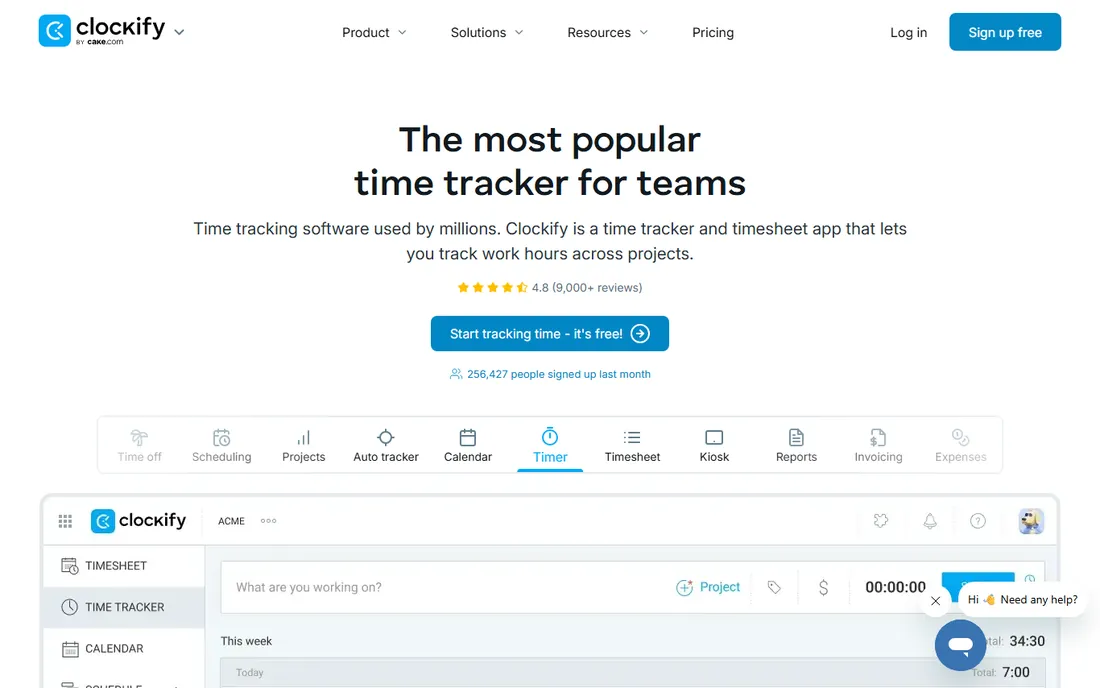
Clockify is the free default. Unlimited time entries, projects, timers and reporting for up to 5 users at $0, which alone saves hundreds per month versus per-seat tools. Paid tiers stay cheap: Basic ($3.99) adds billable rates and project templates, Standard ($5.49) adds invoicing, time off and QuickBooks integration, Pro ($7.99) adds scheduling, expenses and GPS.
Only upgrade when you need GPS, invoicing or profitability reporting. For a freelancer or a team of five that just needs honest timesheets, the free tier is the whole product. The 7-day Pro trial needs no card if you want to test the paid features first.
What we like- Generous free tier with unlimited projects, timers and reporting
- Cheapest paid entry in the category
- Kiosk mode for shared clock-in devices
Watch out for- Free plan capped at 5 users since April 2026
- Invoicing, GPS and profitability sit behind higher tiers
#2
Toggl Track
Best for: Small knowledge-work teams wanting a polished timer
Visit toggl.com
Starting price$9 per user/month billed annually (Starter); $12 monthly
Free planYes (free up to 3 users)
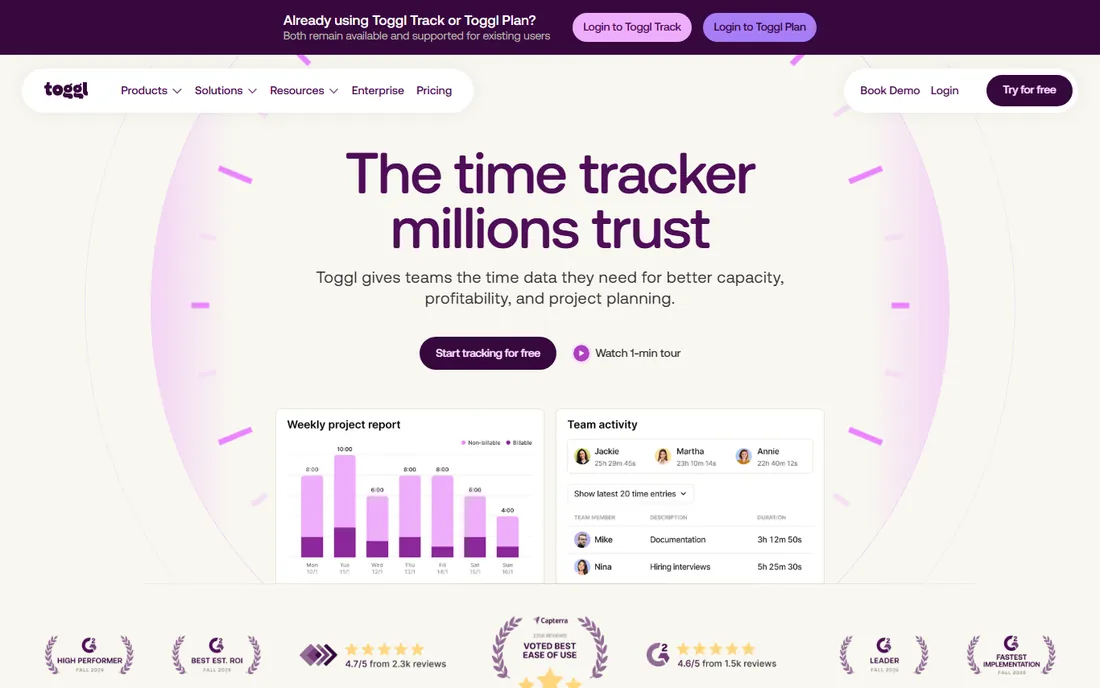
Toggl Track is the timer people actually enjoy starting. The desktop and mobile apps are the fastest in the category, reporting is strong, and the company publicly rules out screenshot, keystroke, location and webcam monitoring, which matters for trust. Starter ($9) adds billable rates and team reports; Premium ($16) adds labor costs, profitability and SSO.
It costs more than Clockify at every tier, and first-year Premium discounts renew at the full $16 rate, so budget the renewal. Note that Toggl unified its product line in 2026, so verify plan names at signup. For a knowledge team that wants a beautiful timer with zero surveillance, the premium is worth it.
What we like- Fastest, least-friction timer in the category
- Publicly rules out screenshot and keystroke monitoring
- 30-day Premium trial, the longest here
Watch out for- Pricier than rivals
- First-year Premium discounts renew at the full rate
Starting price$9 per seat/month billed annually (Teams); $11 monthly
Free planYes (free for 1 user, 2 projects)
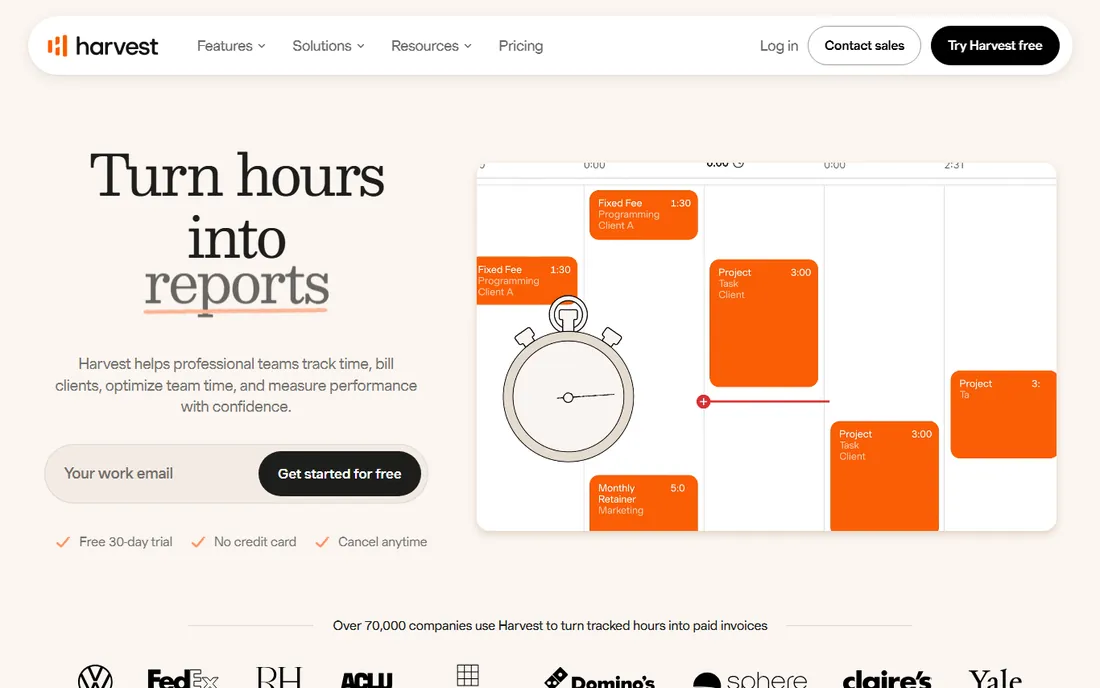
Harvest turns tracked time into client-ready invoices better than anything here. The invoice quality is the selling point: professional, detailed, and integrated with QuickBooks, Xero and Stripe. Teams ($9) covers unlimited projects with team reporting; Enterprise ($14) adds profitability, approvals and SSO.
Every time tracker needs a paid seat, so costs scale linearly with headcount, and Forecast resource planning costs $5 per person per month extra. Extra invoices, projects and clients can add usage fees. It is pricier per seat than Clockify or Toggl Starter, but for a consultancy, the invoice alone justifies the difference.
What we like- Polished invoices and client-facing reports built in
- 30-day free trial with no credit card
- Strong QuickBooks, Xero and Stripe integrations
Watch out for- Paid seats required for every tracker
- Forecast resource planning is a separate add-on
Starting price$20/month base + $10/user/month (Premium); Elite $40 + $12
Free planNo (30-day free trial reported)
QuickBooks Time (formerly TSheets) is for teams already in the Intuit ecosystem. GPS tracking and geofencing verify where field staff clock in, and timesheets flow straight into QuickBooks Payroll and accounting. Premium covers scheduling and time-off; Elite adds project progress tracking and timesheet signatures.
The stacking is the catch. A 10-person team on Premium runs about $158 per month before payroll, plus the required QuickBooks Online subscription. Reviewers flag it as costly for larger teams. If you are not on QuickBooks, cheaper standalone options usually win. If you are, the GPS-to-payroll flow is unmatched.
What we like- GPS tracking and geofencing built in for field teams
- Deepest integration with QuickBooks Payroll and accounting
- Timesheet approvals and scheduling in one add-on
Watch out for- Requires a separate QuickBooks Online subscription
- Costs escalate quickly at scale
#5
Hubstaff
Best for: Small businesses managing remote staff with payroll needs
Visit hubstaff.com
Starting price$4.99 per user/month billed annually (Starter); $7 monthly
Free planNo (14-day free trial, no card required)
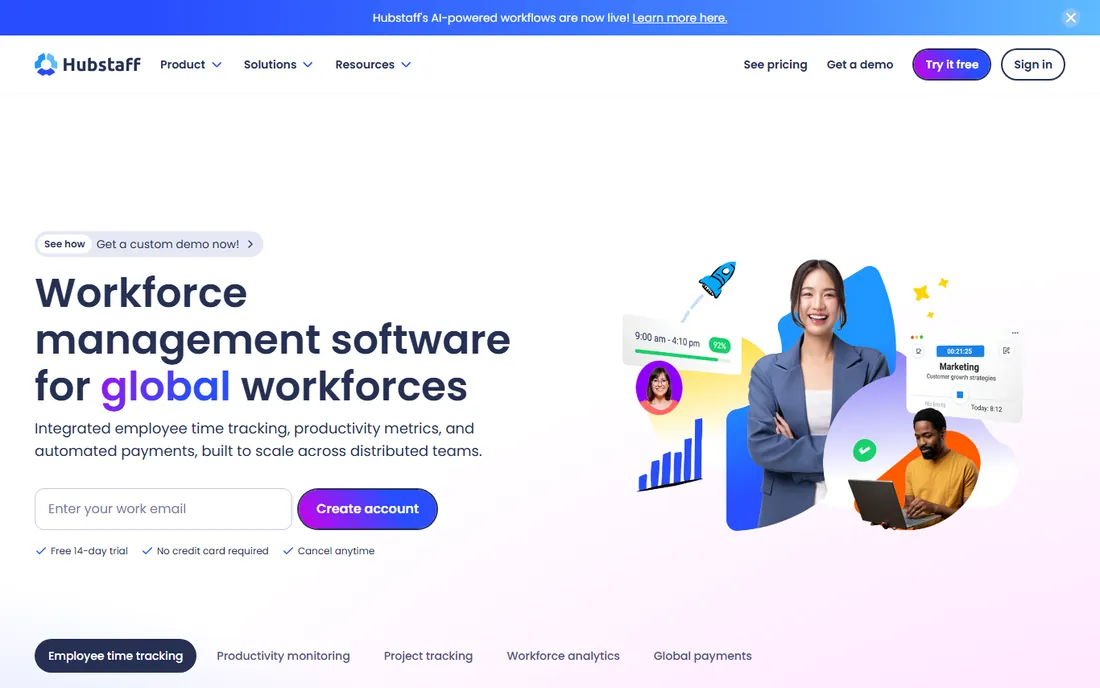
Hubstaff earns its keep when tracked time becomes money. Screenshots and activity rates give proof of work for remote contractors, and native payroll through Wise, PayPal, Gusto and Payoneer closes the loop from hours to payment. It tracks keyboard and mouse activity levels without logging keystrokes.
The two-seat minimum and $2.50 add-ons (Tasks, Insights, More Screenshots) raise the effective price. If you only need simple timesheets, Clockify's free tier is cheaper. Choose Hubstaff when payroll and proof-of-work matter enough to pay for them.
What we like- Optional screenshots and activity rates for proof of work
- Native contractor payroll via Wise, PayPal and Gusto
- 30-plus integrations on higher tiers
Watch out for- Two-seat minimum raises the floor for solo users
- Add-ons inflate the real cost on lower tiers
#6
Deputy
Best for: Shift-based small businesses like cafes, retail and healthcare
Visit deputy.com
Starting price$5 per user/month (Lite); Core $6.50; Pro $9 (annual billing)
Free planNo (31-day free trial, no card required)
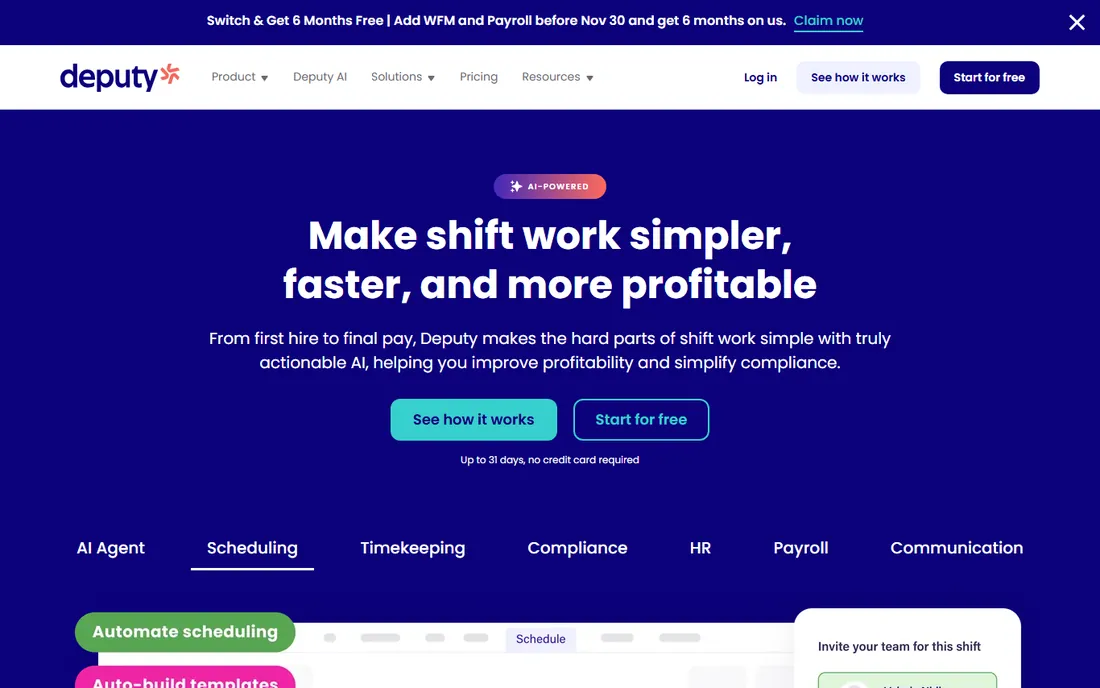
Deputy is a scheduling tool that tracks time, not the other way around. Auto-scheduling, demand forecasting and wage budgets handle the rostering headache, biometric clock-ins verify attendance, and labor-law compliance tooling covers the regulatory side. The mobile app is among the best in the category.
The add-ons stack up: Payroll ($5 or $8 per user) and HR ($2 to $3.50) sit on top of the base, so Core with both runs about $17.25 per user. The $30 monthly minimum invoice makes it pricey for very small teams. For shift-based businesses, the scheduling depth justifies it. For desk-only knowledge teams, it is the wrong tool.
What we like- Excellent scheduling with auto-scheduling and demand forecasting
- Biometric clock-ins and labor-law compliance
- Flexible weekly pricing for seasonal businesses
Watch out for- Payroll and HR are paid add-ons
- $30 monthly minimum invoice
Starting price$0 (Basic, 1 location up to 10 employees); paid from $24/location/month billed annually
Free planYes (free Basic plan)
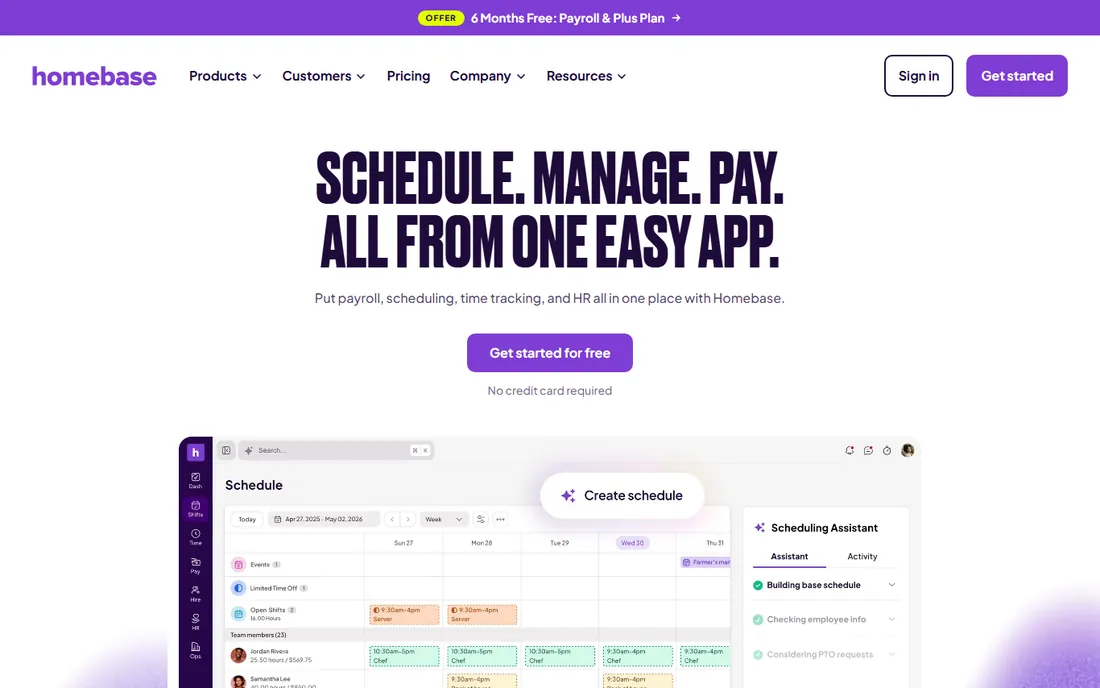
Homebase flips the pricing model. Per-location pricing means a 20-person team on Essentials costs $24 per month flat, where per-user competitors would charge hundreds. The free Basic plan (1 location, up to 10 employees) includes scheduling, time tracking, team messaging and POS integrations. The payroll add-on ($49 plus $6 per employee) covers unlimited runs and multi-state filings.
The model flips against you past a few locations, and it is built for hourly shift work, not project-based knowledge teams. For a restaurant, retail shop or salon with one or two locations, the flat per-location price is the best deal in the category.
What we like- Per-location pricing with unlimited team members
- Free plan includes scheduling, time tracking and messaging
- Payroll add-on with unlimited runs
Watch out for- Per-location model gets expensive for multi-location businesses
- Weak fit for project-based knowledge teams
#8
Everhour
Best for: Agencies and project teams living in Asana, ClickUp, Trello or Jira
Visit everhour.com
Starting price$8.50 per user/month (Team, minimum 5 users)
Free planYes (free up to 5 users)
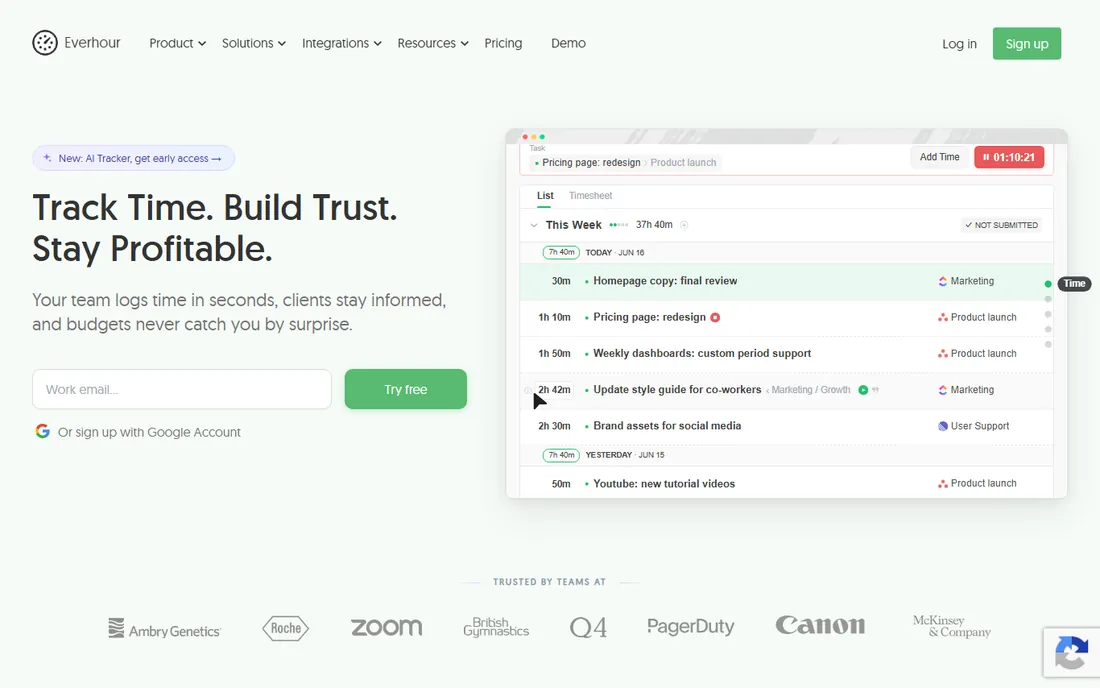
Everhour lives inside your project tool. Time gets logged against actual Asana, ClickUp, Trello, Jira or Notion tasks with billable rates, budget alerts and native invoicing, all in one $8.50 plan with no tier juggling. The free tier covers 5 users with unlimited tracking, projects, reports and integrations.
The 5-user minimum on paid means solo users and tiny teams overpay or stay on free, and there is no automatic background tracking: it relies on manual timers. If your team does not use a project management tool, simpler timers fit better. If it does, nothing integrates as deeply.
What we like- Single paid plan with every feature included
- Deepest native integrations with project tools
- Budget alerts and profitability reporting built in
Watch out for- Five-user minimum on the paid plan
- No automatic background tracking
#9
Time Doctor
Best for: Small businesses with remote teams needing productivity visibility
Visit timedoctor.com
Starting price$6.67 per user/month billed annually (Basic); $8 monthly
Free planNo (14-day free trial, no card required)
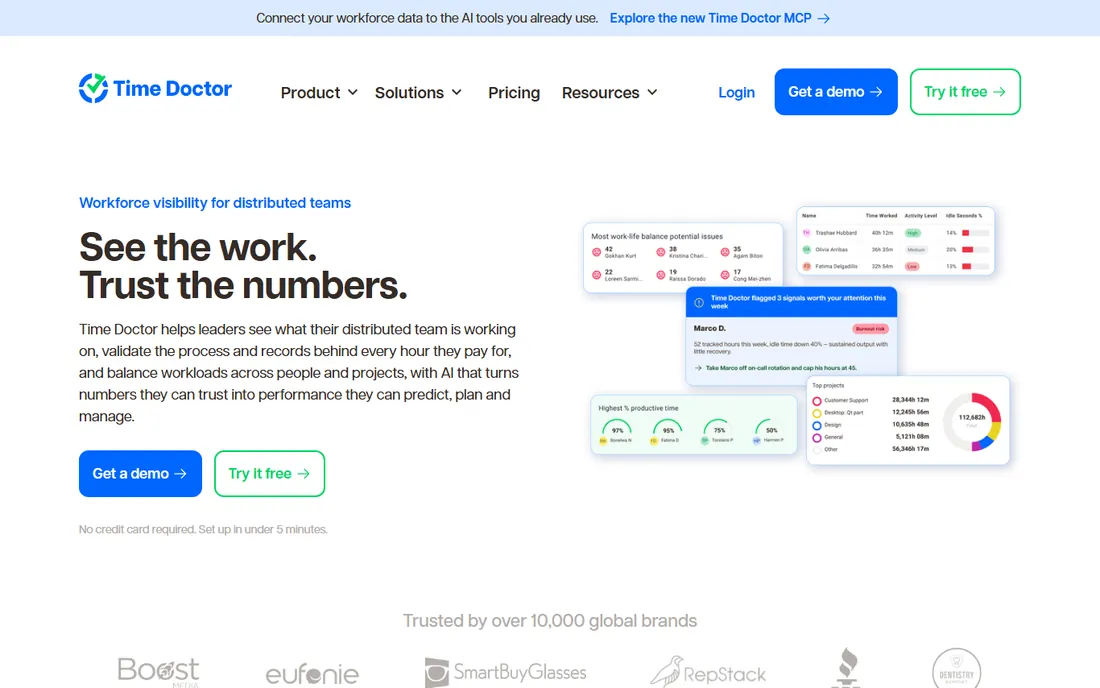
Time Doctor is the most surveillance-oriented tracker here, and it owns that positioning. Screenshots and activity monitoring come from the $6.67 Basic plan, with web and app usage, payroll and scheduling at Standard ($11.67) and video screen recording at Premium ($16.70). The work-life-balance metrics are unusually thoughtful for the category.
Compared with Clockify or Toggl it is pricier and more monitoring-heavy; choose it when you need payroll, attendance and productivity proof in one tool, and accept the trade-off in employee trust. Annual billing equals two free months.
What we like- Screenshots and activity monitoring from the cheapest plan
- Unusual-activity reports and work-life-balance metrics
- 60-plus integrations with payroll on Standard
Watch out for- No free plan
- Big tier jumps between plans
How to pick time tracking software for a small business
Start with why you track time. Billing clients: Harvest or Everhour. Payroll and attendance: Hubstaff, Deputy, Homebase or QuickBooks Time. Shift scheduling: Deputy or Homebase. Simple timesheets: Clockify or Toggl Track. Productivity visibility: Time Doctor. The use case eliminates half the list immediately.
Then count your people and check the free tier. Under 5 users, Clockify and Everhour are free. Under 3, Toggl Track is free. Solo, Harvest is free. Hourly teams under 10 employees get Homebase free. Only when you outgrow the free tier does the paid math matter, and by then you know which features you actually use.
Per-user vs. per-location: the pricing model that decides your bill
Time tracking comes in two pricing shapes. Per-user pricing (Clockify, Toggl, Harvest, Hubstaff, Time Doctor, Everhour) charges per tracker: cheap for small teams, linear as you grow. A 30-person team on Toggl Starter pays $270 per month; on Clockify Basic, $120.
Per-location pricing (Homebase) charges per site with unlimited team members: a 20-person restaurant pays $24 per month flat. Base-plus-per-user (QuickBooks Time) charges both: $20 plus $10 per user, which stacks fast. Model your headcount at 12 months of growth, not today. The cheapest tool for 5 people is rarely the cheapest for 30.
How we chose
We started with the time trackers small businesses actually evaluate: the free-forever timers, the client-billing specialists, the shift-scheduling tools, and the payroll-integrated trackers. For each candidate we opened the vendor's own pricing page, checked the free tier limits and the paid gates that matter (invoicing, GPS, payroll, scheduling), and read public reviews on G2, Capterra and practitioner discussion on Reddit. Where a price could not be verified on the vendor's page we wrote "See website" rather than guessing.
Frequently asked questions
What is the best free time tracking software for small business?
Clockify (free up to 5 users with unlimited projects and reporting) is the most generous. Everhour is also free up to 5 users. Toggl Track is free up to 3 users. Harvest is free for 1 user and 2 projects. Homebase is free for 1 location with up to 10 employees. Pick by your team size and use case.
What is the best timesheet software for small business?
For simple timesheets: Clockify or Toggl Track. For client billing: Harvest. For hourly shift teams: Homebase or Deputy. For payroll integration: Hubstaff or QuickBooks Time. For project-based teams: Everhour. Match the tool to why you track time.
How much does time tracking software cost?
From $0 (generous free tiers) to roughly $4 to $17 per user per month paid. Clockify starts at $3.99, Toggl Track at $9, Harvest at $9, Everhour at $8.50, Hubstaff at $4.99. Shift tools: Deputy from $5, Homebase from $24 per location. QuickBooks Time runs $20 plus $10 per user monthly.
Do I need GPS tracking?
Only for field teams. QuickBooks Time, Deputy and Homebase (paid tiers) offer GPS clock-ins and geofencing that verify where hourly staff clock in. Desk-based teams gain nothing from GPS and should skip it: it adds cost and erodes trust without benefit.
Can time tracking software handle payroll?
Some can. Hubstaff has native contractor payroll. Homebase offers a payroll add-on with unlimited runs. QuickBooks Time feeds directly into QuickBooks Payroll. Time Doctor includes payroll at Standard. Clockify, Toggl Track and Everhour integrate with payroll tools rather than running it. Decide whether you want payroll inside the tracker or alongside it.
Sources we checked (11)
- https://clockify.me/pricing/
- https://toggl.com/pricing/
- https://www.getharvest.com/pricing
- https://quickbooks.intuit.com/time-tracking/
- https://hubstaff.com/pricing/
- https://www.deputy.com/pricing/
- https://www.joinhomebase.com/pricing/
- https://everhour.com/pricing/
- https://www.timedoctor.com/pricing/
- https://www.g2.com/categories/time-tracking
- https://www.capterra.com/time-tracking-software/
Is your product missing or out of date?
We review this list regularly. Vendors can request a listing, send updated pricing or ask about featured placement.

Shihab Mia · Founder, Rankite
Shihab has spent more than a decade helping SaaS and e-commerce brands grow through search. He writes Rankite's software buying guides from pricing pages, documentation and public user reviews. More about Shihab.