How we make this list: we compare pricing pages, product documentation and public user reviews. Ratings come from G2, Capterra or Trustpilot, with the date we checked them.
Key takeaways
- Firms that want practice management and time tracking in one place should compare Karbon (Team from $59/user/month billed annually), Canopy (Standard from $74/user/month billed annually) and Aero Workflow ($108/month flat, no per-user pricing).
- Jetpack Workflow adds time tracking on its Premium tier ($50/user/month billed annually), which makes it the budget workflow option for small firms.
- Tight budgets get real options: Clockify is free for up to 5 users, Toggl Track is free for up to 5 users, and Harvest costs $10.80/user/month with a free single-seat plan.
- QuickBooks Time ($20 base + $8/user/month for Premium) makes sense only when your books already live in QuickBooks; the price stacks on top of your accounting subscription.
- AccountSight does not publish pricing, so get a written quote before comparing it against published prices.
Quick comparison
| Tool | Best for | Starting price | Free plan |
|---|
 Karbon Karbon | Accounting firms that want practice management, workflow and time tracking in one platform | $59/user/month billed annually (Team); $79 monthly | No |
 Canopy Canopy | Firms that want an accounting-focused platform with client engagement tools | $74/user/month billed annually (Standard); $89 monthly | No |
 Jetpack Workflow Jetpack Workflow | Small firms that need workflow management first and time tracking second | $40/user/month billed annually (Starter); time tracking included on Premium at $50/user/month billed annually | No (14-day free trial) |
 Aero Workflow Aero Workflow | Small firms that prefer flat pricing over per-user fees | $108/month billed annually (Startup); $135 month-to-month | No |
 BigTime BigTime | Professional services firms that bill time to projects and clients | $20/user/month (Essentials) | No (free trial available) |
 AccountSight AccountSight | Firms and consultants that want time tracking with invoicing and expense tracking | See website (the vendor does not publish pricing) | Free plan reported by review sites (unverified by the vendor) |
 Clockify Clockify | Solo accountants and tiny teams that want a capable free tier | Free for up to 5 users; Basic $3.99/user/month billed annually ($4.99 monthly) | Yes (free plan for up to 5 users) |
 Toggl Track Toggl Track | Freelance accountants and small practices that value simplicity | Free for up to 5 users; Starter $10/user/month monthly ($9 billed annually) | Yes (free plan for up to 5 users) |
 Harvest Harvest | Accountants and small firms that invoice directly from tracked time | $10.80/user/month | Yes (1 seat, 2 projects) |
 QuickBooks Time QuickBooks Time | Firms already running payroll and books on QuickBooks | $20 base + $8/user/month (Premium); Elite at $40 base + $10/user/month | No (30-day free trial) |
Is your product missing or out of date?
We review this list regularly. Vendors can request a listing, send updated pricing or ask about featured placement.
The best time tracking software for accountants
Billable hours are the product for most accounting firms, and tax season turns time tracking into a capacity planning problem. The tools below fall into two camps. Practice management suites such as Karbon, Canopy, Jetpack Workflow and Aero Workflow build time tracking into client work, deadlines and workflows. Standalone timers such as Clockify, Toggl Track and Harvest track hours and let you invoice from them. Ten tools cover both camps, with real prices checked on each vendor's pricing page.
#1
Karbon
Best for: Accounting firms that want practice management, workflow and time tracking in one platform
Visit karbonhq.com
Starting price$59/user/month billed annually (Team); $79 monthly
Free planNo
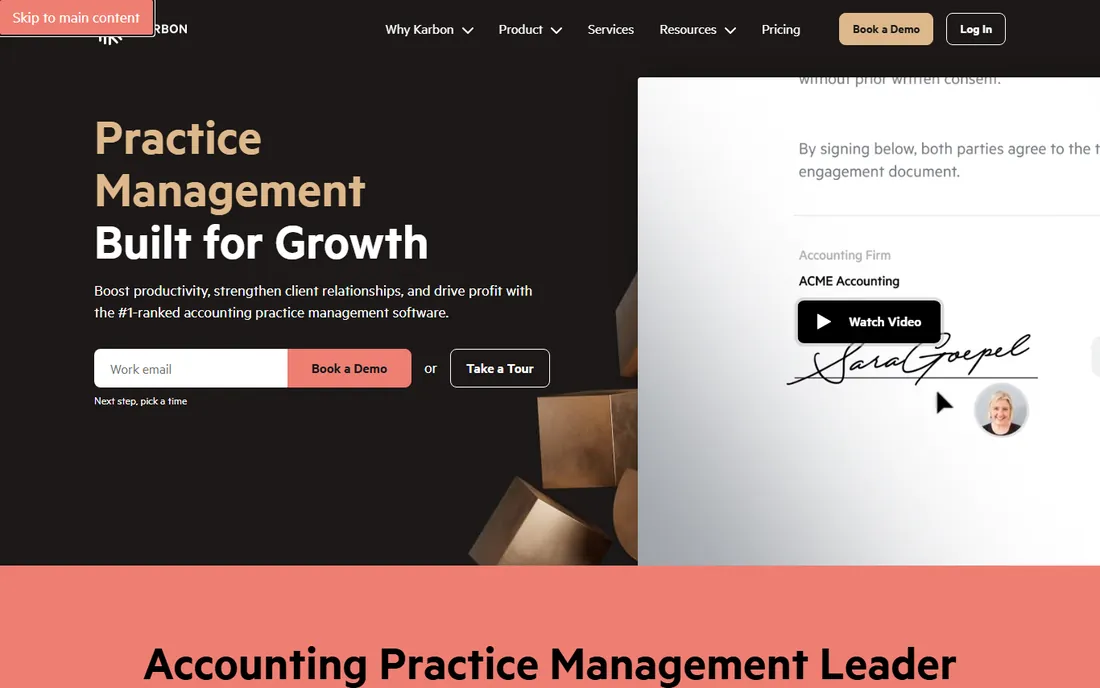
Karbon is the practice management platform accountants know by name. Time entries live inside client work, so the timer sits next to the tax return, the bookkeeping job and the email thread it belongs to. Billing targets and budgets connect time to revenue, which is the point of tracking hours at a firm: knowing which clients pay and which ones drain the team.
The honest math is the per-user fee. Team at $59 per user per month billed annually covers the core, but a 20-person firm pays $1,180 a month before adding anything. Business at $89 per user per month billed annually adds more automation. There is no free plan and no flat-rate escape hatch, so solo accountants and tiny shops usually find a cheaper fit elsewhere on this list.
What we like- Built specifically for accounting firms, with client work, email triage and workflow alongside time tracking
- Published pricing with no hidden tiers for the core product
Watch out for- Per-user pricing adds up fast for larger teams
- Lower-tier plans may lack some advanced automation found on Business
#2
Canopy
Best for: Firms that want an accounting-focused platform with client engagement tools
Visit getcanopy.com
Starting price$74/user/month billed annually (Standard); $89 monthly
Free planNo
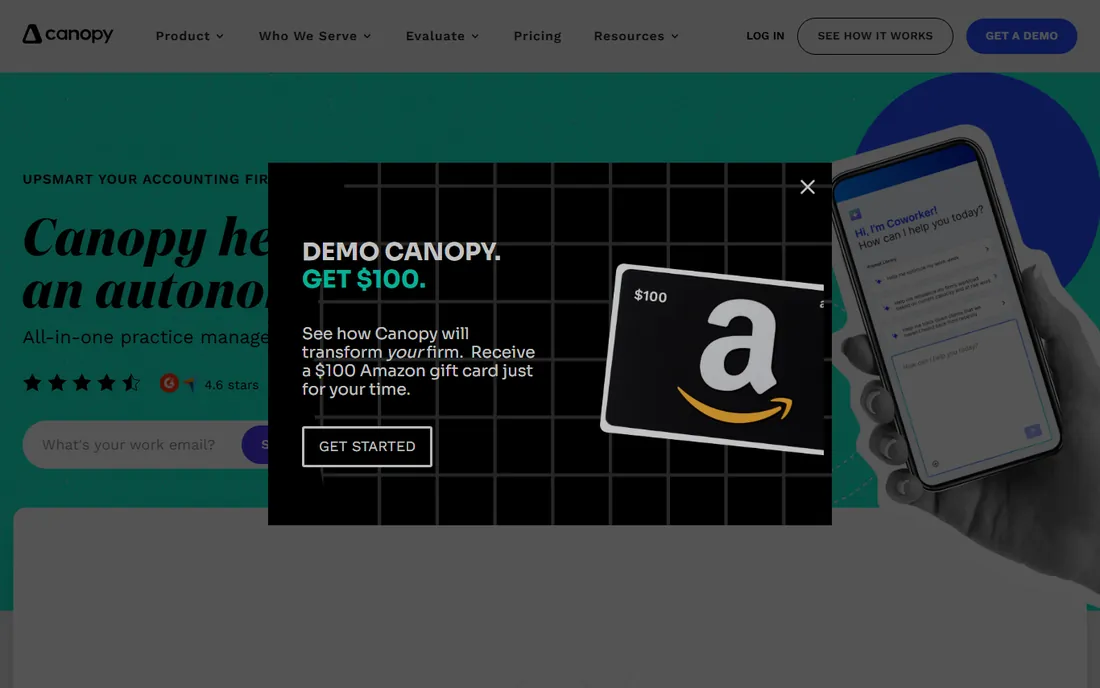
Canopy takes the modular route. Firms choose modules such as time and billing, document management, client engagement and tax resolution, then pay per user on Standard ($74/user/month billed annually), Plus ($109) or Premium ($149). For a firm that already thinks in modules, this maps neatly onto how the practice actually works: engagement letters, document requests and time entries in one client record.
That modularity is also the catch. Figuring out the true monthly bill takes more work than a single price, because the tier and the modules both move the number. Small firms should price the exact module set they need before signing. Canopy publishes its prices, which already puts it ahead of the quote-based vendors in this space.
What we like- Purpose-built for accounting with tax resolution, document management and client portal modules
- Modular pricing lets firms pick the feature sets they need
Watch out for- Modules and tiers make the real price harder to predict than a single flat plan
- Per-user fees mean the total climbs with every hire
#3
Jetpack Workflow
Best for: Small firms that need workflow management first and time tracking second
Visit jetpackworkflow.com
Starting price$40/user/month billed annually (Starter); time tracking included on Premium at $50/user/month billed annually
Free planNo (14-day free trial)
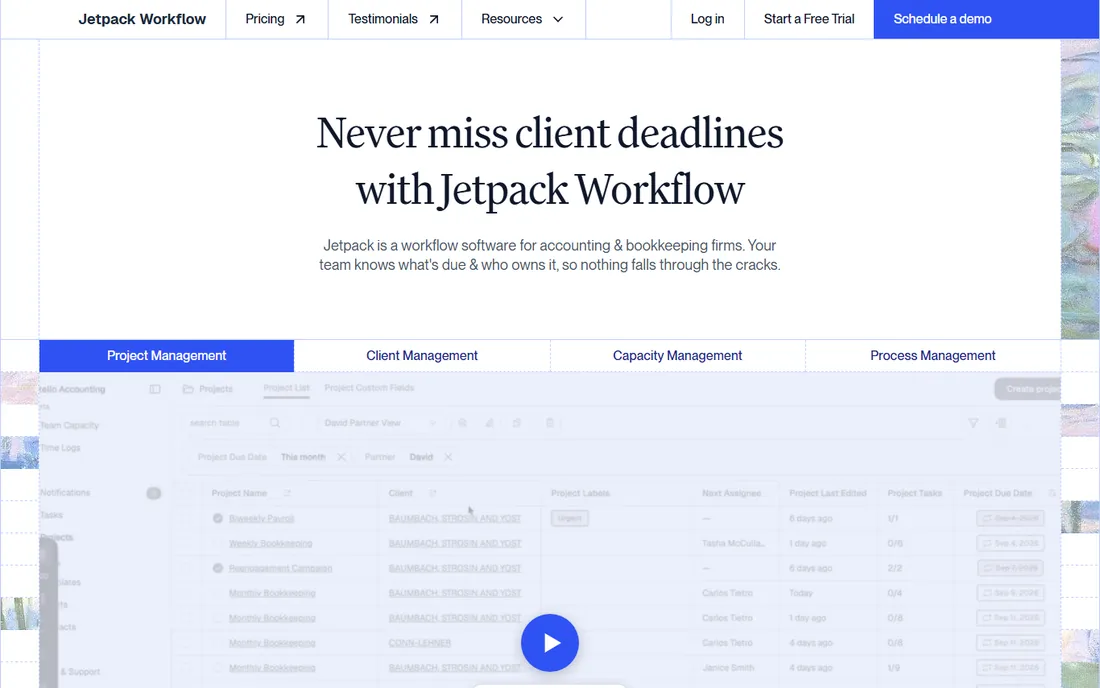
Jetpack Workflow started as a workflow tool for accountants, and time tracking joined later on the Premium tier. The workflow side is the strength: recurring templates for tax returns, monthly bookkeeping and payroll jobs, with due dates, assignments and checklists. Firms that run on repeatable processes get the structure of a practice suite at a lower price than Karbon or Canopy.
Read the tier before you buy. Starter at $40 per user per month billed annually does not include time tracking; Premium at $50 does. For a firm that wants both workflow and time tracking, the real starting price is the Premium number. A 14-day free trial gives enough time to run a week of real jobs through it.
What we like- Cheapest workflow-first option on this list
- Recurring job templates with due dates fit tax and bookkeeping cycles
- 14-day trial lets a firm test it during a real work week
Watch out for- Time tracking only arrives on the Premium tier, so the Starter price is misleading for time-tracking buyers
- No free plan for ongoing use
Starting price$108/month billed annually (Startup); $135 month-to-month
Free planNo
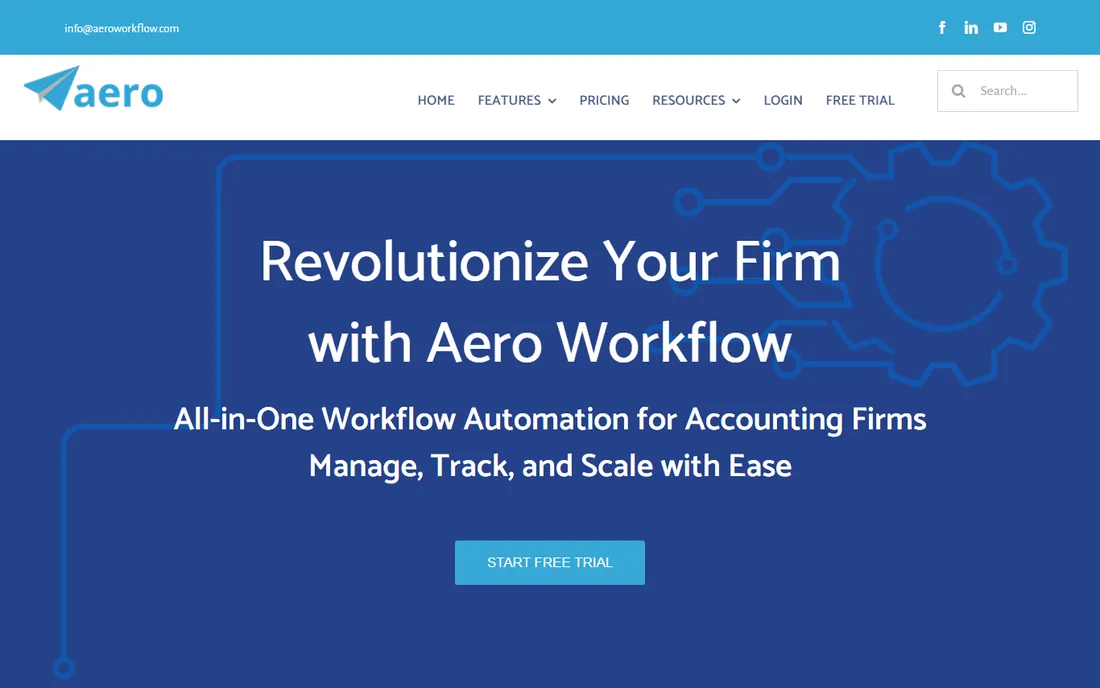
Aero Workflow is the odd one out on pricing, and firms either love or skip it for that reason. Instead of per-user fees, the Startup plan costs $108 per month billed annually, flat, however many people use it. A three-person firm pays the same as a ten-person firm. Time tracking, workflow and billing come together in a package aimed squarely at accountants.
Solo accountants should do the math carefully. One user at $108 a month is far more than Karbon's Team at $59 or Harvest at $10.80. The flat rate starts winning around three to four users and keeps winning as the team grows. There is no free plan, so the trial has to carry the evaluation.
What we like- Flat monthly rate with no per-user pricing, so adding staff costs nothing extra
- Designed for accountants with workflow, time tracking and billing in one place
Watch out for- The flat price is steep for a solo accountant who would pay less per user elsewhere
- Fewer published details on advanced tiers than larger competitors
#5
BigTime
Best for: Professional services firms that bill time to projects and clients
Visit bigtime.net
Starting price$20/user/month (Essentials)
Free planNo (free trial available)
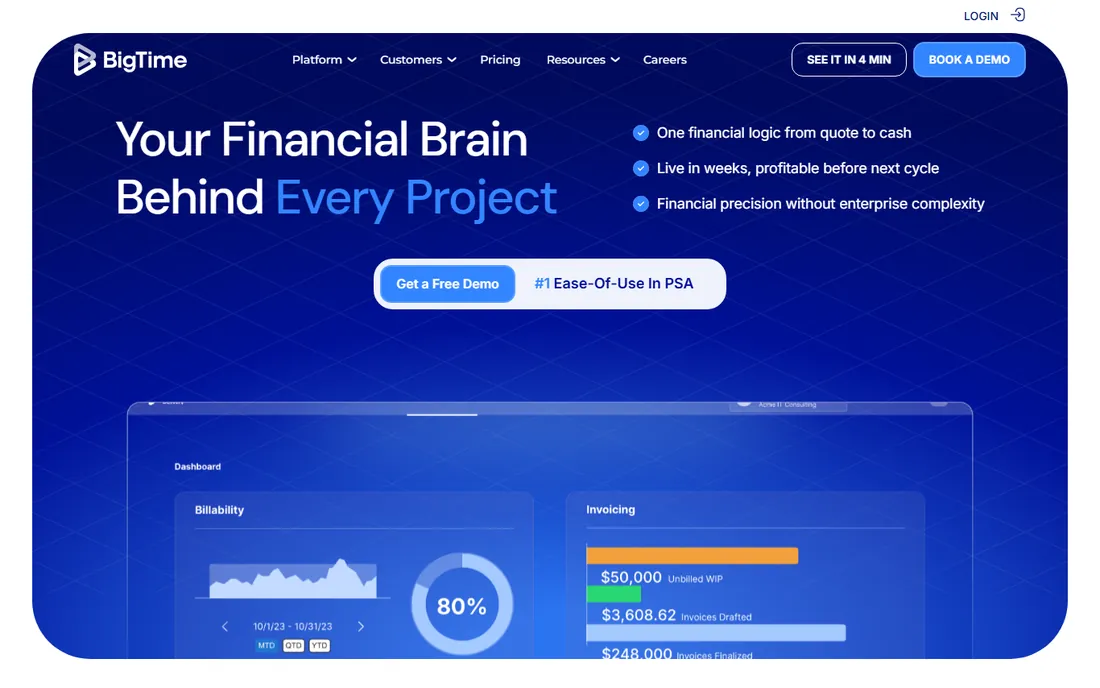
BigTime comes from the professional services world rather than the accounting world. The pitch is utilization: who is billable, who is over capacity, which projects are over budget. Time feeds invoicing directly, and the QuickBooks integration keeps the books in sync. Firms that bill by the hour across many clients get the financial reporting a pure timer cannot give.
The tier ladder matters. Essentials at $20 per user per month covers the basics; Advanced ($35), Premier ($45) and Projector ($60) add progressively more of the budgeting, forecasting and resource features that justify the product. Firms should price the tier they actually need, not the entry number. The free trial is the right way to test whether the utilization reports earn the fee.
What we like- Built for professional services billing, with utilization, budgets and invoicing tied to time
- Integrates with QuickBooks and other accounting tools firms already use
Watch out for- Essentials is entry-level, with meaningful features gated to Advanced ($35), Premier ($45) and Projector ($60)
- Aimed at firms broadly, not accountants specifically
#6
AccountSight
Best for: Firms and consultants that want time tracking with invoicing and expense tracking
Visit accountsight.com
Starting priceSee website (the vendor does not publish pricing)
Free planFree plan reported by review sites (unverified by the vendor)
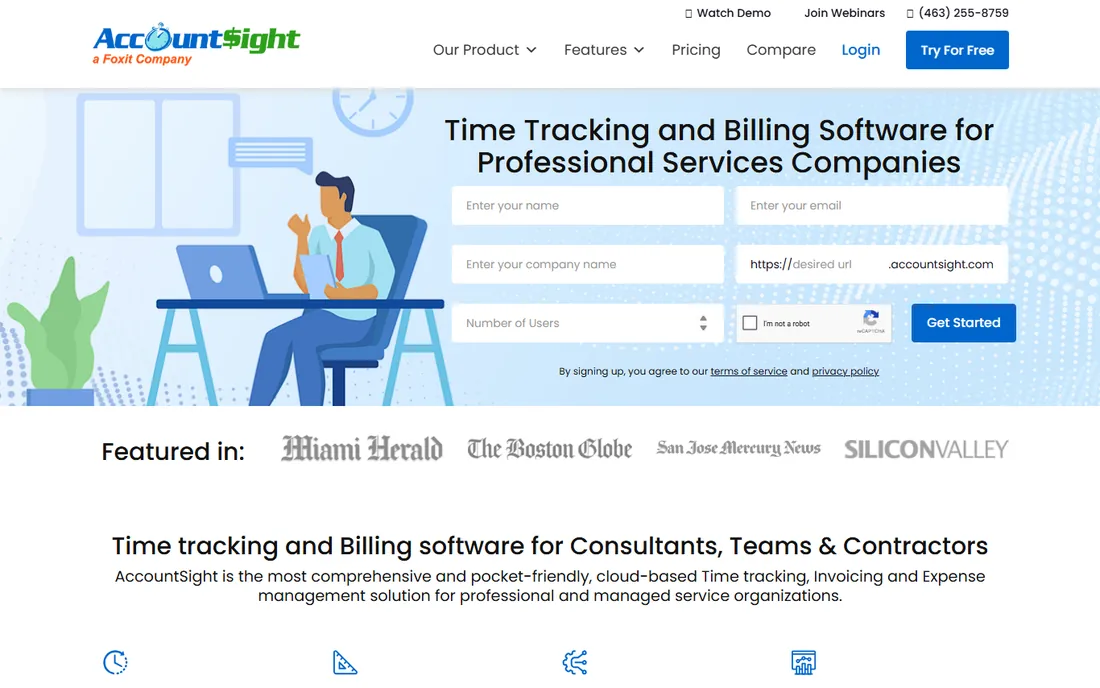
AccountSight targets accountants, consultants and small professional firms with a straightforward bundle: track time, log expenses, invoice clients. Review sites describe per-user monthly tiers in the single digits to low teens plus a free plan, but the vendor publishes nothing on its own site, so treat every third-party number as unverified.
That opacity is the whole story here. Every other tool on this list except Canopy's modular quote shows you a price before you talk to anyone. With AccountSight, you cannot compare honestly until you have a written quote in hand. Get that quote, then line it up against Harvest or Clockify for the same feature set.
What we like- Covers time tracking, invoicing and expense tracking in one consultant-friendly package
- Review sites report an entry-level free plan for small users
Watch out for- No published pricing on the vendor's own site, so every comparison starts with a sales conversation
- Smaller vendor with less public review volume than the leaders
#7
Clockify
Best for: Solo accountants and tiny teams that want a capable free tier
Visit clockify.me
Starting priceFree for up to 5 users; Basic $3.99/user/month billed annually ($4.99 monthly)
Free planYes (free plan for up to 5 users)
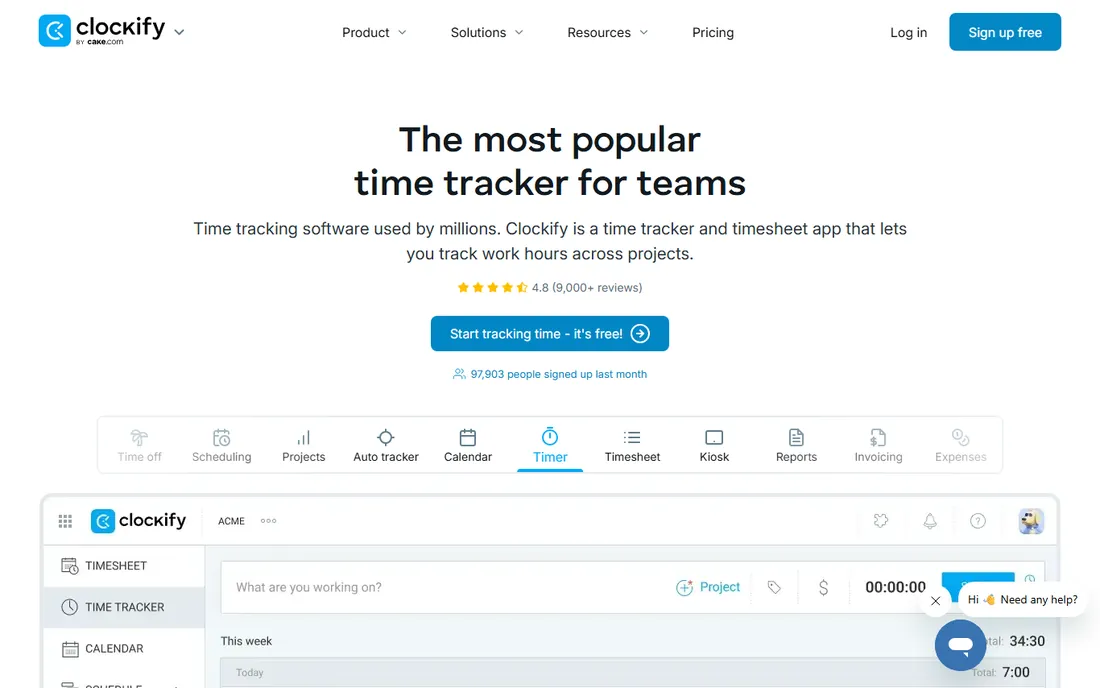
Clockify is the free default for a reason. Up to 5 users pay nothing, and the timer, manual entry, reports and project organization all work on the free plan. For a solo CPA tracking billable hours or a two-person bookkeeping shop, it does the job without a monthly bill. Paid plans start at $3.99 per user per month billed annually, which is pocket change next to the practice suites.
What you do not get is anything accountant-specific. No workflow templates for tax season, no client portal, no engagement management. Clockify tracks time; the firm runs on top of it. That is fine for small practices that already have their systems elsewhere, and a bad fit for firms that want one platform to run everything.
What we like- Genuinely free for small teams, not a time-limited trial
- Paid plans start under $4 per user, the cheapest on this list
- Reports and project tracking cover the basics well
Watch out for- No accounting-specific workflow, client portal or tax features
- The free plan is limited to 5 users, so growing firms hit the paid wall
#8
Toggl Track
Best for: Freelance accountants and small practices that value simplicity
Visit toggl.com
Starting priceFree for up to 5 users; Starter $10/user/month monthly ($9 billed annually)
Free planYes (free plan for up to 5 users)
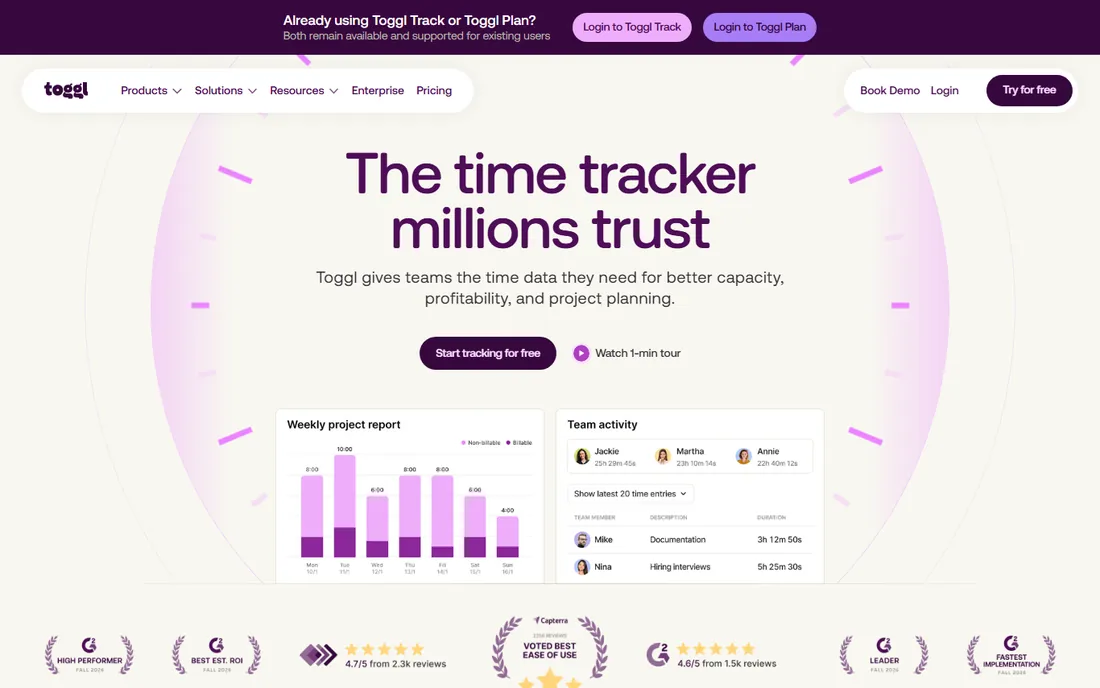
Toggl Track wins on the one metric that decides whether time tracking works: whether people actually start the timer. The one-click timer, idle detection and calendar integration remove the friction that kills adoption. The free plan covers up to 5 users, which handles most solo and micro practices.
The tradeoff is depth. Toggl Track is a timer with reports, not a billing system or a workflow platform. Invoicing and accounting-specific features are not its game. Once a team grows past the free tier, Starter at $10 per user per month costs more than double Clockify's Basic, so the simplicity premium is real. Freelancers who bill from the reports rarely mind.
What we like- The simplest timer on this list, with a one-click start that people actually use
- Generous free tier for tiny teams
- Clean reports clients can understand
Watch out for- Thin on invoicing and accounting workflow features
- Per-user pricing at $10 and up makes it pricier than Clockify once you outgrow free
#9
Harvest
Best for: Accountants and small firms that invoice directly from tracked time
Visit getharvest.com
Starting price$10.80/user/month
Free planYes (1 seat, 2 projects)
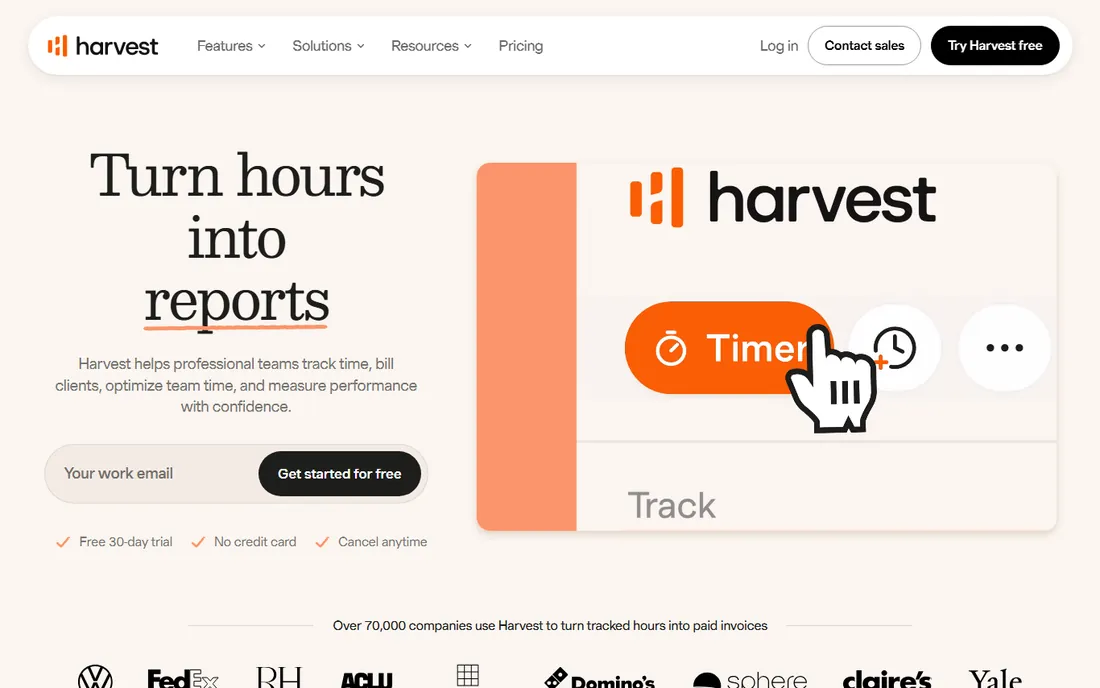
Harvest sits in the sweet spot for small firms: track time, turn it into an invoice, get paid. The path from timer to invoice is the shortest on this list, and expense tracking plus simple project budgets cover the basics a small practice needs. At $10.80 per user per month with one straightforward plan, the pricing decision takes about ten seconds.
There are no tiers to climb or descend, which cuts both ways. You cannot pay less for fewer features, and you cannot get advanced workflow, because there is no advanced tier. The free plan covers one seat and two projects, enough for a solo accountant to run real client work through it before paying. Firms that outgrow Harvest usually move to Karbon or Canopy, not to another timer.
What we like- Time flows straight into invoices with almost no setup, which is the exact workflow small firms need
- Expense tracking and simple project budgets included
- The free single-seat plan suits solo practitioners
Watch out for- One flat price per user with no tier choice, so you cannot trade features for a lower bill
- Lacks the workflow and client management depth of the practice suites
Starting price$20 base + $8/user/month (Premium); Elite at $40 base + $10/user/month
Free planNo (30-day free trial)
QuickBooks Time (formerly TSheets) earns its place for one audience: firms whose books already live in QuickBooks. Time entries flow into payroll and invoicing without retyping, and the scheduling and GPS features help firms with staff working at client sites. Premium starts at $20 base plus $8 per user per month; Elite at $40 plus $10 adds project tracking and geofencing.
Everyone else should look away. The price sits on top of whatever QuickBooks subscription the firm already pays, and without that ecosystem the product is an expensive timer. A 5-person firm on Premium pays $60 a month for time tracking alone. If QuickBooks is not your accounting home, Clockify or Harvest does the same job for less.
What we like- Syncs time data into QuickBooks for payroll and invoicing with no double entry
- GPS tracking and scheduling suit firms with staff at client sites
- 30-day trial is long enough for a real evaluation
Watch out for- The base-plus-per-user price stacks on top of the QuickBooks subscription you already pay
- Weak value for firms that do not use QuickBooks
Frequently asked questions
How much does time tracking software cost for an accounting firm?
Practice suites run $40 to $149 per user per month: Jetpack Workflow Premium ($50/user/month billed annually), Karbon Team ($59), Canopy Standard ($74). Flat-rate Aero Workflow costs $108/month regardless of headcount. Standalone timers are far cheaper: Harvest ($10.80/user/month), Clockify Basic ($3.99/user/month billed annually), and free tiers at Clockify and Toggl Track for up to 5 users. QuickBooks Time starts at $20 base plus $8/user/month on top of a QuickBooks subscription.
Do accountants need practice management software or just a time tracker?
It depends on firm size. Solo accountants and micro firms usually do fine with a timer like Clockify, Toggl Track or Harvest plus their existing systems. Firms with several staff, recurring tax deadlines and client onboarding workflows get more value from Karbon, Canopy, Jetpack Workflow or Aero Workflow, where time tracking sits inside the workflow instead of beside it.
Which time tracking software integrates with QuickBooks?
QuickBooks Time syncs natively since it is an Intuit product. BigTime integrates with QuickBooks for invoicing and payroll data. Karbon and Canopy both connect to QuickBooks and Xero as part of their accounting-focused platforms. Confirm the exact sync behavior on the vendor's integrations page before committing, since sync depth varies.
Can time tracking software handle tax season capacity planning?
The practice suites can. Karbon, Canopy and BigTime tie time entries to budgets, workloads and utilization reports, which is how firms spot overloaded staff before deadlines slip. Standalone timers show hours worked but do not plan capacity; they tell you what happened, not what is about to break.
Is there really free time tracking software for accountants?
Yes. Clockify and Toggl Track both offer free plans for up to 5 users with working timers and reports. Harvest offers a free single-seat plan limited to 2 projects. These free tiers suit solo practitioners and tiny teams. Growing firms will outgrow them and should budget for a paid plan or a practice suite.
How do firms stop staff from forgetting to log time?
Pick a tool with the least friction, usually a one-click timer like Toggl Track, and connect time to something staff care about, such as payroll or utilization targets. Practice suites help by putting the timer inside the client work itself. No software fixes a culture problem: firms that review time weekly get complete timesheets, and firms that do not, do not.
What accountants should check before buying time tracking software
Start with the billing model, because it decides your actual cost. Per-user pricing (Karbon, Canopy, Harvest) scales with headcount; base-plus-per-user (QuickBooks Time) adds a fixed floor; flat-rate (Aero Workflow) rewards growth. Model your team size for the next two years, not just today, and compare the totals.
Next, check where the timer lives. Time tracking inside the workflow (Karbon, Canopy, Jetpack Workflow, Aero Workflow) captures hours as work happens, which beats a separate timer staff must remember to open. If the firm already runs on a practice suite or a solid process, a standalone timer is enough; if time leaks between systems, the suite pays for itself.
Then verify the money path. Time that cannot become an invoice is just data. Harvest and BigTime turn tracked hours into invoices directly. QuickBooks Time feeds payroll and invoicing inside QuickBooks. Karbon and Canopy connect billing targets to time. Whatever you choose, trace the path from a started timer to a paid invoice before you buy.
Finally, trial during real work. A 14-day or 30-day trial during a normal week, not a quiet one, shows whether staff actually use the timer and whether the reports answer the questions partners ask. Free tiers at Clockify, Toggl Track and Harvest let small firms run this test without spending anything.
Practice management suites vs. standalone time trackers
The fundamental choice in this market is scope. Practice management suites (Karbon, Canopy, Jetpack Workflow, Aero Workflow) run the firm's work: client onboarding, document collection, deadline tracking, staff assignments, and time tracking inside all of it. Standalone trackers (Clockify, Toggl Track, Harvest, QuickBooks Time) do one thing, track time, and hand the data to whatever else you use.
Suites cost more and demand more setup. A firm adopting Karbon or Canopy is changing how work flows, not just adding a timer, and the per-user fees reflect that. The payoff is completeness: utilization, realization rates, budget-vs-actual and capacity planning come from one dataset instead of three spreadsheets.
Standalone trackers cost less and start faster. A solo CPA can be billing from Harvest or Clockify within an hour. The tradeoff is fragmentation: time in one tool, workflow in another, invoicing in a third. For small firms with simple operations, that fragmentation is manageable. For growing firms, it becomes the reason they eventually buy a suite.
The practical rule: if the firm loses billable hours to forgotten timers and scattered records, buy the suite. If the firm already knows where its hours go and just needs to capture them cleanly, buy the tracker.
How we chose
We started with the categories buyers search: time tracking software for accountants, accounting practice management software and billable hours software. For each candidate we opened the vendor's own pricing page, checked prices against public reviews on G2 and Capterra and practitioner discussion on Reddit, and compared features, accounting-specific workflow depth and company-size fit. Where a price could not be verified on the vendor's page we wrote "See website" rather than guessing.
Sources we checked (12)
- https://karbonhq.com
- https://www.getcanopy.com
- https://jetpackworkflow.com
- https://www.aeroworkflow.com
- https://www.bigtime.net
- https://www.accountsight.com/
- https://clockify.me
- https://toggl.com
- https://www.getharvest.com
- https://quickbooks.intuit.com
- https://www.g2.com/categories/time-tracking
- https://www.capterra.com/time-tracking-software/
Is your product missing or out of date?
We review this list regularly. Vendors can request a listing, send updated pricing or ask about featured placement.

Shihab Mia · Founder, Rankite
Shihab has 5+ years in B2B and SaaS SEO. He writes Rankite's software buying guides from pricing pages, documentation and public user reviews. More about Shihab.