How we make this list: we compare pricing pages, product documentation and public user reviews. Rankite is independent; if a vendor ever pays for a featured spot, that listing is clearly labeled Partner.
Key takeaways
- Harvest at $11 per user per month is the best time tracker for agencies that bill clients, because time flows straight into invoices and payments.
- Toggl Track at $9 per user per month is the simplest timer teams will actually use, with a free plan for up to 5 users.
- Clockify is the budget pick at $3.99 per user per month, with a free tier for small teams getting started.
- Ramp and Brex give away the expense software for free and earn on the corporate card, which makes them nearly free for lean teams.
- Expensify at $5 per user per month remains the default for straightforward expense reports, while Zoho Expense suits budget teams already in the Zoho stack.
Quick comparison
| Tool | Best for | Starting price | Free plan |
|---|
 Harvest Harvest | Agencies billing time to clients | $11/user/month | Yes |
 Toggl Track Toggl Track | Simple tracking teams adopt | $9/user/month (Starter) | Yes |
 Clockify Clockify | Budget time tracking | $3.99/user/month (Basic) | Yes |
 Hubstaff Hubstaff | Remote team monitoring | $4.99/user/month | No |
 QuickBooks Time QuickBooks Time | Field teams with GPS needs | See website | No |
 Expensify Expensify | Simple expense reports | $5/user/month (Collect) | Yes |
 Ramp Ramp | Cards plus expense control, free | $0 (Plus $15/user/month) | Yes |
 Zoho Expense Zoho Expense | Budget expense management | $5/user/month (Standard) | Yes |
 Brex Brex | Startups wanting cards and spend control | $0 (Premium $12/user/month) | Yes |
Is your product missing or out of date?
We review this list regularly. Vendors can request a listing, send updated pricing or ask about featured placement.
The best best time and expense tracking software
Where did last month's hours actually go, and where did the money go with them? Those are two different questions that most small businesses answer with the same messy combination of spreadsheets, receipt photos, and memory. Time tracking software answers the first question. Expense management answers the second. This list covers both, because the buying decision usually happens together.
The category splits into two business models worth understanding before you compare features. Classic tools like Harvest, Expensify, and Zoho Expense charge per user per month and work with whatever bank cards you already carry. Card-first platforms like Ramp, Brex, and Bill give you the software free and earn interchange revenue from the corporate cards you issue through them. Neither model is a trick, but they suit different companies.
Prices below are current list rates. Confirm on the vendor's site before buying, because this category reprices often.
Starting price$11/user/month
Free planYes
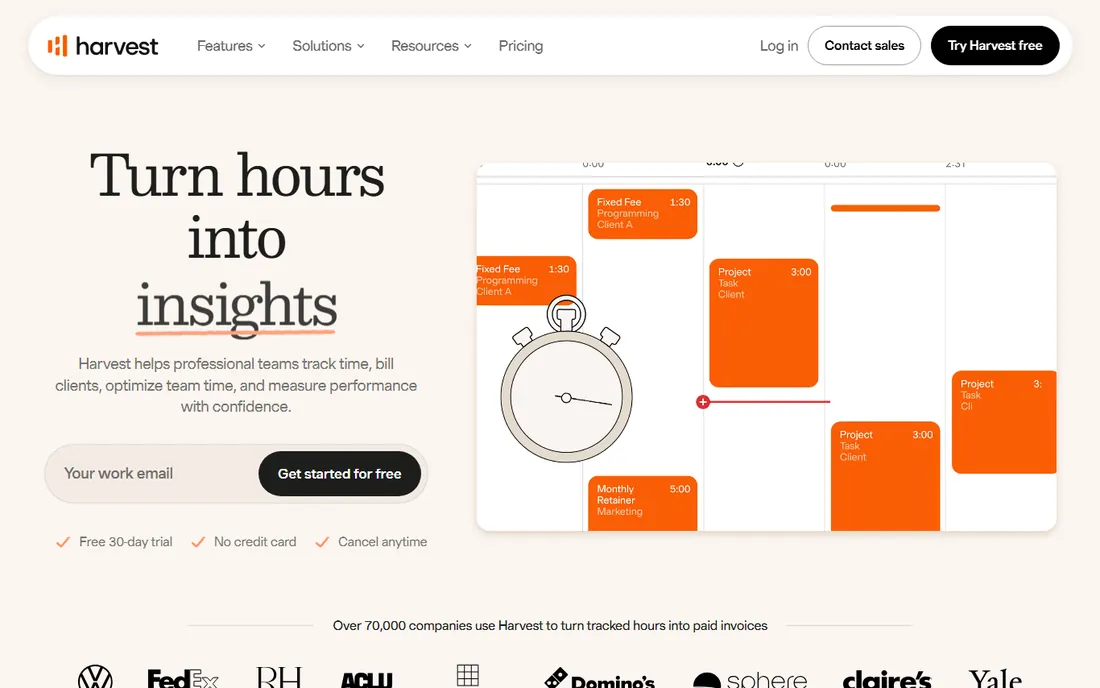
Harvest is the time tracker built for billable work. Start the timer, log hours against clients and projects, then turn those hours into invoices and collect payment through Stripe or PayPal without leaving the app. For agencies, consultancies, and freelancers, that closed loop is the reason to choose it over a pure timer.
Pricing sits around $11 per user per month after a 2026 increase, with a free plan covering a single seat and two projects. The interface stays deliberately simple, which is why adoption rates beat more powerful tools. Reporting covers the essentials: time by project, billable versus non-billable, and team capacity.
The honest limitation is scope. Harvest tracks time and expenses at a basic level, but it is not an expense management platform; there are no corporate cards, no receipt OCR worth mentioning, and no multi-level approval chains. Pair it with an expense tool if you need both, or accept that expenses stay simple.
What we like- Time flows directly into invoices and online payments
- Simple interface teams adopt
- Solid reporting
Watch out for- Price rose in 2026
- Free plan limited to 1 seat and 2 projects
- Expense features are basic
Starting price$9/user/month (Starter)
Free planYes
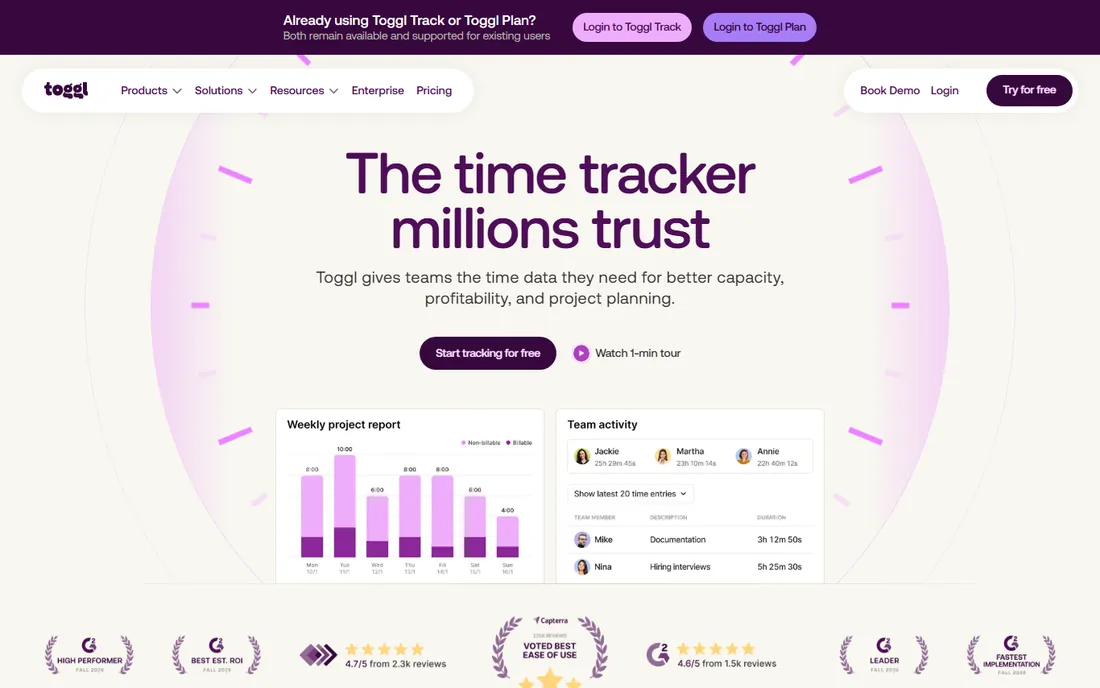
Toggl Track wins on the metric that matters most for time tracking: people actually use it. The one-click timer lives in the menu bar, browser extension, and phone, and it embeds inside tools like Asana, Jira, and GitHub so tracking happens in the workflow rather than after it. The interface is clean enough that new users need no training.
The free plan covers up to 5 users with unlimited tracking and projects. Starter at $9 per user per month adds billable rates, project estimates, and saved reports; Premium at $18 doubles down with profitability analytics and forecasting. Reporting is strong at every level, which is unusual in this category.
The trade-off is deliberate simplicity. There is no employee monitoring, no screenshots, no GPS, and the invoicing is basic compared to Harvest. Toggl is a trust-based tool. Teams that want surveillance should look at Hubstaff; teams that want hours logged accurately should look here.
What we like- One-click timer with minimal friction
- 145+ integrations
- Strong reporting on every plan
Watch out for- No screenshots or GPS monitoring
- Invoicing is basic
- Premium features cost double the starter price
Starting price$3.99/user/month (Basic)
Free planYes
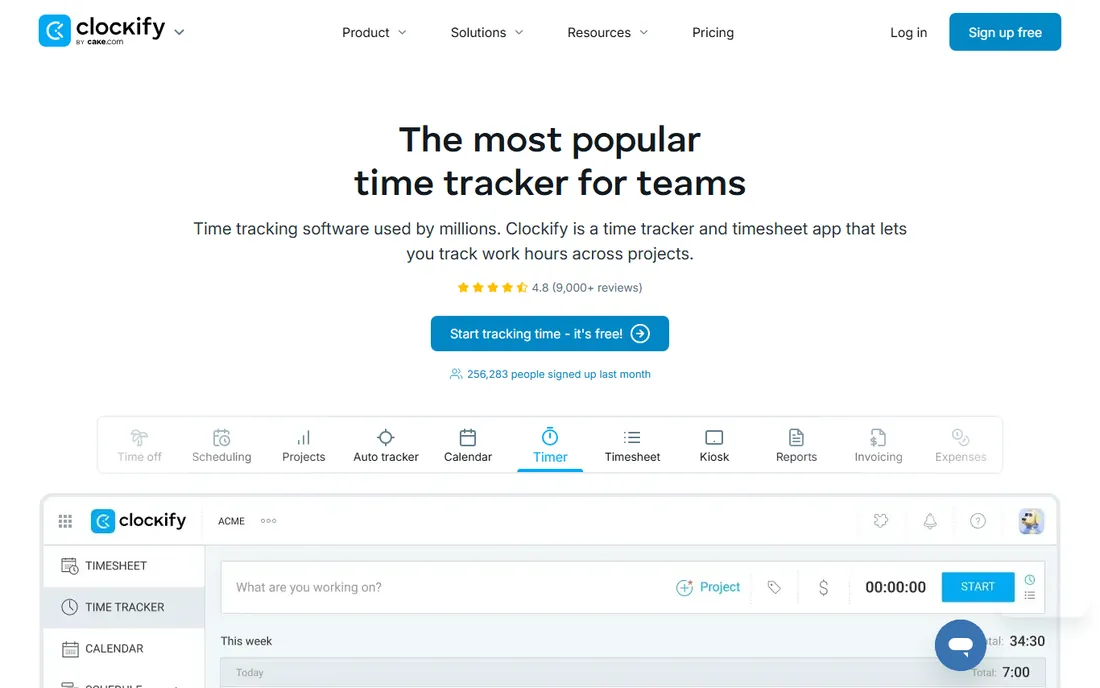
Clockify is the price disruptor. Even the paid plans undercut Toggl at every tier, starting at $3.99 per user per month for Basic, while offering features like invoicing, GPS tracking, and screenshots that Toggl does not include at any price. For budget-conscious teams that want one tool covering time, basic expenses, and light monitoring, the value is unmatched.
The free tier covers up to 5 users with core tracking, which is enough for a small team to run indefinitely. Paid tiers add billable rates, timesheet approvals, invoicing, and admin controls in a straightforward ladder: $3.99, $5.49, $7.99, and $11.99 per user per month.
The honest weaknesses are polish and support. The interface works but feels utilitarian next to Toggl, and support response times lag. Note also that Clockify capped its formerly unlimited free plan at 5 users in 2026, so larger teams now need a paid tier. At these prices, most do not mind.
What we like- Cheapest paid tiers in the category
- Free tier for small teams
- Includes invoicing, GPS and screenshots on paid plans
Watch out for- Interface less polished than Toggl
- Free plan capped at 5 users in 2026
- Support is slower
Starting price$4.99/user/month
Free planNo
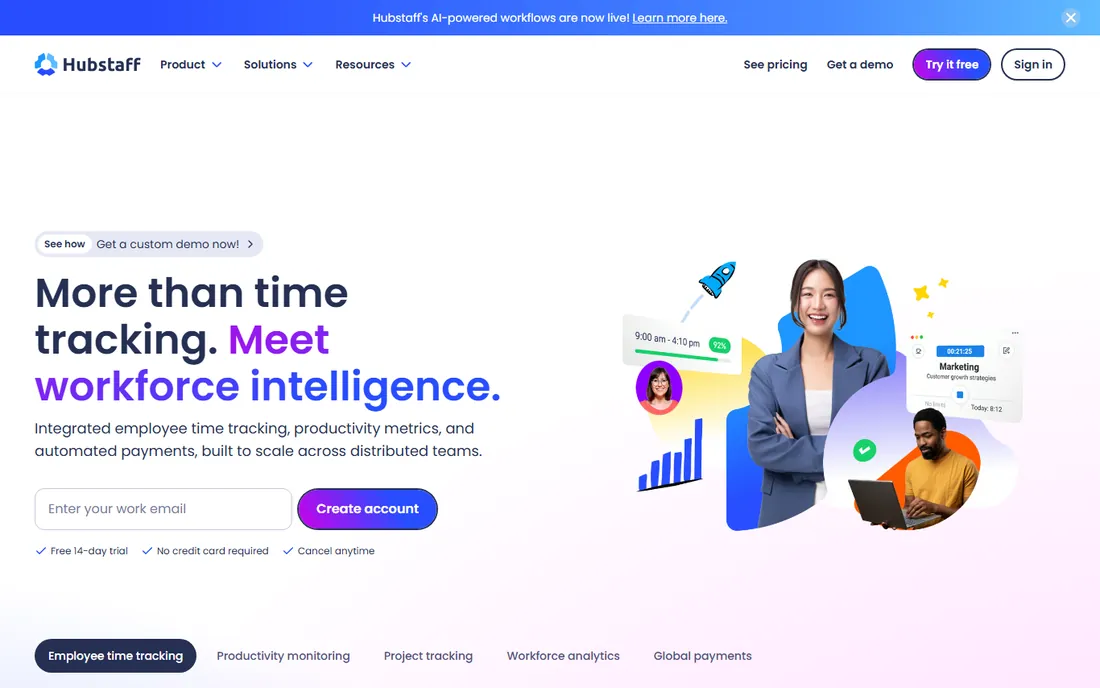
Hubstaff is the monitoring-first time tracker. Beyond the timer, it captures screenshots, measures keyboard and mouse activity, and tracks GPS locations for field teams. For managers overseeing remote or field workers where accountability is the actual requirement, those features are the product.
Pricing starts at $4.99 per user per month with no free plan, which keeps it affordable even for larger monitored teams. Payroll integrations turn tracked hours into payments, and the reporting focuses on productivity metrics rather than project profitability.
The serious caveat is cultural. Research consistently links electronic surveillance to lower trust and higher stress, and several jurisdictions restrict what employers can monitor. Hubstaff is the right tool when monitoring is a genuine business requirement, such as field service verification. It is the wrong tool when the goal is accurate client billing, where Harvest or Toggl fit better and damage nothing.
What we like- Screenshots, activity levels and GPS tracking
- Solid payroll integrations
- Affordable monitoring
Watch out for- No free plan
- Surveillance features can damage trust
- Overkill for billable-hours tracking
Starting priceSee website
Free planNo
QuickBooks Time, formerly TSheets, is the time tracker for businesses whose employees work at job sites. GPS tracking with geofencing automatically clocks workers in and out when they enter or leave a site, which eliminates timesheet fraud and buddy punching for construction, landscaping, and field service companies.
The QuickBooks integration is the strategic advantage. Tracked hours flow directly into QuickBooks payroll and job costing, which matters enormously for contractors who bill labor to jobs. The mobile apps are built for crew use, with simple clock-in that works in the field.
The honest fit is narrow. Desk-based teams gain nothing from geofencing and will find the product heavier than Toggl or Clockify. Pricing is not published transparently, so expect a conversation with Intuit sales. It earns its place for field operations and should not be bought for anything else.
What we like- Geofencing and GPS purpose-built for field work
- Deep QuickBooks payroll sync
- Mobile apps built for crews
Watch out for- Pricing not published clearly
- Requires QuickBooks comfort
- Overkill for desk teams
Starting price$5/user/month (Collect)
Free planYes
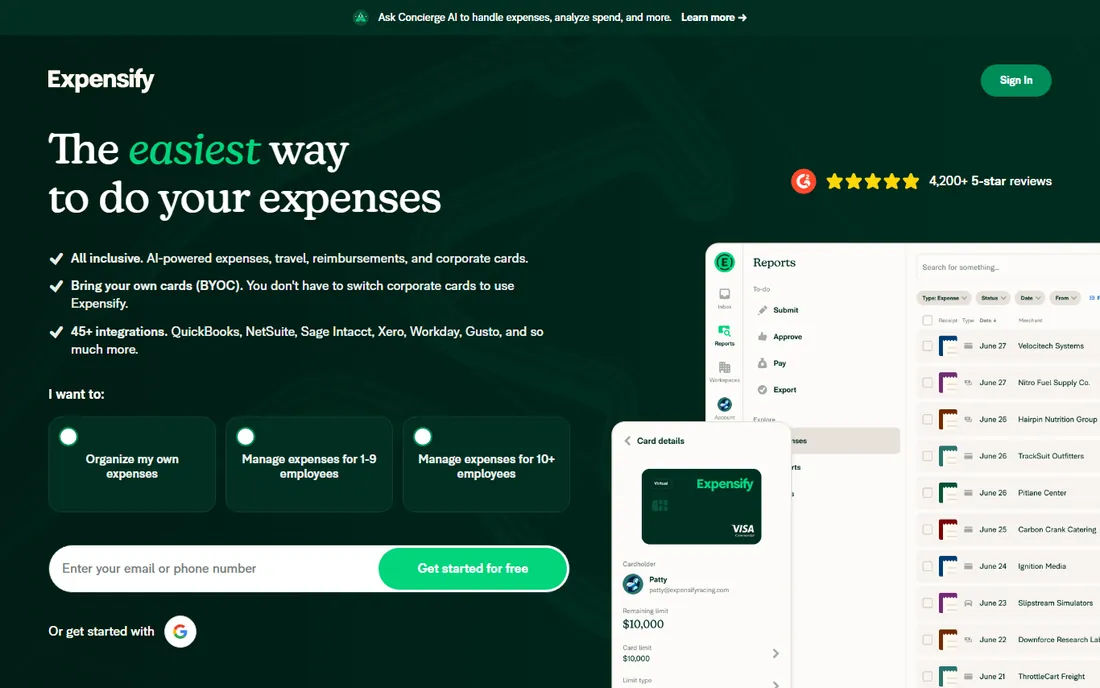
Expensify is the default expense report tool for small and mid-size teams. Snap a photo of a receipt, and the SmartScan extracts the merchant, amount, and date with accuracy that made the category. Expenses flow into reports, approvals, and reimbursement with minimal manual work.
Pricing is straightforward: free for individuals, $5 per user per month for the Collect plan, and $9 for the Control plan with deeper policy enforcement and accounting integrations. The per-user model works with whatever corporate cards the company already carries, which matters for teams that do not want to switch card providers.
The honest comparison is with the card-first platforms. Ramp and Brex now offer more automation at zero software cost, funded by card interchange. Expensify remains the better choice for companies that want expense software independent of their card program, or that operate in regions the card platforms do not serve.
What we like- Receipt scanning that actually works
- Simple per-user pricing
- Free tier for individuals
Watch out for- Control plan at $9 adds up
- Advanced policy features lag Concur
- Card program less developed than Ramp
Starting price$0 (Plus $15/user/month)
Free planYes
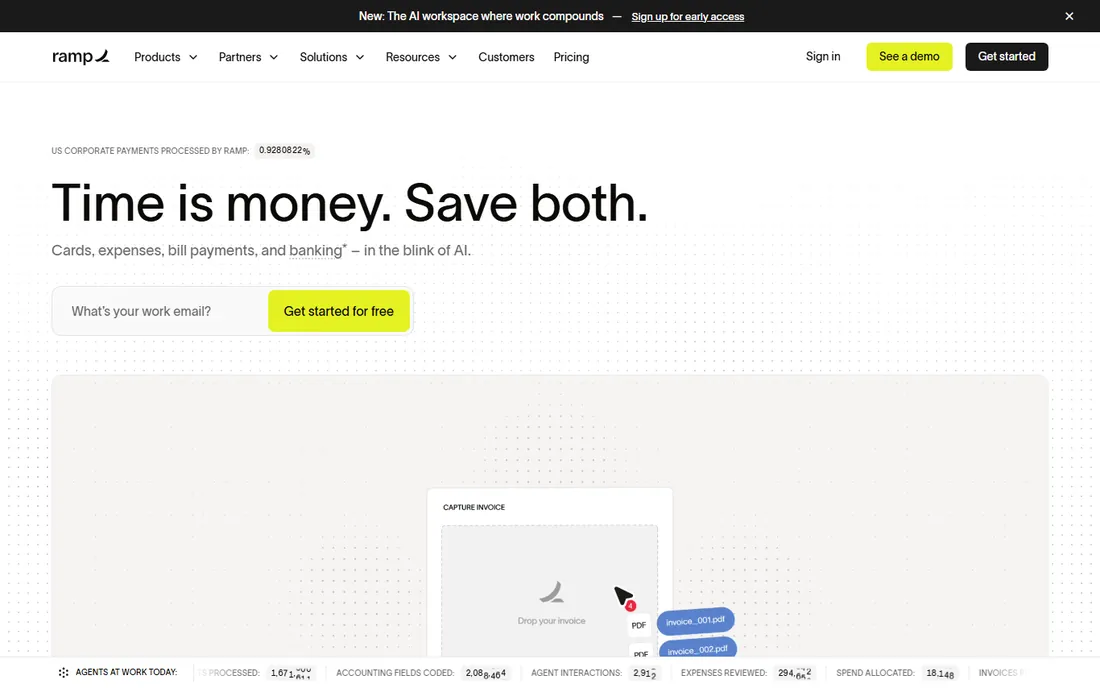
Ramp gives away expense management software because it earns on the corporate cards. The free core platform includes card issuance with custom limits, expense management, bill pay, and accounting automation, which is a remarkable amount of software for zero dollars. Ramp Plus at $15 per user per month adds advanced features for larger finance teams.
The automation is the real story. Receipts match to transactions automatically, policies enforce at the point of spend rather than in expense reports, and the accounting sync reduces month-end close work. Finance teams consistently report meaningful time savings versus traditional expense workflows.
The catch is the business model working as designed. The free tier has seat limits, and the full value requires issuing Ramp cards and routing spend through them. Companies unwilling to switch card providers get a thinner experience. For teams open to the card switch, it is the strongest value in the category.
What we like- Core platform free with unlimited tier
- Deep automation
- Cards, expenses, AP and travel in one
Watch out for- Free tier has seat limits
- Best value requires adopting Ramp cards
- Premium tier costs $15 per user
Starting price$5/user/month (Standard)
Free planYes
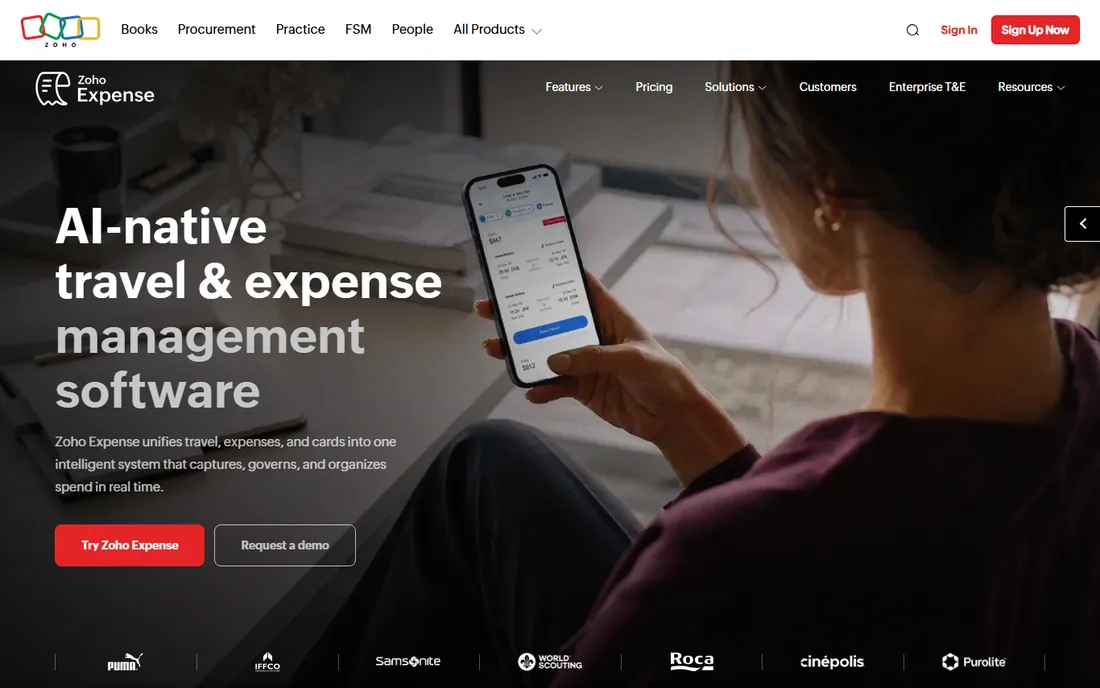
Zoho Expense is the budget classic: a straightforward expense management tool with a genuinely free tier for up to 3 users and 20 scans per month. Paid plans run $5 per user per month for Standard and $9 for Premium, with receipt OCR, mileage tracking, multi-level approvals, and per-diem support.
The natural audience is teams already running Zoho Books or Zoho's wider stack, where the native sync eliminates integration work. For everyone else, it remains a competent low-cost option that works with any bank's cards, which the card-first platforms cannot match.
The honest position is that the market moved around it. Ramp and Brex offer more automation at zero cost, funded by cards. Zoho Expense wins for teams that want card independence, operate where those platforms do not, or simply prefer the Zoho ecosystem. At $5 per user, it remains cheap enough that the comparison is about fit, not price.
What we like- Free tier for up to 3 users
- Receipt OCR and mileage tracking
- Native Zoho Books sync
Watch out for- No corporate card program
- Paid tiers start higher than card-first free options
- Best inside the Zoho stack
#9
Brex
Best for: Startups wanting cards and spend control
Visit brex.com
Starting price$0 (Premium $12/user/month)
Free planYes
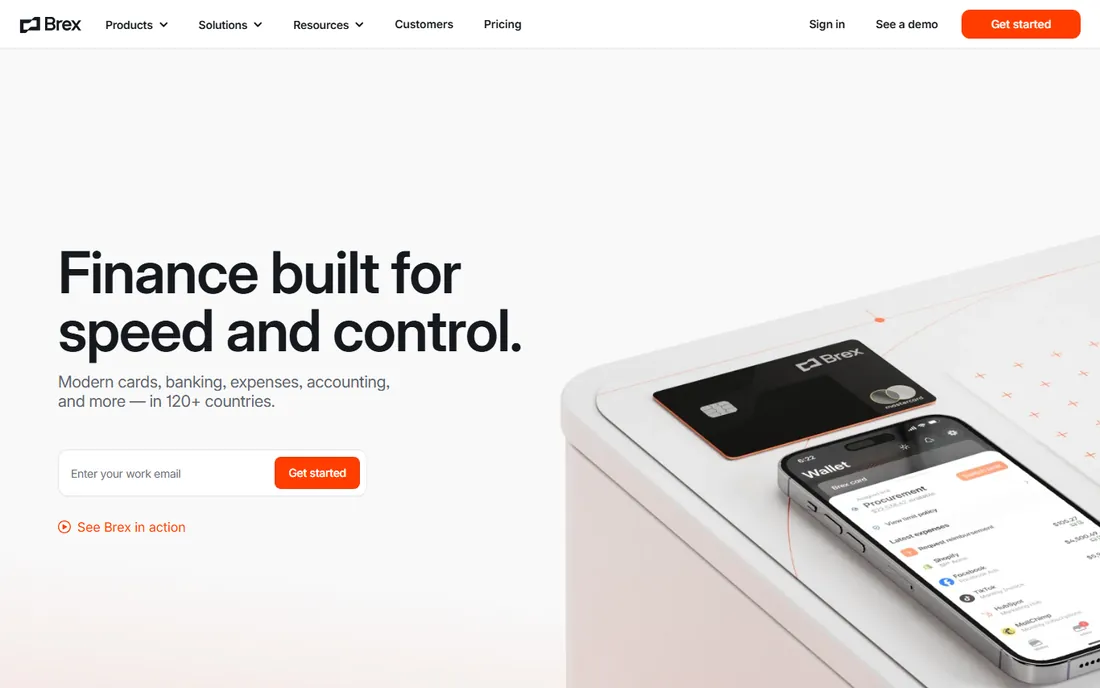
Brex built its name serving startups that traditional banks ignored, offering corporate cards with limits based on cash balance rather than credit history, plus expense management on top. The core platform is free, with a premium tier at $12 per user per month adding advanced controls and support.
For startups and scaling companies, the combination of accessible cards and real spend controls solves two problems at once. Global capabilities suit distributed teams, and the accounting integrations cover the standard stack. The underwriting model remains friendlier to young companies than most competitors.
The honest caveats are audience and support. Brex optimized for startups; established mid-market companies may find Ramp or traditional tools a better cultural fit. Support quality gets mixed reviews. It remains a strong default for venture-backed teams that need cards and expense control from day one.
What we like- Free core with corporate cards
- Startup-friendly underwriting
- Global spend capabilities
Watch out for- Premium tier at $12 per user
- Best for venture-backed startups
- Support can be uneven
Card-first vs per-user: which pricing model fits you
Card-first platforms like Ramp, Brex, and Bill earn interchange revenue from the cards you issue, so the software is free or nearly free. This model wins for lean teams willing to consolidate spend onto the platform's cards. The software cost drops to zero, and the controls improve because policy enforces at the point of spend.
Per-user tools like Expensify, Zoho Expense, and Harvest charge monthly per seat and work with any cards. This model wins for companies that cannot or will not switch card providers, operate across regions the card platforms do not serve, or want expense software decoupled from banking relationships.
Do the math on your actual card volume before deciding. A company spending $2 million annually on cards generates meaningful interchange, which is why the free software exists. A company with minimal card spend gets less value from the card-first model and may prefer the independence of per-user pricing.
What to check before you commit
Test receipt scanning with your real receipts, not the demo set. Crumpled taxi receipts, foreign-language invoices, and faded thermal paper are where OCR accuracy actually matters. Every vendor demos with clean receipts; your finance team lives with the messy ones.
Verify the accounting integration with your exact software and version. "Integrates with QuickBooks" can mean a deep two-way sync or a CSV export, and the difference determines whether month-end close gets faster or stays manual. Run a real sync during the trial and reconcile the results.
Check the approval workflow against your actual org chart. Multi-level approvals, delegate rules for traveling managers, and policy exceptions for executives are where simple tools break. Map your three most complex approval scenarios and run them in the trial before committing the team.
We started with the most widely adopted tools in each half of the category: the time trackers teams actually use (Harvest, Toggl Track, Clockify, Hubstaff, QuickBooks Time) and the expense platforms that dominate shortlists (Expensify, Ramp, Zoho Expense, Brex). We reviewed current pricing pages, product documentation, and public review summaries on G2, Capterra, and SelectHub.
Prices are current list rates from vendor-published pricing or consistently reported figures; vendors without clear published pricing are marked as See website. We did not run hands-on trials; this guide reflects documentation, published pricing, and aggregated user feedback. Confirm pricing on the vendor's site before buying, since this category reprices frequently.
Frequently asked questions
Should time tracking and expense management be one tool or two?
Few tools do both well. Harvest handles time plus basic expenses for billable teams, and Rippling unifies HR, payroll, and spend for companies that want one platform. Most businesses get better results pairing a dedicated time tracker with a dedicated expense tool, since the best-in-class products in each half outperform the all-in-one compromises.
Is free expense management software really free?
Card-first platforms are free because they earn interchange on your card spend, which is a real business model, not a trial trick. The software genuinely costs nothing, though premium tiers and seat limits exist. Per-user tools with free tiers usually limit users or features to convert you to paid plans eventually.
Do employees hate time tracking software?
They hate surveillance and clumsy tools, not tracking itself. Trust-based tools like Toggl Track see high adoption because they stay out of the way. Monitoring tools with screenshots generate resistance and can harm culture. Choose the lightest tool that meets the actual business need, and explain to the team what the data is for.
How accurate is receipt scanning in 2026?
Top-tier OCR handles clean receipts with very high accuracy, extracting merchant, date, amount, and tax reliably. Accuracy drops on damaged, handwritten, or unusual receipts, which is why human review of flagged items remains standard. Test with your own worst receipts during the trial rather than trusting accuracy claims.
Can expense software handle multi-currency and international teams?
Most mid-market and enterprise tools handle multi-currency expenses with automatic conversion. The card-first platforms vary in international coverage, so verify your operating countries specifically. Per-diem rates, VAT handling, and local compliance rules differ by region and deserve explicit confirmation.
What is the difference between Expensify and Ramp?
Expensify is classic per-user expense software that works with any cards you already carry, starting at $5 per user per month. Ramp is a card-first platform that gives away the software and earns on the corporate cards you issue through it. Choose Expensify for card independence; choose Ramp for maximum automation at zero software cost.
Sources we checked (10)
- https://www.getharvest.com/pricing/
- https://www.toggl.com/pricing/
- https://www.clockify.me/pricing/
- https://www.hubstaff.com/pricing/
- https://quickbooks.intuit.com/time-tracking/pricing/
- https://www.expensify.com/pricing/
- https://www.ramp.com/pricing/
- https://www.zoho.com/expense/pricing/
- https://www.brex.com/pricing/
- https://www.selecthub.com/c/expense-management-software/
Is your product missing or out of date?
We review this list regularly. Vendors can request a listing, send updated pricing or ask about featured placement.

Shihab Mia · Founder, Rankite
Shihab has spent more than a decade helping SaaS and e-commerce brands grow through search. He writes Rankite's software buying guides from pricing pages, documentation and public user reviews. More about Shihab.