How we make this list: we compare pricing pages, product documentation and public user reviews. Rankite is independent; if a vendor ever pays for a featured spot, that listing is clearly labeled Partner.
Key takeaways
- Firms that want one platform to replace four or five tools should price TaxDome ($800/seat/year) against Karbon ($59/user/month).
- Small firms that need workflow visibility without suite complexity should look at Financial Cents ($39/user/month) or Jetpack Workflow.
- Tax-heavy practices get the most from Canopy's IRS tooling; bookkeeping-heavy firms get more from Karbon's email-to-job triage.
- Four of these eight tools publish no prices at all: get a per-user, all-modules quote in writing before comparing.
Quick comparison
| Tool | Best for | Starting price | Free plan |
|---|
 Karbon Karbon | Growing multi-partner firms with email-heavy client work | $59/user/month billed annually (Team plan) | No (free trial offered) |
 Canopy Canopy | Tax preparation and tax resolution firms | See website (modular per-user pricing) | No (demo required) |
 TaxDome TaxDome | Tax and bookkeeping firms wanting to replace 4-5 point tools | $800/seat/year billed annually (Essentials) | No (no free trial; evaluation by demo) |
 Financial Cents Financial Cents | Small and growing accounting, bookkeeping, CPA and tax firms | $39/user/month billed annually ($828/user/year); Solo $19/month | No (14-day free trial) |
 Jetpack Workflow Jetpack Workflow | Small firms and CPAs that mainly need deadline and task tracking | See website (third-party comparisons report roughly $30-36/user/month) | Check vendor page for trial availability |
 Pixie Pixie | Firms wanting structured client communication plus workflow | See website | Check vendor page for trial availability |
 Senta Senta | Firms standardizing client onboarding and compliance jobs | See website | Check vendor page for trial availability |
 Aero Workflow Aero Workflow | Small firms wanting no-nonsense workflow tracking | See website | Check vendor page for trial availability |
Is your product missing or out of date?
We review this list regularly. Vendors can request a listing, send updated pricing or ask about featured placement.
The best accounting software for accountants
An accounting firm does not sell hours. It sells finished returns, closed books, and answered emails, and every one of those is a job that can get lost in someone's inbox. Practice management software exists to make that work visible: who owns what, what is due when, and where each client stands. These eight tools cover the real market, from simple deadline trackers to all-in-one platforms that run the whole firm.
#1
Karbon
Best for: Growing multi-partner firms with email-heavy client work
Visit karbonhq.com
Starting price$59/user/month billed annually (Team plan)
Free planNo (free trial offered)

Karbon's signature feature is the shared triage: client emails land in a team inbox and become jobs, assigned and tracked, instead of sitting in one partner's personal email. For firms where "did anyone reply to the client?" is a daily question, that alone justifies the demo. Recurring-job scheduling and workflow automation handle the monthly bookkeeping cadence well.
The honest catch is adoption. Karbon only pays off if the whole team actually works inside it; a firm where half the staff keeps personal inboxes will pay $59 per user for a system nobody trusts. eSignature credits and payment processing cost extra on top. Setup takes weeks of workflow template building. If your firm is ready to centralize, this is the strongest collaboration-first pick.
What we like- Shared triage pulls client emails into jobs so work stops hiding in inboxes
- Strong workflow automation and recurring-job scheduling
- Built specifically for collaborative accounting teams
Watch out for- ESignature credits and payment processing cost extra
- Per-user fees add up in larger firms
- Onboarding needs real adoption effort
Starting priceSee website (modular per-user pricing)
Free planNo (demo required)
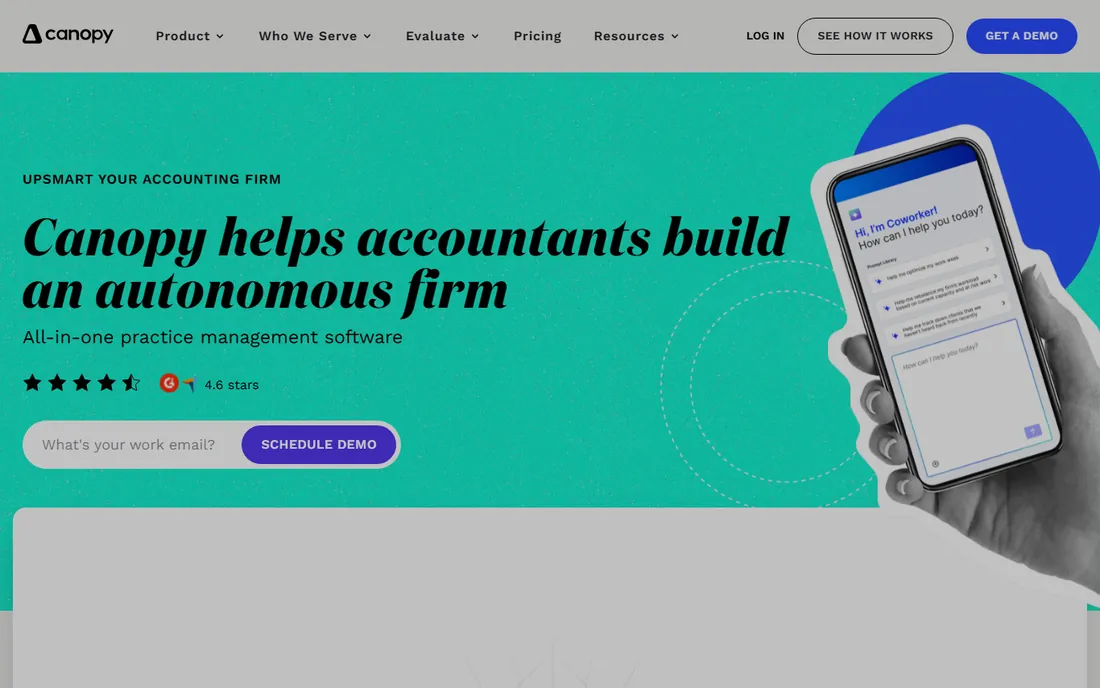
Canopy is built for tax practices first and everything else second. IRS transcript retrieval and tax resolution tooling sit inside the workflow rather than in a separate app, and the client portal with e-signatures covers the document-heavy reality of tax season. The modular structure lets a small firm buy Time & Billing or Document Management alone.
Price it carefully. The modules are sold separately, and reviewers consistently note that the real per-user total climbs steeply once you assemble a full suite. There is no self-serve signup; evaluation starts with a sales demo. Before comparing Canopy to an all-in-one like TaxDome, get the all-modules per-user quote in writing, or you are comparing a part to a whole.
What we like- Tax-practice focus with IRS transcript retrieval and tax resolution tools
- Client portal and e-signatures included
- Modules let firms buy only what they need
Watch out for- Module pricing gets complicated and expensive as you add pieces
- No self-serve signup, sales demo required
- Reviewers note costs rise steeply for full suites
#3
TaxDome
Best for: Tax and bookkeeping firms wanting to replace 4-5 point tools
Visit taxdome.com
Starting price$800/seat/year billed annually (Essentials)
Free planNo (no free trial; evaluation by demo)

TaxDome's pitch is consolidation. One per-seat price covers the CRM, client portal, document management, workflow, billing and automation that a firm would otherwise stitch together from four or five subscriptions. For a tax or bookkeeping practice drowning in logins, the math is compelling: $800 per seat per year replaces a stack that often costs more.
The commitment is real. Annual billing with no trial means you are deciding on demos and reference calls, so do them properly. The breadth also means a learning curve; this is not a tool the team picks up in an afternoon. Setup is demo-led with data migration support. If your firm is ready to standardize on one platform for a year, TaxDome is the value pick against Karbon.
What we like- True all-in-one: CRM, portal, documents, workflow, billing and automation in one price
- Purpose-built for tax and bookkeeping firms
- Strong automation for client onboarding and organizers
Watch out for- No free plan or trial, so evaluation needs a demo
- Annual per-seat billing is a commitment
- Feature breadth means a learning curve
Starting price$39/user/month billed annually ($828/user/year); Solo $19/month
Free planNo (14-day free trial)
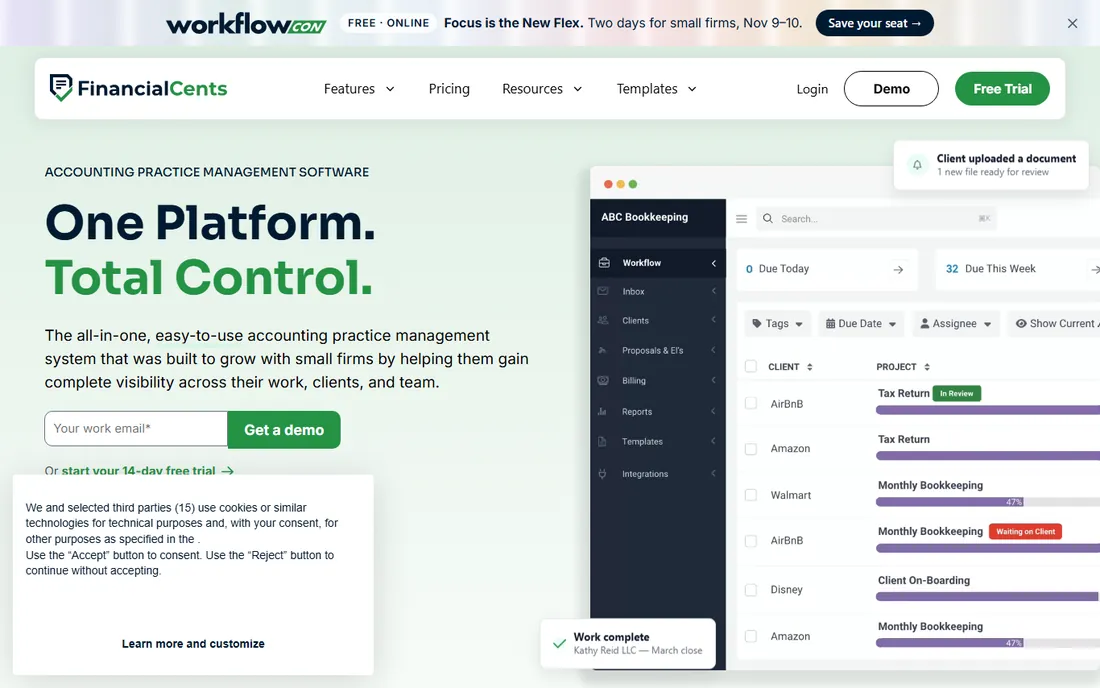
Financial Cents sits in the sweet spot for small firms: real workflow management without the weight of a suite. Recurring workflows, ownership and deadlines are visible at a glance, and the team can be productive in days rather than weeks. The Solo plan at $19 per month gives a one-person practice a proper starting point.
Know its ceiling. This is workflow and client management, not an all-in-one: firms that later need deep tax automation or document-heavy portals may outgrow it and migrate to Karbon or TaxDome. Fewer native tax-specific tools than Canopy. But for a growing firm that needs to stop losing track of jobs now, $39 per user is the fastest path to visibility.
What we like- Clear visibility into recurring workflows and who owns what
- Simpler and faster to adopt than enterprise suites
- Client management tied directly to workflow
Watch out for- Less all-in-one depth than Karbon or TaxDome
- Per-user pricing still adds up as firms grow
- Fewer native tax-specific tools
Starting priceSee website (third-party comparisons report roughly $30-36/user/month)
Free planCheck vendor page for trial availability
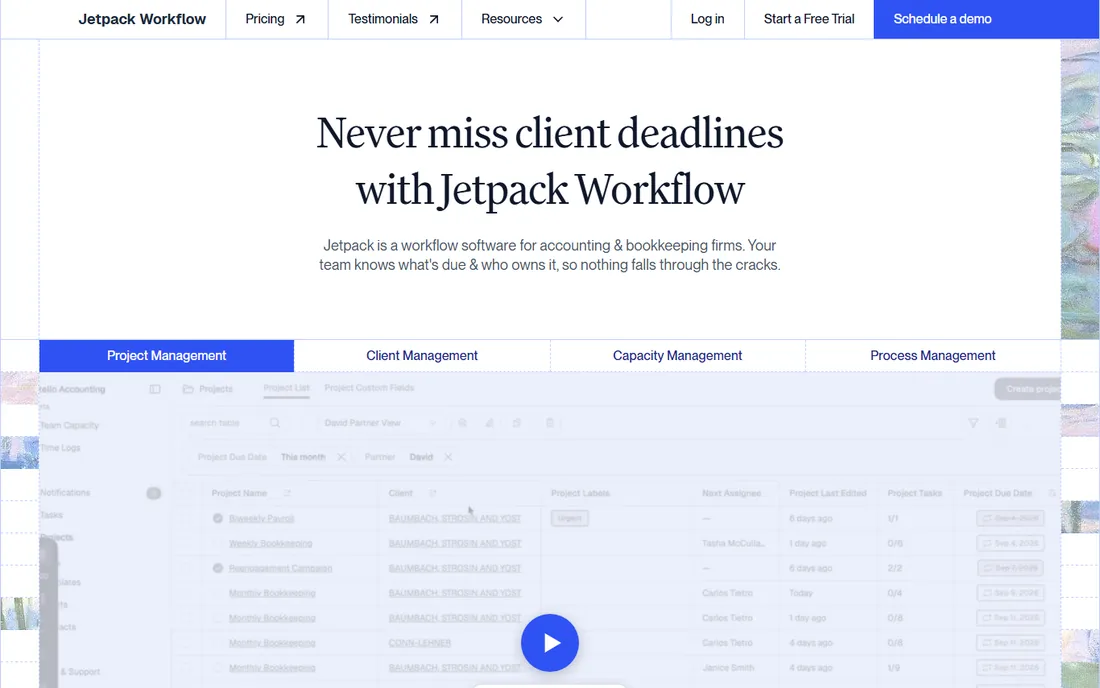
Jetpack Workflow is the anti-suite: task and deadline tracking, done well, with nothing else attached. For a small CPA firm whose actual problem is "which returns are due Friday and who is doing them," this answers the question without a portal, a CRM, or an automation builder nobody asked for. The team learns it in hours.
The trade is scope. There is no client portal and no e-signatures, so document collection and signing live in other tools. Automation is limited next to Karbon or TaxDome. And pricing is not published clearly, so confirm the per-user number on the vendor page before comparing. Buy Jetpack when the problem is deadlines; buy a suite when the problem is the whole client lifecycle.
What we like- Simple, focused task and deadline tracking without suite bloat
- Good fit for small firms and CPAs
- Fast to learn
Watch out for- No client portal or e-signatures
- Limited automation compared to all-in-one rivals
- Pricing not self-evident from public listings
#6
Pixie
Best for: Firms wanting structured client communication plus workflow
Visit getpixie.com
Starting priceSee website
Free planCheck vendor page for trial availability
Pixie approaches practice management from the client relationship outward: structured communication, automated task flows, and a polished experience for the people paying the invoices. It has a strong following among UK and international firms, and the client-facing side feels more considered than most workflow-first tools.
The buying process is the friction. Pricing is not published clearly, so every comparison starts with a quote request, and the ecosystem of integrations and templates is smaller than the US-market leaders. For larger teams, onboarding needs real planning. If structured client communication is your firm's weak point rather than internal task tracking, Pixie deserves the demo; just get the per-user price early.
What we like- Practice management designed around client communication and task automation
- Popular with UK and international firms
- Clean client-facing experience
Watch out for- Pricing is not published clearly
- Smaller ecosystem than US-market leaders
- Onboarding takes effort for larger teams
#7
Senta
Best for: Firms standardizing client onboarding and compliance jobs
Visit senta.co
Starting priceSee website
Free planCheck vendor page for trial availability
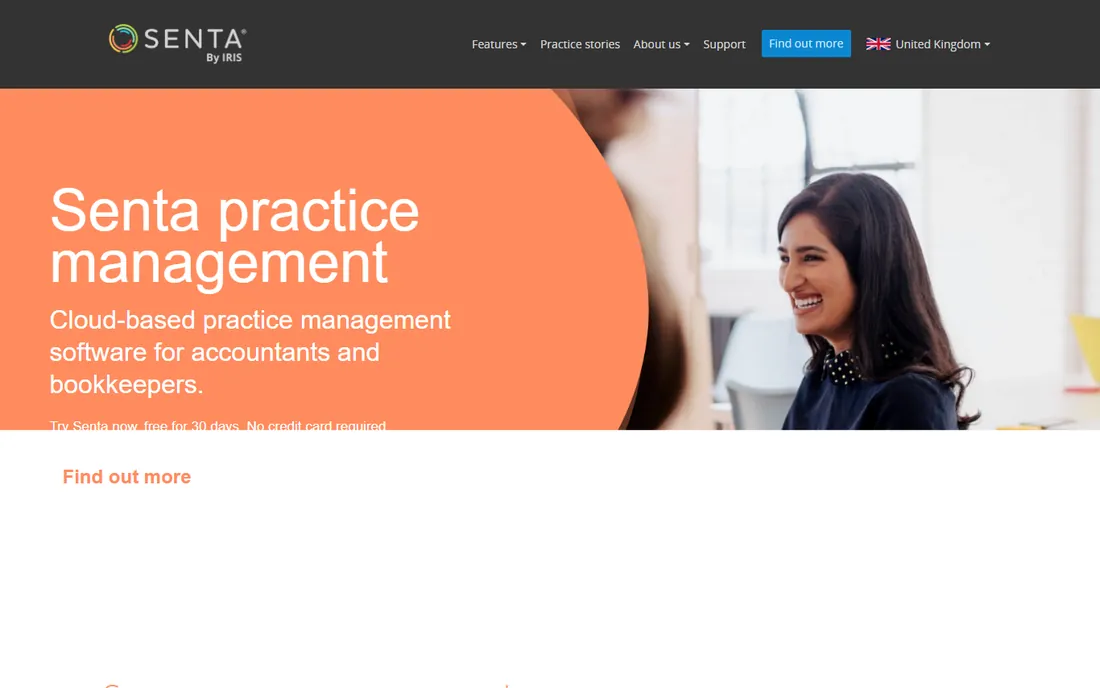
Senta's strength is the front door of the firm: structured client onboarding and document collection that feeds directly into workflows. As part of the Dext family, it connects to accounting data flows that pure workflow tools lack, which suits compliance-heavy practices with standardized job types.
Like most of the quote-based tools here, the first step is a pricing conversation, not a signup page. Depth varies by region, so confirm your market is well served. Migration from legacy tools takes planning, as with any practice platform. Senta fits firms that want onboarding discipline first and workflow second; if internal task tracking is the priority, Karbon or Financial Cents fit better.
What we like- Cloud practice management with strong client onboarding and document collection
- Part of the Dext family with accounting-data integrations
- Good for compliance-heavy workflows
Watch out for- Pricing not published
- Depth varies by region
- Migration from legacy tools takes planning
Starting priceSee website
Free planCheck vendor page for trial availability

Aero Workflow was built by accountants, and it shows in the task structure: practical, workflow-first, without the feature sprawl of bigger platforms. Team workload views answer the partner's real question, which is who is overloaded this week. Small teams get productive fast with standard templates.
The limits are the usual ones for smaller vendors: pricing is quote-based, the integration list is shorter than Karbon's or TaxDome's, and the client portal is thin. For a small firm that wants dependable internal workflow tracking and does not need a client-facing platform, Aero is a solid, unpretentious pick. Get the per-user quote, compare it to Financial Cents' published $39, and decide whether the accountant-designed workflow is worth any premium.
What we like- Built by accountants with a practical workflow-first design
- Good task tracking and team workload views
- Straightforward for small teams
Watch out for- Pricing not published
- Fewer integrations than category leaders
- Limited client-portal depth
What the per-user math hides
Four of these eight tools publish no prices, and per-user pricing is only half the story even where it is published. Karbon at $59 per user looks straightforward until you add eSignature credits and payment processing. Canopy's modular pricing means the headline number is never the real number. TaxDome's $800 per seat per year is the most honest quote on this list because it is the whole platform. When comparing, build the same basket for each vendor: the workflow, the portal, e-signatures, and billing, for your actual headcount. The cheapest per-user quote often loses once the basket is complete.
Frequently asked questions
What is practice management software for accountants?
It is the operating system for an accounting firm: client management, job and deadline tracking, document collection, e-signatures, billing and workflow automation in one place. It is different from accounting software like QuickBooks, which handles the client's books. Practice management handles the firm's work.
How much does practice management software cost?
Published prices run $19 to $89 per user per month: Financial Cents Solo at $19, Financial Cents at $39, Karbon Team at $59, Karbon Business at $89, and TaxDome at $800 per seat per year (about $67 per month). Four tools on this list are quote-based, so expect the enterprise-style sales process there.
Karbon vs TaxDome: which is better?
They solve different problems. Karbon is the stronger choice for firms where client email is the chaos: its shared triage turns inboxes into tracked jobs. TaxDome is the stronger choice for firms that want one platform to replace several tools, with billing and automation included. Price both for your headcount and pick based on whether your pain is communication or consolidation.
Do I need a client portal?
If your firm chases clients for documents every tax season, yes. A portal with e-signatures and document requests (Canopy, TaxDome, Senta) replaces the email-attachment shuffle. Firms with a handful of high-touch clients can manage without one; firms with hundreds of returns cannot.
Can I switch practice management tools mid-year?
You can, but avoid tax season. Migrate in the quiet months, move open jobs and client records first, and run the old system in parallel for a few weeks. Most vendors offer migration support; ask for it in writing before signing.
How we chose
We started with the categories buyers search: accounting software for accountants, software for accounting firms, and accounting practice management software. For each candidate we opened the vendor's own pricing page, checked plan names and prices against public reviews on G2 and Capterra and practitioner discussion on Reddit, and compared feature lists, firm-size fit and integration depth. Where a price could not be verified on the vendor's page we wrote "See website" rather than guessing. The shortlist mixes transparent per-user tools with quote-based suites, because a solo CPA and a 50-person firm are not buying the same thing.
Sources we checked (10)
- https://karbonhq.com/pricing/
- https://www.canopytax.com/pricing/
- https://taxdome.com/pricing
- https://financial-cents.com/pricing/
- https://jetpackworkflow.com/
- https://getpixie.com/
- https://senta.co/
- https://aeroworkflow.com/
- https://www.g2.com/categories/accounting-practice-management
- https://www.capterra.com/accounting-practice-management-software/
Is your product missing or out of date?
We review this list regularly. Vendors can request a listing, send updated pricing or ask about featured placement.

Shihab Mia · Founder, Rankite
Shihab has spent more than a decade helping SaaS and e-commerce brands grow through search. He writes Rankite's software buying guides from pricing pages, documentation and public user reviews. More about Shihab.