How we make this list: we compare pricing pages, product documentation and public user reviews. Ratings come from G2, Capterra or Trustpilot, with the date we checked them.
Key takeaways
- The best time tracking and invoicing software for most SMBs: Harvest ($9/seat/month annual, Teams), Clockify (invoicing on Standard at $5.49/seat/month annual) and TimeCamp (invoicing on Starter at $3.99/user/month annual) all combine hours and invoices in one tool.
- FreshBooks ($21/month Lite) and HoneyBook ($29/month annual, Starter) lead with invoicing and add lighter time tracking; HoneyBook has no free plan.
- Toggl Track (Starter $9/user/month annual) and Clockify both offer free plans; Hubstaff (Starter $4.99/user/month annual) adds screenshots and activity tracking for teams that want proof of work.
- Per-seat pricing compounds fast: a 10-person team costs about $90/month on Harvest Teams versus $40/month on TimeCamp Starter, billed annually.
Quick comparison
| Tool | Best for | Starting price | Free plan |
|---|
 Harvest Harvest | Small teams that want time tracking with invoicing built in | $9/seat/month billed annually ($11 monthly, Teams) | Yes (free plan: 1 seat, 2 projects) |
 Toggl Track Toggl Track | Teams that want a dead-simple timer without surveillance | $9/user/month billed annually ($12 monthly, Starter) | Yes (free plan, up to 3 users on new workspaces) |
 Clockify Clockify | Teams that want generous free time tracking with invoicing on paid plans | $3.99/seat/month billed annually ($4.99 monthly, Basic) | Yes (free plan, up to 5 users) |
 FreshBooks FreshBooks | Freelancers and service businesses that invoice more than they track | $21/month (Lite; frequent promotional pricing, e.g. $10.50/month offers) | No (30-day free trial) |
 Everhour Everhour | Teams already on Asana, ClickUp, Trello or Jira that need time tracking embedded | $8.50/user/month billed annually ($10 monthly, Team; 5-seat minimum) | Yes (free plan, up to 5 users) |
 TimeCamp TimeCamp | Teams that want automatic time tracking on a budget | $3.99/user/month billed annually ($5.49 monthly, Starter) | Yes (free plan, unlimited users) |
 Hubstaff Hubstaff | Remote teams that want time tracking with proof of work | $4.99/user/month billed annually ($7 monthly, Starter; 2-seat minimum) | Free 1-seat plan (per vendor help centre); 14-day trial on paid plans |
 Bonsai Bonsai | Freelancers who want proposals, contracts, time tracking and invoicing in one | See website (third-party figures conflict; verify on the vendor pricing page) | No (free trial offered) |
 Paymo Paymo | Small agencies that want projects, time tracking and invoicing in one tool | $5.90/month billed annually ($9.90 monthly, Solo) | Yes (free plan, 1 user) |
 HoneyBook HoneyBook | Creative freelancers and studios that book clients through proposals and contracts | $29/month billed annually ($36 monthly, Starter) | No (free trial) |
Is your product missing or out of date?
We review this list regularly. Vendors can request a listing, send updated pricing or ask about featured placement.
The best time tracking and invoicing software
Time tracking and invoicing used to be two different products, sold by two different companies, connected by a CSV export. Then freelancers noticed the gap: hours logged in one tool, invoices built in another, and somewhere between the two a few billable hours quietly vanished. The tools below exist because of that gap. They are the ones where the timer feeds the invoice, so the hour you worked on Tuesday becomes the line item you send on Friday without retyping anything.
That is also the test that matters. Any of these can run a timer. The question is how cleanly tracked time becomes money: whether billable rates live on the project, whether invoices pull hours automatically, and whether the client can pay without chasing. We checked all ten against their own published pricing in October 2026.
#1
Harvest
Best for: Small teams that want time tracking with invoicing built in
Visit getharvest.com
Starting price$9/seat/month billed annually ($11 monthly, Teams)
Free planYes (free plan: 1 seat, 2 projects)
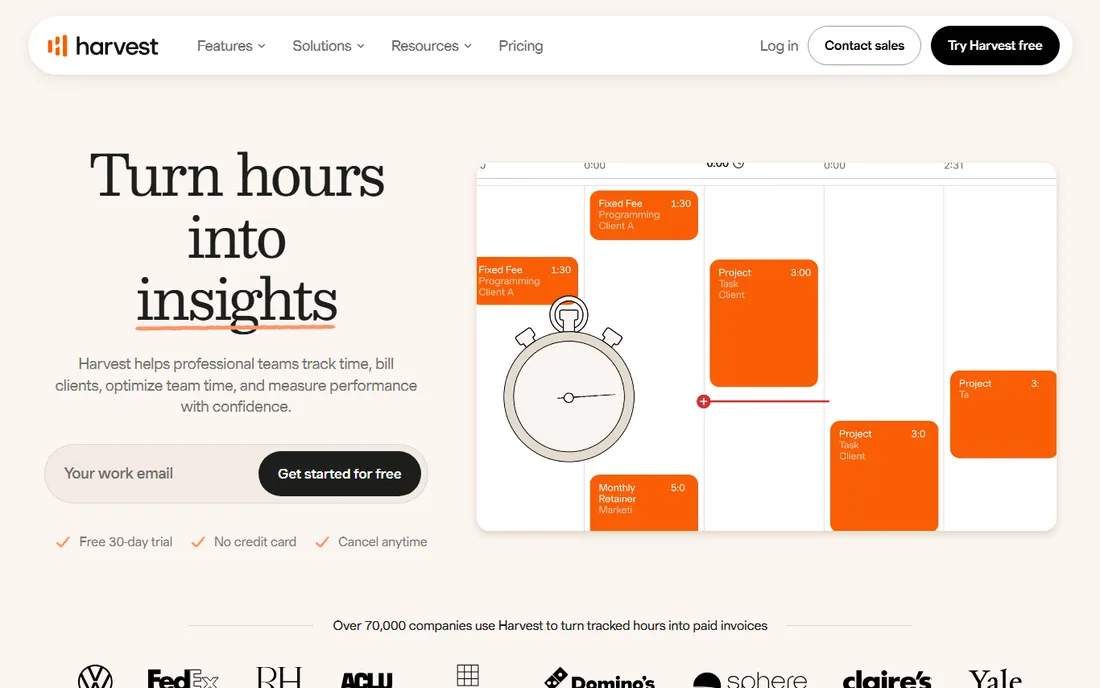
Harvest is the original time-to-invoice tool, and it still does that loop best. Start a timer, tag it billable, and at month end the invoice pulls the hours, the rates and the expenses with no copy and paste. Teams at $9 per seat per month billed annually get billable and cost rates, team reporting and integrations with QuickBooks Online and Xero. The free plan covers one seat and two projects with invoicing included, which is enough for a solo freelancer to run a real billing workflow.
The price is honest but per-seat, which adds up. A 10-person team pays $90 per month billed annually on Teams, and profitability reporting, timesheet approvals and required notes sit behind Enterprise at $14 per seat per month annual. If your whole team tracks time, that is the right cost. If only two people track and eight just view reports, price the seat model carefully.
What we like- Invoicing and expense tracking on every plan including free
- One-click conversion of tracked time to invoices with Stripe and PayPal payments
- Budget alerts and retainer tracking for project profitability
Watch out for- Enterprise-only profitability reporting, approvals and SSO at $14/seat/month annual
- Every person who tracks time is a paid seat, so costs scale linearly
#2
Toggl Track
Best for: Teams that want a dead-simple timer without surveillance
Visit toggl.com
Starting price$9/user/month billed annually ($12 monthly, Starter)
Free planYes (free plan, up to 3 users on new workspaces)
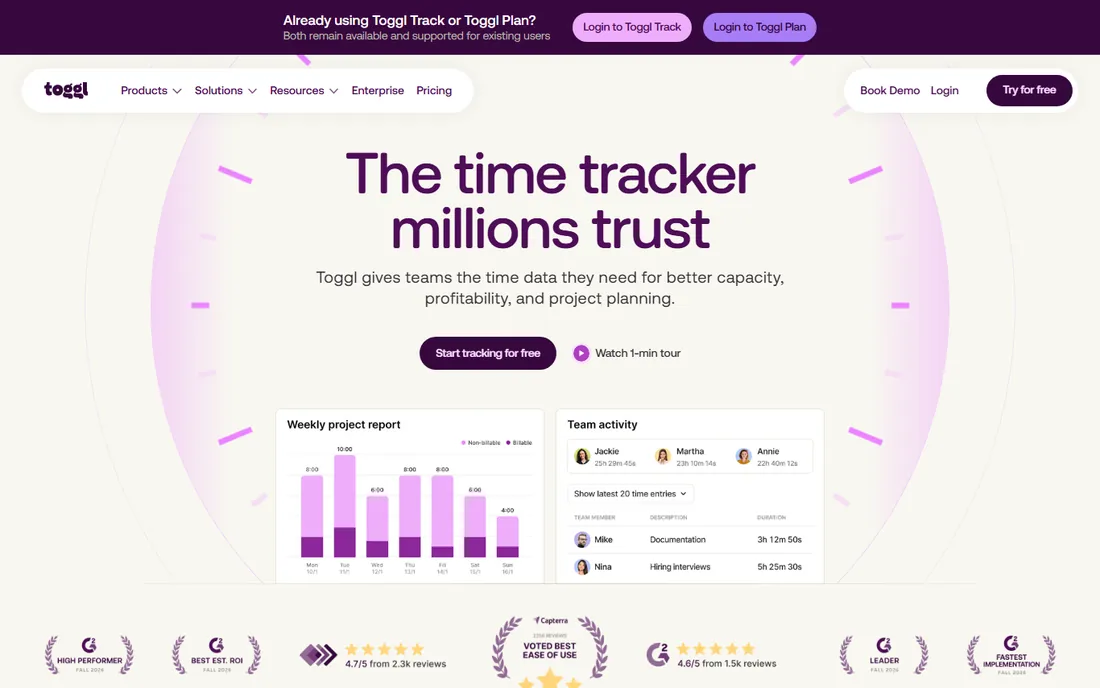
Toggl Track wins on friction: the timer starts in one click on web, desktop, mobile or browser extension, and the no-screenshots policy makes it the tool teams adopt without a fight. Starter at $9 per user per month billed annually adds billable rates, project estimates and team reports. For agencies that bill against estimates, the estimated-versus-actual views are the feature that pays for the plan.
Know what you are not getting. Toggl's invoicing is basic compared with Harvest or FreshBooks; it reports on billable hours rather than running the full invoice workflow. Premium at $16 per user per month annual adds profitability, labor costs, fixed-fee projects and timesheet approvals. Buy Toggl when accurate time data is the goal; buy Harvest or FreshBooks when the invoice is the goal.
What we like- The easiest timer to learn on this list, with a public no-screenshots policy
- Billable rates and project estimates on Starter
- Capacity planning and profitability reports on higher tiers
Watch out for- Invoicing is lighter than Harvest or FreshBooks
- Premium at $16/user/month annual is needed for approvals, labor costs and profitability
#3
Clockify
Best for: Teams that want generous free time tracking with invoicing on paid plans
Visit clockify.me
Starting price$3.99/seat/month billed annually ($4.99 monthly, Basic)
Free planYes (free plan, up to 5 users)
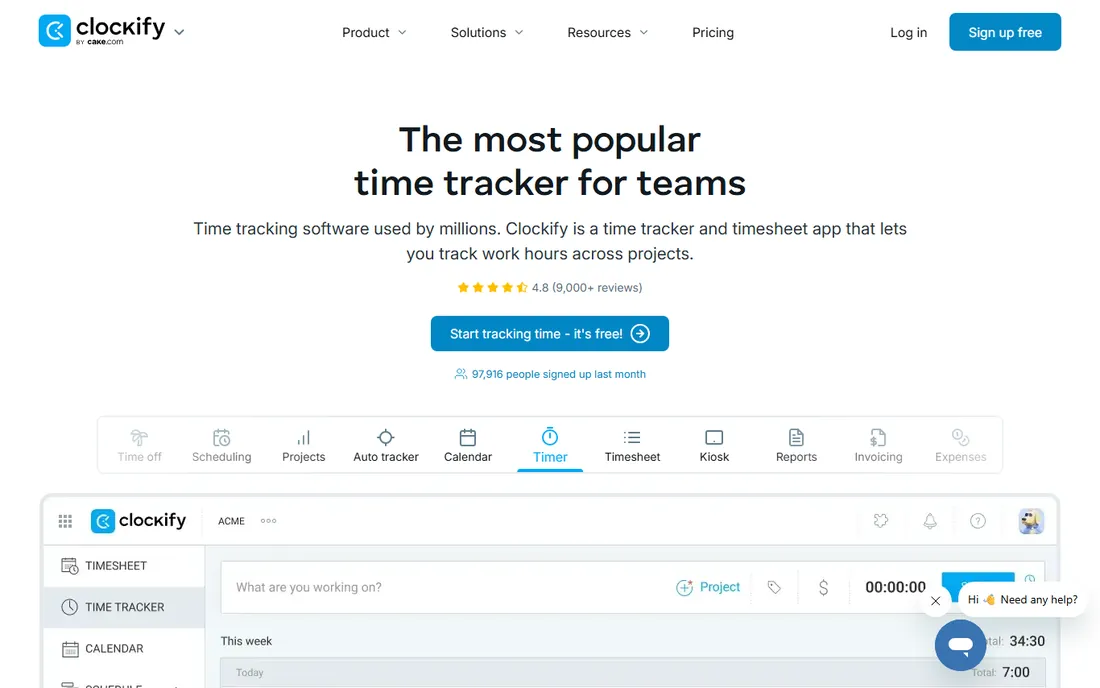
Clockify is the budget workhorse. The free plan still covers unlimited projects, timers, timesheets, calendar view and idle detection for up to five users, which beats most paid entry tiers elsewhere. Standard at $5.49 per seat per month billed annually adds the billing layer: invoicing, timesheet approvals, attendance and a QuickBooks integration. Pro at $7.99 adds scheduling, expenses, labor cost and profit reporting.
The 2026 change to the free plan matters: it dropped from unlimited users to five, so teams of six pay from the first seat on Basic. Past that, the paid math stays friendly. A 10-person team on Standard costs about $55 per month billed annually, under half of Harvest Teams. For teams that mainly need cheap, reliable tracking with occasional invoices, this is the value pick.
What we like- Permanent free plan with unlimited projects and tracking
- Invoicing arrives on Standard at $5.49/seat/month annual with approvals and time off
- Kiosk mode for shared devices
Watch out for- Free plan capped at 5 users since 2026 (was unlimited)
- Screenshots and profitability features need Pro at $7.99/seat/month annual
#4
FreshBooks
Best for: Freelancers and service businesses that invoice more than they track
Visit freshbooks.com
Starting price$21/month (Lite; frequent promotional pricing, e.g. $10.50/month offers)
Free planNo (30-day free trial)
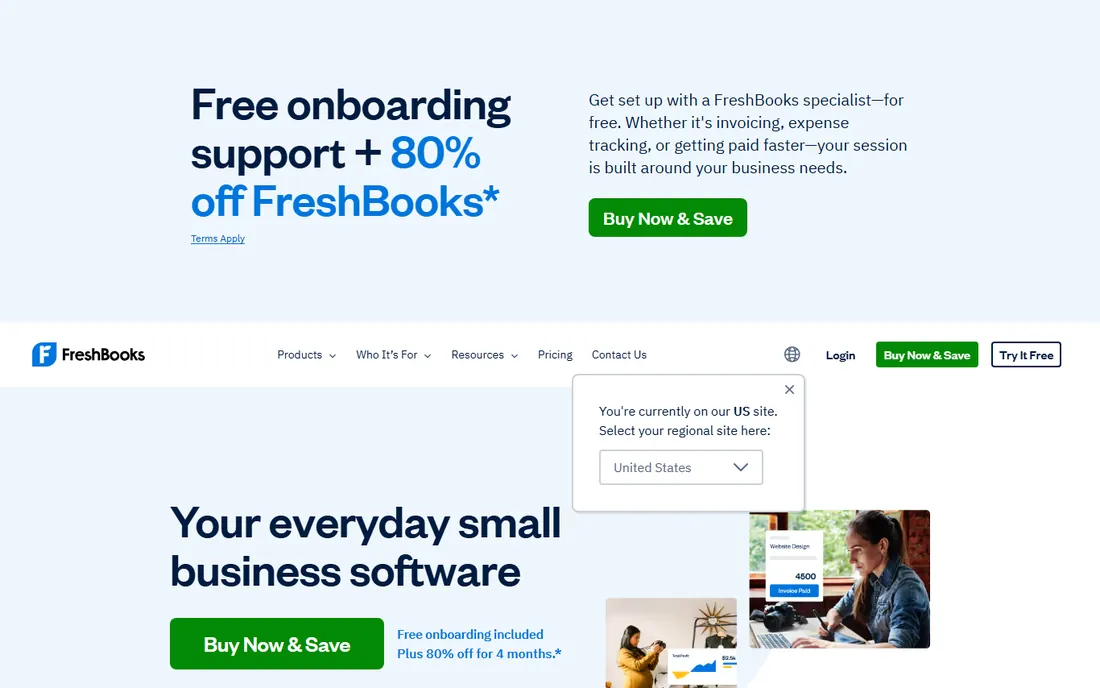
FreshBooks approaches from the invoice side. Time tracking, expenses and projects feed into the invoicing workflow, which is the most polished here: professional invoices in two clicks, recurring billing, late fee automation on Plus, estimates that convert to invoices, and a client portal where clients pay by card or ACH. Lite at $21 per month lists 5 billable clients, though FreshBooks runs near-constant promos that cut that in half for new signups.
Watch the client caps. Lite's 5-client limit pushes growing freelancers to Plus (50 clients) or Premium (unlimited), and each extra team member is a paid add-on. FreshBooks is accounting software with time tracking, not a time tracker with invoices. If your pain is getting paid, it is the pick. If your pain is knowing where the hours went, start with Harvest or Clockify.
What we like- Best-in-class invoicing with estimates, recurring invoices and client portal
- Time tracking and expenses included on every plan
- 100-plus app integrations including Gusto
Watch out for- No free plan, only a trial
- Lite caps at 5 billable clients, so growing client lists force Plus or Premium
- Team members cost extra per user
#5
Everhour
Best for: Teams already on Asana, ClickUp, Trello or Jira that need time tracking embedded
Visit everhour.com
Starting price$8.50/user/month billed annually ($10 monthly, Team; 5-seat minimum)
Free planYes (free plan, up to 5 users)
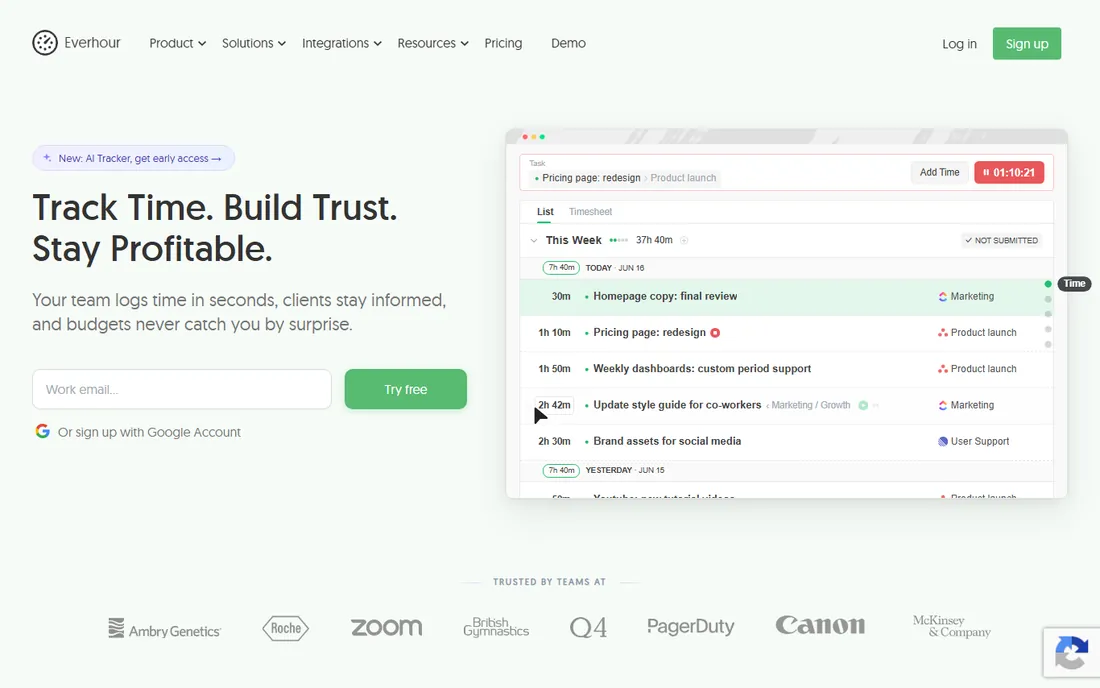
Everhour is the add-on that behaves like a native feature. Instead of opening another tool, your team starts timers inside Asana, ClickUp, Trello or Jira tasks, and the hours land in Everhour for budgets, billing rates and invoices. Team at $8.50 per user per month billed annually includes invoicing, approvals, time off and expenses. The free plan covers up to five users with basic tracking.
The 5-seat minimum is the catch for tiny teams: two freelancers still pay for five seats. And Everhour only bills the people who track time, not your whole PM workspace, which can be cheaper than seat-counting tools if many people just view tasks. For agencies living in Asana or ClickUp, this beats bolting a separate tracker onto the workflow.
What we like- Timer embeds directly inside Asana, ClickUp, Trello and Jira tasks
- Native invoicing from tracked time with billing and budgeting
- Budget alerts and estimate-versus-actual reports
Watch out for- 5-seat minimum on Team means small teams pay for 5 regardless
- Invoicing and integrations need the paid plan
#6
TimeCamp
Best for: Teams that want automatic time tracking on a budget
Visit timecamp.com
Starting price$3.99/user/month billed annually ($5.49 monthly, Starter)
Free planYes (free plan, unlimited users)
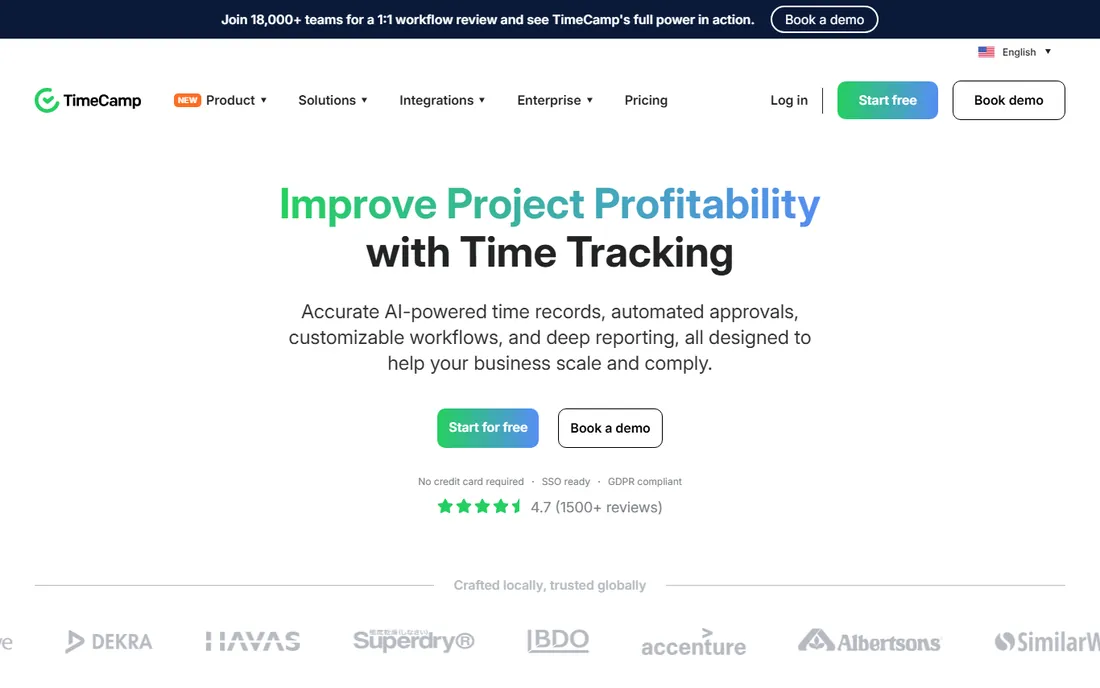
TimeCamp's free plan is the most generous here: unlimited users, unlimited projects, timesheets, desktop and mobile apps and automatic tracking. Starter at $3.99 per user per month billed annually adds invoicing, attendance and time-off tracking, which makes it the cheapest route from hours to invoices on this list. The keyword-based auto-tracking watches which apps and documents you use and assigns time to projects, cutting manual timer discipline.
The trade-offs are depth and polish. Billable rates, labor costs and timesheet approvals sit on Ultimate at $9.99 per user per month annual, and the interface is functional rather than delightful. For a 10-person team, Starter costs about $40 per month billed annually. If the budget is the deciding factor, nothing else touches it.
What we like- Free plan covers unlimited users and projects with AI time tracking
- Starter at $3.99 adds invoicing, attendance and time off
- Keyword-based auto-tracking assigns hours without manual timers
Watch out for- Billable rates need Ultimate at $9.99/user/month annual
- Interface and reports feel less polished than Toggl or Harvest
#7
Hubstaff
Best for: Remote teams that want time tracking with proof of work
Visit hubstaff.com
Starting price$4.99/user/month billed annually ($7 monthly, Starter; 2-seat minimum)
Free planFree 1-seat plan (per vendor help centre); 14-day trial on paid plans
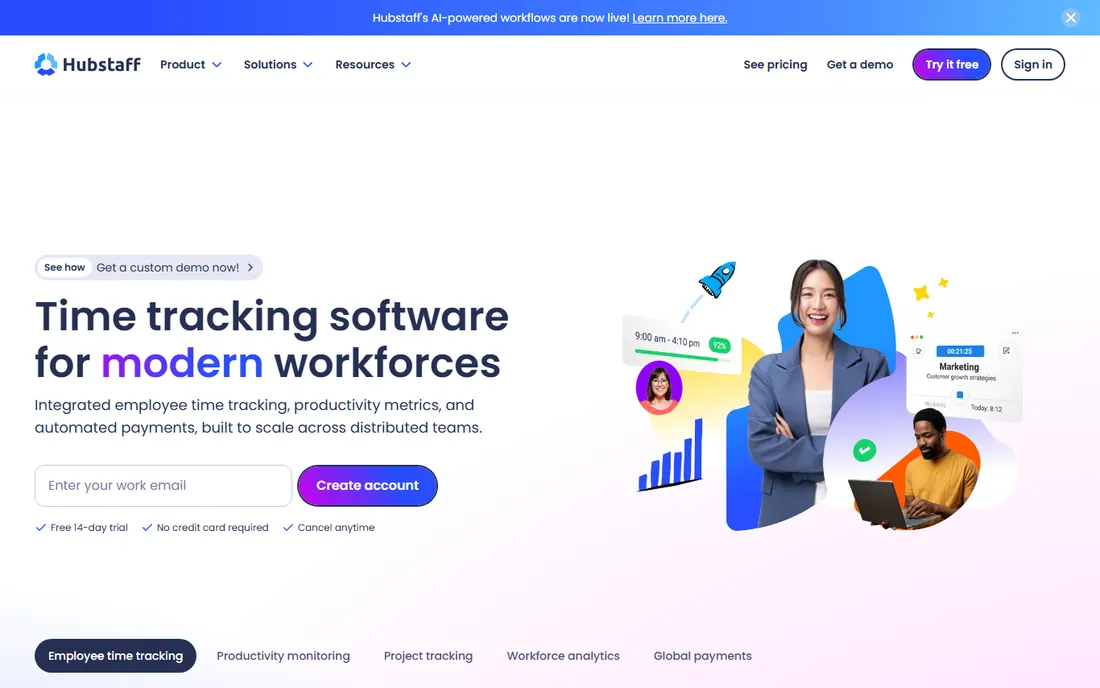
Hubstaff is the monitoring-first pick. Starter at $4.99 per user per month billed annually includes time tracking, timesheets, limited screenshots and activity monitoring. Grow at $7.50 adds project budgets, expenses and one integration; Team at $10 adds payroll, scheduling and unlimited integrations. The automated payments pipeline, with Deel, Wise and PayPal integrations, suits distributed teams that pay contractors across currencies.
Buy this for the right team. Screenshots and activity scores fit field crews, support teams and outsourced contractors where output is hard to verify. They backfire with senior knowledge workers who read monitoring as distrust. Note that managers count as paid seats even if they never run the timer, and add-ons like Insights and Locations cost extra per seat.
What we like- Screenshots, activity levels and app/URL tracking for accountability
- Invoicing on Starter with payroll and scheduling on Team
- Automated payments through Deel, Wise and PayPal
Watch out for- Monitoring features can hurt trust with knowledge workers
- Add-ons like Insights and Locations raise the per-seat cost
- Owners and managers count as paid seats
#8
Bonsai
Best for: Freelancers who want proposals, contracts, time tracking and invoicing in one
Visit hellobonsai.com
Starting priceSee website (third-party figures conflict; verify on the vendor pricing page)
Free planNo (free trial offered)
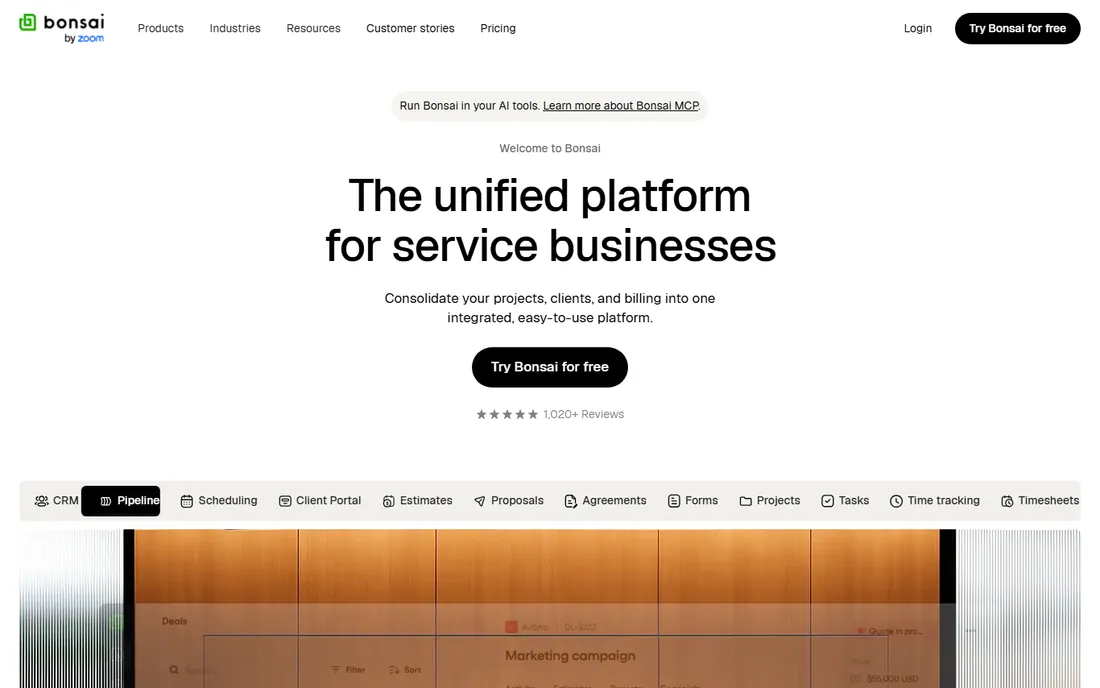
Bonsai sells the whole freelance business in one account: proposals, contracts with e-signing, a simple CRM, scheduling, time tracking, invoices and payments. For a solo consultant, that replaces three or four subscriptions. The contract and proposal templates are the standout: a thousand-plus starting points that look professional and cut admin time.
The honest caveat is pricing transparency. Third-party sites report conflicting plan structures and prices, which is exactly why this article writes "See website" instead of picking one. There is no free plan, only a trial. If you like the all-in-one pitch, open the vendor pricing page and price your exact user count before comparing it against FreshBooks or HoneyBook.
What we like- One account covers proposals, contracts with e-signing, CRM, time tracking and invoicing
- 1,000-plus contract and proposal templates
- Automated payment reminders
Watch out for- No free plan
- Pricing structures reported by third parties conflict, so the real cost is unclear without the vendor page
#9
Paymo
Best for: Small agencies that want projects, time tracking and invoicing in one tool
Visit paymoapp.com
Starting price$5.90/month billed annually ($9.90 monthly, Solo)
Free planYes (free plan, 1 user)
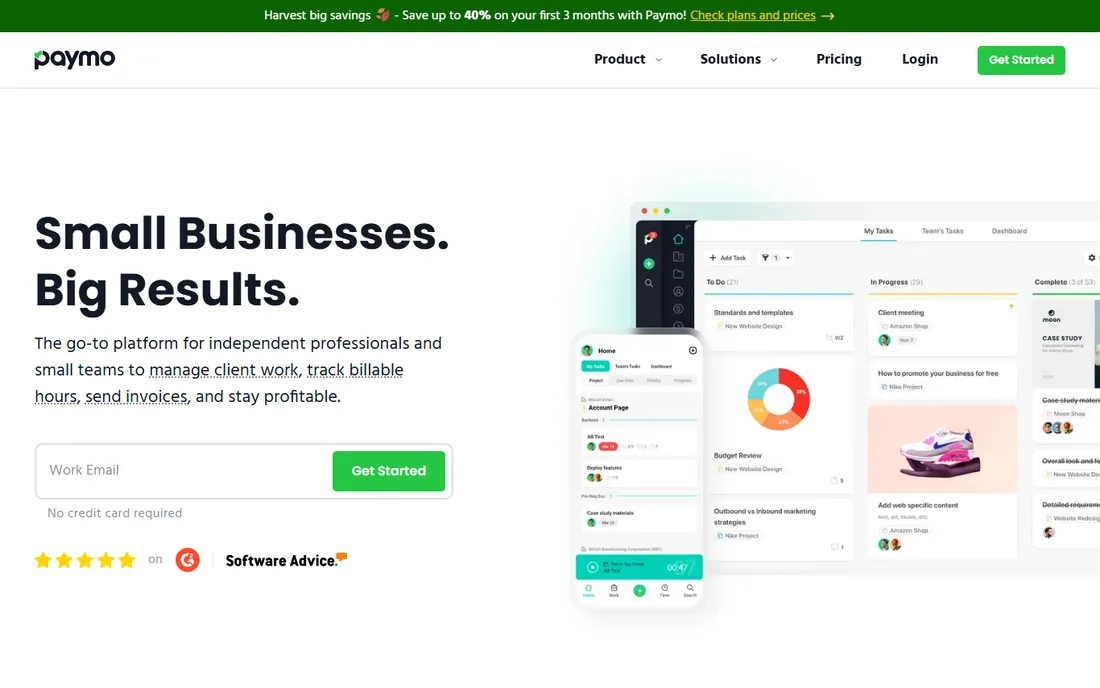
Paymo is the small-agency all-rounder. Solo at $5.90 per month billed annually suits a freelancer; Plus at $10.90 per user per month annual adds integrations, estimates and expenses; Pro at $16.90 adds Gantt charts, resource scheduling and portfolio views. Invoices convert from timesheets directly, expenses flow into billing, and the Paymo Track desktop app records activity automatically.
The free plan is genuinely a trial: one user, one client, two projects. It works for testing the workflow, not running a business. For agencies of five to twenty people that want one login for projects, hours and invoices, Paymo undercuts buying a project tool plus a time tracker plus an invoicing tool. The interface is busy, but the feature-to-price ratio is strong.
What we like- Projects, tasks, time tracking, expenses, estimates and invoices in one workspace
- Gantt charts and resource scheduling on Pro
- Automatic Paymo Track desktop recording
Watch out for- Free plan limited to one user and two projects
- Plus at $10.90/user/month annual is needed for integrations and estimates
#10
HoneyBook
Best for: Creative freelancers and studios that book clients through proposals and contracts
Visit honeybook.com
Starting price$29/month billed annually ($36 monthly, Starter)
Free planNo (free trial)
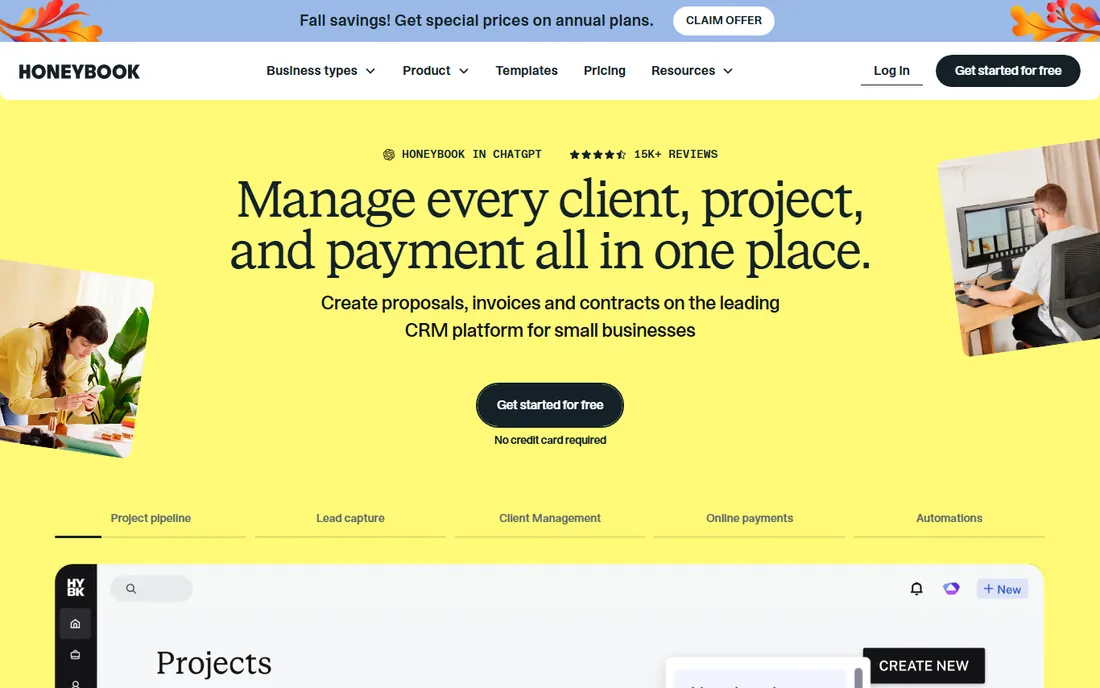
HoneyBook is the client-experience pick for creatives: photographers, designers, coaches and event pros who win work through proposals and contracts. Starter at $29 per month billed annually includes unlimited clients and projects, invoices, proposals, contracts, calendar and client portal. Essentials at $49 adds automations, a scheduler, SMS reminders and QuickBooks Online integration.
It is invoicing and client management, not time tracking: if billable hours are your business model, this is the wrong category. Payment processing fees add up too, at 2.9 percent plus $0.25 per card transaction. For service businesses that book clients through a polished proposal flow, it replaces a CRM, a contract tool and an invoicing tool in one subscription.
What we like- Polished client flow from inquiry to proposal to contract to invoice to payment
- Automations, scheduler and client portal on Essentials
- Unlimited clients and projects on every plan
Watch out for- No free plan and no time tracking to speak of
- Essentials at $49/month annual is needed for automations and caps at 2 team members
How we chose
We started with the search terms buyers use: time tracking software, invoicing software, time tracking and invoicing software and billable hours software. For each candidate we opened the vendor's own homepage, copied the website URL from the browser address bar, and checked current prices and free tiers against the vendor's own pricing pages and recent third-party pricing research from October 2026. Where the vendor's own figures could not be verified or third-party figures conflicted, we wrote "See website" rather than guessing. We mixed trackers that added invoicing with invoicers that added tracking, and compared the hours-to-invoice workflow, free plan limits, per-seat costs and team-size fit. We did not run hands-on trials; everything above comes from vendor documentation and published pricing.
Why the hours-to-invoice gap costs more than the subscription
A freelancer who forgets to log six hours a week at $75 an hour loses $450 a week, or about $23,000 a year. That is the math that justifies any tool on this list. The subscription is the smaller number; the unbilled hours are the bigger one. Automatic tracking (TimeCamp, Paymo Track) and budget alerts (Harvest, Everhour) exist to close exactly that gap.
The second leak is invoice delay. Hours tracked but invoiced two weeks late are hours paid two weeks late, and late invoices get forgotten. Tools that generate invoices from timesheets in one click (Harvest, Clockify, Paymo, TimeCamp) shorten the gap between work and payment. If your current workflow is a timer plus a spreadsheet plus an invoice template, the upgrade is not the timer. It is removing the spreadsheet.
Watch the seat math, though. Per-seat pricing compounds: a 10-person team on Harvest Teams costs about $90 per month billed annually versus $40 on TimeCamp Starter and $55 on Clockify Standard. Price your real headcount, check seat minimums (Everhour needs 5, Hubstaff needs 2), and compare the annual numbers, since monthly billing runs 20 to 40 percent higher across these tools.
How to pick by your billing model
Start with how you charge clients, because that decides which half of the tool matters. If you bill hourly, the timer and billable rates are the core: Harvest, Clockify, TimeCamp and Toggl Track all fit, with Harvest leading on the invoice side. If you bill fixed fees or retainers, project budgets and profitability matter more: Harvest Enterprise, Everhour and Paymo track estimate-versus-actual, which is where fixed-fee margin lives.
If you sell through proposals and contracts, the invoice side carries the weight. FreshBooks and HoneyBook run the polished client flow; Bonsai bundles contracts with time tracking for solo consultants. If you manage a team that must prove its hours, Hubstaff's screenshots and activity reports exist for exactly that, and no one else here matches it.
Finally, check the free tier against your actual team. TimeCamp's free plan covers unlimited users, which no one else matches. Clockify covers five, Everhour five, Toggl three, Paymo and Harvest one each. If your team fits the free tier today, start there and upgrade when the invoicing features pull you up.
Frequently asked questions
What is the best time tracking and invoicing software for freelancers?
Harvest (free plan: 1 seat, 2 projects; Teams at $9/seat/month annual) and Clockify (free up to 5 users; invoicing on Standard at $5.49/seat/month annual) are the safest picks for billable-hour freelancers. If proposals and contracts matter more than timers, look at FreshBooks ($21/month Lite) or Bonsai.
How much does time tracking and invoicing software cost?
Expect $4 to $16 per user per month on paid plans. Cheapest entries: TimeCamp Starter ($3.99/user/month annual), Clockify Basic ($3.99/seat/month annual), Hubstaff Starter ($4.99/user/month annual) and Harvest Teams ($9/seat/month annual). Flat-fee options: FreshBooks Lite ($21/month) and HoneyBook Starter ($29/month annual).
Which time tracking tools have a free plan?
TimeCamp (unlimited users), Clockify (up to 5 users), Everhour (up to 5 users), Toggl Track (up to 3 users on new workspaces), Paymo (1 user) and Harvest (1 seat, 2 projects) all offer free tiers. Hubstaff has a free 1-seat plan per its help centre. FreshBooks, Bonsai and HoneyBook offer trials only.
Do these tools handle invoicing and payments?
Harvest, Clockify (Standard and up), TimeCamp (Starter and up), FreshBooks, HoneyBook, Bonsai and Paymo all generate invoices from tracked time or billable items. Harvest accepts Stripe and PayPal payments; Hubstaff automates contractor payments through Deel, Wise and PayPal; HoneyBook processes cards at 2.9 percent plus $0.25.
Harvest vs Toggl Track: which should I choose?
Choose Harvest when the invoice is the goal: one-click invoice generation from tracked hours, expenses and budget alerts come standard. Choose Toggl Track when accurate, low-friction time data is the goal: the timer is simpler, the no-screenshots policy helps adoption, and Starter adds billable rates at $9/user/month annual.
Can I track time automatically without starting timers?
Yes. TimeCamp offers keyword-based auto-tracking and an AI agent that fills timesheets in the background. Paymo Track records desktop activity and suggests time entries. Clockify has idle detection and an auto tracker on desktop. Toggl Track explicitly avoids surveillance-style tracking, so it needs manual or calendar-based entry.
Sources we checked (10)
- https://getharvest.com/
- https://toggl.com/track/
- https://clockify.me/
- https://www.freshbooks.com/
- https://everhour.com/
- https://www.timecamp.com/
- https://hubstaff.com/
- https://hellobonsai.com/
- https://www.paymoapp.com/
- https://honeybook.com/
Is your product missing or out of date?
We review this list regularly. Vendors can request a listing, send updated pricing or ask about featured placement.

Shihab Mia · Founder, Rankite
Shihab has 5+ years in B2B and SaaS SEO. He writes Rankite's software buying guides from pricing pages, documentation and public user reviews. More about Shihab.