How we make this list: we compare pricing pages, product documentation and public user reviews. Rankite is independent; if a vendor ever pays for a featured spot, that listing is clearly labeled Partner.
Key takeaways
- Ramp and Brex lead the free-tier race: corporate cards, expense management and bill pay at $0 for startups that qualify.
- Navan is the natural pick when travel and expenses need to live in one booking flow.
- Expensify remains the most flexible option for companies that want to keep their existing cards and still automate receipts.
- SAP Concur and Emburse serve enterprises with complex policies, audits and multi-entity structures.
- BILL Spend & Expense (formerly Divvy) and Zoho Expense are the budget plays, with genuinely free plans for smaller teams.
Quick comparison
| Tool | Best for | Starting price | Free plan |
|---|
 Ramp Ramp | Startups and growth companies that want cards plus expenses free | $0 (free tier); Plus from $15/user/month plus platform fee | Yes (free tier) |
 Brex Brex | Startups and mid-market companies that want free spend management | $0/user/month (Essentials); Premium $12/user/month | Yes (Essentials) |
 Navan Navan | Companies where travel booking and expenses belong together | $15/user/month (expense plan; first 5 users free) | Yes (travel booking free) |
 Expensify Expensify | Teams that want to keep their existing corporate cards | $5/unique member/month (Collect plan) | Yes (free tier for individuals) |
 Zoho Expense Zoho Expense | Budget-conscious teams and Zoho users | $4/active user/month (annual billing) | Yes (free version) |
 SAP Concur SAP Concur | Large enterprises with complex travel and expense policies | See website (quote-based) | No |
 Airbase Airbase | Mid-market companies that want procure-to-pay control | See website (quote-based) | No |
 Emburse Emburse | Enterprises needing audited travel and expense workflows | See website | No (free trial) |
 BILL Spend & Expense BILL Spend & Expense | Small teams that want free spend controls | $0 (free plan) | Yes |
Is your product missing or out of date?
We review this list regularly. Vendors can request a listing, send updated pricing or ask about featured placement.
The best corporate expense tracking software
#1
Ramp
Best for: Startups and growth companies that want cards plus expenses free
Visit ramp.com
Starting price$0 (free tier); Plus from $15/user/month plus platform fee
Free planYes (free tier)
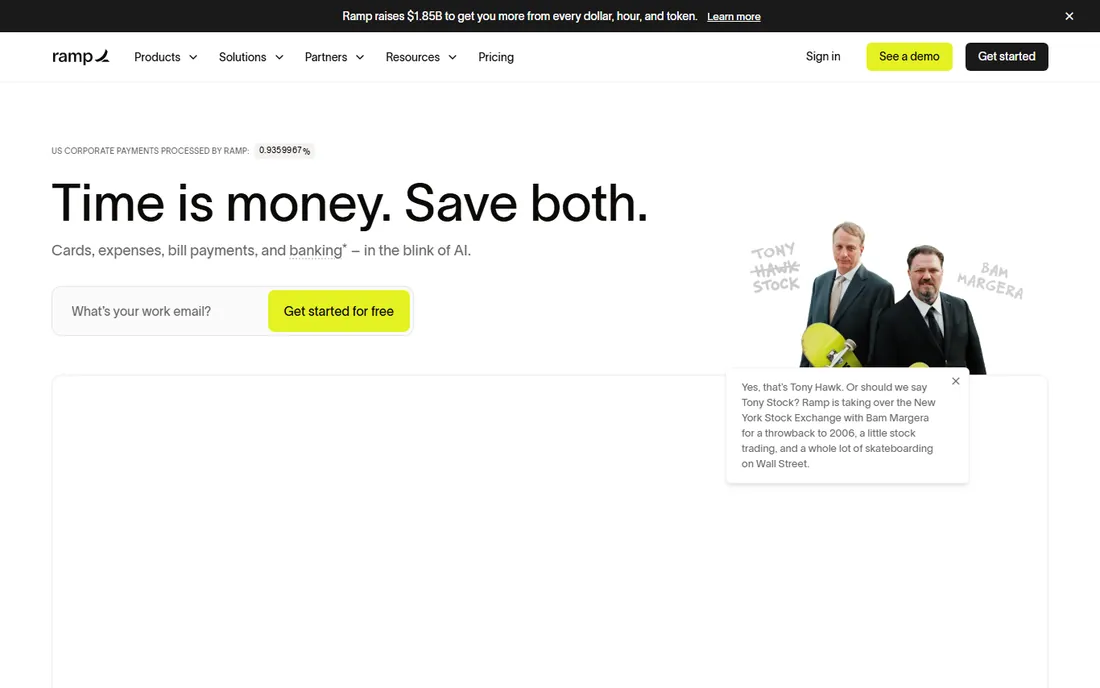
Ramp's free tier is unusually complete: unlimited corporate cards, expense management, bill pay and travel booking cost nothing, which is why it spread so fast among startups. Receipts are matched automatically, policies are enforced at the point of spend, and an accounting agent codes transactions to the general ledger to speed up month-end close. Card purchases earn cashback, which for high-spend companies offsets the cost of everything else.
The qualification bar is the catch: Ramp underwrites the card on your business's bank balance and cash flow rather than a personal guarantee, so very early companies with thin balances can be declined. Deeper ERP integrations, multi-entity management and custom workflows sit on Ramp Plus at $15 per user per month plus an undisclosed platform fee. If you qualify and your accounting needs are mainstream, the free tier is hard to beat.
What we like- Corporate cards, expenses, bill pay and travel in one free tier
- Automatic receipt matching
- Cashback on card spend
Watch out for- Card approval depends on business bank balance
- Advanced ERP integrations need Plus
- Platform fee on top of Plus seats
#2
Brex
Best for: Startups and mid-market companies that want free spend management
Visit brex.com
Starting price$0/user/month (Essentials); Premium $12/user/month
Free planYes (Essentials)
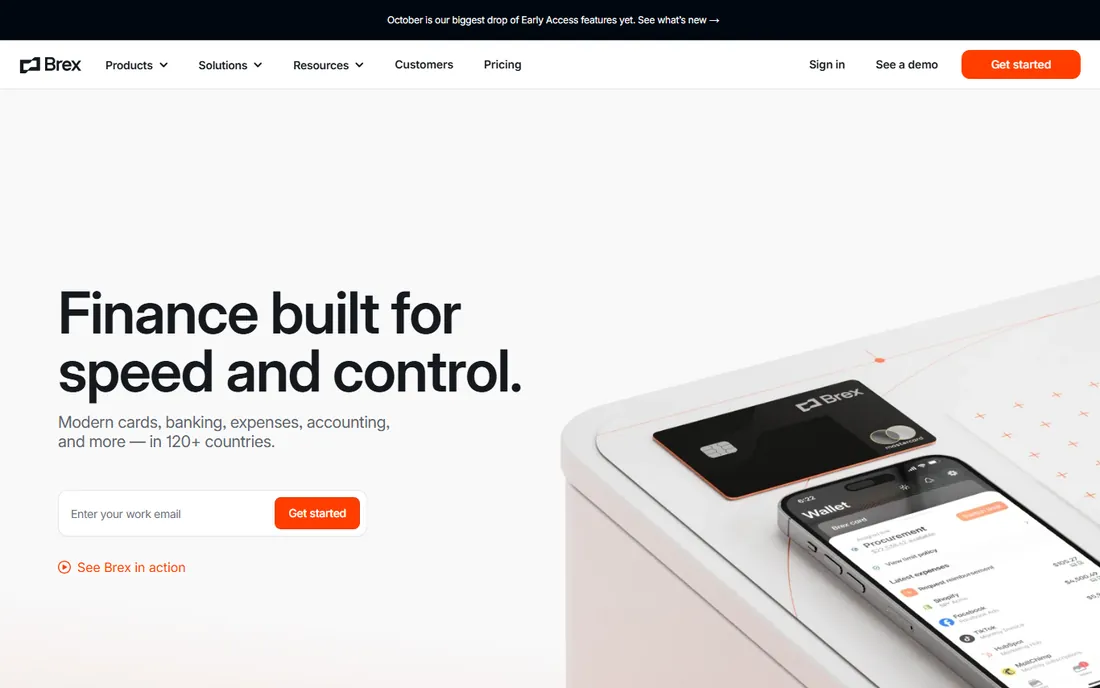
Brex answers Ramp with a pricing page that states the deal plainly: Essentials is $0 per user per month and includes corporate cards, expense management, bill pay, travel booking and basic integrations. Premium at $12 per user per month adds advanced controls, multi-entity support, travel policy management and budget delegation, with Enterprise on custom pricing. For finance teams tired of quote-based vendors, the transparency is welcome.
The product competes feature for feature with Ramp: virtual and physical cards, automated receipt collection, spend limits by category or merchant, and integrations with NetSuite, QuickBooks, Xero and Sage Intacct. Brex's underwriting, like Ramp's, is based on the business rather than a personal guarantee. Choosing between the two usually comes down to which free tier covers your integrations and which card terms fit your cash flow.
What we like- Essentials plan is free with cards, expenses, bill pay and travel
- Published pricing with no quote needed
- Strong accounting integrations
Watch out for- Premium and Enterprise tiers add up per seat
- Card limits tied to business profile
- Some advanced travel features need Premium
#3
Navan
Best for: Companies where travel booking and expenses belong together
Visit navan.com
Starting price$15/user/month (expense plan; first 5 users free)
Free planYes (travel booking free)
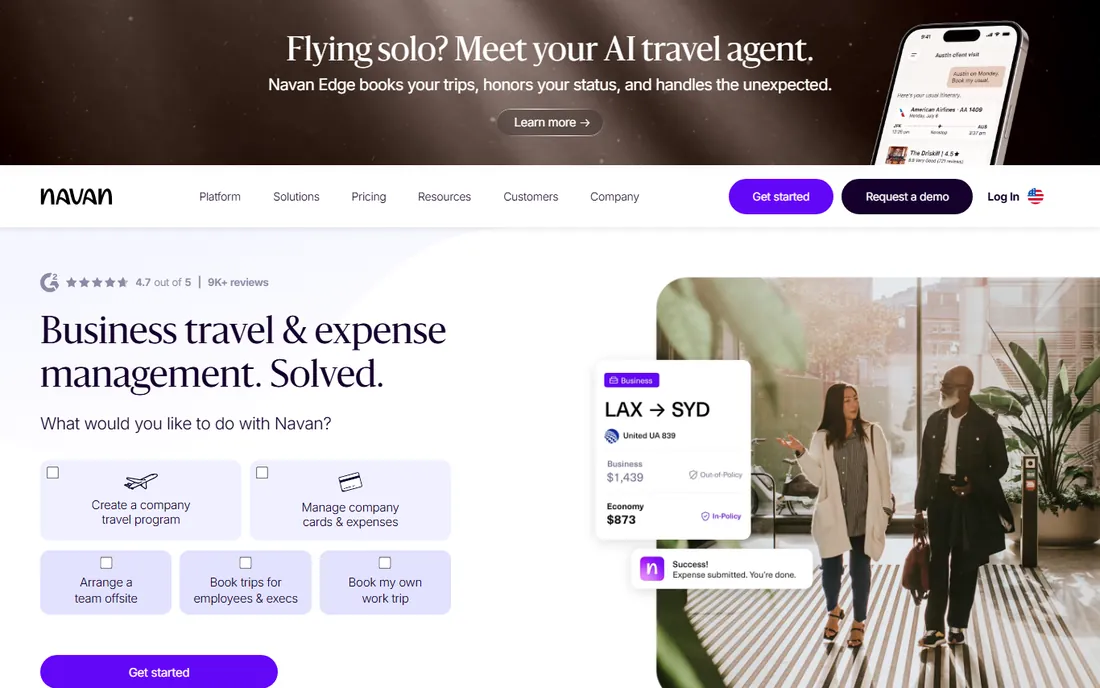
Navan, formerly TripActions, built its name on business travel and then added expense management on the same platform. The logic is sound: most employee expenses are travel expenses, so booking the flight, capturing the receipt and enforcing the policy in one place removes the reconciliation gap between the travel tool and the expense tool. Travel booking itself carries no platform fee, and expense management is free for the first five users before moving to roughly $15 per user per month.
For companies with heavy travel, the unified data is the selling point: finance sees trip spend and out-of-pocket expenses together, and travelers get one app. Companies where few people travel will find the travel machinery irrelevant and the expense module priced like any other mid-market tool. Navan also offers a charge card to close the loop between booking, paying and reporting.
What we like- Travel booking and expense management in one flow
- Free travel platform
- Real-time visibility into trip and non-trip spend
Watch out for- Expense pricing kicks in after 5 free users
- Travel-centric design feels heavy for non-travelers
- Enterprise pricing is custom
#4
Expensify
Best for: Teams that want to keep their existing corporate cards
Visit expensify.com
Starting price$5/unique member/month (Collect plan)
Free planYes (free tier for individuals)
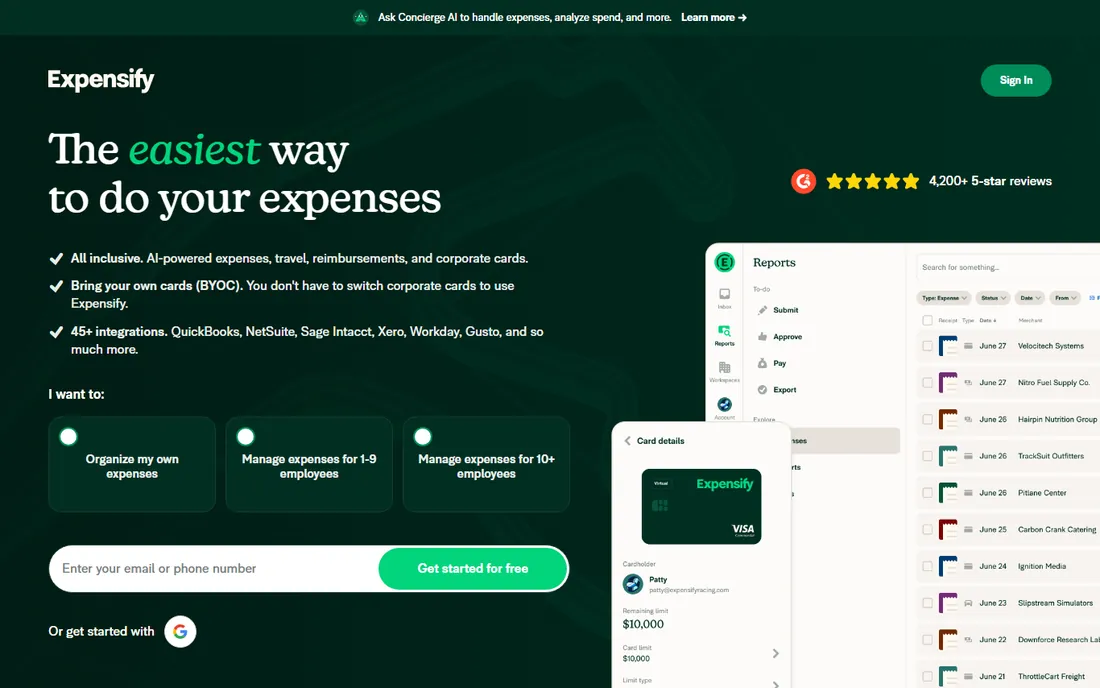
Expensify's defining trait is card flexibility: unlike Ramp and Brex, it does not need you to adopt its card. The Collect plan at $5 per unique member per month works with whatever cards you already carry, and the Control plan ranges from $9 to $36 per active member depending on annual commitment and whether spend runs through the Expensify Card. SmartScan turns receipts into coded expenses, approvals run by policy, and the chat-based interface with Concierge AI lets employees submit and approve expenses conversationally.
That pricing structure rewards commitment: Control is cheapest with an annual term and card usage, and most expensive pay-per-use. Expensify suits companies with existing banking relationships they do not want to unwind, or with complex card setups across regions. The product has loyal fans and vocal critics, so take the trial seriously and run your actual expense categories through it.
What we like- Works with any card program, no proprietary card required
- SmartScan receipt capture
- Chat-based expense workflow with Concierge AI
Watch out for- Pricing has several tiers and card-usage conditions
- The interface divides opinion
- Advanced controls need the Control plan
#5
Zoho Expense
Best for: Budget-conscious teams and Zoho users
Visit zoho.com
Starting price$4/active user/month (annual billing)
Free planYes (free version)
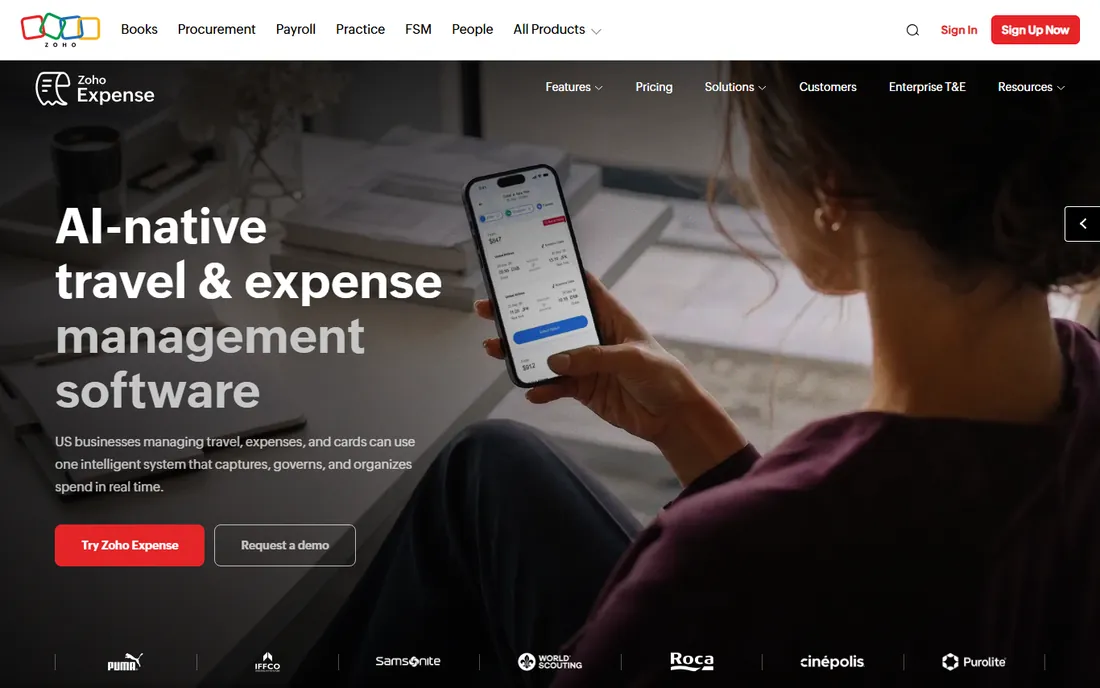
Zoho Expense does the core job, receipt scanning, approval workflows, policy checks, per-diem and mileage, corporate card feeds, at $4 per active user per month on annual billing, with a free version for the smallest teams. Active-user pricing is a quiet advantage: occasional submitters do not inflate the bill the way per-seat models do. Multi-currency support and tax handling make it workable for international teams on a budget.
The tradeoff is polish. The interface and mobile experience trail Ramp, Brex and Navan, and the deeper automation lives on higher tiers. But for companies already running Zoho Books or Zoho People, the native integration removes a whole category of sync problems. As a straightforward expense reporting tool at a fraction of enterprise prices, it earns its place.
What we like- Low per-active-user pricing
- Free version available
- Per-diem, mileage and multi-currency handled well
Watch out for- Interface less polished than leaders
- Advanced automation needs higher tiers
- Best value inside the Zoho ecosystem
#6
SAP Concur
Best for: Large enterprises with complex travel and expense policies
Visit concur.com
Starting priceSee website (quote-based)
Free planNo
SAP Concur is the incumbent that enterprises choose when expense policy is genuinely complicated: multi-entity structures, country-specific tax rules, layered approvals and audit trails that satisfy regulators. Expense, Travel and Invoice are separate modules priced per transaction or per report, and the SAP integration is native rather than bolted on. No other tool on this list matches its compliance depth.
The price of that depth is complexity. Pricing requires a sales conversation, implementations take months, and employees rarely describe the interface with affection. Concur makes sense above a certain scale and regulatory burden; below it, the overhead outweighs the control. If your auditors have opinions about your expense process, start the evaluation here.
What we like- Deepest policy and audit controls in the category
- Global tax and compliance coverage
- Native SAP ERP integration
Watch out for- Quote-based pricing with no public numbers
- Implementation is a real project
- The user experience feels enterprise-grade
#7
Airbase
Best for: Mid-market companies that want procure-to-pay control
Visit airbase.com
Starting priceSee website (quote-based)
Free planNo
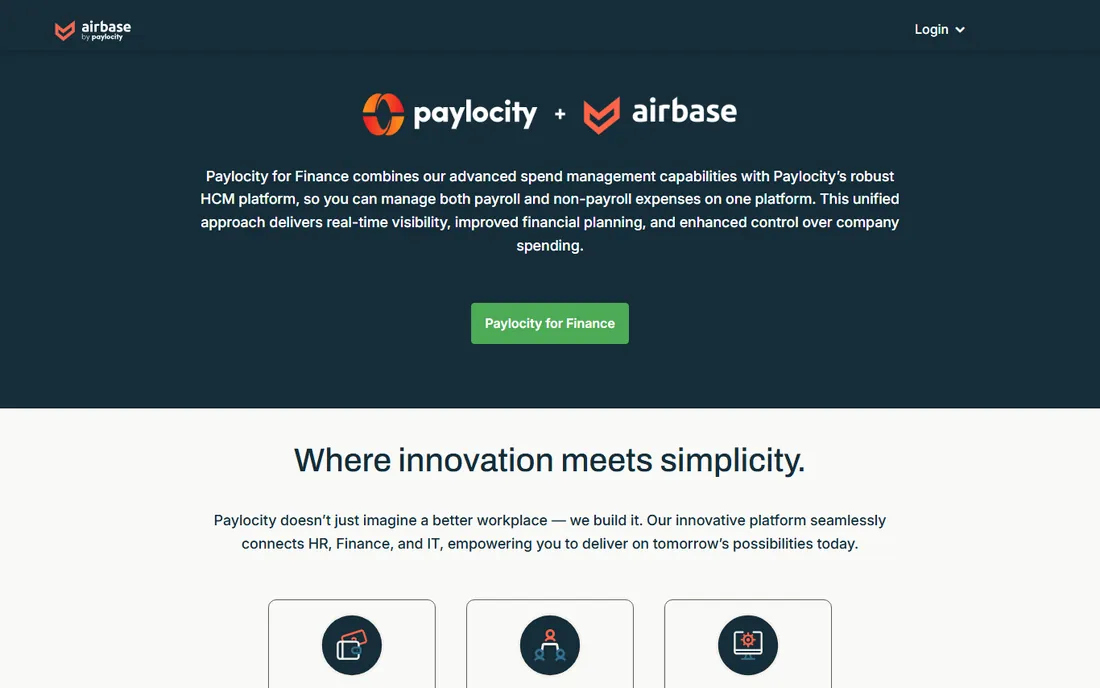
Airbase, now part of Paylocity, positions itself as spend management rather than expense tracking: corporate cards, reimbursements, bill payments and purchase requests flow through one approval engine with accounting sync to NetSuite, QuickBooks, Xero and Sage Intacct. Guided procurement means employees request what they need, managers approve in a structured chain, and finance sees committed spend before it happens.
That breadth is the point and the risk. Companies that only need receipt scanning will find Airbase oversized, but finance teams drowning in shadow spend across cards, invoices and purchase orders get a single control point. Pricing is quote-based, so budget conversations start with sales. Mid-market companies outgrowing a simple expense tool are the natural audience.
What we like- Combines expenses, bill pay, procurement and cards
- Guided procurement with approval chains
- Strong accounting sync
Watch out for- Quote-based pricing
- More platform than simple expense tracking needs
- Implementation effort for the full suite
#8
Emburse
Best for: Enterprises needing audited travel and expense workflows
Visit emburse.com
Starting priceSee website
Free planNo (free trial)
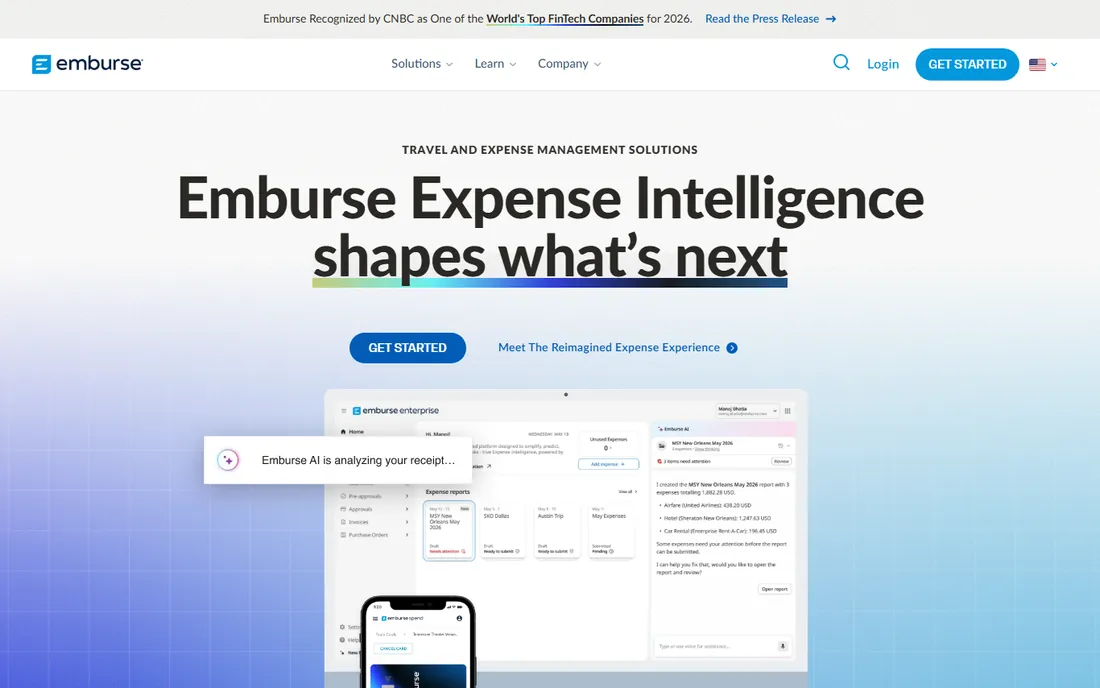
Emburse is a portfolio rather than a single product: Certify and Nexonia serve small to mid-size companies, Chrome River handles large-enterprise complexity, and the shared platform covers receipt capture, approvals, analytics and card integration. That range lets a company pick the product that fits its size, with audit rules and fraud detection that satisfy demanding finance teams.
The portfolio structure is also the main confusion: buyers need to figure out which Emburse product they are actually evaluating, and pricing is not published for any of them. Reviews are strongest on the enterprise side, where Chrome River competes with Concur. If your requirements include serious audit controls but Concur feels like overkill, Emburse's mid-market products deserve a demo.
What we like- Multiple products for different company sizes (Certify, Chrome River, Nexonia)
- Strong audit and fraud detection
- Global compliance
Watch out for- Product lineup can confuse buyers
- Pricing not published
- Implementations vary by product
#9
BILL Spend & Expense
Best for: Small teams that want free spend controls
Visit bill.com
Starting price$0 (free plan)
Free planYes
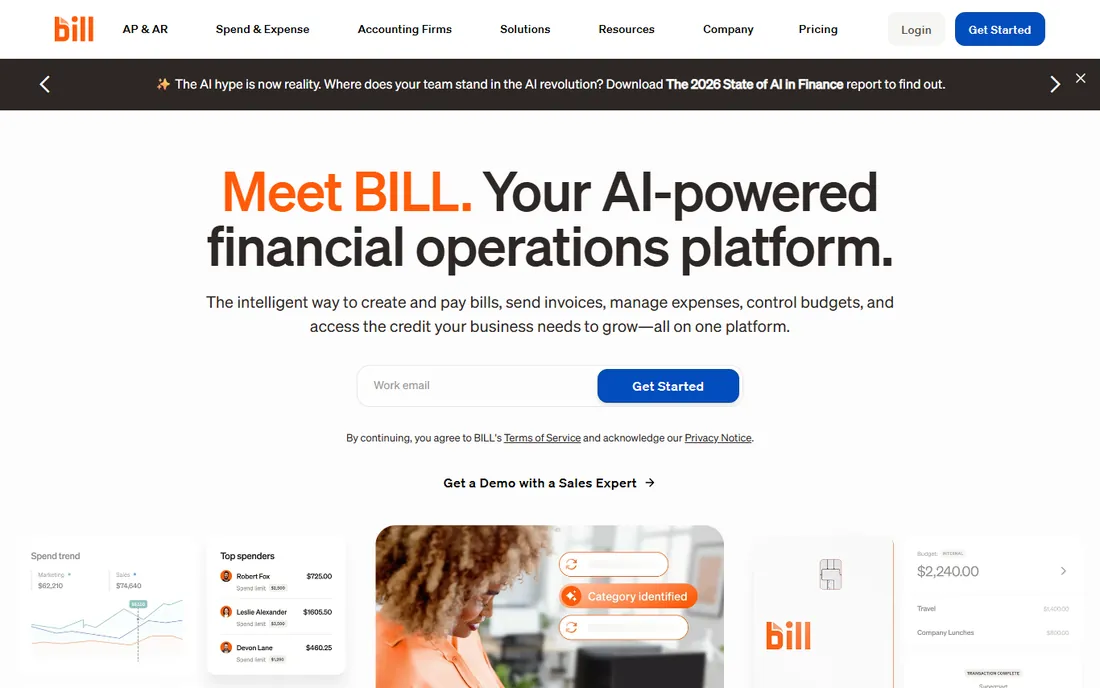
BILL Spend & Expense, formerly Divvy, gives small teams corporate cards, budgets and expense management free of charge. Department budgets, virtual cards per vendor and real-time spend visibility cover the essentials, and companies that also need accounts payable can add BILL's AP platform, though that is a separate paid product starting around $49 per user per month.
As a standalone expense tool it is simpler than Ramp or Brex, with less automation and fewer integrations. Its natural home is the small business already using or considering BILL for bill pay: one vendor, one login, and the expense side costs nothing. For that audience it is a pragmatic, genuinely free starting point.
What we like- Free plan with cards and expense management
- Simple budgets and virtual cards
- Pairs with BILL's AP platform
Watch out for- Expense features lighter than dedicated leaders
- AP platform priced separately
- Best as part of the BILL ecosystem
How we chose
We compared expense platforms that are actively sold in 2026, using vendor pricing pages, product documentation, public reviews on G2, Capterra and Software Advice, and buyer discussions on Reddit. The nine tools span the market's main shapes: free card-plus-expense platforms, travel-first suites, card-flexible expense tools, budget options and enterprise incumbents. We weighted pricing transparency, receipt automation quality, approval workflow depth, accounting integrations and reported support quality. Prices shown come from vendor pages where published; quote-based tools are marked as such. Vendor marketing claims were treated as claims. No hands-on testing was performed.
How to evaluate expense tracking software
Start with the money flow, not the feature list. If your team spends mostly on company cards, a card-first platform like Ramp or Brex automates the most work because the transaction data arrives structured. If employees pay out of pocket and get reimbursed, receipt capture quality and approval speed matter more, which favors Expensify or Zoho Expense. Map who spends, how they pay and who approves before looking at anything else.
Then test the accounting handoff, because that is where expense tools earn or lose their keep. Confirm the integration with your specific accounting system, check whether categories, departments and custom fields map to your chart of accounts, and run one real month-end close during the trial. Ask about receipt retention for tax audits, multi-currency handling if you operate abroad, and how the tool treats personal versus business expenses on the same report. Finally, price the whole picture: per-user fees plus any card, platform or transaction fees, at your actual headcount, for a full year.
Cards vs reimbursements: the real dividing line
The expense software market splits on one question: does the vendor issue the card or work with yours? Card issuers (Ramp, Brex, Navan, BILL) see every transaction as it happens, which lets them enforce policy before money moves and automate coding with complete data. Their business model runs on interchange revenue, which is why the software can be free. The tradeoff is underwriting: the vendor decides your credit limit based on your business's finances, and switching cards later means migrating the whole program.
Card-agnostic tools (Expensify, Zoho Expense, Concur, Emburse, Airbase) work with whatever cards you already have and focus on what happens after the swipe: receipt matching, approvals, policy checks and accounting sync. They charge subscription fees because there is no interchange to fund them, but they leave your banking relationships untouched and migrate more easily. Neither model is better in the abstract; the right one depends on whether you would rather change cards or pay software fees.
Frequently asked questions
Is free expense tracking software actually free?
The card-first platforms are genuinely free for the software: Ramp, Brex and BILL Spend & Expense charge $0 for their base tiers because they earn interchange revenue from card spend. You still need to qualify for the card, and advanced features sit on paid tiers. Card-agnostic tools charge subscriptions because they have no interchange income. Read the paid-tier boundaries before committing.
How much does expense software cost per user?
Free tiers run $0 at Ramp, Brex and BILL. Paid plans range from about $4 per active user per month for Zoho Expense to $5 per member for Expensify Collect, $12 per user for Brex Premium and around $15 per user for Ramp Plus and Navan Expense. SAP Concur, Airbase and Emburse price by quote. Model a full year at your headcount, including any platform or transaction fees.
Do we need corporate cards to use these tools?
Only with the card-first platforms, and even then the card is the point rather than a requirement to dread: Ramp, Brex, Navan and BILL issue cards as part of the product. Expensify, Zoho Expense, Concur, Emburse and Airbase all work with your existing cards or with pure reimbursements. If you have banking relationships you want to keep, shortlist the card-agnostic tools.
How long does implementation take?
Card-first platforms can issue virtual cards and go live within days once underwriting clears. Expensify and Zoho Expense typically take one to three weeks including policy setup. Mid-market suites like Airbase run four to eight weeks, and enterprise tools like SAP Concur or Emburse's Chrome River are multi-month projects with dedicated implementation teams. Ask for a written timeline and data migration terms before signing.
What integrations matter most?
The accounting integration matters most: confirm your exact system (NetSuite, QuickBooks, Xero, Sage Intacct) and test the category and department mapping. HRIS sync for employee data, travel booking connections for trip expenses and SSO for access control round out the essentials. Run one real month-end close during the trial; that surfaces mapping problems demos never show.
Can these tools handle international expenses?
Most handle multi-currency expenses and receipts. The harder parts are per-country tax rules, per-diem regulations and local card availability. SAP Concur and Emburse have the deepest global compliance coverage, while Ramp, Brex and Navan focus on US-issued cards with international spend support. Confirm your specific countries during the evaluation, not after.
Sources we checked (11)
- https://ramp.com/
- https://www.brex.com
- https://navan.com/
- https://www.zoho.com/expense/
- https://concur.com/
- https://airbase.com/
- https://www.emburse.com/
- https://www.expensify.com
- https://www.bill.com
- https://help.expensify.com/articles/expensify-classic/expensify-billing/Billing-Overview
- https://ramp.com/blog/expensify-vs-navan-vs-ramp
Is your product missing or out of date?
We review this list regularly. Vendors can request a listing, send updated pricing or ask about featured placement.

Shihab Mia · Founder, Rankite
Shihab has spent more than a decade helping SaaS and e-commerce brands grow through search. He writes Rankite's software buying guides from pricing pages, documentation and public user reviews. More about Shihab.