How we make this list: we compare pricing pages, product documentation and public user reviews. Rankite is independent; if a vendor ever pays for a featured spot, that listing is clearly labeled Partner.
Key takeaways
- Nobody starts a business dreaming about receipt shoeboxes. The right app turns a pocketful of paper into categorized, tax-ready records in seconds.
- Expensify, Zoho Expense, and Ramp are the full expense-management picks for teams that need approvals and reimbursements, not just scanning.
- Dext, Shoeboxed, and AutoEntry are the bookkeeper-friendly options that feed clean data into your accounting software.
- Veryfi and Smart Receipts lead on OCR accuracy and flexibility for individuals and freelancers.
- If you only need to scan and organize, do not pay for an expense platform. Match the tool to the job.
Quick comparison
| Tool | Best for | Starting price | Free plan |
|---|
 Expensify Expensify | Teams with approvals and reimbursements | See website | Free trial |
 Dext Dext | Bookkeeper-ready receipt data | See website | No |
 Shoeboxed Shoeboxed | Mail-in receipt scanning service | See website | No |
 Veryfi Veryfi | Accurate OCR for freelancers | See website | Free trial |
 AutoEntry AutoEntry | Automated bookkeeping data entry | See website | Free trial |
 Zoho Expense Zoho Expense | Affordable team expense management | See website | Yes |
 Ramp Ramp | Free corporate cards plus expenses | Free | Yes |
 Fyle Fyle | Real-time expense tracking | See website | Free trial |
 SparkReceipt SparkReceipt | Simple receipt organizing | See website | Yes |
 Smart Receipts Smart Receipts | Free flexible receipt reports | Free | Yes |
Is your product missing or out of date?
We review this list regularly. Vendors can request a listing, send updated pricing or ask about featured placement.
Receipt trackers worth your money
Starting priceSee website
Free planFree trial
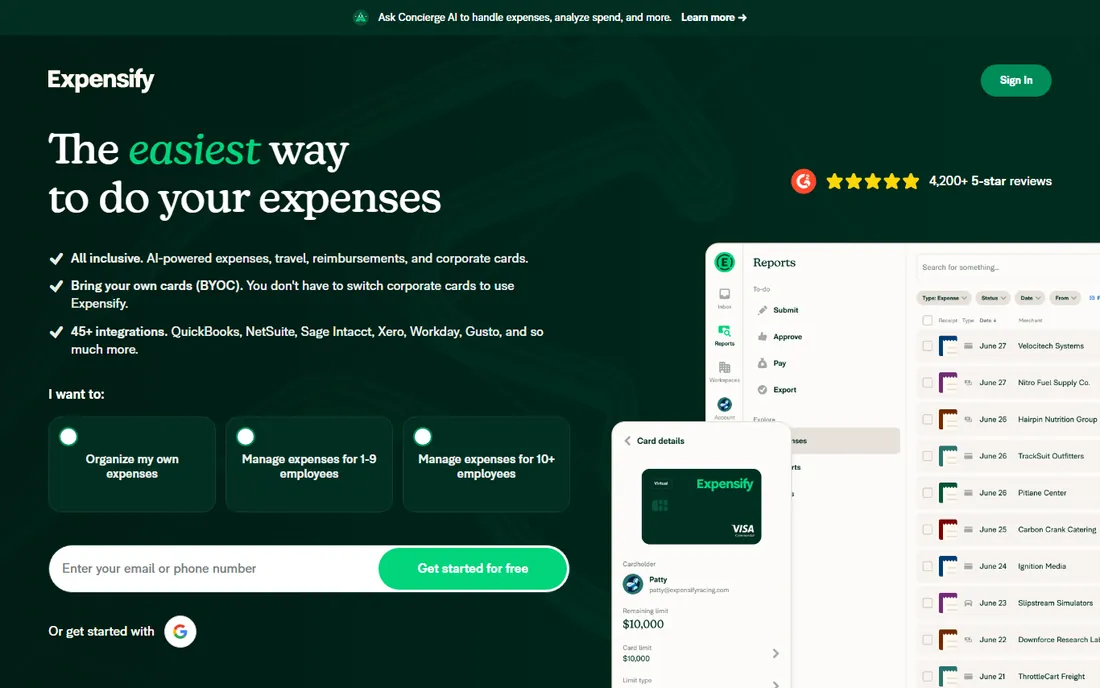
Expensify is the name most people know, and SmartScan is why. Snap a receipt and the app extracts the merchant, date, and total in seconds, then routes the expense through approvals and reimbursement. Corporate cards, travel booking, and invoicing live in the same system, so growing teams do not outgrow it quickly.
The pricing charges per active user per month, which stings for teams with many occasional submitters. The interface has also accumulated a decade of features, and it shows. But as the best expense receipt tracking app for companies that need the whole workflow, Expensify remains the default shortlist entry.
What we like- SmartScan OCR is fast and reliable
- Handles the full expense workflow
- Huge integration library
Watch out for- Pricing per active user adds up
- The interface packs in a lot
Starting priceSee website
Free planNo
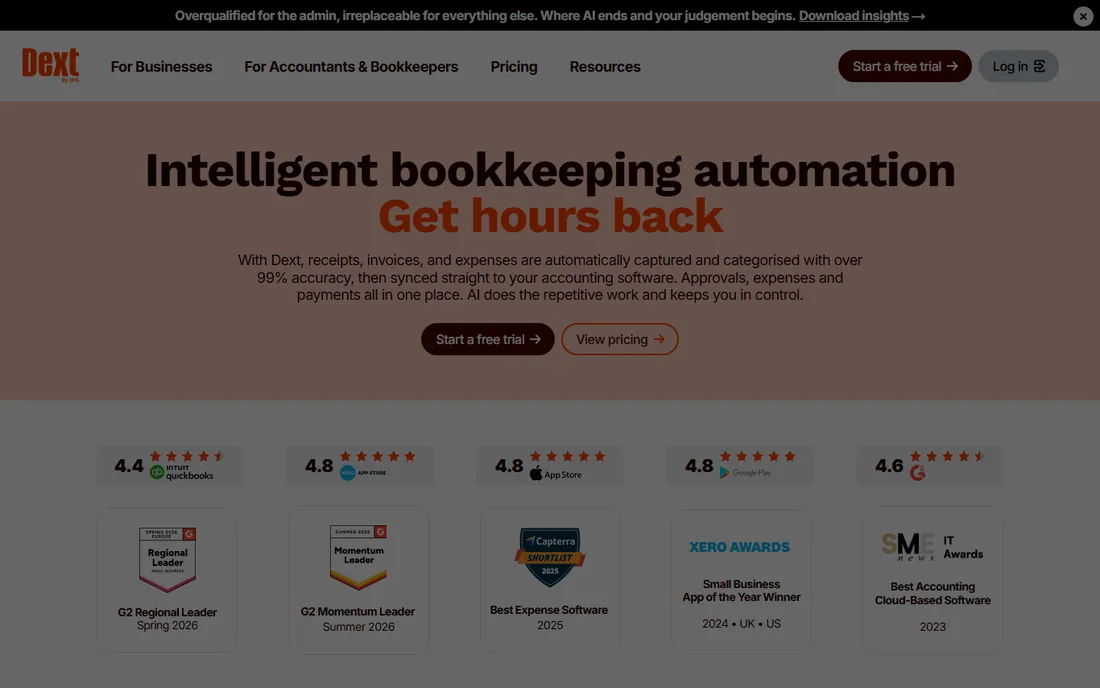
Dext (formerly Receipt Bank) is built for the bookkeeping workflow. Receipts go in by photo, email, or fetch from suppliers, and out comes categorized, tax-ready data pushed to QuickBooks, Xero, or Sage. Accountants get a dedicated practice dashboard for managing multiple clients, which is why so many firms standardize on it.
There is no free tier, and the pricing assumes a real business with real volume. Casual users tracking a dozen receipts a month should look at the free options below. But for a small business whose bookkeeper lives in the accounting software, Dext's accuracy and accountant tooling justify the subscription.
What we like- Excellent extraction accuracy
- Built for accountant collaboration
- Strong QuickBooks and Xero integrations
Watch out for- No free tier
- Priced for businesses, not casual users
Starting priceSee website
Free planNo
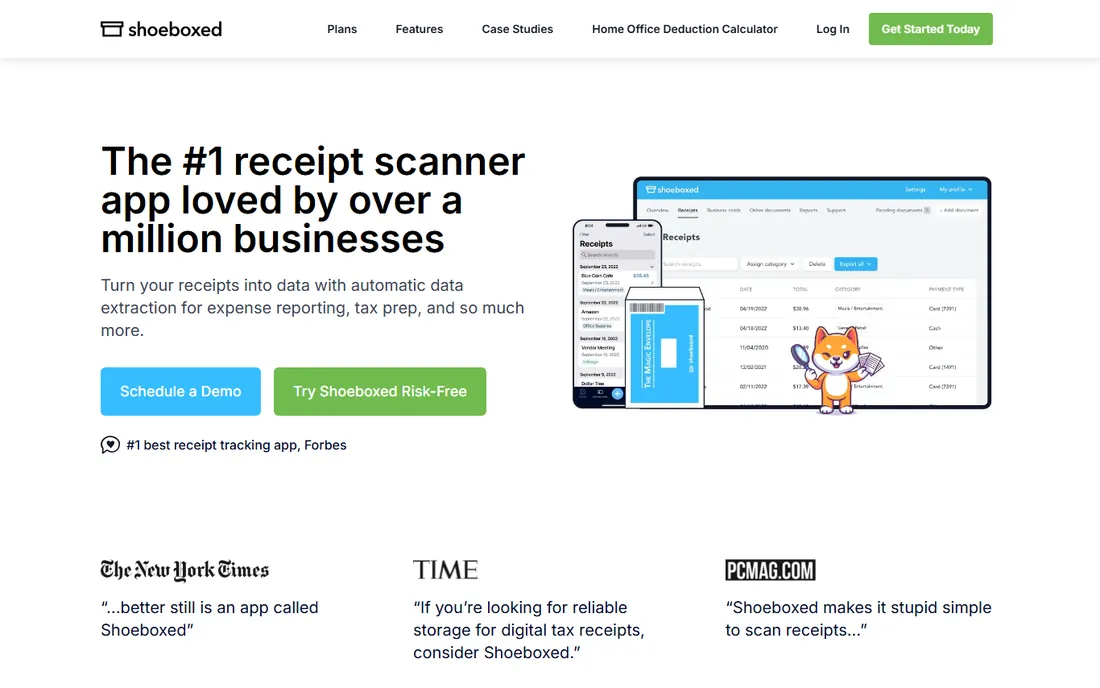
Shoeboxed's differentiator is gloriously analog: you stuff receipts in a prepaid envelope, mail them in, and get back organized digital records with human-verified data. For a business owner with years of unsorted paper, or anyone who hates scanning, the done-for-you model is the point. The app and integrations cover the ongoing flow too.
It costs more than pure software, and mailing is slower than photographing. But accuracy from human verification beats OCR on faded thermal receipts, and the historical-cleanup use case is real. If your problem is a drawer of paper rather than a daily habit, Shoeboxed is the best receipt organizer app for the job.
What we like- Mail in paper receipts and they scan them for you
- Human-verified data
- Good for historical cleanup
Watch out for- Mail-in plans cost more
- Slower than snapping a photo yourself
Starting priceSee website
Free planFree trial
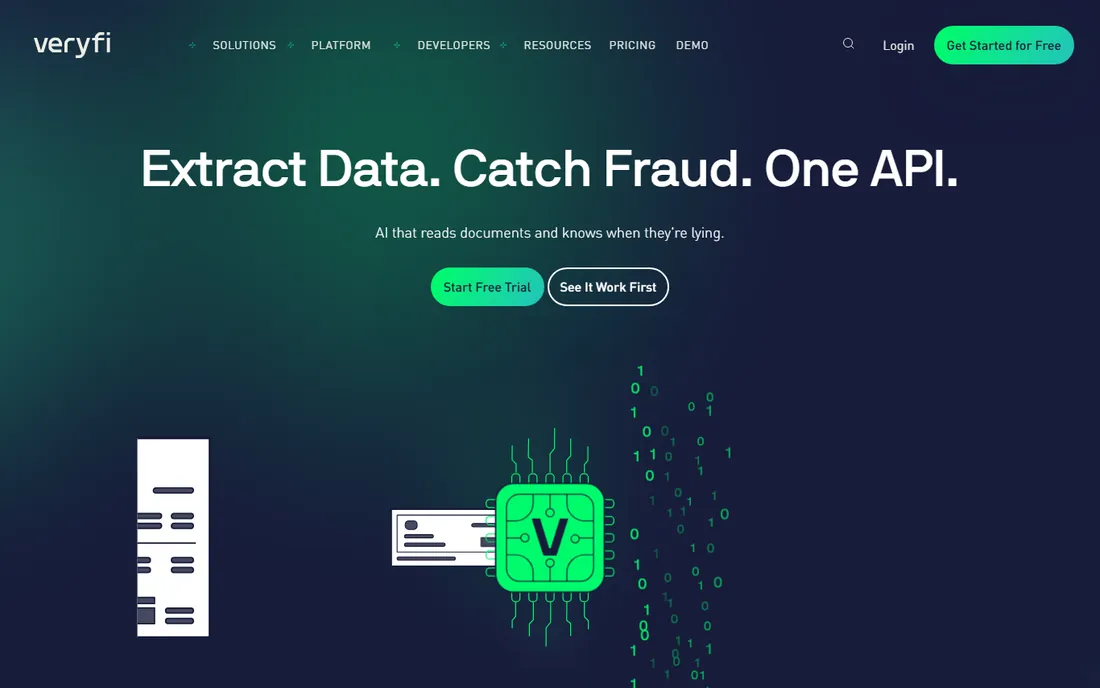
Veryfi's pitch is accuracy from the first scan: its OCR extracts line items, taxes, and totals without the learning period some competitors need. Freelancers get a clean app for capturing and categorizing receipts, while developers get one of the better receipt APIs for building extraction into their own products. It handles invoices and bills alongside receipts.
The free trial lets you test accuracy on your own messy receipts, which is the right evaluation. Pricing climbs for team features. For a freelancer or contractor who needs reliable extraction without an expense platform's overhead, Veryfi is a strong pick.
What we like- Day-one OCR accuracy without training
- Strong API for developers
- Handles receipts, invoices, and bills
Watch out for- The best features target business plans
- Consumer app is less known
Starting priceSee website
Free planFree trial
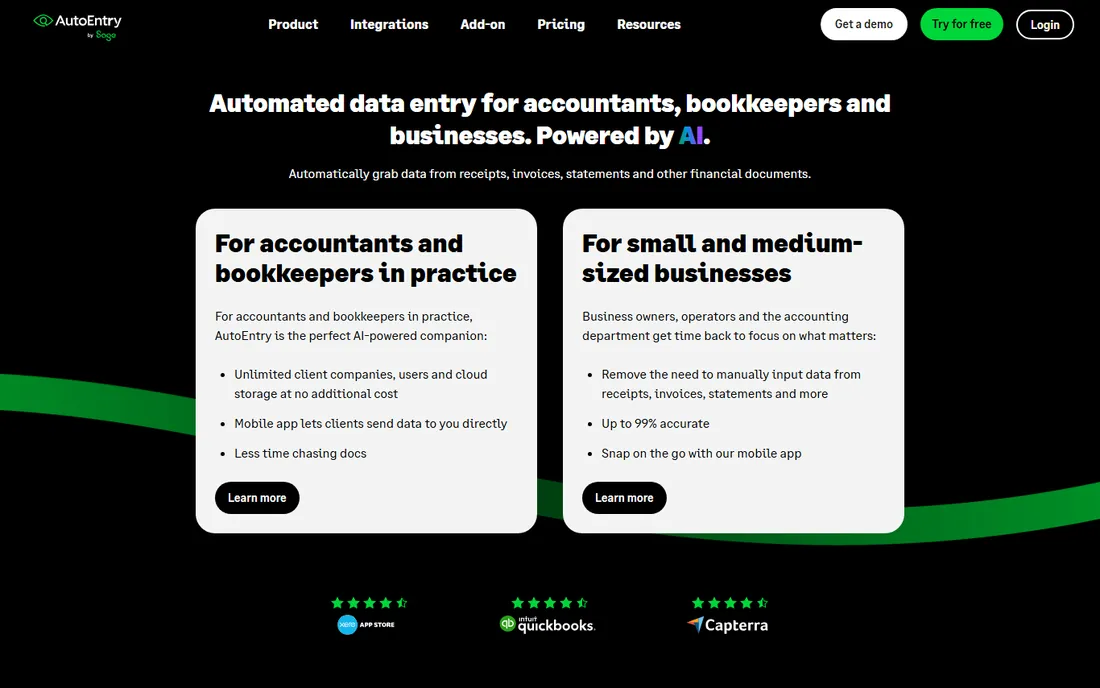
AutoEntry, now part of Sage, automates what bookkeepers hate: typing in receipts, invoices, bank statements, and bills. Smart capture identifies suppliers and remembers their patterns, so recurring documents process with minimal review. Accountants manage it all from a practice dashboard with per-client folders.
Pricing runs on credits per document, which is flexible but needs watching at volume. The audience is accountants, bookkeepers, and the businesses they serve, not casual receipt filers. As the best receipt management app for firms processing serious document volume, it earns its place.
What we like- Automates the full data-entry pipeline
- Smart capture learns your suppliers
- Sage-backed reliability
Watch out for- Credit-based pricing needs monitoring
- Aimed at accountants and bookkeepers
#6
Zoho Expense
Best for: Affordable team expense management
Visit zoho.com
Starting priceSee website
Free planYes
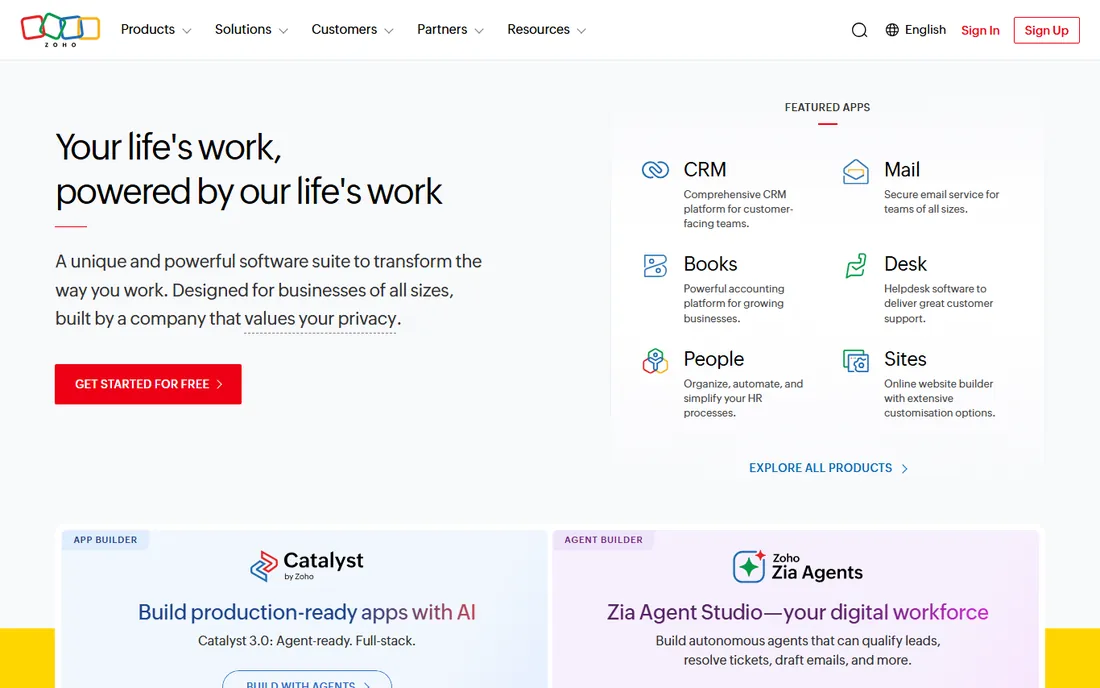
Zoho Expense brings proper expense management, approvals, policies, and reimbursements, down to small-business budgets. The free plan covers small teams with real functionality, not a teaser, and autoscan extracts receipt data reliably. Integration with Zoho Books is tight, and QuickBooks and Xero connections exist for everyone else.
The deeper automation and analytics sit in paid tiers, and like all Zoho products it shines brightest inside the Zoho suite. But for a small business that needs approvals and reimbursements without Expensify's per-user cost, Zoho Expense is the value leader.
What we like- Genuinely useful free plan for small teams
- Good approval workflows
- Integrates with Zoho Books and others
Watch out for- Advanced features need paid tiers
- The Zoho ecosystem rewards going all-in
Starting priceFree
Free planYes
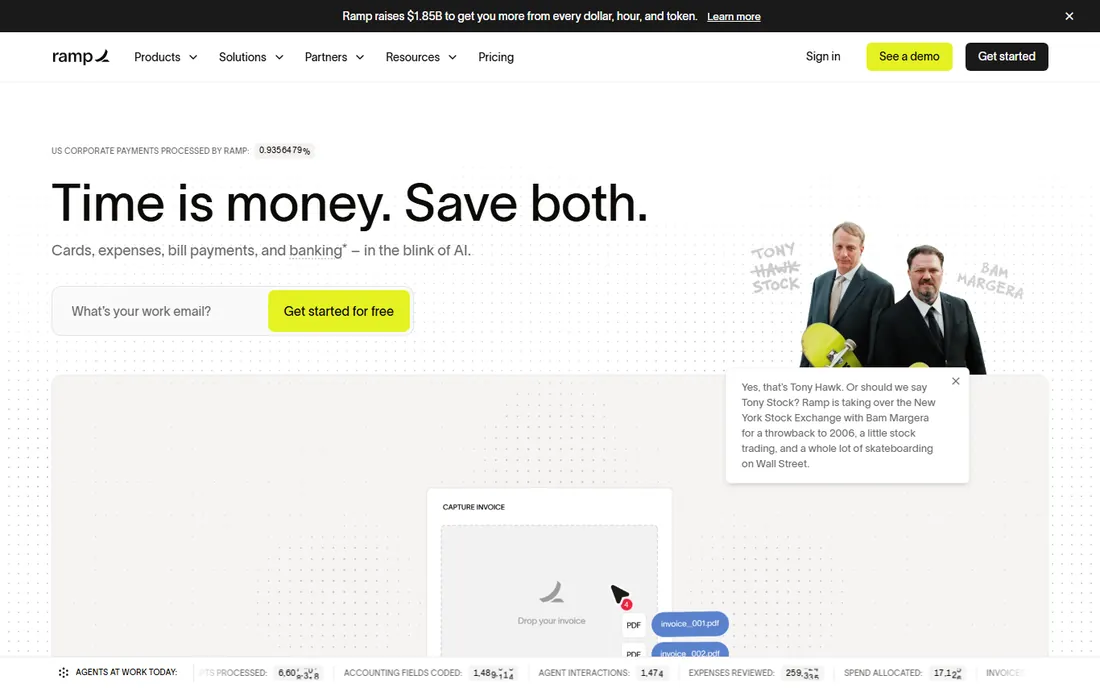
Ramp flips the pricing model: the expense management platform, including receipt capture and OCR, is free, with the company earning from card interchange. Corporate cards come with spend controls, approvals happen in Slack or email, and accounting syncs to the major platforms. For startups and growing companies, the value is hard to argue with.
The catch is the bundle: you get the most from Ramp as a card customer, and receipt tracking alone is not really the product. Businesses that cannot or will not use Ramp cards should look elsewhere. But as a free, full-featured expense platform, it resets expectations for what this software should cost.
What we like- The platform is free for businesses
- Corporate cards with built-in controls
- Strong accounting integrations
Watch out for- Built around Ramp cards
- Receipt capture is part of a bigger system
Starting priceSee website
Free planFree trial
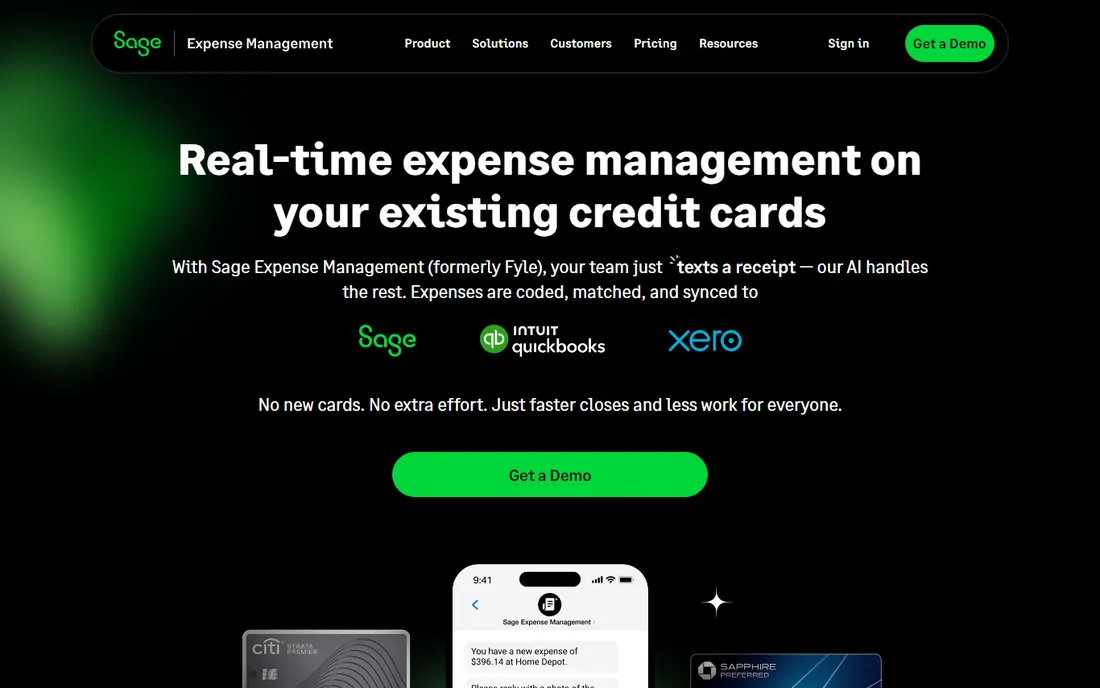
Fyle's angle is real-time: card transactions appear instantly, receipts get requested immediately, and policies enforce at the moment of spend rather than at month-end reconciliation. Employees submit through the apps they already use, including Gmail, Outlook, and Slack integrations. Multi-currency and global reimbursement support suit distributed teams.
It is less known than the giants, so reference customers matter in evaluation. Pricing is published for small teams with quotes beyond that. For companies frustrated by month-end expense chaos, Fyle's real-time approach addresses the actual pain instead of digitizing it.
What we like- Expenses tracked in real time from cards and apps
- Strong policy enforcement
- Good global capabilities
Watch out for- Smaller brand than Expensify or Ramp
- Pricing is quote-based for larger teams
Starting priceSee website
Free planYes
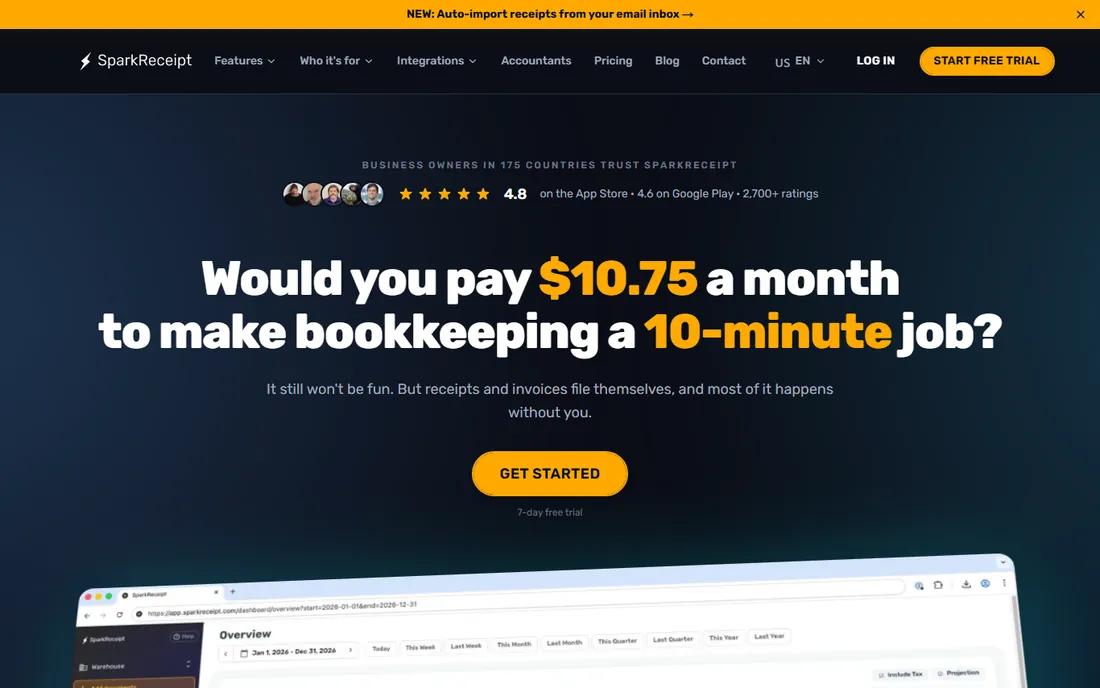
SparkReceipt is for people who want receipts organized, not an expense department. Scan, categorize, and store receipts with a clean interface and a genuinely useful free tier. Tax-time exports and simple reports cover what freelancers and tiny businesses need without approvals, policies, or per-user pricing.
It will not run reimbursements or enforce spending policies, and the integration list is shorter than the big platforms. That is the point. If your requirement is "stop losing receipts and find them at tax time," SparkReceipt does exactly that without selling you software you will never use.
What we like- Clean, simple receipt scanning and organizing
- Useful free tier
- No expense-platform complexity
Watch out for- Not a full expense management system
- Fewer accounting integrations
Starting priceFree
Free planYes
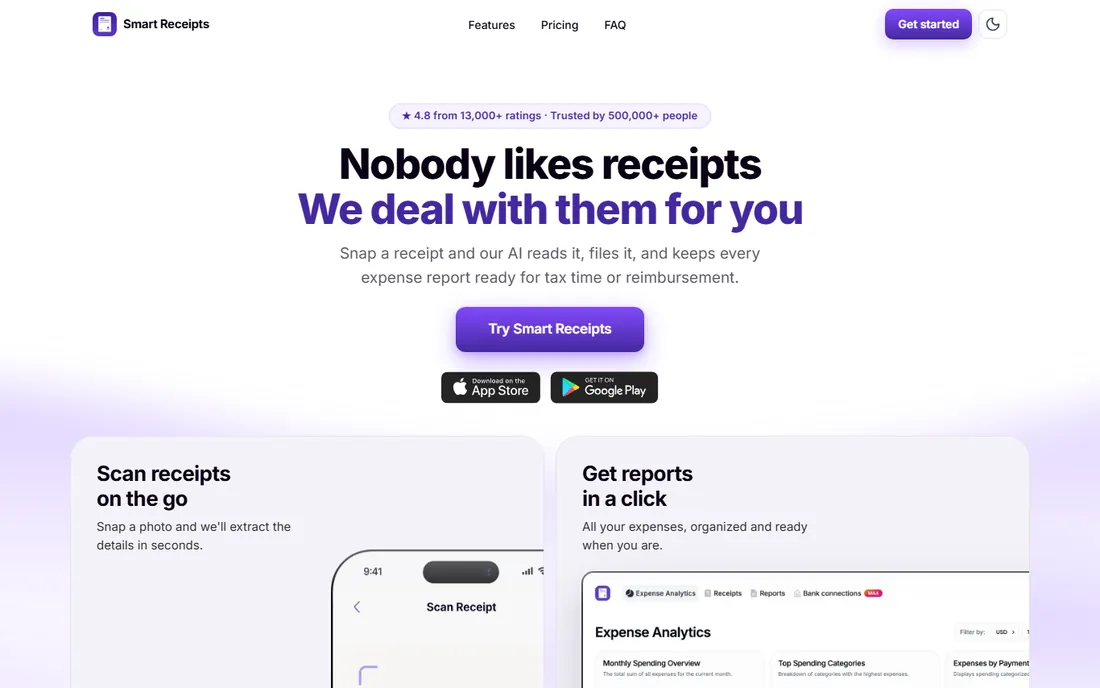
Smart Receipts is the free, no-account option that has quietly served travelers and freelancers for years. Scan receipts, and the app generates flexible expense reports as PDF or CSV with your categories and totals. It grew out of an open-source project, and the philosophy shows: no upsell, no lock-in, your data stays yours.
OCR is more manual than the AI-driven tools here, and the interface looks its age. But for a free receipt scanner app for small business travel or freelance expenses, where the deliverable is a clean report, it remains remarkably practical. Sometimes free and simple beats smart and expensive.
What we like- Completely free with no account required
- Flexible PDF and CSV reports
- Open-source roots
Watch out for- Manual entry alongside OCR
- Dated interface
When a receipt app is not enough
Scanning solves the capture problem, but messy finances usually have deeper causes. If reimbursements take weeks, you need approvals and policy enforcement (Expensify, Zoho Expense, Ramp, Fyle), not a better scanner. If the books are months behind, you need an accountant workflow (Dext, AutoEntry, Shoeboxed), not another app your team ignores.
The honest audit is to follow one receipt through your current process. Where does it stall: capture, categorization, approval, or bookkeeping. Buy the tool that fixes the stall. A freelancer with a tax folder needs SparkReceipt or Smart Receipts. A ten-person company with expense chaos needs Ramp or Zoho Expense. A firm drowning in client paperwork needs Dext or AutoEntry. The category looks like one product, but it is really four jobs.
How to choose the best receipt tracking app for small business
Count your monthly receipts honestly
A dozen receipts a month is a free-app problem. Hundreds a month is a workflow problem. The free tools (Smart Receipts, SparkReceipt, Zoho Expense's free plan) handle low volume beautifully. High volume justifies Dext or AutoEntry, where per-document pricing beats hourly bookkeeping.
Check the accounting integration first
The scan is worthless if the data dies in the app. Confirm a direct, two-way integration with your accounting software before anything else. Dext, AutoEntry, Expensify, and Ramp all publish their integration lists; verify yours is there and current.
Test OCR on your worst receipts
Every vendor demos on crisp receipts. Your test is the faded gas station thermal print and the crumpled restaurant bill. Run the free trial on real documents from your own pocket. Accuracy differences between tools show up immediately on bad originals.
Decide who does the work
Founder-scanned, employee-submitted, accountant-managed, and mailed-in are four different products. Shoeboxed exists because some owners will never scan. Dext and AutoEntry exist because accountants want control. Pick the workflow your people will actually follow, not the one that looks best in a demo.
How we chose
We reviewed vendor product pages, pricing pages, and documentation, plus public reviews on G2, Capterra, and Trustpilot and small-business community discussions. We weighted OCR accuracy and accounting integrations over feature counts, separated full expense platforms from pure receipt tools, and noted free-tier generosity since many buyers need only the basics. We did no hands-on testing; receipt OCR quality varies by document, so trial each finalist with your own receipts.
Frequently asked questions
What is the best free receipt scanner app?
Smart Receipts is completely free with no account, and SparkReceipt and Zoho Expense both have genuinely useful free tiers. For businesses that can use corporate cards, Ramp's platform is free. The right free choice depends on whether you need simple organizing or full expense management.
Do receipt apps work for tax time?
Yes, that is their core job. They categorize receipts, store digital copies (which tax authorities accept in most jurisdictions), and export reports your accountant can use. Keep the originals for anything large or unusual, and confirm your local record-keeping rules.
How accurate is receipt OCR?
On clean receipts, the best tools exceed 95 percent field accuracy. On faded, crumpled, or handwritten receipts, accuracy drops everywhere, which is why we recommend trialing with your own worst documents. Human-verified services like Shoeboxed handle bad originals better than pure OCR.
Should I get a receipt app or full expense management software?
If you have employees submitting expenses and needing reimbursement, get expense management (Expensify, Zoho Expense, Ramp, Fyle). If you are a freelancer or sole proprietor who just needs organized records, a receipt app (SparkReceipt, Smart Receipts, Veryfi) is cheaper and simpler.
Can I mail in my receipts instead of scanning?
Yes. Shoeboxed's mail-in service sends you prepaid envelopes; you mail the paper and get back verified digital records. It costs more than self-scanning apps but works well for historical cleanups or owners who will never build a scanning habit.
Sources we checked (10)
- https://www.expensify.com
- https://dext.com
- https://shoeboxed.com
- https://veryfi.com
- https://www.autoentry.com
- https://www.zoho.com
- https://www.ramp.com
- https://www.fylehq.com
- https://sparkreceipt.com
- https://smartreceipts.co
Is your product missing or out of date?
We review this list regularly. Vendors can request a listing, send updated pricing or ask about featured placement.

Shihab Mia · Founder, Rankite
Shihab has spent more than a decade helping SaaS and e-commerce brands grow through search. He writes Rankite's software buying guides from pricing pages, documentation and public user reviews. More about Shihab.