How we make this list: we compare pricing pages, product documentation and public user reviews. Rankite is independent; if a vendor ever pays for a featured spot, that listing is clearly labeled Partner.
Key takeaways
- QuickBooks Online ($38 per month for Simple Start) is still the default: the widest integration ecosystem and the software most US accountants already know.
- The free options are real: Wave is free for accounting and invoicing, Zoho Books has a $0 plan, and ZipBooks Starter is free with unlimited invoicing.
- Xero ($25 per month) is the strongest QuickBooks alternative, with unlimited users on every plan, a genuine advantage for teams.
- Patriot Accounting ($20 per month) and Kashoo are the budget picks for owners who want simple books without a learning curve.
- Watch the promo math: most vendors discount the first 3 to 12 months heavily, then bill the full list price, so compare the second-year cost.
Quick comparison
| Tool | Best for | Starting price | Free plan |
|---|
 QuickBooks Online QuickBooks Online | Small businesses that want the software their accountant already knows | $38/month (Simple Start; $19/month for the first 3 months) | Yes (free plan: 1 user, 2 invoices per month) |
 Xero Xero | Small teams that need everyone in the books without per-user fees | $25/month (Early plan) | Free trial (30 days, per reviewers) |
 FreshBooks FreshBooks | Freelancers and service businesses that live on invoices | $1/month for the first year (introductory promo) | Free trial (30 days, per reviewers) |
 Wave Wave | Solopreneurs and micro-businesses that want to pay nothing | Free (accounting and invoicing; payroll and payments are paid add-ons) | Yes |
 Zoho Books Zoho Books | Businesses already using Zoho apps (CRM, Inventory, Projects) | $15/org/month (Standard plan, billed annually) | Yes (free plan for solopreneurs and micro businesses) |
 Sage Sage | Businesses that want an established global brand behind their books | See website | Free trial (per reviewers) |
 Patriot Accounting Patriot Accounting | US small businesses that want flat, transparent pricing | $20/month (Basic; currently $10/month for 3 months) | Free trial (30 days) |
 Kashoo Kashoo | Owners who want the simplest possible double-entry books | See website | Free trial (14 days, no credit card required) |
 ZipBooks ZipBooks | Freelancers who want free invoicing with room to grow | $15/month (Smarter plan; Starter is free) | Yes (Starter: free, unlimited invoicing) |
Is your product missing or out of date?
We review this list regularly. Vendors can request a listing, send updated pricing or ask about featured placement.
Most small businesses overpay for accounting software, not because the software is bad, but because they buy the plan with the most features instead of the plan that matches how they actually work. A freelancer sending 20 invoices a month does not need multi-currency consolidation and inventory assemblies. These nine tools cover the real small-business market, from genuinely free plans to the industry standard, with the second-year pricing math worked out so the promo rates do not fool you.
Starting price$38/month (Simple Start; $19/month for the first 3 months)
Free planYes (free plan: 1 user, 2 invoices per month)
QuickBooks Online is the default for a reason: depth. Invoicing, expense tracking, bank feeds, sales tax, payroll add-ons, inventory (Plus and up), project profitability and 800-plus integrations cover nearly every small-business workflow. The 2026 pricing page lists a free plan at $0, Simple Start at $38 per month, Essentials at $85, Plus at $140 and Advanced at $340, all with 50 percent off for the first three months.
The honest catch is the price trajectory. List prices have climbed steadily, and the per-tier user caps mean a five-person team lands on Plus at $140 per month. If your accountant lives in QuickBooks, the premium is worth it. If you are choosing freely, Xero and Zoho Books do the same core job for less.
What we like- The largest integration ecosystem in small-business accounting (800-plus apps)
- Most US accountants and bookkeepers already know it, so hiring help is easy
- A real free plan exists for the smallest businesses, plus Simple Start through Advanced tiers
Watch out for- The priciest entry point on this list at $38 per month, and prices have risen repeatedly
- User counts are capped per tier, so growing teams get pushed upmarket
- The interface carries a learning curve for non-accountants
#2
Xero
Best for: Small teams that need everyone in the books without per-user fees
Visit xero.com
Starting price$25/month (Early plan)
Free planFree trial (30 days, per reviewers)
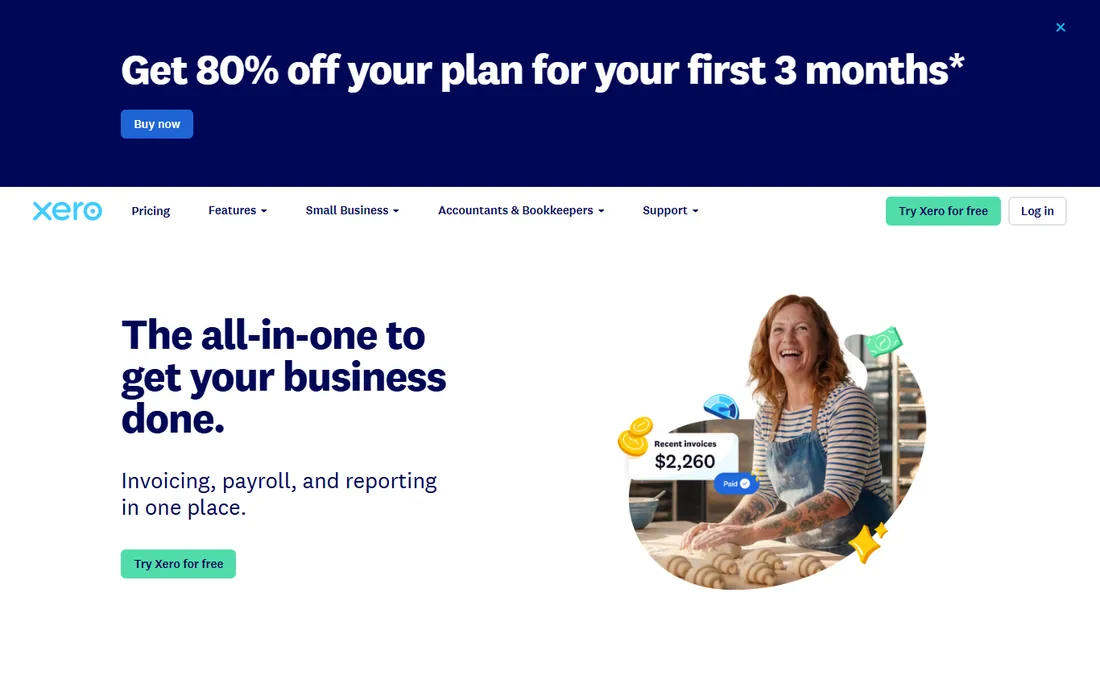
Xero's pitch is simple: one flat price, as many users as you want. The Early plan at $25 per month covers invoicing, quotes, bill tracking, bank reconciliation and real-time reports for a solo owner; Growing at $55 adds auto-reconciliation and performance dashboards; Established at $90 adds multi-currency, project tracking and expense claims. New subscribers get steep introductory pricing for the first six months.
The trade-off is ecosystem gravity. In the US, most accountants default to QuickBooks, and Xero's app marketplace, while large, is thinner on US-specific payroll and tax integrations. For a distributed team or a business with international clients, the unlimited users and multi-currency support make it the better value.
What we like- Unlimited users on every plan, the standout pricing advantage over QuickBooks
- Clean bank reconciliation and a strong mobile app
- 20-plus invoice and quote workflows with online payments built in
Watch out for- US accountant familiarity lags QuickBooks, so finding a Xero-savvy bookkeeper takes more effort
- Payroll is handled through integrations (Gusto, ADP) rather than built in
- Multi-currency sits on higher tiers
#3
FreshBooks
Best for: Freelancers and service businesses that live on invoices
Visit freshbooks.com
Starting price$1/month for the first year (introductory promo)
Free planFree trial (30 days, per reviewers)
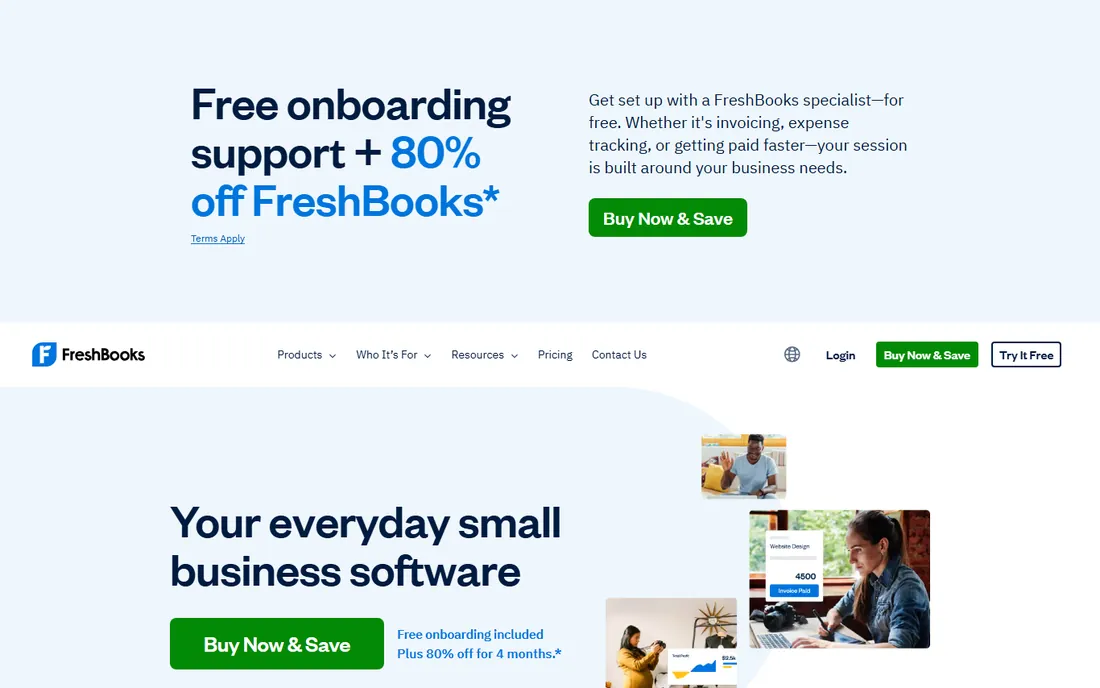
FreshBooks built its reputation on invoicing, and it shows: proposals, estimates, time tracking that flows into invoices, late-payment reminders and client portals are all first-class. The homepage currently advertises $1 per month for the first year, which makes it nearly free to try for twelve months. Paid tiers scale by billable clients rather than users, which suits freelancers and agencies.
Know what you are buying after the promo ends. Standard pricing is meaningfully higher than $1 per month, and businesses that outgrow simple service accounting (inventory, multi-entity, deep reporting) will hit walls. For a freelancer or consultancy sending professional invoices and tracking time, it is the most pleasant tool here.
What we like- Invoicing-first design with proposals, time tracking and client portals that service businesses love
- The $1-per-month first-year promo is the cheapest entry on this list
- 100-plus integrations including Gusto, Stripe and HubSpot
Watch out for- The promo price jumps to standard rates after year one, so budget for the second year
- Full accounting depth (inventory, complex reporting) trails QuickBooks and Xero
- Per-client pricing tiers can surprise growing agencies
#4
Wave
Best for: Solopreneurs and micro-businesses that want to pay nothing
Visit waveapps.com
Starting priceFree (accounting and invoicing; payroll and payments are paid add-ons)
Free planYes
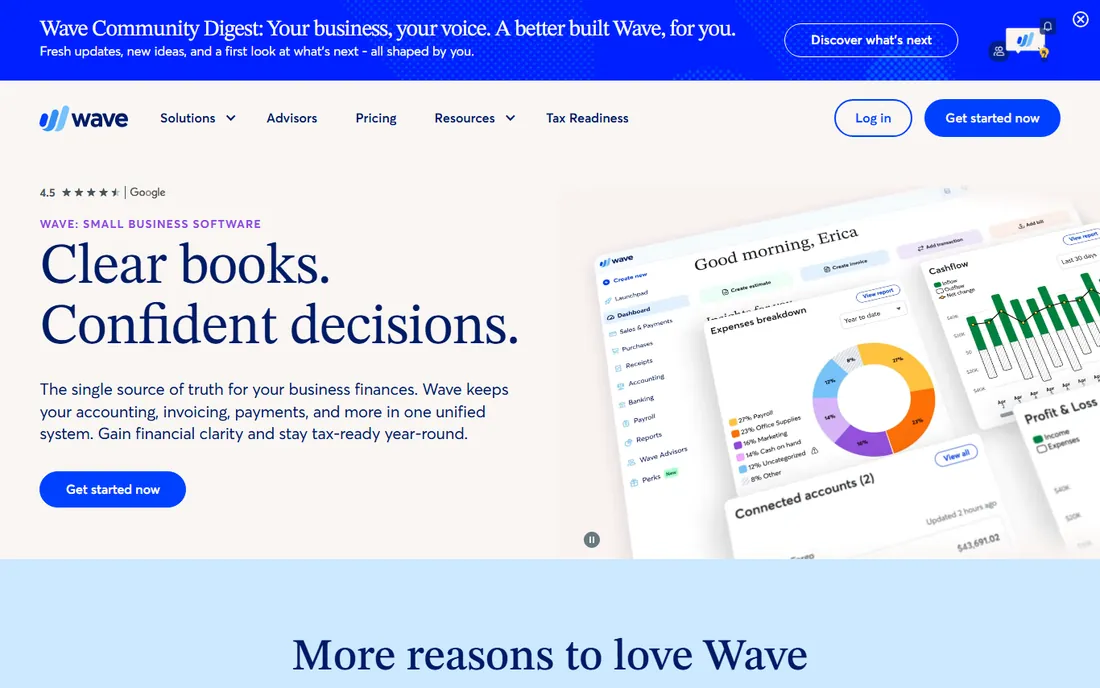
Wave is the rare product where the free tier is the actual product, not a trial. Accounting, invoicing, receipt scanning and basic reports cost nothing, which makes it the default recommendation for side businesses, freelancers and brand-new companies watching every dollar. The interface is deliberately non-technical: no accounting jargon, no 40-tab navigation.
Wave makes money on the edges: payment processing fees when clients pay invoices online, payroll as a paid add-on, and optional bookkeeping services. A business that takes many card payments or needs payroll will pay real money. A cash-basis freelancer who just needs clean books and professional invoices may never pay a cent.
What we like- Core accounting and invoicing are genuinely free with no time limit
- Unlimited income and expense tracking, invoicing and receipt scanning on the free tier
- Clean, approachable interface built for non-accountants
Watch out for- Payroll, payment processing and bookkeeping services cost extra, so the "free" story has paid chapters
- Fewer integrations than QuickBooks or Xero
- Support is limited on the free tier
#5
Zoho Books
Best for: Businesses already using Zoho apps (CRM, Inventory, Projects)
Visit zoho.com
Starting price$15/org/month (Standard plan, billed annually)
Free planYes (free plan for solopreneurs and micro businesses)
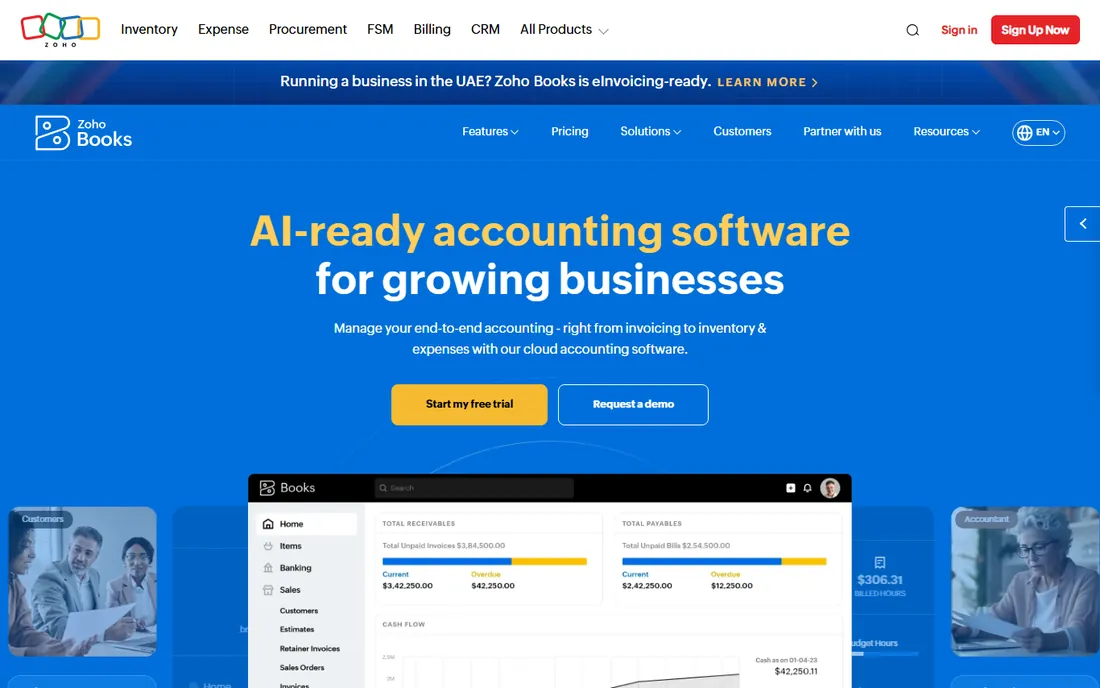
Zoho Books is the value play for anyone in the Zoho ecosystem. The free plan covers solopreneurs, Standard at $15 per organization per month adds the full accounting core, and Professional at $40 adds inventory and project billing. Because pricing is per organization rather than per user, teams do not get penalized for adding staff. The 2026 homepage also highlights built-in AI for anomaly detection and collections.
The catch is polish and network effects. The UI packs a lot into small spaces, and finding a US bookkeeper who knows Zoho Books is harder than finding a QuickBooks one. If you already run Zoho CRM or Zoho Inventory, the native integrations outweigh those concerns easily.
What we like- A genuinely free plan plus Standard at only $15 per organization per month, the cheapest full-featured paid tier here
- Deep integration with the rest of the Zoho suite
- Multi-currency, inventory and project billing on mid tiers
Watch out for- The interface feels dense next to Wave or FreshBooks
- US accountant familiarity is low compared with QuickBooks
- Advanced automation sits on the pricier Professional and Premium tiers
#6
Sage
Best for: Businesses that want an established global brand behind their books
Visit sage.com
Starting priceSee website
Free planFree trial (per reviewers)
Sage is one of the oldest names in accounting software, and Sage Accounting (the small-business product) covers the essentials: invoicing, expense tracking, bank reconciliation, cash-flow forecasts and quotes. It is particularly strong in the UK, where Making Tax Digital compliance is built in, and the brand carries weight with accountants worldwide.
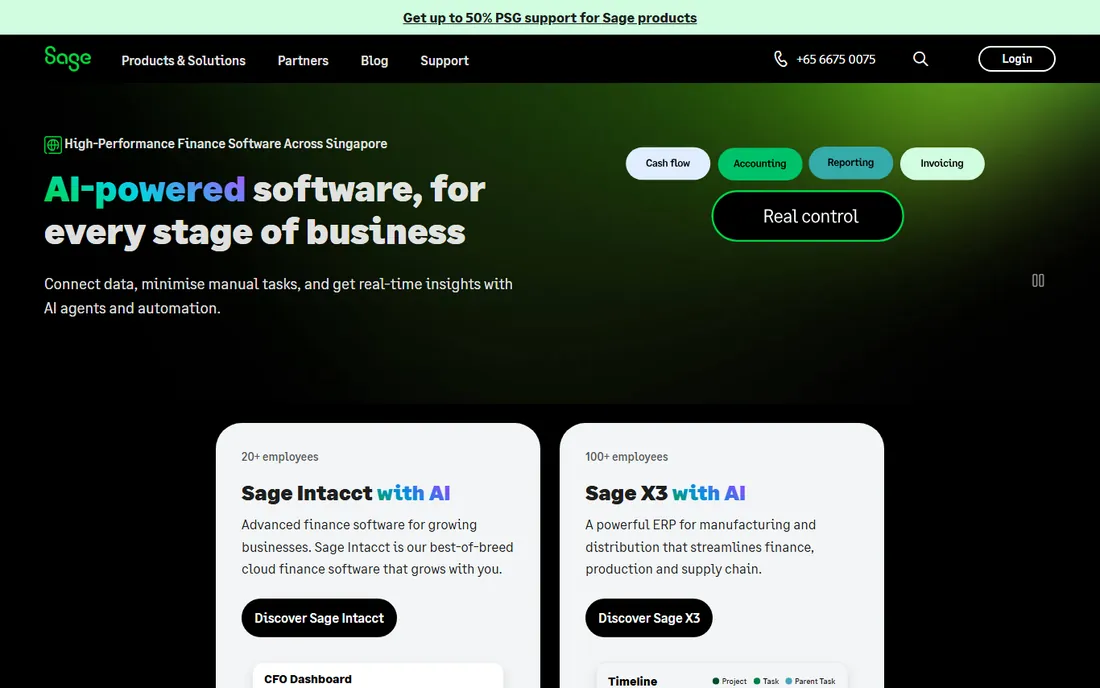
For US buyers the picture is murkier. Sage's homepage leads with Intacct, the mid-market product, and small-business pricing is not published there. It is a solid product that suffers from positioning: buyers who want Sage usually know exactly which Sage product they want, and everyone else defaults to QuickBooks or Xero.
What we like- Decades of accounting credibility and a huge global customer base
- Sage Accounting covers invoicing, bank feeds, cash-flow forecasting and multi-currency
- Strong compliance tooling for VAT and Making Tax Digital markets
Watch out for- No published small-business pricing on the corporate homepage
- The product lineup (Accounting, Intacct, 50cloud) confuses buyers about which to choose
- The US small-business focus is weaker than QuickBooks or Xero
Starting price$20/month (Basic; currently $10/month for 3 months)
Free planFree trial (30 days)
Patriot Accounting is built for the "Main Street, not Wall Street" buyer: simple books, honest prices, human support. Basic at $20 per month covers unlimited customers, invoices, vendors and payments with automatic bank imports; Premium at $30 adds estimates, recurring invoices, payment reminders and receipt management. The vendor's own pricing page currently shows 50 percent off for three months plus a 30-day free trial.
The limitations are deliberate. There is no inventory module, no multi-currency, and the integration list is short. But a US service business that sends invoices, tracks expenses and runs Patriot Payroll gets everything in one place for $20 per month with support from people who pick up the phone.
What we like- Flat pricing with unlimited users, customers and invoices on every plan
- US-based support with a strong reputation
- Cash and accrual toggle plus direct integration with Patriot Payroll
Watch out for- No inventory tracking, which rules out product businesses
- Fewer third-party integrations than the big ecosystems
- US-only, so international businesses should look elsewhere
#8
Kashoo
Best for: Owners who want the simplest possible double-entry books
Visit kashoo.com
Starting priceSee website
Free planFree trial (14 days, no credit card required)
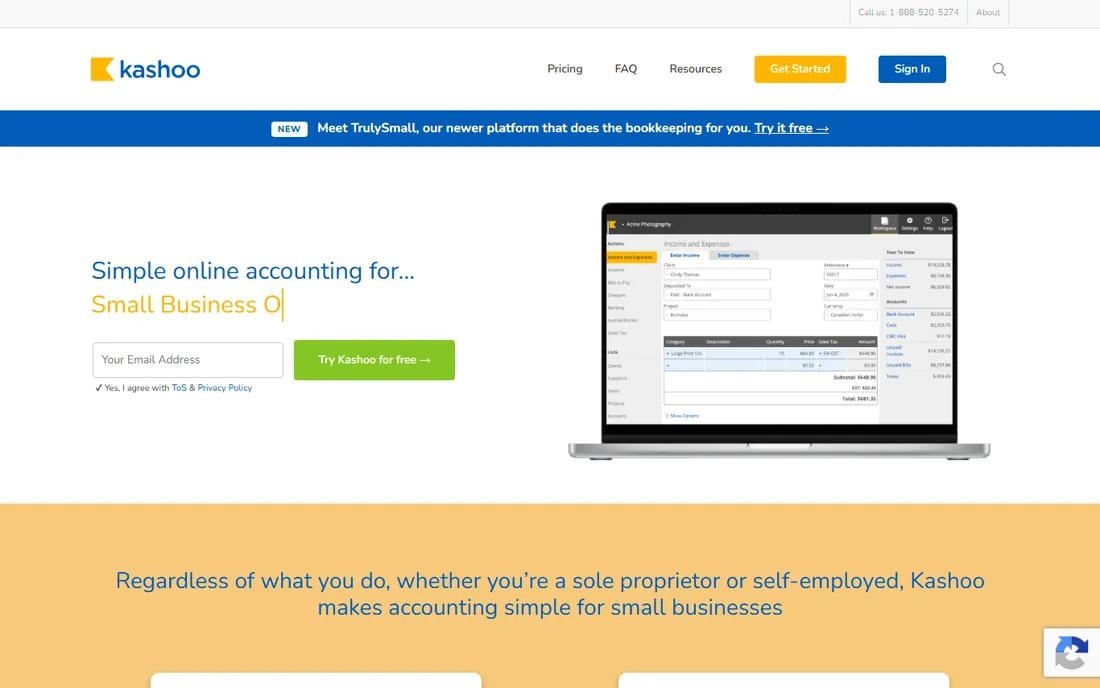
Kashoo's philosophy is that accounting software should not require accounting knowledge. The interface strips bookkeeping to its essentials: connect bank accounts, categorize transactions, send invoices, run reports. Underneath is a real double-entry ledger, so the books stay correct even though the surface stays simple. Unlimited users means the accountant, the bookkeeper and the owner all work in the same file.
The 14-day trial needs no credit card, and the vendor keeps trial accounts active for 90 days after expiry if you are not ready. Pricing is not published on the homepage, which is the main annoyance. For a sole proprietor or tiny team that finds QuickBooks intimidating, the simplicity is the whole point.
What we like- Genuinely simple interface with true double-entry accounting underneath
- Unlimited users at no extra charge, so your accountant and staff all get in
- Bank feeds via Plaid, Stripe and Square integrations, multi-currency included
Watch out for- No published price on the homepage (plans are quoted at signup)
- The feature set is intentionally narrow, so complex businesses outgrow it
- No Android app, iOS only for mobile
#9
ZipBooks
Best for: Freelancers who want free invoicing with room to grow
Visit zipbooks.com
Starting price$15/month (Smarter plan; Starter is free)
Free planYes (Starter: free, unlimited invoicing)
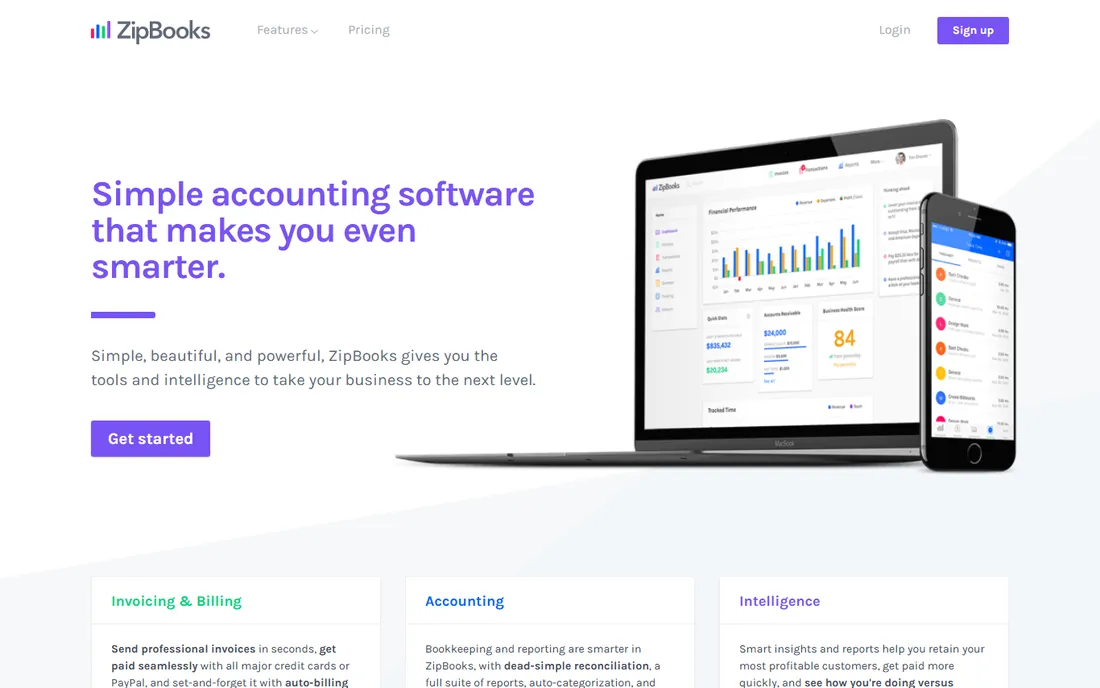
ZipBooks targets freelancers and service businesses with a generous free tier: unlimited invoices and estimates, customer and vendor management, digital payment acceptance through Square, PayPal and Stripe, and basic reports, all free on Starter. Smarter at $15 per month adds recurring invoices, auto-bills, time tracking and multiple bank connections; Sophisticated at $35 adds smart tagging, custom charts of accounts and unlimited team members.
The honest catch is scale. ZipBooks is purpose-built for small service businesses, and reviewers note it strains under complex accounting needs. But as a free starting point with a sane upgrade path, it beats paying $38 per month for features a freelancer will never open.
What we like- The free Starter plan includes unlimited invoicing, unlimited customers and vendors, and one bank connection
- Machine-learning auto-categorization improves as you use it
- Time tracking and smart tagging on paid tiers
Watch out for- Paid tiers are needed for recurring billing automation and advanced reporting
- The review base is small compared with the giants, so long-term reliability is harder to assess
- No purchase-order module for product businesses
How we chose
We started with the searches buyers actually run: accounting software for small business, invoicing software, bookkeeping software and QuickBooks alternatives. For each candidate we opened the vendor's own homepage and pricing page, checked prices and free tiers against the vendor's own pages, and compared invoicing depth, bank-feed coverage and review sentiment on G2, Capterra and Reddit. Where a vendor publishes no price, we wrote "See website" instead of repeating a third-party estimate.
What to look for before you buy accounting software
Start with the invoicing workflow, because that is where you will live day to day. Create a test invoice during the trial: add line items, apply tax, send it to yourself, and pay it through the vendor's payment link. Check how late-payment reminders work and whether recurring invoices are automatic or manual. A tool that makes invoicing pleasant gets you paid faster; a tool that fights you on invoices will cost you real money in delayed payments.
Count users, invoices and bank connections before comparing prices
The pricing model decides the bill. QuickBooks caps users per tier, so a five-person team pays for Plus. Xero, Zoho Books and Kashoo include unlimited users, so the same team pays the base price. FreshBooks tiers by billable clients. Wave and ZipBooks Starter are free but monetize payments and payroll. Write down your user count, monthly invoice volume and number of bank accounts, then map each vendor's tiers to those numbers instead of comparing headline prices.
Check the second-year price, not the promo
Nearly every vendor on this list discounts the first 3 to 12 months: QuickBooks at 50 percent off for three months, FreshBooks at $1 per month for a year, Patriot at 50 percent off for three months, Xero with six months of introductory pricing. The promo is real money, but the renewal price is the long-term cost. Ask support to confirm the standard rate in writing before you commit your books to a platform.
Cash vs. accrual: the one accounting setting to get right
Most small businesses can choose between cash-basis accounting (record income when cash arrives, expenses when cash leaves) and accrual accounting (record income when invoiced, expenses when incurred). Cash basis is simpler and matches how most owners think; accrual gives a truer picture of profitability and is required once you carry inventory or exceed IRS revenue thresholds for your entity type.
The practical point: pick software that supports both and lets you switch. Patriot Accounting has a one-click cash/accrual toggle. QuickBooks, Xero, Zoho Books and Kashoo all support both methods. Wave and ZipBooks Starter lean cash-basis with accrual available on paid tiers. If an accountant tells you to switch methods at year end, you want that to be a setting, not a migration.
Frequently asked questions
How much does accounting software cost for a small business?
Anywhere from $0 to $140 per month. Wave, Zoho Books (free plan) and ZipBooks Starter are free. Paid entry points run $15 per month (Zoho Books Standard, ZipBooks Smarter), $20 (Patriot Basic), $25 (Xero Early) and $38 (QuickBooks Simple Start). A five-person team typically pays $40 to $140 per month depending on the vendor's user model.
Is free accounting software actually usable?
Yes, for simple books. Wave's free tier covers accounting, invoicing and receipt scanning with no time limit. Zoho Books has a free plan for solopreneurs. ZipBooks Starter includes unlimited invoicing free. QuickBooks even lists a limited free plan. Free tiers monetize through payment processing fees, payroll add-ons or feature caps, so check what triggers the first paid upgrade for your workflow.
Should I choose QuickBooks or Xero?
Choose QuickBooks if your accountant already uses it, you need US payroll built in, or you want the largest integration ecosystem. Choose Xero if you have a team (unlimited users on every plan), international clients (multi-currency on higher tiers), or you prefer a cleaner interface. Both handle invoicing, bank feeds and reporting well; the decision usually comes down to your accountant's preference and your user count.
Do I need separate invoicing software?
No, not anymore. Every tool on this list includes invoicing: professional templates, online payment links, recurring invoices and payment reminders. Standalone invoicing apps made sense a decade ago; today the invoice should live inside the accounting system so payments reconcile automatically. Only consider a separate tool if you need industry-specific quoting (contractors, agencies) that your accounting tool cannot do.
Can I switch accounting software later?
Yes, and vendors make migration easy because they want your business: most offer free import from QuickBooks, Xero or CSV, and some (Zoho Books) advertise free migration explicitly. The switching cost is learning the new interface and reconnecting bank feeds, not data loss. The cleanest time to switch is at a quarter or year boundary, so reporting periods stay tidy.
Does accounting software handle taxes?
It prepares you for taxes rather than filing them. These tools track income and expenses, categorize transactions, generate profit-and-loss statements and balance sheets, and produce the reports your accountant or tax software needs. Most integrate with TurboTax or export to accountants. None of them replace a tax professional for a complex return, but clean books in any of these tools make tax season dramatically cheaper.
Sources we checked (14)
- https://quickbooks.intuit.com/
- https://quickbooks.intuit.com/pricing/
- https://www.xero.com/
- https://www.freshbooks.com/
- https://www.waveapps.com/
- https://www.zoho.com/books/
- https://sage.com/
- https://www.patriotsoftware.com/
- https://www.patriotsoftware.com/pricing/
- https://kashoo.com/
- https://zipbooks.com/
- https://zipbooks.com/blog/quickbooks-online-pricing/
- https://www.g2.com/categories/accounting
- https://www.capterra.com/accounting-software/
Is your product missing or out of date?
We review this list regularly. Vendors can request a listing, send updated pricing or ask about featured placement.

Shihab Mia · Founder, Rankite
Shihab has spent more than a decade helping SaaS and e-commerce brands grow through search. He writes Rankite's software buying guides from pricing pages, documentation and public user reviews. More about Shihab.