How we make this list: we compare pricing pages, product documentation and public user reviews. Ratings come from G2, Capterra or Trustpilot, with the date we checked them.
Quick comparison
| Tool | Best for | Starting price | Free plan |
|---|
 SmartVault SmartVault | Tax firms using Lacerte, ProSeries, or UltraTax | See website | No |
 ShareFile ShareFile | Firms needing enterprise-grade secure sharing | See website | Free trial |
 TaxDome TaxDome | Firms wanting documents plus full practice management | See website | No |
 Karbon Karbon | Firms that want workflow and email in one place | From $59/user/month (per vendor site) | No |
 Canopy Canopy | Firms that want one login for the whole practice | See website | No |
 Financial Cents Financial Cents | Small firms needing easy workflow software | See website | Free trial |
 DocuWare DocuWare | Firms needing general document management with AI | See website | No |
 M-Files M-Files | Firms deep in the Microsoft 365 world | See website | No |
 Liscio Liscio | Tax firms obsessed with client experience | See website | No |
Is your product missing or out of date?
We review this list regularly. Vendors can request a listing, send updated pricing or ask about featured placement.
Key takeaways
- Accountant-focused tools (SmartVault, TaxDome, Karbon, Canopy, Financial Cents, Liscio) integrate with tax software such as Lacerte, ProSeries, UltraTax, and Drake. General tools (ShareFile, DocuWare, M-Files) do not.
- Only two vendors publish verifiable pricing or trial details on their own sites: Karbon lists its price, while Financial Cents and ShareFile advertise trials. Everything else requires a demo or quote.
- If you want documents plus workflow, billing, and client communication in one system, look at TaxDome, Karbon, Canopy, or Financial Cents rather than a pure document manager.
- Security credentials matter for client trust. Most tools here are SOC 2 certified and support IRS Publication 4557 and FTC Safeguards requirements.
The best document management software for accountants
Accountants do not just store files; they route them through tax season workflows with client portals, e-signatures, and retention rules. The wrong DMS becomes a shared drive with a login page.
These nine cover practice-focused platforms and general document management tools that firms actually use.
Starting priceSee website
Free planNo
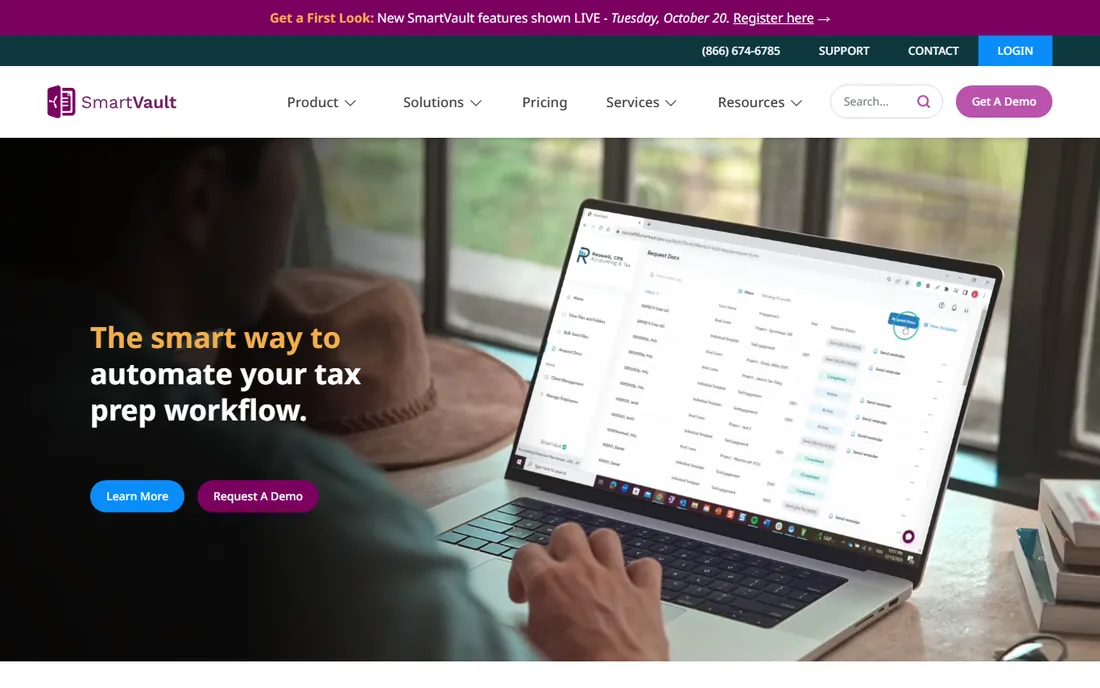
SmartVault is the name most tax-season veterans mention first. It was built specifically for accountants, and its integrations show it: documents move automatically between SmartVault and Lacerte, ProConnect, ProSeries, UltraTax CS, and Drake, so returns print straight into the right client folder without extra uploads.
The client portal covers the full loop from onboarding to delivery. Clients upload documents from any device, review files, and eSign forms such as 8879s without installing an app. Its SmartRequestAI reads the prior-year 1040 and builds personalized intake questionnaires, which cuts the back-and-forth that slows January and February.
On security, SmartVault is SOC 2 Type 2 compliant and supports IRS Publication 4557 and the FTC Safeguards Rule. Its homepage reports more than 3 million users and 500 million documents stored. Pricing is not published, so expect a demo and a quote based on firm size.
What we like- Deep tax software integrations, client portal with eSign, AI intake requests
Watch out for- No public pricing, focused on tax firms rather than general business
Starting priceSee website
Free planFree trial
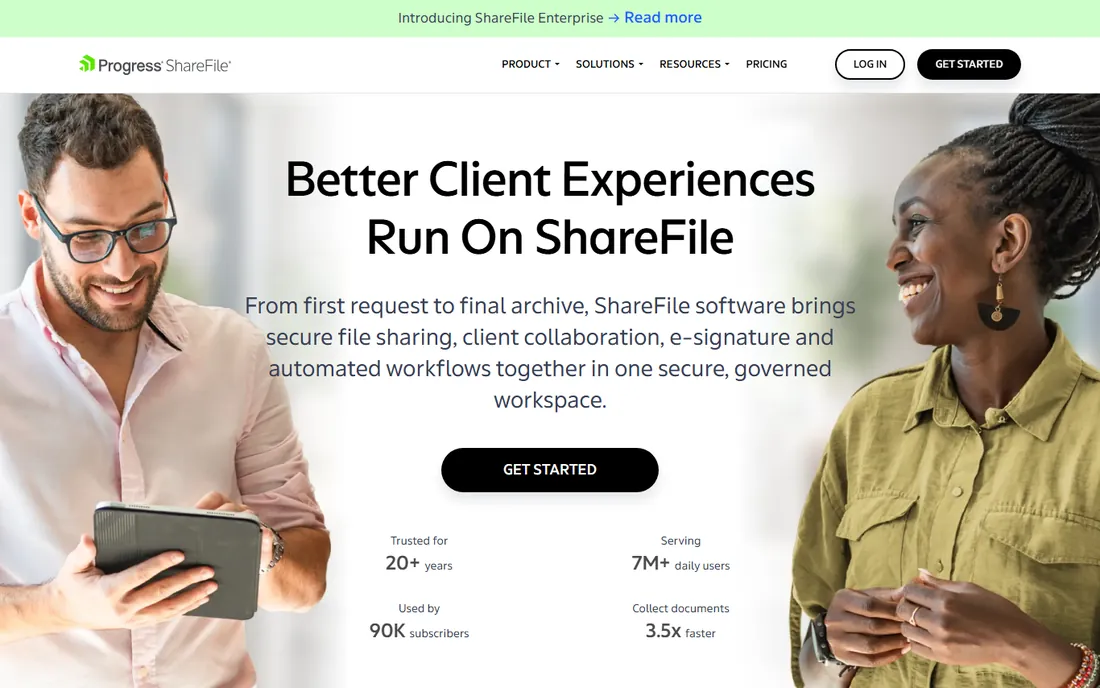
ShareFile comes from a different world than the accountant-first tools. It is a general secure file sharing and workflow platform with more than 20 years on the market, serving over 7 million daily users and 90,000 subscribers according to its homepage. Accountants use it alongside legal, finance, and healthcare teams.
For firms, the relevant pieces are secure client portals, built-in e-signatures, document request lists, and AI-powered collection, summarization, and Q&A. Integrations with Microsoft 365, Google Workspace, Salesforce, and Zapier let it fit into an existing stack. The homepage highlights a dedicated tax season workflow for collecting documents, forms, and signatures in one workspace.
ShareFile offers a free trial with no credit card required, but no public pricing. It is one of the more established options here, which appeals to firms that want a vendor that has been around for decades rather than a startup.
What we like- Long track record, AI document features, strong compliance support
Watch out for- No public pricing, broader than pure accounting workflows
#3
TaxDome
Best for: Firms wanting documents plus full practice management
Visit taxdome.com
Starting priceSee website
Free planNo

TaxDome wants to be your whole practice, not just your file cabinet. The platform combines document management with CRM, workflow automation, a client portal, time and billing, and payments, all sharing one client record. Documents upload into a system that already knows the engagement, the tasks, and the invoices.
Its AI features target the filing mess directly: client documents are auto-tagged, categorized, and renamed, so files like 4353458223.pdf become clean, searchable records. The vendor reports more than 15,000 firms on the platform and a 4.7 out of 5 rating across more than 7,600 reviews on Capterra, G2, and GetApp.
Pricing is not published and the site funnels buyers toward a demo. Average onboarding runs six to eight weeks with a dedicated manager, which tells you this is a full platform migration rather than a quick file-share setup.
What we like- All-in-one platform, unlimited storage, strong review scores
Watch out for- No public pricing, broader than firms that only need storage
Starting priceFrom $59/user/month (per vendor site)
Free planNo

Karbon runs on a simple idea: your inbox is your workflow. Instead of separating email from tasks, it unites email, clients, jobs, tasks, billing, and payments in one place, so work threads stay connected to the client record. For firms drowning in email, that structure is the main selling point.
Its AI coworker, called Kai, is the newest addition. It knows your clients, work, and team, and can take on tasks or answer questions from real firm data in seconds. The homepage also highlights automation for recurring work, standardized processes, and scheduled client data collection.
Karbon is the rare vendor here that shows pricing on its own site, with plans from $59 per user per month. Its site claims leadership in accounting practice management on G2 for 20 consecutive quarters. No free trial is advertised, so plan on a demo.
What we like- Published pricing, email-based workflow, new AI coworker
Watch out for- No free trial listed, document storage is part of a bigger platform
Starting priceSee website
Free planNo
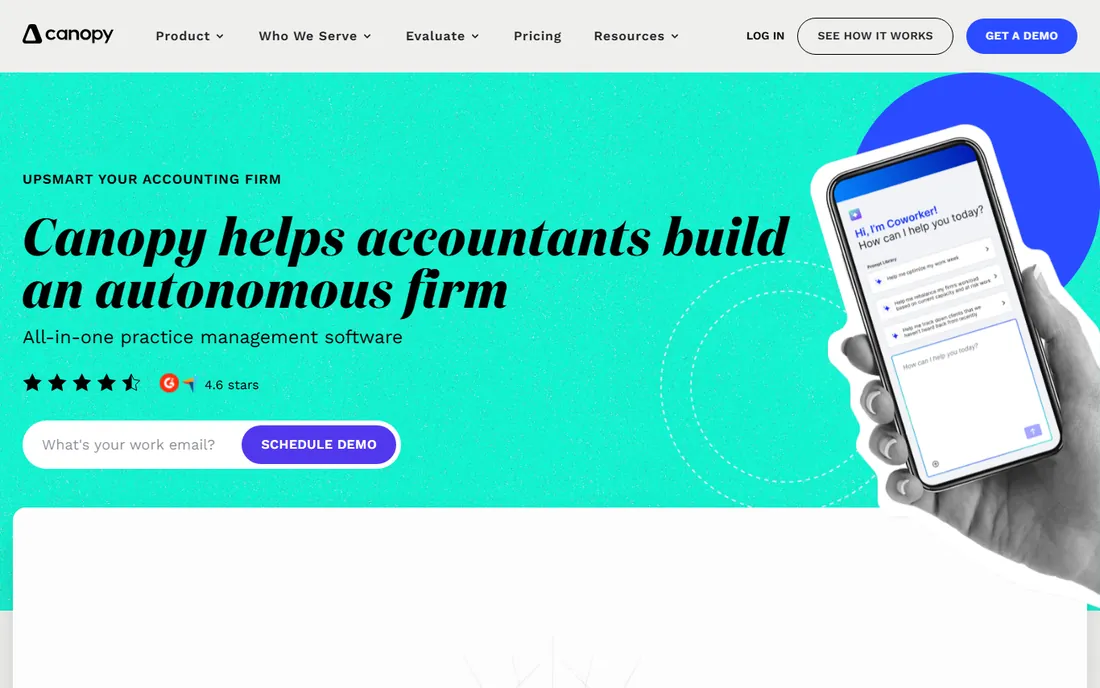
Canopy rebuilt its platform around one promise: a single login for everything. Client management sits at the foundation, with workflow automation, CRM, client portal, document management, time tracking, billing, proposals, and AI sharing the same record. When a document uploads, it matches to the right engagement automatically.
The AI angle is current. Canopy Coworker, its AI assistant, auto-generates client emails, renames and organizes uploaded documents, builds checklists from prior-year returns, and matches IRS notices to client records. In September 2026 the company also launched an external API platform with write access, aimed at firms that want to pull data into custom dashboards.
One practical note: Canopy's official site is now getcanopy.com, replacing the older canopytax.com. The homepage shows a 4.6-star Google rating badge and claims G2 leadership in practice management. Pricing is not published.
What we like- True all-in-one design, new external API, AI document handling
Watch out for- No public pricing, recent domain change may confuse
Starting priceSee website
Free planFree trial
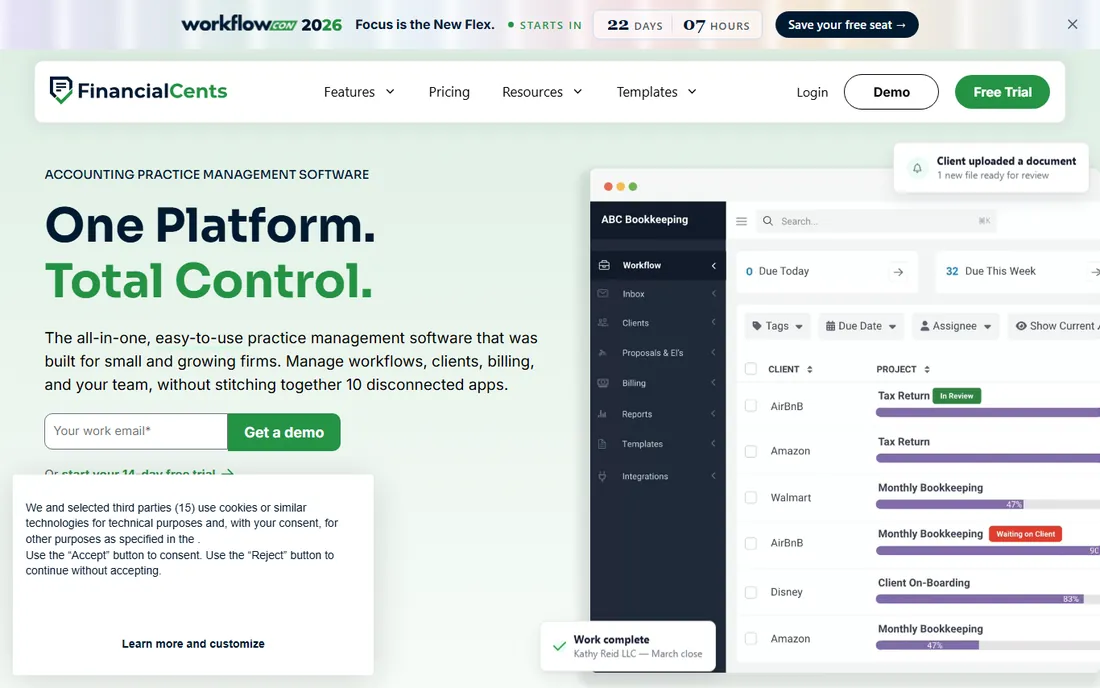
Financial Cents aims at the smaller end of the market on purpose. Where rivals move upmarket, it designs for owners who still answer their own client emails, with 250+ pre-built templates for bookkeeping, tax, payroll, and client accounting work. Recurring engagements run on autopilot and tasks assign themselves.
The AI features are unusually generous. Three AI agents, file validator, file renaming, and file routing, ship on every plan and handle the moment a client uploads a file: checking it is the right document, naming it to your convention, and filing it in the right folder. A 14-day free trial is advertised on the vendor's site, which is more than most competitors offer.
Pricing is not published. The homepage claims more than 10,000 accountants, bookkeepers, and CPAs use the platform, plus a Capterra best-ease-of-use award for 2026. For a small firm that wants structure without a consultant-led rollout, this is a strong starting point.
What we like- Built for small firms, 14-day trial, AI file agents included on all plans
Watch out for- No public pricing, document tools sit inside a full platform
Starting priceSee website
Free planNo
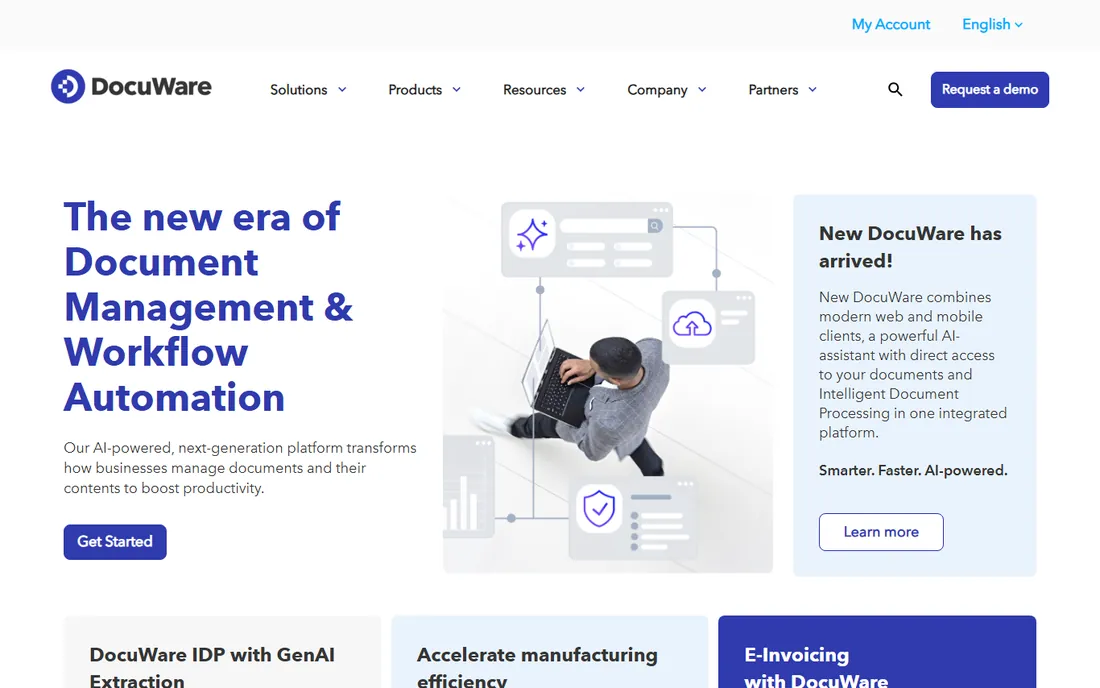
DocuWare is the generalist on this list. It provides document management and workflow automation for companies of all sizes, available as cloud, on-premises, or hybrid with identical functionality. Its newest release adds an AI assistant with direct access to your documents and GenAI-powered extraction that reads data from any document type.
For accounting use, the relevant features are secure archiving, automated workflows, e-invoicing support, and compliance management. The vendor claims its extraction technology can reduce manual data entry significantly, and it runs free monthly webinars with live demos for evaluation.
DocuWare does not publish pricing. Its homepage cites a 2026 Gartner Magic Quadrant placement for document management and recognition from IDC and Info Source. Firms that want a proven general platform rather than accounting-specific software should shortlist it.
What we like- Cloud and on-premises options, GenAI extraction, broad industry use
Watch out for- No public pricing, not built specifically for accountants
Starting priceSee website
Free planNo
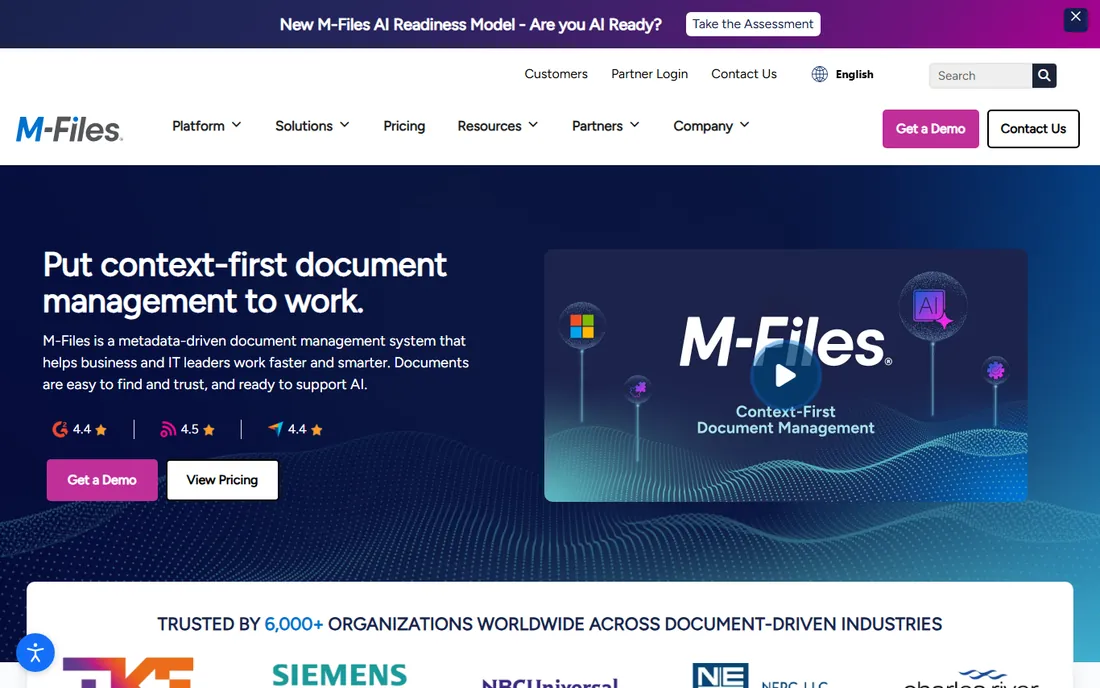
M-Files organizes files by what they are, not where they sit. Its metadata-driven architecture classifies documents automatically and connects them to the related people, projects, and work, so you find a client file by searching its meaning rather than remembering which folder it lives in.
The Microsoft 365 integration is the headline for accounting firms that live in Teams, SharePoint, Outlook, and Copilot. M-Files brings structure, governance, and search to that content without forcing a move away from familiar tools. Its homepage reports more than 6,000 customers in over 100 countries, plus a Gartner Peer Insights Customers' Choice badge for 2025.
Pricing is quote-based with no public numbers. The site offers an interactive self-guided demo by industry. For a firm standardized on Microsoft, this is the most natural document platform on the list.
What we like- Metadata-driven organization, native Microsoft 365 support, strong governance
Watch out for- No public pricing, enterprise leaning for very small firms
#9
Liscio
Best for: Tax firms obsessed with client experience
Visit liscio.me
Starting priceSee website
Free planNo
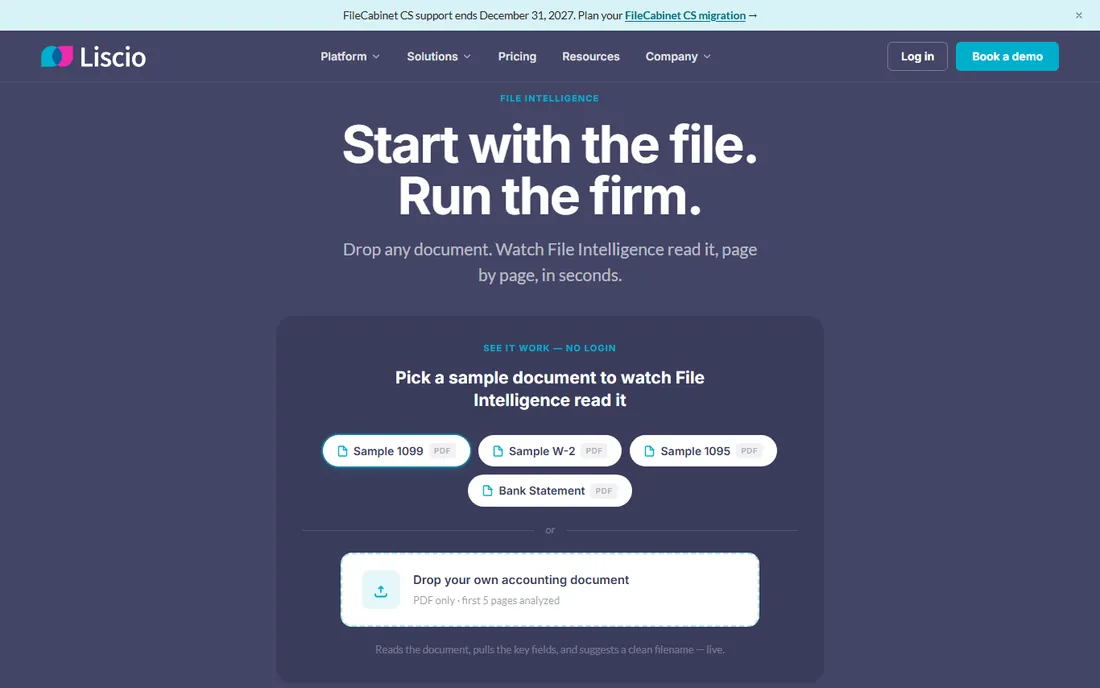
Liscio takes a narrower bet than everyone else here. It calls itself File Intelligence: drop any document into the system and it reads the file page by page, pulls the key fields, and suggests a filename matching your firm's convention. The homepage leads with a live demo that needs no login.
For tax firms, the practical features are smart organizers that print from UltraTax, Lacerte, ProSeries, Drake, and CCH Axcess, plus guided tax delivery walkthroughs that move each client from return review to signature. Embedded eSign includes knowledge-based authentication for Form 8879, and the vendor reports firms set up in under four hours.
The site claims more than 400,000 active users and 20 million files processed, with SOC 2 certification. Pricing is not published. If client experience is your priority and you already have tax software you like, Liscio layers on top without asking you to change it.
What we like- File Intelligence auto-reading, smart organizers and delivery, fast setup
Watch out for- No public pricing, narrower scope than full practice platforms
This is the decision that matters most. A pure document management system, such as SmartVault, ShareFile, DocuWare, or M-Files, stores, secures, and shares files. It fits firms that already have workflow and billing tools they like and just need the document layer to be better.
A practice management platform, such as TaxDome, Karbon, Canopy, or Financial Cents, folds documents into workflow, CRM, billing, and client communication. It fits firms that want to replace a pile of disconnected apps with one system. Expect longer onboarding but a bigger payoff in daily coordination.
Liscio sits in between: a file layer with client-experience features that connects to your existing tax software. If your stack is otherwise settled, it adds the most value with the least disruption.
We opened the homepage of every vendor on this list in October 2026 and copied each URL from the browser address bar after all redirects. That check also confirmed details such as Canopy's move to getcanopy.com and Liscio's .me domain.
For features, we used each vendor's own product pages, documentation, and press releases. For pricing and plans, we checked the vendor's own pricing pages only. Where pricing or a free trial was not stated on the vendor's own site, we wrote "See website" or "No" rather than quoting third-party directories.
For fit, we weighed public reviews on G2, Capterra, and Software Advice, accounting community discussion, the depth of each tax software integration list, and whether the product was built for accountants or adapted from general document management. The mix covers both pure document tools and practice platforms.
How to choose document management software for accountants
Start with your tax software. If your firm runs on Lacerte, ProSeries, UltraTax, Drake, or CCH Axcess, an accountant-built tool will save the most time because documents flow into the right folders automatically. SmartVault, TaxDome, Karbon, Canopy, Financial Cents, and Liscio all integrate with some or all of these.
Next, check the client portal. Clients judge your firm by how easy it is to send documents and sign forms. Look for mobile uploads, automatic reminders, and e-signature with identity verification for tax forms. A clumsy portal creates more support work than it removes.
Then confirm security credentials. At minimum, look for SOC 2 certification, encryption in transit and at rest, and support for IRS Publication 4557 and the FTC Safeguards Rule. These are table stakes when you hold client tax data, and every serious vendor on this list publishes them.
Finally, decide how much platform you want. A standalone document manager is faster to adopt. A full practice platform replaces more apps but takes weeks to roll out. Match the choice to your firm's size and patience, and use the free trials where they exist before committing.
Frequently asked questions
What is document management software for accountants?
It is software that stores, organizes, secures, and shares client documents such as tax returns, financial statements, and source files. Accountant-focused versions add client portals, e-signatures, tax software integrations, and compliance with IRS and FTC data security rules.
How much does document management software for accountants cost?
Most vendors price by user per month and require a demo for an exact quote. Karbon is the one vendor on this list that publishes its starting price on its own site, from $59 per user per month. The rest ask you to talk to sales.
Is there free document management software for accountants?
ShareFile and Financial Cents advertise free trials on their own sites. None of the nine tools offers a permanent free plan. Free trials are the practical way to test a client portal with your own team before tax season.
Do I need practice management software or just document storage?
If your pain is only file storage and sharing, a document manager such as SmartVault, ShareFile, DocuWare, or M-Files is enough. If you also struggle with workflow, billing, and client communication, a practice platform such as TaxDome, Karbon, Canopy, or Financial Cents replaces more tools at once.
What integrations should I look for?
At minimum, check integration with your tax preparation software (Lacerte, ProSeries, UltraTax, Drake, CCH Axcess) and your accounting software (QuickBooks, Xero). Also check e-signature support, since tax forms such as the 8879 need identity verification, plus email and calendar connections.
How long does it take to set up?
Standalone document tools and file layers such as SmartVault or Liscio can be running in days. Full practice platforms take longer: TaxDome reports six to eight weeks of guided onboarding, while Canopy says most firms are operational within days. Plan any migration for the off-season, not January.
Sources we checked (9)
- https://smartvault.com/
- https://www.sharefile.com/
- https://taxdome.com/
- https://karbonhq.com/
- https://getcanopy.com/
- https://financial-cents.com/
- https://www.docuware.com/
- https://www.m-files.com/
- https://www.liscio.me/
Is your product missing or out of date?
We review this list regularly. Vendors can request a listing, send updated pricing or ask about featured placement.

Shihab Mia · Founder, Rankite
Shihab has 5+ years in B2B and SaaS SEO. He writes Rankite's software buying guides from pricing pages, documentation and public user reviews. More about Shihab.