How we make this list: we compare pricing pages, product documentation and public user reviews. Rankite is independent; if a vendor ever pays for a featured spot, that listing is clearly labeled Partner.
Quick comparison
| Tool | Best for | Starting price | Free plan |
|---|
 Karbon Karbon | Growing firms with email-driven client work | $59/user/month (Team, annual) | Free trial (after demo) |
 Financial Cents Financial Cents | Small accounting and bookkeeping firms wanting simplicity | $19/month (Solo, annual) | Free trial (14 days) |
 TaxDome TaxDome | Tax and accounting firms wanting one all-in-one platform | $58/user/month | No free trial |
 Canopy Canopy | Tax firms that want IRS tooling built in | From $40/user/month | Free client management tier |
 Jetpack Workflow Jetpack Workflow | Firms that only need recurring task and deadline tracking | $36/user/month (Organize, annual) | Free trial |
 Mango Practice Management Mango Practice Management | Small firms wanting time, billing, and documents together | $35/user/month | Free trial |
 Uku Uku | Firms that want to see what each client actually costs | From $19/user/month (Solo) | Free trial (14 days) |
 Pixie Pixie | Small firms wanting predictable flat-fee pricing | $129/month flat (under 250 clients) | Free trial (30 days) |
 Liscio Liscio | Firms prioritizing secure client communication | From $19/user/month (Intelligent Files) | No free trial |
Is your product missing or out of date?
We review this list regularly. Vendors can request a listing, send updated pricing or ask about featured placement.
Key takeaways
- Per-user pricing runs $19 to $89 per month for most tools, with Pixie's flat $129 per month the outlier for firms with big teams and fewer than 250 clients.
- Recurring workflow templates are the core feature to evaluate; Karbon and Financial Cents lead, while Jetpack Workflow covers the basics cheapest.
- All-in-one platforms (TaxDome, Canopy, Mango) bundle portal, documents, billing, and eSignature, which can replace three or four separate subscriptions.
- For a 10-person firm, annual costs range from about $4,300 (Jetpack Workflow) to $8,900 (Canopy Standard) before add-ons.
The best practice management software for accountants in 2026
Starting price$59/user/month (Team, annual)
Free planFree trial (after demo)

Karbon is the premium pick for firms where client work arrives by email. Its Triage feature pulls client emails into a shared workspace connected to tasks, notes, and client records, so threads never get lost between an inbox and a project tool. Workflow automation is the most advanced here, with AI assistance, and integrated billing lets invoices flow from time tracked on jobs. The Team plan starts at $59 per user per month billed annually; Business at $89 adds automation and templates.
The price is only part of the commitment. Reviewers consistently note a steep learning curve and weeks of setup, and eSignature credits plus payment processing add to the bill. For firms with five or more people drowning in email, Karbon earns its keep; for smaller shops, simpler tools get you running faster.
What we like- Deep email triage connects inboxes to work
- Advanced workflow automation with AI
- End-to-end billing and payments
Watch out for- Steep learning curve and tricky template setup
- ESignature credits and onboarding cost extra
Starting price$19/month (Solo, annual)
Free planFree trial (14 days)
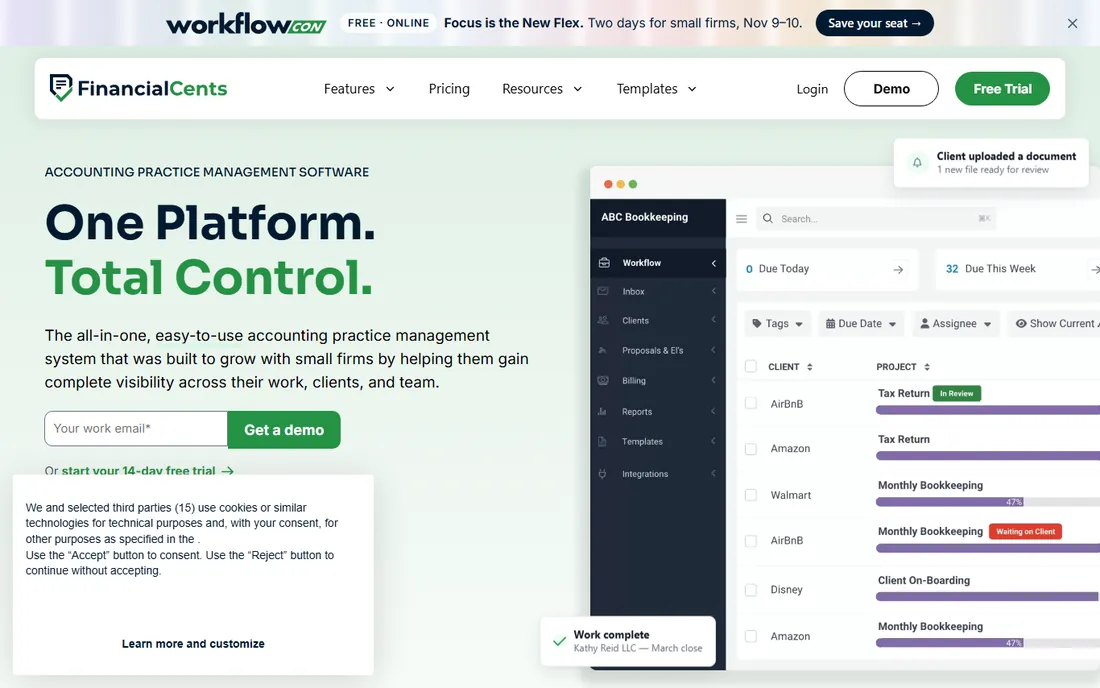
Financial Cents is what Karbon is for larger firms: a workflow system your bookkeepers can run from day one. Recurring checklists for monthly closes, payroll, and sales tax filings roll forward automatically, and client tasks with reminders collect documents without nagging emails. The Solo plan starts at $19 per month on annual billing, making it the cheapest credible entry here.
The trade-offs are a thinner integration list outside QuickBooks, no native Xero integration, and no email triage, so staff forward messages manually to create work. The Team plan at $49 per user per month needs a five-user minimum. For small firms moving off spreadsheets, the two-week path to running is the whole point.
What we like- Easiest onboarding in the category
- Strong recurring workflows for monthly closes
- Affordable entry
Watch out for- Integrations thin outside QuickBooks
- No built-in email triage
- Team plan requires five users minimum
#3
TaxDome
Best for: Tax and accounting firms wanting one all-in-one platform
Visit taxdome.com
Starting price$58/user/month
Free planNo free trial

TaxDome unites CRM, client portals, task workflows, document management, billing, and AI-powered automation in one cloud hub, and it keeps winning industry awards for it. Pricing is per user at about $58 per month with no per-client fees, and unlimited eSignatures are baked in rather than metered like Karbon's credits. Firms that consolidate portal, signatures, and billing into TaxDome often retire two or three other subscriptions.
There is no free trial, so evaluation runs through a demo, and the breadth of features can overwhelm a two-person firm. For tax-heavy practices that want everything under one login, it is the most complete package.
What we like- CRM, portal, documents, workflow, and billing in one
- Unlimited eSignatures included
- Strong automation
Watch out for- No free trial
- Can feel overwhelming for very small firms
Starting priceFrom $40/user/month
Free planFree client management tier
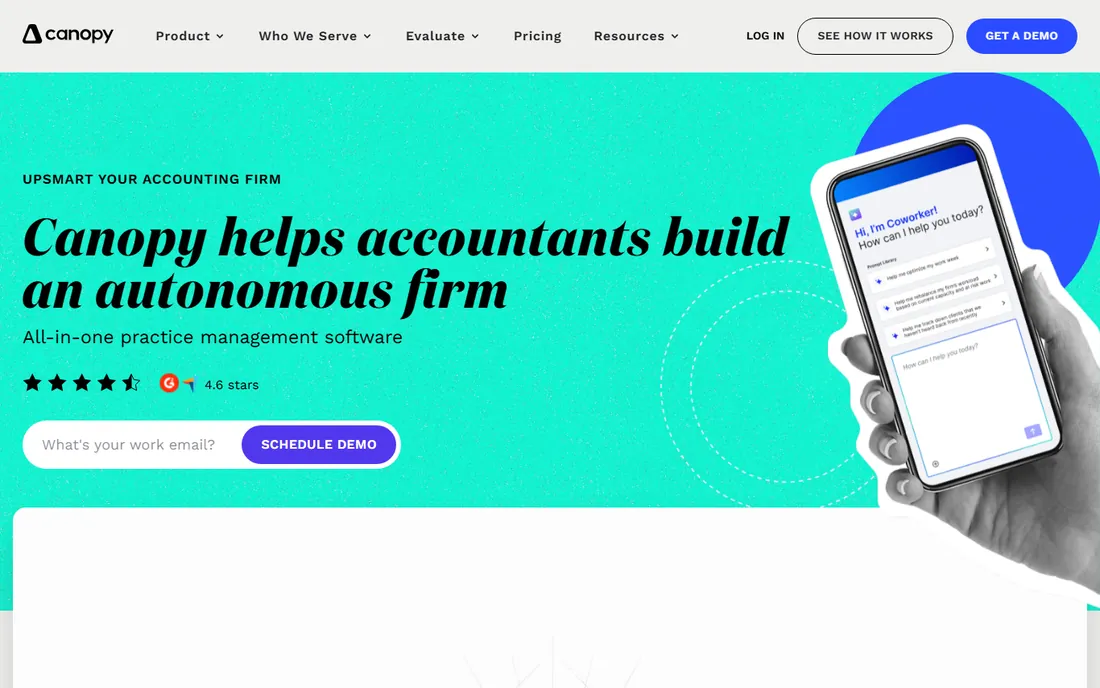
Canopy was designed for tax practitioners, and its standout is IRS tooling: transcript delivery and tax resolution features that pull client records without leaving the platform. Around that sit client management, workflow, document management, and billing modules. A free client management tier covers basic CRM needs.
Pricing is modular, which cuts both ways. Entry starts around $40 per user per month, but the modules firms actually need (Time and Billing $22, Workflow $32, Document Management $36) stack up, with Standard tiers reported at $74 and Premium at $149. Calculate the full module set before comparing Canopy to an all-in-one.
What we like- IRS transcript retrieval and tax resolution tools
- Modular pricing lets you buy only what you need
- Easy to learn
Watch out for- Modules add up fast (Workflow $32, Documents $36 per user)
- Standard tier runs $74/user/month
Starting price$36/user/month (Organize, annual)
Free planFree trial
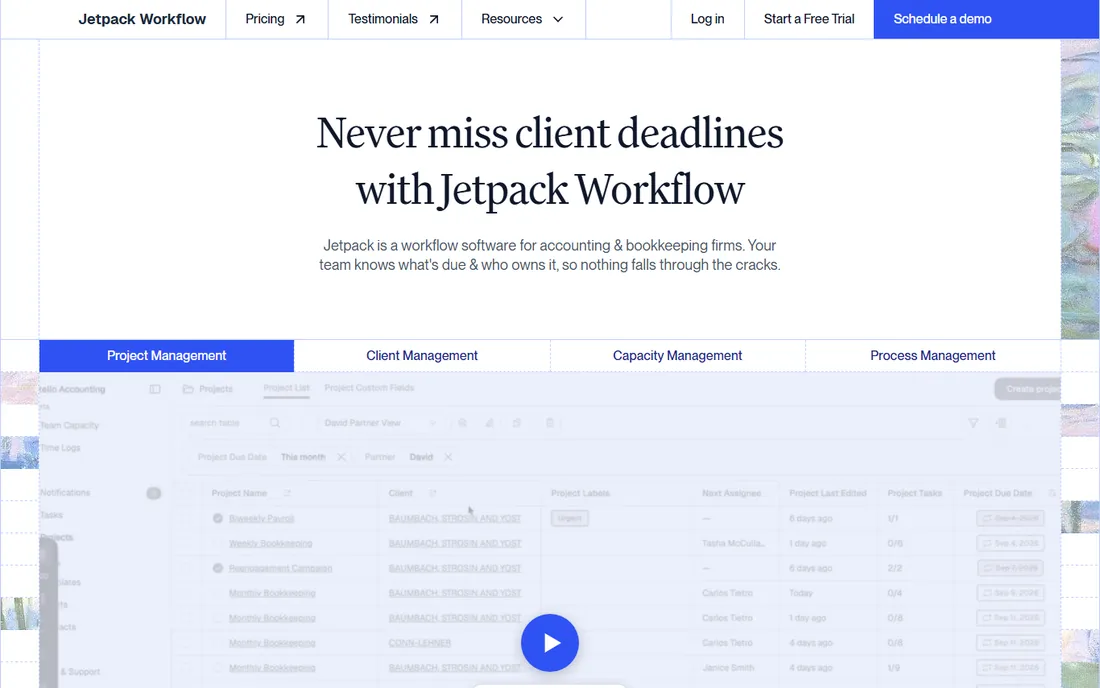
Jetpack Workflow does one thing well: recurring tasks and deadlines. Template-based jobs for tax returns, bookkeeping cycles, and filings assign automatically and repeat on schedule, so the firm always knows who owes what by when. At $36 per user per month on the Organize plan billed annually, it is the cheapest way to stop missing deadlines.
What it skips matters: no client portal, no document management, no billing, and basic time tracking that exports to QuickBooks. If your only problem is missed deadlines, Jetpack is the value pick. If you need client-facing tools too, pair it with a portal or step up to an all-in-one.
What we like- Cheapest credible option
- Intuitive recurring task templates
- Fast to deploy
Watch out for- No client portal or document management
- No native billing
- Basic reporting
#6
Mango Practice Management
Best for: Small firms wanting time, billing, and documents together
Visit mangopractice.com
Starting price$35/user/month
Free planFree trial
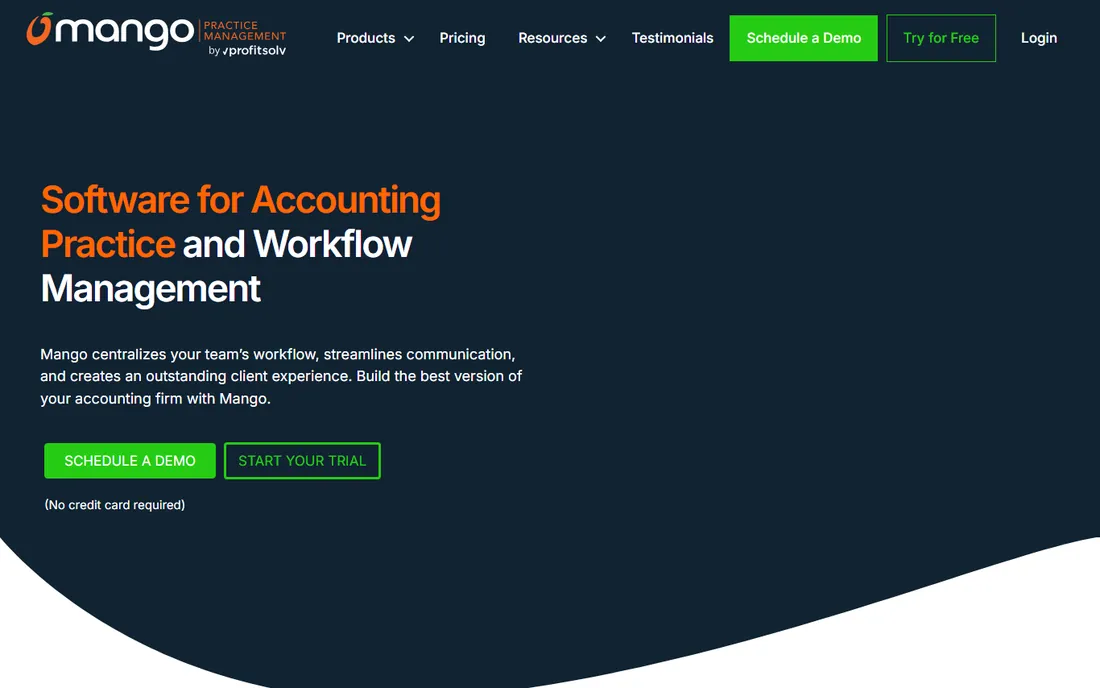
Mango Practice Management, built by the ProfitSolv group, bundles what many small firms currently buy separately: time and billing, project and workflow management, document management, eSignatures, engagement letters, a client portal, and integrated payments, all starting at $35 per user per month. Free implementation with import assistance is included, which removes the usual migration dread.
Workflow automation is less sophisticated than Karbon's or TaxDome's, and the user community is smaller. But for a small firm that wants billing and documents in the same system as tasks, Mango's price-to-scope ratio is one of the best here.
What we like- Time tracking, billing, and invoicing built in
- Document management and eSignature included
- QuickBooks integration
Watch out for- Less workflow depth than Karbon
- Smaller community than the big names
#7
Uku
Best for: Firms that want to see what each client actually costs
Visit getuku.com
Starting priceFrom $19/user/month (Solo)
Free planFree trial (14 days)

Uku takes practice management into profitability analysis. Every task carries time tracking, invoices draft from each client's contract, and agreement monitoring shows which clients cost more than they pay, answering the question most firms never quantify. Pricing starts at $19 per month for a solo and $38 per member on Team, with unlimited clients and EU hosting for data-conscious firms.
Larger teams pay more per member than on Pixie's flat plan, and US firms get a smaller community and integration footprint. For firms that suspect some clients are unprofitable but cannot prove it, Uku's money-side reporting is unique.
What we like- Time tracking, billing, and per-client profitability built in
- Unlimited clients
- EU-hosted data
Watch out for- Per-member pricing climbs with headcount
- Smaller US presence
Starting price$129/month flat (under 250 clients)
Free planFree trial (30 days)
Pixie flips the pricing model: instead of per-user fees, you pay a flat monthly rate by client count, starting at $129 per month for fewer than 250 clients, with unlimited users. A ten-person firm pays the same as a three-person firm, which makes it the cheapest credible option for larger teams at small firms. Task templates come with instructions and training videos, email files to the client record, and e-signing is included.
The flat fee covers workflow, not money: there is no time tracking, no invoicing, and no public API. And the price climbs with client count ($199 for 251 to 500, $329 for 501 to 1,000). For small firms that want to get organized fast without seat-count math, Pixie is refreshingly simple.
What we like- One flat fee regardless of team size
- Task templates with training videos
- E-signing included
Watch out for- No time tracking or invoicing
- Price scales with client count
- No public API
#9
Liscio
Best for: Firms prioritizing secure client communication
Visit liscio.me
Starting priceFrom $19/user/month (Intelligent Files)
Free planNo free trial
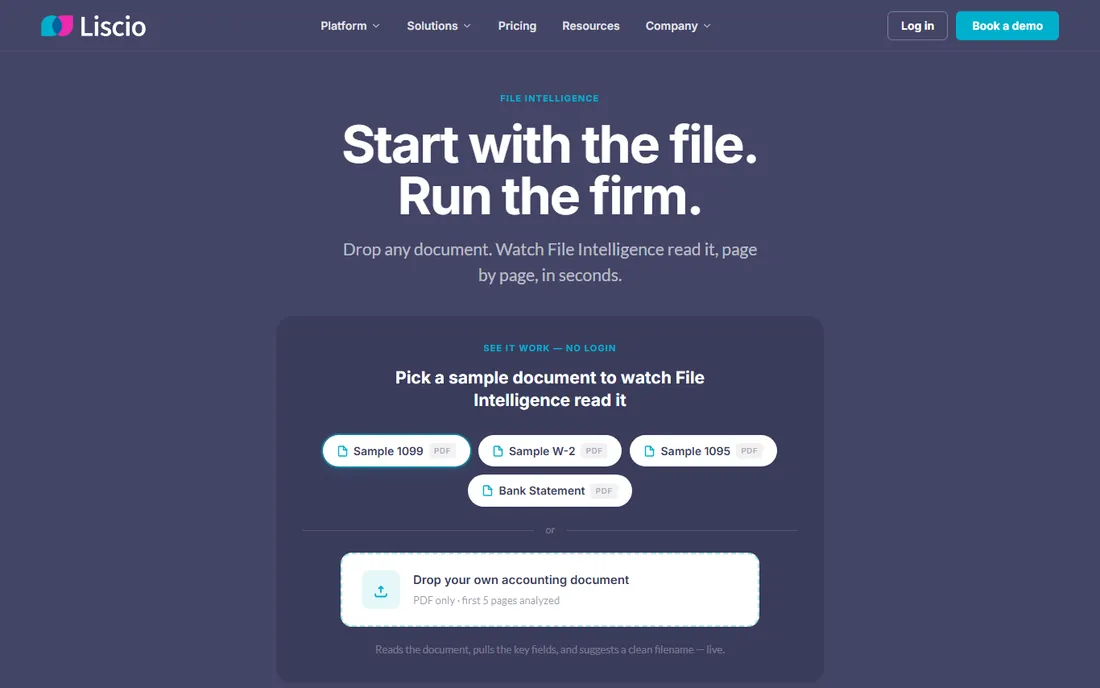
Liscio is the communication specialist: secure messaging, document collection, and eSignature in a mobile-first experience clients actually use. Firms drowning in email attachments and unsecured file sharing adopt it to create one compliant channel for everything client-facing. Starting at $19 per user per month for Intelligent Files, it is priced as an add-on most firms can justify.
It is not a full practice management platform: workflow automation and billing are lighter than TaxDome or Karbon. Think of Liscio as the client communication layer, powerful on its own, often paired with a workflow tool. For firms whose biggest pain is chasing documents, it is the most targeted fix.
What we like- Best-in-class secure messaging and document exchange
- Mobile-first client experience
- Quick to adopt
Watch out for- Narrower workflow features than the all-in-ones
- No free trial
- Billing is light
How to choose for a small accounting firm
Start with your actual pain. If missed deadlines are the problem, Jetpack Workflow ($36) or Financial Cents ($19 solo) solve it cheapest. If client communication and document chasing eat your week, Liscio or TaxDome's portal earns its price. If you run on email, Karbon's triage is unmatched but demands the learning curve.
Then count the real cost. Per-user pricing looks cheap until you multiply by the team: a 10-person firm pays about $7,100 per year on Karbon Team versus $4,300 on Jetpack Workflow, before eSignature credits and processing fees. Pixie's flat $129 per month can undercut everyone for bigger teams with fewer than 250 clients. Finally, list the subscriptions each platform replaces. An all-in-one that retires your portal, eSignature tool, and file sharing is cheaper than its sticker suggests.
How we chose
We researched each tool through vendor pricing pages and 2026 comparisons from SoftwareWorld, Ravetree, SelectHub, AI Stack Guides, and Uku's comparison articles, cross-checking prices on G2, Capterra, Slashdot, and Software Finder. We compared workflow automation, recurring job handling, client portals, document management, billing depth, email integration, and fit for firm size and region. We read public user reviews to surface complaints about pricing surprises, learning curves, and missing integrations. The list mixes US leaders (Karbon, Financial Cents, TaxDome, Canopy, Jetpack Workflow, Mango) with European options (Uku, Pixie) and a communication specialist (Liscio) so firms of every size can find their fit. No vendor paid for placement, and we did not invent any prices, ratings, or customer claims.
Frequently asked questions
What is the best practice management software for a small accounting firm?
Financial Cents (from $19/month) is the simplest pick for small firms, Jetpack Workflow ($36/user/month) is cheapest for pure deadline tracking, and Pixie ($129/month flat) is the best value for teams over five people. Karbon ($59/user/month) suits growing firms with email-driven work.
How much does practice management software for accountants cost?
Most tools run $19 to $89 per user per month. A 10-person firm pays roughly $4,300 to $8,900 per year depending on the platform, before add-ons like eSignature credits and payment processing. Pixie's flat $129 per month covers unlimited users for firms under 250 clients.
What is the difference between Karbon and Financial Cents?
Karbon is the deeper platform: email triage, advanced workflow automation with AI, and integrated billing for growing firms, at $59 to $89 per user per month with a steeper learning curve. Financial Cents is simpler and cheaper (from $19/month), with quick onboarding and strong recurring workflows, but thinner integrations and no email triage.
Does TaxDome have a free trial?
TaxDome does not offer a free trial; evaluation runs through a demo. Karbon also requires a demo before trial access. Financial Cents (14 days), Jetpack Workflow, Mango, Uku (14 days), and Pixie (30 days) all offer free trials.
Which practice management software is best for tax firms?
Canopy is the most tax-specific, with IRS transcript retrieval and tax resolution tools built in. TaxDome is the strongest all-in-one for tax and accounting practices. Karbon suits larger tax firms where email-driven client work dominates.
Should my firm use an all-in-one platform or separate tools?
An all-in-one (TaxDome, Canopy, Mango) costs more per user but can replace your client portal, eSignature tool, and file sharing subscriptions, often saving money overall. Separate tools (Jetpack Workflow plus Liscio, for example) cost less and do each job well, but you manage two systems. Firms under five people usually do better with one simple system.
Sources we checked (17)
- https://www.softwareworld.co/accounting-practice-management-software/
- https://www.ravetree.com/blog/best-practice-management-software-for-accounting-firms
- https://www.ravetree.com/blog/top-project-management-tools-for-cpas-and-accounting-practices
- https://www.selecthub.com/accounting-practice-management-software/karbon-vs-financial-cents/
- https://www.selecthub.com/accounting-practice-management-software/canopy-software-vs-karbon/
- https://aistackguides.com/blog/karbon-vs-canopy-vs-jetpack-workflow-practice-management-2026
- https://getuku.com/articles/jetpack-workflow-vs-karbon/
- https://getuku.com/articles/jetpack-workflow-alternatives/
- https://getuku.com/articles/pixie-vs-uku/
- https://getuku.com/articles/pixie-vs-karbon/
- https://www.g2.com/products/mango-practice-management/pricing
- https://www.g2.com/compare/financial-cents-vs-jetpack-workflow
- https://www.capterra.ca/software/147972/mango-billing
- https://softwarefinder.com/crm/pixie
- http://financial-cents.com/resources/articles/accounting-crm-software-the-5-best-options-for-accountants/
- https://SourceForge.net/software/compare/Karbon-vs-TaxDome/
- http://slashdot.org/software/comparison/Canopy-Accounting-vs-Mango-Practice-Management/
Is your product missing or out of date?
We review this list regularly. Vendors can request a listing, send updated pricing or ask about featured placement.

Shihab Mia · Founder, Rankite
Shihab has spent more than a decade helping SaaS and e-commerce brands grow through search. He writes Rankite's software buying guides from pricing pages, documentation and public user reviews. More about Shihab.