How we make this list: we compare pricing pages, product documentation and public user reviews. Rankite is independent; if a vendor ever pays for a featured spot, that listing is clearly labeled Partner.
Key takeaways
- Clockify and TimeCamp offer free plans with unlimited users, which is unmatched in this category.
- Toggl Track is the simplest tracker for freelancers and small teams, starting at $9 per user per month.
- Harvest is the best choice when time tracking must feed directly into client invoices.
- Timely and RescueTime track time automatically, so you stop forgetting to start the timer.
- Hubstaff adds screenshots and GPS for remote teams, but that monitoring trades away employee trust.
Quick comparison
| Tool | Best for | Starting price | Free plan |
|---|
 Toggl Track Toggl Track | simple tracking for freelancers and teams | From $9/user/month (Starter) | Yes (free for up to 5 users) |
 Clockify Clockify | free tracking for unlimited users | From $3.99/user/month (Basic) | Yes (free for unlimited users) |
 Harvest Harvest | time tracking with built-in invoicing | From $10.80/seat/month | Yes (1 seat, 2 projects) |
 Everhour Everhour | tracking inside your project management tool | $10/user/month | Yes (free for small teams) |
 Timely Timely | automatic AI time tracking | From $9/user/month | Free trial (14 days) |
 Hubstaff Hubstaff | remote team monitoring and payroll | From $4.99/user/month | Free trial (14 days) |
 RescueTime RescueTime | automatic productivity tracking | From $6.50/month | Yes (Lite plan) |
 TimeCamp TimeCamp | free AI-assisted tracking for teams | From $3.99/user/month (Starter, billed annually) | Yes (free forever for unlimited users) |
Is your product missing or out of date?
We review this list regularly. Vendors can request a listing, send updated pricing or ask about featured placement.
The best time tracker app
The wrong time tracker costs you twice. First in the hours your team wastes fighting a clunky interface or reconstructing forgotten timers at the end of the week. Then again in the billable hours that never make it onto an invoice because nobody logged them. A good tracker disappears into the workday and produces clean data; a bad one becomes another chore everyone resents.
#1
Toggl Track
Best for: simple tracking for freelancers and teams
Visit toggl.com
Starting priceFrom $9/user/month (Starter)
Free planYes (free for up to 5 users)
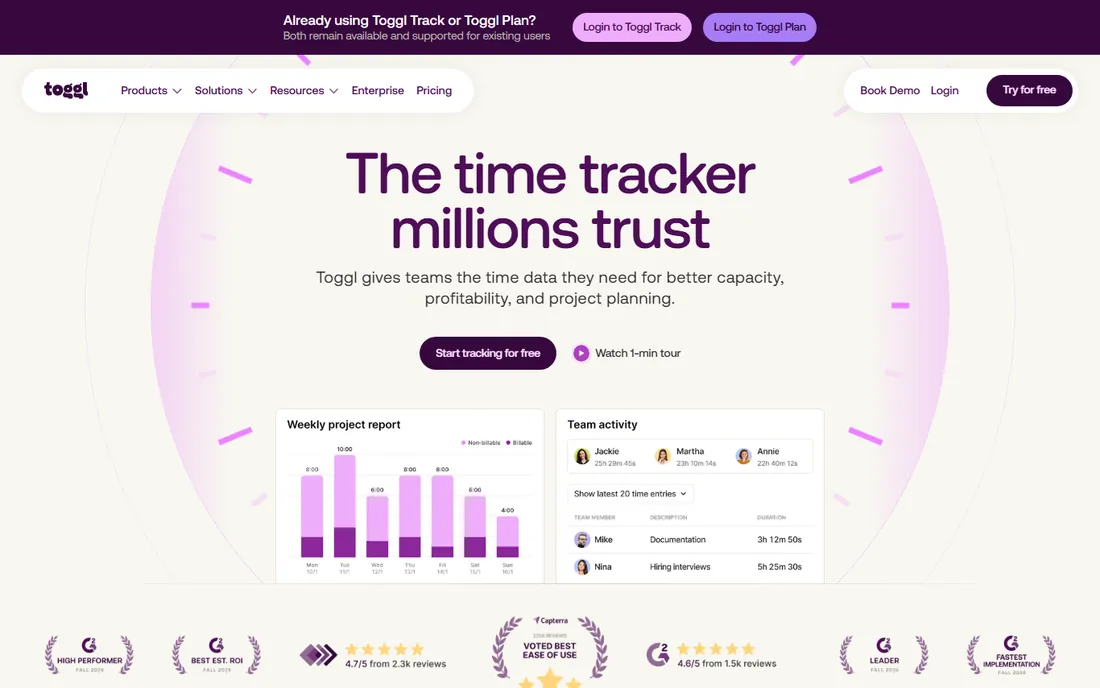
Toggl Track is the time tracker people recommend when someone asks for the simplest option that actually works. The timer lives in the browser, desktop, and mobile apps, starts with one click, and syncs everywhere. Reporting is the quiet strength: filter by client, project, tag, or team member and export in formats clients accept without argument. The free plan covers up to 5 users, and a 30-day trial opens all features.
The honest catch is that the useful billing features sit behind the paywall. Billable rates, project time estimates, and capacity planning start at $9 per user per month on Starter. Teams that grow past five users pay for everyone. If you want tracking without monitoring, and your team values privacy, it remains the default recommendation.
What we like- One-click timer works everywhere
- Clean reports by client, project, and tag
- No screenshots or surveillance
Watch out for- Free plan caps at 5 users
- Billable rates and estimates need the paid plan
Starting priceFrom $3.99/user/month (Basic)
Free planYes (free for unlimited users)
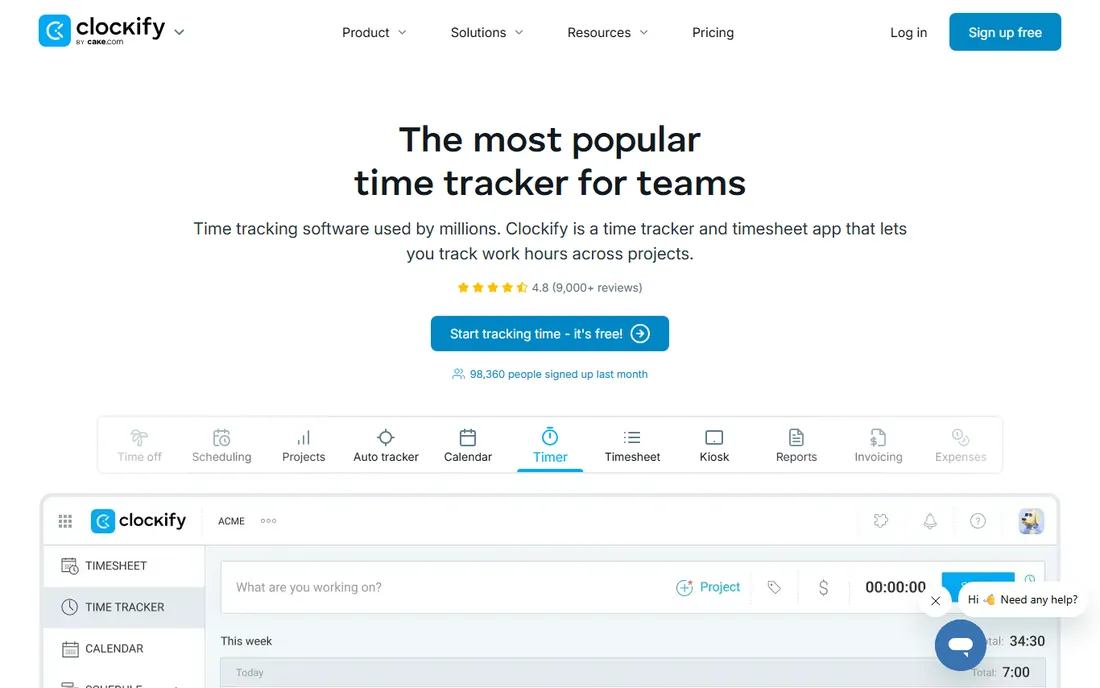
Clockify answers one question better than anyone: what does time tracking cost for a 20-person team? Nothing. The free plan supports unlimited users and unlimited projects, which is nearly unheard of in this space. You get the timer, timesheets, calendar view, auto tracker, and a kiosk mode for shift workers. Paid plans start at $3.99 per user per month and add time off, invoicing, GPS, and custom fields.
The tradeoff is polish. The interface packs in more features and feels less refined than Toggl Track, and free-plan reporting is thinner. For budget-conscious teams that need everyone tracking today, the math is unbeatable: free is free, with no artificial caps forcing an upgrade.
What we like- Free plan has no user or project limits
- Covers timer, timesheet, calendar, and kiosk
- Paid plans add invoicing and GPS cheaply
Watch out for- Interface feels busier than Toggl
- Free reports are more basic
Starting priceFrom $10.80/seat/month
Free planYes (1 seat, 2 projects)
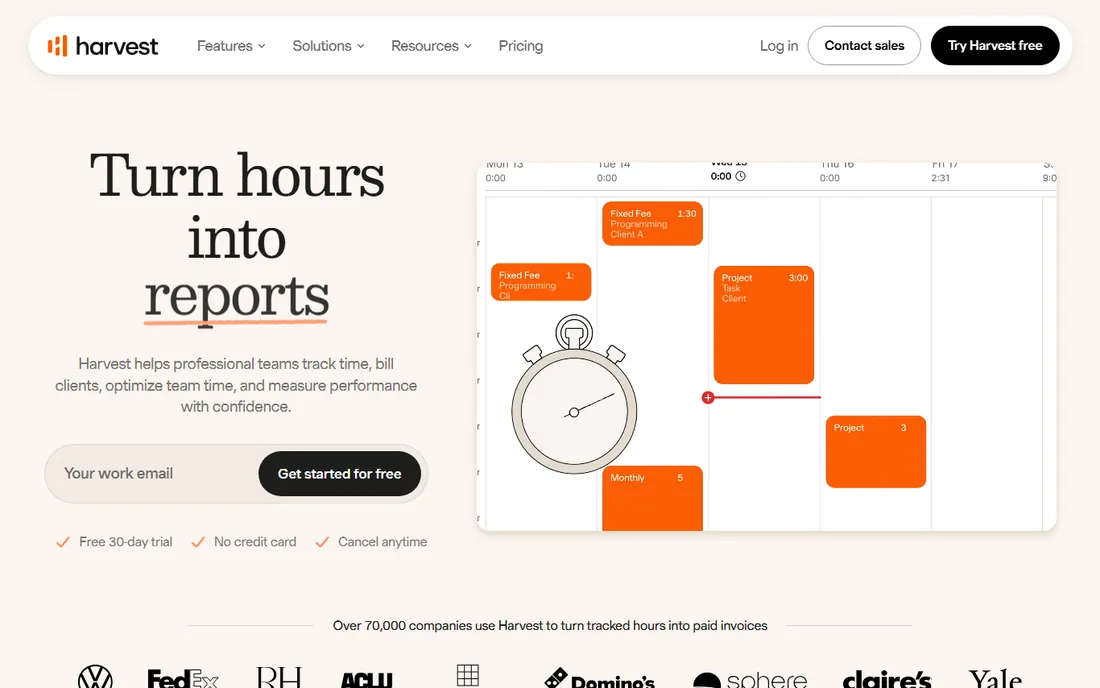
Harvest is built for one workflow: turning hours into money. You track time against projects, and that time becomes invoices with payment links, budget alerts, and profitability reports showing which clients actually earn. Agencies live in this loop, and Harvest does it better than any general tracker. The free plan covers one seat and two projects, with a 30-day trial of the full product.
The honest catch is the seat model. Every person on the account costs $10.80 per month, including non-billers, which adds up for larger teams. The free tier is really a trial for solo freelancers. If client invoicing is the job, nothing here converts time to cash more directly.
What we like- Tracked time flows straight into professional invoices
- Strong project budgeting and profitability reports
- 40+ integrations
Watch out for- Free plan is tiny at one seat and two projects
- Pricing is per seat with limited room for non-billers
Starting price$10/user/month
Free planYes (free for small teams)
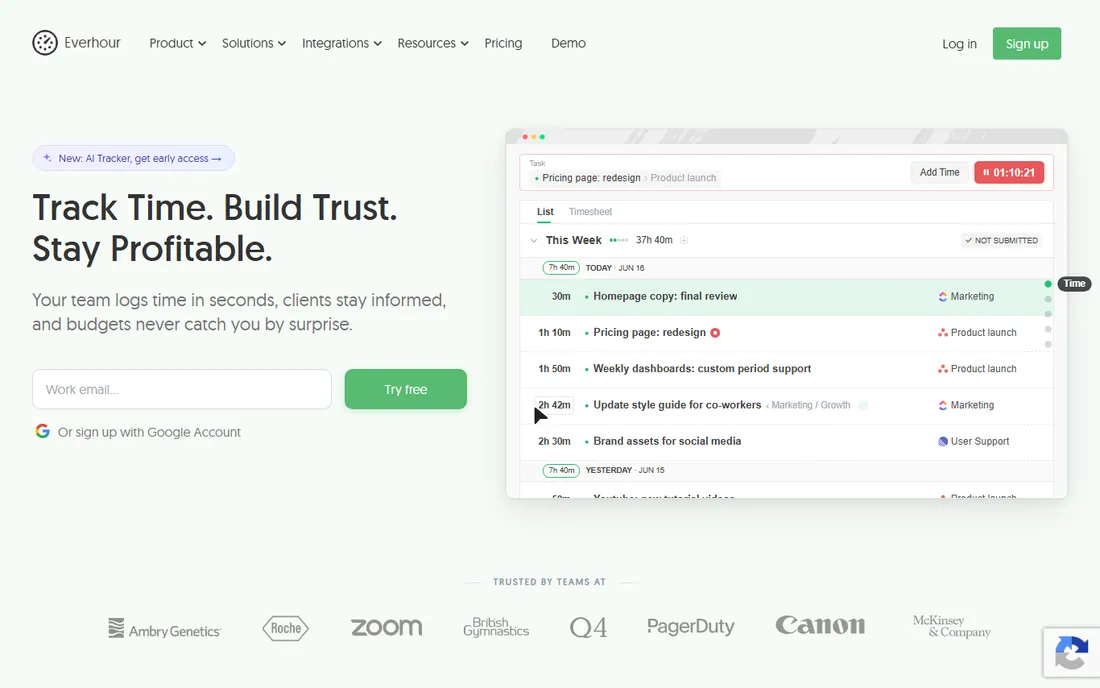
Everhour takes a different approach: instead of another app to open, it puts time tracking controls directly inside Asana, Jira, ClickUp, Monday, Trello, and Linear. Your team tracks time on the tasks they already work in, and budgets, billing rates, invoicing, and utilization reports live in Everhour. You pay $10 per user per month, and only for the people who actually track time, not your whole PM workspace.
The honest catch is the dependency. If your team does not use one of the supported project tools, much of the magic disappears. As a standalone tracker it is fine but not special. For teams already living in Asana or Jira, though, it is the least disruptive way to get real time data.
What we like- Embeds time tracking inside Asana, Jira, ClickUp, and more
- Budget alerts and invoicing built in
- You pay only for people who track
Watch out for- Less useful if you do not use a supported PM tool
- Standalone experience is thinner than dedicated trackers
Starting priceFrom $9/user/month
Free planFree trial (14 days)
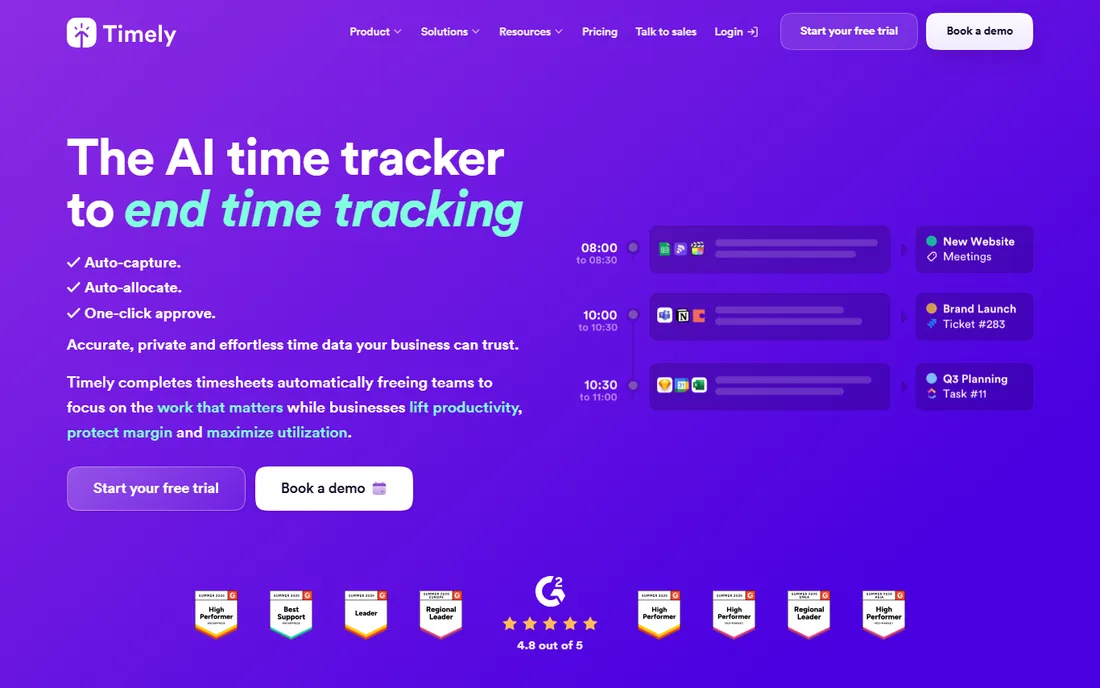
Timely, from Memory.ai, ends the forgotten-timer problem. It records everything you work on in the background, and its AI drafts your timesheet, allocating time to projects and clients for your one-click approval. Only entries you approve are shared, there is no keystroke logging and no screenshots, and the company is ISO 27001 certified. The trial covers 14 days with every feature.
The honest catch is the price of admission: there is no free plan, starting around $9 per user per month. Automatic tracking also works best when someone reviews the drafts daily; ignored drafts produce ignored data. For consultancies and agencies where every billable minute matters, the recovered hours usually pay for it.
What we like- Captures all work automatically with no manual timers
- AI drafts timesheets for one-click approval
- Privacy-first with no screenshots or keystroke logging
Watch out for- No free plan, trial only
- Automatic capture needs a review habit to stay accurate
Starting priceFrom $4.99/user/month
Free planFree trial (14 days)
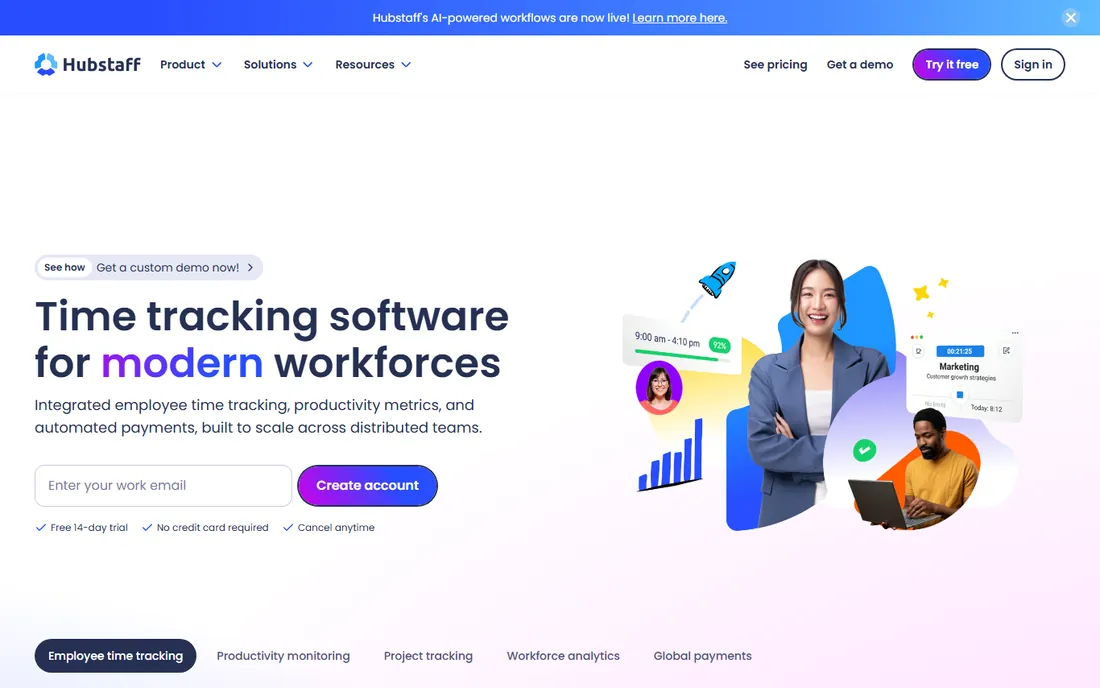
Hubstaff is the tracker for teams that need proof of work. Screenshots, activity scores, GPS tracking for field crews, and automated payroll across currencies make it a full workforce management tool, not just a timer. It even uses machine learning to flag unusual activity patterns like mouse jigglers. The 14-day trial needs no credit card, and pricing starts at $4.99 per user per month.
The honest catch is cultural. Screenshot monitoring tells your team you do not trust them, and the best people notice. It fits BPOs, field services, and contractor arrangements where accountability is the contract. For knowledge teams with autonomy, a trust-based tracker like Toggl or Timely produces better data because people actually use it.
What we like- Screenshots, activity levels, and GPS for field teams
- Automated payroll in multiple currencies
- AI flags suspicious activity patterns
Watch out for- Monitoring features can damage trust with employees
- No free plan
Starting priceFrom $6.50/month
Free planYes (Lite plan)
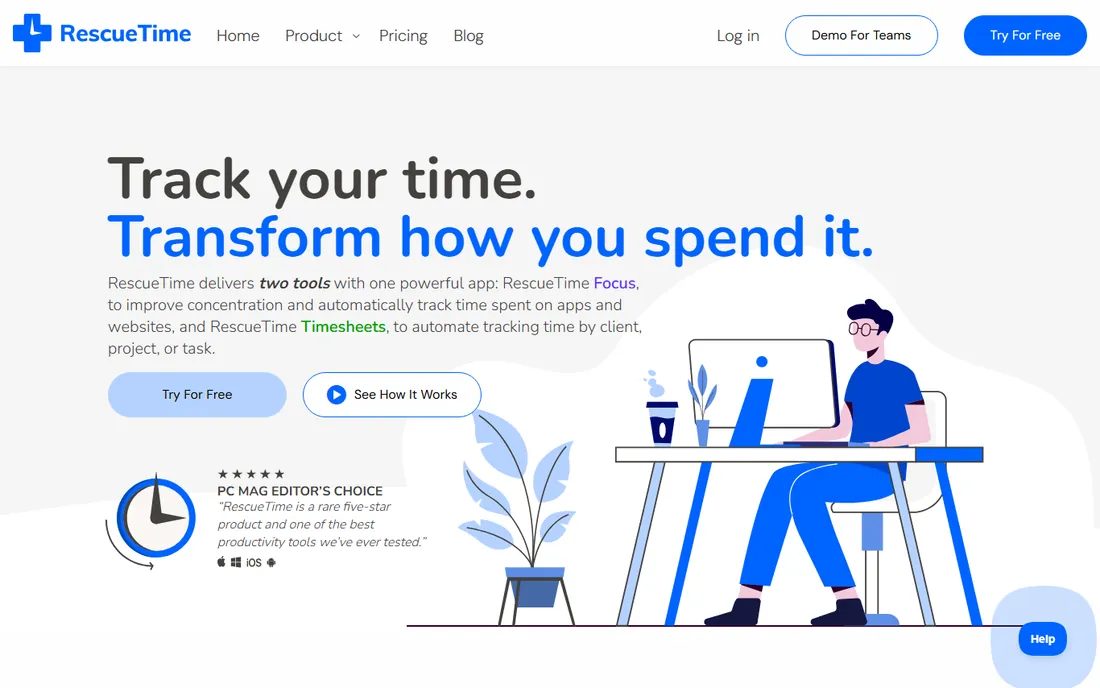
RescueTime answers a different question from the others: where does my time actually go? It runs quietly in the background, categorizing apps and websites as productive or distracting, and reports the patterns. Focus Sessions block distracting sites when you need deep work, and the paid Timesheets tier turns the automatic data into client and project reports. New signups get a two-week free trial.
The honest catch is that it is a personal productivity tool first. Team billing, invoicing, and project budgets are thinner than on Harvest or Everhour. For individuals and freelancers who want to understand and improve their own habits, with timesheets as a bonus, it is the most effortless option here.
What we like- Runs passively in the background with zero effort
- Focus sessions block distracting sites
- Detailed productivity reports and goals
Watch out for- Project timesheets need the paid tier
- Less of a team billing tool than a personal productivity app
Starting priceFrom $3.99/user/month (Starter, billed annually)
Free planYes (free forever for unlimited users)
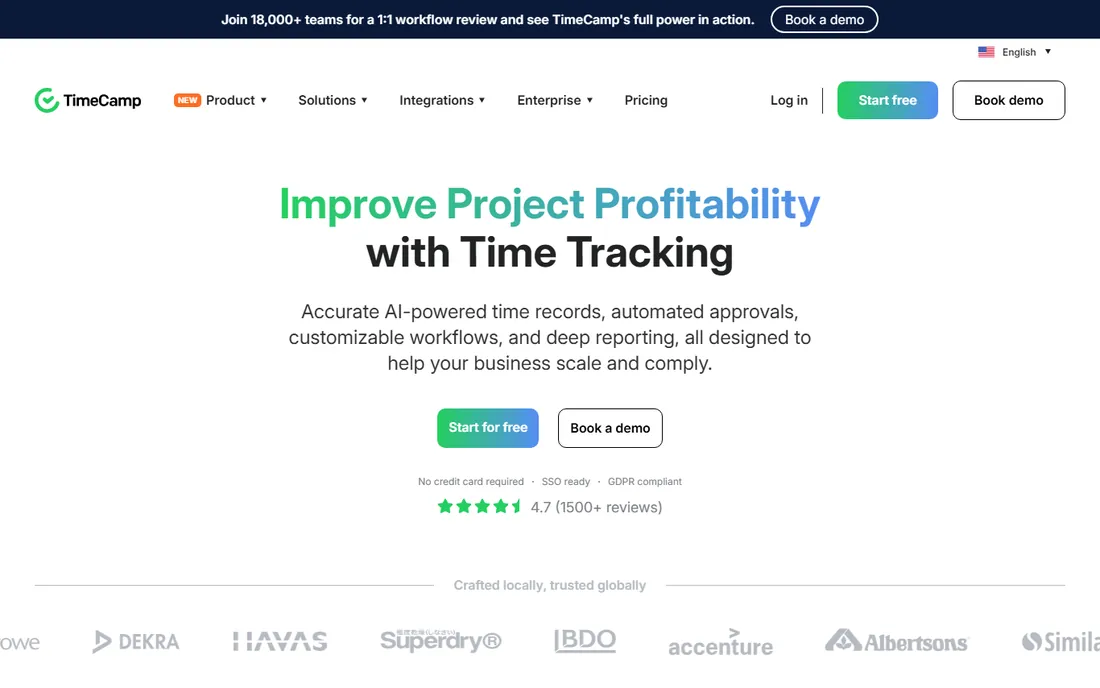
TimeCamp combines Clockify's generosity with Timely's automation. The free forever plan covers unlimited users and unlimited projects, and includes its AI time tracking agent that fills timesheets in the background. Paid plans start at $3.99 per user per month billed annually and add billing, approvals, and deeper analytics. There is even a one-click migration tool for Toggl users.
The honest catch is refinement. The interface and mobile experience lag behind the leaders, and the most useful analytics sit on the $6.99+ tiers. But for teams that want automatic tracking at zero cost, nothing else on this list offers this much for free.
What we like- Free plan includes unlimited users, projects, and AI time tracking
- One-click migration from Toggl
- Invoicing and approvals built in
Watch out for- Interface is less polished than Toggl
- Advanced analytics need the higher tiers
How we chose
We compared eight time tracking apps covering manual timers, automatic tracking, and team monitoring, checking vendor homepages and pricing pages in October 2026, alongside public buyer discussions on G2, Capterra, and Reddit. We prioritized published pricing, free plan generosity, timer reliability, invoicing and billing features, automatic tracking quality, and fit for freelancers versus teams. No vendor paid for placement, and nothing here is based on hands-on product testing.
How to pick the right time tracker for how you work
Start with why you track. Billing clients points to Harvest or Everhour; understanding your own productivity points to RescueTime or Timely; managing a remote team points to Hubstaff or Clockify; and keeping it simple points to Toggl Track. The use case eliminates most of the list before you compare features.
Then check the free plan against your team size. Solo freelancers can use almost anything free; a ten-person team faces real costs on Toggl or Harvest but nothing on Clockify or TimeCamp. Finally, run a one-week trial with real work. Timer friction is invisible in a demo and obvious by day three, and adoption is the only metric that matters.
Manual timers vs. automatic tracking: which actually works?
Manual timers give you precise, intentional data, but only when people remember to start and stop them. In practice, a meaningful share of entries get reconstructed from memory at week's end, which defeats the purpose. They work best for freelancers billing distinct client blocks.
Automatic tracking from Timely, RescueTime, and TimeCamp captures everything without effort, but the data needs a daily review to stay accurate. The best setup for most teams is automatic capture with a five-minute end-of-day review. You get complete data with almost no friction, and the review habit keeps the AI honest.
Frequently asked questions
What is the best time tracker app?
Toggl Track is the best all-around choice for simplicity, Clockify is best if you want it free for a whole team, Harvest is best when invoicing matters, and Timely is best for automatic tracking. The right pick depends on whether you bill clients, manage a team, or track for yourself.
Is there a truly free time tracking app?
Yes. Clockify and TimeCamp both offer free plans with unlimited users, which covers most teams completely. Toggl Track is free for up to 5 users, Harvest for 1 seat, and RescueTime has a free Lite plan. The free tiers are genuinely usable, not just trials.
Do time tracking apps work on mobile?
Yes. Every app here offers iOS and Android apps alongside desktop and browser versions. Mobile timers are useful for field work and travel, though most people do the bulk of their tracking and reporting on desktop.
Can time tracking software integrate with my invoicing tool?
Most of them integrate with QuickBooks, Xero, and similar accounting tools, and Harvest and Everhour generate invoices directly from tracked time. Check the integration list for your specific accounting software before committing.
Is employee monitoring software legal?
In most US states, employers can monitor work devices with proper notice, but laws vary and some states require consent. Beyond legality, consider the trust cost: monitoring tools like Hubstaff work best where accountability is explicitly part of the arrangement, such as contractor or field work.
How do I get my team to actually track time?
Pick the simplest tool that does the job, make tracking part of the daily routine rather than a Friday chore, and show the team what the data is for. Automatic tracking with a short daily review removes most of the friction, and teams adopt tools they see as fair.
Sources we checked (10)
- https://toggl.com/track
- https://clockify.me
- https://www.getharvest.com
- https://everhour.com
- https://memory.ai/timely
- https://hubstaff.com
- https://www.rescuetime.com
- https://www.timecamp.com
- https://github.com/kacky000/aitoolpick/blob/HEAD/src/content/blog/best-time-tracking-tools-2026.md
- https://topelevens.com/time-tracking-software
Is your product missing or out of date?
We review this list regularly. Vendors can request a listing, send updated pricing or ask about featured placement.

Shihab Mia · Founder, Rankite
Shihab has spent more than a decade helping SaaS and e-commerce brands grow through search. He writes Rankite's software buying guides from pricing pages, documentation and public user reviews. More about Shihab.