How we make this list: we compare pricing pages, product documentation and public user reviews. Rankite is independent; if a vendor ever pays for a featured spot, that listing is clearly labeled Partner.
Key takeaways
- MyStudyLife is the only app here built specifically for school schedules: classes, rotations, and exam countdowns, completely free.
- For pure task management, Todoist's free plan is enough for most students, and TickTick Premium at $35.99 per year adds calendars, habits, and timers in one app.
- If the phone is the problem, Forest turns focus into a game where your tree dies when you check Instagram. It is cheap and weirdly effective.
- Notion's free plan, plus free Plus for students with a school email, makes it the best all-in-one for notes, tasks, and study databases.
Quick comparison
| Tool | Best for | Starting price | Free plan |
|---|
 Todoist Todoist | simple task lists that sync everywhere | $7 per month ($5 per month billed annually) | Yes |
 TickTick TickTick | tasks, calendar, habits, and focus timers in one app | $35.99 per year (Premium) | Yes |
 Forest Forest | staying off your phone during study sessions | See website | Yes |
 MyStudyLife MyStudyLife | school timetables, rotations, and exam countdowns | Free | Yes |
 Notion Notion | notes, tasks, and study databases in one workspace | $10 per user per month, billed annually | Yes (students get Plus free with a school email) |
 Google Calendar Google Calendar | time-blocking the week around classes | Free | Yes |
 Microsoft To Do Microsoft To Do | simple lists for students in the Microsoft ecosystem | Free | Yes |
 RescueTime RescueTime | seeing where your study hours actually go | $7 per month, billed annually (Solo Focus) | Yes (Lite) |
Is your product missing or out of date?
We review this list regularly. Vendors can request a listing, send updated pricing or ask about featured placement.
The best time management apps for students
Starting price$7 per month ($5 per month billed annually)
Free planYes
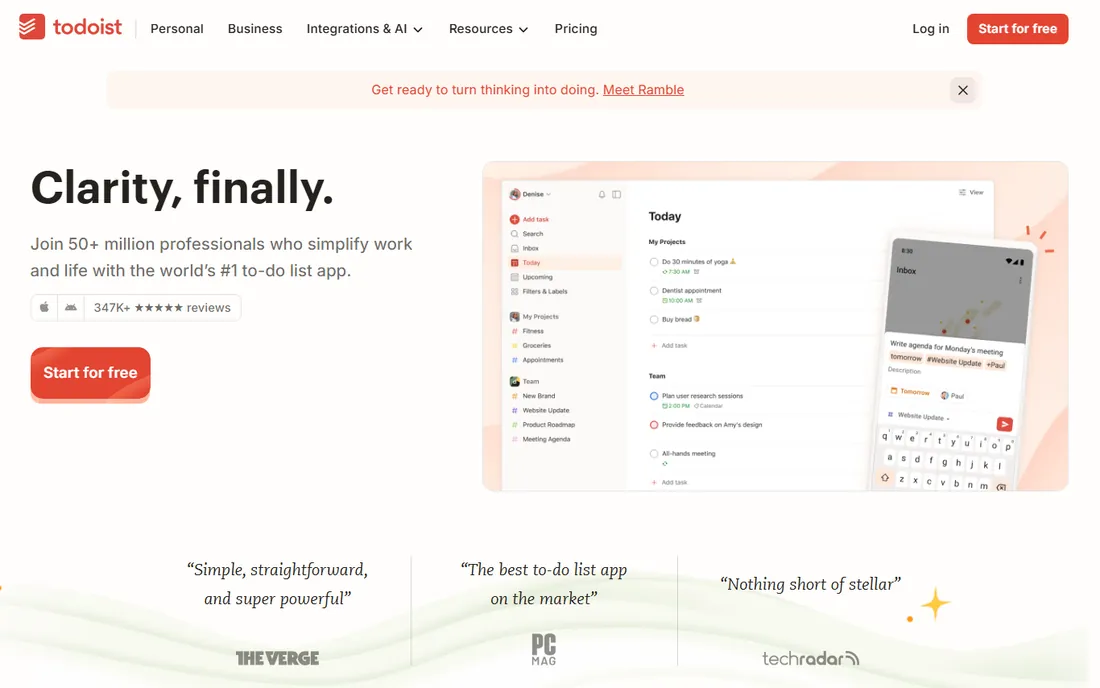
Todoist is the to-do list for people who hate managing to-do lists. Type "write essay Friday at 3pm" and it creates the task with the right date. That natural-language capture is why students stick with it: adding a task takes three seconds, so the list stays current instead of going stale by week two.
The free Beginner plan covers 5 projects, which is enough for classes plus personal life for most students. Pro at $7 per month or $5 per month billed annually adds reminders, calendar layout, and filters. Do note the December 2025 price increase and the fact that Todoist retired its education discount years ago. Start free; most students never need Pro.
What we like- Fastest task capture with natural language dates
- Clean apps on every platform
- Free plan is genuinely useful with no time limit
- Reliable sync
Watch out for- Free plan caps you at 5 projects
- No built-in calendar view on free
- Price rose in December 2025
#2
TickTick
Best for: tasks, calendar, habits, and focus timers in one app
Visit ticktick.com
Starting price$35.99 per year (Premium)
Free planYes
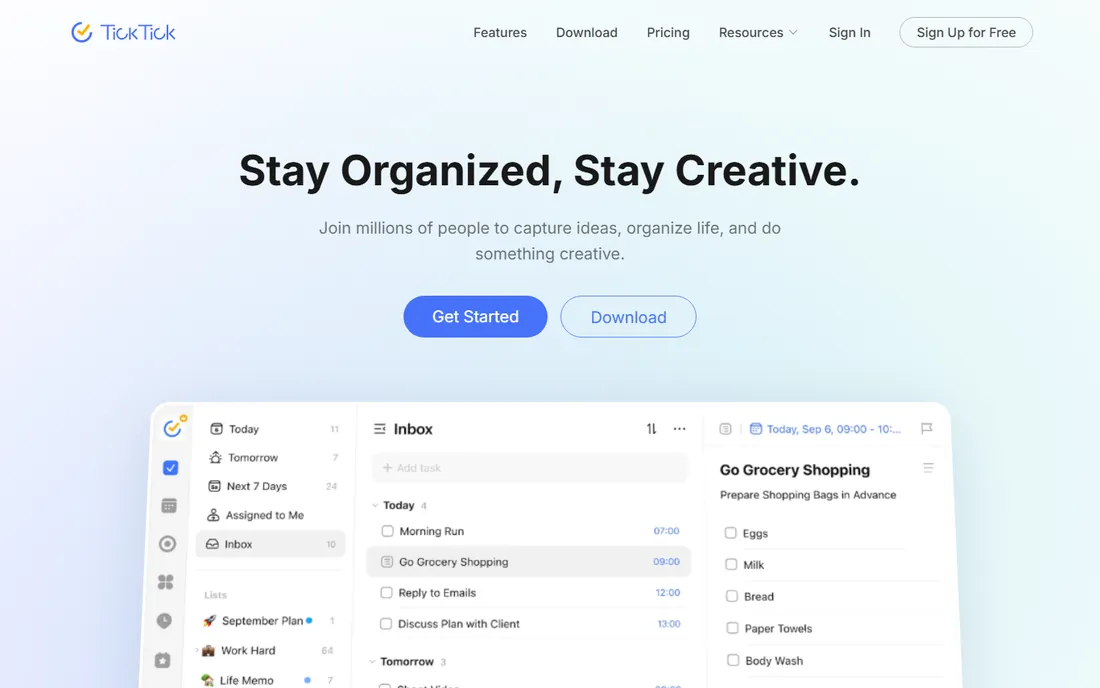
TickTick is what you get when a to-do app refuses to stay in its lane, in a good way. Tasks, calendar, habit tracking, and a Pomodoro focus timer live in one app for $35.99 per year, which is less than three months of some rivals. For a student who wants one home screen for the whole system, that consolidation matters.
The free plan is solid for basic lists, but the calendar and habit features that make TickTick special sit behind Premium. The interface packs a lot in, so it takes a week to feel natural. If you currently juggle a task app, a habit app, and a timer app, TickTick probably replaces all three and saves money doing it.
What we like- Combines to-do list, calendar, habit tracker, and Pomodoro timer
- One inexpensive annual price
- Good widgets and cross-platform apps
- Smart date parsing
Watch out for- Interface is busier than Todoist
- Some advanced features need Premium
- Smaller third-party integration ecosystem
Starting priceSee website
Free planYes
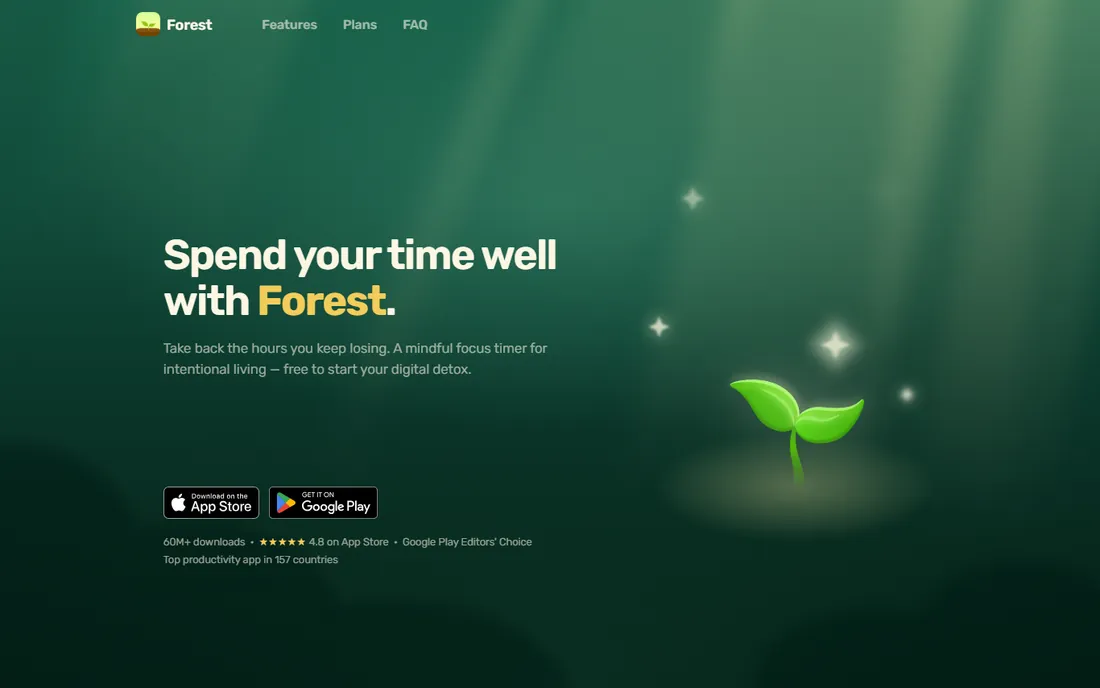
Forest understands something about student brains: guilt works better than willpower. Plant a virtual tree, start a 25-minute timer, and if you leave the app to check your phone, the tree dies. That tiny bit of loss aversion holds attention in a way that stern reminders never do.
It also connects to real impact: earned coins can fund actual tree planting through a partnership with Trees for the Future. You can focus alongside friends, where one person checking their phone kills everyone's trees. Forest will not plan your semester for you, so pair it with a task app. For the specific job of phone discipline during study blocks, little beats it.
What we like- The tree-dying mechanic genuinely keeps phones down
- Focus with friends so everyone stays honest
- Real trees get planted through the rewards program
- Simple and fun to use
Watch out for- Only solves the phone-distraction problem, not planning
- Pricing varies by app store and region
- The dead-tree record can feel punishing on bad weeks
Starting priceFree
Free planYes
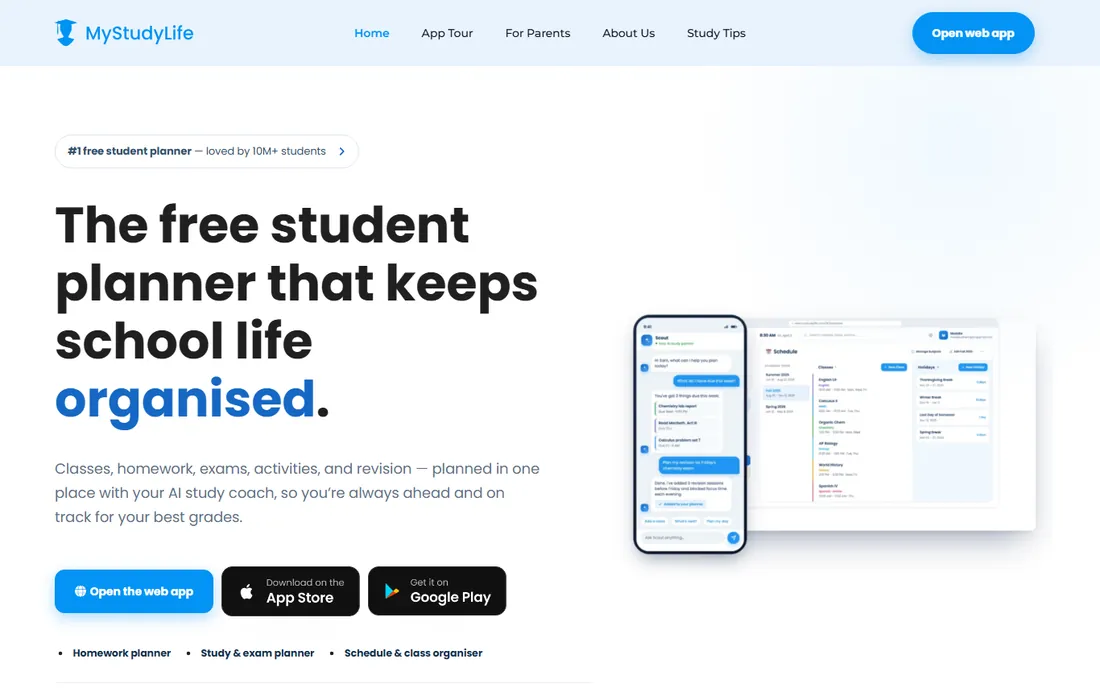
MyStudyLife is the only app on this list designed around how school actually works. It understands rotation timetables, so week A and week B schedules just work. It tracks classes, assignments, and exams together, with countdowns that make deadlines concrete. And it is completely free.
The tradeoff is polish and depth. The design feels older than Todoist or Notion, and task management is basic: no subtasks, no labels, no fancy filters. But for a high school or college student whose main problem is "what is due and when," the academic-first structure beats a generic task app. Use it as the schedule backbone and add a focus tool like Forest for the actual studying.
What we like- Built for academic schedules including rotation weeks
- Tracks classes, assignments, and exams in one place
- Completely free
- Syncs across phone and web
Watch out for- Dated design next to modern rivals
- No advanced task features like subtasks or labels
- Smaller user community for tips and templates
#5
Notion
Best for: notes, tasks, and study databases in one workspace
Visit notion.so
Starting price$10 per user per month, billed annually
Free planYes (students get Plus free with a school email)
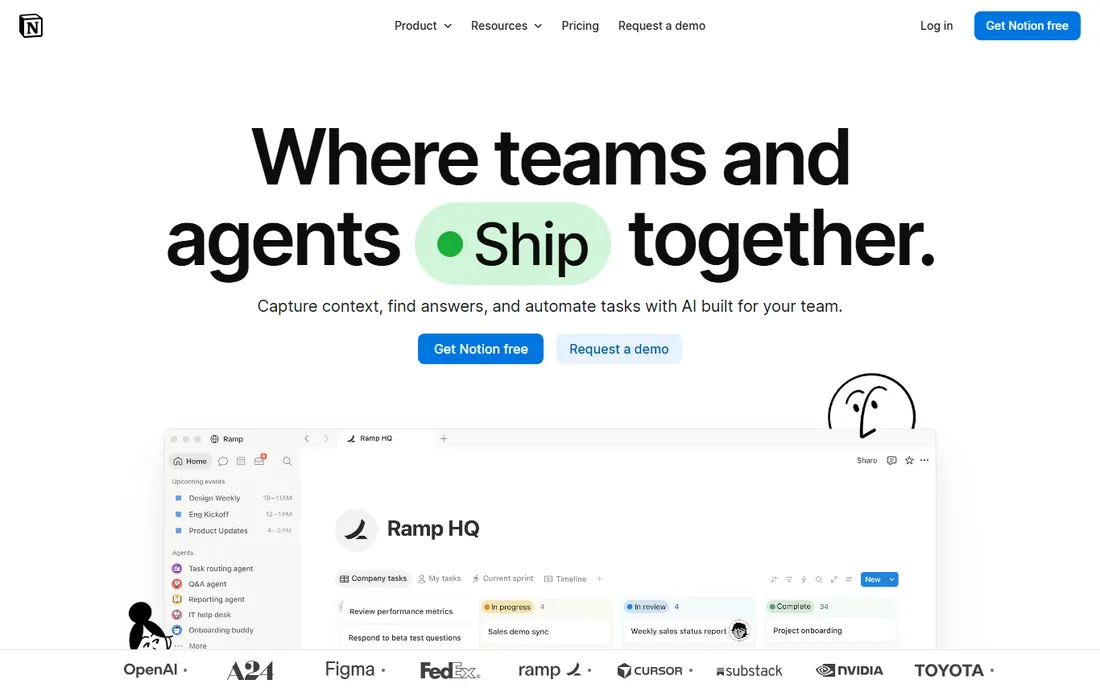
Notion is the everything workspace: notes, task lists, databases, wikis, and calendars in one app. For students, the killer detail is the education deal: students and educators with a school email get the Plus plan free. That means unlimited file uploads and long page history at zero cost.
The free plan is genuinely unlimited for personal use, so most students never pay. The warning is well known: Notion rewards tinkering, and it is easy to spend a Sunday building the perfect study dashboard instead of studying. Keep the setup simple: one page per course, one task database, one weekly review. Used with discipline, it replaces three separate apps.
What we like- Unlimited pages and blocks for individuals on free
- Databases turn study notes into a real system
- Students and educators get Plus free
- Huge template gallery
Watch out for- Easy to over-build and spend more time organizing than studying
- No native time tracking
- Full AI features require the pricey Business tier
Starting priceFree
Free planYes
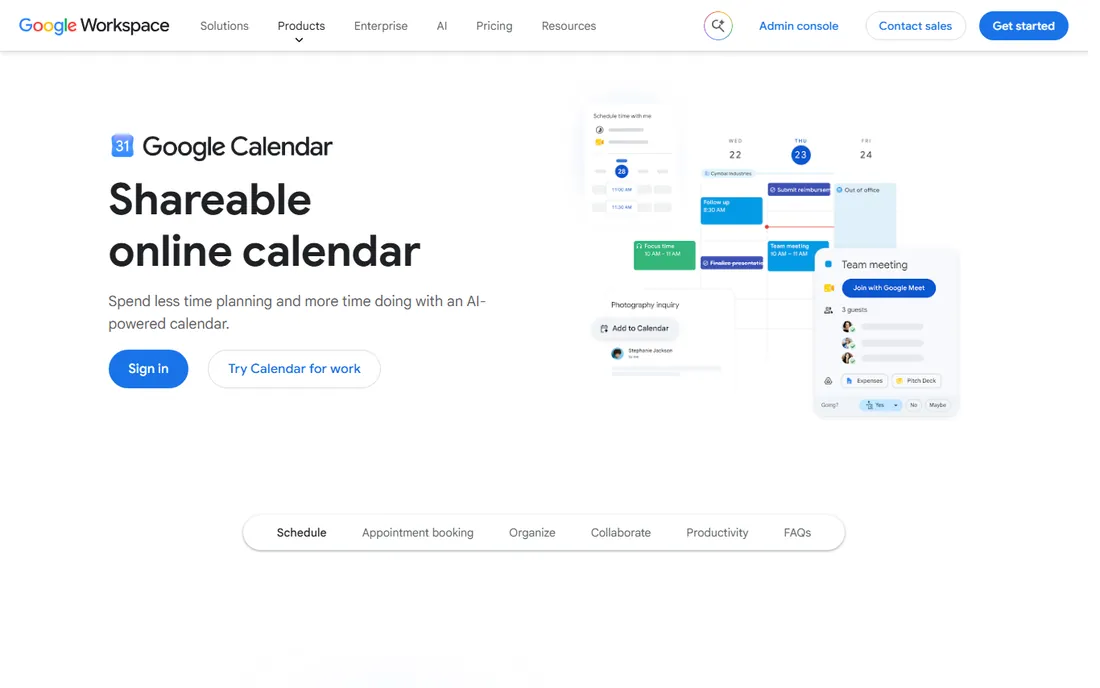
Google Calendar is the most underrated study tool on this list because it is boring. Time-blocking, assigning every study session a calendar slot, is one of the few productivity techniques with real evidence behind it, and Calendar does it free. Most schools already run on Google, so class schedules and club events land here automatically.
It is not a task manager, so pair it with Todoist, TickTick, or Microsoft To Do for the actual assignment lists. The failure mode is scheduling 40 hours of "study" and then ignoring the calendar entirely. Start small: block your classes, then add two or three fixed study blocks per week. Protect those blocks like appointments, because that is what they are.
What we like- Free with every Google account
- Time-blocking makes study hours visible and real
- Integrates with Gmail, Meet, and most school systems
- Excellent sharing for group projects
Watch out for- Not a task manager, needs pairing with a list app
- Easy to over-schedule and ignore
- Notification fatigue if every event alerts
Starting priceFree
Free planYes
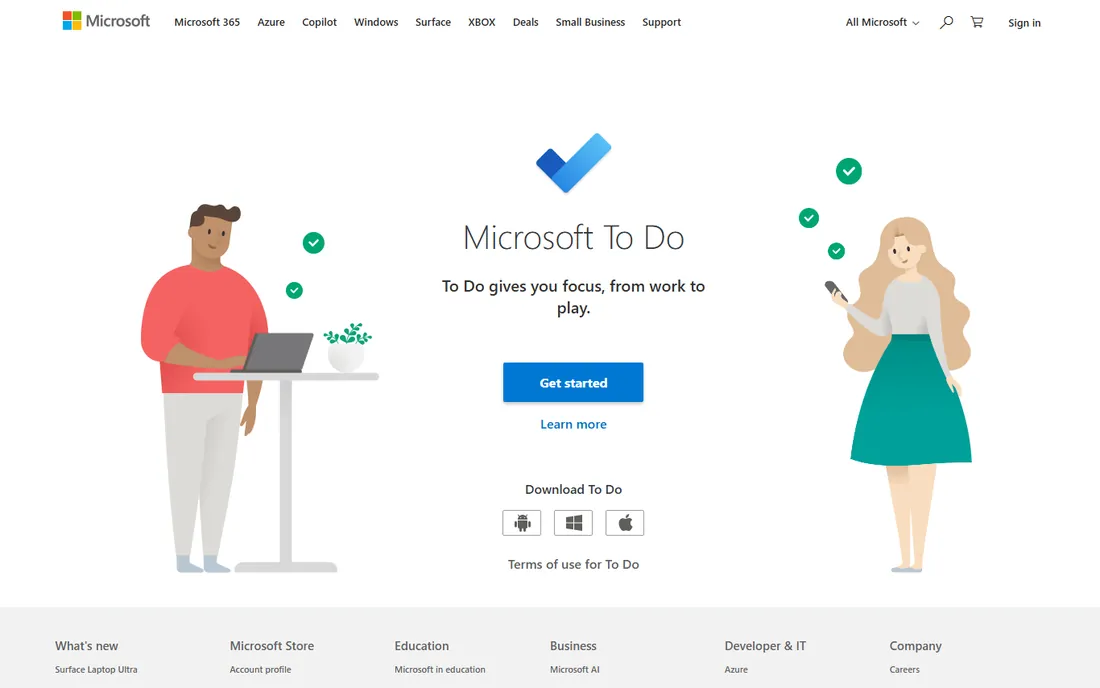
Microsoft To Do is the quiet, competent option. If your school runs on Microsoft 365, your assignments and emails already live in that world, and To Do slots right in. Lists, due dates, reminders, and the My Day view that surfaces today's tasks are all free with no upsell in sight.
It will not impress anyone. There is no natural-language input as slick as Todoist's, no Pomodoro timer, no habit tracking. But simple is a feature when the alternative is a complicated system you abandon in October. For students who want a list that just works and syncs with Outlook, this is the zero-cost, zero-learning-curve answer.
What we like- Completely free with a Microsoft account
- Clean, simple lists with due dates and reminders
- Syncs with Outlook tasks
- My Day view for daily planning
Watch out for- Basic feature set next to Todoist or TickTick
- Best inside the Microsoft ecosystem
- No built-in calendar or habit tracking
Starting price$7 per month, billed annually (Solo Focus)
Free planYes (Lite)
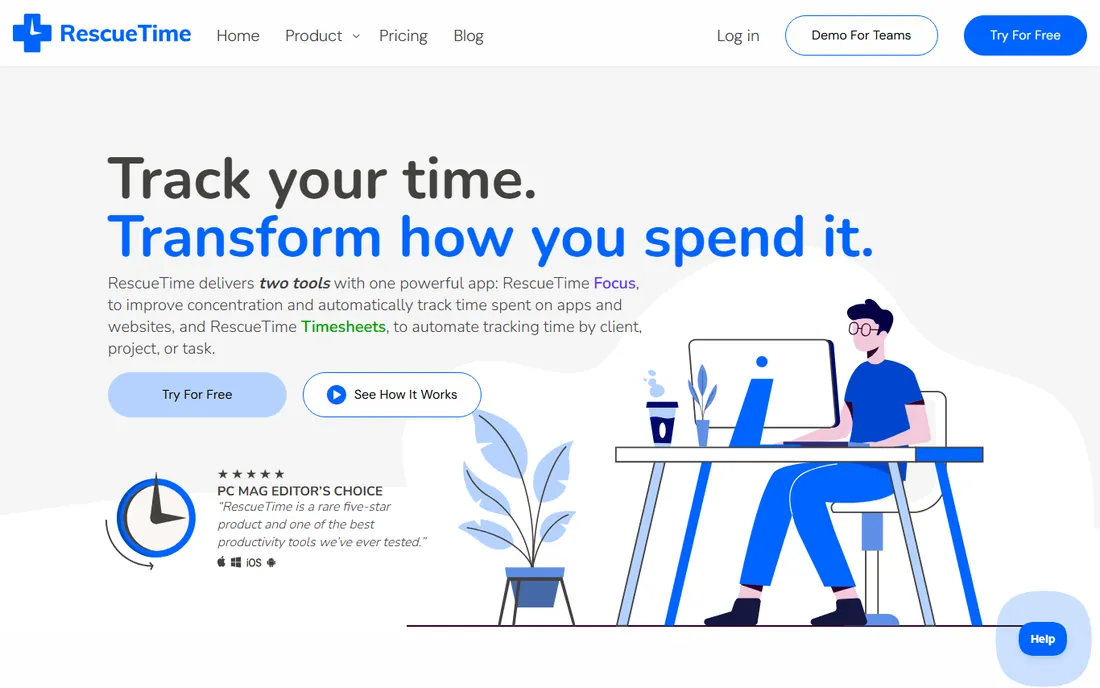
RescueTime answers the question every student asks at midnight: where did the day go? It runs in the background, logs which apps and sites you use, and reports back with uncomfortable accuracy. The free Lite plan gives basic activity reports; Solo Focus at $7 per month billed annually adds goals, alerts, and distraction blocking.
For students, the value is diagnostic. Run it for two weeks, find the three biggest time sinks, then fix them with app limits or Forest sessions. The paid tier is hard to justify on a student budget unless the data genuinely changes behavior, so start with Lite and upgrade only if you use the reports. Used honestly, it is the mirror most students need.
What we like- Automatic tracking shows exactly where time goes
- Focus sessions with distraction blocking
- Detailed reports by app and website
- 14-day trial on paid plans
Watch out for- The useful features need the paid Solo plan
- Can feel like surveillance rather than self-help
- Setup and categorization take effort
Free versus paid: what students should actually pay for
Here is the good news: a complete student time-management system costs nothing. MyStudyLife handles the schedule, Google Calendar or Microsoft To Do handles the day, Forest's free tier handles focus, and Notion's free plan, or free Plus with a school email, handles notes and tasks.
So when is paid worth it? TickTick Premium at $35.99 per year is the easiest yes: it replaces several apps at a price most students spend on coffee in a month. Todoist Pro makes sense only if you hit the free plan's 5-project limit and live in the app daily. RescueTime Solo is worth it only if you actually read the reports and change habits because of them. The rule: pay when a specific free limit blocks real work, not for features that sound nice.
What to check before you commit to an app
Students adopt apps fast and abandon them faster. These checks keep you out of that cycle.
Match the app to your actual problem
Phone distraction, missed deadlines, and chaotic notes are different problems. Forest fixes the phone. MyStudyLife fixes the schedule. Notion fixes the notes. Todoist fixes the task list. Pick the app for the problem you actually have this semester, not the one with the longest feature list.
Check the free plan limits that matter to you
Todoist caps free at 5 projects. Snappa-style download caps do not apply here, but Forest's free tier limits some features and RescueTime Lite keeps only basic reports. Students get Notion Plus free, which removes the main reason to pay. Read the limits before you invest a month building a system in an app.
Make sure it works on your devices
Check the apps on the phone and laptop you actually own. Todoist, TickTick, Notion, and Google Calendar all have solid mobile and desktop apps. Forest is mobile-first. Microsoft To Do shines if your school uses Microsoft 365. A system you cannot check in the lecture hall is a system you will not use.
Keep the system simple enough to survive midterms
The best student system is the one still running in November. One task list, one calendar, one focus method. Every extra app is another thing to maintain when coursework peaks. Start with two or three tools from this list, and add more only when a gap hurts.
How we chose
We looked for time management apps that are actively maintained in 2026 and genuinely useful for students, not enterprise project tools or parental-control software. For each app we checked the vendor's own pricing page for current plans and student discounts, read student reviews and campus discussion, and weighed ease of adoption, mobile quality, free-plan generosity, and fit for academic life. We favored apps a student can start using in an afternoon without a tutorial.
Frequently asked questions
What is the best free time management app for students?
MyStudyLife is the best free app built specifically for school, with timetables and exam tracking at no cost. For tasks, Todoist's free plan and TickTick's free tier both work well. Notion's free plan is unlimited for personal use, and students get Plus free with a school email. Combine MyStudyLife with Google Calendar and you have a complete free system.
How do I stop wasting time on my phone while studying?
Forest is built exactly for this: plant a virtual tree and it dies if you leave the app. Pair it with your phone's built-in screen time limits and app blockers during study hours. RescueTime can show you which apps steal the most time so you know what to block. The tools help, but putting the phone in another room still works best.
Should students pay for a productivity app?
Usually not at first. The free plans on this list cover a full system: scheduling, tasks, notes, calendar, and focus. Consider paying only when a free limit blocks real work, like Todoist's 5-project cap. TickTick Premium at $35.99 per year is the best-value paid option if you want tasks, calendar, habits, and timers in one app.
What is the best app for college class schedules?
MyStudyLife, because it understands academic timetables including rotation weeks, and it tracks assignments and exams alongside classes. Google Calendar works too if you prefer time-blocking, especially since most schools already use Google. MyStudyLife is free either way, so there is little reason not to try it first.
Can these apps help with exam preparation?
Yes, in specific ways. MyStudyLife's exam countdowns make revision deadlines concrete. Google Calendar time-blocking reserves real study hours. Forest keeps study sessions phone-free. Notion databases organize notes by topic for review. No app replaces the studying itself, but the right combination removes the organizational friction around it.
Sources we checked (10)
- https://www.techharry.com/2024/08/todoist-task-management-tool.html
- https://toolstack.net/todoist-review/
- https://www.tasa.app/blog/todoist-alternative
- https://medium.com/@maya.benson334/forest-focus-app-gamified-focus-timer-for-adhd-where-you-grow-a-virtual-tree-that-dies-if-you-145b6988be32
- https://gizmodo.com/download/forest-focus-for-productivity
- https://www.amherstwire.com/30137/lifestyle/app-of-the-week-for-college-students-forest-app-stay-focused/
- https://get-alfred.ai/blog/notion-pricing
- https://clickup.com/blog/notion-vs-google-docs/
- https://www.timecamp.com/blog/rescuetime-alternatives/
- https://www.hostingcharges.in/comparisons/rescuetime-vs-desktime
Is your product missing or out of date?
We review this list regularly. Vendors can request a listing, send updated pricing or ask about featured placement.

Shihab Mia · Founder, Rankite
Shihab has spent more than a decade helping SaaS and e-commerce brands grow through search. He writes Rankite's software buying guides from pricing pages, documentation and public user reviews. More about Shihab.