How we make this list: we compare pricing pages, product documentation and public user reviews. Rankite is independent; if a vendor ever pays for a featured spot, that listing is clearly labeled Partner.
Key takeaways
- ElevenLabs still leads on raw voice realism, especially for narration and voice cloning, but its Starter plan starts at $6 per month and free credits run out fast on long projects.
- If you produce training videos or marketing content with a team, Murf and WellSaid Labs are the safer business picks, with collaboration features and clear commercial licenses on paid plans.
- Developers on a budget get the most free capacity from Google Cloud Text-to-Speech and Amazon Polly, whose free tiers cover millions of characters per month.
- Read the commercial license before you publish: several tools, including Murf and WellSaid Labs, restrict commercial use on their free plans.
Quick comparison
| Tool | Best for | Starting price | Free plan |
|---|
 ElevenLabs ElevenLabs | Realistic narration and voice cloning | $6 per month | Yes (10,000 credits per month) |
 Murf Murf | Marketing videos and e-learning narration | $29 per user/month (Creator Lite) | Yes (10 minutes of voice generation; $10 API credit) |
 Speechify Speechify | Listening to documents and web pages read aloud | $29 per month (Premium) | Yes (10 robotic voices, 1.5x speed, TTS only) |
 WellSaid Labs WellSaid Labs | Corporate training and professional narration | $19 per month (or $10 per month billed annually) | Yes (Trial with 3 download minutes per month, no commercial rights) |
 Cartesia Cartesia | Real-time conversational AI and voice agents | $5 per month (Pro) | Yes (about 27 TTS minutes per month) |
 Amazon Polly Amazon Polly | Developers already running on AWS | Pay as you go (no monthly fee) | Yes (12-month free tier: 5M Standard, 1M Neural, 500K Long-Form, 100K Generative characters per month) |
 Azure AI Speech Azure AI Speech | Enterprises standardized on Microsoft | See website | Yes (limited free tier) |
 Google Cloud Text-to-Speech Google Cloud Text-to-Speech | Developers building on Google Cloud | Pay as you go (no monthly fee) | Yes (1M WaveNet + 4M Standard characters per month; $300 new-customer credits) |
 NaturalReader NaturalReader | Students and accessibility users on a budget | $20.90 per month (Plus plan) | Yes (Personal free plan) |
Is your product missing or out of date?
We review this list regularly. Vendors can request a listing, send updated pricing or ask about featured placement.
The best text to voice software
You have a script and no good way to voice it. Maybe it is a training module that changes every quarter, a product video that needs three versions, or a podcast intro you keep re-recording. Hiring voice talent for every revision is slow and expensive, and recording it yourself a tenth time is worse. Text to voice software solves this exact problem. The nine tools below cover the full range, from free developer APIs to polished studio products for teams.
Starting price$6 per month
Free planYes (10,000 credits per month)
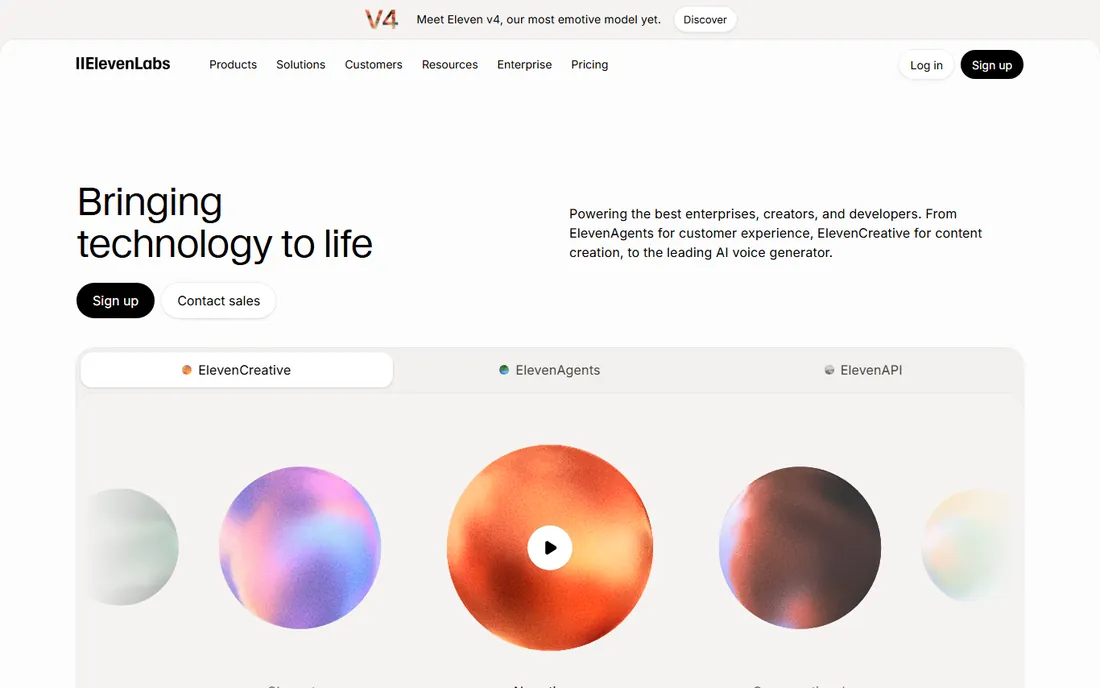
ElevenLabs set the bar that every other voice tool now gets measured against. Its voices handle pacing, emphasis and emotion better than most competitors, which is why it shows up in so much YouTube narration, audiobook production and podcast work. The voice cloning is genuinely useful: a few minutes of clean sample audio can produce a clone that survives in real content. For a small business, the practical use case is consistent branded narration across videos without booking studio time.
The catch is cost at scale. The Starter plan at $6 per month is cheap to try, but longer projects push you into higher tiers quickly, and the free monthly credits cover only short samples. If you need a voice for a 30-minute training video every week, budget for a mid-tier plan.
What we like- Most human-sounding voices in independent comparisons
- Voice cloning from short samples
- Strong API and developer tooling
Watch out for- Free credits run out quickly on long audio
- Word limits are tight on lower plans
- Enterprise pricing is not published
#2
Murf
Best for: Marketing videos and e-learning narration
Visit murf.ai
Starting price$29 per user/month (Creator Lite)
Free planYes (10 minutes of voice generation; $10 API credit)
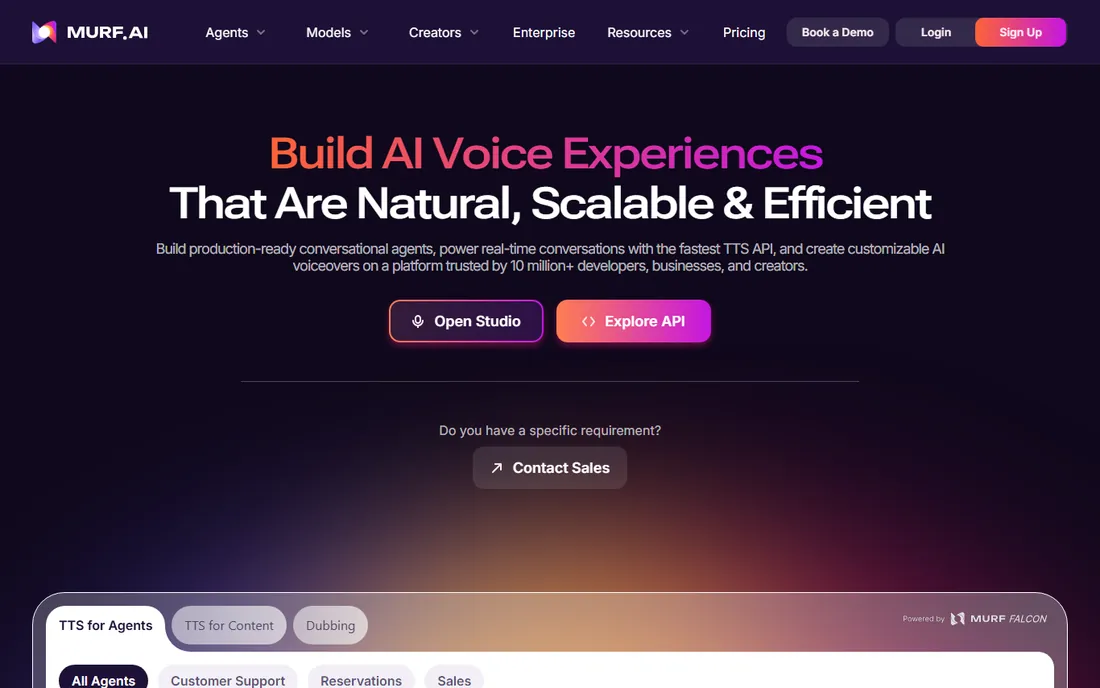
Murf is built for teams that produce a lot of video and need narration that drops straight into the timeline. The studio workspace lets you align voiceover with visuals, add background music and export finished video, which saves the round trip through a separate editor. Voice quality is strong for corporate and educational content, and the 200-plus voice catalog covers most accents and age ranges a marketer would need.
Watch the licensing. The free plan gives you 10 minutes of generation to test, but you cannot use that audio commercially, so anything customer-facing needs a paid seat. Per-user pricing also adds up for larger teams; a five-person content team pays meaningfully more than the headline price suggests.
What we like- Large library of voices across 20+ languages
- Built-in studio for syncing voice with video
- API at $0.01 per 1,000 characters
Watch out for- Commercial license requires a paid plan
- Best voices sit on higher tiers
- No one-time purchase option
Starting price$29 per month (Premium)
Free planYes (10 robotic voices, 1.5x speed, TTS only)
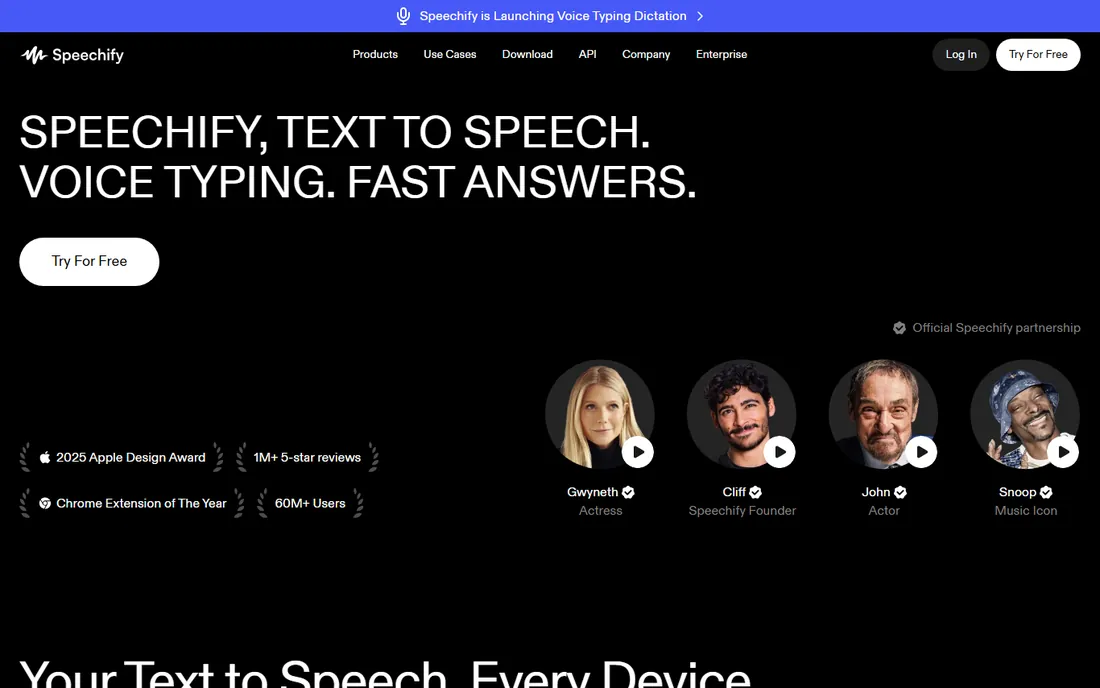
Speechify comes at the problem from the opposite direction: it is for consuming text, not producing audio content. If your team reads long reports, contracts or research papers, having them read aloud at 2x speed during a commute is a real productivity gain. The apps are well made across iOS, Android, Chrome and desktop, and syncing keeps your place across devices. It also has genuine accessibility value for people with dyslexia or visual strain.
Do not buy it expecting a voiceover studio. The free tier uses older robotic-sounding voices, and while Premium adds natural HD voices, $29 per month is a lot if you only listen occasionally. Businesses should also check whether the team actually listens to documents before paying for seats; a trial with two or three heavy readers will answer that fast.
What we like- Polished apps for reading PDFs, books and web pages aloud
- Large and loyal user base
- Strong accessibility story for dyslexia and ADHD
Watch out for- Premium price is steep for casual listeners
- Free voices sound basic
- Built for listening, not production voiceover
Starting price$19 per month (or $10 per month billed annually)
Free planYes (Trial with 3 download minutes per month, no commercial rights)
Corporate training departments have different needs than YouTubers, and WellSaid Labs is built for them. The voices skew professional and clear rather than dramatic, which is exactly what you want in compliance training or product onboarding. Team features like shared workspaces, pronunciation libraries and approval workflows matter when legal or HR has to sign off on content. Pricing is straightforward: Starter at $19 monthly or $120 per year, Pro at $49 monthly or $396 per year.
The trade-off is range. The catalog is smaller than Murf or ElevenLabs, so if you need a specific regional accent or a character voice, check the library before committing. The trial is also limited: three download minutes per month with no commercial rights, which is enough to evaluate quality but not to ship anything.
What we like- Consistently polished, professional-sounding voices
- Team workspaces and brand voice controls
- Transparent per-minute usage pricing
Watch out for- Smaller voice catalog than mass-market rivals
- Trial audio cannot be used commercially
- Business plan is priced per user
Starting price$5 per month (Pro)
Free planYes (about 27 TTS minutes per month)
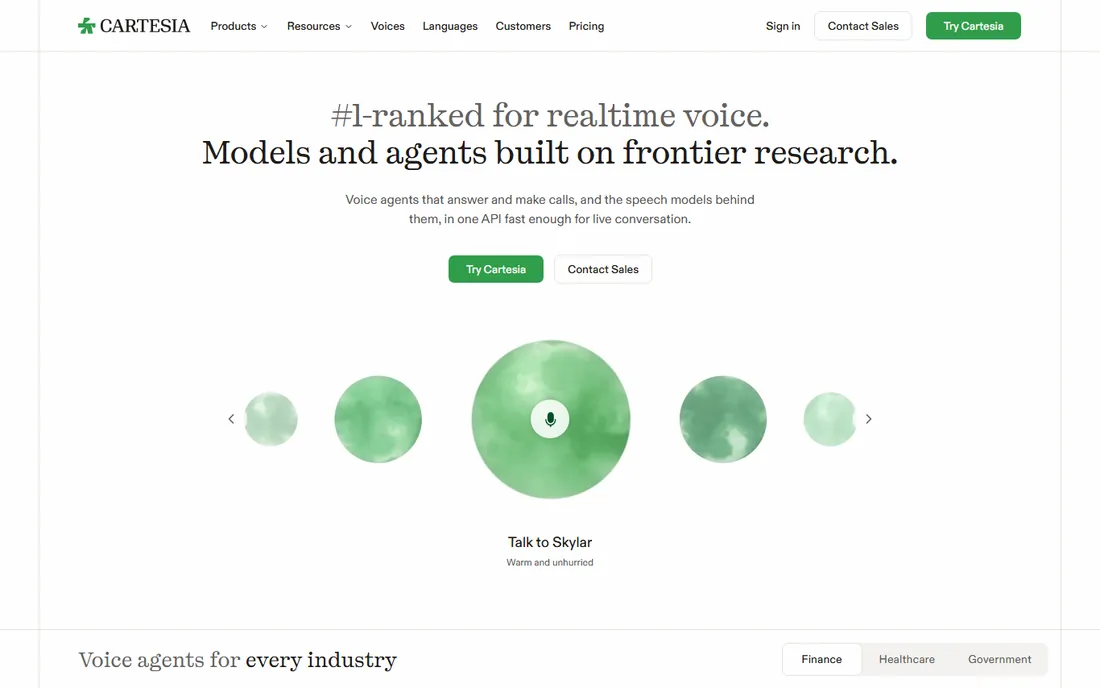
Latency is the spec that matters for conversational AI, and Cartesia is built around it. If you are building a voice agent, an IVR system or any application where the voice has to respond in real time, a 200-millisecond delay difference is the difference between natural and broken. Cartesia's streaming API delivers that, with pricing that starts at $5 per month for the Pro tier and a free tier covering roughly 27 minutes of TTS monthly. The Scale plan at $299 per month targets production workloads.
This is not the tool for making a YouTube voiceover. There is no consumer studio, the voice selection is narrower than the big names, and you will be writing code. But for product teams adding voice to software, the combination of speed, price and a clean API is hard to beat.
What we like- Very low latency streaming voices
- Clear per-minute pricing
- Modern API designed for developers
Watch out for- Voice library is smaller than established players
- Newer company with a shorter track record
- Aimed at API use, not casual creators
Starting pricePay as you go (no monthly fee)
Free planYes (12-month free tier: 5M Standard, 1M Neural, 500K Long-Form, 100K Generative characters per month)
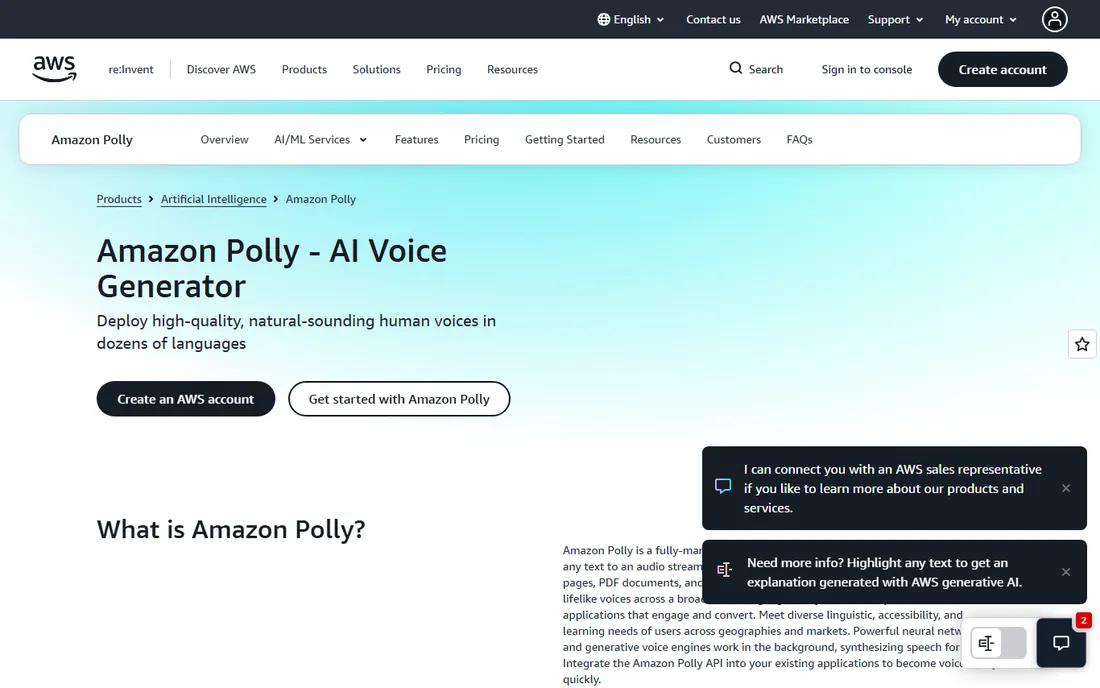
Nobody picks Amazon Polly for the romance of it. You pick it because your infrastructure is already on AWS and you need text to speech at a price that rounds to zero for most workloads. The 12-month free tier is generous: millions of characters per month across the Standard, Neural, Long-Form and Generative engines. After that, pay-as-you-go pricing stays among the cheapest in the industry, which matters for applications generating thousands of audio clips daily.
The honest downside is voice quality. Polly's neural voices are fine for announcements, alerts and IVR prompts, but they do not match ElevenLabs or WellSaid for narration that humans listen to for pleasure. There is also no studio interface; you are calling an API or clicking through the AWS console.
What we like- Extremely cheap per character at scale
- Four voice engines for different needs
- Plugs into the rest of AWS
Watch out for- Voices sound more synthetic than the AI leaders
- AWS console is not beginner friendly
- No built-in audio editor
Starting priceSee website
Free planYes (limited free tier)
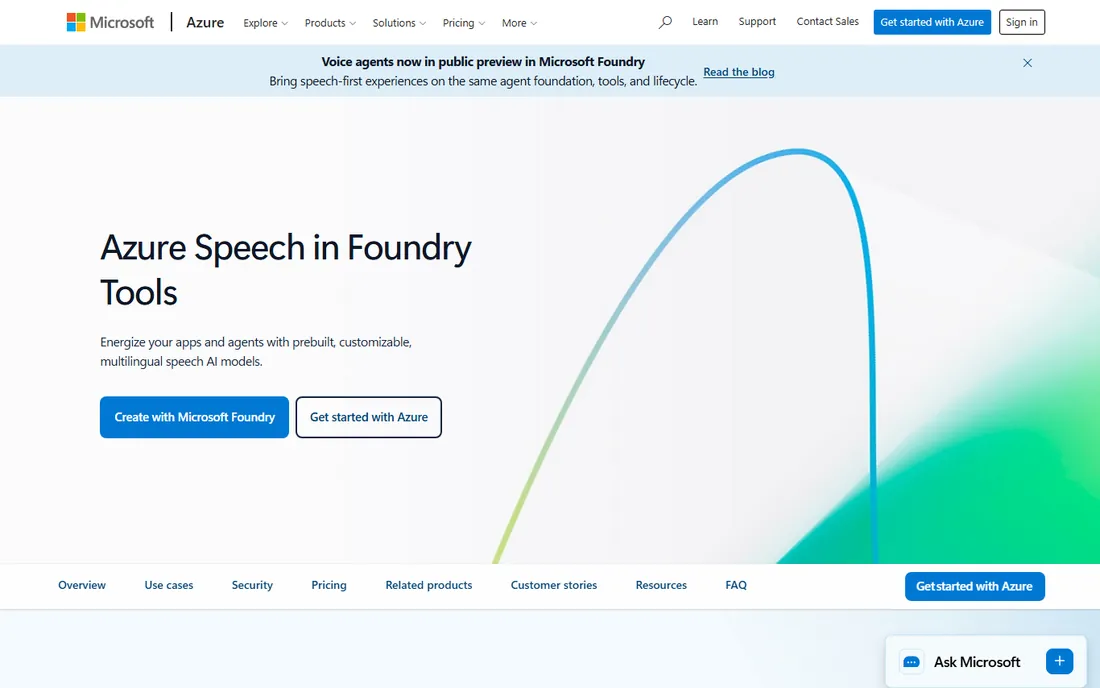
If your company already runs on Microsoft, Azure AI Speech is the path of least resistance. Procurement is simpler when the vendor is already approved, data stays inside your Azure boundary, and the compliance story (SOC, ISO, regional data residency) satisfies enterprise security reviews. The voice catalog is genuinely large, with over 400 voices, and the Custom Neural Voice feature lets big brands train a voice that sounds like them. Microsoft has folded the service into its Foundry Tools branding, but the speech capabilities are the same.
The complexity is real, though. Azure pricing has multiple meters (standard voices, neural voices, custom voices, batch vs real-time), and estimating a monthly bill takes work. The Speech Studio web tool is serviceable but not a match for Murf's editing environment. This is an enterprise developer service, not a small business product.
What we like- 400+ voices across 140+ languages and locales
- Strong enterprise compliance and security
- Custom neural voice for brand voices
Watch out for- Pricing structure is complex
- Studio tooling lags dedicated TTS products
- Azure learning curve for newcomers
Starting pricePay as you go (no monthly fee)
Free planYes (1M WaveNet + 4M Standard characters per month; $300 new-customer credits)
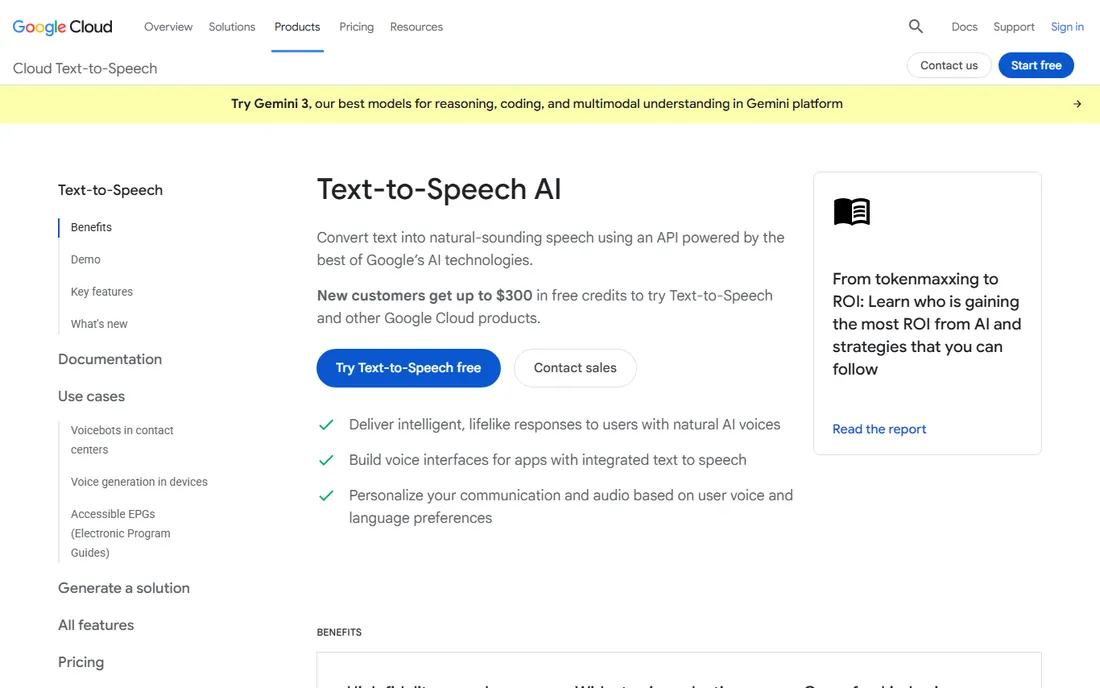
Google Cloud Text-to-Speech is the quiet value pick for developers. The always-free tier, 1 million WaveNet characters plus 4 million Standard characters every month, covers a remarkable amount of real usage without spending anything, and new customers get $300 in credits on top. For a startup adding voice prompts to an app or generating audio versions of articles, you may never pay a cent. Voice quality from the newer models is solid, and the 50-plus language coverage handles international products well.
Like Polly, this is an API, not an app. There is no timeline editor, no voiceover studio, no non-technical onboarding. Usage billing also means a bug that loops audio generation can produce an unpleasant invoice, so set budget alerts in Google Cloud from day one.
What we like- Generous always-free tier that never expires
- 380+ voices in 50+ languages
- Newer voice models sound quite natural
Watch out for- Developer-first with no consumer app
- Usage-based billing can surprise
- Finding the right voice takes experimentation
Starting price$20.90 per month (Plus plan)
Free planYes (Personal free plan)
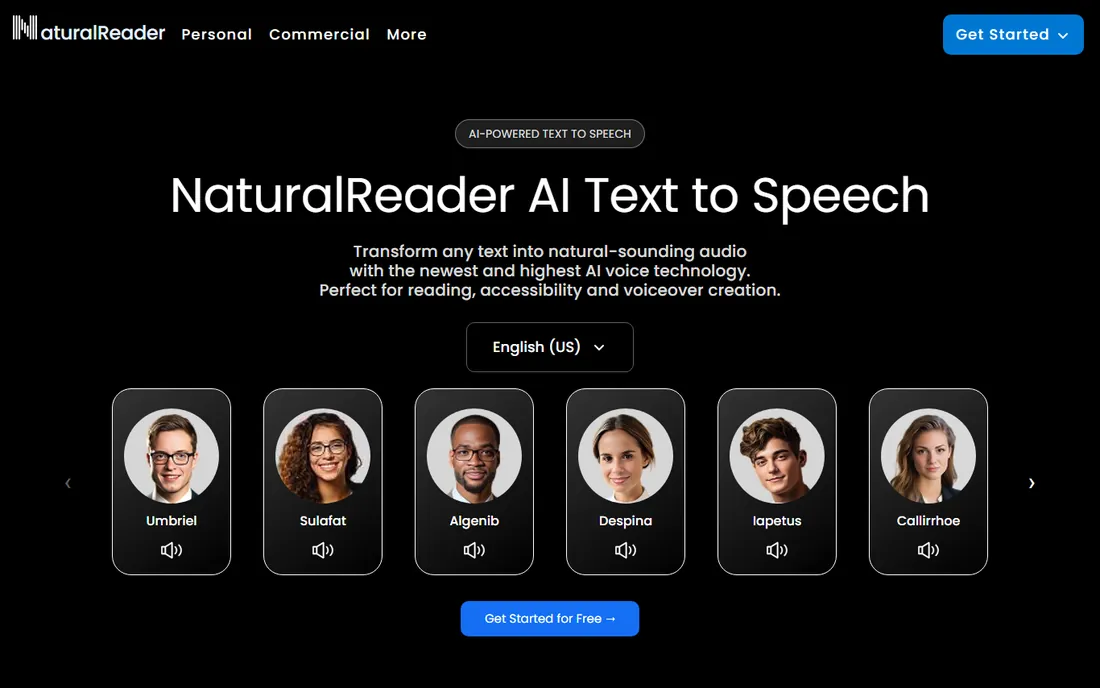
NaturalReader has been around longer than the current AI voice hype cycle, and it shows in the product's simplicity. Students use it to listen to textbooks, professionals use it to proofread documents by ear, and people with reading difficulties use it daily. The interface has almost no learning curve: paste text or upload a document, press play. The Plus plan at $20.90 per month, or $119 per year, undercuts most AI-native competitors for personal use.
Expectations need calibrating, though. The voices are pleasant but clearly synthetic next to ElevenLabs or Cartesia, and the product is aimed at listening rather than content production. For education, accessibility and personal productivity, it remains a dependable and affordable choice.
What we like- Long track record in education and accessibility
- Simple interface with no learning curve
- Affordable annual pricing at $119 per year
Watch out for- Voice quality trails the AI leaders
- Pricing details are harder to find on the site
- Commercial use needs a higher plan
How we chose
We did not test these tools hands-on. Instead, we worked from vendor pricing pages and documentation, public reviews on G2, Capterra and Reddit, published feature lists, integration options and how well each product fits small and mid-size business use cases. We excluded products that shut down or changed direction in 2026, including PlayHT, which closed after its Meta acquisition, and Lovo, which entered bankruptcy proceedings. Every price above comes from the vendor's own pricing page or the vendor's published announcements; where a price could not be verified, we wrote See website instead of guessing.
What to check before you pay for a voice
Start with the license, not the voice quality. Most tools on this list restrict commercial use on free plans, which means the sample audio you love cannot legally go into your customer-facing video. Check whether your plan covers the content you actually produce: client work, ads, audiobooks and YouTube monetization all count as commercial. The paid tiers of Murf, WellSaid Labs and ElevenLabs include commercial rights, but the details differ, so read the terms for your specific use.
Next, match the tool to the job. Real-time applications need low latency, which points to Cartesia or an enterprise API. Long-form narration needs natural pacing, which points to ElevenLabs or WellSaid Labs. Occasional in-house use, like reading reports aloud, may not need a subscription at all; Speechify or NaturalReader cover that.
Finally, test with your real script before committing. Every tool on this list has a free tier or trial, and voices that sound great on a demo paragraph can stumble on your product names, acronyms and industry terms. Run a two-minute sample of your actual content through two or three finalists; the difference will be obvious in about ten minutes.
Mistakes first-time buyers hear too late
The most common regret is buying for voice quality and discovering the usage limits. Character and minute caps on lower plans are the real price of these tools, not the monthly fee. A plan that looks cheap at $6 or $19 per month can double or triple once your actual content volume hits the overage rates. Map your monthly audio minutes before you subscribe, then pick the tier that covers them with room to grow.
The second mistake is ignoring export formats and ownership. Check that you can download standard audio files, that downloads do not expire, and that your license to published audio survives if you cancel. Some platforms tie commercial rights to an active subscription, which means canceling could complicate content you already shipped.
The third is choosing a studio tool when you needed an API, or the reverse. Murf and WellSaid Labs are built for humans making content; Cartesia, Polly, Azure and Google are built for software generating audio automatically. Decide who or what generates the audio, then shortlist accordingly.
Frequently asked questions
What is text to voice software?
Text to voice software, also called text to speech or TTS, converts written text into spoken audio using synthetic voices. Modern tools use AI models that mimic human pacing and intonation, and the best ones are hard to distinguish from recorded narration in short clips.
Can I use AI-generated voices for commercial projects?
Usually only on paid plans. Most vendors restrict commercial use on free tiers, so client work, advertisements and monetized content require a subscription with commercial rights. Always check the specific license terms, since they differ between vendors.
How much does text to voice software cost?
Personal plans run from $5 to $29 per month, while team and business plans range from $49 to several hundred dollars monthly. Developer APIs from Amazon, Google and Microsoft charge per character with generous free tiers, which is often cheapest at high volume.
Which text to voice tool sounds the most realistic?
ElevenLabs is widely regarded as the leader for natural-sounding narration and voice cloning. WellSaid Labs and Cartesia are strong alternatives depending on whether you need corporate polish or real-time latency.
Do these tools support languages other than English?
Yes. Most support dozens of languages: Azure lists 140+ locales, Google covers 50+ languages, and ElevenLabs supports 70+. Voice quality varies by language, so test your specific language with a sample before buying.
Can I clone my own voice?
ElevenLabs, Murf and Azure all offer voice cloning or custom voice features, though availability and quality depend on the plan. Cloning typically requires a clean sample recording of a few minutes and, on reputable platforms, a verification step to prevent misuse.
Sources we checked (9)
- https://elevenlabs.io
- https://murf.ai
- https://speechify.com/
- https://wellsaidlabs.com/
- https://cartesia.ai
- https://aws.amazon.com/polly/
- https://azure.microsoft.com/en-us/products/ai-services/ai-speech
- https://cloud.google.com/text-to-speech
- https://www.naturalreaders.com/
Is your product missing or out of date?
We review this list regularly. Vendors can request a listing, send updated pricing or ask about featured placement.

Shihab Mia · Founder, Rankite
Shihab has spent more than a decade helping SaaS and e-commerce brands grow through search. He writes Rankite's software buying guides from pricing pages, documentation and public user reviews. More about Shihab.