How we make this list: we compare pricing pages, product documentation and public user reviews. Rankite is independent; if a vendor ever pays for a featured spot, that listing is clearly labeled Partner.
Key takeaways
- Synthesia is the safest pick for corporate training and multilingual onboarding, with 160+ languages and a free Basic plan. Starter is $18 per user per month billed annually.
- HeyGen has the most realistic avatars and a genuinely usable free tier. Creator costs $24 per month billed annually.
- InVideo is the best all-rounder for marketing teams, mixing stock footage with generative models like Sora 2 and Veo 3.1 on higher plans. Plus starts at $20 per month billed annually.
- Pictory is purpose-built for turning written content into video, but it dropped its free plan in favor of a 14-day trial. Starter is $25 per month billed annually.
- Fliki and Lumen5 are the cheapest serious entries, at $21 and $19 per month billed annually, and both keep a free tier for testing.
Quick comparison
| Tool | Best for | Starting price | Free plan |
|---|
 Synthesia Synthesia | corporate training and onboarding at scale | $18 per user/month (billed annually) | Yes (Basic plan, 10 minutes per month) |
 HeyGen HeyGen | lifelike AI avatars | $24/month (billed annually) | Yes (3 videos per month) |
 InVideo InVideo | all-round marketing videos | $20/month (billed annually) | Yes (limited, watermarked) |
 Pictory Pictory | repurposing written content | $25/month (billed annually) | No (14-day trial) |
 Fliki Fliki | budget text-to-video with a huge voice library | $21/month (billed annually) | Yes (5 minutes per month) |
 Lumen5 Lumen5 | fast blog-to-video | $19/month (billed annually) | Yes (Community, 5 videos per month) |
 VEED VEED | text-to-video plus full editing | $12 per user/month (billed annually) | Yes (watermarked, 720p) |
 Elai Elai | interactive training videos | $23 per user/month | No (free trial) |
 DeepBrain AI DeepBrain AI | hyperrealistic digital humans | $24/month (billed annually) | Yes (3 videos per month) |
Is your product missing or out of date?
We review this list regularly. Vendors can request a listing, send updated pricing or ask about featured placement.
The best text to video software
Starting price$18 per user/month (billed annually)
Free planYes (Basic plan, 10 minutes per month)
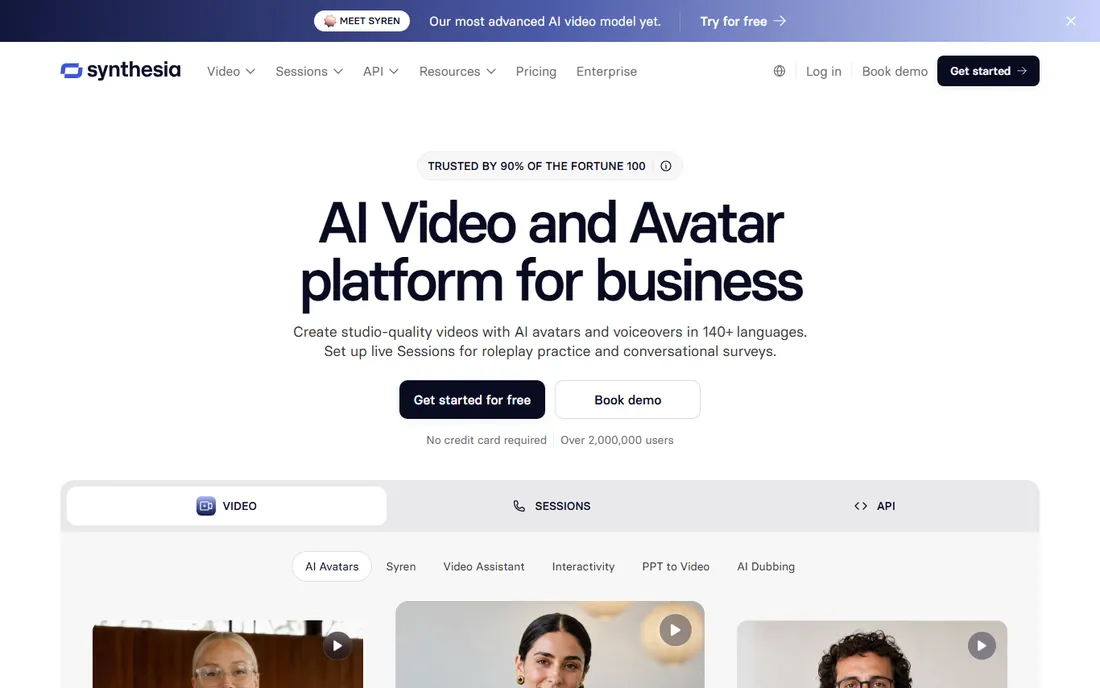
When training videos have to look consistent across 20 languages, Synthesia is the tool most L&D teams reach for first. You type or paste a script, choose from 125+ avatars on Starter (more on higher tiers), and the platform renders a presenter-led video with synced voiceover. Translation is one-click, and the on-screen text re-voices with the layout intact, which saves real work for compliance and onboarding content that changes often.
The catch is the minute math. Starter gives 120 video minutes per year, which sounds fine until weekly training updates eat through it. Credits are shared across video, dubbing and AI assets, and nothing rolls over. For teams publishing regularly, Creator at $64 per month billed annually is usually the realistic entry point. Synthesia is also the strongest governance pick here: SOC 2 Type II, ISO 27001 and GDPR with EU data residency matter to regulated industries.
What we like- 160+ languages with 1,000+ AI voices
- SCORM and LMS export on Enterprise
- Free Basic plan for evaluation
Watch out for- Low plans cap video minutes tightly
- Unused minutes do not roll over
Starting price$24/month (billed annually)
Free planYes (3 videos per month)
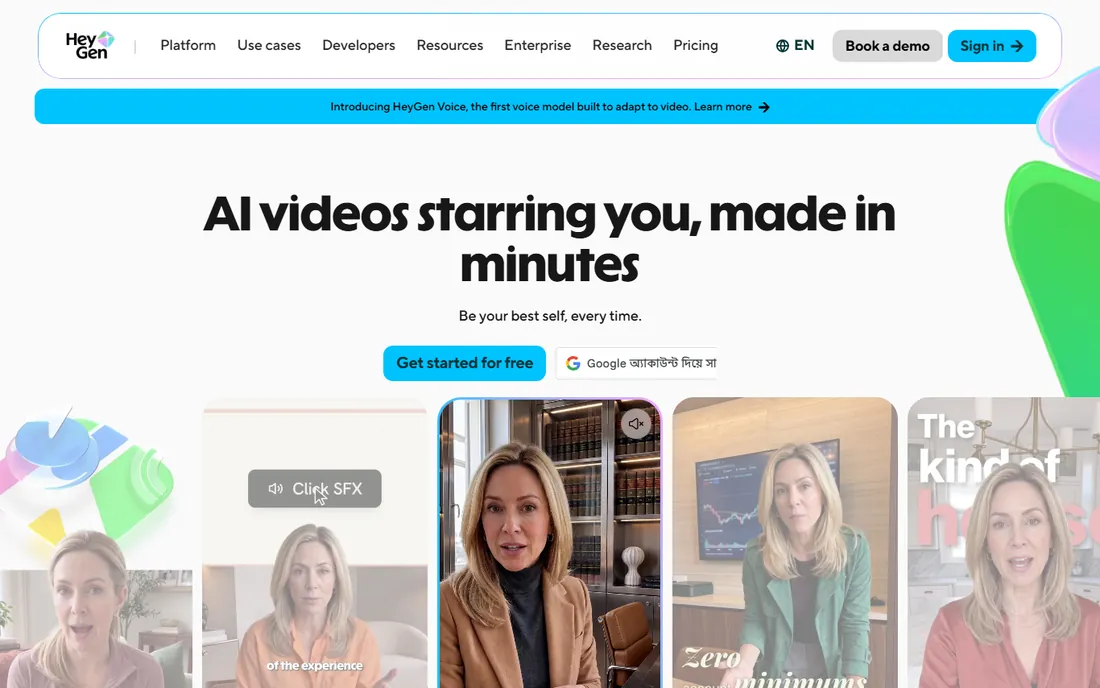
If avatar realism is your top filter, HeyGen is hard to beat. Its Avatar IV engine produces presenters with natural lip sync and expression, and the Video Agent can take a prompt, a script or a URL all the way to a finished video with B-roll, captions and voiceover. Creators use it for faceless YouTube channels and personalized sales outreach; teams use it for multilingual product explainers. The free plan gives three short watermarked videos a month, enough to judge the output quality yourself.
Budget carefully. Creator includes 600 generative credits a month, and premium avatar rendering costs roughly 20 credits per finished minute, so the headline allowance translates to about 30 minutes of high-end video. Unused credits expire. If your workflow leans on the best-looking avatars for most videos, expect to buy credit top-ups or step up to Pro at $49 per month.
What we like- Most realistic avatars in the category
- Voice cloning and 175+ languages
- Free tier for testing
Watch out for- Credit system makes real costs hard to predict
- Premium avatar rendering burns credits fast
Starting price$20/month (billed annually)
Free planYes (limited, watermarked)
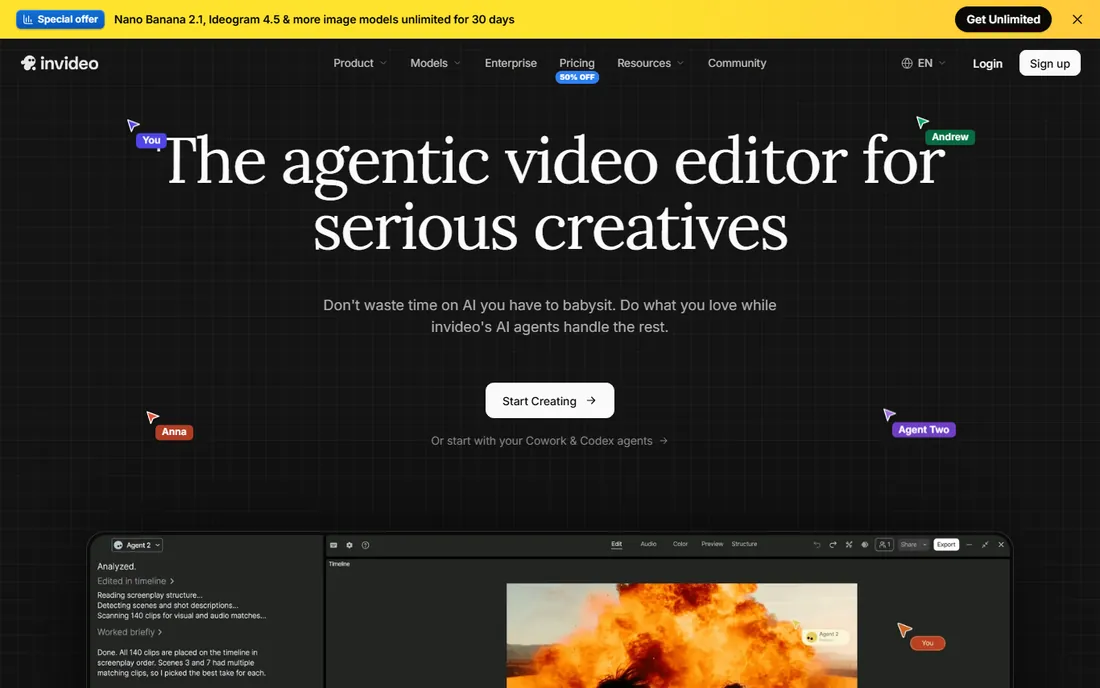
Marketing teams that live in stock footage will feel at home in InVideo. You describe the video you want, and it assembles a draft from stock clips, AI voices and templates, which you then refine by typing commands into the Magic Box editor instead of dragging clips on a timeline. Plus includes 50 AI generation minutes a month, 80 iStock downloads and two voice clones, which covers a steady social and ad cadence for a small team.
The credit structure deserves a read before you pay. AI minutes, iStock downloads and voiceover minutes are separate pools that do not roll over, so one pool can sit full while another is empty. Max at $60 per month monthly ($48 billed annually) adds 200 AI minutes and 4K export; the Generative tier at $120 per month monthly bundles Sora 2 and Veo 3.1 for teams that want AI-generated footage instead of stock. The free tier gives about 10 AI minutes a week with a watermark.
What we like- Huge template library and 16M+ stock assets
- Generative models (Sora 2, Veo 3.1) built into higher plans
- Conversational Magic Box editing
Watch out for- Separate non-rolling credit pools can run out unevenly
- Stock-heavy output can look generic
Starting price$25/month (billed annually)
Free planNo (14-day trial)
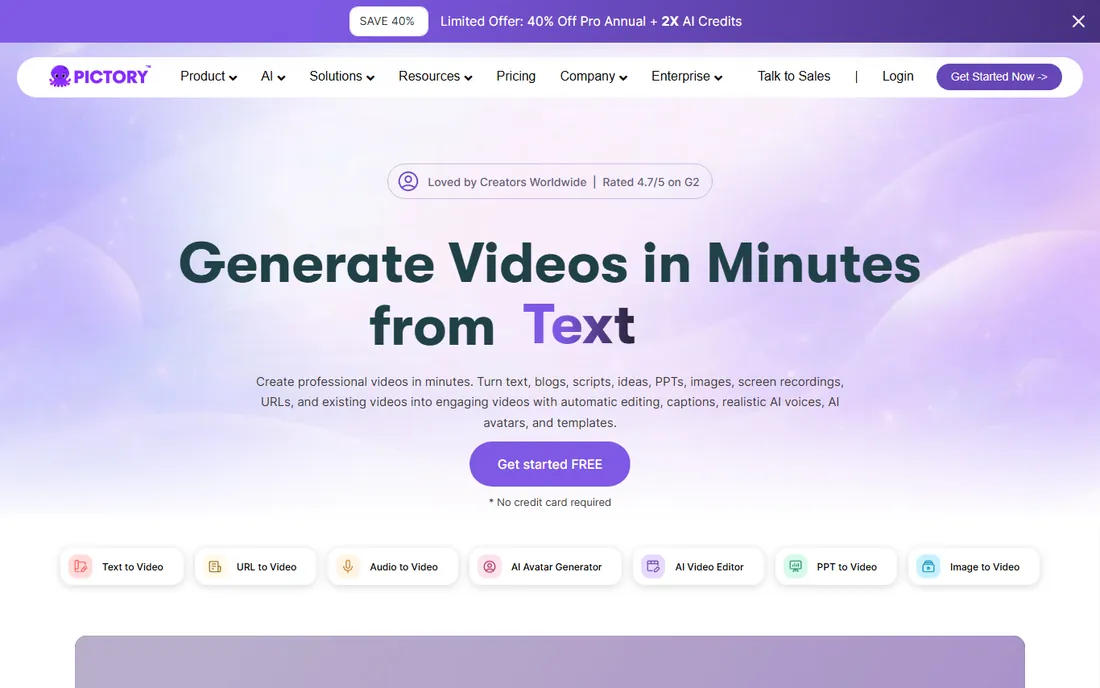
Pictory exists for one job: turning writing you already have into video. Paste a script, drop in a blog URL or upload a document, and it builds a scene per sentence with matched visuals, an AI voiceover and captions. The storyboard editor is genuinely quick to adjust, and unlike most rivals here, unused credits roll over instead of expiring. Professional at $35 per month billed annually triples the minutes and adds ElevenLabs voices, which most solo creators consider the sweet spot.
Watch the plan details. Starter at $25 per month billed annually gives 200 video minutes but no premium voice minutes at all, so the ElevenLabs voices you hear in the demo sit behind an upgrade wall. Generative AI footage is metered separately at 20 credits per second, which means Starter's 100 credits buy about five seconds. If your source material is mostly written content, Pictory still beats the generalists on speed.
What we like- Fastest script, URL and blog-to-video workflows
- Credits roll over
- ElevenLabs voices on Professional
Watch out for- No permanent free plan
- Starter has zero premium voice minutes
- Generative AI credits are tiny on Starter
#5
Fliki
Best for: budget text-to-video with a huge voice library
Visit fliki.ai
Starting price$21/month (billed annually)
Free planYes (5 minutes per month)
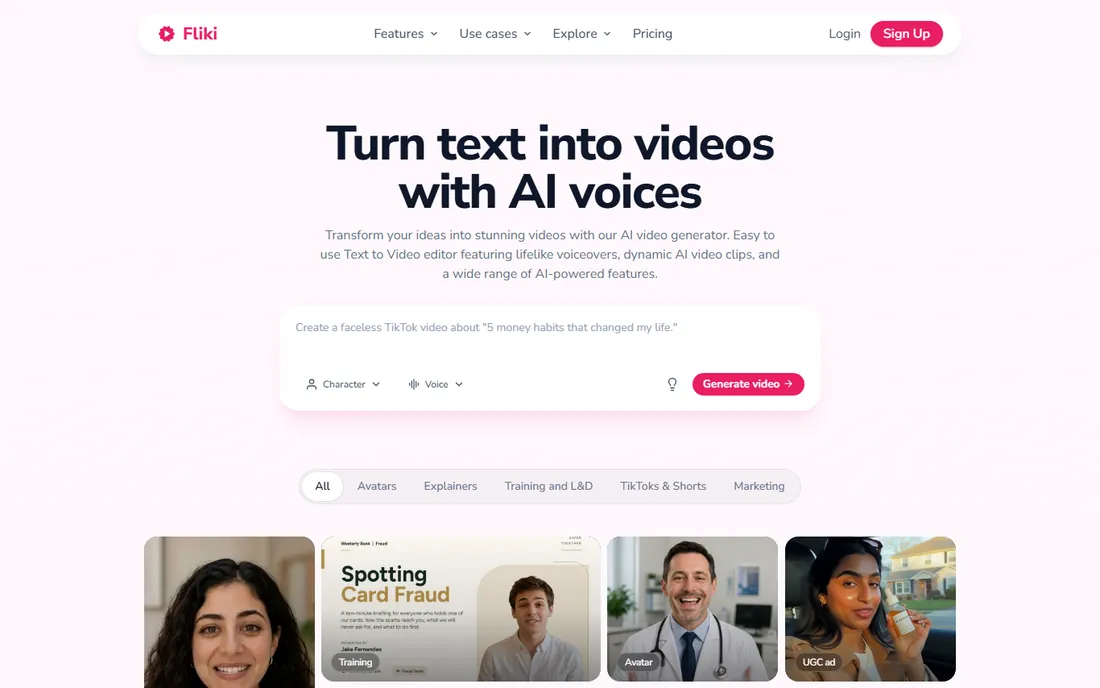
Fliki is the cheapest serious option in this list, and it shows its strength in the voice library. With 2,000+ neural voices across 80+ languages, voice cloning from a 30-second sample, and a single-page builder that combines the script editor and a timeline, it covers the full path from text to finished MP4 without a second app. Standard at $21 per month billed annually gives 180 credits a month and 1080p exports with commercial rights, which is enough for a steady short-form cadence.
The credit math needs attention. Credits are deducted when you regenerate audio, so experimenting with voices or reworking a script after a voice change eats the allowance faster than the headline number suggests. Premium at $66 per month billed annually adds 600 credits, longer videos and API access. The free plan gives 5 minutes a month with a watermark, fine for a test drive and not much more.
What we like- 2,000+ AI voices in 80+ languages
- Cheapest paid tier in this list
- Built-in timeline editor
Watch out for- Regenerating audio burns credits
- Free tier is minimal
- AI video models cost extra credits
Starting price$19/month (billed annually)
Free planYes (Community, 5 videos per month)
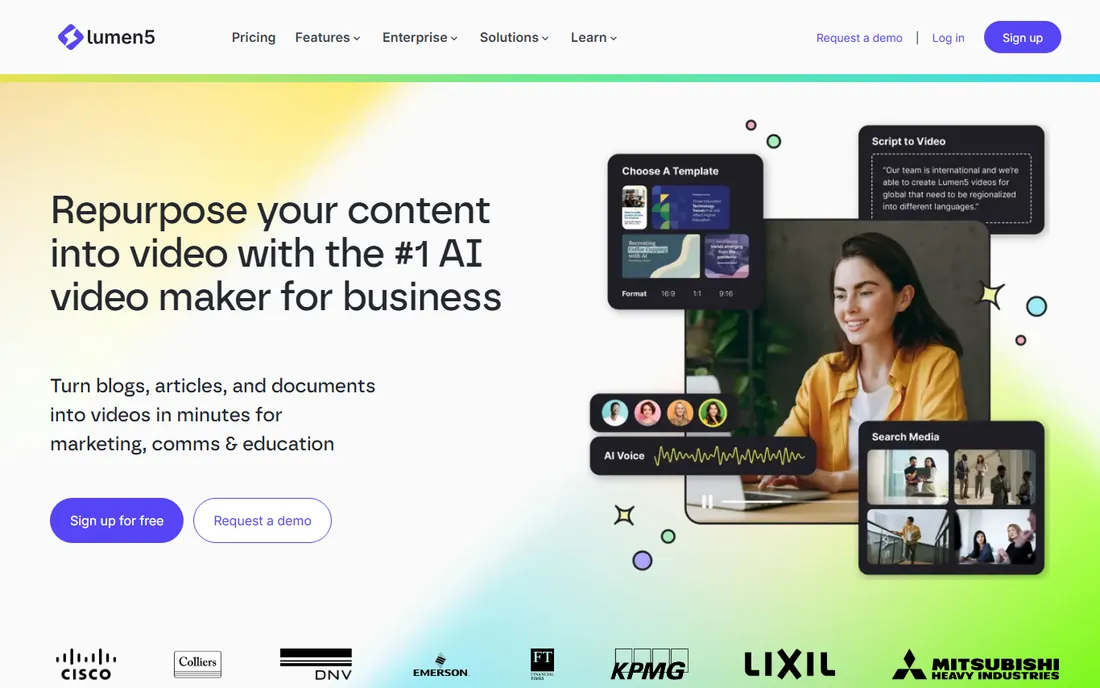
Blog publishers that need a video version of every post tend to land on Lumen5. Paste a URL and it extracts the key points, builds a storyboard and matches stock visuals, usually in under fifteen minutes. The drag-and-drop scene editor is approachable for non-creators, and brand kits keep output consistent across a team. Basic at $19 per month billed annually removes the watermark and adds the AI script composer.
The honest limit is creative range. The default workflow matches stock footage to your text, and the generative extras (AI voices, AI images, avatars) are metered so tightly on lower plans that building a weekly cadence on them is difficult. Starter at $59 per month billed annually adds 1080p and the 50M+ stock library. The free Community plan gives five short watermarked videos a month.
What we like- Quickest URL-to-video workflow
- 160M+ stock assets on higher tiers
- Gentle learning curve
Watch out for- Default output leans on stock clips rather than generated visuals
- AI voiceover is metered tightly
- Basic exports only 720p
Starting price$12 per user/month (billed annually)
Free planYes (watermarked, 720p)
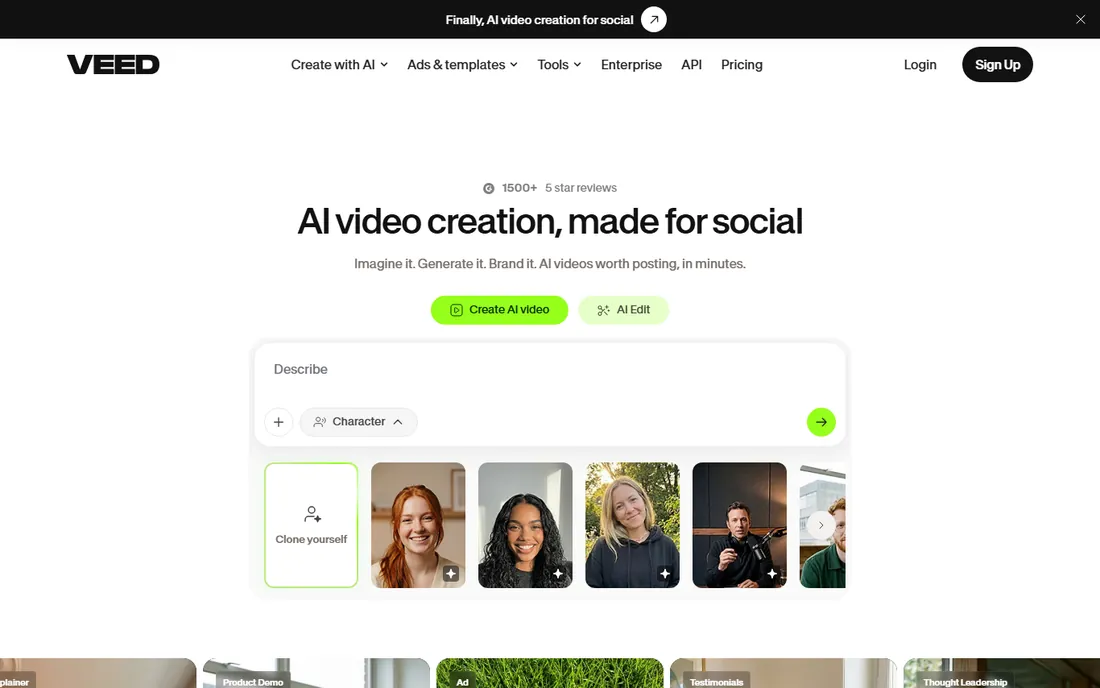
VEED started as an online editor and grew into text-to-video, which is why it suits teams that also need to cut and caption real footage. The Gen-AI Studio turns text into video, and the same browser workspace handles auto-subtitles in 50+ languages, filler-word removal, eye-contact correction and dubbing. Lite at $12 per user per month billed annually removes the watermark and adds 1080p, making it the cheapest paid entry in this roundup.
The pricing fine print matters. Premium AI features run on separate credit allowances that do not roll over, and 30,000 Pro AI credits reset annually, so unused credits vanish at renewal. Pro at $24 per user per month billed annually adds AI avatars, unlimited Gen-AI Studio videos and 4K export. The free plan exports watermarked 720p video with a 10-minute cap, which is genuinely usable for testing.
What we like- Full browser editor alongside generation
- Strong auto-subtitles and translation
- Cheapest entry price here
Watch out for- AI credits are separate pools that do not roll over
- Browser engine limits heavy long-form projects
Starting price$23 per user/month
Free planNo (free trial)
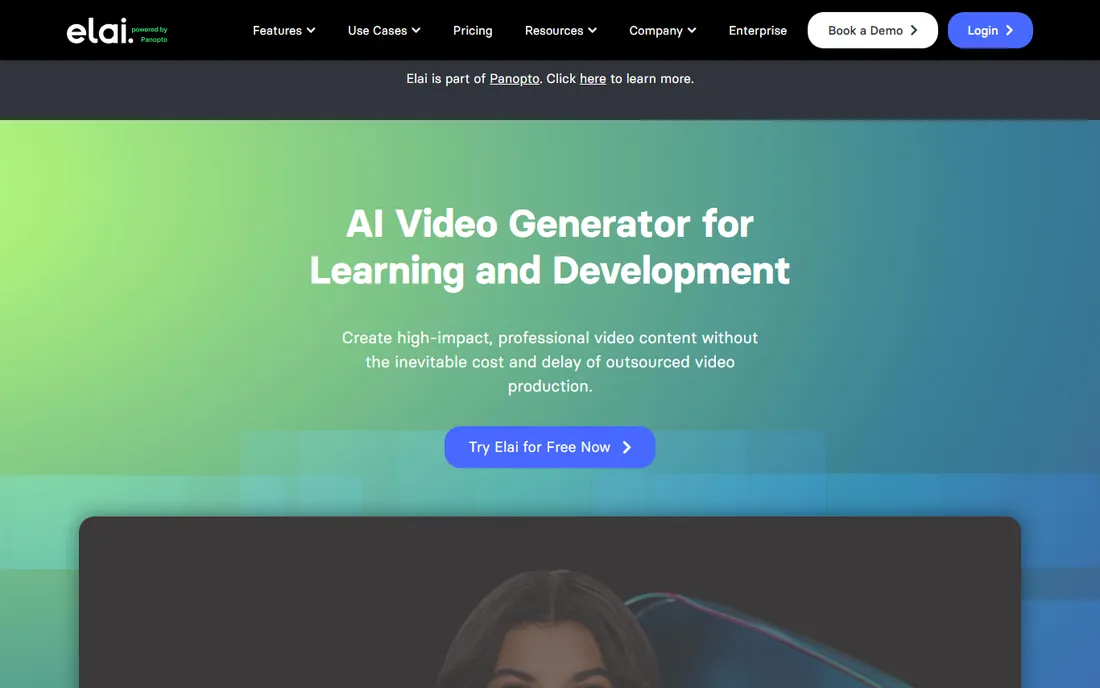
L&D teams that build quizzes into their training should look at Elai before the general-purpose tools. Its standout feature is conversion: point it at a PowerPoint, a PDF or a blog URL and it drafts a narrated avatar video slide by slide, without rewriting everything as a script. Interactive elements like quizzes, branching scenarios and clickable hotspots play inside the video, which fits compliance and onboarding workflows.
Keep that in mind if product direction matters to you. Creator at $23 per user per month covers 15 minutes of video monthly; voice cloning and premium avatars are paid add-ons. The free trial gives a small credit allowance with no card required.
What we like- Slide-deck and document to video conversion
- In-video quizzes and branching
- 75+ languages
Watch out for- Creator caps at 15 minutes per month
- Voice clone and avatar add-ons cost extra
- Now L&D-focused after Panopto acquisition
Starting price$24/month (billed annually)
Free planYes (3 videos per month)
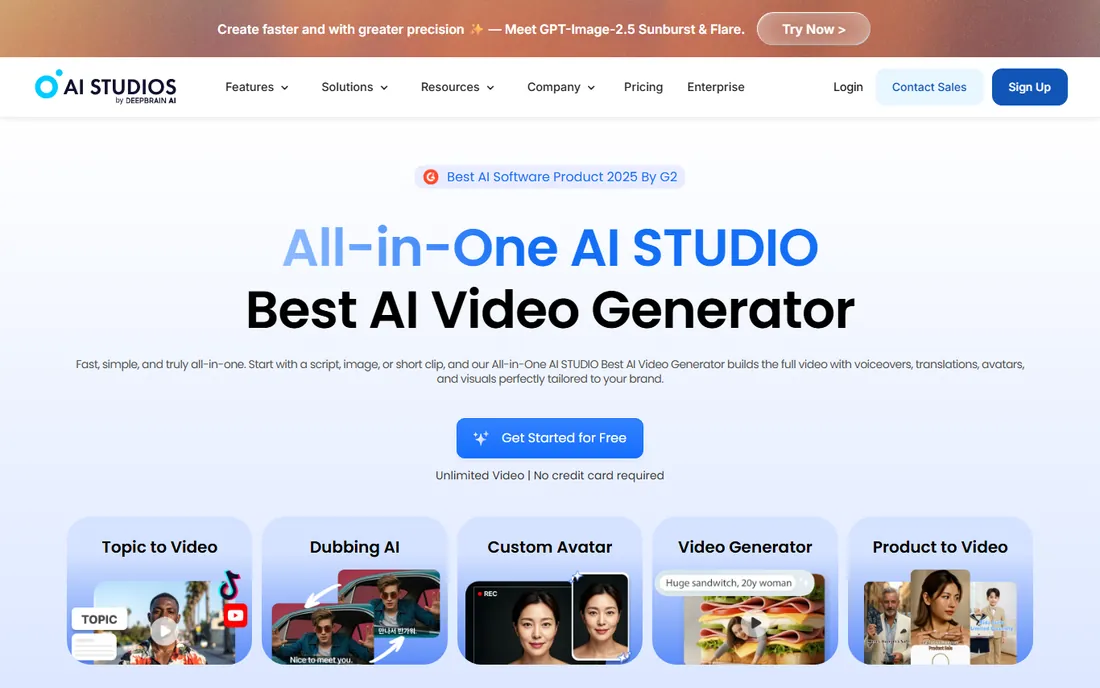
DeepBrain AI focuses on one thing: digital humans that look strikingly real. Its AI Studios platform turns text into presenter videos with detailed facial expression, and it also builds interactive AI video agents for customer support, sales training and front-desk style use cases. Personal at $24 per month billed annually gives unlimited video exports at 1080p, which is generous compared with minute-metered rivals. Team at $55 per seat per month adds 4K and collaboration.
The tradeoff is maturity. The template library and integrations around DeepBrain are thinner than what Synthesia and HeyGen offer. If your priority is presenter realism for training or customer-facing explainers, it belongs on the shortlist. If you need deep LMS integrations, the bigger platforms are safer.
What we like- Very realistic AI humans
- 150+ languages
- Interactive avatar agents for support and training
Watch out for- Pricier than stock-footage tools
- Ecosystem and docs are thinner than Synthesia or HeyGen
How we chose
We compared tools that exist today and actually turn text into finished video, not general video editors with a text feature bolted on. For each tool we read the vendor's own pricing page, checked the plan limits (minutes, credits, seats, export resolution), reviewed feature documentation and public reviews on G2, Capterra and Reddit, and noted integrations and company-size fit. We weighted free-tier usefulness, the honesty of the pricing structure and the quality gap between demo output and plan-limited output. We did not run hands-on production tests; the notes on avatar quality and workflow come from published reviews and vendor documentation.
What to check before you pay
Minutes and credits are not the same thing, and most tools meter them separately. Synthesia and HeyGen charge per finished minute out of one pool; Pictory, InVideo and VEED split minutes, AI credits and voice allowances into pools that expire on different schedules. Before you subscribe, map your monthly output: how many videos, what length, how many languages. A plan that looks cheap at $19 a month becomes expensive when credits expire unused or one pool runs dry mid-month.
Check four things on every pricing page. First, watermark rules on the free tier and whether free exports are downloadable at all (Synthesia's free plan does not allow downloads). Second, export resolution: 720p suits social drafts, not client work. Third, commercial rights, which some free tiers withhold. Fourth, whether voice cloning or premium voices cost extra. Annual billing cuts 20 to 40 percent off monthly rates on most tools, so pay monthly for the first two months and switch once the workflow fits.
Common mistakes buyers make
The most common mistake is buying on the minute count alone. A plan with 600 video minutes sounds generous until you learn the premium avatars cost 20 credits per second and the minute pool is separate. Always find the credit conversion rate for the features you will actually use, and ask what happens when one pool empties while the others sit full.
The second mistake is skipping the voice test in your language. Avatar tools demo in English, but voice quality varies widely across languages. Generate a 30-second test in every language you plan to publish before committing to an annual plan. The third mistake is assuming avatars fit every brand. Presenter-led video works for training, onboarding and explainers; for social ads and product launches, stock-footage or generative tools like InVideo usually outperform a talking head.
Frequently asked questions
What is text-to-video software?
Text-to-video software turns written input, such as a script, blog post, URL or prompt, into a finished video with visuals, voiceover and captions. Some tools use AI avatars that present the script, others match stock footage to the text, and the newest ones generate the footage itself. Most run in the browser with no editing skills required.
How much does text-to-video software cost?
Entry paid plans in 2026 run from $12 to $25 per month on annual billing, with free tiers on most tools. Realistic monthly costs for regular production are usually $25 to $65, because credit systems and minute caps push active users up a tier. Enterprise plans with SSO and unlimited minutes are custom-quoted.
Can I use these videos commercially?
Paid plans on all nine tools include commercial usage rights, and most free tiers do not. Check the terms for your plan, especially around AI avatar likenesses and voice clones, since some vendors restrict cloned voices in paid advertising.
Do I need video editing skills to use these tools?
No. The whole category is built for non-editors: paste text, choose a template or avatar, adjust scenes, export. Tools like Pictory and Lumen5 need no timeline knowledge. VEED and InVideo include deeper editors for teams that want them, but the basic workflow stays simple.
Which tool has the most realistic avatars?
HeyGen currently leads on avatar realism, followed closely by Synthesia and DeepBrain AI, based on published reviews and user feedback. Realism varies by avatar and language, so test with your own script rather than trusting demo reels. For training at scale, Synthesia's consistency and governance features often matter more than marginal realism differences.
Can text-to-video software clone my voice?
Yes. HeyGen, Fliki, Elai and InVideo all offer voice cloning, usually from a short audio sample. Cloning is sometimes a paid add-on rather than a plan feature, and quality depends on the recording. Expect to pay extra or step up a tier for the best results.
Sources we checked (23)
- https://www.heygen.com/tool/ai-video-generator
- https://pictory.ai/text-to-video
- https://fliki.ai/blog/text-to-video
- https://dev.to/stimlau/6-best-heygen-alternatives-in-2026-tested-with-pricing-55fi
- https://dlcuration.com/synthesia-review/
- https://multilogin.com/blog/synthesia-review/
- https://www.thetechvanta.com/2026/04/heygen-ai-avatars-tutorial.html
- https://www.zebracat.ai/post/best-alternatives-pictory
- https://www.zebracat.ai/post/i-tested-pictory
- https://www.shelby-ai.com/pricing/pictory/
- https://www.creativevault.net/invideo-review
- https://ecommerceparadise.com/invideo-ai-review-2026-the-best-ai-video-generator-for-ecommerce-brands-and-content-creators/
- https://www.techradar.com/reviews/invideo-review
- https://pexo.ai/blog/fliki-ai-review-and-alternatives-0130
- https://toolist.ai/tools/fliki
- https://www.zebracat.ai/post/best-alternatives-lumen
- https://aibizbuilderpro.com/lumen5-review-2026-features-pricing-honest-verdict/
- https://fluxnote.io/guides/veed-io-pricing-2026
- https://www.clueso.io/compare/veed-alternatives
- https://www.fahimai.com/heygen-vs-elai
- https://toolquestor.com/vs/elaiio-vs-fliki-ai
- https://curatahub.com/blog/synthesia-vs-elai
- https://aisotools.com/pricing/deepbrain-ai-studios
Is your product missing or out of date?
We review this list regularly. Vendors can request a listing, send updated pricing or ask about featured placement.

Shihab Mia · Founder, Rankite
Shihab has spent more than a decade helping SaaS and e-commerce brands grow through search. He writes Rankite's software buying guides from pricing pages, documentation and public user reviews. More about Shihab.