How we make this list: we compare pricing pages, product documentation and public user reviews. Rankite is independent; if a vendor ever pays for a featured spot, that listing is clearly labeled Partner.
Key takeaways
- ABBYY FineReader remains the desktop OCR accuracy leader for documents, while Adobe Acrobat is the OCR most people already own.
- Tesseract is free and open source, good enough for many developer projects at zero cost.
- Google Cloud Vision, Amazon Textract and Azure AI Vision are the cloud APIs for building OCR into applications.
- Nanonets and Rossum go beyond recognition into intelligent document processing: extracting structured data from invoices and forms.
Quick comparison
| Tool | Best for | Starting price | Free plan |
|---|
 ABBYY FineReader ABBYY FineReader | The most accurate desktop OCR | See website | Free trial |
 Adobe Acrobat Adobe Acrobat | OCR inside your existing PDF workflow | See website | Free trial |
 Tesseract Tesseract | Free OCR for developers and projects | Free | Yes |
 Google Cloud Vision Google Cloud Vision | Cloud OCR in applications | See website | Free tier |
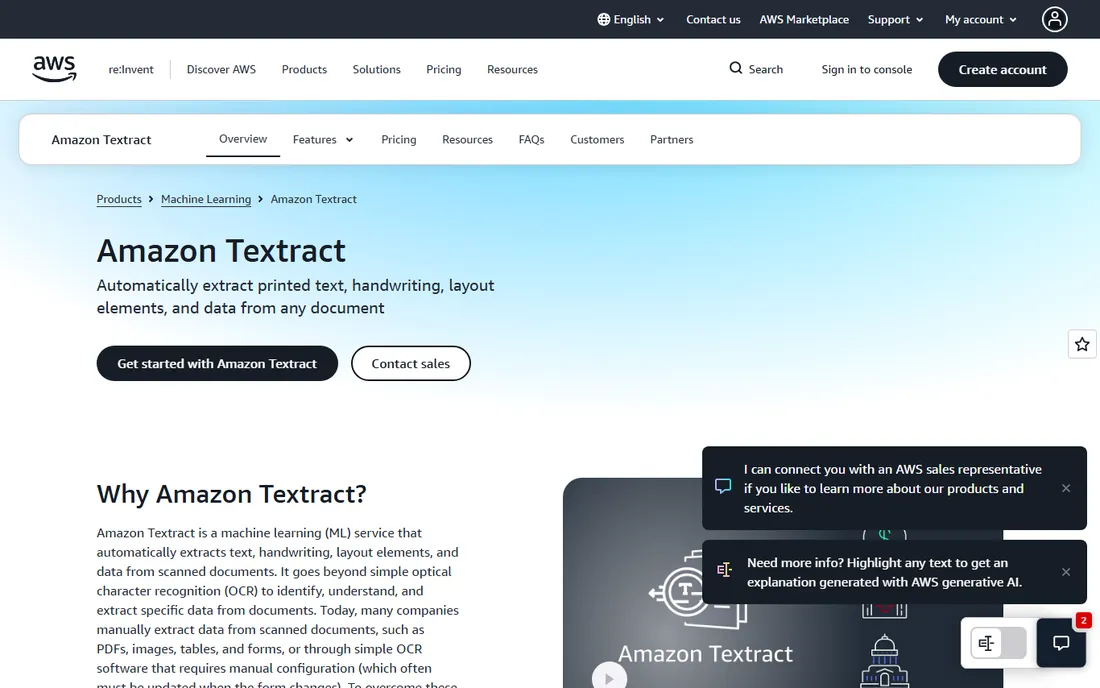
 Amazon Textract Amazon Textract | AWS shops extracting document data | See website | Free tier |
 Azure AI Vision Azure AI Vision | Microsoft ecosystem applications | See website | Free tier |
 Readiris Readiris | Affordable desktop OCR for individuals | See website | Free trial |
 Tungsten OmniPage Tungsten OmniPage | High-volume batch document conversion | See website | Free trial |
 Nanonets Nanonets | AI extraction from business documents | See website | Free trial |
 Rossum Rossum | Intelligent invoice and document processing | See website | No |
Is your product missing or out of date?
We review this list regularly. Vendors can request a listing, send updated pricing or ask about featured placement.
The best text recognition software
Starting priceSee website
Free planFree trial
ABBYY FineReader has been the OCR accuracy benchmark for years. It converts scans and PDFs into editable, searchable documents with recognition quality that shows on difficult layouts, tables and multi-language documents. The PDF editing is genuinely good, making it a daily tool rather than a utility.
The price reflects the quality, and it is desktop software when many workflows moved to cloud. But when accuracy matters, contracts, archival documents, complex layouts, FineReader remains the tool professionals reach for.
What we like- Best-in-class recognition accuracy
- Excellent PDF editing
- Strong multi-language support
Watch out for- Premium pricing
- Desktop software in a cloud world
#2
Adobe Acrobat
Best for: OCR inside your existing PDF workflow
Visit adobe.com
Starting priceSee website
Free planFree trial
Most businesses already pay for Acrobat, which includes capable OCR: scan a document, make it searchable and editable. For everyday needs, contracts, receipts, correspondence, it is perfectly adequate, and the surrounding PDF tools handle everything else.
Dedicated OCR tools beat it on difficult documents and batch processing. But the best OCR is the one you already own, and for most office work Acrobat's is enough.
What we like- You probably already have it
- Good enough OCR for most documents
- Full PDF toolkit
Watch out for- OCR accuracy trails ABBYY
- Subscription pricing
Starting priceFree
Free planYes
Tesseract is Google's open-source OCR engine, free for any use. Developers embed it in applications, researchers process archives, and hobbyists digitize libraries. Language support is extensive and the price cannot be beaten.
It needs technical skill to deploy well, and preprocessing images properly matters enormously for accuracy. But for programmatic OCR at any scale, starting with Tesseract before paying for APIs is just good engineering.
What we like- Completely free and open source
- 100+ languages
- Embeddable in applications
Watch out for- Needs technical setup
- Accuracy trails commercial engines on hard documents
Starting priceSee website
Free planFree tier
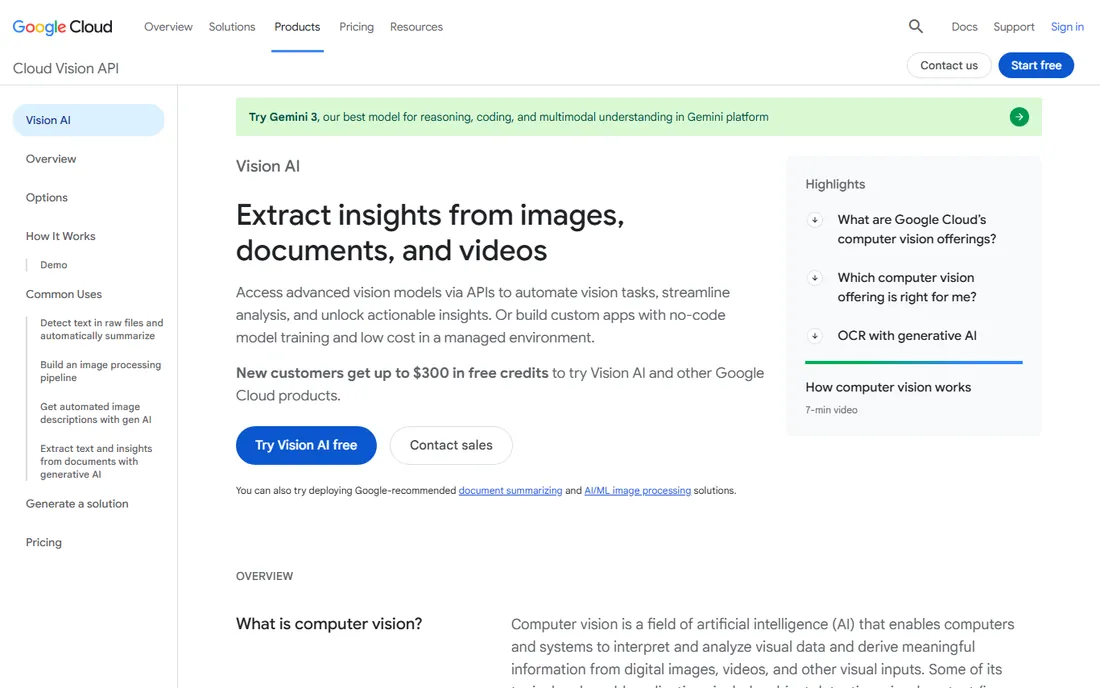
Google's Vision API brings top-tier OCR to any application: printed text, handwriting, dense documents and even text in images. The free tier covers meaningful monthly volume, and the API is straightforward to integrate. Document AI extends it into structured extraction.
Costs scale with volume, so high-throughput applications should model pricing. But for adding best-in-class recognition to an app, Vision is the default cloud choice.
What we like- Excellent accuracy including handwriting
- Generous free tier
- Easy API
Watch out for- Usage costs scale
- Google Cloud account required
Starting priceSee website
Free planFree tier
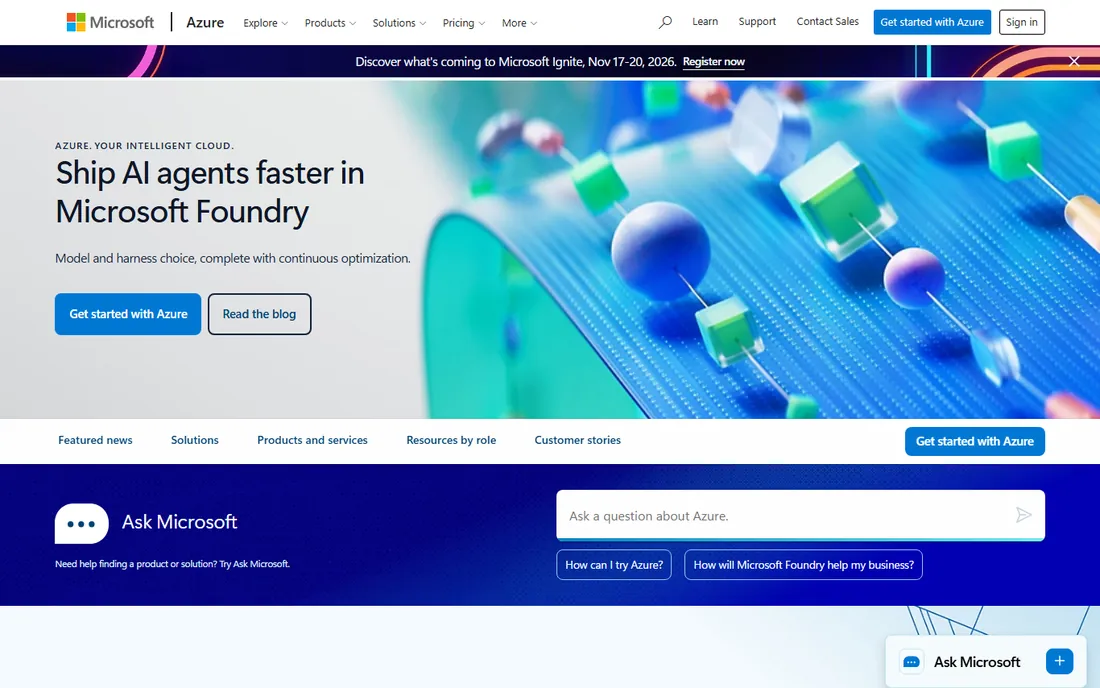
Microsoft's Vision service combines OCR with broader image analysis in the Azure AI portfolio. Organizations standardized on Microsoft get natural integration with their identity, data and application platforms. The read API handles documents well.
Like all cloud APIs, it keeps you in its ecosystem. But Microsoft-centric development teams will find it the path of least resistance to production OCR.
What we like- Strong OCR plus image analysis
- Natural for Microsoft shops
- Good documentation
Watch out for- Azure-only
- Feature breadth can confuse
Starting priceSee website
Free planFree trial
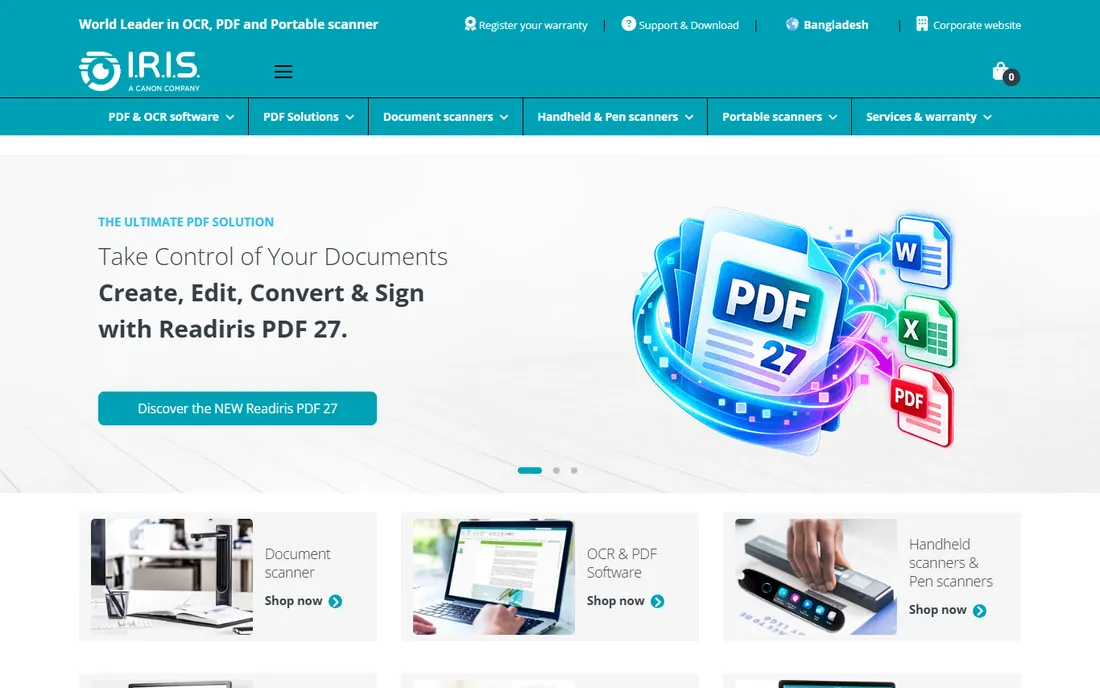
Readiris is the budget desktop OCR: convert scans to editable documents at a fraction of ABBYY's price. For individuals and small offices digitizing routine paperwork, the accuracy is perfectly adequate and the interface stays simple.
Difficult layouts and demanding accuracy needs justify the premium tools. But most personal and small-business OCR is routine, and Readiris handles routine well for less.
What we like- Much cheaper than ABBYY
- Good enough for everyday documents
- Simple to use
Watch out for- Accuracy trails the leader
- Fewer advanced features
Starting priceSee website
Free planFree trial
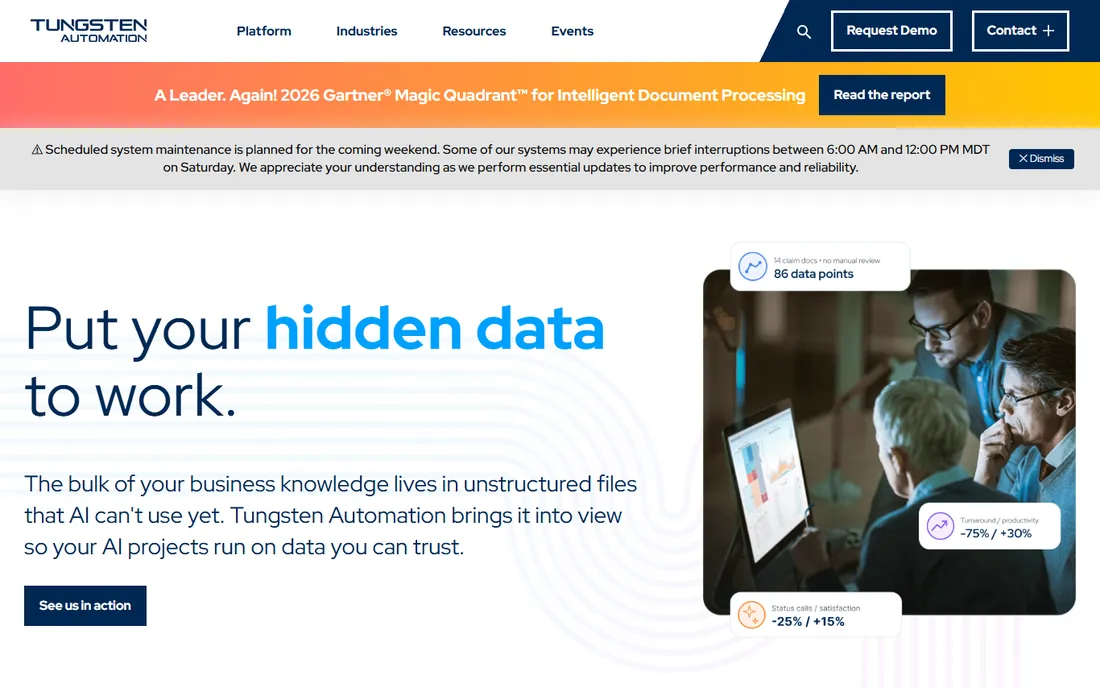
OmniPage, now under the Tungsten Automation brand (formerly Kofax), specializes in batch conversion: departments digitizing archives and processing document flows. The batch workflows and enterprise options suit organized scanning operations.
The Kofax-to-Tungsten rebrand created confusion; confirm exactly which product you are evaluating. But for high-volume conversion workflows, OmniPage's batch heritage shows.
What we like- Strong batch processing
- Good for departmental scanning workflows
- Enterprise options
Watch out for- Interface feels dated
- Brand transition from Kofax confuses
Starting priceSee website
Free planFree trial
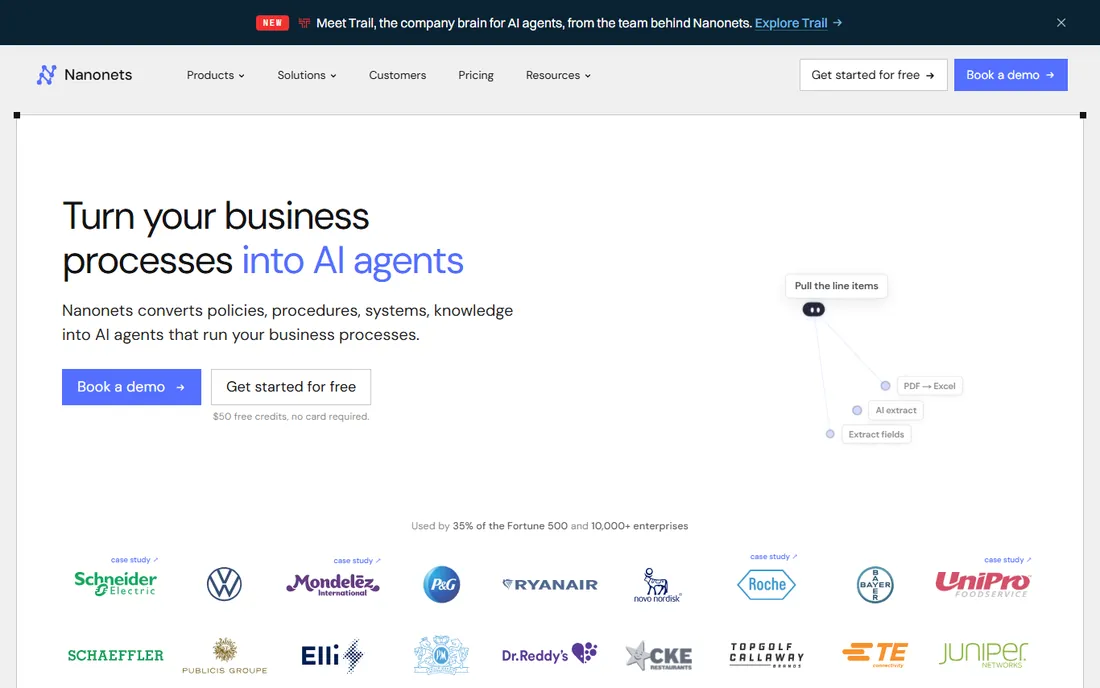
Nanonets goes beyond recognition to understanding: train AI models on your invoices, purchase orders or forms, and it extracts structured data automatically. The no-code training means business users can build models without data scientists.
Accuracy depends on training quality and document consistency. But businesses drowning in repetitive documents will find the automation pays back fast once models are trained.
What we like- Learns your document types
- No-code model training
- Good for invoices and forms
Watch out for- Needs training data for best results
- Pricing scales with volume
#10
Rossum
Best for: Intelligent invoice and document processing
Visit rossum.ai
Starting priceSee website
Free planNo
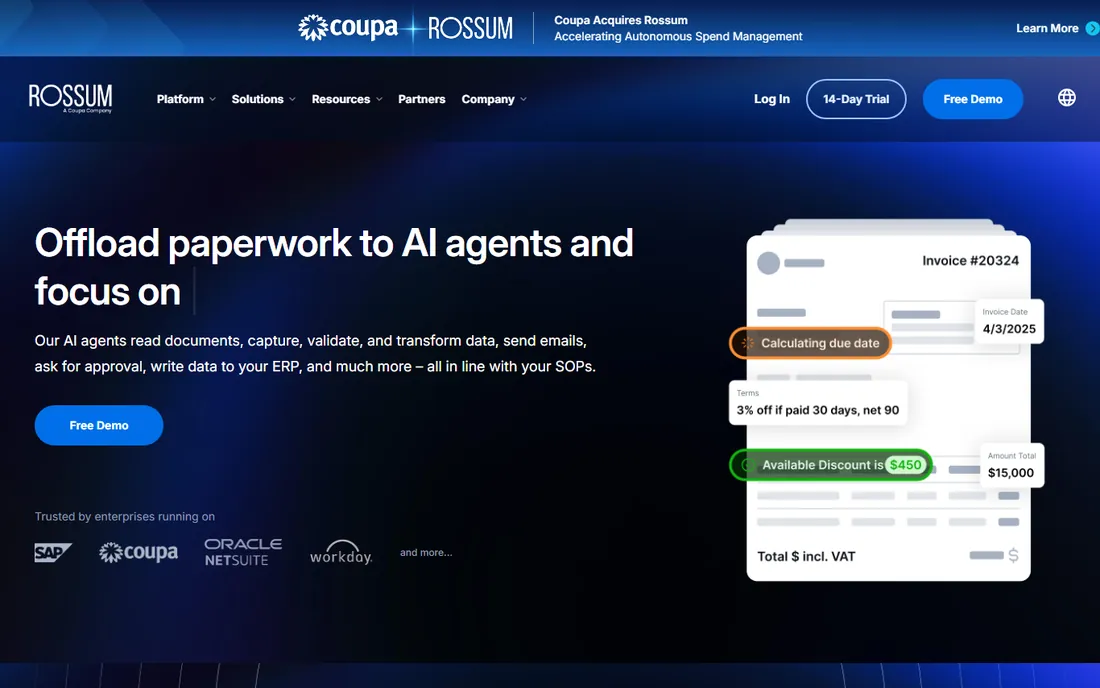
Rossum applies AI specifically to transactional documents: invoices, purchase orders, receipts. It reads them like a human would, learning from corrections to improve over time. Accounts payable departments use it to eliminate manual data entry.
The focus is narrow and the pricing is enterprise. But for AP automation at scale, purpose-built beats general OCR, and Rossum's learning approach improves with every document.
What we like- Purpose-built for transactional documents
- Learns continuously
- Strong for AP automation
Watch out for- Enterprise pricing
- Narrow document focus
OCR versus intelligent document processing
Plain OCR turns images into text. Intelligent document processing understands the document: this number is the total, that date is the due date, this block is the line items. If you just need searchable archives, OCR suffices. If you need data in your systems, you need IDP.
The price difference is significant, so match the tool to the job. Scanning contracts for search? ABBYY or Acrobat. Processing 10,000 invoices a month into your ERP? Nanonets or Rossum. Buying IDP for an OCR job wastes money; buying OCR for an IDP job wastes time.
How we chose
We compared tools on recognition accuracy, language support, batch capability, API quality, pricing and fit for different use cases. We verified each vendor's homepage and current positioning, reviewed developer and user feedback on technical forums, G2 and review sites, and noted the Kofax-to-Tungsten rebrand. We did not run controlled accuracy benchmarks.
Getting better OCR results: it starts before the software
OCR accuracy is decided more at the scanner than in the software. Scan at 300 DPI minimum for documents you need to recognize; 200 DPI is visibly worse and 600 DPI rarely helps enough to justify the file sizes. Grayscale beats black-and-white for most documents because it preserves the anti-aliased edges that recognition engines use.
Straighten and clean the image. Skewed pages, shadows from book bindings and speckled backgrounds all cost accuracy points. Most scanning software has deskew and despeckle options; use them. For book scans, flatten the curve near the binding or accept that the inner margins will misbehave.
Know your document types. Clean laser-printed pages will recognize near-perfectly with any decent tool. Dot-matrix printouts, faxes, carbon copies and thermal receipts are genuinely hard; budget for human review on these rather than trusting the output. Handwriting needs the specialized engines and still deserves verification.
For batch projects, run a pilot before committing. Process 50 representative pages through your chosen tool, measure the error rate on the fields that matter, and extrapolate the review labor. A 98 percent character accuracy sounds great until you calculate what 2 percent means across 100,000 invoices. The pilot tells you the true cost of the project, which is software plus review labor, not software alone.
OCR mistakes that ruin projects
The biggest is skipping the pilot. Committing to a tool and a timeline based on the vendor's accuracy claims, then discovering your documents are harder than the demo set, is how OCR projects blow up. Always run your real documents through a pilot first and measure the actual error rate on the fields that matter.
Second is ignoring image quality. Teams spend weeks tuning software settings while feeding it 150-DPI crooked scans. Fix the capture first: adequate resolution, straight pages, clean backgrounds. Most accuracy problems are photography problems, not software problems.
Third is trusting the output without verification. Even 99 percent accuracy means errors, and the errors cluster in exactly the fields you care about: totals, dates, names. Build human review into the workflow for critical fields, with the review effort scaled to the document's importance. A contract total deserves verification; an archived memo's body text may not.
Fourth is choosing the wrong tool tier. Buying intelligent document processing for a searchable-archive job wastes money; buying basic OCR for an invoice-automation job wastes months. Match the technology to the actual task: text extraction versus data understanding are different problems with different price tags.
Finally, neglecting the exception handling. Every OCR workflow produces documents it cannot read confidently. Design the exception queue before go-live: who reviews rejects, how quickly, and what happens to documents that never pass. The exceptions process is where OCR projects actually live or die.
Frequently asked questions
How accurate is OCR in 2026?
Clean printed documents: very accurate, often above 99 percent with good tools. Handwriting, poor scans and complex layouts drop accuracy significantly. Always verify critical extractions.
Is free OCR good enough?
Tesseract handles many developer and archival needs well. For business-critical accuracy on difficult documents, commercial tools justify their cost. Test with your actual documents.
What is the difference between OCR and IDP?
OCR extracts text from images. Intelligent document processing (IDP) understands document structure and extracts meaningful data fields. IDP costs more and does more.
Can OCR handle handwriting?
Modern engines (Google Vision, ABBYY) handle neat handwriting reasonably. Messy handwriting remains unreliable. Set expectations accordingly and plan human review.
Should we use a cloud API or desktop software?
Desktop software suits individual and departmental scanning. Cloud APIs suit applications processing documents programmatically. High-volume applications should compare API costs against desktop batch tools.
How do we handle sensitive documents?
Cloud OCR sends your documents to the vendor. For sensitive material, check data retention policies, regional processing options, or use on-premises tools like ABBYY or Tesseract that keep data local.
Sources we checked (10)
- https://www.abbyy.com/
- https://www.adobe.com/
- https://tesseract-ocr.github.io/
- https://cloud.google.com/vision/
- https://aws.amazon.com/textract/
- https://azure.microsoft.com/
- https://www.irislink.com/
- https://www.tungstenautomation.com/
- https://nanonets.com/
- https://rossum.ai/
Is your product missing or out of date?
We review this list regularly. Vendors can request a listing, send updated pricing or ask about featured placement.

Shihab Mia · Founder, Rankite
Shihab has spent more than a decade helping SaaS and e-commerce brands grow through search. He writes Rankite's software buying guides from pricing pages, documentation and public user reviews. More about Shihab.