How we make this list: we compare pricing pages, product documentation and public user reviews. Rankite is independent; if a vendor ever pays for a featured spot, that listing is clearly labeled Partner.
Key takeaways
- PromptSmart and Teleprompter.com lead on voice-activated scrolling, which follows your natural pace instead of forcing you to match a fixed speed.
- If you film alone with a phone, Orate and Video Teleprompter give you recording plus prompting in one app, with free tiers that are genuinely usable.
- Teams that script together should look at SpeakFlow or EasyPrompter, where shared scripts and remote control matter more than solo recording features.
- Free browser tools like CuePrompter and BigStage cover simple reads with no signup, so pay only when you need recording, sync, or hardware integration.
Quick comparison
Is your product missing or out of date?
We review this list regularly. Vendors can request a listing, send updated pricing or ask about featured placement.
The best teleprompter software
Starting priceSee website
Free planFree trial
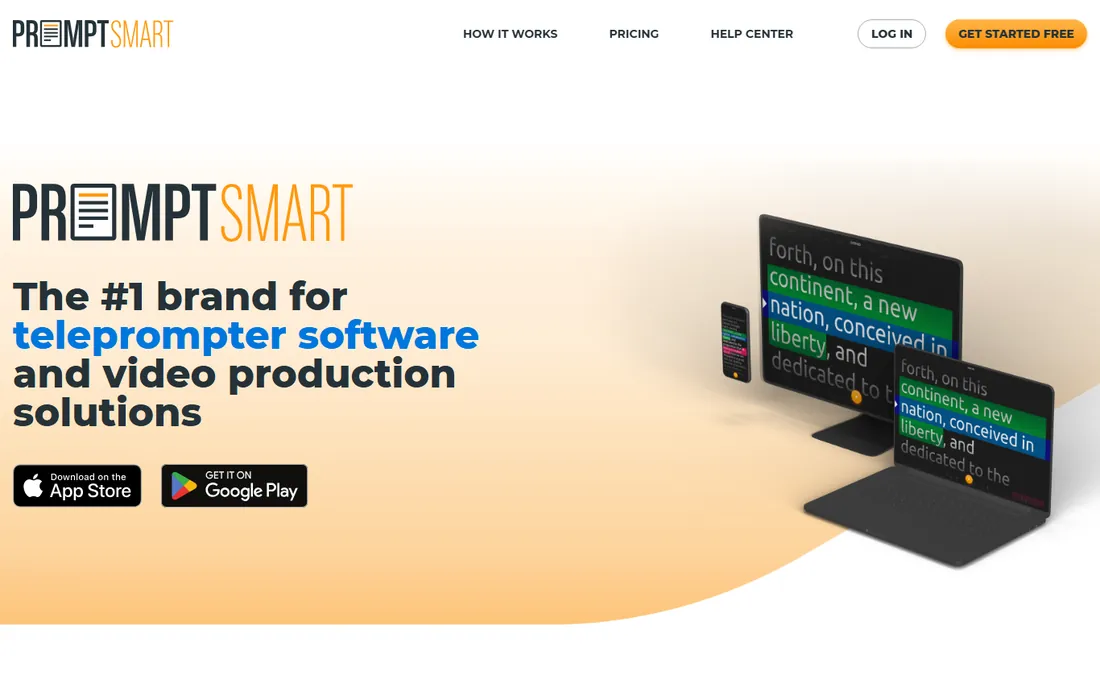
Picture this: you are recording a product update, you pause to find the right word, and the script waits with you instead of scrolling on without you. That is the trick PromptSmart sells, and its patented VoiceTrack technology is the reason many creators pick it first. The app listens as you speak and scrolls to match your pace, pausing when you ad-lib and resuming when you return to the script.
It runs on iOS, Android, Mac, Windows, and the web, with a customer portal for managing scripts and a web-based control room for productions with an operator. The catch is that the clever voice tracking depends on clean audio; a noisy room or a distant microphone makes it stumble. Pricing runs through Starter, Team, and Enterprise tiers with a free trial to start. Best for solo creators and small teams who want the most natural delivery possible.
What we like- Patented VoiceTrack follows your speech
- Works offline on device
- Web control room for teams
Watch out for- Paid tiers needed for full features
- Voice tracking needs clear audio to work well
Starting priceSee website
Free planYes
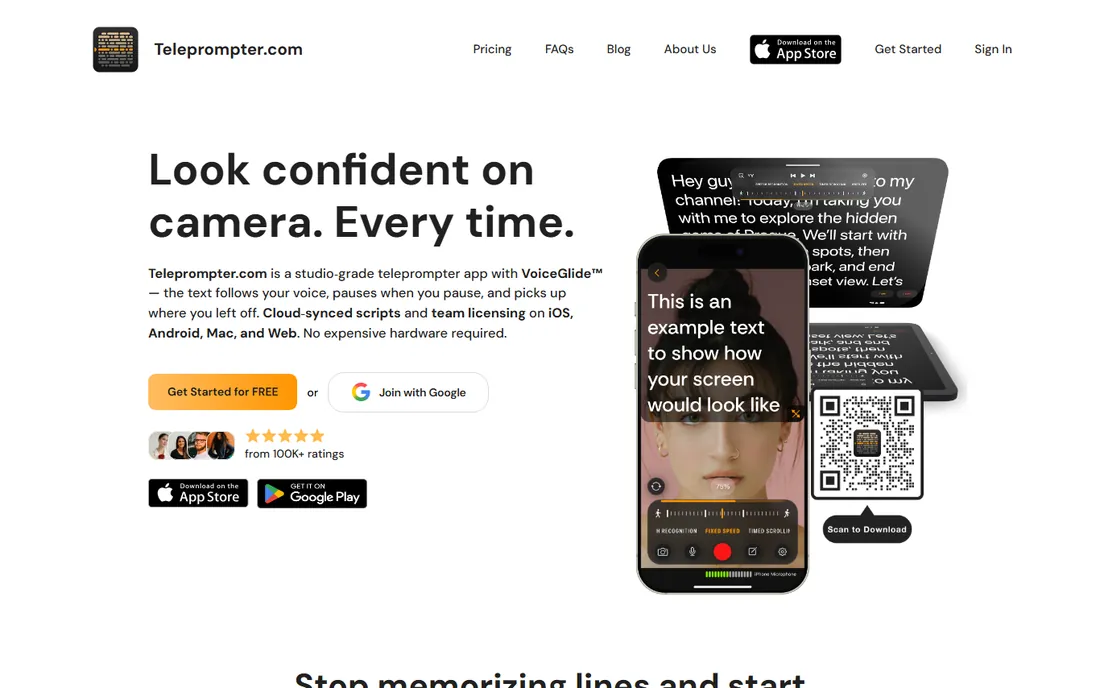
Teleprompter.com is the app-store native option that tries to do everything in one place. You write or import a script, it scrolls with voice activation that adjusts when you slow down or wander off script, and you can record video up to 4K without leaving the app. Scripts sync across your devices, and there is even a remote control option from an iPhone or Apple Watch, which is handy when you film alone.
The free tier covers basic prompting, which is enough to test whether the workflow suits you. Power features like cloud sync and 4K recording sit behind the subscription. The honest weakness is choice overload in the app stores: several apps share the name, so make sure you are getting this one. For creators who want one app for writing, prompting, and recording, it is the most complete package here.
What we like- Voice-activated scrolling
- 4K in-app recording
- Scripts sync across iOS, Android, Mac, and web
Watch out for- Advanced features need the paid tier
- Crowded category with many lookalikes
Starting priceSee website
Free planYes
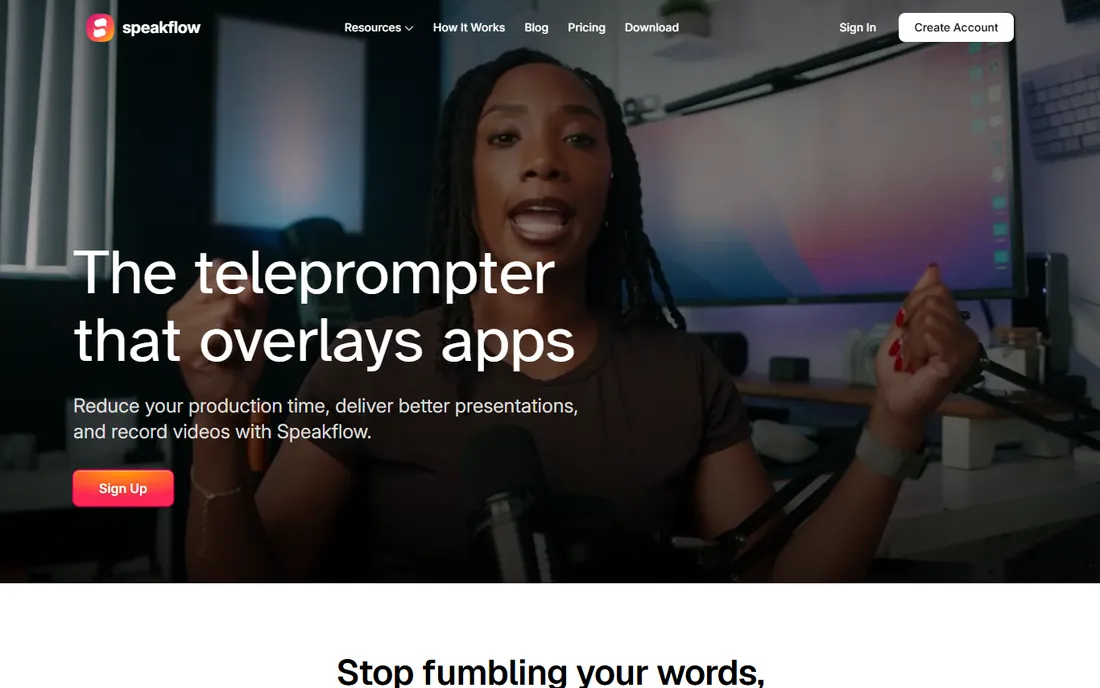
Most teleprompter apps assume one person with a phone. SpeakFlow assumes a team: one person writes the script, shares it, and presenters read it on their own devices while recording. Writers can edit together, leave comments, and roll back versions, and every take is saved alongside its script so nothing gets lost in email threads. The teleprompter itself scrolls by voice, manually, or on auto, in the browser or in apps for Mac, Windows, iPhone, and iPad.
The free plan is genuinely free with no credit card, covering script writing and prompting. The Studio plan adds the shared workspace for up to 25 teammates. If you are a solo YouTuber, this is probably overkill. If your company produces regular executive updates or training videos with multiple speakers, the collaboration features justify a close look.
What we like- Built for team collaboration
- Remote control across devices
- Records and shares video
Watch out for- Solo creators may find it more than they need
- Pricing details require contacting sales for larger teams
Starting price$99 one-time (currently $69)
Free planFree trial
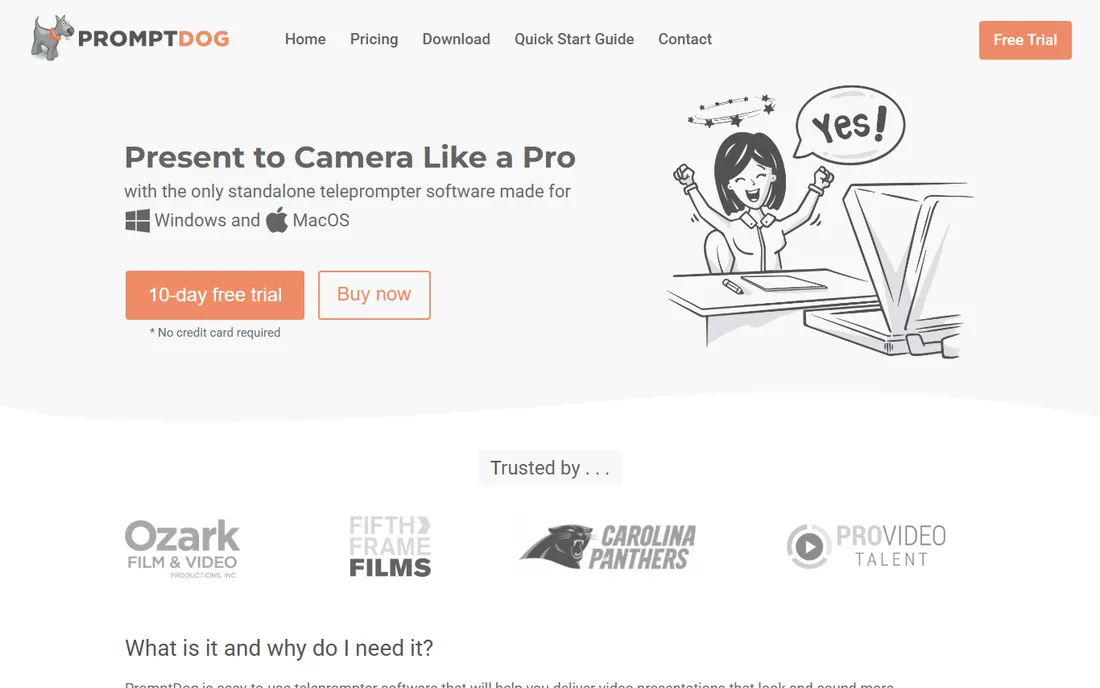
PromptDog is old-school in the best way: a Windows and Mac application you buy once and own. It is designed for productions that use real teleprompter hardware, with mirrored text output for beam-splitter glass, dual-screen support so an operator and the presenter see synchronized views, and compatibility with most professional rigs. It also works fine without hardware, displaying the script on a monitor placed near the camera.
The one-time license covers two computers and includes all updates, which is refreshing in a subscription-heavy category. The trade-off is platform: there is no native phone or tablet app, though you can send the output to a tablet with third-party screen-sharing apps. For studios, churches, and production teams with existing hardware, it remains one of the best values available.
What we like- One-time purchase, no subscription
- Dual-screen operator and talent views
- Works offline
Watch out for- Desktop only, no native mobile app
- Interface shows its age
Starting priceSee website
Free planFree trial
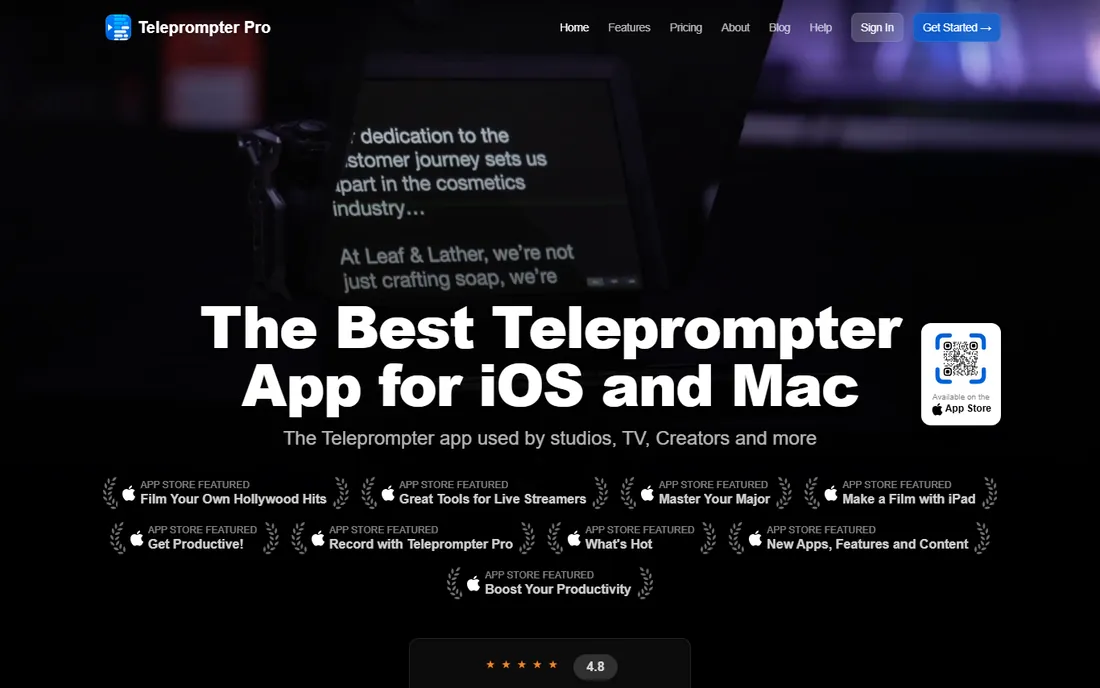
Teleprompter Pro has been around since 2011, built by working studio engineers, and it shows in the details. The app sends a clean teleprompter feed over HDMI or AirPlay to any display, with independent mirroring for professional hardware. It works with the Elgato Prompter on Mac, offers an adjustable cue indicator for the talent's eyeline, and handles everything from simple talking-head videos to multi-camera productions.
It is Apple-only, covering iPhone, iPad, and Mac, which is fine if your production runs on Apple gear and a dealbreaker if it does not. The app has a free tier with a premium upgrade for the full feature set. For creators already invested in the Apple ecosystem who want broadcast-grade output control, this is the most serious option on the list.
What we like- Deep studio integration (HDMI/AirPlay output)
- Trusted by broadcast productions
- Elgato Prompter compatible
Watch out for- Apple-only
- Premium features add up
Starting priceSee website
Free planYes
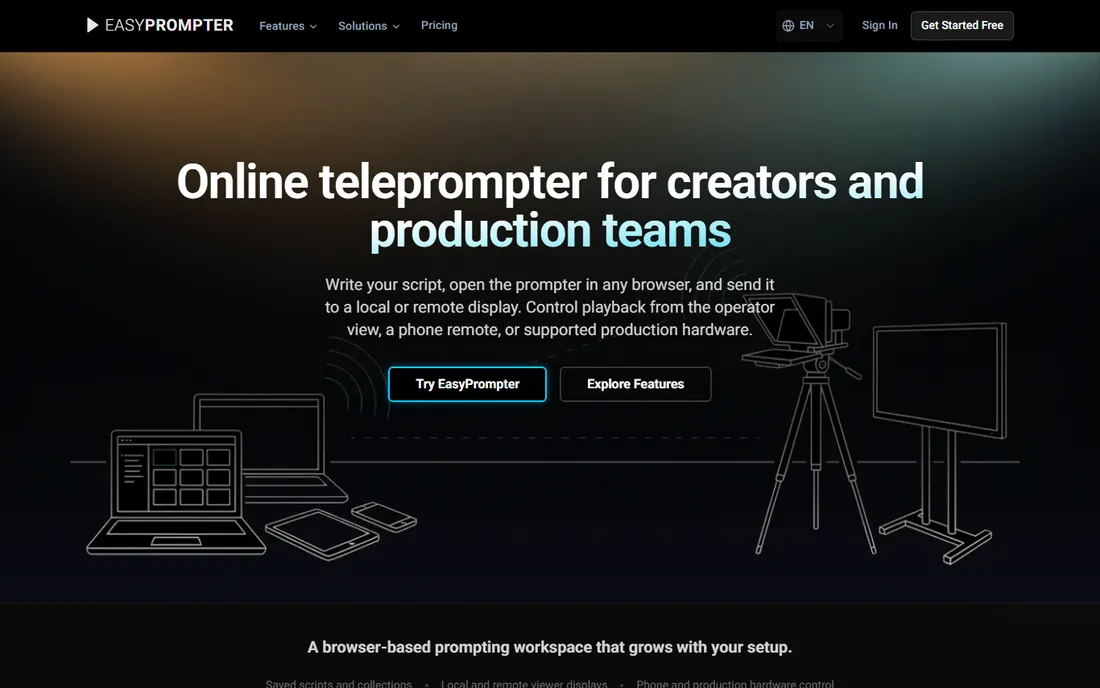
EasyPrompter lives entirely in the browser, which removes the biggest friction in teleprompter software: installation. You paste a script, open the prompter on any device, and send the output to viewer displays with a link or QR code. Its PaceMirror technology keeps every connected screen at the same place in the script even when each screen uses different text sizes, which matters when the operator and the presenter need different views.
The free plan costs nothing and needs no credit card, including the full browser teleprompter with two saved scripts. Paid Creator and Operator plans add phone remote control, unlimited script length, and offline editing. It also plugs into OBS and vMix as a browser source and works with Stream Deck hardware. For streamers and small production teams, it is the most flexible browser option here.
What we like- Nothing to install, runs in any browser
- Phone-as-remote on paid plans
- Multi-screen sync
Watch out for- Phone remote requires a paid plan
- Free tier limits script length
Starting priceFree
Free planYes
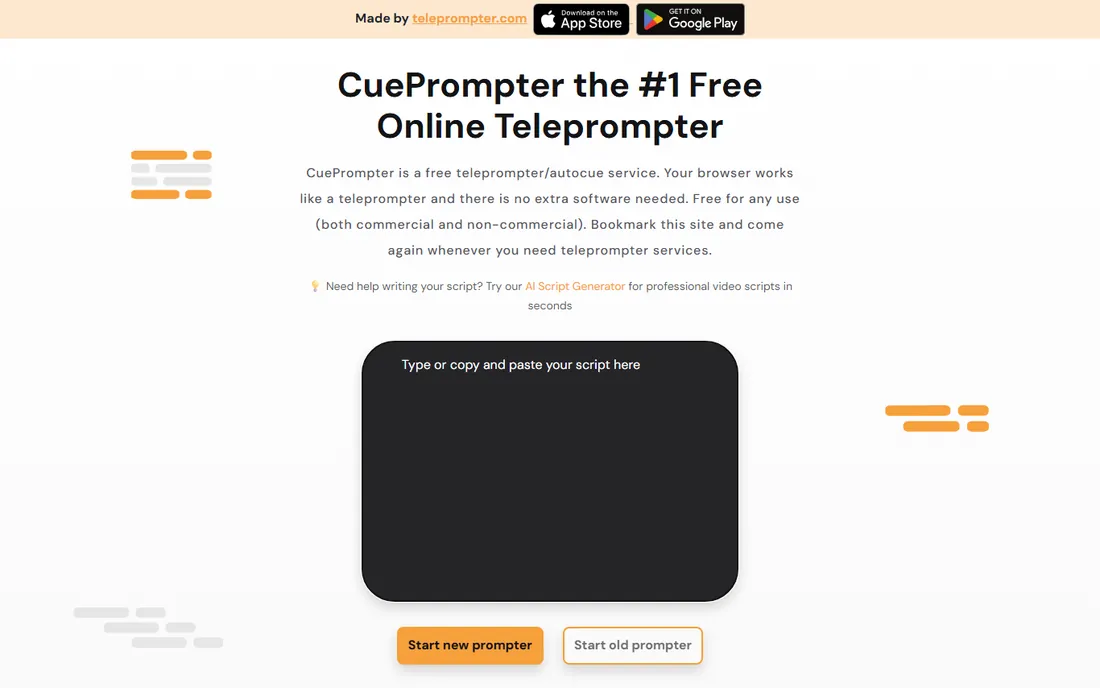
Sometimes you do not need software, you need words scrolling on a screen in the next thirty seconds. CuePrompter is a free web page that does exactly that: paste your script, adjust the speed, and read. There is no account, no download, no watermark, and it works for commercial projects too. Mirror mode flips the text for beam-splitter rigs, and color themes keep long reads comfortable.
What it lacks is everything else: no video recording, no script saving, no voice scrolling, no team features. That is deliberate. CuePrompter is the quick tool you bookmark for rehearsals, live streams where you read from a second screen, and speeches. When you outgrow it, its sibling Teleprompter.com is the natural upgrade, adding recording and sync.
What we like- Completely free with no signup
- Works on any device
- Mirror mode for hardware rigs
Watch out for- No recording, no cloud sync
- Basic feature set by design
Starting priceFree (Pro $59.99/year)
Free planYes
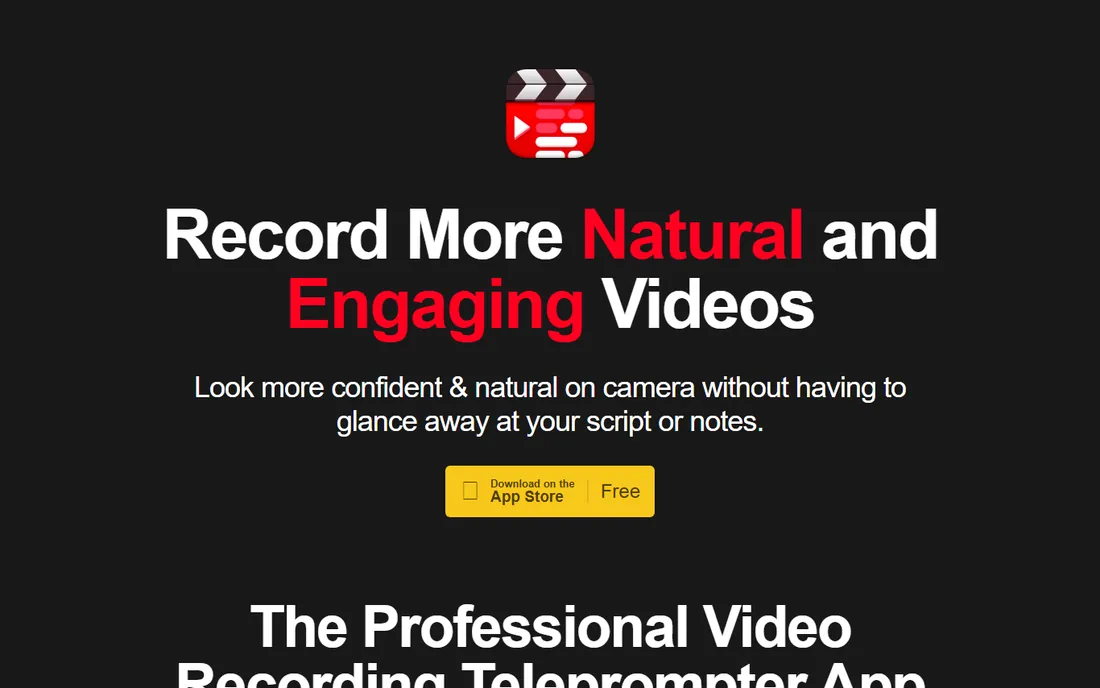
Video Teleprompter is built around a simple idea: the script scrolls beside the camera while you record, so you never look away from the lens. The free Lite version includes recording, a countdown timer, cue points, cloud sync, and script composing, with videos saved carrying a small logo watermark. The Pro upgrade, at $59.99 per year or $159.99 once, removes the watermark and adds document import, Apple Watch control, keyboard control, and rich text export.
It is iPhone and iPad only, which limits its audience, but within that world it is polished and reliable. Controls for game controllers and the IKAN Elite remote will appeal to creators with a bit of gear. If you film everything on an iPhone and want the prompting and recording in a single app, this is the most purpose-built choice.
What we like- Records and prompts in one app
- Imports Word, PDF, and text
- Apple Watch and keyboard control
Watch out for- IOS only
- Free version watermarks videos
Starting priceFree
Free planYes
Orate takes a different approach to the reading problem. Instead of spreading your script across the whole screen, it keeps the words in a narrow band directly under the front camera, so your eyes barely leave the lens. That small design decision makes the difference between looking at someone and visibly reading. The app is free, with no account, no watermark, and no network needed; your scripts never leave the device.
The free tier records at 1080p, which suits most social and web video. A paid in-app upgrade adds 4K, 60fps, and HDR recording. There are no team features, no desktop app, and no voice scrolling, because Orate is deliberately a three-screen app: library, recorder, settings. For creators who want the simplest private prompting tool on their phone, it is hard to argue with free.
What we like- Free with no account and no watermark
- Script band sits under the camera lens
- Works fully offline
Watch out for- Recording above 1080p needs the paid upgrade
- Deliberately minimal feature set
Starting priceSee website
Free planYes
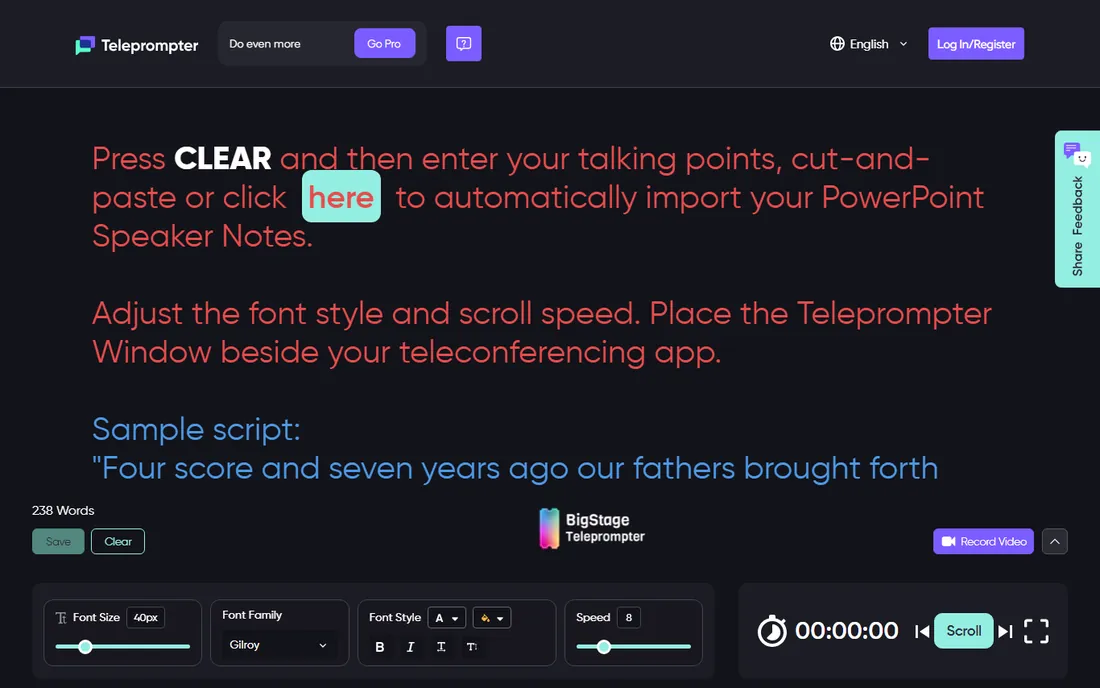
BigStage Teleprompter comes from DemLabs and was built for people who speak live: on Zoom, at town halls, in presentations. It runs in the browser with no install, keeps your script beside your meeting window so you can read while maintaining eye contact, and supports shared scripts so multiple presenters can coordinate. A built-in timer keeps you within your slot.
It is free to use, with a premium tier adding longer scripts and advanced features. Compared with creator-focused apps it has fewer recording and editing tools, because that is not its job. If your prompting happens in meetings, webinars, and live talks rather than in recorded video, BigStage fits that workflow better than anything else here.
What we like- Free web app with no install
- Built for live meetings and presentations
- Script sharing for teams
Watch out for- Niche product aimed at speakers and activists
- Fewer recording features than rivals
What to look for before you buy
Match the tool to where you film. Phone-first creators should prioritize apps with built-in recording, since juggling a separate camera app and prompter app mid-take is miserable. Desktop and studio users should check hardware output: mirrored text, HDMI or AirPlay feeds, and operator views matter more than mobile polish.
Decide whether you need voice scrolling. It feels magical when it works, following your natural pauses and ad-libs, but it needs clean audio and quiet rooms. Fixed-speed scrolling is more predictable and works everywhere, including noisy locations. If you present live on Zoom or Teams, a transparent overlay or a second-screen web app beats a recording-focused tool.
Finally, check the platform lock-in. Several good apps are iOS-only or desktop-only, which is fine until you switch devices. Browser-based options run anywhere but need a stable connection unless they support offline use. And if you work with a team, shared scripts and version history will save more time than any scrolling feature.
How we chose
We verified that every product on this list is live and maintained in 2026 by opening each vendor's official site. We focused on software that real creators and teams use for scripted video and presentations, covering phone apps, desktop programs, and browser tools rather than just one form factor. Pricing, free tiers, and trial terms come from the vendors' own pages. We left out teleprompter hardware, since that is a separate buying decision, and generic video editors with a prompting afterthought. No vendor paid for placement.
Voice scrolling listens to you and moves the text at your pace. When it works, delivery sounds natural because you can pause, emphasize, and go off script without losing your place. The price is fragility: background noise, soft speaking, or heavy accents can confuse it, and then the script either races or stalls at the worst moment.
Fixed-speed scrolling is dumber and more reliable. You set a pace, practice to it, and it never surprises you. Most professionals who record in imperfect environments, like offices, events, or outdoors, end up here after trying voice mode. Our suggestion: if you record in a quiet treated room, try voice scrolling first. If you record anywhere else, or live, fixed speed with a remote control will cause fewer ruined takes.
Frequently asked questions
Do I need a physical teleprompter or is software enough?
Software is enough for most creators. A phone or tablet near the camera lens, running one of the apps above, handles talking-head video, courses, and presentations. Physical beam-splitter hardware earns its place when eye contact must be perfect, like broadcast work or high-stakes sales videos.
Can I use a teleprompter on Zoom or Teams calls?
Yes. Browser-based tools can sit in a window beside your meeting app, and some desktop apps offer transparent overlays that float over the call. Position the script close to your camera so your eyes do not visibly drift.
Will viewers be able to tell I am reading?
Usually not, if you set it up well. Keep the text large so your eyes move less, place the script as close to the lens as possible, and practice enough that your delivery has natural rhythm. Reading in a monotone at high speed is what gives it away, not the tool itself.
Is voice-activated scrolling worth it?
For quiet indoor recording, yes, it produces the most natural delivery. For noisy environments, live events, or accented speech that confuses recognition, fixed-speed scrolling with a handheld remote is more dependable.
Are free teleprompter apps good enough?
For simple reads, absolutely. Free browser tools handle rehearsals and live prompting with no cost, and free phone apps cover basic recording. Pay when you need 4K recording without watermarks, cloud sync across devices, team workspaces, or hardware integration.
Sources we checked (10)
- https://promptsmart.com/
- https://teleprompter.com/
- https://speakflow.com/
- https://promptdog.com/
- https://joeallenpro.com/
- https://easyprompter.com/
- https://cueprompter.com/
- https://videoteleprompter.com/
- https://orateapp.co/
- https://bigstageteleprompter.online/
Is your product missing or out of date?
We review this list regularly. Vendors can request a listing, send updated pricing or ask about featured placement.

Shihab Mia · Founder, Rankite
Shihab has spent more than a decade helping SaaS and e-commerce brands grow through search. He writes Rankite's software buying guides from pricing pages, documentation and public user reviews. More about Shihab.
 PromptSmart
 Teleprompter.com
 SpeakFlow
 PromptDog
 Teleprompter Pro
 EasyPrompter
 CuePrompter
 Video Teleprompter
 Orate
Orate BigStage Teleprompter