How we make this list: we compare pricing pages, product documentation and public user reviews. Rankite is independent; if a vendor ever pays for a featured spot, that listing is clearly labeled Partner.
Key takeaways
- Asana ($10.99/user/month) and monday.com ($9/seat/month, 3-seat minimum) lead for general teams; Asana for clean task flow, monday.com for visual customization.
- ClickUp Unlimited ($7/user/month) packs the most features per dollar, with time tracking, docs and goals included where rivals charge more.
- Trello Standard ($5/user/month) and Notion Plus ($10/user/month) cover the simple and the flexible ends; Trello for kanban purists, Notion for docs-first teams.
- Basecamp Plus ($15/user/month) and ProofHub Essential ($45/month flat, unlimited users) break per-seat pricing for teams that hate seat math.
- Teamwork Deliver ($10.99/user/month) is the agency pick with native time-to-invoice; Wrike Team ($10/user/month) suits structured project execution.
Quick comparison
| Tool | Best for | Starting price | Free plan |
|---|
 Asana Asana | Clean goal-driven task management | $10.99 per user/month (billed annually) | Yes |
 monday.com monday.com | Visual customizable workflows | $9 per seat/month (billed annually, 3-seat min) | Yes (up to 2 seats) |
 ClickUp ClickUp | Most features per dollar | $7 per user/month (billed annually) | Yes |
 Trello Trello | Simple kanban boards | $5 per user/month (billed annually) | Yes |
 Notion Notion | Docs plus tasks in one place | $10 per user/month (billed annually) | Yes |
 Basecamp Basecamp | Flat simple team hub | $15 per user/month (Plus) | Yes (1 project) |
 Wrike Wrike | Structured project execution | $10 per user/month (billed annually) | Yes |
 Smartsheet Smartsheet | Spreadsheet-style project tracking | $9 per user/month (billed annually) | Free trial |
 Teamwork Teamwork | Agencies billing clients | $10.99 per user/month (billed annually) | Yes (up to 5 users) |
 ProofHub ProofHub | Flat-rate all-in-one | $45 per month (flat, unlimited users) | Free trial (14 days) |
Is your product missing or out of date?
We review this list regularly. Vendors can request a listing, send updated pricing or ask about featured placement.
The best team management software
The cost of the wrong team management tool is not the subscription. It is the tool nobody opens. A team pays for a year of per-seat licenses, and work still lives in email threads, chat messages and one person's spreadsheet. Managers ask for status in meetings because the dashboard is empty. The software did not fail technically; it failed the adoption test, and the company paid for the privilege.
The second cost is seat math. Per-user pricing looks cheap until contractors, clients and part-time staff need access, and a $10-a-seat tool quietly becomes a $500-a-month bill. Monday.com requires a 3-seat minimum; Wrike sells Team in groups; viewers and guests count differently on every platform. The cheapest sticker price often loses once you price your real team.
This list covers ten team management tools that exist today, from kanban simplicity to agency billing suites, with the pricing rules that actually determine what you pay.
Starting price$10.99 per user/month (billed annually)
Free planYes
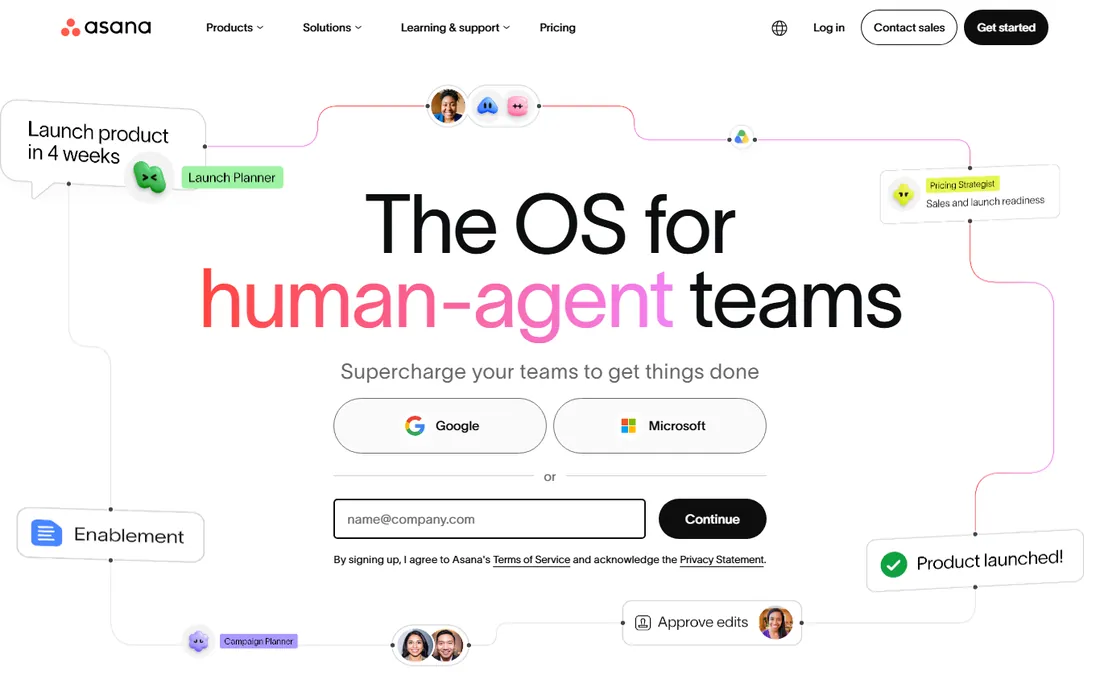
Asana is the cleanest of the big three: tasks, projects, timelines and goals in an interface most teams learn in a day. Starter at $10.99 a user a month billed annually adds timeline, automations, forms and custom fields. For marketing teams and goal-driven organizations, the goals-to-task hierarchy keeps work visibly connected to objectives.
What you do not get matters too. There is no built-in time tracking, no native docs and no whiteboards; Asana expects integrations for those. The Advanced tier at $24.99 a user jumps steeply for portfolios and workload views. Choose Asana when clarity and adoption speed matter more than feature count.
What we like- Intuitive and easy to learn
- Goals and portfolios on paid tiers
- Strong template library
Watch out for- No native time tracking or docs
- AI features are a paid add-on
- Advanced at $24.99 is a big jump
Starting price$9 per seat/month (billed annually, 3-seat min)
Free planYes (up to 2 seats)
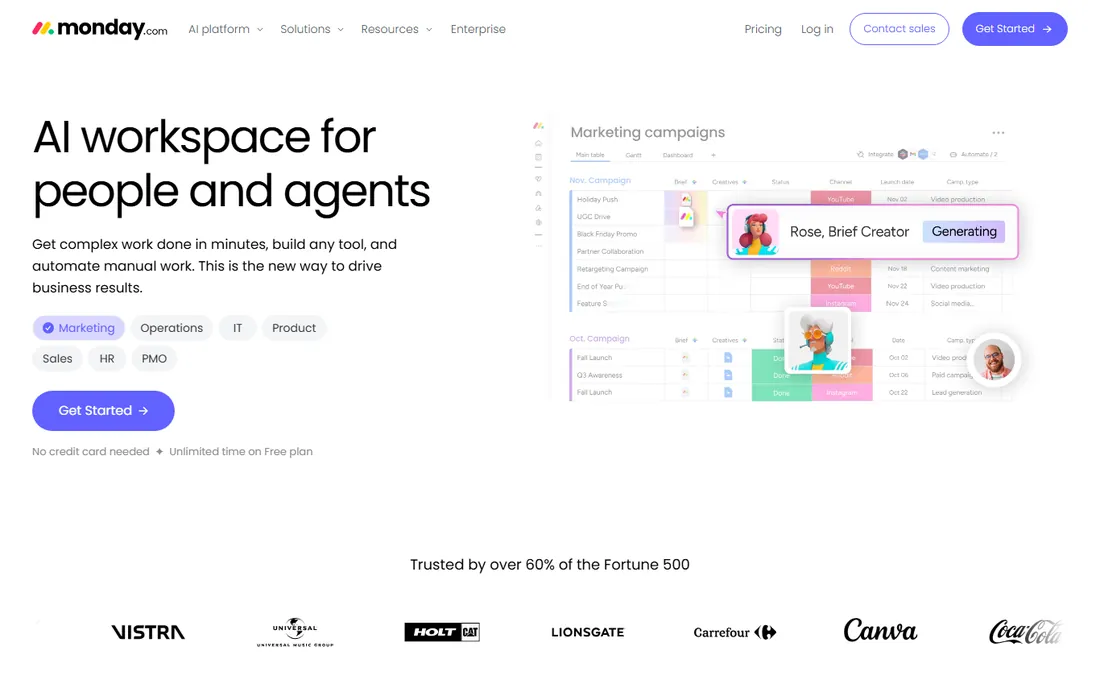
monday.com is a visual work OS: colorful boards, custom columns and automations that adapt to almost any workflow, from project tracking to lightweight CRM. Basic at $9 a seat a month billed annually covers unlimited boards; Standard at $12 adds timeline views and 250 automations a month. Non-technical teams take to it fast.
The seat rules are the fine print. Paid plans require a minimum of 3 seats, so the real entry price is $27 a month, and native time tracking waits until the $19 Pro tier. For teams that live in dashboards and status views, the customization is worth it. Price your actual seat count, including the minimums, before comparing.
What we like- Highly visual and customizable boards
- Strong automations
- 200+ integrations
Watch out for- 3-seat minimum means $27/month entry
- No native time tracking below Pro
- Guests and viewers complicate pricing
Starting price$7 per user/month (billed annually)
Free planYes
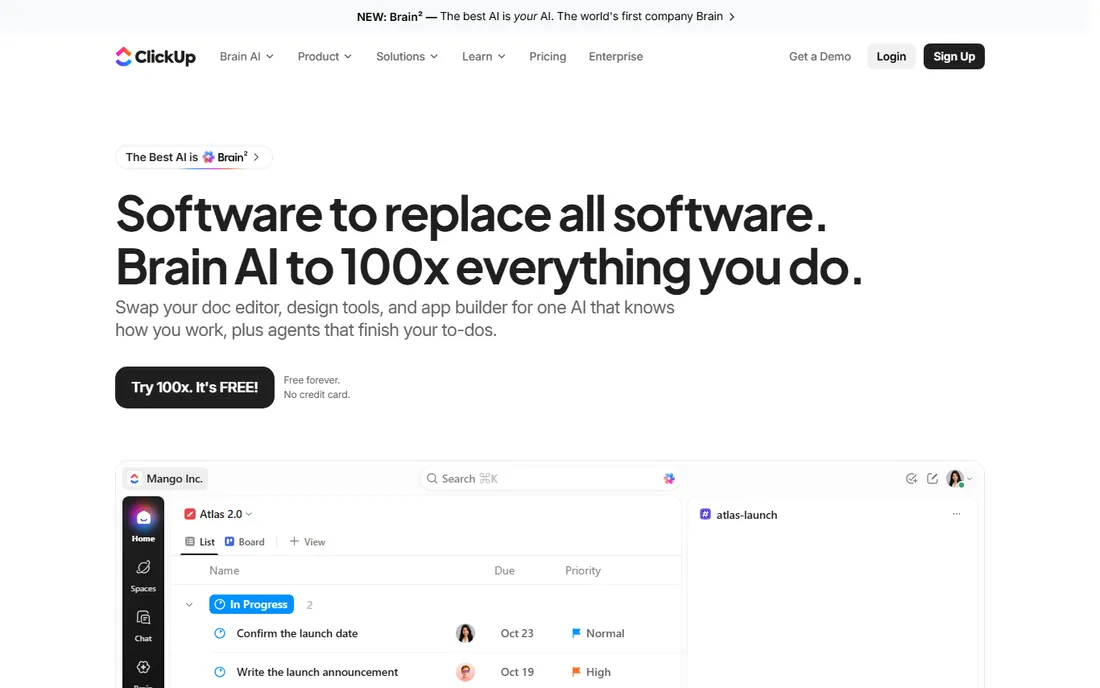
ClickUp tries to replace four tools at once, and at $7 a user a month for Unlimited it largely succeeds: tasks, docs, goals, time tracking, sprints, whiteboards and dashboards in one price. The free plan covers unlimited users and tasks, which no rival matches. For budget-conscious teams that want everything native, the value is unmatched.
The cost is complexity. New users face a steeper learning curve than Asana or monday.com, and the sheer number of options can slow adoption. Teams that invest in setup get an all-in-one platform; teams that do not get a confusing one. Pick ClickUp when features-per-dollar is the priority and someone will own the configuration.
What we like- Docs, time tracking, goals and whiteboards included
- Generous free plan
- 1,000+ integrations
Watch out for- Interface can overwhelm new users
- Occasional performance hiccups
- Setup takes real effort
Starting price$5 per user/month (billed annually)
Free planYes
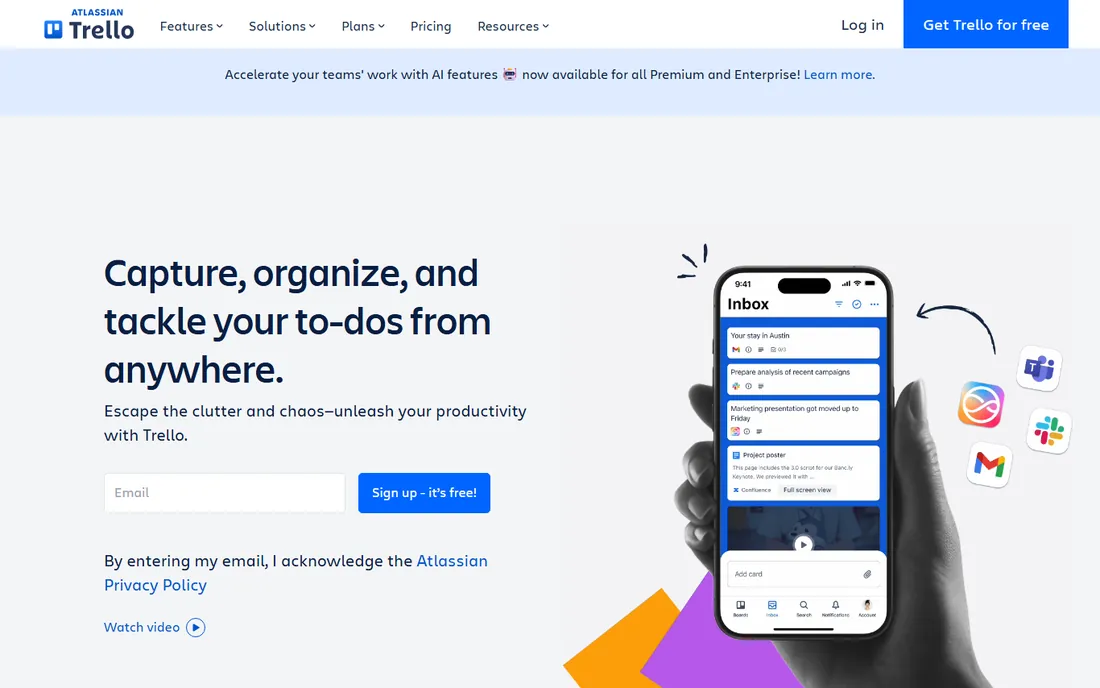
Trello is kanban distilled: boards, lists and cards that anyone understands in minutes. Standard at $5 a user a month billed annually adds unlimited boards, advanced checklists and custom fields; Premium at $10 adds timeline and calendar views. The free plan's unlimited users make it the cheapest way to coordinate a small team.
It does not pretend to be a full project platform. Complex dependencies, workload management and reporting are thin or absent, and power users graduate to Asana or ClickUp. For straightforward task tracking with zero learning curve, nothing beats it.
What we like- Simplest tool on this list
- Free plan covers unlimited users
- Huge Power-Up ecosystem
Watch out for- Weak for complex projects
- Timeline and advanced views need paid tiers
- Reporting is thin
Starting price$10 per user/month (billed annually)
Free planYes
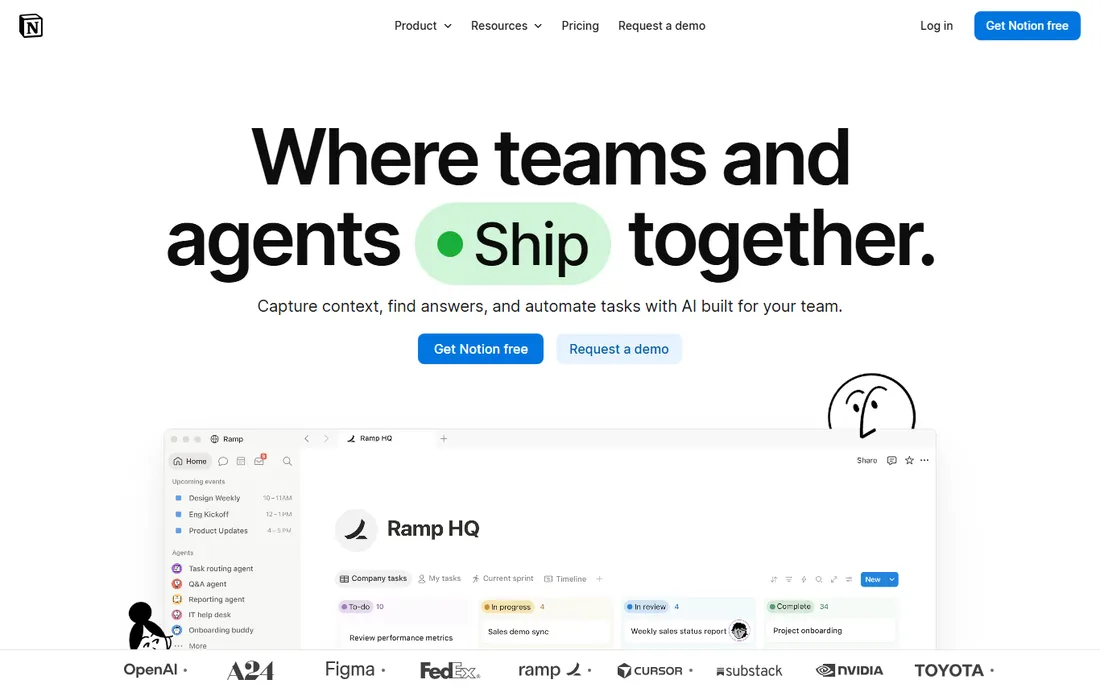
Notion is the flexible workspace: documents, wikis, databases and task boards in one endlessly customizable system. Plus at $10 a user a month billed annually adds unlimited file uploads and longer page history. Teams that want their knowledge base and their task tracker in one place, built exactly how they like it, find nothing else comparable.
Flexibility is also the risk. Without governance, Notion workspaces sprawl into beautiful chaos, and its project management is less structured than Asana's with weaker native automations. It suits teams that value customization over opinionated workflows, and someone must own the information architecture.
What we like- Unmatched flexibility
- Docs, wikis and databases together
- Generous free tier
Watch out for- Less structured than dedicated PM tools
- Automations are limited
- Can become disorganized without governance
Starting price$15 per user/month (Plus)
Free planYes (1 project)
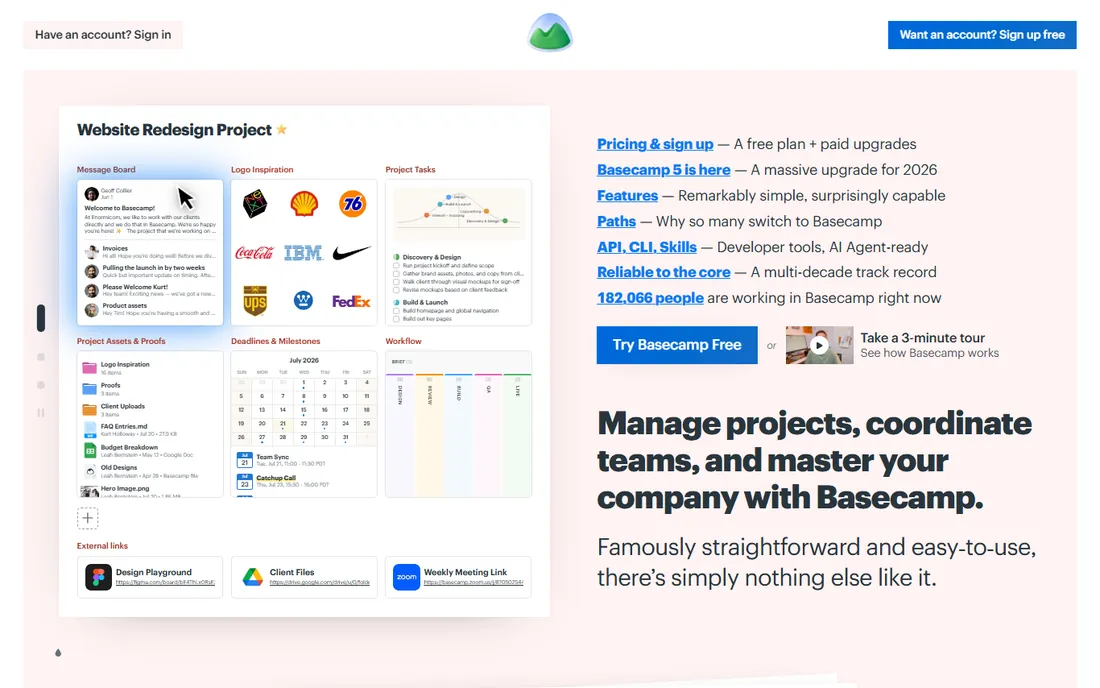
Basecamp bundles tasks, message boards, chat, scheduling and file sharing in one calm interface. Plus at $15 a user a month adds unlimited projects and 500GB storage; Pro Unlimited at $299 a month flat covers unlimited users. Automatic check-ins replace status meetings, and Hill Charts give a unique view of project uncertainty.
It deliberately skips advanced features: no Gantt charts, no workload management, no deep reporting. Teams that need those will supplement elsewhere, which undercuts the simplicity pitch. Choose Basecamp when your team wants one uncomplicated hub, not a project management powerhouse.
What we like- Simple all-in-one hub with chat and scheduling
- Flat pricing options
- Minimal learning curve
Watch out for- No Gantt charts or advanced reporting
- Fewer integrations
- Plus per-seat model less generous than old flat pricing
Starting price$10 per user/month (billed annually)
Free planYes
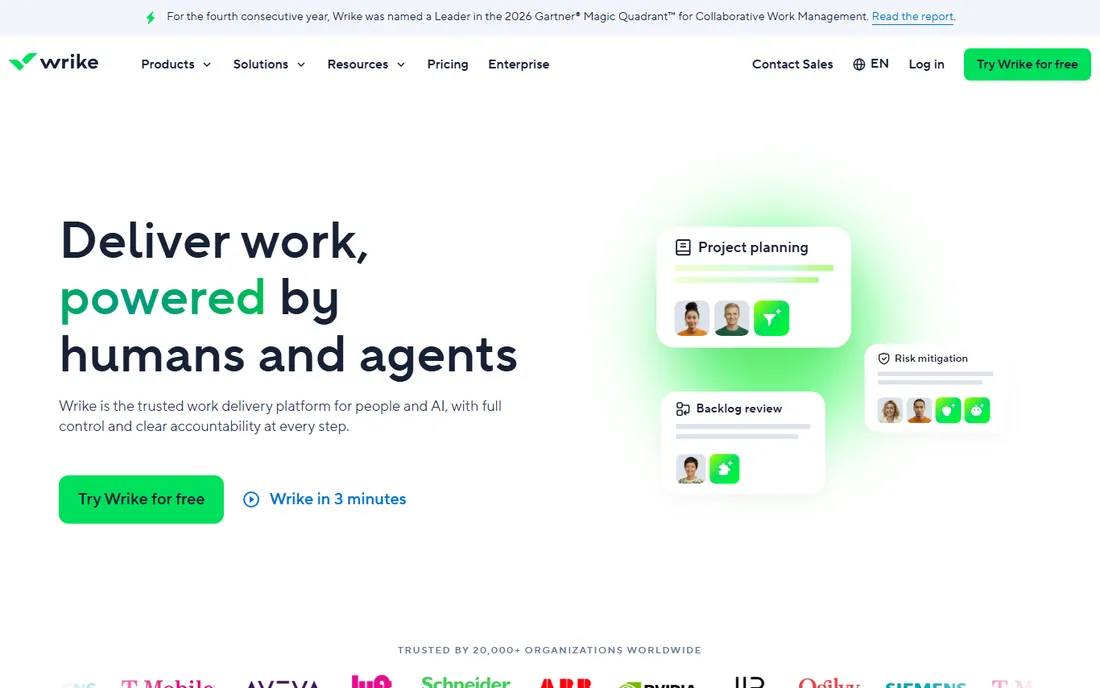
Wrike is built for structured delivery: Gantt charts with dependencies, workload balancing, custom workflows and document proofing with approvals. Team at $10 a user a month billed annually covers 2 to 15 users; Business at $25 adds deeper resource management. Creative and operations teams running multi-phase work get control that Basecamp and Trello cannot offer.
The interface takes longer to learn, and the most useful automation and proofing features sit behind higher tiers. The free plan caps at 5 users. Pick Wrike when projects have phases, dependencies and approvers, and someone will configure it properly.
What we like- Strong Gantt dependencies and workload views
- Proofing and approvals built in
- Granular permissions
Watch out for- Learning curve steeper than Asana
- Most automation sits on higher tiers
- Free plan limited to 5 users
Starting price$9 per user/month (billed annually)
Free planFree trial
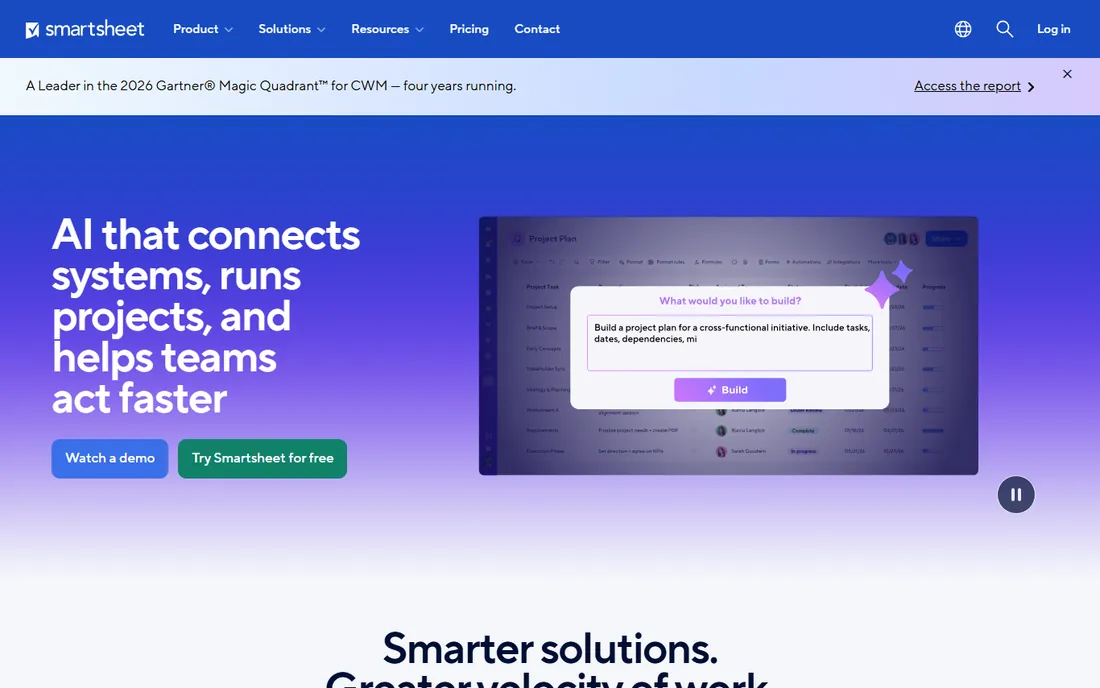
Smartsheet looks like a spreadsheet and acts like a project platform: grid, Gantt, card and calendar views over the same data, with dashboards and automated update requests. Pro at $9 a user a month billed annually is the entry point, and only editors consume licenses, which keeps costs down when many people just view. Seventy percent of SMEs in one survey preferred it for dashboard reporting.
The depth comes with a learning curve that surprises spreadsheet-comfortable users, and there is no free tier beyond the trial. For operations teams that think in rows and columns and need serious reporting, it is the natural fit.
What we like- Familiar spreadsheet grid
- Strong dashboards and reporting
- Only editors need licenses
Watch out for- Steep learning curve for advanced features
- No permanent free plan
- Less intuitive than Asana for simple tasks
Starting price$10.99 per user/month (billed annually)
Free planYes (up to 5 users)
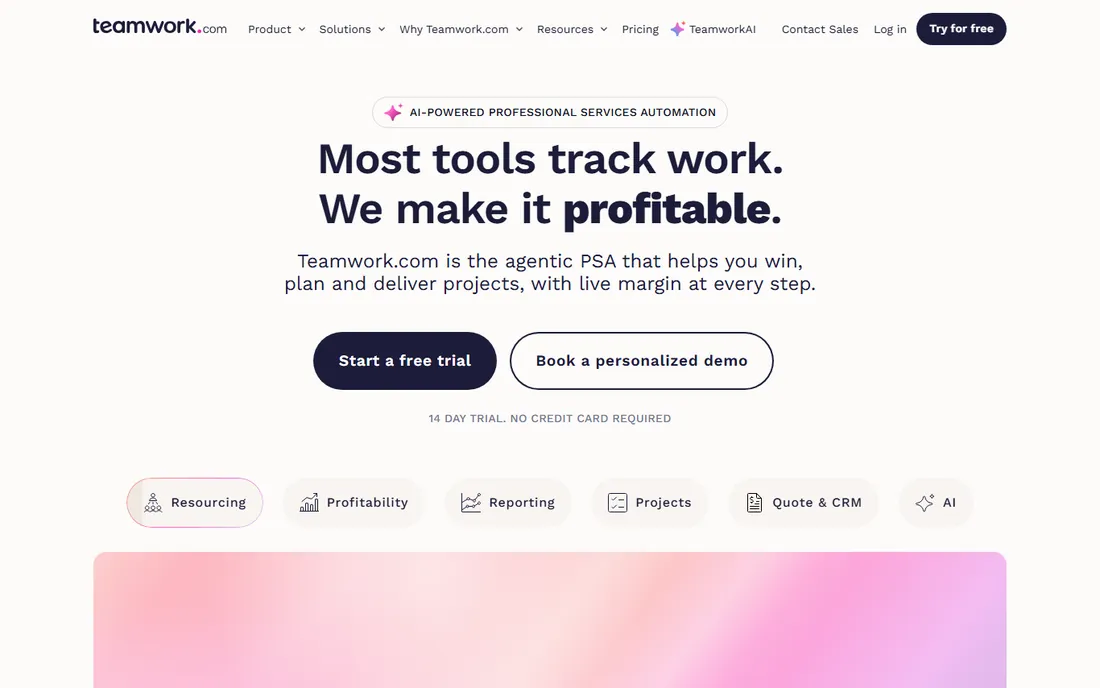
Teamwork is project management designed around billable client work: time tracking flows into invoices in two clicks, profitability is tracked per client and project, and clients get free collaborator seats instead of consuming licenses. Deliver at $10.99 a user a month billed annually (3-user minimum) covers the basics; Grow at $19.99 adds budgeting and advanced reports. The free plan covers 5 users.
For agencies, the economics are compelling: the client-seat savings alone can fund the subscription. For internal teams, the billing focus goes unused and simpler tools win. Implementation needs a dedicated owner. If you bill by the hour, shortlist it first.
What we like- Built for client work with time-to-invoice
- Free collaborator seats for clients
- Profitability tracking per project
Watch out for- Costs escalate on Grow and Scale
- Overkill for internal-only teams
- Setup takes dedicated effort
Starting price$45 per month (flat, unlimited users)
Free planFree trial (14 days)
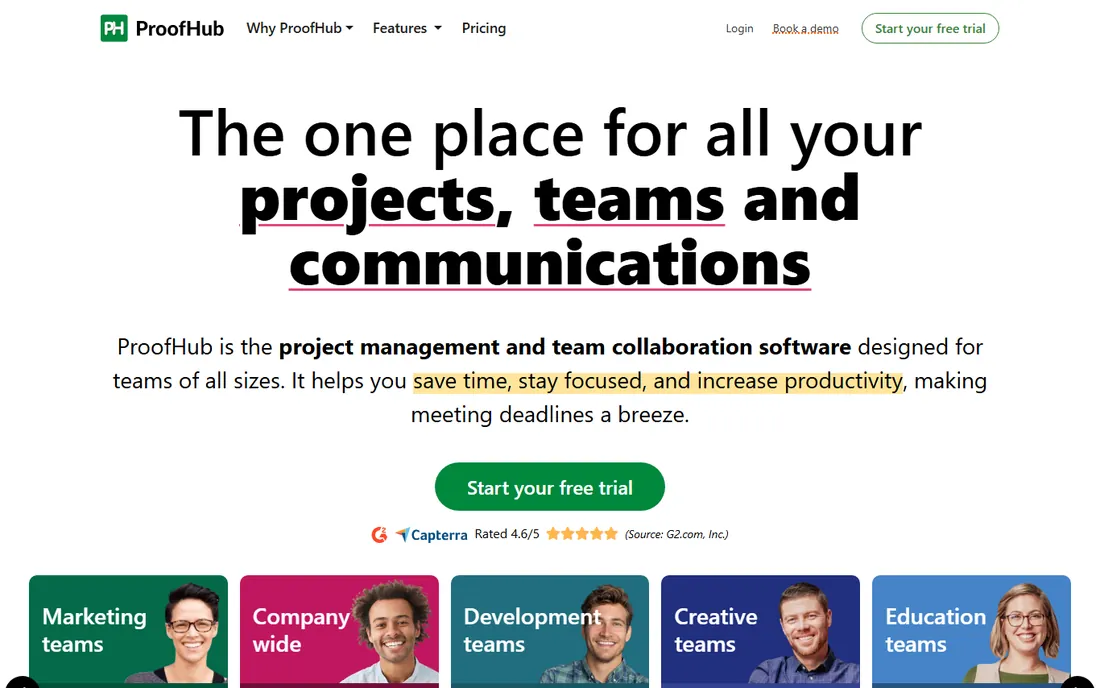
ProofHub charges by the plan, not the person: Essential at $45 a month flat covers unlimited users, with Ultimate Control at $89 adding more projects and storage. Tasks, discussions, group chat, file sharing, proofing and reports come in one interface. For growing teams, the math is simple: adding your twentieth user costs nothing.
There is no free tier, only a 14-day trial, and the interface and integration list trail the bigger names. But cost predictability is a genuine feature: finance teams love a subscription that never changes with headcount. For teams tired of seat math, it is the straightforward answer.
What we like- Flat pricing with unlimited users
- Tasks, chat, proofing and reports in one
- Predictable costs at any team size
Watch out for- No free plan
- Interface less modern than rivals
- Fewer integrations
How this shortlist was assembled
This list was built from vendor pricing pages, feature documentation and public reviews checked in October 2026, focused on tools that suit small and mid-size US companies. Only products available today with genuine team management capability were included, and seat minimums and license rules are noted because they change the real price. No hands-on testing was performed and no vendor paid for placement.
What to check before you commit
Run a real project during the trial, not a demo project. Recreate one actual workflow with the people who will use it daily, including the awkward parts: approvals, client feedback, recurring tasks. If the team reverts to chat and email within a week, the tool failed the only test that matters. Adoption beats features every time.
Then price your real team. Count contractors, clients, viewers and part-timers, and check each vendor's seat minimums and guest policies. Monday.com's 3-seat minimum, Wrike's team-size bands and Smartsheet's editor-only licensing all change the bill. A spreadsheet with your actual headcount per tool takes twenty minutes and prevents a year of overpaying.
Integrations and migration
List the tools the new platform must connect to: calendar, file storage, chat, accounting for time billing. Check that the integrations are native and two-way, not one-way notification feeds. Ask about data export before you buy; the ability to leave is the best guarantee of good behavior.
Permissions and guests
Client and contractor access is where pricing surprises live. Teamwork's free client seats and ProofHub's unlimited users are generous; other tools charge for every external viewer. Confirm exactly who needs a paid seat versus a free guest role for your workflow.
The adoption problem nobody budgets for
Most team management tools fail the same way: leadership buys, a few enthusiasts configure, everyone else keeps working in email. Six months later the subscription renews on a tool with three active users. The fix is not a better tool; it is a rollout plan. Assign an owner, migrate one live project, run status updates from the tool instead of meetings, and measure weekly active users for the first quarter.
Training matters more than features. Budget a few hours per person for onboarding, and pick the tool the least technical team member can use. If the holdouts cannot figure it out in a week, they never will, and no automation will save the deployment. Simplicity is a feature with a direct return.
Frequently asked questions
What is team management software?
Software that helps a team plan, assign and track work in one place: tasks, projects, deadlines, files, discussions and reporting. It replaces scattered email threads and spreadsheets with a shared system of record for who is doing what by when.
How much does team management software cost?
From free (ClickUp, Trello, Asana and Notion all have free tiers) to $5 to $15 per user a month for mainstream tools, with flat-rate options like ProofHub at $45 a month for unlimited users and Basecamp at $299 a month unlimited. Always price your real headcount including seat minimums and guest rules.
What is the difference between team management and project management software?
The terms overlap heavily. Team management emphasizes ongoing collaboration, task assignment and communication across the team. Project management emphasizes defined projects with phases, dependencies and deadlines. Most tools on this list do both; Wrike and Smartsheet lean project, Basecamp and Notion lean team.
Which is better, Asana or monday.com?
Asana is cleaner and easier to learn, with better goal tracking; monday.com is more visual and customizable, with stronger automations. Asana costs $10.99 a user a month; monday.com costs $9 a seat with a 3-seat minimum. Teams that want simplicity pick Asana; teams that want custom workflows pick monday.com.
Can I manage a team for free?
Yes. ClickUp's free plan covers unlimited users and tasks, Trello is free for unlimited users on basic boards, and Asana, Notion and Teamwork all have free tiers. Free plans usually limit automations, storage and advanced views, but they run a small team honestly.
How do I get my team to actually use the software?
Migrate one real project, run status updates from the tool instead of meetings, and assign an owner for the first quarter. Pick the simplest tool the least technical member can learn in a week. Measure weekly active users; if adoption stalls, simplify the setup before blaming the team.
Sources we checked (9)
- https://www.flozic.ai/blog/alternatives/asana-alternatives
- https://www.taskrhino.ca/blog/asana-vs-monday-vs-clickup/
- https://www.simplilearn.com/asana-vs-monday-article
- https://besttool.io/longtail/clickup-pricing-2026/
- https://www.breeze.pm/articles/compare/wrike-vs-basecamp
- https://monday.com/blog/project-management/wrike-vs-basecamp-which-one-is-right-for-you/
- https://www.smartsuite.com/blog/proofhub-alternatives
- https://www.trustradius.com/compare-products/proofhub-vs-teamwork
- https://dev.to/themoneyplaybooks/wrike-vs-teamwork-for-client-services-agencies-2026-honest-deep-dive-1poc
Is your product missing or out of date?
We review this list regularly. Vendors can request a listing, send updated pricing or ask about featured placement.

Shihab Mia · Founder, Rankite
Shihab has spent more than a decade helping SaaS and e-commerce brands grow through search. He writes Rankite's software buying guides from pricing pages, documentation and public user reviews. More about Shihab.