How we make this list: we compare pricing pages, product documentation and public user reviews. Rankite is independent; if a vendor ever pays for a featured spot, that listing is clearly labeled Partner.
Key takeaways
- Karbon ($59/user/month) and Canopy ($74/user/month) are the full-suite leaders for firms that want workflow, client management and billing in one system.
- TaxDome ($800/year per seat) and Financial Cents ($19/month Solo) are the value picks: per-seat or per-firm pricing that stays predictable as you add staff.
- Jetpack Workflow ($40/user/month) and Liscio ($19/user/month) suit firms with specific needs: recurring-work templates and client communication, respectively.
- Pixie (flat monthly fee, 30-day trial) and Ignition ($39/month Solo) solve adjacent problems: flat-fee practice management and proposal-to-payment automation.
Quick comparison
| Tool | Best for | Starting price | Free plan |
|---|
 Canopy Canopy | Firms that want the whole practice on one platform | $74/user/month (Standard, billed annually) | No |
 TaxDome TaxDome | Firms that want per-seat pricing with a strong client portal | $800/year per seat (Essentials, 1-year commitment) | No |
 Karbon Karbon | Mid-size and growing firms that need serious workflow automation | $59/user/month (Team, billed annually) | No |
 Financial Cents Financial Cents | Small firms that want workflow software running this week | $19/month (Solo, billed annually) | Free trial (14 days) |
 Jetpack Workflow Jetpack Workflow | Firms whose work repeats on a schedule | $40/user/month (Starter, billed annually) | Free trial |
 Liscio Liscio | Firms that want client communication to feel modern | $19/user/month (File Intelligence, billed annually) | No |
 Pixie Pixie | Small firms that want flat-fee pricing with unlimited users | See website | Free trial (30 days) |
 Ignition Ignition | Firms automating proposals, engagement letters and billing | $39/month (Solo, billed annually) | Free trial |
 XCM XCM | Large firms standardized on Wolters Kluwer | See website | No |
 SurePrep SurePrep | Firms automating 1040 workpaper preparation | See website | No |
Is your product missing or out of date?
We review this list regularly. Vendors can request a listing, send updated pricing or ask about featured placement.
The best tax workflow software
Tax workflow software demos all look the same: task lists, client portals, e-signatures, dashboards. The differences that decide whether a firm survives April show up later: how the tool handles recurring deadlines across hundreds of clients, whether staff actually follow the workflow under pressure, and what the per-seat bill looks like when you add seasonal preparers. Ten tools compared on those practical grounds, with current vendor pricing.
Starting price$74/user/month (Standard, billed annually)
Free planNo
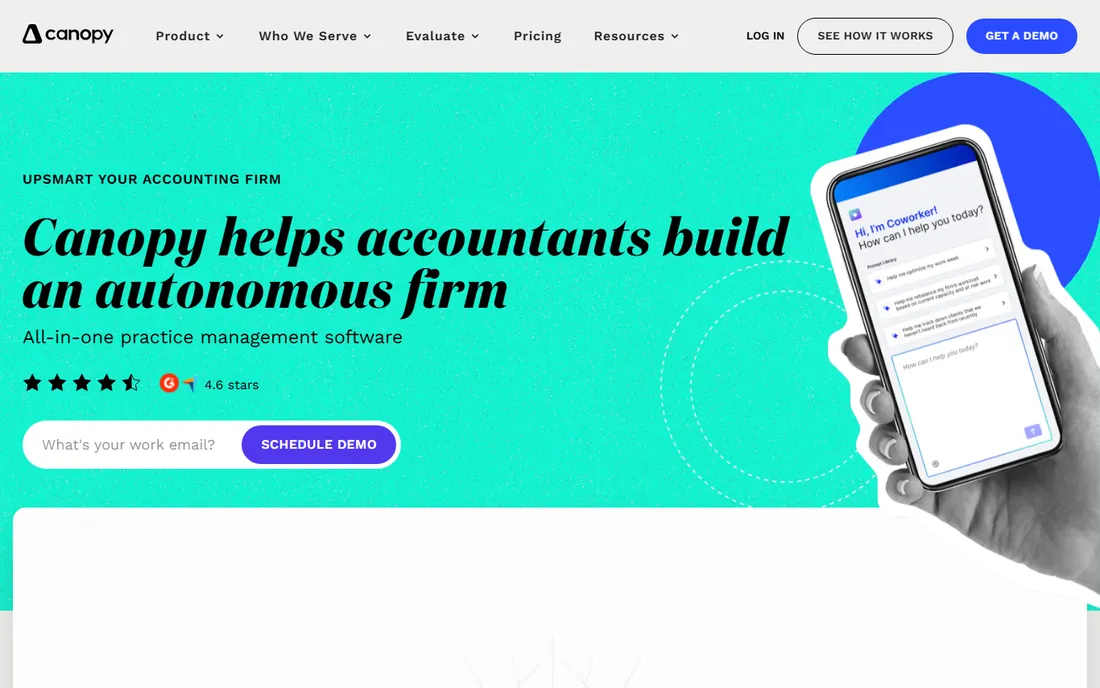
Canopy is the closest thing to an operating system for a tax practice. Standard at $74 per user per month billed annually covers CRM, document management with eSign, workflow, time and billing and payments, while Plus ($109) and Premium ($149) add roles, intake capacity and advanced automation. Tax-specific modules like IRS transcript pulling and the client organizer price separately by usage, which keeps the base plan honest.
The per-user model is the thing to model. A 15-person firm on Standard is spending over $13,000 a year before add-ons, and seasonal staff need seats too. Against that, Canopy replaces several subscriptions: document storage, e-signature, billing and a portal. Firms that commit to the whole suite generally report the consolidation is worth it; firms that only need workflow should compare Karbon and Financial Cents first.
What we like- True all-in-one: CRM, documents, workflow, time and billing, payments and tax resolution
- Modular add-ons (transcripts, organizers) price by use
- Polished client portal
Watch out for- Per-user pricing gets expensive for larger teams
- The module menu can feel like a second pricing maze
#2
TaxDome
Best for: Firms that want per-seat pricing with a strong client portal
Visit taxdome.com
Starting price$800/year per seat (Essentials, 1-year commitment)
Free planNo

TaxDome prices like software should: per seat, per year, with the number on the page. Essentials runs $800 per year per seat on a 1-year commitment ($750 on 2-year, $700 on 3-year), Pro is $1,000 and Business $1,200, each adding collaboration, automation and client-care features. The client portal is a genuine strength: organizers, document exchange, e-signatures, invoicing and payments in one client-facing login.
The per-seat structure cuts both ways. It is predictable and easy to budget, but every seasonal preparer and part-timer needs a seat, which is why TaxDome sells discounted seasonal seats ($100 per month on Pro, $500 for 4 months on Business). Firms with stable year-round teams get the best value; firms with big seasonal swings should model the seasonal seat math before committing.
What we like- Simple per-seat annual pricing with multi-year discounts
- Full client portal with organizers, e-sign and invoicing
- Seasonal staff seats available
Watch out for- Per-seat model penalizes firms with many part-time users
- Essentials tier is solo-oriented, pushing teams to Pro or Business
#3
Karbon
Best for: Mid-size and growing firms that need serious workflow automation
Visit karbonhq.com
Starting price$59/user/month (Team, billed annually)
Free planNo

Karbon is the power user's choice. Its workflow automation goes deeper than competitors: recurring work schedules itself, Triage turns the team inbox into assignable tasks, and automators move work through the pipeline with conditional logic. Team at $59 per user per month billed annually ($79 monthly) covers the core, while Business at $89 ($99 monthly) adds the advanced automation and integrations that larger firms need.
That depth costs onboarding time. Karbon implementations are measured in weeks, and firms report the first month feels like learning a new language before the automation pays off. It is also priced for commitment: annual billing is the default, with monthly only for teams of 4+. Firms that invest the setup time tend to become loyal; firms that want something running by Monday should look at Financial Cents or Jetpack Workflow.
What we like- Best-in-class workflow automation with Triage email integration
- Time tracking, billing and payments built in
- Top-rated on G2 for accounting practice management
Watch out for- Steepest learning curve on this list
- Monthly billing only available for teams of 4+
Starting price$19/month (Solo, billed annually)
Free planFree trial (14 days)
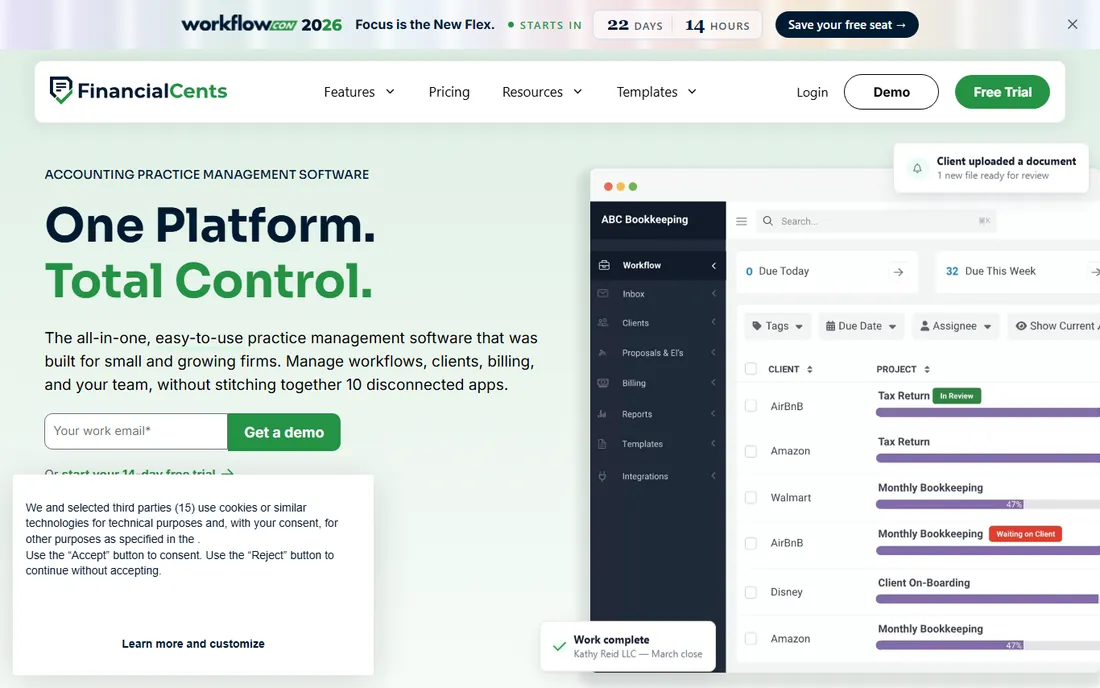
Financial Cents wins on simplicity and price. The Solo plan at $19 per month billed annually is built for single-user firms, Team at $49 per user per month adds collaboration, and Scale at $69 adds automations and integrations. A 14-day free trial with no credit card required means you can test it on real client work, and the interface is deliberately uncluttered.
The tradeoffs are contractual and functional. Every plan is a 12-month agreement, and monthly billing requires a 5-user minimum, so the flexibility is less than the trial suggests. Automation is solid but not Karbon-deep. For a small firm that needs client work organized, deadlines tracked and documents collected without a month of implementation, Financial Cents is the fastest path to value.
What we like- Solo plan at $19/month is the cheapest entry here
- 14-day free trial with no credit card
- Clean interface that staff adopt quickly
Watch out for- Less automation depth than Karbon
- All plans are 12-month agreements
Starting price$40/user/month (Starter, billed annually)
Free planFree trial
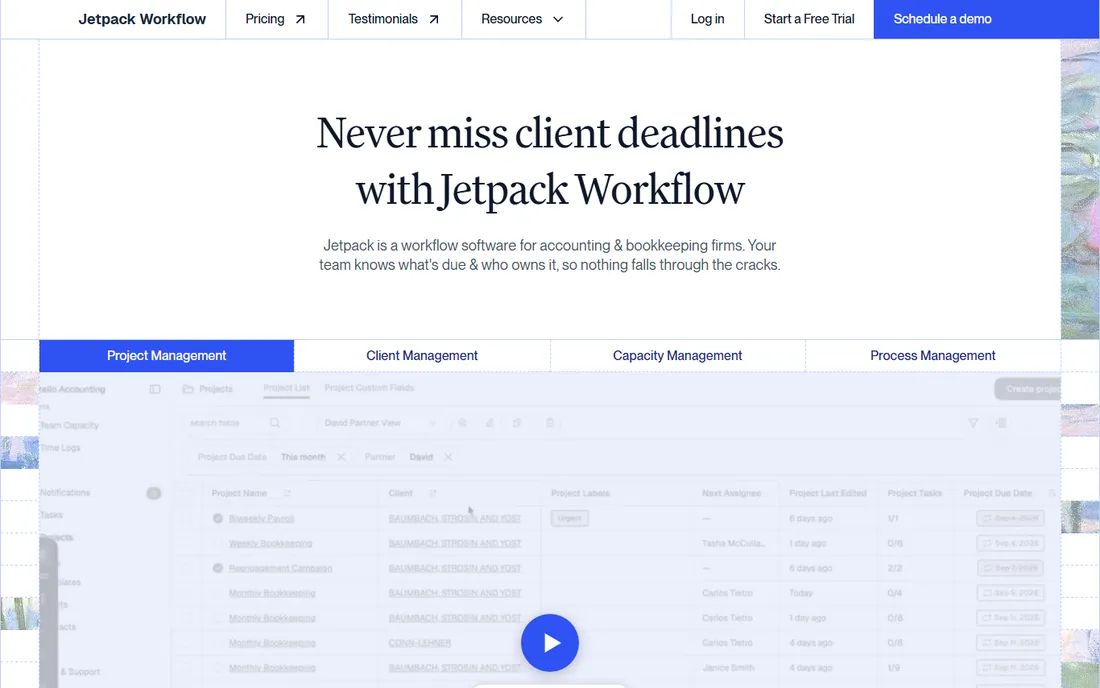
Jetpack Workflow does one thing well: recurring client work. Build a template once for a monthly bookkeeping client or an annual tax return, and the system spawns, assigns and tracks every occurrence with dependencies and due dates. Starter from $40 per user per month billed annually ($49 monthly) includes unlimited projects and clients, while Premium from $50 ($59 monthly) adds time tracking, capacity management and budget reporting.
It is deliberately not a suite. Firms that need a client portal, billing or document management will pair Jetpack with other tools, which is fine at this price but worth knowing upfront. The free trial requires no credit card. For bookkeeping-heavy firms where the same work repeats every month, Jetpack's template engine beats the generic task lists in broader platforms.
What we like- Template-driven recurring work is the core strength
- Transparent pricing from $40 per user per month
- Free trial with no credit card
Watch out for- Narrower feature set than all-in-one suites
- Client portal and billing are not the focus
#6
Liscio
Best for: Firms that want client communication to feel modern
Visit liscio.me
Starting price$19/user/month (File Intelligence, billed annually)
Free planNo
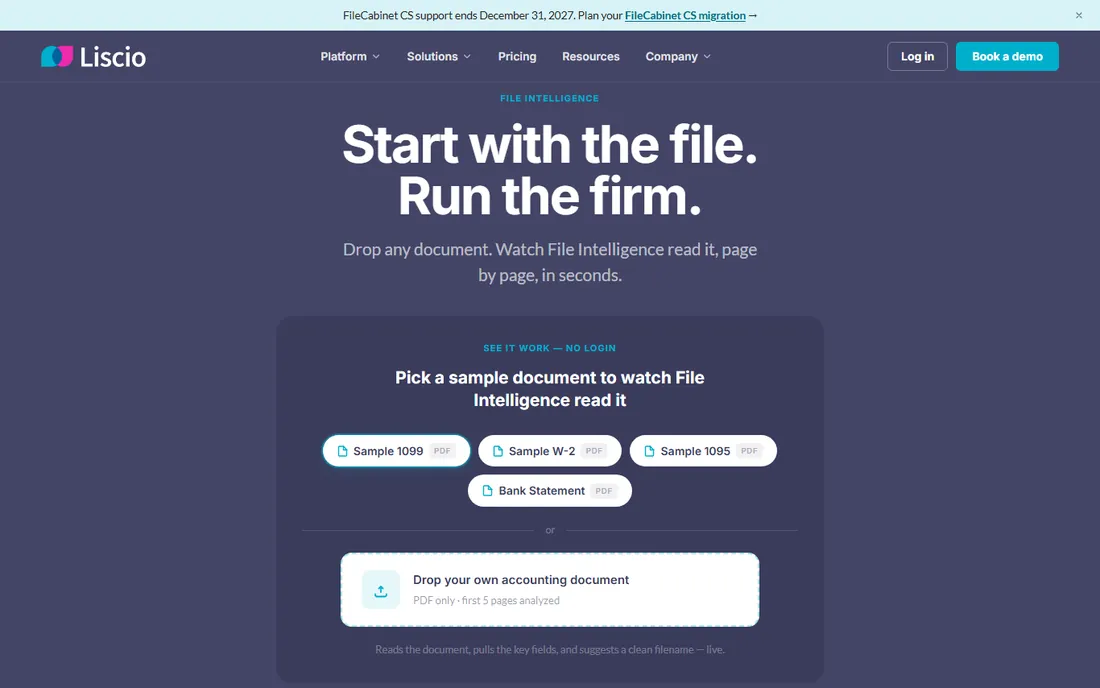
Liscio approaches the practice from the client's side. The platform centers on secure messaging, file sharing, e-signatures and a mobile app clients actually use, with file intelligence that reads and classifies documents on arrival. Pricing starts at $19 per user per month billed annually for File Intelligence, $49 for the full platform layer, and $99 for the tax bundle, with organizers and return delivery at $5 each.
The per-item pricing is honest for firms with moderate 1040 volume but needs modeling for high-volume shops. Liscio's workflow automation is lighter than Karbon's or Canopy's; its strength is the client experience layer and integrations like GruntWorx that push documents straight into tax prep. Firms losing time to email chaos and document chasing will feel the difference fastest.
What we like- Client experience focus: secure messaging, mobile app, e-sign and organizers
- Usage-based tax modules (organizers, return delivery at $5 each)
- GruntWorx integration for tax automation
Watch out for- Workflow depth trails Karbon and Canopy
- Per-item fees add up for high-volume 1040 shops
#7
Pixie
Best for: Small firms that want flat-fee pricing with unlimited users
Visit pixie.co
Starting priceSee website
Free planFree trial (30 days)
Pixie fixes the per-user pricing problem: one flat monthly fee based on client count (around $129 per month for under 250 clients, scaling with volume), with unlimited users and the same features on every tier. For a growing team, that math beats per-seat pricing quickly. The 30-day free trial gives a real evaluation window, and the interface is deliberately simple.
The flat fee reflects a narrower scope. There is no native time tracking or invoicing, and reporting stays basic, so firms that bill by the hour will run adjacent tools. Integrations with Xero and QuickBooks run through Zapier rather than natively. It is the right pick for small firms that want an operational hub without per-seat anxiety, not for firms that need deep automation or billing.
What we like- Flat monthly fee by client count with unlimited team members
- 30-day free trial
- Simple, easy-to-adopt interface popular with UK and small firms
Watch out for- No native time tracking or invoicing
- Reporting is basic compared to Karbon or Canopy
Starting price$39/month (Solo, billed annually)
Free planFree trial
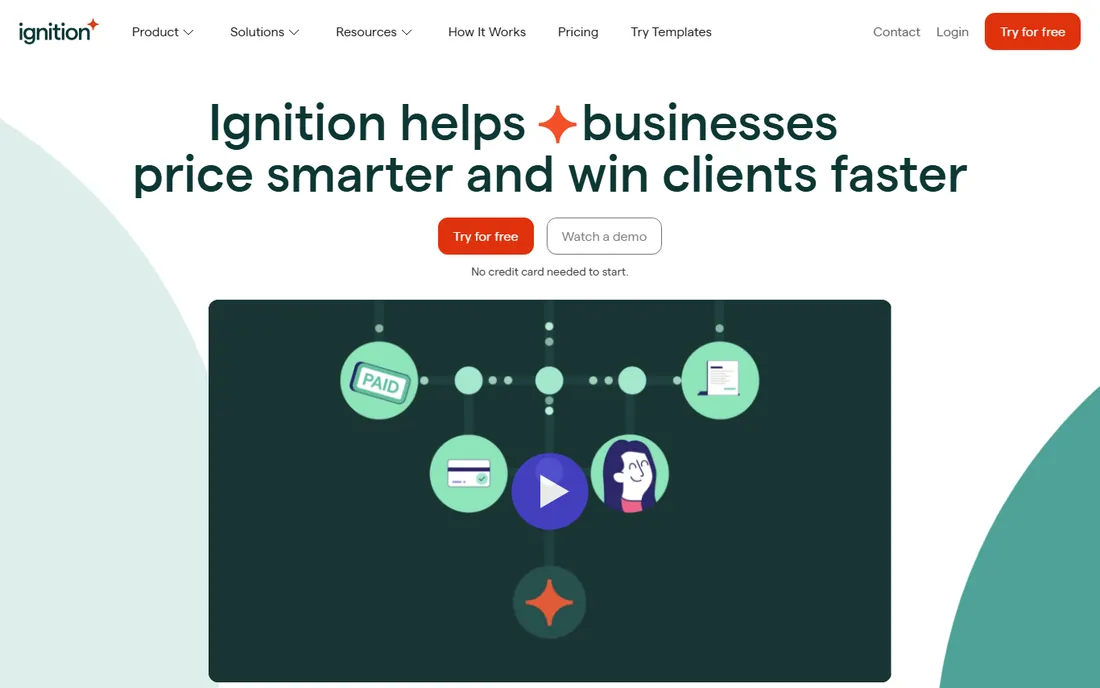
Ignition solves the front of the practice: proposals, engagement letters, billing and payment collection in one automated flow. A client accepts a proposal online, the engagement letter is signed, billing runs on schedule and payments collect automatically, ending the late-payment chase. Solo starts at $39 per month billed annually ($49 monthly) for solopreneurs under $150k revenue, with Core and Pro tiers for larger firms.
It is not a replacement for Karbon or Canopy. Ignition handles the commercial workflow brilliantly and leaves task management to other tools, which is why many firms run it alongside a practice manager. The free trial lets you send real proposals before paying. For firms whose bottleneck is getting paid rather than doing the work, Ignition targets the exact pain.
What we like- Proposal-to-payment in one flow: engage, bill and collect automatically
- Solo plan from $39/month for solopreneurs
- Strong Xero and QuickBooks integrations
Watch out for- It is a revenue workflow tool, not a full practice manager
- Per-plan client limits need checking as you grow
Starting priceSee website
Free planNo
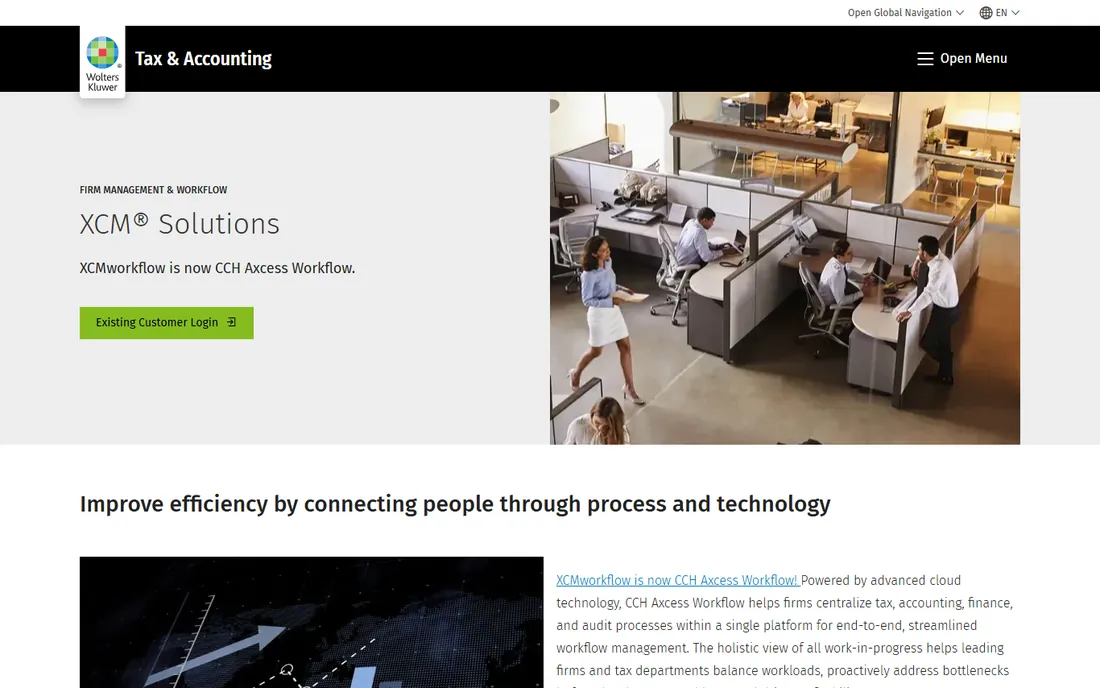
XCM, now part of Wolters Kluwer, is the enterprise end of tax workflow. It provides centralized workflow management, due-date tracking and process control for large firms, with native integration into the CCH Axcess tax suite and the broader Wolters Kluwer ecosystem. Multi-office firms that need standardized processes and firm-wide visibility are the audience.
Everything about XCM is enterprise: quote-based pricing, guided implementation, and a feature set aimed at firms with dedicated operations staff. Small and mid-size firms will find it oversized and overpriced for their needs. It belongs on the shortlist when the firm already runs Wolters Kluwer tax software and wants workflow from the same vendor.
What we like- Enterprise-grade workflow with deep tax process control
- Native fit with CCH Axcess and other Wolters Kluwer products
- Built for large, multi-office firms
Watch out for- Quote-based enterprise pricing
- Overkill for small firms and heavy to implement
Starting priceSee website
Free planNo
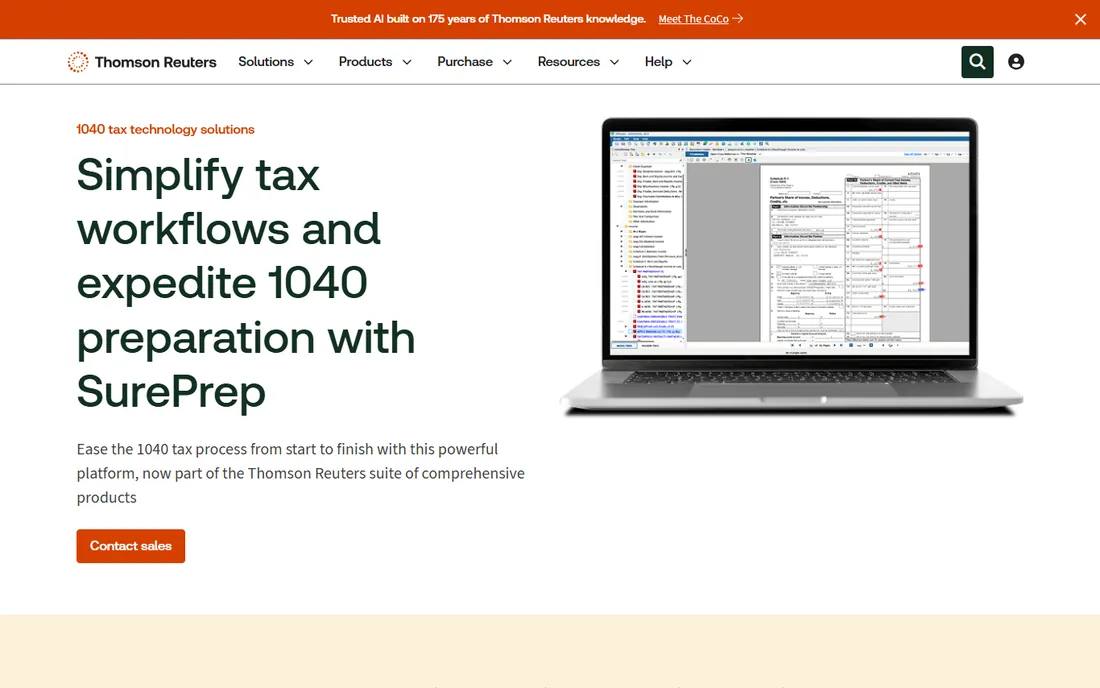
SurePrep, now a Thomson Reuters company, automates the most tedious part of tax season: turning a shoebox of client documents into organized, verified workpapers. Its 1040 tools scan and bookmark source documents, extract data, and flag missing items, feeding directly into Thomson Reuters tax preparation products. Firms processing hundreds of 1040s report meaningful time savings per return.
It is a specialist, not a suite. SurePrep does not manage your firm's overall workflow, client communication or billing; it makes the tax prep step dramatically faster. Firms on Thomson Reuters tax software get the most integrated experience. Pricing is quote-based, scaled to volume. If 1040 prep is your bottleneck rather than general workflow, SurePrep targets it directly.
What we like- Purpose-built 1040 automation: scans, organizes and verifies source documents
- Native integration with Thomson Reuters tax products
- Proven at high 1040 volumes
Watch out for- Focused on tax prep automation rather than full practice workflow
- Pricing is quote-based
How we chose
We mapped the tax practice software market from vendor sites, accounting community discussion and review platforms, then verified each product is live and actively sold for tax workflow in 2026. Every price above comes from the vendor's own pricing page captured in October 2026; Pixie, XCM and SurePrep do not publish prices on accessible pages, so they are marked "See website." We checked current brand names and URLs (Canopy moved to getcanopy.com, Liscio operates at liscio.me, XCM and SurePrep sit under their parent companies) and weighted verified reviews for implementation effort, the factor vendors understate most.
What to check before you buy
Model your seasonal staffing before you sign. Per-user annual pricing (Canopy, Karbon, Jetpack) means every seasonal preparer adds to the bill; per-seat annual plans (TaxDome) and flat-fee pricing (Pixie) handle seasonality differently. Ask each vendor exactly how seasonal seats work and what happens when you add five preparers in February.
Then test the workflow on your hardest client type, not the demo's ideal one. Recurring monthly work, multi-entity returns and clients who never send documents on time are where workflow tools earn their keep or fall apart. Confirm the integrations you need are native: tax software (CCH Axcess, Thomson Reuters, Lacerte), document sources and payment processing. Finally, ask about data export and contract terms. Your client history is the firm's crown jewels; make sure you can leave with it, and note that several vendors here sell 12-month agreements as standard.
Per-user vs per-seat vs flat fee: the pricing models explained
Tax workflow vendors price three ways, and the model matters more than the number. Per-user monthly (Canopy $74, Karbon $59, Jetpack $40) scales with headcount: simple to understand, painful with seasonal staff. Per-seat annual (TaxDome $800 to $1,200 per year) is predictable and rewards multi-year commitments, with discounted seasonal seats softening the blow. Flat fee by client count (Pixie, around $129 per month for under 250 clients) decouples cost from team size entirely, which favors growing firms.
To compare, annualize everything for your actual team including seasonal staff. A 10-person firm pays roughly $8,880 per year for Canopy Standard, $7,080 for Karbon Team, $8,000 for TaxDome Essentials (1-year), and about $1,548 for Pixie. Those are different products at different depths, but the exercise exposes which pricing model fits your staffing pattern before features enter the discussion.
Frequently asked questions
What is tax workflow software?
Software that manages the lifecycle of tax and accounting client work: intake, document collection, task assignment, deadlines, review, e-signature, delivery and billing. It replaces spreadsheets, email threads and hallway check-ins with a shared system of record for who is doing what and when it is due.
How is it different from tax preparation software?
Tax preparation software (CCH Axcess, Lacerte, UltraTax) calculates the return. Tax workflow software manages the process around it: getting documents from clients, assigning the return, tracking its status, reviewing it and delivering it. Most firms run both, and the best integrations connect them.
How long does implementation take?
Simple tools (Financial Cents, Jetpack Workflow, Pixie) can be running in days. Mid-market suites (TaxDome, Canopy) typically take 2 to 4 weeks including template setup and staff training. Deep platforms (Karbon, XCM) can take 6 to 12 weeks. The honest variable is your own process documentation: firms with defined workflows implement faster.
Should I buy before or during tax season?
Before, and not close before. Implementing new workflow software in January is a well-known way to ruin a tax season. The best practice is to buy in the summer or fall, run a parallel pilot on a few clients, and go live firm-wide after April 15.
Do I need all the modules and add-ons?
Probably not at first. Start with core workflow, documents and the client portal, then add modules (transcripts, organizers, billing automation) when a specific pain justifies the cost. Vendors design pricing to upsell modules; your job is to buy the painkiller, not the vitamin.
Sources we checked (10)
- https://www.getcanopy.com/pricing
- https://taxdome.com/pricing
- https://karbonhq.com/pricing
- https://financial-cents.com/pricing
- https://jetpackworkflow.com/pricing/
- https://www.liscio.me/pricing
- https://www.pixie.co/pricing/
- https://www.ignitionapp.com/pricing
- https://www.wolterskluwer.com/en/solutions/xcm-solutions
- https://tax.thomsonreuters.com/en/sureprep
Is your product missing or out of date?
We review this list regularly. Vendors can request a listing, send updated pricing or ask about featured placement.

Shihab Mia · Founder, Rankite
Shihab has spent more than a decade helping SaaS and e-commerce brands grow through search. He writes Rankite's software buying guides from pricing pages, documentation and public user reviews. More about Shihab.