How we make this list: we compare pricing pages, product documentation and public user reviews. Rankite is independent; if a vendor ever pays for a featured spot, that listing is clearly labeled Partner.
Key takeaways
- Todoist Business ($8/user/month, annual) is the fastest task capture for teams that live on to-do lists; Teamwork.com's free plan (5 users, 5 projects) is the best free start for client work.
- Asana, Monday.com, ClickUp, Trello, Wrike, Notion, Smartsheet and Basecamp all keep current pricing off their easily verifiable pages: confirm the per-seat price and seat minimums before you commit.
- Monday.com reportedly requires a 3-seat minimum on paid plans, so even a 2-person team pays for three seats: solo users and duos should price carefully.
- Basecamp's flat-rate unlimited plan removes per-seat math entirely, which suits growing teams that hate watching the user count.
Quick comparison
| Tool | Best for | Starting price | Free plan |
|---|
 Todoist Todoist | Small teams that live on fast, frictionless task capture | $8/user/month (Business, billed annually; $10 monthly) | Yes (Beginner plan is free) |
 Teamwork.com Teamwork.com | Agencies, consultancies and service businesses | $9.99/user/month (Basics, billed annually) | Yes (Free plan: 5 users, 5 projects) |
 Asana Asana | Small teams needing structured projects without a learning curve | See website (per-seat; third-party figures unverified on vendor page) | Limited (third parties report a free Personal plan capped at 2 users; unverified) |
 Monday.com Monday.com | Marketing and ops teams with visual, varied workflows | See website (per-seat; third-party figures unverified on vendor page) | Limited (third parties report a free plan for up to 2 seats; unverified) |
 ClickUp ClickUp | Budget-conscious teams wanting one app for everything | See website (per-seat; third-party figures unverified and reportedly in flux) | Yes (free tier widely reported; verify current limits on vendor page) |
 Trello Trello | Very small teams that just need a shared kanban board | See website (per-seat; third-party figures unverified on vendor page) | Yes (free tier widely reported; verify current limits on vendor page) |
 Basecamp Basecamp | Small businesses wanting one calm place, flat-priced | See website (per-seat Plus and flat-rate Pro Unlimited reported; unverified) | Limited (third parties report a free tier; unverified on vendor page) |
 Notion Notion | Teams wanting tasks, docs and wikis in one workspace | See website (per-seat; third-party figures unverified on vendor page) | Yes (free tier widely reported; verify current limits on vendor page) |
 Wrike Wrike | Small businesses running client work or campaigns with real structure | See website (per-seat; third-party figures unverified on vendor page) | Yes (free tier for up to 5 users reported; verify on vendor page) |
 Smartsheet Smartsheet | Ops and finance teams whose work already lives in spreadsheets | See website (per-member; third-party figures unverified on vendor page) | No (30-day trial reported; no permanent free tier) |
Is your product missing or out of date?
We review this list regularly. Vendors can request a listing, send updated pricing or ask about featured placement.
The best task management software for small business
Work arrives in the inbox, the chat, the hallway and one person's memory. Nothing has a due date, nobody knows who owns what, and the status meeting is 45 minutes of archaeology. Task management software fixes the plumbing: every piece of work gets an owner, a date and a visible state. These ten tools are the ones small businesses actually adopt, from dead-simple kanban to full project suites.
#1
Todoist
Best for: Small teams that live on fast, frictionless task capture
Visit todoist.com
Starting price$8/user/month (Business, billed annually; $10 monthly)
Free planYes (Beginner plan is free)
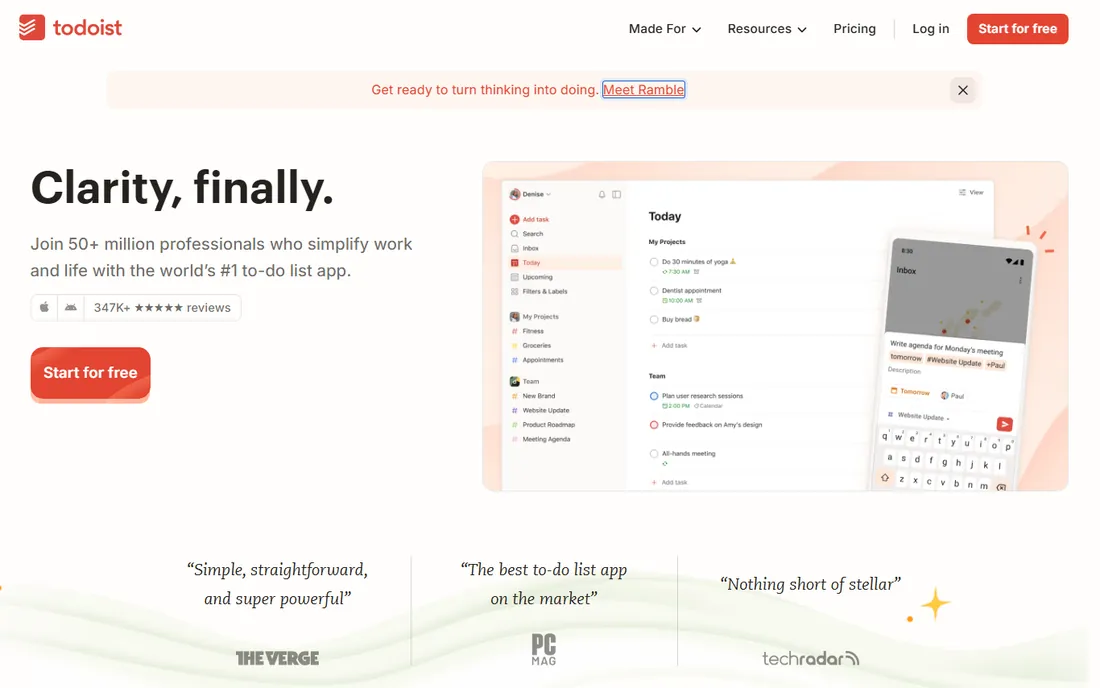
Todoist wins the capture war. Type "Send proposal to Acme every Friday #sales" and it becomes a recurring dated task in the right project before you finish the sentence. For small teams whose work is mostly personal task lists with light collaboration, that speed is the whole product. The Business plan adds team workspaces and admin controls at $8 per user per month billed annually, a price verified on Todoist's own help page.
The ceiling is project depth. There is no real Gantt, kanban is limited, and portfolio-level oversight belongs elsewhere. Note the December 2025 price increase on Business: older reviews quote lower numbers. If your team thinks in task lists and wants the least software possible between thought and capture, start here.
What we like- Fastest task capture in the category with natural-language input
- Calm, simple interface that teams actually keep using
- Reliable sync across every platform
Watch out for- Lighter on project views than Asana or Monday (no real Gantt, limited kanban)
- The December 2025 Business price increase raised costs
#2
Teamwork.com
Best for: Agencies, consultancies and service businesses
Visit teamwork.com
Starting price$9.99/user/month (Basics, billed annually)
Free planYes (Free plan: 5 users, 5 projects)
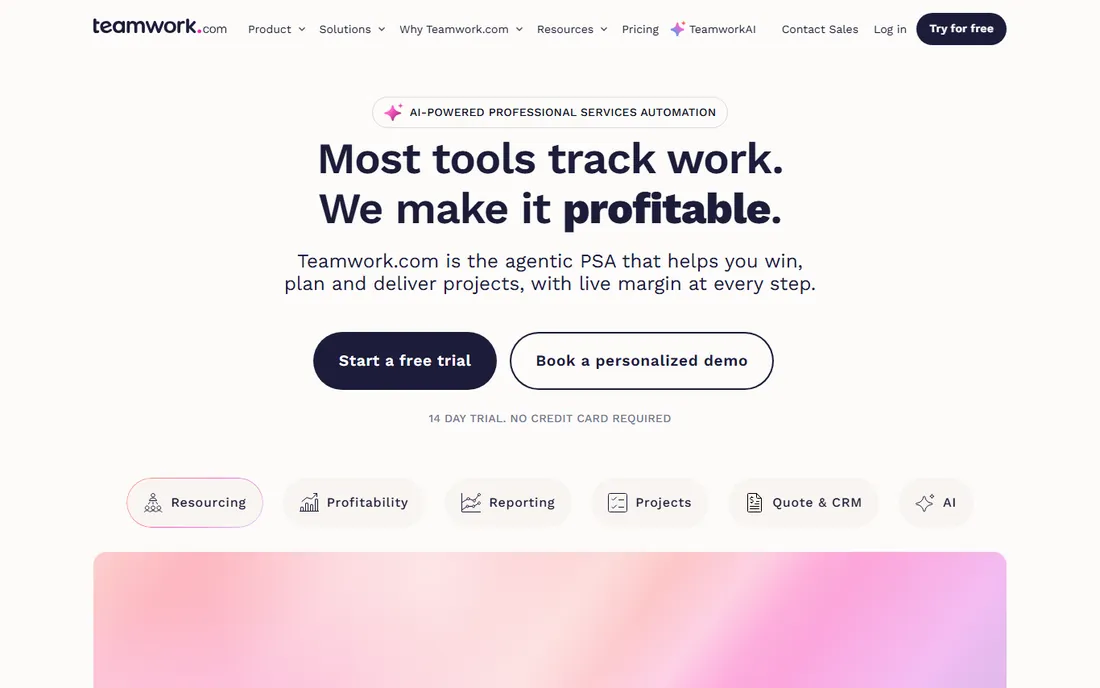
Teamwork.com is the project tool built for people who bill hours. Tasks, milestones, dependencies and workload views handle the project side; time tracking and invoicing connect without add-ons, which is the workflow agencies actually run. The free plan (5 users, 5 projects) is genuinely usable for a small shop getting started, and Basics at $9.99 per user per month (annual) is priced for small-business budgets. Pricing verified on Teamwork's own blog.
The ecosystem is smaller than the giants: niche integrations may need workarounds, and advanced resource management sits in higher tiers. But if your projects end in invoices, the native time-to-billing connection beats bolting Harvest onto a generic task tool. Setup is quick with templates for common service workflows.
What we like- Built for client work: projects, time tracking and invoicing connect naturally
- Clean tasks with milestones, dependencies and workload views
- Free tier covers small teams starting out
Watch out for- Smaller integration ecosystem than Asana or Monday
- Advanced resource management needs higher tiers
#3
Asana
Best for: Small teams needing structured projects without a learning curve
Visit asana.com
Starting priceSee website (per-seat; third-party figures unverified on vendor page)
Free planLimited (third parties report a free Personal plan capped at 2 users; unverified)
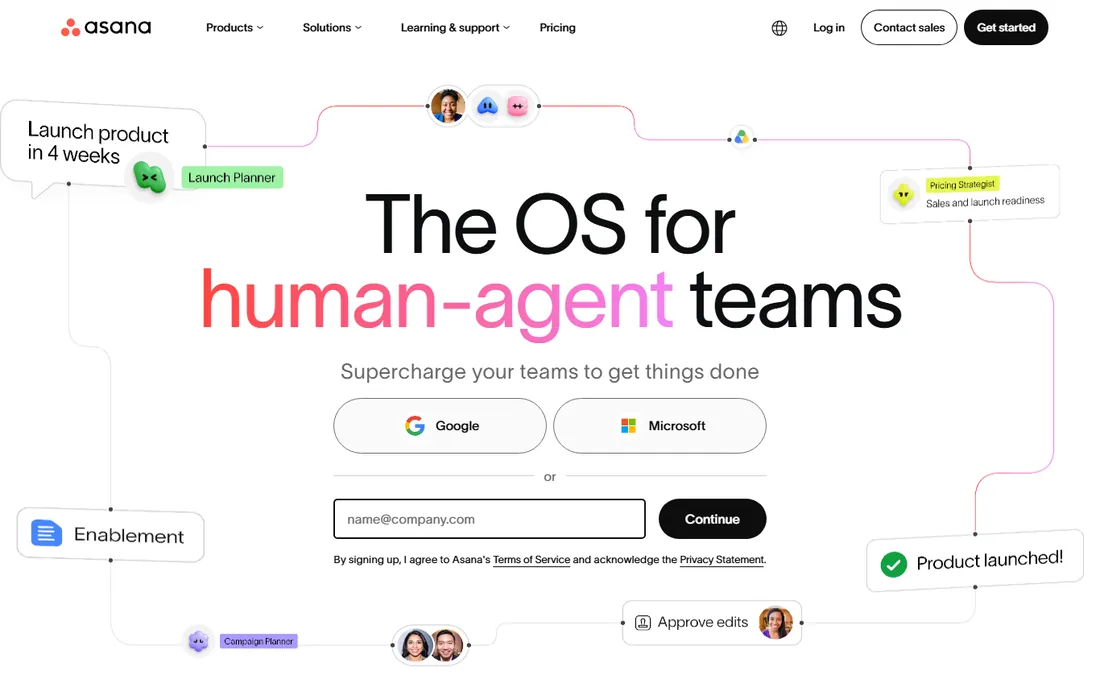
Asana's strength is clarity. One assignee per task, clean timelines, portfolios that answer the status question without a meeting. Teams adopt it with minimal training, which is why it keeps showing up in small businesses that tried a spreadsheet first. The 200-plus native integrations cover most small-business stacks without middleware.
The pricing needs a careful read. The free tier is reportedly capped at two users, so any real team pays, and the features that make Asana sing (portfolios, workload, advanced reporting, native time tracking) sit in higher tiers. Third-party price figures could not be verified on the vendor's own page during research, so confirm current per-seat pricing directly. For structured project work with low training overhead, it remains the benchmark.
What we like- One of the clearest task interfaces in the category
- Timeline, portfolios and workload views scale to program management
- 200-plus native integrations
Watch out for- Per-seat pricing sits above some rivals
- Advanced reporting, portfolios and time tracking need higher tiers
#4
Monday.com
Best for: Marketing and ops teams with visual, varied workflows
Visit monday.com
Starting priceSee website (per-seat; third-party figures unverified on vendor page)
Free planLimited (third parties report a free plan for up to 2 seats; unverified)
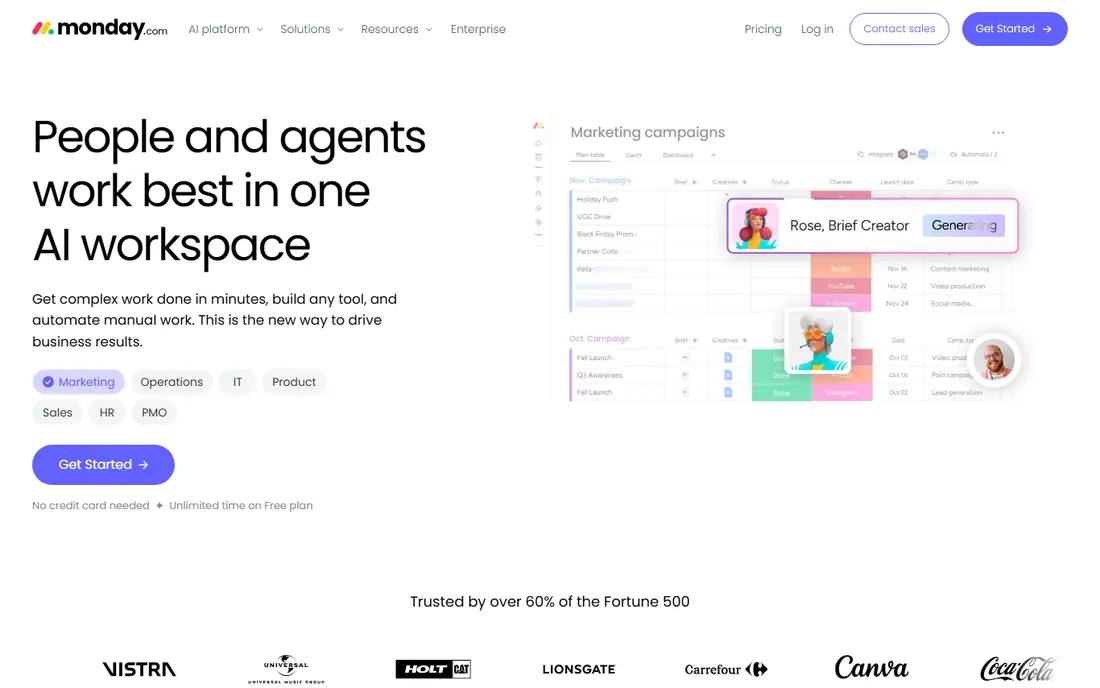
Monday.com is the most flexible board on this list. Columns, dashboards and views reshape around marketing campaigns, hiring pipelines, content calendars or CRM-lite workflows, and the template library means most teams start from something close to their process. For ops and marketing teams with varied work, the visual model clicks fast.
Read the seat math before you fall in love. Paid plans reportedly require a 3-seat minimum, so a 2-person team pays for three seats, and automation and integration caps on lower tiers push upgrades sooner than expected. Third-party pricing figures are unverified on the vendor page, so get the real quote. Flexibility is the product; the pricing fine print is the homework.
What we like- Highly visual boards with customizable columns that adapt to almost any workflow
- Automations and integrations that scale with tiers
- Broad template library
Watch out for- Paid plans reportedly require a 3-seat minimum, punishing solos and duos
- Automation and integration caps on lower tiers force upgrades
#5
ClickUp
Best for: Budget-conscious teams wanting one app for everything
Visit clickup.com
Starting priceSee website (per-seat; third-party figures unverified and reportedly in flux)
Free planYes (free tier widely reported; verify current limits on vendor page)
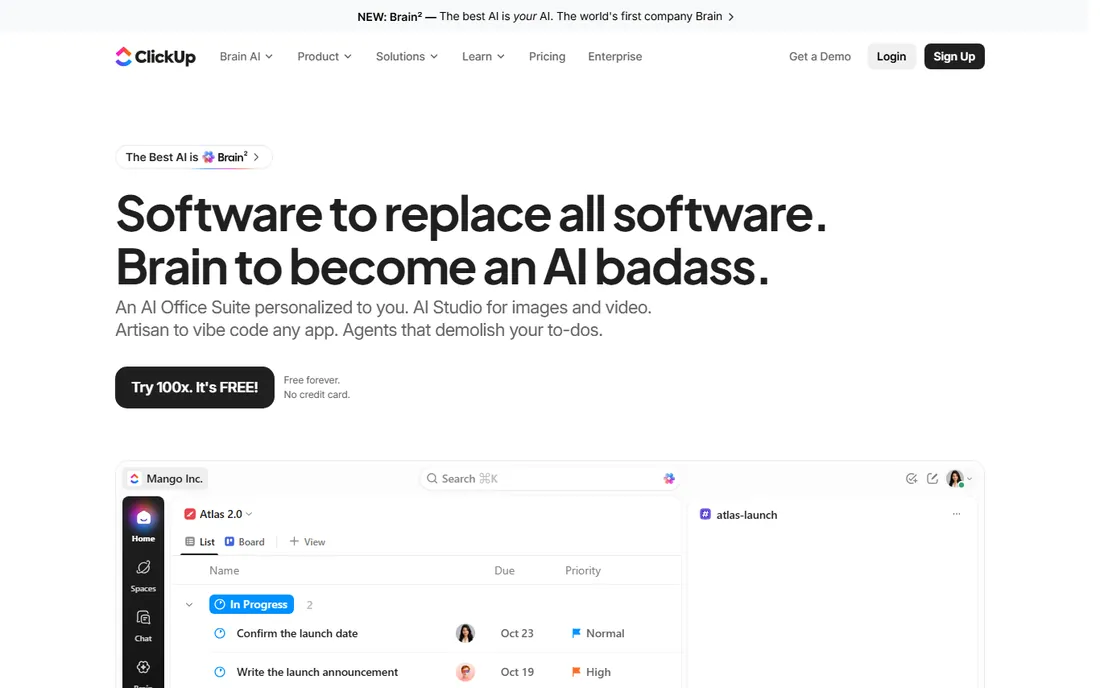
ClickUp's pitch is consolidation: tasks, docs, goals, time tracking and whiteboards in one app, at one of the lowest per-seat prices among full-featured tools. For a budget-conscious small business that wants to cancel three subscriptions, the value proposition is obvious.
The breadth is also the problem. New workspaces feel cluttered, teams need discipline to keep them clean, and performance complaints surface as workspaces grow. Plan names and prices appear to be in flux, with conflicting third-party reports, so confirm the current tiers on the vendor site before budgeting. If your team will invest in setup and governance, the value is real. If not, a simpler tool will get used more.
What we like- Deep feature set: tasks, docs, goals, time tracking and whiteboards in one app
- Low per-seat pricing among full-featured tools
- Highly customizable views, statuses and automations
Watch out for- Feature breadth creates a steeper learning curve and cluttered feel
- Plan names and prices appear to be in flux
#6
Trello
Best for: Very small teams that just need a shared kanban board
Visit trello.com
Starting priceSee website (per-seat; third-party figures unverified on vendor page)
Free planYes (free tier widely reported; verify current limits on vendor page)
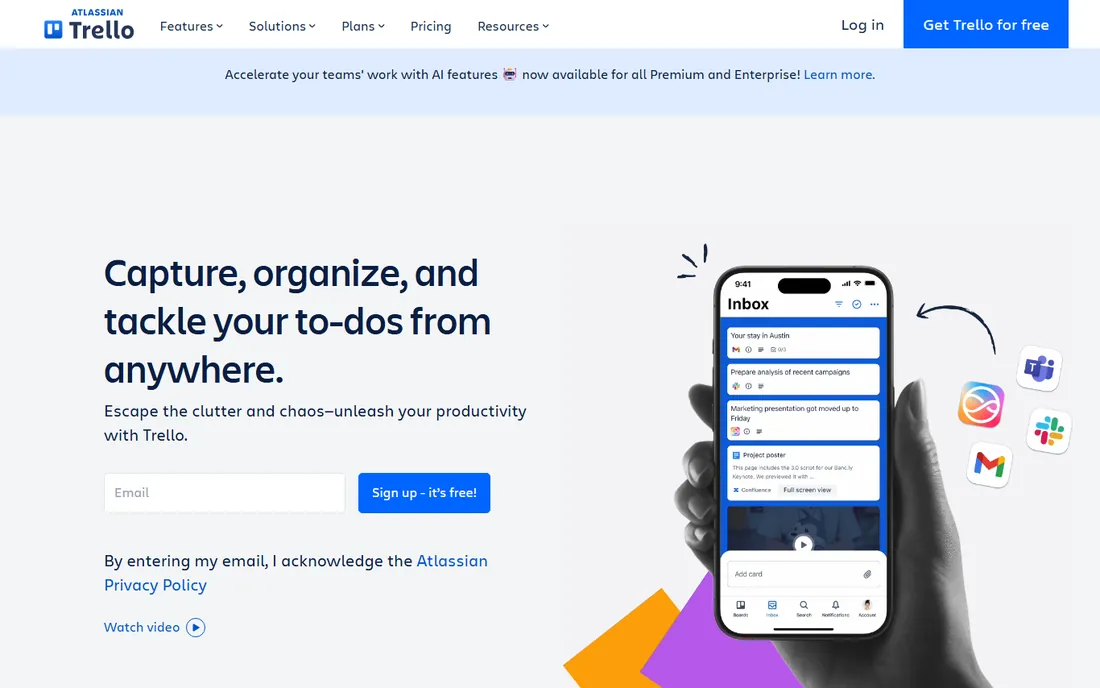
Trello is the least software you can buy and still call it project management. A board, lists, cards, done. Setup takes minutes, nobody needs training, and Power-Ups add calendars, automation and integrations without complicating the core. For a tiny team tracking simple workflows, the radical simplicity is the feature.
The ceiling arrives fast. Reporting, workload views, dependencies and portfolios are thin or absent, and large boards with heavy Power-Up use get unwieldy. Third-party pricing is unverified on the vendor page, so confirm before upgrading. Use Trello for what it is: the fastest path from chaos to a shared board. When you need real project structure, graduate to Asana or Teamwork.
What we like- The simplest kanban board in the category
- Anyone can use it in minutes
- Power-Ups add calendar, automation and integrations without complexity
Watch out for- Thin on reporting, workload views and project structure
- Large boards with many cards get unwieldy
#7
Basecamp
Best for: Small businesses wanting one calm place, flat-priced
Visit basecamp.com
Starting priceSee website (per-seat Plus and flat-rate Pro Unlimited reported; unverified)
Free planLimited (third parties report a free tier; unverified on vendor page)
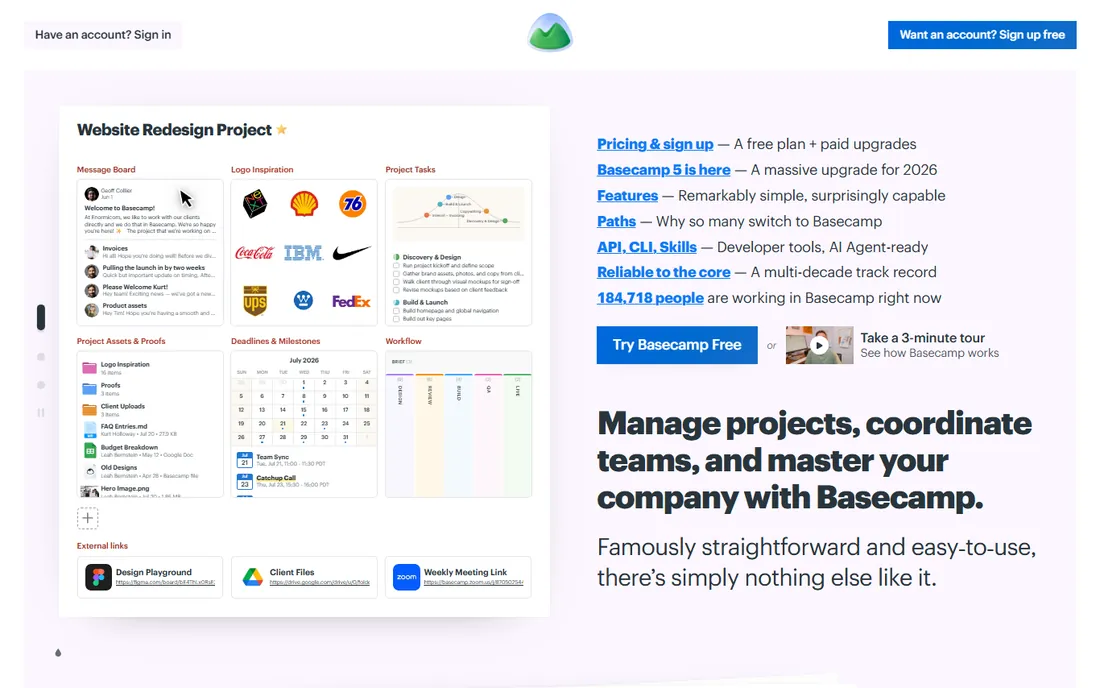
Basecamp sells calm. To-dos, message boards, schedules, docs and chat in one deliberately simple place, with clients and contractors free on every plan. The flat-rate unlimited tier removes per-seat math entirely: growing from 10 to 30 people changes nothing on the bill. For small businesses tired of notification chaos, the opinionated simplicity is the therapy.
It is opinionated on purpose, which means power users hit walls: no Gantt, limited reporting, fewer automations than rivals. Pricing figures are third-party reported and unverified on the vendor page, so confirm the current plans. If your team wants one quiet home for projects and communication, Basecamp delivers. If you need deep project controls, look elsewhere.
What we like- Flat pricing on the top tier removes per-seat math as teams grow
- All-in-one: to-dos, message boards, schedules, docs and chat
- Deliberately simple with minimal setup
Watch out for- Intentionally limited: no Gantt, thin reporting, fewer automations
- Simplicity frustrates power users
#8
Notion
Best for: Teams wanting tasks, docs and wikis in one workspace
Visit notion.com
Starting priceSee website (per-seat; third-party figures unverified on vendor page)
Free planYes (free tier widely reported; verify current limits on vendor page)
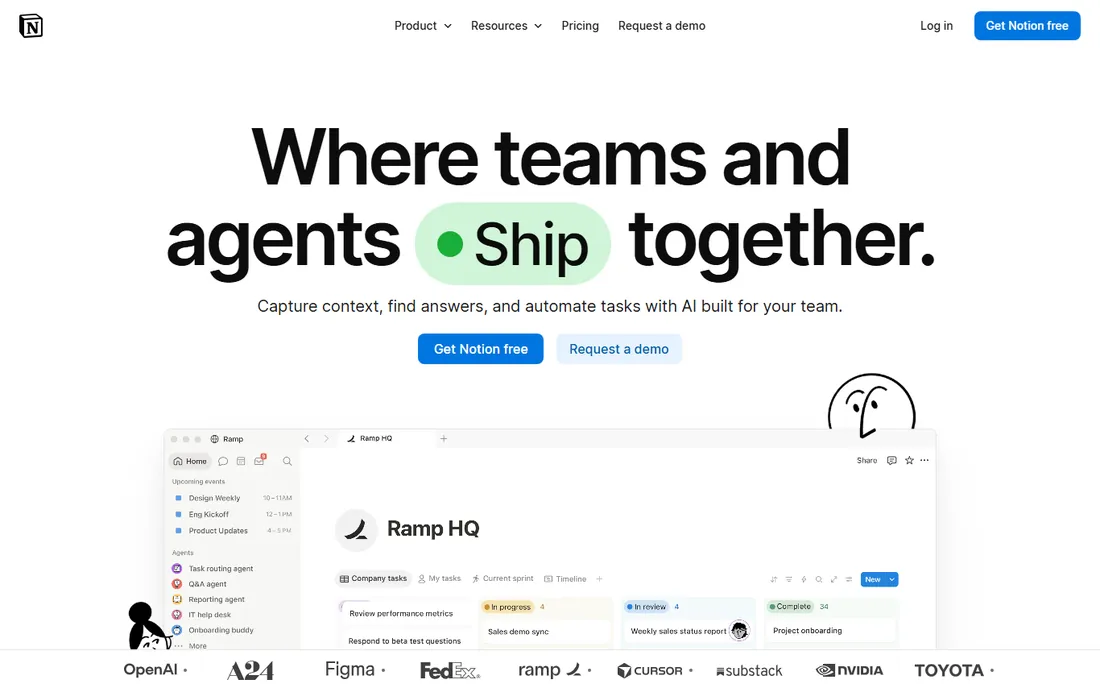
Notion is the build-your-own project system. Databases, kanban boards, calendars and docs all connect, so a team can run tasks, meeting notes, wikis and lightweight CRM in one workspace at a low per-seat cost. For small businesses that want everything in one place and enjoy designing their workflow, the flexibility is unmatched.
Flexibility is also the work. Notion ships no opinionated project structure, so a team without a clear setup ends up with a messy wiki instead of a task system. Performance slows on very large databases. Third-party pricing is unverified on the vendor page. If someone on your team will own the system design, Notion is powerful. If nobody will, buy a tool with opinions.
What we like- Tasks, docs, wikis and databases in one flexible workspace
- Extremely customizable
- Low per-seat cost relative to breadth
Watch out for- Less structured than dedicated PM tools
- Teams must design their own system, and messy setups stay messy
#9
Wrike
Best for: Small businesses running client work or campaigns with real structure
Visit wrike.com
Starting priceSee website (per-seat; third-party figures unverified on vendor page)
Free planYes (free tier for up to 5 users reported; verify on vendor page)
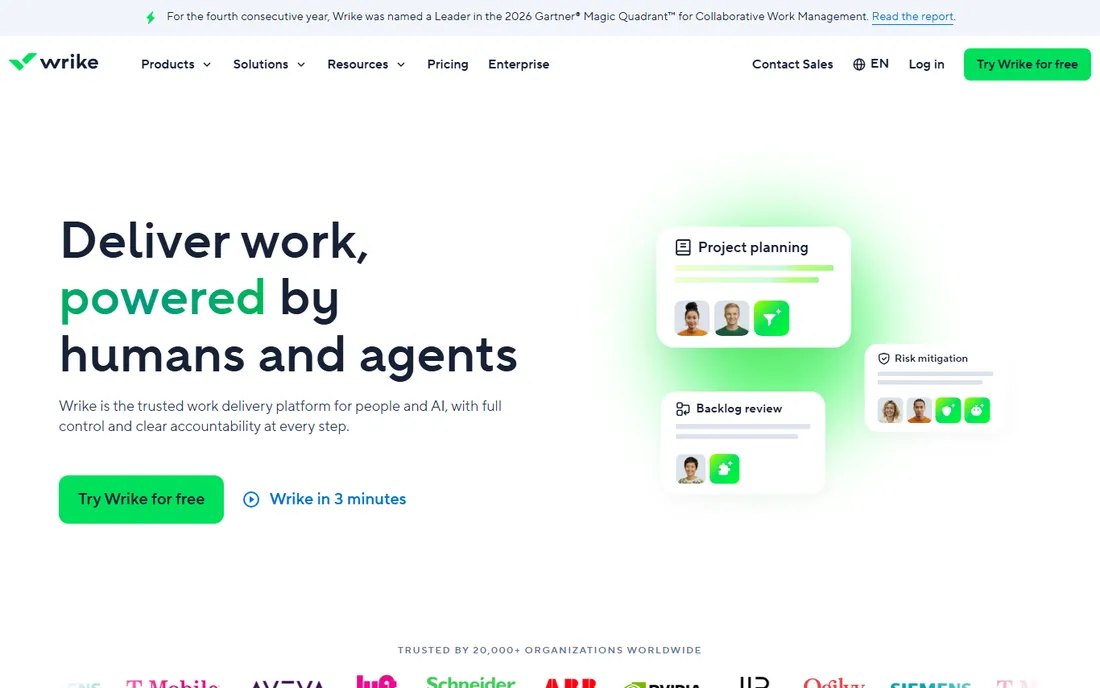
Wrike is the project manager's project tool at a small-business price. Gantt charts, dependencies and workload views handle real project structure, and request forms with intake workflows suit service and creative teams taking work from stakeholders. Reporting and dashboards give owners oversight without a separate BI tool.
The interface packs a lot in and shows it: denser and less intuitive than Asana or Monday, with a real onboarding curve. Time tracking depth and advanced automation sit in higher tiers. Third-party pricing is unverified on the vendor page. For teams running client work or campaigns that need genuine project discipline, the structure is worth the learning curve.
What we like- Strong Gantt charts, dependencies and workload views at a moderate price
- Request forms and intake workflows suit service and creative teams
- Decent reporting and dashboards
Watch out for- Denser, less intuitive interface than Asana or Monday
- Time tracking depth and advanced automation need higher tiers
#10
Smartsheet
Best for: Ops and finance teams whose work already lives in spreadsheets
Visit smartsheet.com
Starting priceSee website (per-member; third-party figures unverified on vendor page)
Free planNo (30-day trial reported; no permanent free tier)
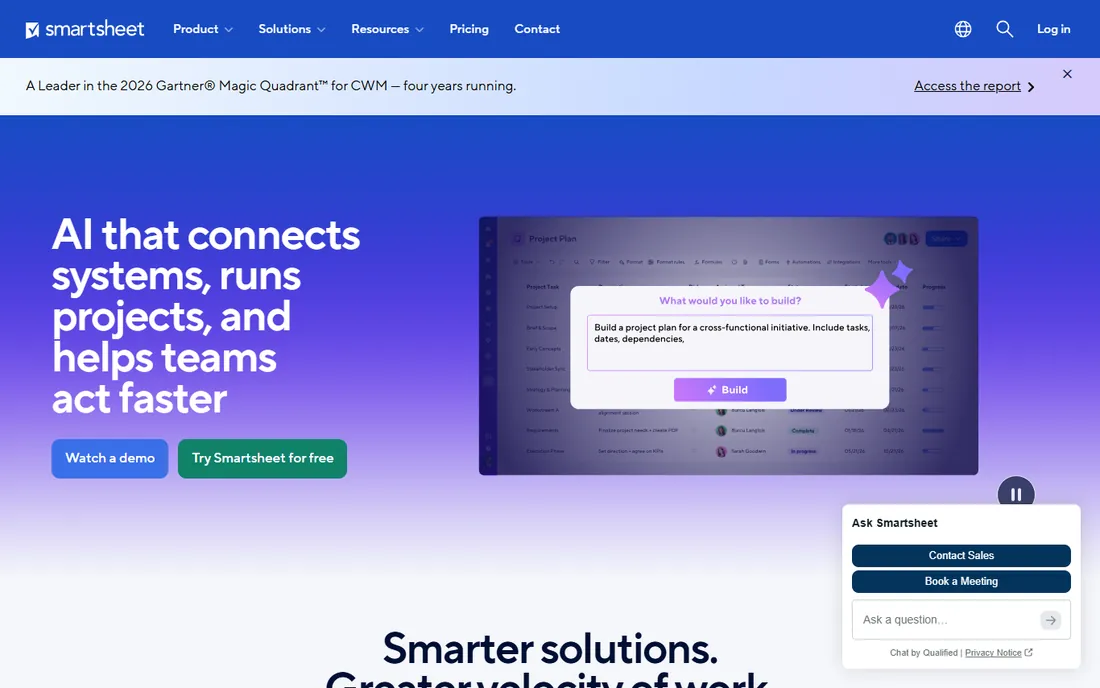
Smartsheet meets spreadsheet people where they are. The grid interface removes the learning curve for Excel-native ops and finance teams, while Gantt, card and calendar views add project structure on top. Automation, forms and reporting handle process-driven work well. For a team that thinks in rows and columns, adoption is nearly instant.
Read the pricing model carefully: per-member pricing with minimums, and the licensed-versus-free-collaborator distinction, deserve attention before checkout. Third-party figures are unverified on the vendor page. Creative and marketing teams will find it less intuitive than visual-first rivals. But for process-driven small businesses graduating from Excel, it is the gentlest step up.
What we like- Spreadsheet-like grid interface that Excel-native teams adopt instantly
- Strong Gantt, card and calendar views on top of the grid
- Good automation, forms and reporting
Watch out for- Per-member pricing with minimums can surprise small teams
- Less intuitive for creative or marketing teams
When simple beats powerful
The most common task-management mistake in small business is buying power you will not use. A 6-person team does not need portfolios, workload balancing and custom automation rules; it needs a shared list with owners and dates that everyone checks. Trello, Todoist and Basecamp win adoptions because the gap between signup and daily use is minutes, not a configuration project.
Buy complexity only when simple breaks. The signals: work has dependencies that a list cannot show, you need to see who is overloaded across projects, or reporting to clients requires more than a board screenshot. That is when Asana's timelines, Wrike's Gantt, Teamwork's workload views or Smartsheet's reporting earn their price. Until then, the simple tool your team actually opens beats the powerful one they avoid.
The per-seat math: minimums, caps and free tiers
Task management pricing looks simple until checkout. First, the seat minimums: Monday.com reportedly requires 3 seats on paid plans, so solos and duos pay for phantom teammates. Second, the free tier caps: Asana's reported 2-user cap, Trello's board limits and Notion's block limits all push real teams to paid plans faster than expected. Third, the per-seat rate itself, which ranges from Todoist's verified $8 to the unverified $10-$25 figures floating around for the bigger platforms.
Then the second-order costs. Basecamp's flat-rate unlimited plan is the escape hatch from per-seat math for growing teams. ClickUp's low per-seat price comes with configuration labor. And since most vendors here keep current pricing off their easily verifiable pages, treat every third-party price figure as a rumor until you confirm it on the vendor's site. The cheapest tool is the one whose pricing you can verify and whose free tier covers your actual team size.
Frequently asked questions
What is the best free task management software for small business?
Teamwork.com's free plan (5 users, 5 projects) is the most capable free tier for real project work, and Todoist's free Beginner plan is the best free personal task manager. Trello, ClickUp and Notion all offer free tiers worth evaluating. "Free" always has caps: check user limits, project limits and feature gates against your actual team before committing.
Asana vs. Monday.com: which is better for small business?
Asana suits teams that want structured projects with clear ownership and timelines; Monday.com suits teams with varied visual workflows like marketing and operations. Asana's interface is calmer, Monday's is more flexible. Both are per-seat priced with free tiers reportedly capped small. Try both free tiers with a real project; the one your team opens voluntarily is the answer.
Do I need the paid plan, or is free enough?
Free works until it does not. The usual triggers: your team exceeds the free user cap, you need timelines or Gantt views, you want automations, or guests and clients need proper access. Most small teams hit a paywall between 3 and 10 users. Price the paid plan at your headcount before you invest weeks building workflows on a free tier you will outgrow.
How do I get my team to actually use the new tool?
Migrate one real project, not the whole company, and run it in the new tool for two weeks. Appoint one owner who keeps it current; a task tool with stale data dies fast. Pick the simplest tool that does the job: adoption beats features. And kill the old system on a date, because parallel systems mean nobody trusts either one.
What is the difference between task management and project management software?
Task management tracks individual to-dos with owners and dates. Project management adds structure across many tasks: timelines, dependencies, milestones, workload and reporting. The tools here span the spectrum: Todoist and Trello sit at the task end, Wrike, Smartsheet and Teamwork toward the project end, Asana, Monday and ClickUp in the middle. Buy for the complexity you have, not the complexity you imagine.
Can task management software replace email and chat for project updates?
It replaces status meetings more than messages. Comments on tasks keep decisions with the work, which beats digging through chat history. But nobody runs a business on tasks alone: keep chat for conversation, use the task tool as the system of record for who owns what by when. The win is fewer "what is the status" messages, not zero messages.
How we chose
We started with the searches small-business owners actually run: task management software, small business task management, project management for small business and to-do app for teams. For each candidate we opened the vendor's own pricing page, checked plan names and prices against public reviews on G2 and Capterra and practitioner discussion on Reddit, and compared feature lists, ease of adoption and company-size fit. Where a price could not be verified on the vendor's page we wrote "See website" instead of guessing. The shortlist mixes dead-simple tools with full project suites, because a 3-person team and a 30-person team are not managing the same work.
Sources we checked (12)
- https://www.todoist.com/pricing/
- https://www.teamwork.com/pricing/
- https://www.asana.com/pricing/
- https://www.monday.com/pricing/
- https://www.clickup.com/pricing/
- https://www.trello.com/pricing/
- https://www.basecamp.com/pricing/
- https://www.notion.so/pricing
- https://www.wrike.com/pricing/
- https://www.smartsheet.com/pricing/
- https://www.g2.com/categories/task-management
- https://www.capterra.com/task-management-software/
Is your product missing or out of date?
We review this list regularly. Vendors can request a listing, send updated pricing or ask about featured placement.

Shihab Mia · Founder, Rankite
Shihab has spent more than a decade helping SaaS and e-commerce brands grow through search. He writes Rankite's software buying guides from pricing pages, documentation and public user reviews. More about Shihab.