How we make this list: we compare pricing pages, product documentation and public user reviews. Rankite is independent; if a vendor ever pays for a featured spot, that listing is clearly labeled Partner.
Key takeaways
- Todoist and TickTick are the best all-rounders for individuals, with generous free plans and every platform covered.
- Things is the premium choice for Apple users who want beautiful, focused task management.
- Habitica and Amazing Marvin suit people who need motivation mechanics, gamification or ADHD-friendly design.
- Any.do, Remember The Milk and TeuxDeux keep things simple for minimalists.
- Superlist is the modern newcomer worth watching for a fresh take on personal tasks.
Personal task management is about trust: you need an app that captures everything and shows you the right thing at the right time. These nine are built for individuals, not teams, which means no project management bloat.
Quick comparison
| Tool | Best for | Starting price | Free plan |
|---|
 Todoist Todoist | Best all-rounder | See website | Yes |
 TickTick TickTick | Features plus calendar | See website | Yes |
 Things Things | Apple users wanting focus | See website | No |
 Any.do Any.do | Simple cross-platform lists | See website | Yes |
 Remember The Milk Remember The Milk | Long-time GTD favorite | See website | Yes |
 TeuxDeux TeuxDeux | Minimalist daily planning | See website | Yes |
 Superlist Superlist | Modern fresh take | See website | Yes |
 Habitica Habitica | Gamified habit and task tracking | See website | Yes |
 Amazing Marvin Amazing Marvin | Customizable ADHD-friendly tasks | See website | Free trial |
Is your product missing or out of date?
We review this list regularly. Vendors can request a listing, send updated pricing or ask about featured placement.
The best task management app for individuals
Starting priceSee website
Free planYes
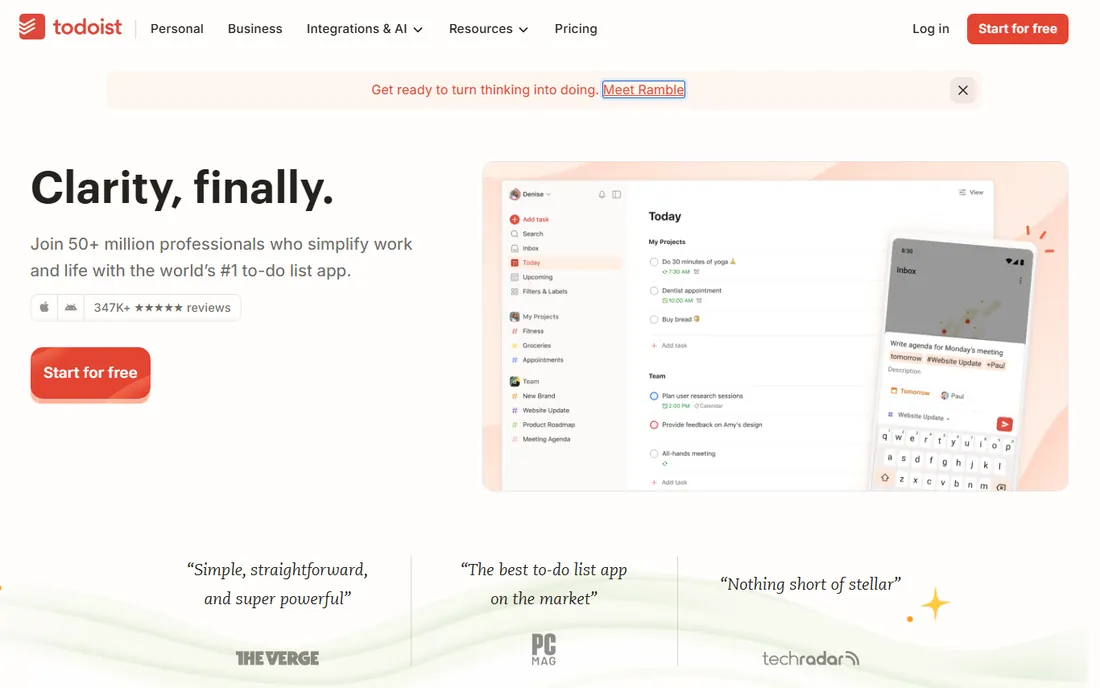
Todoist remains the default recommendation for personal task management: type "pay rent every month" and it parses the recurrence, projects organize life areas, and the karma system adds gentle motivation. The free plan covers genuine daily use.
Power users eventually want the paid filters and labels. For most individuals, the free tier plus the excellent mobile apps are enough.
Todoist users should master natural language input first; it is the feature that makes the app fast. Set up two or three projects for life areas and a labeling habit for contexts. The weekly review, clearing the inbox and scheduling the week, matters more than any premium feature.
What we like- Fast natural-language input
- Every platform
- Generous free plan
Watch out for- Advanced filters need paid plan
- Design is functional
Starting priceSee website
Free planYes
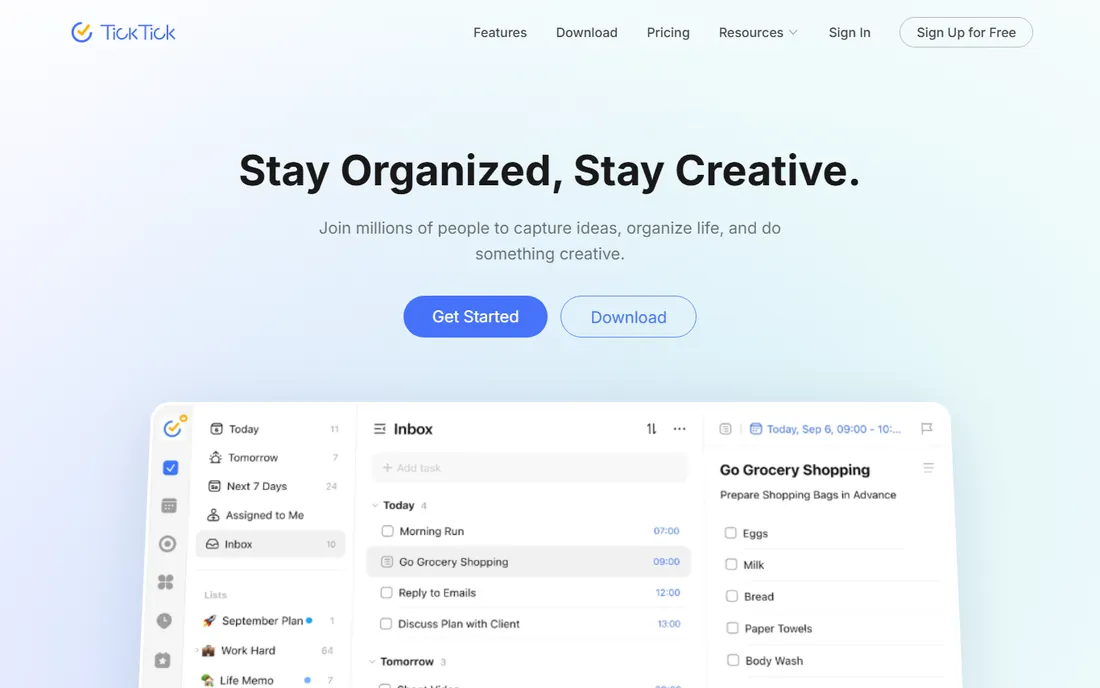
TickTick bundles a to-do list with a calendar, habit tracker and Pomodoro timer, so one app covers the whole productivity system. The free plan is generous and premium is affordable.
The breadth makes it busier than minimalist rivals. People who want one app instead of four find the tradeoff worthwhile.
TickTick users should try the built-in calendar view before adding a separate calendar app; the integration may be enough. The habit tracker replaces a second app for many people. Use the Eisenhower Matrix view when priorities feel tangled.
What we like- Calendar, habits and Pomodoro built in
- Generous free plan
- Good value premium
Watch out for- Interface busier than Todoist
- Some features overlap confusingly
Starting priceSee website
Free planNo
Things is the beloved Apple-exclusive task manager: elegant, fast and thoughtfully designed around getting things done. Areas, projects and the "Anytime" view keep personal tasks organized without noise. Pricing is one-time per platform.
Windows and Android users are out of luck, and there is no free version. Apple users who value craft over feature count rarely switch away.
Things users should embrace its deliberate constraints rather than fighting them: the app is opinionated because the opinions work. Use Areas for life domains and let the Anytime view surface what is actionable. The one-time purchase model rewards long-term commitment.
What we like- Beautiful, calm design
- Excellent task organization
- One-time purchase
Watch out for- Apple-only
- No free tier
- Collaboration features minimal
Starting priceSee website
Free planYes
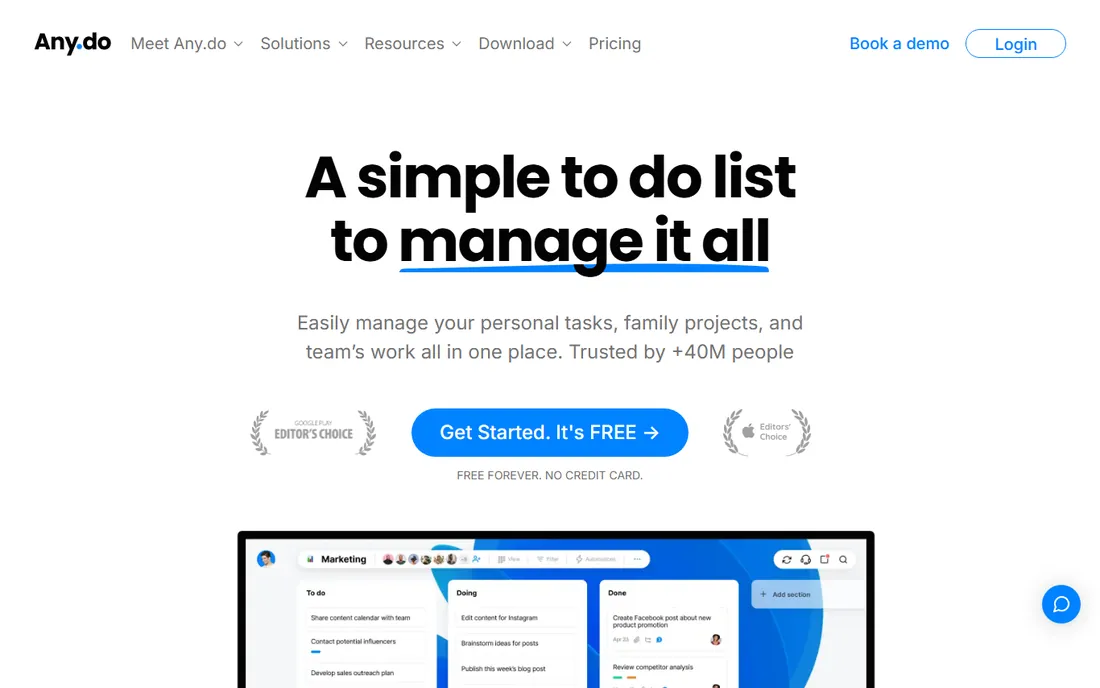
Any.do keeps personal task management simple: lists, reminders and a daily planner view across every platform. The "Moment" review feature nudges a daily planning habit.
Heavy organizers will miss Todoist's filters and labels. For straightforward list-keeping with reminders, it is pleasantly uncomplicated.
Any.do users should run the daily Moment review; the planning habit is the real product. Keep lists short and focused, archiving completed projects regularly. The calendar integration keeps tasks visible where you already look.
What we like- Clean and simple
- Good mobile apps
- Calendar integration
Watch out for- Advanced features need premium
- Less powerful than Todoist
Starting priceSee website
Free planYes
Remember The Milk has served GTD practitioners for nearly two decades with smart lists, tags, locations and powerful search. Keyboard shortcuts make power users fast.
The interface feels its age and updates are infrequent. Loyalists stay for the workflow; newcomers may prefer modern alternatives.
Remember The Milk loyalists should exploit smart lists for their most common views: overdue, due today, waiting on others. The keyboard shortcuts make triage genuinely fast. It rewards users who think in GTD terms.
What we like- Smart lists and saved searches
- Keyboard-friendly
- Long track record
Watch out for- Design dated
- Development pace slow
Starting priceSee website
Free planYes
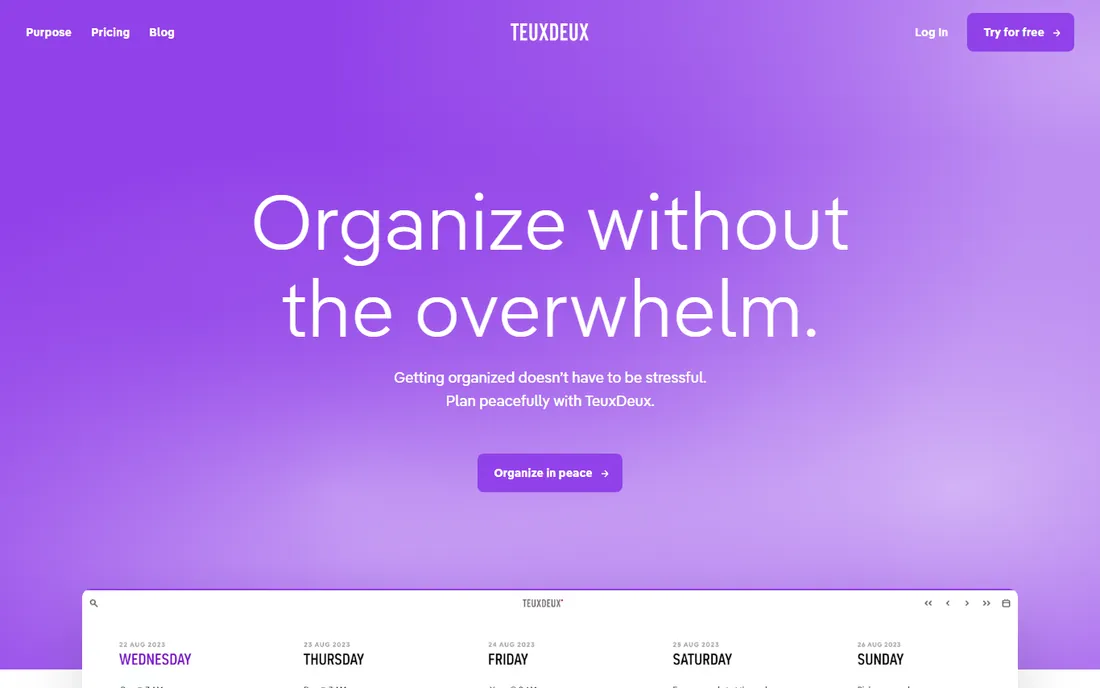
TeuxDeux shows your week as simple day columns: type tasks under each day, drag to reschedule, done. The constraint is the feature; there is nowhere for tasks to hide.
Anyone needing projects, labels or filters will outgrow it immediately. For people who plan day by day and hate complex apps, the simplicity is the point.
TeuxDeux users should protect the simplicity by resisting feature requests to themselves; the constraint is the value. Plan each morning in under five minutes. When tasks need projects and subtasks, that is the signal to graduate to a bigger app.
What we like- Beautiful week-view planning
- Refreshingly simple
- Low friction
Watch out for- Minimal features
- No advanced organization
Starting priceSee website
Free planYes
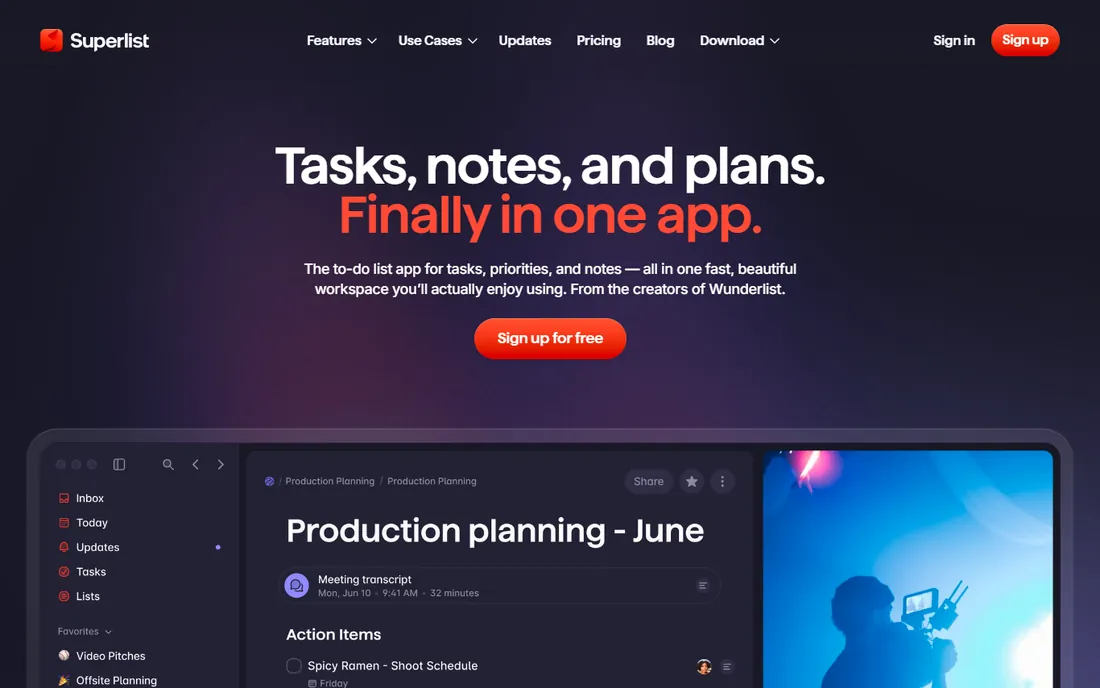
Superlist is a modern task app from the makers of Wunderlist, rebuilt with speed and polish. Personal lists, shared lists and integrations arrive in a genuinely pleasant interface.
As a newer product, the ecosystem and advanced features are still maturing. Design-conscious users who want the next generation of to-do apps should try it.
Superlist users are early adopters; expect rapid evolution and occasional rough edges. The speed and design make daily use pleasant. Provide feedback, since young products shape around engaged users.
What we like- Modern design
- Fast and polished
- Free tier available
Watch out for- Newer with smaller ecosystem
- Feature set still growing
Starting priceSee website
Free planYes
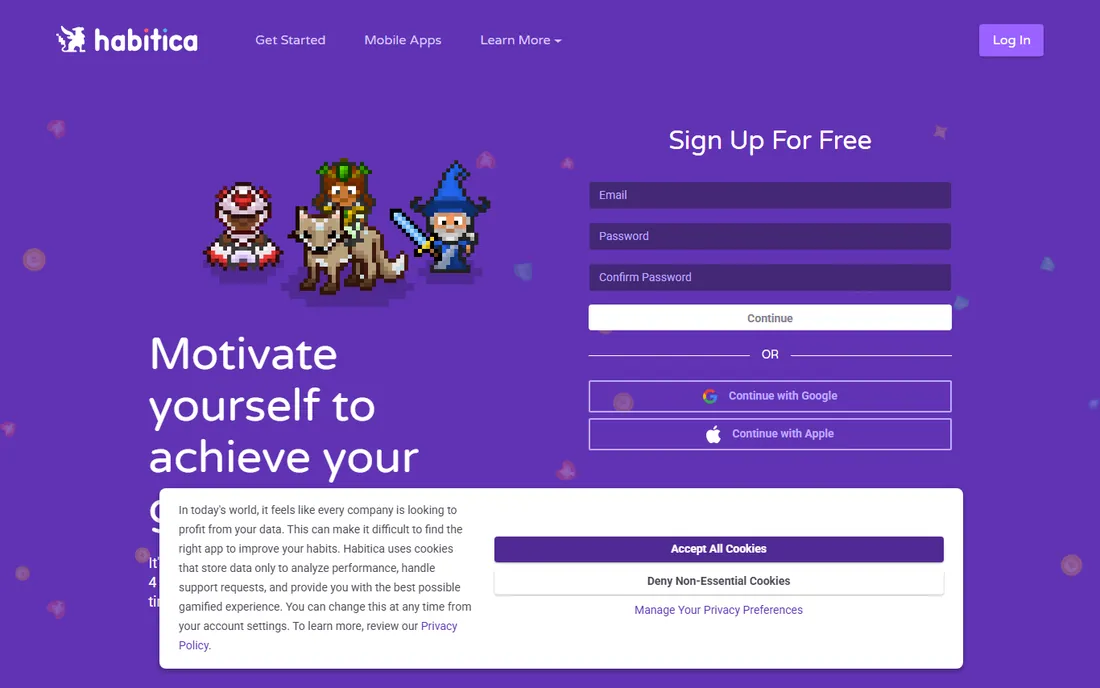
Habitica turns your task list into a role-playing game: complete tasks to level up your avatar, miss dailies and take damage. The game mechanics genuinely motivate people who struggle with traditional apps.
The fantasy framing is not for everyone or every workplace. For building habits alongside tasks, the free gamified approach works surprisingly well.
Habitica users should join a party for accountability; the social layer multiplies the motivation. Be honest with dailies, since gaming the system only cheats yourself. The free price means the only investment is consistency.
What we like- RPG gamification motivates
- Habits, dailies and todos together
- Free and open source
Watch out for- Game layer distracts some
- Less professional feel
Starting priceSee website
Free planFree trial
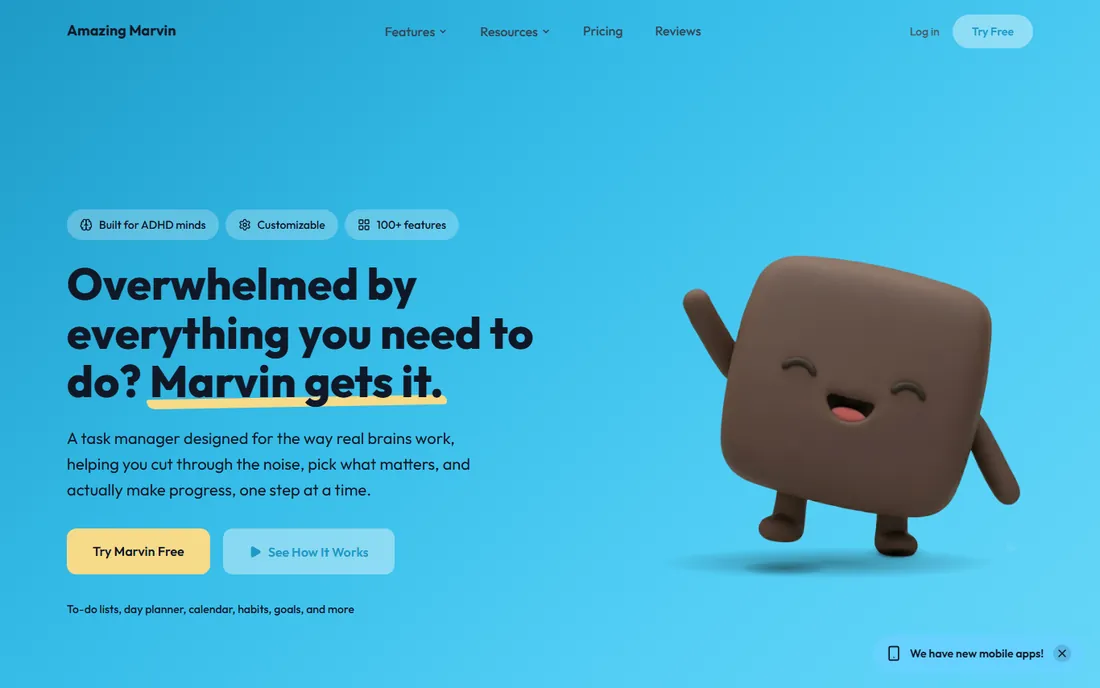
Amazing Marvin lets you build your own productivity system from dozens of strategies: time blocking, procrastination workflows, reward systems. It is explicitly designed for ADHD brains and chronic procrastinators.
The flexibility means setup effort. People who have tried every app and bounced off all of them often find Marvin's adaptability is what finally sticks.
Amazing Marvin users should start with one or two strategies rather than enabling everything; the customization is powerful but overwhelming in bulk. The ADHD-friendly design works best when the system matches your actual brain. Iterate monthly as you learn what sticks.
What we like- Extremely customizable workflows
- Designed with ADHD users in mind
- Strategies built in
Watch out for- Overwhelming options at first
- Subscription only
How we chose
We verified each vendor's homepage and kept apps designed for individual task management, excluding team project tools like Asana and Trello. We weighted capture speed, cross-platform availability, free plan quality and fit for different working styles. Pricing changes often, so paid tiers show "See website".
What to get right before you buy
Pick for your weakest moment. The best app is the one you will open when tired and overwhelmed, not the one with the most features.
Keep one system. Tasks scattered across apps, notes and memory fail regardless of tool quality. Commit fully for two weeks before judging.
Use the free tier first. Every app here except Things and Amazing Marvin has a free plan; your habits matter more than premium features.
Frequently asked questions
What is the best free to-do list app?
Todoist and TickTick offer the most capable free plans. Any.do and Remember The Milk are solid free alternatives.
Todoist vs TickTick: which is better?
Todoist is faster and cleaner for pure task management; TickTick adds calendar, habits and Pomodoro. Try both free and keep the one you open daily.
Is Things worth the price?
For Apple-only users who value design and focus, yes. It is a one-time purchase per device with no subscription, which softens the cost over time.
What is the best task app for ADHD?
Amazing Marvin is explicitly designed for ADHD workflows; Habitica's gamification also helps many people with ADHD stay engaged.
Do I need a paid task manager?
Most individuals do not. Free tiers cover lists, reminders and basic organization; paid plans add filters, labels and integrations that matter mainly to power users.
How do I stick with a task app?
Do a two-minute daily review, keep the inbox empty, and schedule tasks rather than just listing them. The app matters less than the habit.
The two-minute rule and other systems that actually work
Productivity systems fail when they are complicated; the ones that last are simple. The two-minute rule is the best starting point: if a task takes less than two minutes, do it now instead of writing it down. Half the items people put on to-do lists should never have been listed.
Next, separate capturing from organizing. Dump every task, idea and commitment into the inbox immediately, then process the inbox once or twice daily: decide what each item means and where it goes. An app full of unprocessed inbox items creates anxiety rather than clarity.
Then, schedule the important tasks. A to-do list without dates is a wish list; tasks with calendar blocks get done. Each morning, pick the three most important tasks and block time for them. Everything else is bonus.
Review weekly without exception. The weekly review, emptying the inbox, checking project lists, previewing the calendar, is the habit that keeps every system working. Thirty minutes on Friday prevents Monday chaos. No app survives without it.
Finally, forgive the bad days. Systems work on average, not every day. Missing a day of reviews or letting the inbox pile up is normal; the skill is restarting without guilt. The best task app is the one you return to after falling off, so choose the one with the lowest re-entry friction.
Syncing tasks across devices
A task app you cannot access everywhere is a task app you will abandon. Before committing, verify the sync: install on every device you use daily and confirm changes appear within seconds. Test offline behavior too, since commutes and travel kill connectivity.
Keep the device count reasonable. Phone, computer and maybe tablet cover real needs; syncing to every gadget multiplies notification chaos. Turn off notifications on secondary devices to avoid duplicate pings.
Use widgets and quick-add aggressively on mobile. The phone is where tasks get captured: voice input while walking, share-sheet capture from other apps, and home-screen widgets showing today's list. Desktop is where tasks get organized and processed. Design your workflow around this split.
Watch for sync conflicts with collaborators, even in personal apps with shared lists. Two people editing the same task can overwrite each other. Most apps handle this gracefully now, but check the conflict behavior before sharing critical lists.
Finally, have an export habit. Export your tasks monthly to a plain format you control. Apps get acquired, pricing changes, and features disappear. Your task history and project templates should survive any single vendor.
Sources we checked (9)
- https://www.todoist.com/
- https://ticktick.com/
- https://www.any.do/
- https://www.rememberthemilk.com/
- https://culturedcode.com/things/
- https://teuxdeux.com/
- https://www.superlist.com/
- https://habitica.com/
- https://amazingmarvin.com/
Is your product missing or out of date?
We review this list regularly. Vendors can request a listing, send updated pricing or ask about featured placement.

Shihab Mia · Founder, Rankite
Shihab has spent more than a decade helping SaaS and e-commerce brands grow through search. He writes Rankite's software buying guides from pricing pages, documentation and public user reviews. More about Shihab.