How we make this list: we compare pricing pages, product documentation and public user reviews. Rankite is independent; if a vendor ever pays for a featured spot, that listing is clearly labeled Partner.
Key takeaways
- STACK is the best pure takeoff platform for teams that measure in the cloud and want estimators collaborating on the same plans in real time.
- Bluebeam Revu remains the PDF workhorse: if your team already lives in drawings, its measurement tools cost far less than a full estimating suite.
- PlanSwift and Togal.AI suit estimators who want speed on a single workstation, with Togal adding AI that reads drawings automatically.
- HCSS HeavyBid and Sage Estimating are built for heavy civil and commercial contractors whose bids depend on deep cost databases and DOT workflows.
- Buildxact and Buildertrend fit residential builders who want estimating tied to quoting, scheduling, and client communication in one place.
Quick comparison
| Tool | Best for | Starting price | Free plan |
|---|
 STACK STACK | cloud-based takeoff for estimating teams | See website | Free trial |
 Bluebeam Revu Bluebeam Revu | PDF markup and quantity takeoff on a budget | See website | Free trial |
 PlanSwift PlanSwift | desktop drag-and-drop takeoff | See website | Free trial |
 Procore Estimating Procore Estimating | general contractors already running Procore | See website | No |
 Buildxact Buildxact | small residential builders and remodelers | See website | Free trial |
 HCSS HeavyBid HCSS HeavyBid | heavy civil contractors bidding DOT work | See website | No |
 Togal.AI Togal.AI | AI-powered takeoff for commercial GCs | See website | Free trial |
 Buildertrend Buildertrend | home builders and remodelers who manage clients too | See website | No |
 Sage Estimating Sage Estimating | commercial contractors on Sage accounting | See website | No |
 Kreo Kreo | AI-assisted quantity takeoff for early estimates | See website | Free trial |
Is your product missing or out of date?
We review this list regularly. Vendors can request a listing, send updated pricing or ask about featured placement.
The best takeoff and estimating software
Starting priceSee website
Free planFree trial

STACK built its name on takeoff speed. Estimators upload plans, calibrate the scale, and start measuring areas, lengths, and counts with point-and-click tools that snap to drawing geometry. Because everything runs in the browser, two or three estimators can work the same set at once, which matters when a bid is due Friday and the plans arrived Tuesday.
The platform added AI-assisted measurement that pre-reads drawings and suggests takeoffs for review. It is not a full estimating suite in the Sage or HCSS sense, so teams that need deep cost databases or bid-day workflows usually pair it with another tool. For takeoff-first shops, especially subcontractors bidding lots of similar work, STACK hits the sweet spot between a PDF markup tool and enterprise estimating software.
What we like- Fast cloud takeoff with auto-measure
- Real-time collaboration across estimators
- Works on Mac and PC
Watch out for- Estimating depth is lighter than dedicated cost-database tools
- Per-user pricing adds up for large teams
Starting priceSee website
Free planFree trial
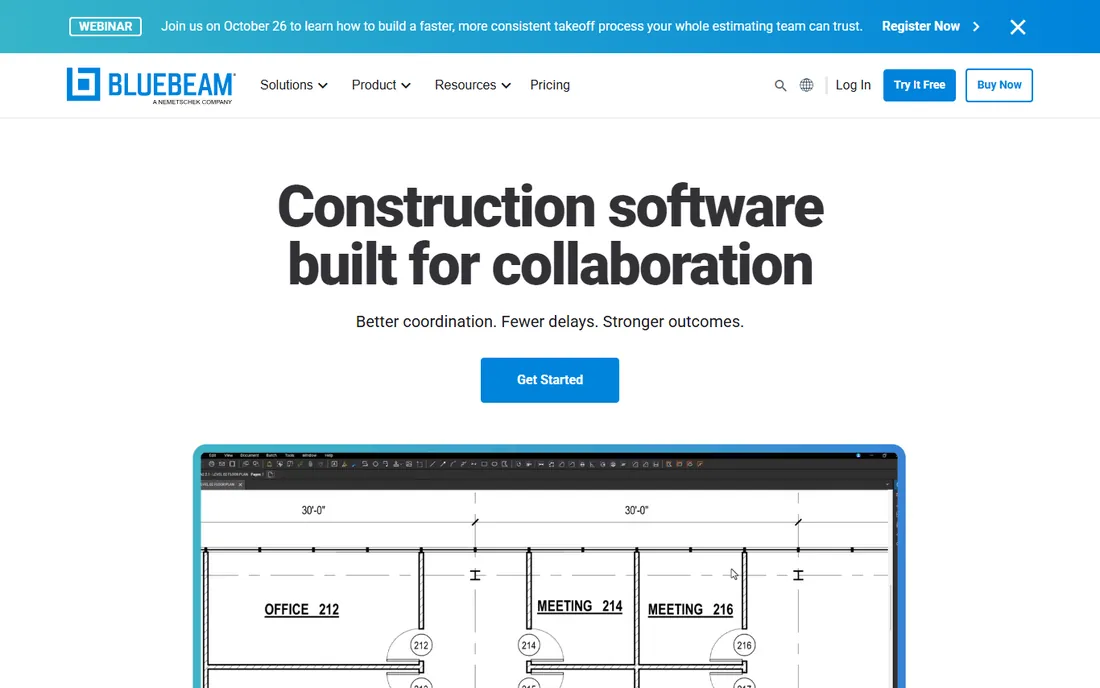
Almost every contractor already opens drawings in Bluebeam. Revu's measurement tools let you pull areas, perimeters, volumes, and counts straight from calibrated PDFs, then push quantities into the built-in measurement list for export to Excel. For many small shops, that is the entire takeoff workflow, and it costs a fraction of a dedicated estimating platform.
The honest catch is that Revu does not price anything. You get quantities, then you price them in a spreadsheet or another system. Teams that outgrow that usually move to STACK or PlanSwift for takeoff and keep Revu for submittals and punch lists. As a first step away from printed plans and highlighters, though, nothing beats it for value.
What we like- Industry-standard PDF markup
- Calibrated measurement tools are precise
- One-time familiarity across the whole team
Watch out for- Not a real estimating database
- Collaboration needs Studio sessions set up properly
Starting priceSee website
Free planFree trial
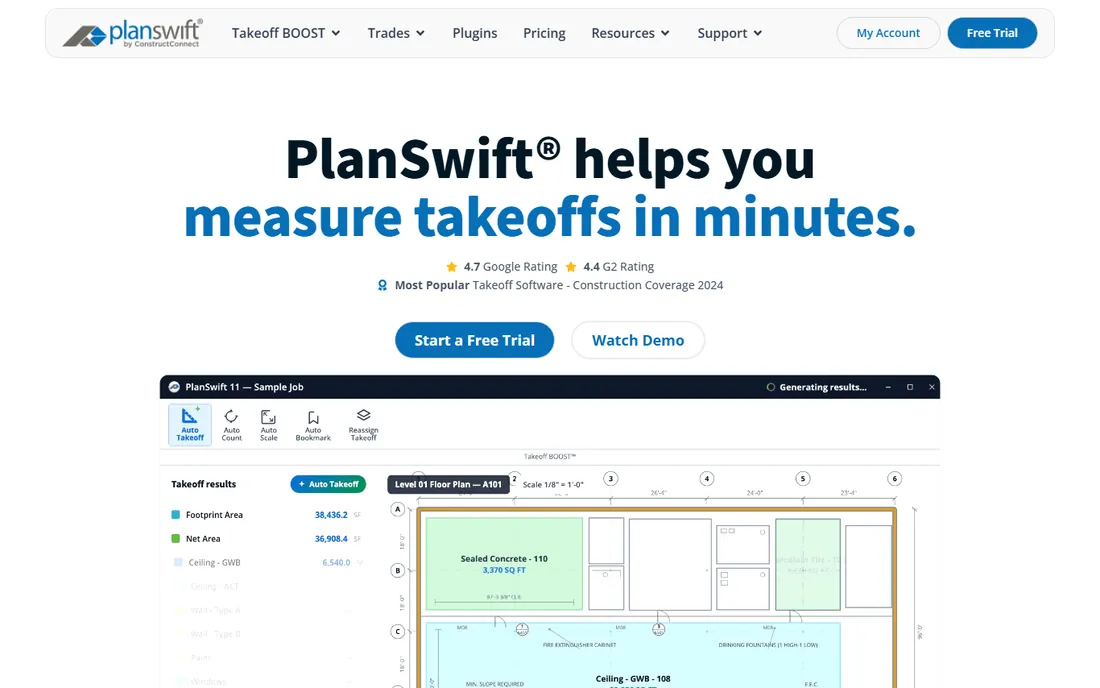
PlanSwift is the classic estimator's desktop tool. You drag a takeoff type onto the plan, click the area, and the quantity lands in a worksheet that flows into Excel with formulas intact. Estimators who think in spreadsheets love it because the estimate stays a live workbook instead of a locked report.
Trimble owns PlanSwift now, and recent versions added an AI takeoff assistant plus a real-time material and labor cost database. The tradeoff is that it is still a desktop Windows program at heart. Solo estimators and small teams who want one workstation doing fast takeoffs will feel at home; distributed teams that need everyone in the same cloud set should look at STACK or Procore instead.
What we like- Fast point-and-click takeoff
- Deep Excel integration
- One-time license option
Watch out for- Windows-only desktop software
- Cloud collaboration is limited
#4
Procore Estimating
Best for: general contractors already running Procore
Visit procore.com
Starting priceSee website
Free planNo

Procore Estimating grew out of the Esticom acquisition, and it shows in the best way: takeoff quantities feed straight into estimates, and awarded estimates flow into the Procore project where budgets, change orders, and field costs live. That continuity is the whole pitch. No re-keying numbers between systems, no version confusion about which estimate won the job.
For a general contractor already paying for Procore, adding estimating keeps everything in one database. For a subcontractor or a shop not on Procore, the price and the platform lock-in are hard to justify against STACK or PlanSwift. Buy it for the ecosystem, not as a standalone takeoff tool.
What we like- Takeoff tied directly to the project record
- 2D and 3D quantity extraction
- Historical cost data from past jobs
Watch out for- Quote-based pricing
- Overkill if you do not use the rest of Procore
Starting priceSee website
Free planFree trial
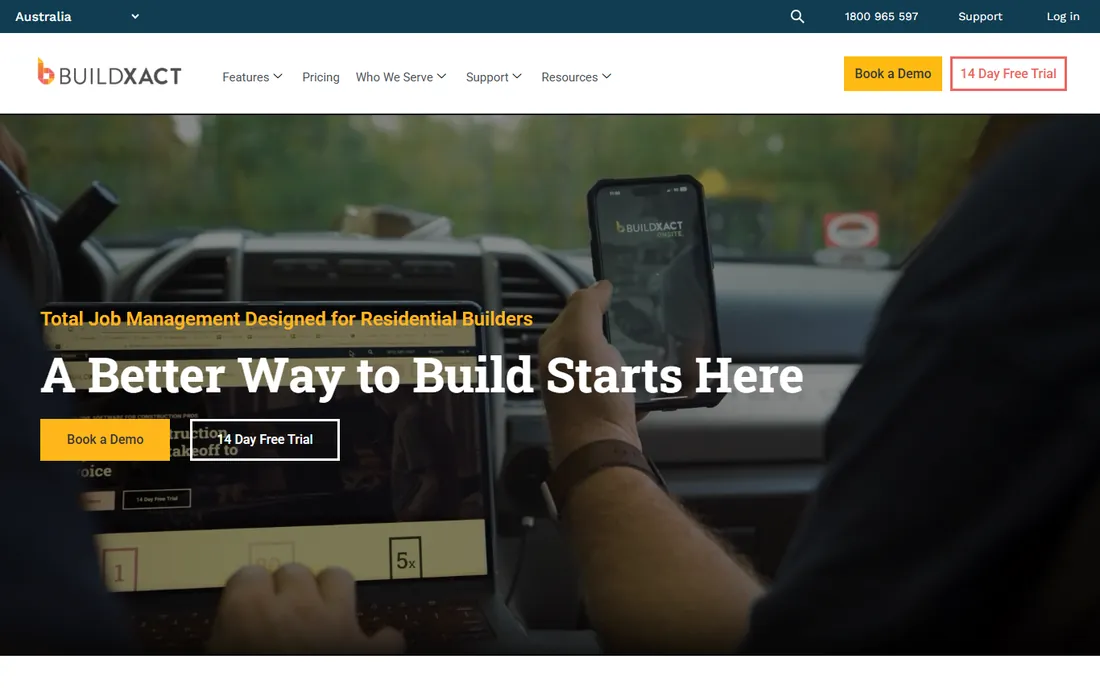
Buildxact targets the residential builder doing kitchens, additions, and custom homes. You take off from plans, pull live pricing from your actual suppliers, and turn the estimate into a client-facing quote without touching Excel. The Blu AI assistant can generate estimates and review them for missing items, which helps one-person shops catch mistakes.
It will not satisfy a commercial estimator who needs assemblies, bid alternates, and multi-prime bid tabs. But residential builders rarely need those. The value here is speed from plan to signed quote, plus job costing and scheduling once the job starts. If your bids are under a few hundred thousand dollars and your team is small, this is the easiest on-ramp.
What we like- Simple estimating with live supplier pricing
- Quote to job management in one flow
- Easy learning curve
Watch out for- Limited depth for commercial work
- Fewer advanced takeoff features
#6
HCSS HeavyBid
Best for: heavy civil contractors bidding DOT work
Visit hcss.com
Starting priceSee website
Free planNo

HeavyBid is the standard for heavy civil and infrastructure contractors in North America. It handles the way DOT work actually bids: pay items, crew and equipment rates, production-based costing, and bid-day analysis when subs' numbers land at the last minute. Estimates roll into HeavyJob so field crews track production against the budget the estimator set.
Nothing about this tool is cheap or simple. Implementation takes training, and the per-user cost reflects its enterprise position. But if half your revenue comes from unit-price public work, HeavyBid pays for itself in bid accuracy and standardization across estimators. Civil contractors should also look at InSite SiteWork for earthwork-heavy bids.
What we like- Activity-based estimating for complex bids
- DOT pay-item workflows
- Strong handoff to field cost tracking
Watch out for- Expensive and complex to implement
- Interface feels dated
#7
Togal.AI
Best for: AI-powered takeoff for commercial GCs
Visit togal.ai
Starting priceSee website
Free planFree trial

Togal.AI is the most aggressive AI takeoff product on the market. Upload a drawing set and it auto-measures rooms, walls, and counts, then lets you chat with the drawings to pull quantities. For commercial GCs and subs bidding dozens of jobs a month, the time savings are real: estimators spend their hours pricing and strategizing instead of clicking polygons.
The price reflects that ambition, at a few hundred dollars per user per month on annual billing. And the AI is a starting point, not a finished estimate. Drawings with poor layering or scanned PDFs still need human cleanup. Teams with steady commercial bid volume get the most from it; occasional bidders will not use enough to justify the seat cost.
What we like- One-click auto-takeoff from drawings
- Drawing change detection
- Fast for high-volume bidding
Watch out for- Per-user price is steep
- AI output still needs estimator review
Starting priceSee website
Free planNo
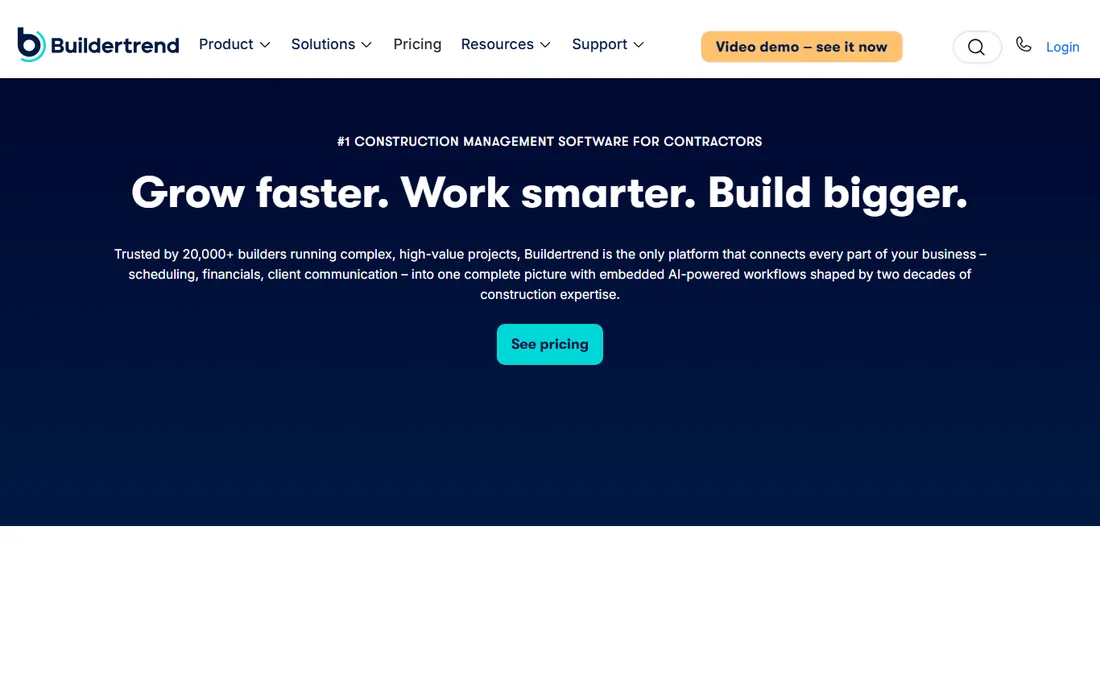
Buildertrend is project management software with estimating built in, not the other way around. Residential builders take off quantities from plans, build the estimate, and then run the whole job, schedule, change orders, client selections, and invoices, in the same system. The client portal is the standout: homeowners see progress photos, approve change orders, and pay online.
If takeoff precision is your top priority, STACK or PlanSwift measure better. Buildertrend wins when the estimate is just the first step and you want one system from first bid to final payment. Remodelers and custom home builders who juggle client communication will get more from it than pure estimators.
What we like- Estimating inside full project management
- Client portal and payments
- Good for design-build firms
Watch out for- Takeoff tools are basic
- Pricing is quote-based and not cheap
#9
Sage Estimating
Best for: commercial contractors on Sage accounting
Visit sage.com
Starting priceSee website
Free planNo
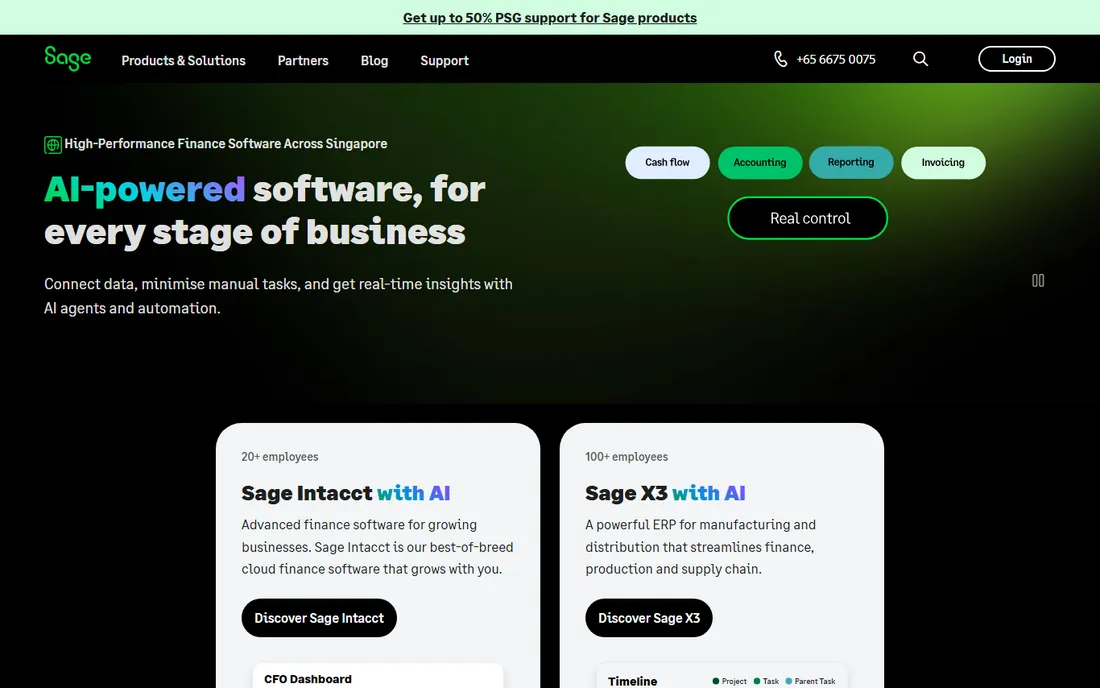
Sage Estimating is the commercial estimator's database tool. It ships with serious cost data, supports detailed assemblies and bid alternates, and connects estimates directly to Sage 300 CRE or Sage Intacct job costing. For contractors whose accounting already runs on Sage, that integration removes a whole category of handoff errors.
New estimators face a real learning curve, and the software rewards firms that invest in standardizing their cost database. It is overkill for a five-person shop. But mid-size and large commercial GCs that bid complex work and need audit-ready estimates keep coming back to it. Pair it with eTakeoff for on-screen measurement.
What we like- Deep cost databases and assemblies
- Estimate-to-job-cost flow with Sage accounting
- ETakeoff integration
Watch out for- Steep learning curve
- Implementation is a project in itself
#10
Kreo
Best for: AI-assisted quantity takeoff for early estimates
Visit kreo.net
Starting priceSee website
Free planFree trial
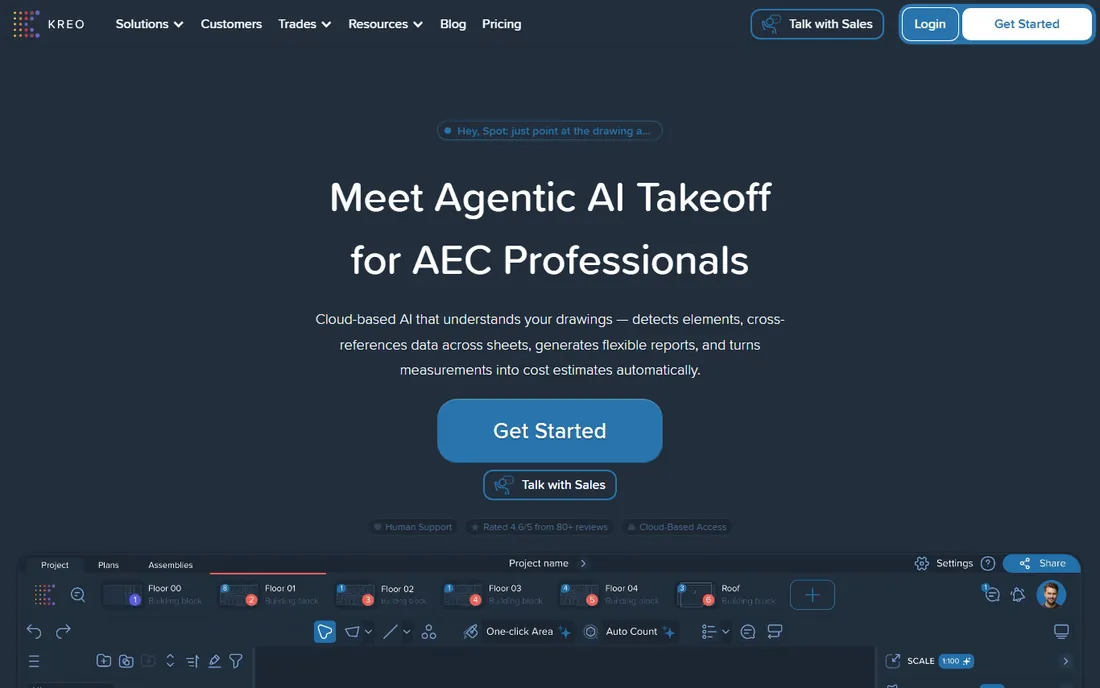
Kreo is a newer cloud platform betting that AI can do the first pass of takeoff. Upload drawings and its models identify rooms, walls, and counts, giving estimators a draft quantity schedule in minutes instead of hours. For early-stage budgets and feasibility estimates, that speed changes how many opportunities a team can price.
The caveat is verification. AI measurement is impressive on clean drawings and shaky on scanned or poorly layered sets, so a senior estimator still reviews everything before it becomes a bid. Support and integrations are thinner than the established players. Firms comfortable with new tools and hungry for speed will like it; conservative shops should wait for more track record.
What we like- AI reads drawings and auto-measures
- Cloud-native and fast for preliminary numbers
- Good 2D takeoff
Watch out for- Newer vendor with smaller support footprint
- AI takeoffs need verification before pricing
How we chose
We started from how contractors actually buy: takeoff speed, estimating depth, trade fit, and what the tool connects to. We compared feature lists and pricing pages against public reviews on G2, Capterra, and contractor forums, and we checked each vendor's site to confirm the product still exists and what it costs to start. We favored tools with clear takeoff workflows and real adoption among US contractors, mixing established platforms with newer AI entrants. No vendor paid for placement, and we did not claim hands-on testing we did not do.
What to look for before you buy
Takeoff and estimating are two different jobs, and most tools lean toward one. Takeoff is measuring quantities from drawings. Estimating is pricing those quantities with labor, material, equipment, and markup. Decide which bottleneck hurts more. If estimators spend days clicking plans, buy takeoff speed (STACK, Togal.AI, Kreo). If bids go out wrong because costs are stale, buy a cost database (Sage, HCSS, Procore).
Check the plan format you actually receive. Vector PDFs and CAD files measure cleanly in every tool on this list. Scanned paper drawings and photos of plans do not, and AI takeoff in particular degrades on them. Ask for a trial with your own worst drawing set, not the vendor's demo set.
Think about who else touches the numbers. An estimate that dies in a spreadsheet creates rework for project managers and accountants. Tools that connect takeoff to job costing (Procore, Sage, Buildertrend, HCSS) save more than their subscription costs in avoided double entry. Finally, count seats honestly. Per-user pricing looks fine for two estimators and painful for twelve. Ask about concurrent-user or unlimited-seat options before you sign.
Pricing and licensing, explained
Expect three pricing shapes. Desktop tools like PlanSwift historically sold perpetual licenses with annual renewals, though subscriptions are now common. Cloud takeoff tools (STACK, Togal.AI, Kreo) charge per user per month or year, with takeoff-plus-estimate bundles costing more than takeoff-only plans. Enterprise suites (Procore, HCSS, Sage, Buildertrend) are quote-based, and the real cost includes implementation and training.
Watch for the add-ons that move the total. Cost databases, AI takeoff modules, and extra plan storage often sit on higher tiers. Multi-user collaboration is sometimes a separate line item. And if you bid public work, confirm the tool exports bid tabs in the format your DOT or agency requires before you commit.
Frequently asked questions
What is the difference between takeoff software and estimating software?
Takeoff software measures quantities from drawings: square feet of drywall, linear feet of pipe, number of doors. Estimating software prices those quantities using labor rates, material costs, and markup. Many products do both, but most are stronger at one. Pure takeoff tools like STACK measure fast; estimating suites like Sage price deep.
Can I do takeoffs from PDF drawings?
Yes. Bluebeam Revu, STACK, PlanSwift, and Togal.AI all measure from PDFs after you calibrate the scale. Vector PDFs give the best accuracy. Scanned drawings work but need more manual checking, and AI auto-takeoff is less reliable on them.
How much does takeoff and estimating software cost?
Simple tools start with free trials and low monthly plans, while per-user cloud takeoff typically runs into the hundreds per month for AI-powered options. Enterprise suites for heavy civil and large commercial work are quote-based and can run into five figures per year including implementation. Most vendors publish starting prices on their pricing pages or work on custom quotes.
Do I need estimating software if I already use Excel?
Excel works until bid volume or complexity breaks it. If estimators re-key quantities, pricing goes stale, or two people maintain different versions of the same bid, dedicated software pays for itself. Small shops often start with Bluebeam plus Excel, then move to STACK or Buildxact when volume grows.
What is the best takeoff software for subcontractors?
Subcontractors bidding repetitive trade work usually do best with fast takeoff tools: STACK for cloud collaboration, PlanSwift for desktop speed, or Togal.AI if bid volume justifies AI measurement. Trade-specific depth matters less than how quickly an estimator can turn a plan set into quantities.
Does AI takeoff replace estimators?
No. AI tools like Togal.AI and Kreo produce a fast first draft of quantities, but drawings have errors, ambiguities, and details models miss. Experienced estimators review, adjust, and price the work. The realistic gain is speed: more bids priced per week with the same staff, not fewer staff.
Sources we checked (13)
- https://www.getclue.com/blog/top-construction-estimating-software
- https://constructionestimatorindia.com/best-construction-estimating-software-in-canada/
- https://tasktagapp.medium.com/8-best-ai-construction-estimating-software-tools-in-2026-b1c0c925cbbf
- https://www.stackct.com
- https://www.planswift.com
- https://www.bluebeam.com
- https://www.procore.com
- https://www.buildxact.com
- https://www.hcss.com
- https://www.togal.ai
- https://www.buildertrend.com
- https://www.sage.com
- https://www.kreo.net
Is your product missing or out of date?
We review this list regularly. Vendors can request a listing, send updated pricing or ask about featured placement.

Shihab Mia · Founder, Rankite
Shihab has spent more than a decade helping SaaS and e-commerce brands grow through search. He writes Rankite's software buying guides from pricing pages, documentation and public user reviews. More about Shihab.