How we make this list: we compare pricing pages, product documentation and public user reviews. Rankite is independent; if a vendor ever pays for a featured spot, that listing is clearly labeled Partner.
Key takeaways
- Kapwing and VEED cover most creator needs: auto-captions, styling and export to SRT or burned-in video, with free plans to start.
- Rev is the accuracy pick: AI captions at $0.25 a minute, human-verified captions at $1.99 a minute, the choice when compliance or broadcast matters.
- Subtitle Edit is free, open source and surprisingly capable, including AI transcription, if you do not mind a Windows desktop app.
- Descript earns its place when editing happens through the transcript: cut words, and the video follows.
- Happy Scribe leads on languages (150+ for transcription) and Sonix on pay-as-you-go value at $10 an hour.
Quick comparison
| Tool | Best for | Starting price | Free plan |
|---|
 Kapwing Kapwing | social creators who want auto-captions plus editing | $16/member/month (billed annually) | Yes |
 VEED VEED | marketers making lots of subtitled video | $12/user/month (billed annually) | Yes |
 Subtitle Edit Subtitle Edit | precise manual subtitle timing at zero cost | Free (open source) | Yes |
 Descript Descript | podcasters and YouTubers who edit via transcript | $16/person/month (billed annually) | Yes |
 Rev Rev | accuracy when compliance or broadcast matters | $0.25/minute (AI) | Yes (45 AI minutes/month) |
 Happy Scribe Happy Scribe | multilingual teams needing 150+ languages | $17/month (Basic) | Yes (10-minute trial) |
 Sonix Sonix | journalists and media teams with heavy transcription volume | $10/hour (pay-as-you-go) | Yes (30-minute trial) |
 Zubtitle Zubtitle | styled social captions, fast | $19/month (Guru) | Yes (2 videos/month) |
Is your product missing or out of date?
We review this list regularly. Vendors can request a listing, send updated pricing or ask about featured placement.
The best subtitle software
#1
Kapwing
Best for: social creators who want auto-captions plus editing
Visit kapwing.com
Starting price$16/member/month (billed annually)
Free planYes
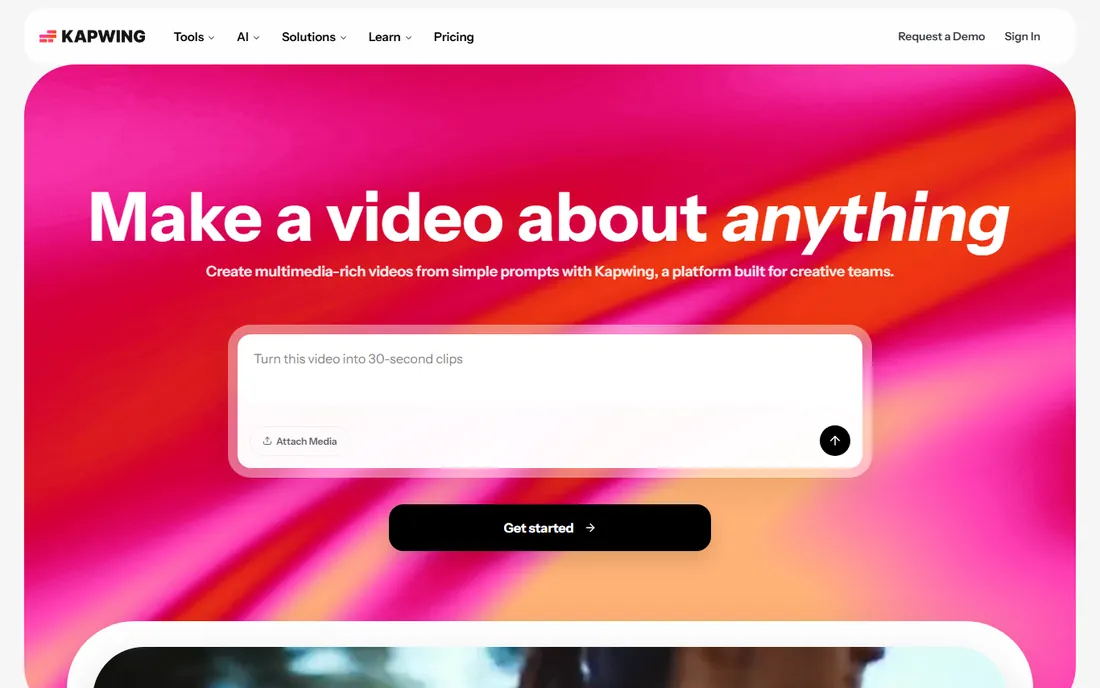
Kapwing is where a lot of social video starts, and captions are one of its strongest features. Upload a video, generate auto-subtitles, pick from more than a hundred caption styles, and export as SRT or with burned-in captions sized for TikTok, Reels or YouTube. Because it is a full editor, you can trim, resize and repurpose in the same tab instead of bouncing between tools. The free plan gives you 10 credits (about 10 minutes of auto-subtitling) with watermarked exports, enough to test the workflow properly.
The Pro plan at $16 per member per month with annual billing ($24 month to month) raises auto-subtitling to 1,000 minutes a month, removes the watermark and adds 4K exports. The catch for teams is per-member billing: three editors means three seats. Caption accuracy is strong on clear English and editable in the editor, but review technical terms and accents before publishing. For creators who publish captioned video weekly, Kapwing's speed is hard to beat.
What we like- Auto-subtitles in 70+ languages with 100+ caption styles
- Full browser editor with resizing and repurposing tools
- Free plan includes watermarked exports
Watch out for- Free plan caps exports at 4 minutes and 720p
- Per-member pricing adds up for teams
- Auto-subtitle minutes are credit-limited
#2
VEED
Best for: marketers making lots of subtitled video
Visit veed.io
Starting price$12/user/month (billed annually)
Free planYes
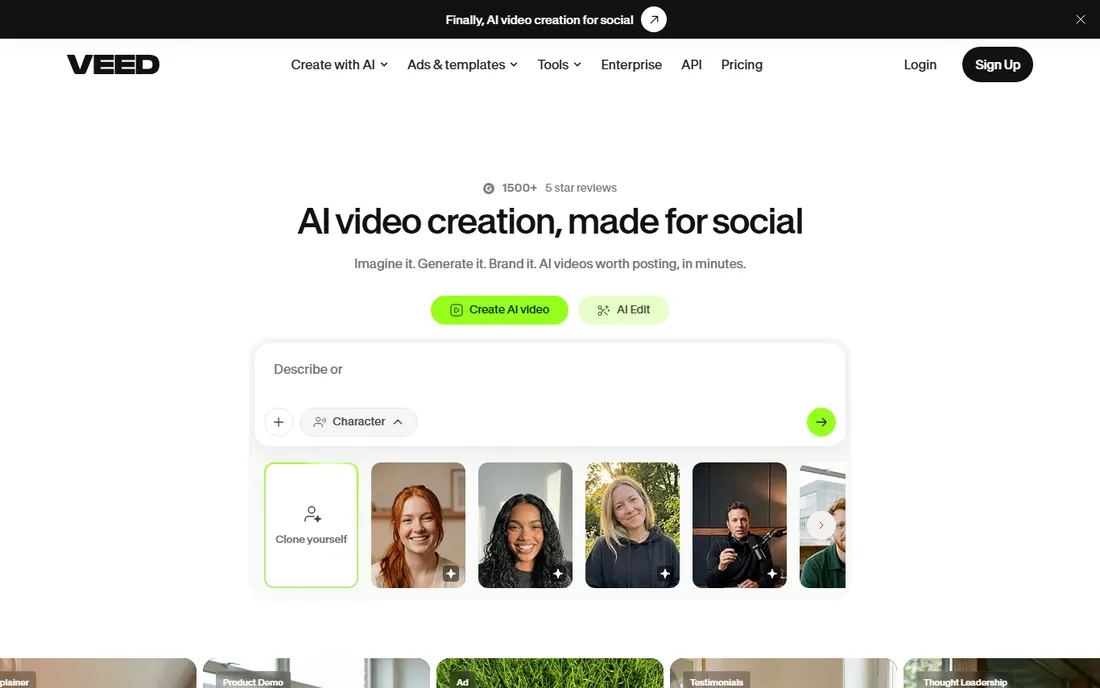
VEED built its name on auto-subtitles, and the 2026 lineup keeps that focus. The Creator plan includes auto-subtitles with one-click styling, translation into 50+ languages, and export as SRT, VTT or burned-in captions. The editor around it covers trimming, templates, brand kits and screen recording, so marketing teams can take a webinar recording to a captioned, translated, on-brand clip without leaving the browser.
Pricing in 2026 runs Free, Creator at $12 per user per month billed annually, Pro at $24, Studio at $39, plus Enterprise. The free plan works for evaluation with watermarked 720p exports. Watch the AI credits: they reset at the end of each subscription year and unused credits do not roll over, which punishes seasonal users. VEED suits teams producing captioned video at steady volume; occasional users get better value from a free or pay-as-you-go tool.
What we like- Auto-subtitles with high accuracy on clear speech
- One-click translation into 50+ languages
- Clean editor with brand kits and templates
Watch out for- AI credits reset yearly and do not roll over
- Free plan exports carry a watermark
- Plan names and limits changed in 2026, so read the current page
#3
Subtitle Edit
Best for: precise manual subtitle timing at zero cost
Visit nikse.dk
Starting priceFree (open source)
Free planYes
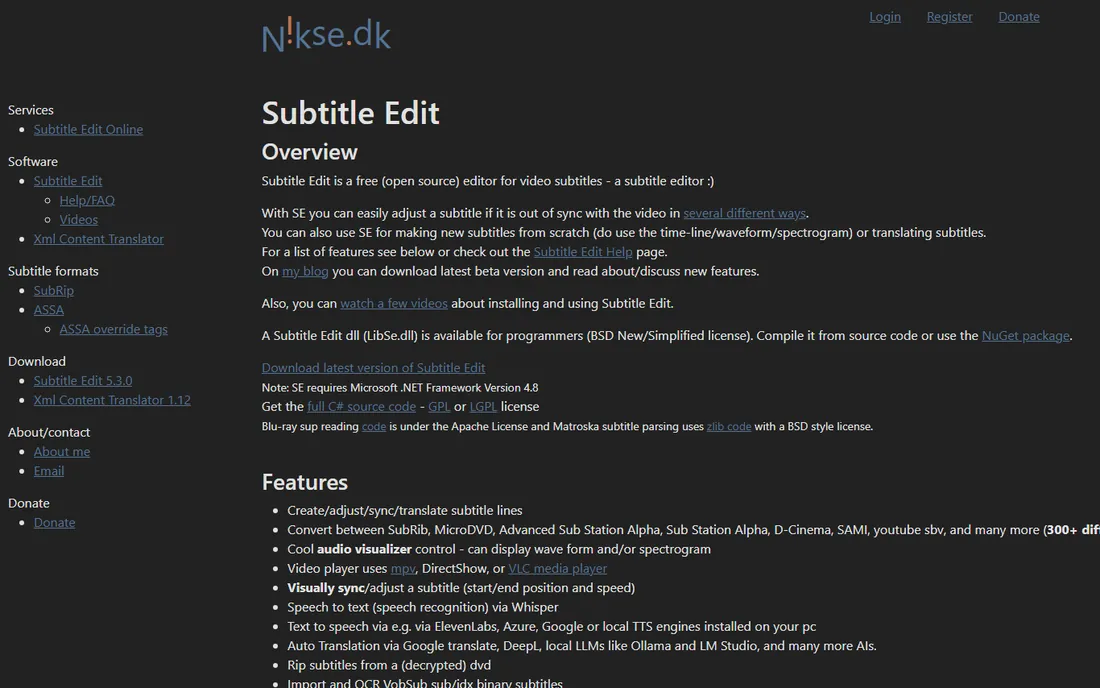
Subtitle Edit is the open-source workhorse that professionals have used for years, and it keeps getting better: recent versions add AI-powered auto-transcription alongside its famous waveform timing view. You see the audio waveform, place each subtitle line exactly where speech starts and ends, and get warnings when a line is too long to read before it disappears. It exports to more than 200 formats, from SRT and VTT to broadcast formats like STL and SCC.
There is no account, no subscription and no watermark: it is free software in the full sense. The trade is the experience. It is a Windows desktop app with an interface that shows its age, there is no real-time collaboration, and the first session involves learning where everything lives. For a freelancer or small studio that needs exact timing control, perhaps for broadcast or DVD work, nothing free comes close. For quick social captions, a browser tool will be faster.
What we like- Completely free with no tiers or limits
- Waveform view and auto-transcription for precise timing
- Exports to 200+ subtitle formats
Watch out for- Windows desktop app with a dated interface
- No cloud collaboration or sharing
- Setup takes longer than a browser tool
Starting price$16/person/month (billed annually)
Free planYes
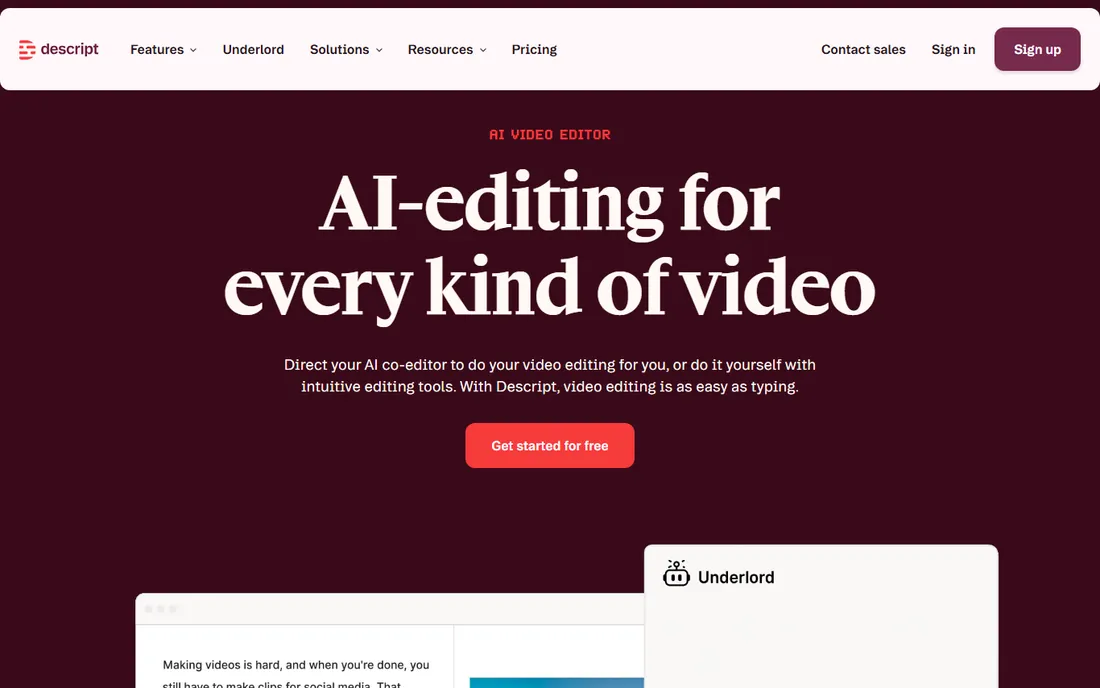
Descript flips the editing model: it transcribes your recording, and you edit the text. Delete a sentence in the transcript and it disappears from the video. That makes captioning almost a byproduct: the transcript is already timed, already speaker-labeled, and exportable as SRT or VTT or burned in. For podcasters and YouTubers, it collapses transcription, editing and captioning into one workflow, and features like Studio Sound and filler-word removal polish the result.
The free plan includes 60 media minutes a month with watermarked 720p export, a fair trial of the workflow. Hobbyist at $16 per person per month billed annually ($24 monthly) raises the caps and removes the watermark; Creator at $24 adds 4K and more AI features. Every figure is per person, so a three-editor team pays three times. Media minutes also count uploads, so long raw footage burns the allowance fast. If your workflow is transcript-first, Descript is worth it. If you only need captions on finished videos, a cheaper caption tool does the job.
What we like- Edit video and audio by editing the transcript text
- Accurate auto-transcription with speaker labels
- Studio Sound cleans up rough audio
Watch out for- Pricing is per person and adds up for teams
- Media hours cap how much you can upload
- No mobile editing app
#5
Rev
Best for: accuracy when compliance or broadcast matters
Visit rev.com
Starting price$0.25/minute (AI)
Free planYes (45 AI minutes/month)
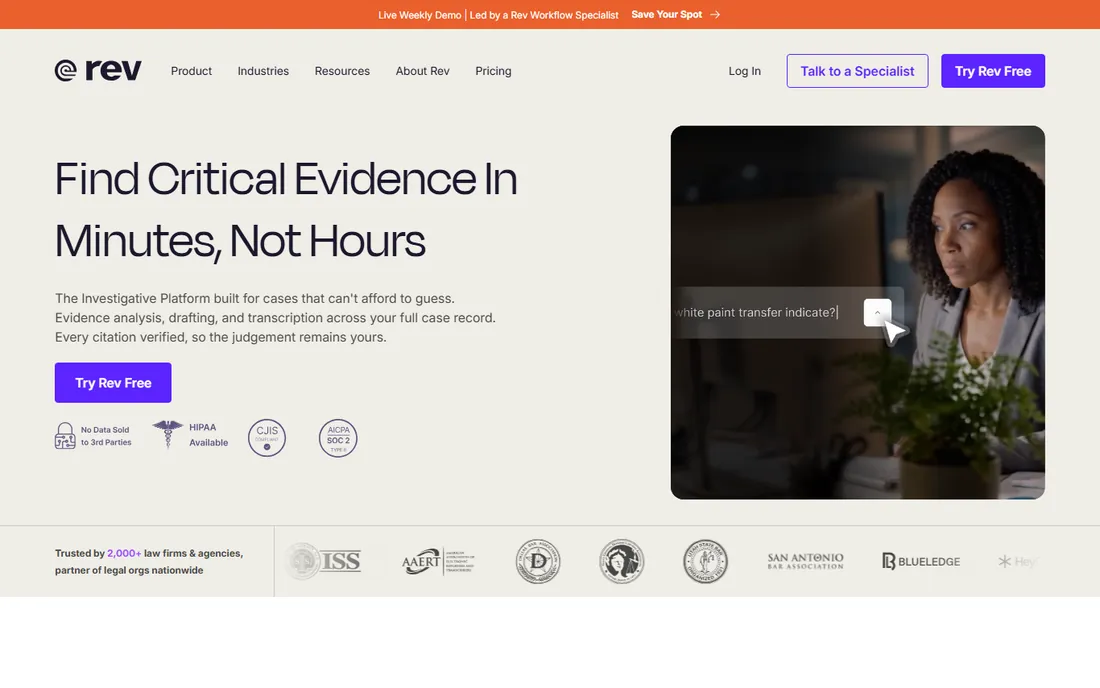
Rev is the service you hire when captions have to be right: legal proceedings, broadcast, education and enterprise compliance. Human captioners deliver 99% accuracy with a 24-hour average turnaround at $1.99 a minute, and the output meets FCC requirements with formats like SCC, MCC and TTML. For speed, AI captions at $0.25 a minute return in about five minutes with 95% plus accuracy on clear audio, editable in Rev's free caption editor.
The free plan includes 45 AI transcription and caption minutes a month in English, enough to test quality. Subscriptions at $29.99 a seat a month bundle AI minutes for regular users. The honest catch is cost at scale: an hour of human-captioned video costs about $119, so budget accordingly. Rev is not an editor and does not style social captions; pair it with an editor when you need pretty burned-in captions. When accuracy is the requirement, nothing in this list beats the human tier.
What we like- Human captions at 99% accuracy with 24-hour turnaround
- AI captions at $0.25 a minute for speed
- Broadcast-compliant formats like SCC and MCC
Watch out for- Human captions at $1.99 a minute get expensive at volume
- No built-in video editor
- The subscription tiers add complexity
Starting price$17/month (Basic)
Free planYes (10-minute trial)
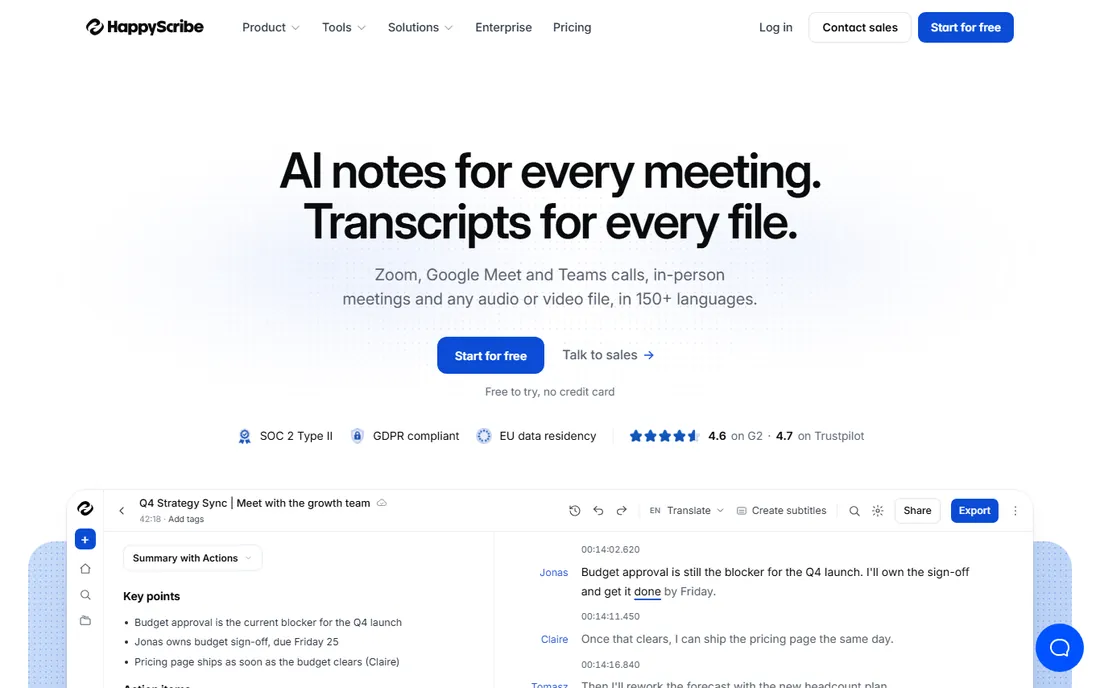
Happy Scribe's standout feature is language coverage: AI transcription in more than 150 languages, with translation and subtitling to match. The subtitle workspace lets editors adjust timing against the audio waveform, set characters-per-line and characters-per-second rules, and export to SRT, VTT, STL, FCPXML and more. When AI is not enough, human proofreading from about $2 a minute brings accuracy to 99% with 24-hour turnaround.
Pricing runs on subscriptions: Basic at $17 a month ($10 billed annually) with 120 AI minutes, Pro at $29 ($17 annual) with 600 minutes and three seats, plus extra minutes at $0.20 each. The free tier is a 10-minute trial of the AI services plus unlimited meeting recording, so it is a test drive rather than a plan. US buyers should note prices display in euros on parts of the site. For teams publishing in many languages, the breadth of language support justifies the subscription.
What we like- Transcription in 150+ languages, far more than most rivals
- Interactive subtitle editor with timing rules
- Human proofreading from $2 a minute
Watch out for- Euro-denominated pricing can confuse US buyers
- Free tier is a short trial, not ongoing
- Advanced features need the Pro plan
#7
Sonix
Best for: journalists and media teams with heavy transcription volume
Visit sonix.ai
Starting price$10/hour (pay-as-you-go)
Free planYes (30-minute trial)
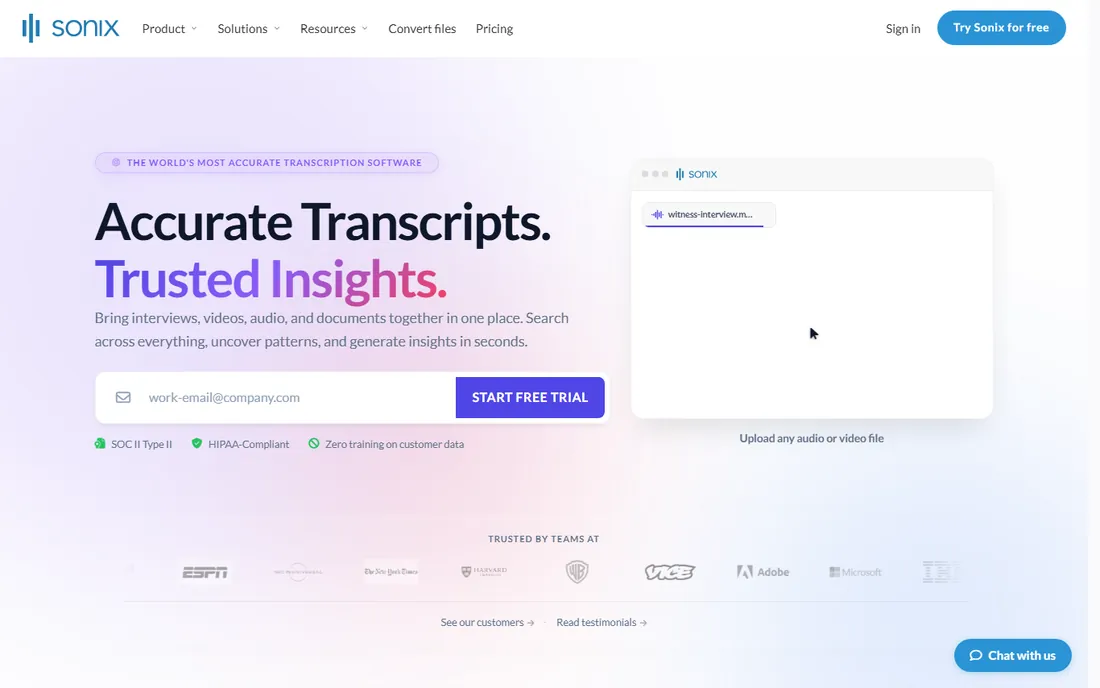
Sonix is a transcription-first platform that happens to do subtitles well. Pay-as-you-go pricing at $10 per audio hour, prorated to the second with no surcharge for speakers or noise, makes costs predictable for irregular volume: a 40-minute interview costs under $7. Every plan includes speaker labels, timestamps, subtitles and translation into 54+ languages, and exports drop straight into Adobe Premiere, Final Cut Pro, Avid and DaVinci Resolve, which media teams appreciate.
The free trial gives 30 minutes with no credit card, enough for a real test. Subscriptions lower the effective rate: Premium at $22 a user a month plus $5 an hour suits teams transcribing regularly. The honest catch is styling: Sonix generates accurate timed captions but will not produce the animated, branded caption styles that social tools offer. Use Sonix when the job is transcribe, translate and export to an editor. Use Kapwing or VEED when the job is styled social captions.
What we like- Simple pay-as-you-go at $10 an hour, prorated to the second
- Strong editor integrations with Premiere, Final Cut and Avid
- 30 free minutes, no card required
Watch out for- Subtitle styling is basic compared with Kapwing or VEED
- No monthly free tier
- Collaboration features need the Premium subscription
Starting price$19/month (Guru)
Free planYes (2 videos/month)
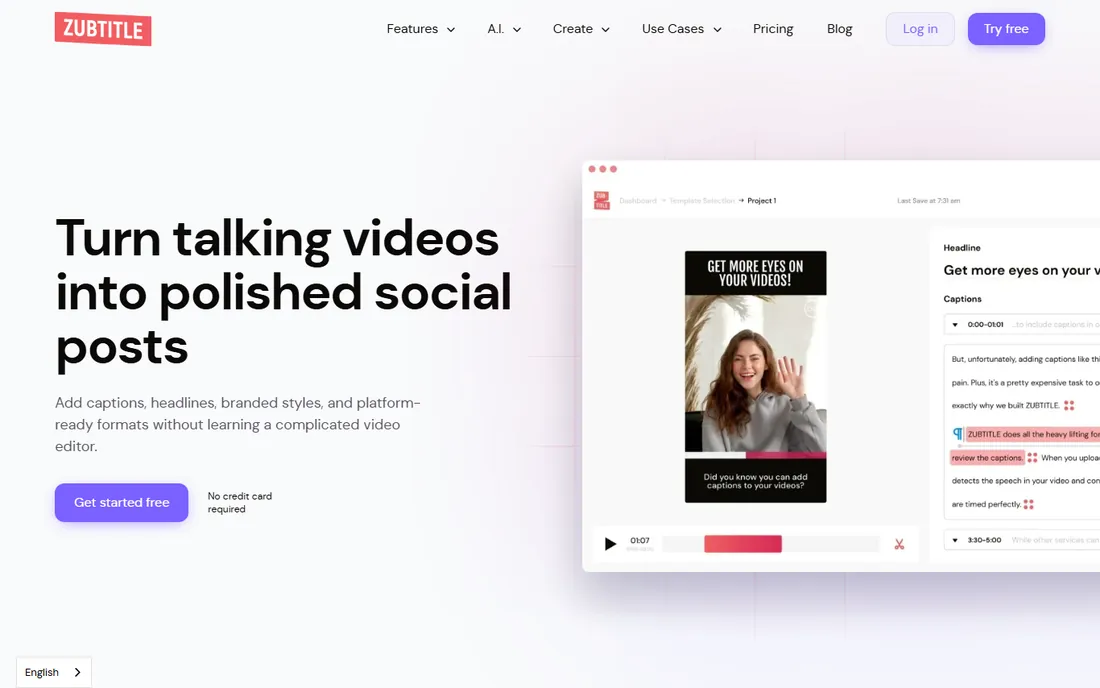
Zubtitle does one job and does it fast: take a talking-head video, auto-generate captions, style them with headlines, progress bars and your brand colors, resize for each platform, and export. The Guru plan at $19 a month covers 10 videos with 4K exports and no watermark; Agency at $49 covers 30. The free Bootstrapper plan gives you 2 videos a month with a watermark at 720p: limited, but genuinely free forever rather than a trial that expires.
The per-video pricing is the thing to model: a long webinar and a 30-second clip each count as one video, so heavy short-form creators get good value and long-form producers should look elsewhere. Language support is narrower than Happy Scribe or Kapwing, so multilingual teams should test first. For a solo creator or small business posting captioned clips to social every week, Zubtitle's focused workflow is faster than wrestling a full editor.
What we like- Purpose-built for social captions with headlines and progress bars
- Resizes video for every platform in one flow
- Genuinely free plan, not a time-limited trial
Watch out for- Priced per video count, not minutes
- English-focused with limited language support
- Fewer editing features than full video editors
How we chose
We did not claim hands-on testing. We compared each vendor's own pricing page and help documentation, plus public reviews on G2, Capterra and Reddit, against what a small business buyer needs: caption accuracy on real-world audio, export formats (SRT, VTT, burned-in), language coverage, how the free tier actually works, and whether pricing is per minute, per user or per video. We checked that every product is current and supported in 2026, and we favored tools with clear published prices. Where a price could not be verified on the vendor's own page, we wrote "See website".
What to look for in subtitle software
Start with accuracy on your audio, not the marketing claim. AI caption accuracy in the 95 to 99 percent range holds for clear, single-speaker English; accents, crosstalk, background noise and jargon drag it down everywhere. Every tool in this list lets you edit before export, so budget review time into the workflow: a 10-minute video needs 10 to 20 minutes of cleanup depending on audio quality.
Next, match the export to the destination. Social platforms want burned-in styled captions; YouTube and course platforms want SRT or VTT sidecar files; broadcast and legal need compliant formats like SCC or STL. Only Rev and Subtitle Edit cover the broadcast end properly. Then check the pricing unit against your volume: per-minute (Rev, Happy Scribe) suits occasional long videos, per-user subscriptions (Kapwing, VEED, Descript) suit steady teams, per-video (Zubtitle) suits short-form creators, and pay-as-you-go hours (Sonix) suit irregular transcription loads.
AI captions vs human captions
AI captions win on speed and price: minutes of turnaround at cents per minute. For social content, internal training and most marketing video, AI plus a human review pass is the right quality bar. The review pass is not optional: names, terms and numbers are where AI fails, and those are exactly the words your audience notices.
Human captions win where errors have consequences. Broadcast captions must meet FCC accuracy standards. Legal, medical and education content carries compliance risk. Client-facing work in regulated industries justifies Rev's $1.99 a minute or Happy Scribe's $2-a-minute proofreading. A practical rule: if a wrong word could cost money, embarrass the brand or break the law, pay for human review. Everything else gets AI plus your own proofread, which is what most teams in this guide actually do.
Frequently asked questions
How accurate are automatic subtitles in 2026?
On clear, single-speaker English, the best AI engines claim 95 to 99 percent accuracy, and independent testing broadly supports that for clean audio. Accents, overlapping speech, background noise and specialized vocabulary reduce it noticeably. Every tool here includes an editor because vendors know the first pass needs review. For publish-ready captions, plan on a human pass over the AI output.
What is the difference between captions and subtitles?
Technically, captions include non-speech information like sound effects and speaker labels (designed for accessibility), while subtitles translate or transcribe speech only. In practice, most tools and buyers use the words interchangeably. If you need true closed captions for accessibility or broadcast compliance, confirm the export format: SCC, MCC and TTML for broadcast, SRT or VTT for web.
Which subtitle format should I export?
For YouTube, Vimeo and course platforms, upload an SRT or VTT sidecar file so viewers can toggle captions. For TikTok, Reels and Shorts, burn styled captions into the video since most viewers watch without toggling anything. For broadcast television, use SCC or MCC. For editing handoff to Premiere or Final Cut, FCPXML or EDL-based workflows keep timing intact.
Can subtitle software translate my video?
Yes, several tools in this list do. VEED and Kapwing translate captions into 50 to 70+ languages, Happy Scribe covers 150+ languages for transcription and translation, and Descript dubs in 30+ languages. Machine translation quality varies by language pair: Spanish, French and German are strong, less common languages need review. For publish-ready translated subtitles, have a native speaker check the output.
How much does subtitle software cost?
It ranges from free (Subtitle Edit) to per-minute (Rev AI at $0.25, human at $1.99) to subscriptions ($12 to $24 a user a month for Kapwing, VEED and Descript) to pay-as-you-go hours (Sonix at $10). A creator captioning a few videos a month spends $0 to $20. A team captioning hours weekly should model per-minute versus subscription costs against real volume before committing.
Do I need to install software to add subtitles?
No. Kapwing, VEED, Happy Scribe, Sonix, Zubtitle and Rev all work in the browser. Subtitle Edit and Descript are desktop apps: Subtitle Edit for precise offline timing work, Descript for its transcript-based editing workflow. Browser tools are faster to start; desktop tools win for offline work and exact control.
Sources we checked (11)
- https://www.kapwing.com/pricing
- https://veed.io/
- https://www.nikse.dk/subtitleedit
- https://www.descript.com/
- https://www.rev.com/apps-and-tools/pricing-calculator
- https://www.happyscribe.com/
- https://sonix.ai/how-much-does-transcription-cost
- https://zubtitle.com/
- https://vidnotes.app/blog/125-Automatic-Subtitle-Generator-2026
- https://audiopod.ai/blog/best-ai-subtitle-generator
- https://aistoryland.com/best-ai-subtitle-software-tools-for-video-creators/
Is your product missing or out of date?
We review this list regularly. Vendors can request a listing, send updated pricing or ask about featured placement.

Shihab Mia · Founder, Rankite
Shihab has spent more than a decade helping SaaS and e-commerce brands grow through search. He writes Rankite's software buying guides from pricing pages, documentation and public user reviews. More about Shihab.