How we make this list: we compare pricing pages, product documentation and public user reviews. Rankite is independent; if a vendor ever pays for a featured spot, that listing is clearly labeled Partner.
Key takeaways
- Boords is the best fit for video agencies that need client comments and sign-off captured on the board itself.
- Toon Boom Storyboard Pro remains the standard drawing tool for professional 2D animation teams.
- Storyboarder from Wonder Unit and Krita are the strongest free options for artists who draw boards by hand.
- FrameForge suits live-action directors who plan shots with a virtual camera instead of sketching.
- Milanote and Miro work well for early development, when the board is still a pile of references and rough ideas.
Quick comparison
| Tool | Best for | Starting price | Free plan |
|---|
 Boords Boords | video agencies and brand teams that need client review and sign-off | See website | Yes |
 Toon Boom Storyboard Pro Toon Boom Storyboard Pro | animation studios and professional storyboard artists | $90 per month ($776 per year) | Free trial (14 days) |
 Storyboarder Storyboarder | solo creators who want a fast free storyboarding app | $0 | Yes |
 FrameForge Studio FrameForge Studio | live-action directors who want to plan shots without drawing | See website | No |
 StudioBinder StudioBinder | productions that want boards, shot lists and call sheets in one place | $42 per month (Starter, monthly billing) | Yes |
 Milanote Milanote | creative teams gathering references in early development | $9.99 per month (billed annually) | Yes |
 Miro Miro | teams that already run workshops on Miro | $8 per member/month (billed annually) | Yes |
 Canva Canva | marketers who need a presentable board fast | See website | Yes |
 Krita Krita | artists who hand-draw boards and want a free studio-grade app | $0 | Yes |
Is your product missing or out of date?
We review this list regularly. Vendors can request a listing, send updated pricing or ask about featured placement.
The best storyboard software
#1
Boords
Best for: video agencies and brand teams that need client review and sign-off
Visit boords.com
Starting priceSee website
Free planYes
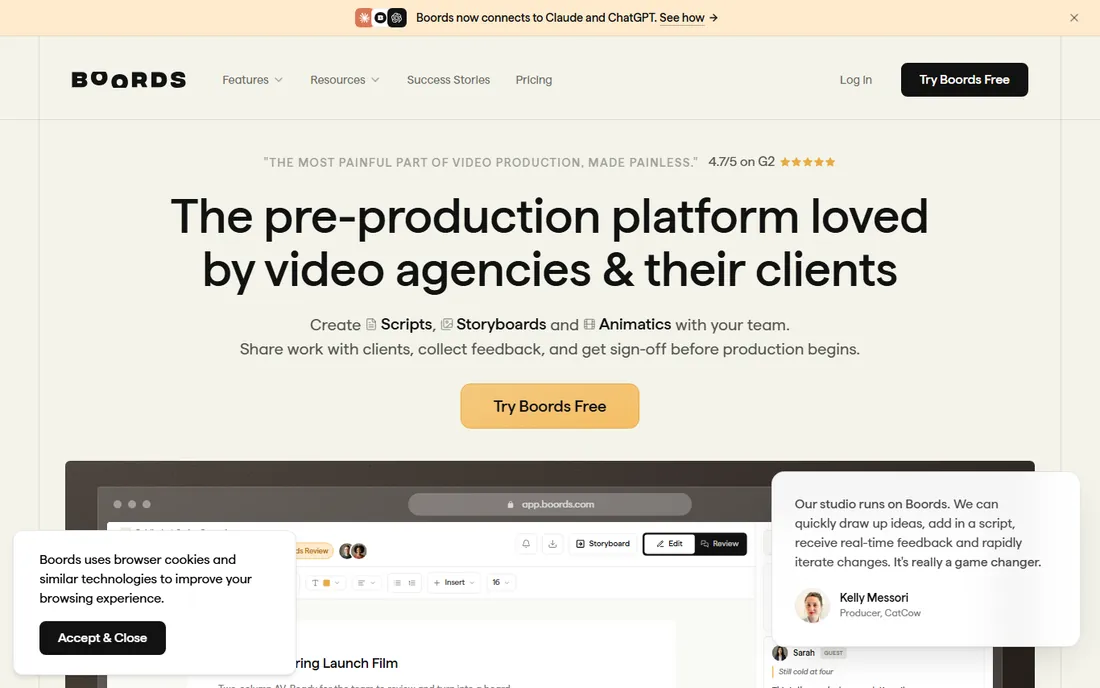
Video agencies live and die by client sign-off, and Boords is built for exactly that moment. You send one link, the client comments frame by frame without creating an account, and every comment, version and approval stays on the record. That removes the usual mess of scripts in Docs, boards in Slides and feedback scattered across email threads.
The workflow runs from script to storyboard to timed animatic inside a single project. Drag to reorder frames, and the numbering sorts itself out instead of forcing a manual rebuild. Animatics let a client approve pacing before a shoot, when revisions cost minutes instead of crew days.
The honest catch is that Boords is a poor fit for artists who draw. If your boards come from a stylus, you will be happier in Toon Boom or Krita. It is also priced for agencies rather than solo creators, so check the current plan against your actual usage before committing.
What we like- Client comments on the frame with no login required
- Script to storyboard to animatic in one project
- Version history that shows who approved what
Watch out for- Pricing page keeps changing, so you have to check current rates
- Not built for hand-drawn art
#2
Toon Boom Storyboard Pro
Best for: animation studios and professional storyboard artists
Visit toonboom.com
Starting price$90 per month ($776 per year)
Free planFree trial (14 days)
If your team draws boards for a living, this is the tool the animation industry standardized on. Storyboard Pro combines bitmap and vector drawing with a real 3D camera, so artists can stage shots, set camera moves and cut a full animatic with effects, transitions and unlimited sound tracks without leaving the app.
It is the only tool on this list that treats storyboarding as a professional discipline rather than a communication task. Thumbnailing workflows, reference views and Photoshop-style brushes keep senior board artists fast. Pipelines running Toon Boom Harmony get direct handoff, which is why studios from Disney Television Animation to small boutiques keep it.
The price reflects that positioning. At $90 a month it costs more than every other paid tool here combined for some teams, and casual users will never touch half the features. Buy it when storyboarding is the job, not when it is one step in a video project.
What we like- Industry-standard drawing and camera tools
- Full animatic editing with effects and sound
- Tight integration with Toon Boom Harmony
Watch out for- The most expensive option here
- Overkill if you only board occasionally
Starting price$0
Free planYes
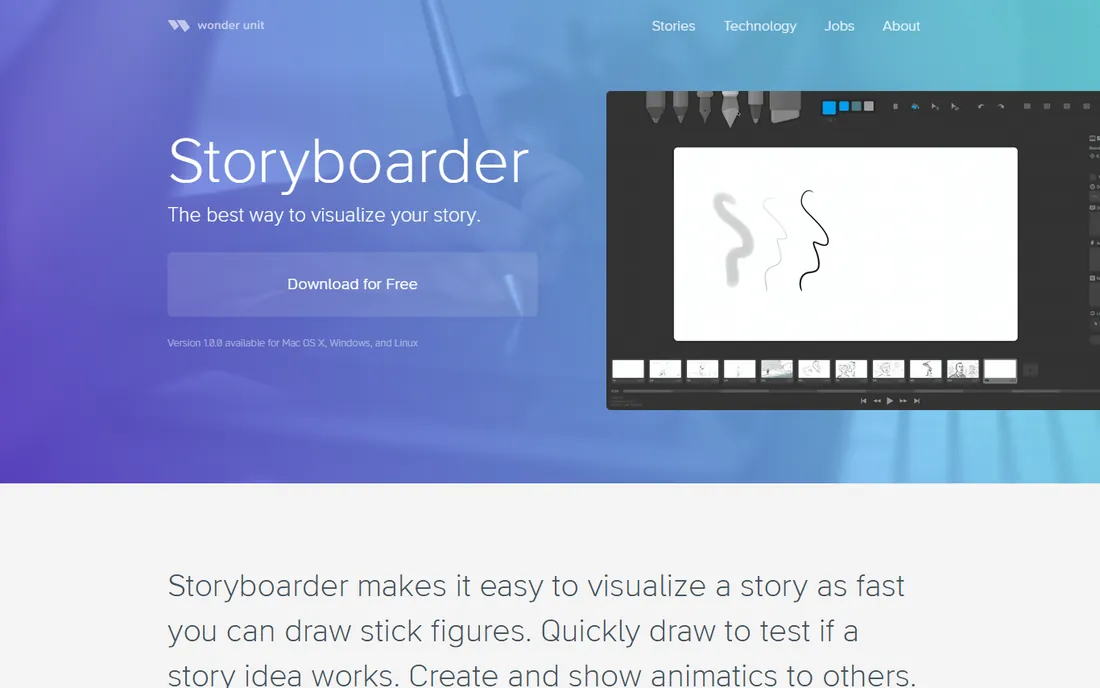
The fastest way to get boards on screen with no budget is this free app from Wonder Unit. Storyboarder deliberately limits itself to four brushes and no layers, on the theory that boarding story ideas should be as quick as drawing stick figures. You open a blank board or import a Fountain screenplay, sketch, flip through the boards and export to Premiere or Final Cut.
It punches above its weight for a free tool. There is onion skinning, a reference layer, printable worksheets with QR codes so you can photograph hand-drawn pages back into the project, and Photoshop round-tripping for boards that need more polish. It runs on Windows, Mac and Linux.
The catch is that it is a desktop app for individuals. There is no real-time collaboration, no client review links and no cloud sync. The original project has seen little recent development, though community forks on GitHub keep it alive. For a solo filmmaker or writer testing an idea, that trade is easy to accept.
What we like- Completely free and open source
- Fountain screenplay import
- Simple drawing tools that stay out of the way
Watch out for- No cloud collaboration
- Development has slowed, with community forks picking up the slack
#4
FrameForge Studio
Best for: live-action directors who want to plan shots without drawing
Visit frameforge.com
Starting priceSee website
Free planNo
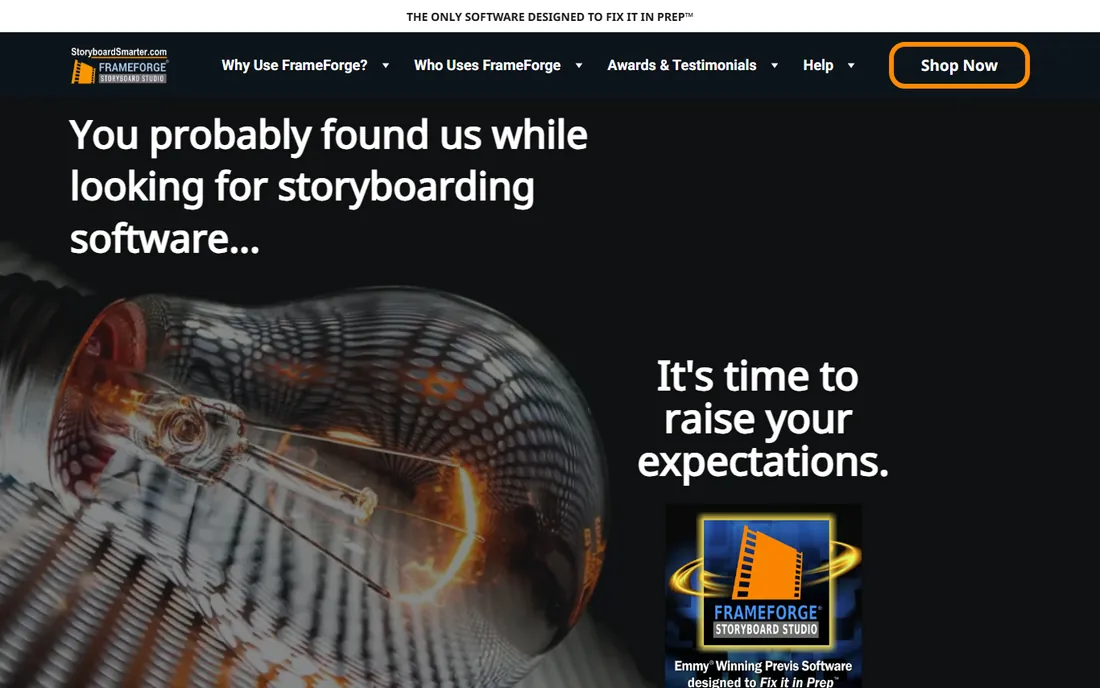
Some directors cannot draw, and FrameForge lets them build boards anyway. You stage virtual actors, props and sets in 3D, then frame shots with optically accurate cameras and real lens data. The program replicates the optical properties of actual camera and lens combinations, so what you board is close to what the shoot day will look like.
This is really previz software that happens to output storyboards. Room Builder lets you construct sets to the inch, dollies and cranes can be planned with professional precision, and scripts import from major screenwriting programs. Exports land as PowerPoint decks your crew can actually use.
It sells as a one-time license, currently split between Core and Professional editions, which makes long-term cost predictable against subscriptions. The downside is the price of entry and the 3D learning curve. If your boards are simple dialogue scenes, this is more machine than you need.
What we like- Optically accurate virtual cameras and lenses
- One-time license instead of a subscription
- Emmy-recognized previz pedigree
Watch out for- No free plan
- A learning curve if you have never used 3D software
#5
StudioBinder
Best for: productions that want boards, shot lists and call sheets in one place
Visit studiobinder.com
Starting price$42 per month (Starter, monthly billing)
Free planYes
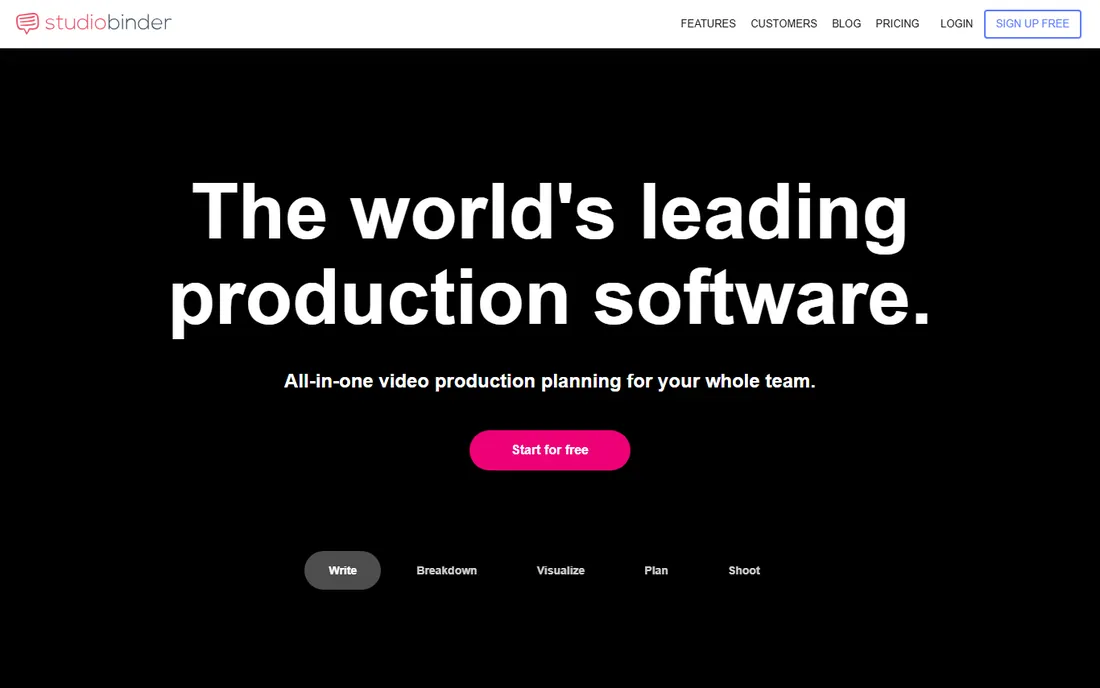
Storyboarding is only one tab here. StudioBinder is production management software where the storyboard creator sits alongside script breakdowns, shooting schedules, shot lists, call sheets and contact management. If your production already runs on StudioBinder, boarding inside it keeps everything in one account instead of exporting boards between tools.
The board builder itself is flexible. You can sort columns, reorder scenes, adjust aspect ratios, color code images, attach notes to locations and present the boards to a team. Collaboration tools include task assignment and commenting, and clients can review without heavy onboarding.
The pricing reflects a production suite rather than a boarding app. Starter runs $42 a month and extra teammates cost $25 a month each on lower plans, so a five-person team quickly passes $100 a month. Use StudioBinder when you want the whole production stack. If you only need boards, cheaper dedicated tools win.
What we like- Storyboards sit next to breakdowns, schedules and call sheets
- Generous customization of boards and columns
- Free plan for a single project
Watch out for- Per-seat pricing adds up for crews
- Storyboarding alone is not the focus
#6
Milanote
Best for: creative teams gathering references in early development
Visit milanote.com
Starting price$9.99 per month (billed annually)
Free planYes
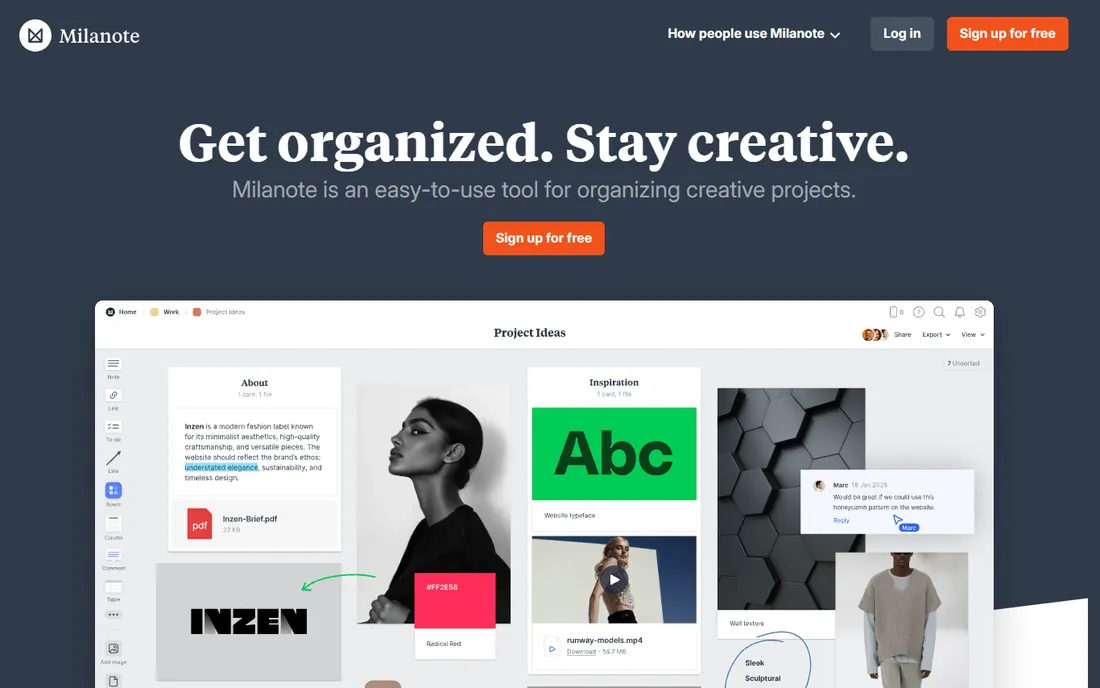
For early development, when the best storyboarding software is whatever captures the idea fastest, Milanote earns its place. It is a visual board for collecting images, notes, links and video, with a web clipper that saves references from anywhere. Storyboard templates give you a starting layout, and boards nest inside boards so a whole project stays organized.
Boards look considered with almost no effort, and sharing is strong. You can invite editors, share read-only links that need no account, add passwords and export boards as PDF, PNG, Word or Markdown. For directors building mood, reference and rough sequence boards during development, that is often all you need.
The 100-item free cap covers about one small project, and crossing it means jumping to $9.99 a month billed annually or $12.50 monthly. There is no cheap middle tier. It also lacks real animatic and shot-planning tools, so expect to move to a dedicated tool once the boards get serious.
What we like- The fastest capture of any visual board here
- Beautiful boards with no design effort
- Storyboard templates included
Watch out for- The free plan caps at 100 items
- Paid jumps straight to a full subscription with no middle tier
#7
Miro
Best for: teams that already run workshops on Miro
Visit miro.com
Starting price$8 per member/month (billed annually)
Free planYes
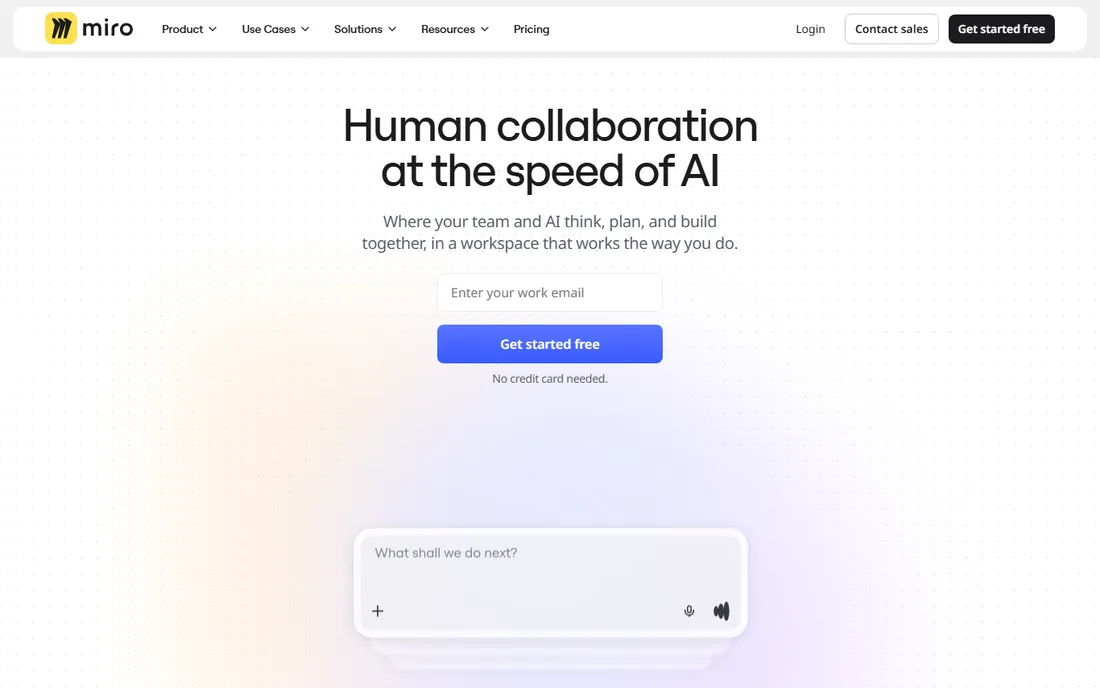
Nobody buys Miro as the best software for storyboarding. They already have it for workshops and design sprints, and its infinite canvas plus storyboard templates make boards easy to assemble. Sticky notes, frames, images and arrows drag into sequences quickly, and the whole team can edit live with cursors flying around.
For internal brainstorming and rough sequence planning, that is genuinely useful. A marketing team mapping a 30-second spot, or a product team blocking out an explainer video, can board inside the tool they already pay for instead of adding another subscription. Templates for storyboards and user flows speed the start.
The limits show fast. There are no animatic tools, no camera controls and no script-to-board workflow. The free plan allows only three editable boards, and paid plans bill per member, so a ten-person team pays $80 a month at annual rates for what is essentially a rough-draft board. Fine as a scratchpad, wrong as your boarding system.
What we like- Infinite canvas with thousands of templates
- Real-time multiplayer editing
- Most teams already know it
Watch out for- Per-member pricing gets expensive
- No animatics or shot planning
#8
Canva
Best for: marketers who need a presentable board fast
Visit canva.com
Starting priceSee website
Free planYes
If your storyboard needs to look presentable to a client tomorrow and nobody on the team can draw, Canva works. Its storyboard templates cover film, advertising and social formats, and you drag stock photos, illustrations and text into frames in minutes. For a marketer pitching a video concept internally, the speed matters more than shot precision.
The free plan is genuinely usable, with 5 GB of storage and a large free asset library. Paid tiers add premium stock, background removal and brand kits, but most one-off boards never need them. Collaboration is simple link sharing with comments.
Do not mistake it for production software. There is no animatic builder, no script import worth using, no camera planning and no export to editing timelines. Template-heavy boards also risk looking like everyone else's Canva boards. It wins only when zero cost and zero learning curve matter more than capability.
What we like- Thousands of storyboard templates
- Drag-and-drop is instant for non-designers
- Generous free plan
Watch out for- No animatics, camera tools or production features
- Boards can look generic
#9
Krita
Best for: artists who hand-draw boards and want a free studio-grade app
Visit krita.org
Starting price$0
Free planYes
Artists who draw boards by hand and refuse to pay for software keep landing on Krita. It is a professional-grade digital painting program, free and open source, with one of the best brush engines available at any price. Storyboard artists use it to sketch panels, ink them and even rough out animatics with its built-in animation timeline and onion skinning.
It handles production realities well. Krita opens and saves PSD files, supports HDR painting, offers vector layers and text tools, and runs on Windows, macOS and Linux. The animation workspace exports to video or image sequences, which covers simple animatics. A community around it produces brush packs and tutorials aimed at board artists.
The catch is that Krita is a painting app, not storyboarding software. There are no script imports, shot lists, client review links or frame management built in. You assemble the workflow yourself with file naming and folders. For a skilled artist that freedom is fine. For a team, it is not a system.
What we like- Professional brush engine and animation tools
- Completely free and open source
- Strong PSD support
Watch out for- Not a storyboarding app, so you build your own workflow
- Interface can overwhelm beginners
How we chose
We compared tools that teams actually use to plan video and animation in 2026, from dedicated storyboarding apps to general visual tools pressed into the job. Pricing came from vendor pricing pages and recent plan data, and every tool on the list is a real product you can sign up for or download today. We weighed drawing capability, script and animatic workflows, client review features, export options and how the price scales with team size. Public reviews on G2, Capterra and Reddit, plus each vendor's documentation, filled in the gaps on usability and support. We skipped AI video generators that output boards as a side feature, since their shot control is too weak for real production planning.
The best storyboarding software depends on who draws and who approves. Start with those two questions before comparing feature lists.
Drawing versus assembling
If your boards are drawn by artists, buy drawing tools: Toon Boom Storyboard Pro for professionals, Krita or Storyboarder for free hand-drawn work. If boards are assembled from photos, stock and templates, buy assembly tools: Boords, Canva or Miro. FrameForge is the third path, for directors who plan with cameras instead of pencils. Picking the wrong category is the most common mistake, and no feature list fixes it.
Client review and sign-off
Ask how a client sees the board. Boords and StudioBinder give clients a link with frame-level comments and approval tracking. Miro and Canva share links with comments. Desktop tools like Storyboarder and Krita export files you email or upload elsewhere. If revisions die in email threads today, weight this heavily.
Animatics and export
A timed animatic with sound is what turns boards into a shoot plan. Boords, Toon Boom and Storyboarder all build them; the rest do not. Check export formats too. PDF and MP4 cover most clients, but if your editor needs XML for Premiere or Final Cut, confirm it before you buy.
Pricing reality
Solo creators can genuinely work free with Storyboarder, Krita or Canva. Agencies should budget per project, not per seat, where possible. Watch Miro and StudioBinder seat costs on bigger teams, and remember Toon Boom's $90 a month is cheap if it replaces a week of an artist's time.
Free storyboarding software covers more than most buyers expect. Storyboarder handles hand-drawn boards and animatics for one person. Krita covers professional-quality drawing. Canva covers template boards for pitches. Milanote and Miro cover early visual development on their free tiers.
Pay when the free tier costs you time. The jump to Boords makes sense the first time a client approves the wrong version. Toon Boom pays for itself when boarding is daily paid work. FrameForge pays when a misplanned shoot day would cost more than the license. Until those moments arrive, the free stack is not a compromise.
Frequently asked questions
What is the best free storyboard software?
For hand-drawn boards, Storyboarder from Wonder Unit is the most purpose-built free option, and Krita is the most capable free drawing app. For template-based boards, Canva's free plan is the fastest start. None of them include client review workflows, which is where paid tools earn their money.
Can I make storyboards without drawing skills?
Yes. FrameForge lets you stage 3D scenes with virtual cameras, Canva and Boords offer templates and stock imagery, and Boords includes AI image generation. The results suit client pitches and production planning, though hand-drawn boards still read better for animation.
What is the difference between storyboarding software and a whiteboard like Miro?
Dedicated tools manage frames, scripts, camera moves, animatics and client sign-off as structured data. A whiteboard gives you a canvas and templates but no production workflow. Whiteboards work for rough early boards; they break down once boards need versioning and approval.
Do I need an animatic feature?
If you shoot live action or client work, yes. A timed animatic with temp sound reveals pacing problems that still frames hide, and getting sign-off on the animatic prevents expensive reshoots. For internal brainstorming or animation thumbnails, still boards are usually enough.
How much does storyboard software cost?
From free to $90 a month. Free tools like Storyboarder, Krita and Canva cover individuals. Mid-range tools like Boords, StudioBinder and Milanote run roughly $10 to $45 a month. Toon Boom Storyboard Pro at $90 a month is the professional ceiling for dedicated boarding, and FrameForge sells as a one-time license.
Sources we checked (16)
- https://boords.com
- https://www.toonboom.com
- https://shop.toonboom.com/en/products/storyboard-pro
- https://wonderunit.com/storyboarder/
- https://www.frameforge.com
- https://www.studiobinder.com
- https://www.studiobinder.com/pricing
- https://milanote.com
- https://miro.com
- https://miro.com/pricing
- https://www.canva.com
- https://krita.org
- https://www.cinelog.com/articles/cinelog-vs-studiobinder-vs-yamdu-vs-celtx-2026/
- https://www.creativevault.net/studiobinder-review
- https://mstudio.ai/insights/best-storyboard-software-2026
- https://www.studiobinder.com/blog/best-storyboard-software-free-storyboard-templates/
Is your product missing or out of date?
We review this list regularly. Vendors can request a listing, send updated pricing or ask about featured placement.

Shihab Mia · Founder, Rankite
Shihab has spent more than a decade helping SaaS and e-commerce brands grow through search. He writes Rankite's software buying guides from pricing pages, documentation and public user reviews. More about Shihab.