How we make this list: we compare pricing pages, product documentation and public user reviews. Rankite is independent; if a vendor ever pays for a featured spot, that listing is clearly labeled Partner.
Key takeaways
- eSUB is the only platform on this list built specifically for subcontractors rather than general contractors.
- Knowify pairs trade-focused job costing with the strongest QuickBooks sync in the category, starting at $99/month.
- Contractor Foreman is the budget pick: a full all-in-one suite starting at $49/month with no per-user fees.
- Fieldwire (by Hilti) offers a genuinely free Basic plan, making it the cheapest way to digitize punch lists and drawings.
- Procore and Buildertrend are the enterprise and residential heavyweights, but both price by quote and can be overkill for small shops.
How we chose
Subcontractors have different needs than general contractors: they bid work, track labor against cost codes, document everything for pay applications, and get paid on someone else's schedule. We prioritized tools with real subcontractor workflows (change orders, daily logs, time tracking, AIA billing), verified that each vendor is an active company with a working homepage, and took pricing only from the vendors' own sites. Where pricing is quote-based, we say so instead of guessing.
Quick comparison
| Tool | Best for | Starting price | Free plan |
|---|
 eSUB eSUB | trade contractors who want software designed for subs, not GCs | See website | No |
 Knowify Knowify | trade contractors who live in QuickBooks | $99/month | No |
 Contractor Foreman Contractor Foreman | small contractors who want everything for $49/month | $49/month | No |
 Procore Procore | larger subcontractors working on commercial projects | See website | No |
 Buildertrend Buildertrend | residential specialty contractors and remodelers | See website | No |
 Raken Raken | daily reports, time tracking, and safety documentation | See website | No |
 Fieldwire Fieldwire | punch lists, tasks, and drawing management on a budget | See website | Yes |
 Buildxact Buildxact | small builders and subs who want estimate-to-invoice in one place | See website | No |
 STACK STACK | subcontractors who win work through sharper bidding | See website | Yes |
Is your product missing or out of date?
We review this list regularly. Vendors can request a listing, send updated pricing or ask about featured placement.
The best subcontractor software
#1
eSUB
Best for: trade contractors who want software designed for subs, not GCs
Visit esub.com
Starting priceSee website
Free planNo
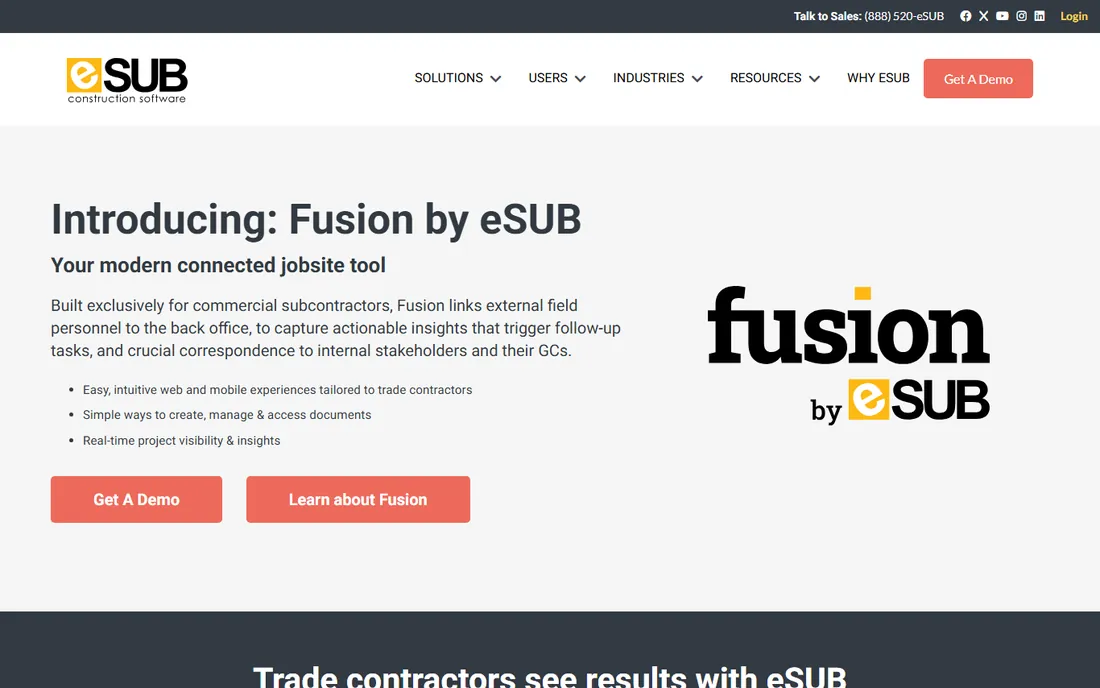
eSUB's claim to fame is focus: it is the rare construction platform designed for subcontractors first. The cloud software covers the documents subs live on, including daily reports, time and material tickets, change orders, purchase orders, submittals, and correspondence, with mobile tools foremen can actually use. That specialization shows in workflows like pay application support and labor productivity tracking that GC-centric tools treat as afterthoughts.
The trade-off is breadth. eSUB does not try to be an all-in-one business suite, and pricing requires talking to sales, which puts it out of reach for one-truck operations that want to self-serve. But if your pain is documentation, change order disputes, and proving your case to GCs, a tool built for exactly that earns its place. Integrations with Procore and STACK mean it slots into the ecosystems GCs already use.
What we like- Built specifically for subcontractor workflows
- Strong field-to-office document control
- Integrates with Procore and STACK
Watch out for- Pricing is quote-only
- Narrower feature set than GC platforms
- Smaller ecosystem of integrations
Starting price$99/month
Free planNo
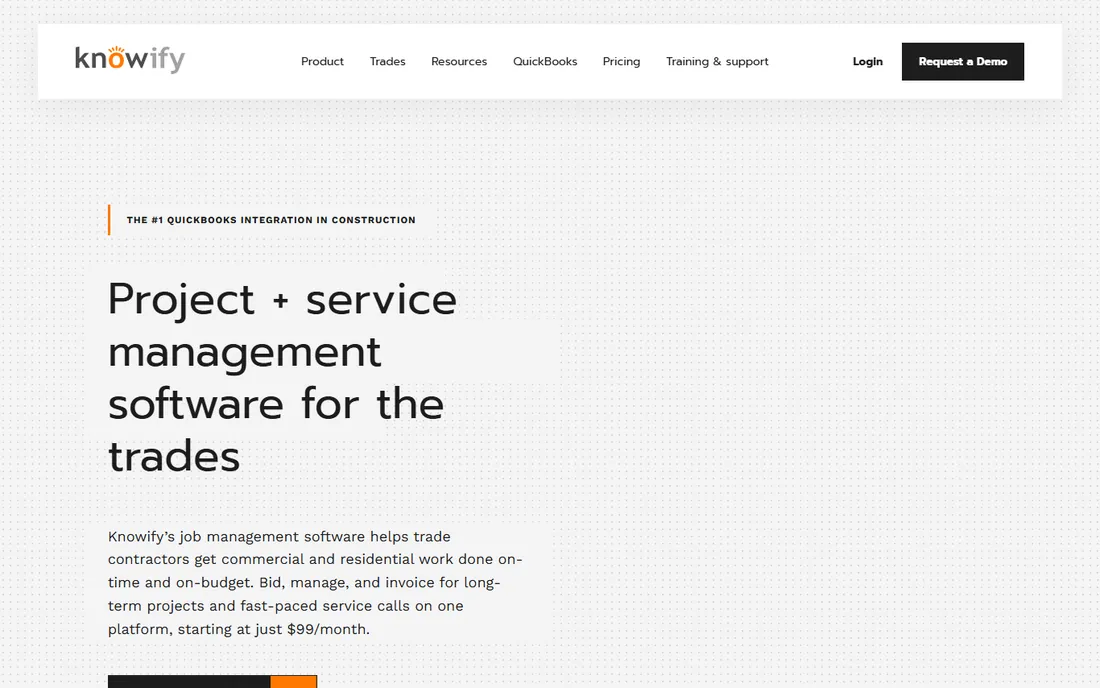
Knowify is project and service management software built for the trades, and its headline feature is the two-way QuickBooks sync that reviewers consistently rate as the best in construction software. Bid, schedule, track time, manage change orders, and invoice from one system, with costs flowing to job costing automatically so you always know where each job stands. Starting at $99/month for one user, it is priced for small shops, with higher tiers adding service dispatching and multi-user workflows.
Knowify now connects to AI tools like Claude and ChatGPT so you can ask about job margins and billing in plain language, a genuinely useful addition for owners who hate running reports. The downsides: there is no free plan (a trial is available), and the mobile app does not carry every desktop feature. If clean books tied to real job costs are your priority, this is the safest pick on the list.
What we like- Strongest QuickBooks sync in the category
- Real-time job costing and WIP reporting
- AIA-style pay applications
Watch out for- No free plan, trial only
- Advanced features need higher tiers
- Mobile app is thinner than desktop
Starting price$49/month
Free planNo
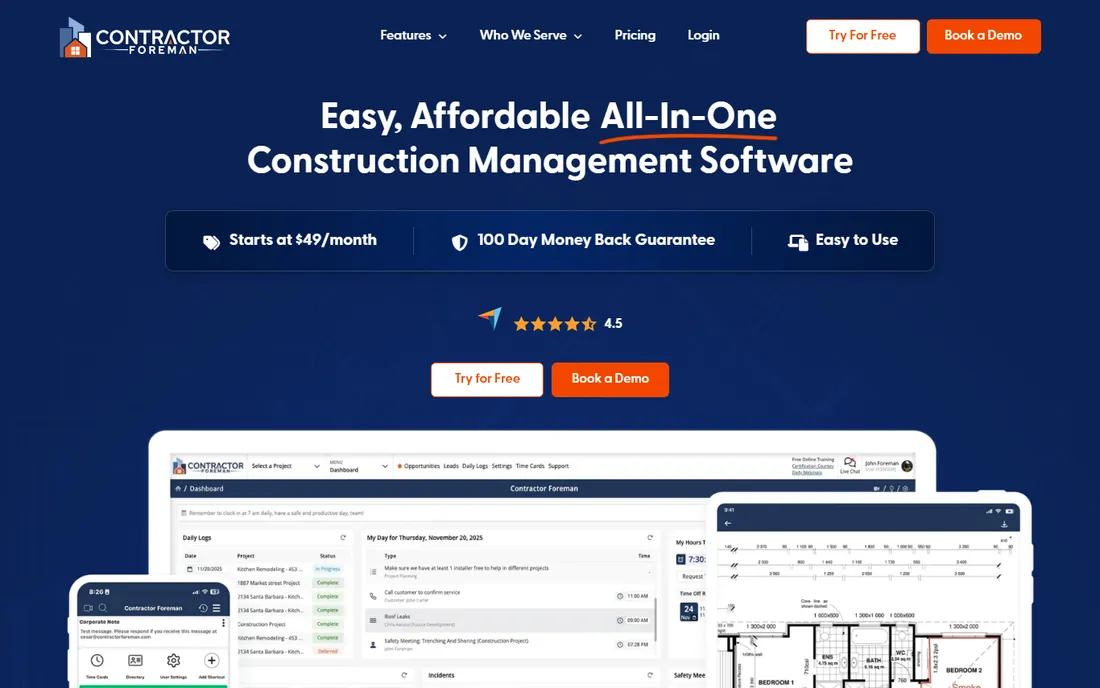
Contractor Foreman's pitch is simple: the most affordable all-in-one construction suite, starting at $49/month for one user with unlimited projects. The Starter plan covers estimating, invoicing, and job costing; the all-in-one platform adds scheduling, daily logs, time cards, GPS tracking, safety meetings with hundreds of topics, QuickBooks sync, and a client portal. Pricing is not per user on higher tiers, which makes it dramatically cheaper than per-seat tools as your crew grows.
The catch is that breadth comes with uneven depth, and the interface prioritizes function over beauty. There is no free plan, though a 30-day trial and a 100-day money-back guarantee (annual plans, conditions apply) lower the risk. For a small sub that wants one subscription instead of five, the value math is hard to beat.
What we like- 35+ modules for one flat price
- No per-user fees on higher plans
- 100-day money-back guarantee
Watch out for- No free plan (30-day trial instead)
- Interface is functional rather than polished
- Depth varies across modules
#4
Procore
Best for: larger subcontractors working on commercial projects
Visit procore.com
Starting priceSee website
Free planNo
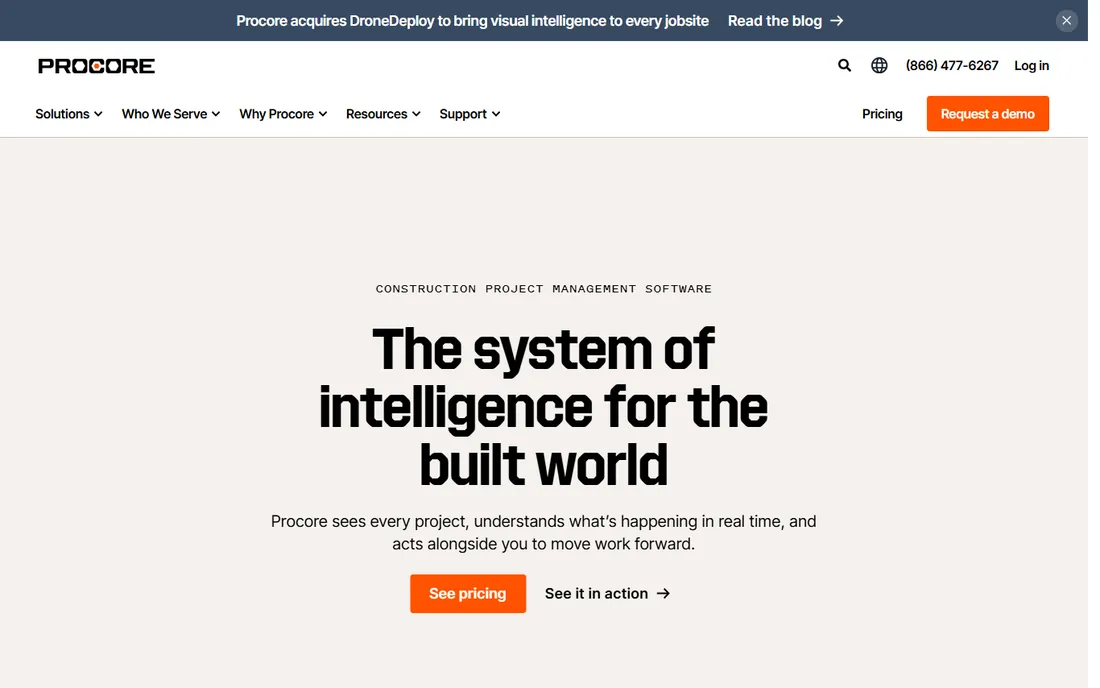
Procore is the 800-pound gorilla of construction software: over three million projects across 150+ countries, public company, and the platform most large GCs standardize on. For a subcontractor, being fluent in Procore matters because your GC customers likely run it. Subcontractors can manage drawings, RFIs, submittals, daily logs, change orders, and punch lists in the same system, and Procore's volume-based pricing means unlimited users rather than per-seat fees.
The reality check is cost and complexity. Pricing is tailored to annual construction volume and aimed at firms with serious revenue; small shops will find it expensive and heavy. Procore is also GC-centric by design, so sub-specific workflows like pay apps get less love than in eSUB or Knowify. Choose it when your customers demand it or your project sizes justify it.
What we like- The industry-standard platform GCs already use
- Unlimited users on volume-based pricing
- Deep financial and BIM tools
Watch out for- Quote-only pricing aimed at larger firms
- Overkill for small shops
- Implementation takes real effort
Starting priceSee website
Free planNo
Buildertrend is the leading platform for home builders, remodelers, and residential contractors, used by over 20,000 builders. It connects scheduling, financials, and client communication in one system, with estimates feeding directly into job costing (the company says 86% of customers connect estimates to job costing). For a subcontractor in residential work, the client portal, change order management, and daily logs cover the core workflows.
Pricing is quote-based and the subscription can be steep for small firms. It is also fundamentally a residential tool; commercial subs should look at Procore or eSUB instead. But in its lane, Buildertrend's combination of project management and customer-facing polish is the reason it dominates residential construction software.
What we like- Strong scheduling, budgeting, and client communication
- Trusted by 20,000+ builders
- Good mobile apps
Watch out for- Quote-only pricing
- Residential focus limits commercial fit
- Subscription fees can be high for small firms
#6
Raken
Best for: daily reports, time tracking, and safety documentation
Visit rakenapp.com
Starting priceSee website
Free planNo
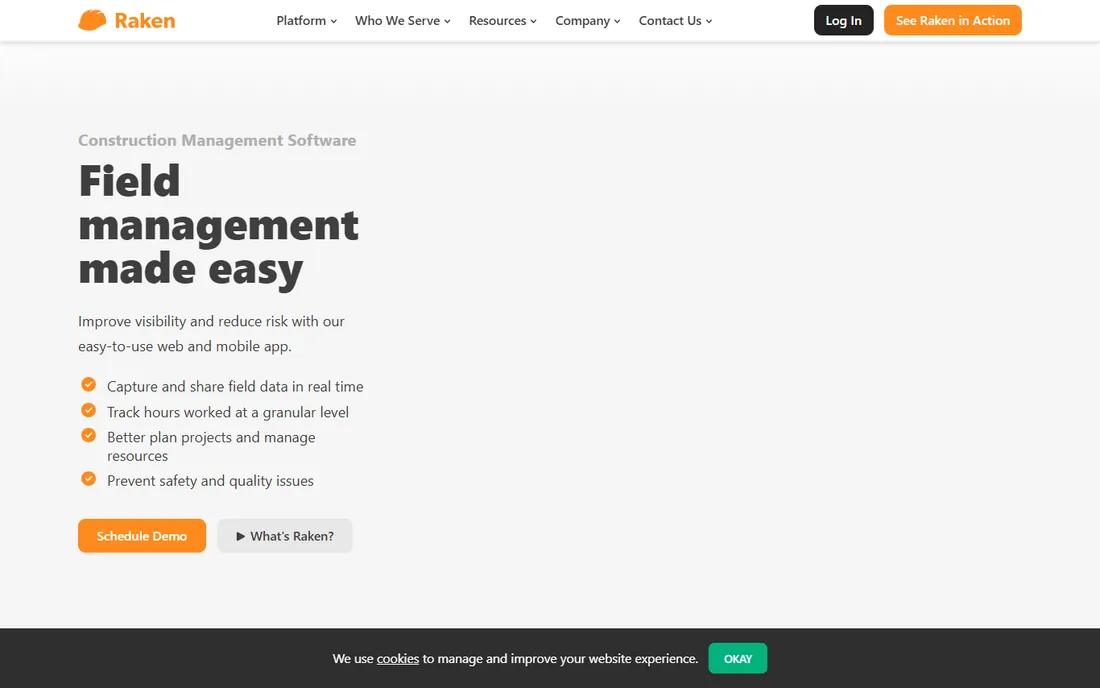
Raken is a mobile-first field management app built around one insight: daily reports are the paperwork subs hate most, so make them the easiest part of the day. Crews capture notes, time-stamped photos, and videos on mobile; the office gets branded PDF daily reports automatically. Higher tiers add time and production tracking, safety and quality checklists with 100+ toolbox talks, and document management.
Raken's per-user pricing scales steeply as crews grow, and it is a field tool rather than a full business suite: you will still need accounting and estimating elsewhere. But for the specific job of bulletproof daily documentation, which wins disputes and speeds pay applications, it is the best in class. Thousands of subs and GCs use it, and field adoption is famously fast.
What we like- Fastest daily reporting workflow in the category
- Strong safety and toolbox talk tools
- Crews adopt it quickly
Watch out for- Quote-based pricing with per-user tiers
- Narrower than full project management suites
- Demo required to start
#7
Fieldwire
Best for: punch lists, tasks, and drawing management on a budget
Visit fieldwire.com
Starting priceSee website
Free planYes
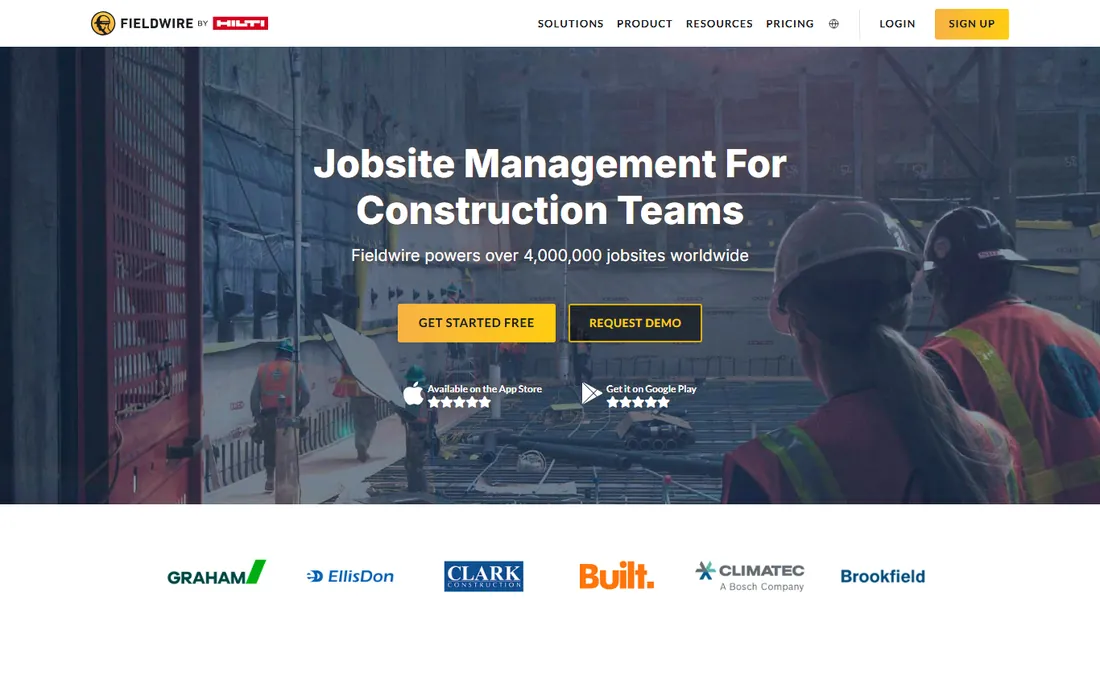
Fieldwire, now part of Hilti, is a jobsite management app centered on tasks, punch lists, and drawings. The plan viewer distributes floor plans with markups, annotations, and progress photos in real time; tasks can be assigned to people, scopes, or priorities with @ mentions; and everything syncs across iOS, Android, and web. It is used on millions of projects worldwide.
The standout is the free Basic plan, which covers small teams and makes Fieldwire the cheapest way to stop managing punch lists on paper. Paid tiers are per user, so costs grow with crew size, and Fieldwire is a field execution tool rather than a financial one: pair it with accounting software for the full picture. For subs who need drawings and tasks handled well, it is the value leader.
What we like- Free Basic plan for small teams
- Excellent plan viewing and markups
- Owned by Hilti with serious staying power
Watch out for- Paid plans are per user
- Lighter on financials than job-costing tools
- Best for field execution, not office management
#8
Buildxact
Best for: small builders and subs who want estimate-to-invoice in one place
Visit buildxact.com
Starting priceSee website
Free planNo
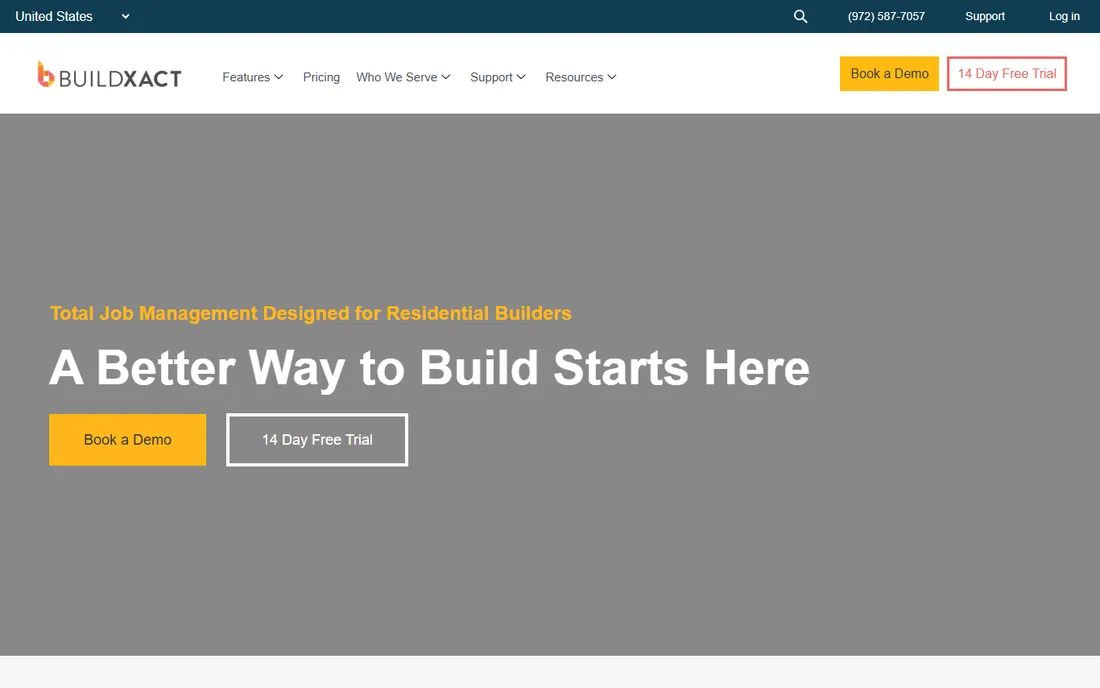
Buildxact takes subcontractors from first estimate to final invoice: upload PDF plans, do digital takeoffs with point-and-click measurements, price from live dealer price lists, and turn estimates into professional quotes. Schedules generate from estimates, subcontractors stay coordinated by email and text, and accounting integrations with Xero, QuickBooks, and Deputy close the loop.
Founded in Australia and now operating in the US and Canada, Buildxact is strongest for residential and light commercial builders. Pricing is quote-based, and there is no free plan beyond a risk-free trial. For a small sub that bids from plans and wants the takeoff-to-invoice path in one tool, it is a well-integrated option.
What we like- Digital takeoffs feed directly into estimates and quotes
- Dealer price lists built in
- Xero and QuickBooks integrations
Watch out for- Quote-based pricing
- Residential and light commercial focus
- Smaller US presence than Australian roots suggest
#9
STACK
Best for: subcontractors who win work through sharper bidding
Visit stackct.com
Starting priceSee website
Free planYes
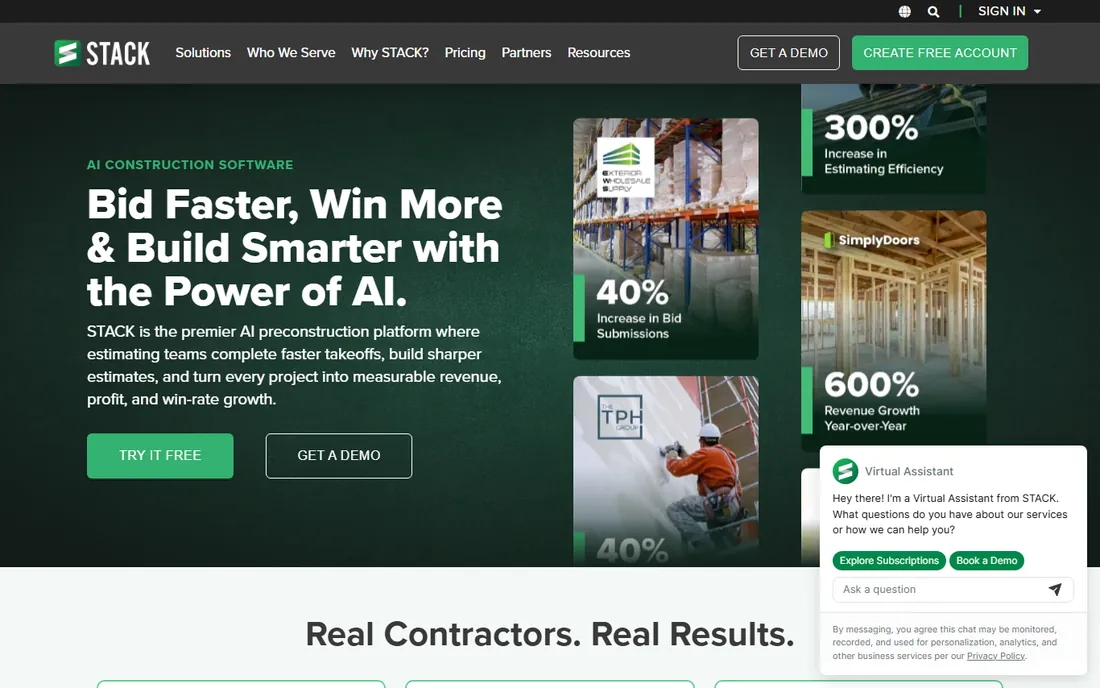
STACK is a cloud-based preconstruction platform: upload plans, and its AI reads sheets, auto-names pages, and flags revisions; measure linear, area, count, and volume with AI auto-counting; and flow quantities into live estimates with trade-specific item libraries. The newer STACK IQ adds conversational AI for generating estimates and proposals from prompts.
For bidding-focused subs, this is the most modern takeoff workflow available, and the free tier lets small shops try it on real projects. Paid plans are per user, and STACK's center of gravity is preconstruction rather than field execution, so it complements rather than replaces tools like Raken or Fieldwire. If your bottleneck is bidding speed and accuracy, start here.
What we like- Cloud-based takeoff and estimating with AI assistance
- Free tier for light use
- Strong trade-specific workflows
Watch out for- Paid tiers are per user
- Preconstruction focus means lighter field tools
- Free tier has project limits
What to look for
Match the tool to your bottleneck. If change orders and documentation disputes eat your margin, prioritize eSUB or Raken. If job costing and QuickBooks accuracy matter most, Knowify or Contractor Foreman. If you bid from plans constantly, STACK or Buildxact. Check per-user versus flat pricing against your crew size: per-seat tools get expensive fast with large field teams, while flat-rate tools like Contractor Foreman stay cheap. And confirm the accounting integration you need before committing, since migrating job cost history is painful.
Frequently asked questions
What is the best software for subcontractors specifically?
eSUB is the only major platform designed for subcontractors first rather than general contractors. Knowify and Contractor Foreman are strong trade-focused alternatives with better pricing transparency.
How much does subcontractor software cost?
It ranges from free (Fieldwire's Basic plan, STACK's free tier) to $49/month (Contractor Foreman) to $99/month (Knowify) to quote-based enterprise pricing (Procore, Buildertrend, eSUB). Expect $50 to $500+ per month depending on crew size and features.
Is there really free subcontractor software?
Yes, with limits. Fieldwire's free Basic plan covers small teams on punch lists and drawings, and STACK offers a free tier for light takeoff use. Both are genuinely usable, not just demos.
Do I need different software than my general contractor?
Not necessarily, but subs have distinct needs: pay applications, change order documentation, and labor tracking against cost codes. GC-centric tools handle these less well, which is why sub-focused tools like eSUB and Knowify exist.
Which subcontractor software integrates with QuickBooks?
Knowify (the strongest two-way sync), Contractor Foreman, Buildertrend, and Buildxact all integrate with QuickBooks. Confirm the depth of the sync, one-way versus two-way, before committing.
Can subcontractor software help me get paid faster?
Yes. Tools with AIA-style pay applications (Knowify), daily documentation (Raken), and change order tracking (eSUB) directly support faster, better-documented billing, which is the main lever subs have over payment speed.
Sources we checked (13)
- https://www.procore.com
- https://buildertrend.com/
- https://knowify.com/
- https://esub.com/
- https://www.rakenapp.com
- https://contractorforeman.com
- https://www.fieldwire.com/
- https://buildxact.com
- https://www.stackct.com/
- https://www.itqlick.com/raken
- https://www.projectmanager.com/blog/what-is-raken
- https://jobsitesoftwarereview.com/
- https://Slashdot.org/software/comparison/Buildxact-vs-Knowify/
Is your product missing or out of date?
We review this list regularly. Vendors can request a listing, send updated pricing or ask about featured placement.

Shihab Mia · Founder, Rankite
Shihab has spent more than a decade helping SaaS and e-commerce brands grow through search. He writes Rankite's software buying guides from pricing pages, documentation and public user reviews. More about Shihab.