How we make this list: we compare pricing pages, product documentation and public user reviews. Rankite is independent; if a vendor ever pays for a featured spot, that listing is clearly labeled Partner.
Key takeaways
- Tekla Structures remains the benchmark for fabrication-ready structural BIM, with AI-assisted drawing generation in the 2026 release.
- SDS2 by ALLPLAN leads on automated connection design for steel detailers.
- Autodesk Advance Steel is the natural pick for AutoCAD-based teams that want to stay in familiar territory.
- Bentley's ProStructures and ProSteel serve firms already invested in the Bentley ecosystem.
- All serious tools in this category are quote-priced; budget for licenses, training and implementation, not just the software.
Quick comparison
Is your product missing or out of date?
We review this list regularly. Vendors can request a listing, send updated pricing or ask about featured placement.
Detailing software is really a fabrication decision
Structural detailing tools turn engineering intent into shop drawings, CNC data and erection plans. The choice affects connection workflows, drawing quality, revision control and how smoothly data flows to the shop floor. Nobody in this category publishes prices, so evaluate on workflow fit and ecosystem, then negotiate the quote.

#1
Tekla Structures
Best for: Fabrication-ready structural BIM
Visit tekla.com
Starting priceSee website
Free planNo
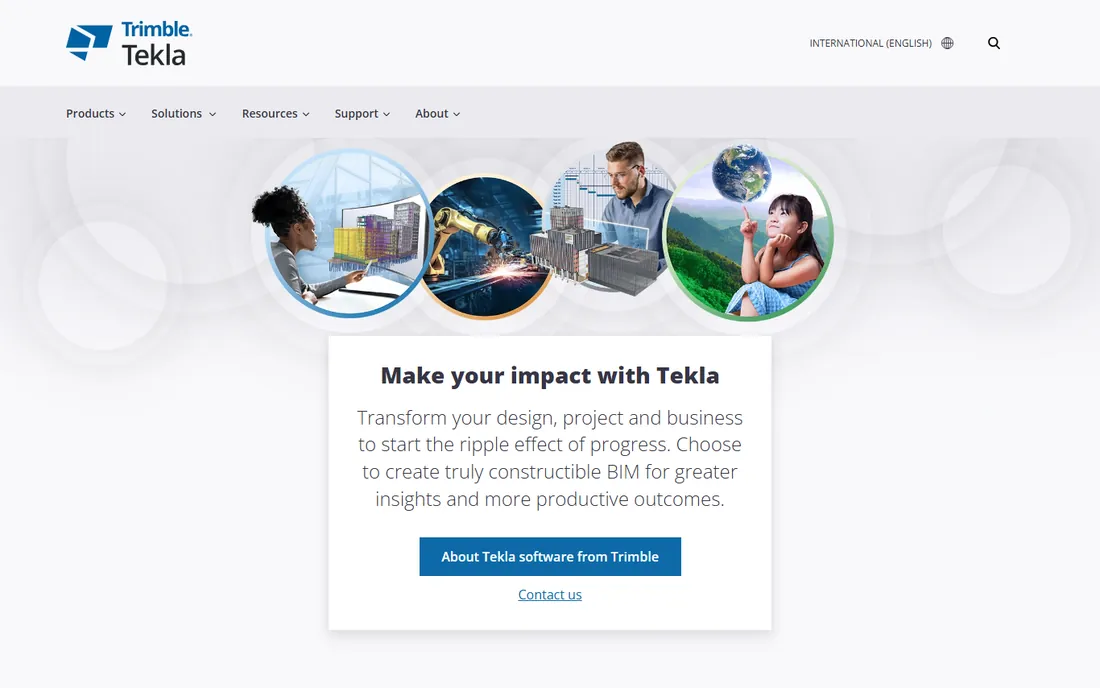
Tekla Structures is the industry standard for detailed, fabrication-ready structural BIM. The 2026 release added AI cloud fabrication drawings that learn from past projects to suggest drawing layouts, plus tighter Trimble Connect integration for sharing model data across offices, shops and sites. It handles steel, concrete and timber with the same depth.
The cost and learning curve are the highest here, and small shops may never use half the features. But for complex steelwork where the model drives fabrication directly, nothing else matches its depth.
Implementation is a serious project: expect weeks of setup, template configuration and training before detailers are productive, often with Trimble's professional services involved. The ecosystem is the selling point: Trimble Connect ties the model to the site, and the API supports custom automation for shops with development resources. Support is enterprise-grade with local partners in most markets. The limitation is cost and complexity for smaller operations; a ten-person shop will use a fraction of what it pays for.
What we like- Deepest constructible modeling
- AI-assisted fabrication drawings in 2026
- Strong Trimble Connect integration
Watch out for- Expensive
- Steep learning curve
- Overkill for simple projects

#2
SDS2 by ALLPLAN
Best for: Automated connection design
Visit sds2.com
Starting priceSee website
Free planNo
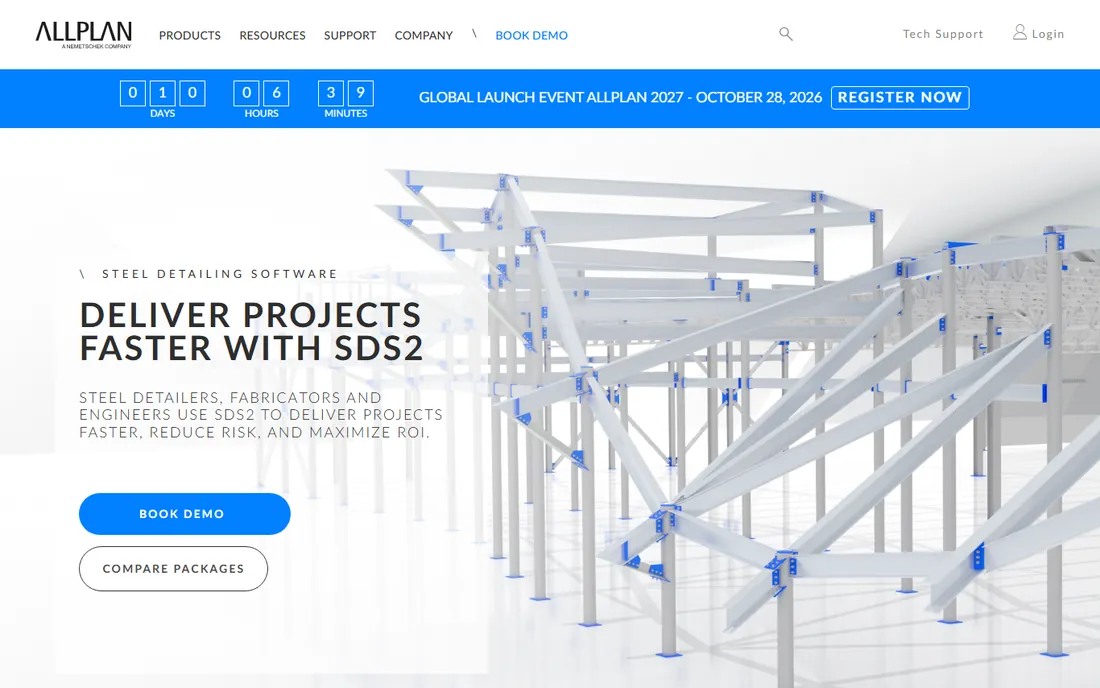
SDS2, now part of ALLPLAN, built its reputation on connection design automation: the software designs and details steel connections intelligently rather than just drawing them. For US steel detailers and fabricators, it is often the first choice, with deep AISC-centric workflows.
It is steel-focused where Tekla covers more materials, and pricing goes through quotes. If your business is structural steel detailing with connection design responsibility, SDS2's automation directly translates to throughput.
Deployment is faster than Tekla's for steel-only shops since there is less to configure, but connection design automation still requires training to use well. The AISC-centric workflows mean US detailers feel at home immediately. Support comes through the vendor and a network of resellers, and the user community is tight-knit. The trade-off is material scope: if your work mixes steel and concrete, you will need a second tool.
What we like- Outstanding automated connection design
- Purpose-built for steel detailers
- Strong US market presence
Watch out for- Quote-only pricing
- Narrower material scope than Tekla
Starting priceSee website
Free planFree trial
Advance Steel brings intelligent 3D steel modeling to the AutoCAD environment teams already know: parametric connections, stairs and railings wizards, automatic shop and erection drawings, and CNC output. For firms standardized on Autodesk, the learning curve is the shallowest here.
It rides Autodesk's subscription model, and for the most complex constructible BIM workflows Tekla goes deeper. But for AutoCAD shops moving from 2D to 3D steel detailing, it is the path of least resistance.
Because it lives inside AutoCAD, deployment is straightforward for firms already on Autodesk: install, configure templates, and detailers work in a familiar interface. The subscription includes updates, and Autodesk's support infrastructure is broad. The limitation is depth: complex connections and constructible BIM workflows hit ceilings that Tekla and SDS2 do not have. It is also one more subscription in Autodesk's ecosystem, so negotiate the bundle.
What we like- Built on the AutoCAD platform
- Familiar to AutoCAD teams
- Automatic shop drawing generation
Watch out for- Tied to Autodesk subscriptions
- Less deep than Tekla for complex BIM
Starting priceSee website
Free planFree trial
ProStructures covers both structural steel and reinforced concrete detailing in one model, which suits projects where the two mix heavily: industrial plants, infrastructure, mixed-use structures. Integration with STAAD, MicroStation and the iTwin platform keeps everything in Bentley's world.
Outside that ecosystem the appeal narrows, and Bentley licensing takes study. For Bentley-centric firms, it is the obvious structural detailing layer.
Implementation follows Bentley's enterprise pattern: licensing through the Virtuoso subscription model, deployment with IT involvement, and training for engineers new to the workflow. The iTwin integration is the differentiator for firms doing digital-twin deliverables. Support is through Bentley's global channels. Outside the Bentley ecosystem, the case weakens; evaluate it only if STAAD or MicroStation are already in the building.
What we like- Handles structural steel and reinforced concrete together
- Integrates with Bentley design tools
Watch out for- Best value only inside the Bentley ecosystem
- Complex licensing
Starting priceSee website
Free planFree trial
ProSteel is Bentley's dedicated steel detailing application: 3D modeling, connection detailing, shop drawings and fabrication data, integrated with MicroStation. It suits firms that want steel-specific workflows without ProStructures' concrete scope.
The overlap with ProStructures confuses buyers; clarify with Bentley which fits your work. Like all Bentley tools, it shines brightest alongside the rest of the portfolio.
Setup is lighter than ProStructures since the scope is steel only. It suits MicroStation shops that want dedicated steel workflows without adopting the full ProStructures model. Support follows Bentley's standard channels. The key pre-purchase question is the overlap with ProStructures: get Bentley to document which product fits your workflow in writing before signing.
What we like- Focused steel detailing and fabrication output
- MicroStation integration
- Solid drawing production
Watch out for- Overlaps with ProStructures
- Ecosystem-dependent
Starting priceSee website
Free planFree trial
GRAITEC Steel, from the Graitec group, adds automation and BIM workflows around Autodesk-centered steel detailing: modeling, connection design, drawing production and fabrication data. It is well established in European markets with strong local support.
North American buyers will find a thinner reference base than Advance Steel's. For Autodesk shops wanting more automation than Advance Steel alone provides, it is worth evaluating.
Deployment centers on the Autodesk platform you already own, with Graitec's automation layered on top. European buyers benefit from local offices and local-language support. The product updates track Autodesk releases, so version compatibility needs watching during upgrades. North American buyers should ask for local references before committing.
What we like- Automation across Autodesk steel workflows
- Strong in Europe
- BIM-focused
Watch out for- Smaller North American presence
- Depends on Autodesk platform
Starting priceSee website
Free planFree trial
Parabuild offers 3D structural steel detailing inside AutoCAD or the lower-cost BricsCAD, at pricing that undercuts the major platforms significantly. Modeling, connections, drawings and BOMs cover the core detailing workflow without enterprise overhead.
Automation depth trails Tekla and SDS2, and the smaller team means slower feature development. For small detailing shops that need capable 3D steel work on a budget, the value proposition is clear.
Setup is the simplest here: install on AutoCAD or BricsCAD and start modeling; the BricsCAD route keeps total cost notably low. Support is direct from the small team, which buyers describe as personal and responsive. The limitation is automation depth: high-volume shops will feel the missing throughput features, and feature requests move slowly. For small shops, that trade is usually worth it.
What we like- Runs on AutoCAD and BricsCAD
- Affordable
- Straightforward 3D steel modeling
Watch out for- Less automation than the big names
- Smaller development team
Starting priceSee website
Free planNo
HiCAD from ISD Group serves steel construction, plant engineering and sheet metal with deep, precise modeling and fabrication output. It is a fixture in German-speaking markets where its engineering depth is well understood.
International buyers will find limited local support, and sales are enterprise-style quotes. For European steel fabricators, it belongs on the shortlist; elsewhere it is a niche consideration.
Deployment is enterprise-style with on-site training common in its core markets. The engineering depth shows in fabrication output precision that German fabricators rely on. Support is strong locally and thinner internationally. Buyers outside Europe should confirm support coverage and training availability in their region before shortlisting.
What we like- Deep steel and plant engineering
- Strong in German-speaking markets
- Precise fabrication output
Watch out for- Limited presence outside Europe
- Quote-only enterprise sales
Starting priceSee website
Free planNo
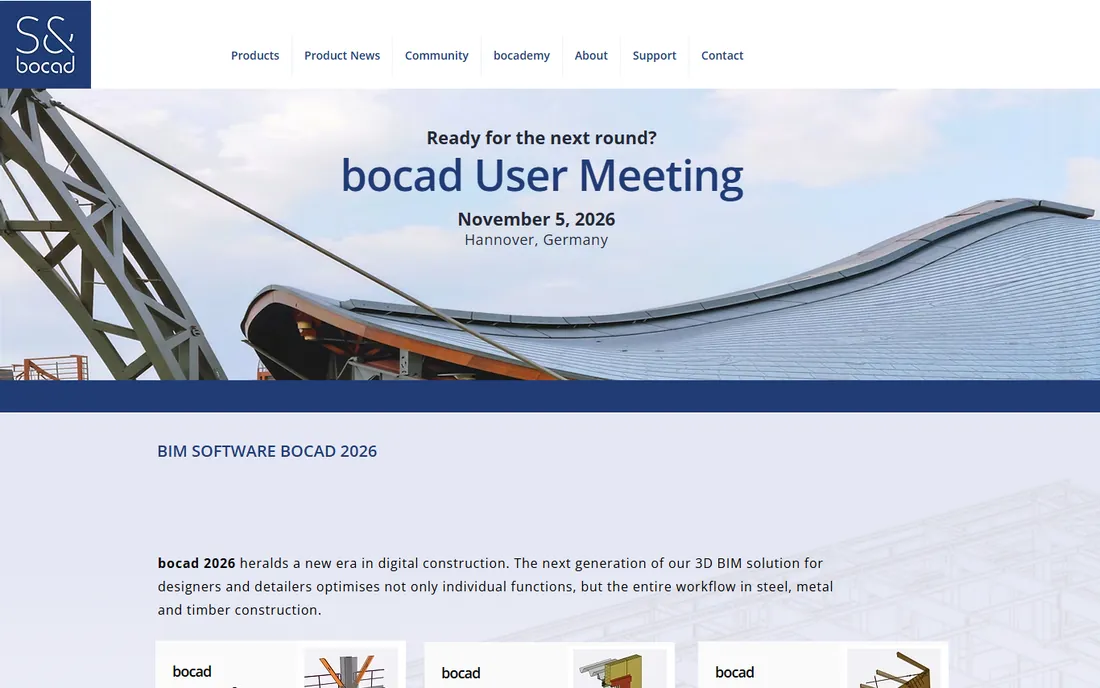
bocad has detailed structural steel for decades, with precise modeling, connection handling and shop drawing output trusted by European fabricators. The depth of steel-specific knowledge in the product is real.
The interface shows its age next to newer platforms, and the global footprint is smaller than Tekla's or SDS2's. For traditional steel detailing shops that value proven fabrication output over modern UX, it remains a solid choice.
Implementation is traditional: installed software, vendor-led training, and templates configured for your shop's standards. The product's steel knowledge runs deep, which shows in connection handling that newer tools sometimes fumble. Support is direct and experienced. The interface modernization is the ongoing concern; evaluate whether your detailers will accept the UX for the next five years.
What we like- Long steel detailing heritage
- Precise shop output
- Strong in European fabrication
Watch out for- Aging interface in places
- Smaller global footprint
Match the software to your shop, not the brochure
A five-person detailing shop and a 200-person fabricator need different tools. Small shops should weight cost, learning curve and the CAD platform they already own; Parabuild or Advance Steel often win. Large fabricators should weight automation, BIM integration and throughput; Tekla or SDS2 usually win. Demo with your own project, not the vendor's.
Total cost deserves its own line in the evaluation. Licenses are only the start: add training time, template setup, potential hardware upgrades and the productivity dip during the transition. A cheaper license with a longer learning curve can cost more in the first year than the expensive option. Ask each vendor for a realistic implementation timeline with your seat count, and talk to two reference customers of similar size before signing anything.
How we chose
We compared the steel detailing platforms most cited by detailers and fabricators in 2026, verifying product status and trial availability against vendor sites. We weighted detailing depth, connection automation, fabrication output and ecosystem fit. We did not model test structures.
Frequently asked questions
What is the difference between structural design and structural detailing software?
Design software (STAAD, RISA, ETABS) sizes members and checks code compliance. Detailing software (Tekla, SDS2) turns the design into fabrication-ready models, connections, shop drawings and CNC data. Most projects use both. Many firms run both, with engineers designing in analysis software and detailers building the fabrication model separately.
How much does structural detailing software cost?
Vendors quote rather than publish, but expect thousands to tens of thousands per seat per year for the major platforms, plus training and implementation. Budget options like Parabuild cost far less. Always get a written quote for your seat count. Multi-year agreements usually bring the per-seat cost down, but lock you in; weigh that against the switching cost, which is high in this category.
Can Advance Steel replace Tekla Structures?
For AutoCAD-based shops doing conventional steelwork, often yes. For complex constructible BIM with deep fabrication integration, Tekla's depth is hard to replace. The answer depends on project complexity, not marketing. Shops that already own Advance Steel through an Autodesk collection should check what they are already paying for before adding another license.
Do I need BIM for steel detailing?
Increasingly yes. Owners and general contractors expect model-based coordination, clash detection and data-rich deliverables. 2D-only detailing still exists but the market is moving firmly toward 3D BIM workflows. The shift is owner-driven: model-based deliverables are increasingly a contract requirement, not a nice-to-have.
Which is best for a small detailing business?
Weight total cost and learning curve heavily. Parabuild on BricsCAD is the budget champion; Advance Steel suits AutoCAD shops; SDS2 justifies its cost when connection design automation drives your throughput. Do not skip the trial on your own typical project; a vendor demo on a simple frame hides the pain points your complex jobs will expose.
Sources we checked (8)
- https://www.tekla.com/
- https://www.sds2.com/
- https://www.autodesk.com/
- https://www.bentley.com/
- https://www.graitec.com/
- https://www.parabuild.com/
- https://www.isdgroup.com/
- https://www.bocad.com/
Is your product missing or out of date?
We review this list regularly. Vendors can request a listing, send updated pricing or ask about featured placement.

Shihab Mia · Founder, Rankite
Shihab has spent more than a decade helping SaaS and e-commerce brands grow through search. He writes Rankite's software buying guides from pricing pages, documentation and public user reviews. More about Shihab.
 Autodesk Advance Steel
 Bentley ProStructures
 Bentley ProSteel
 GRAITEC Steel
 Parabuild
 HiCAD
HiCAD bocad
bocad