How we make this list: we compare pricing pages, product documentation and public user reviews. Rankite is independent; if a vendor ever pays for a featured spot, that listing is clearly labeled Partner.
Key takeaways
- OBS Studio remains the best free starting point, with professional scene switching and recording at no cost on Windows, Mac, and Linux.
- Streamlabs and XSplit Broadcaster add friendlier interfaces and built-in widgets for creators who want overlays without manual setup.
- vMix and Wirecast serve serious multi-camera productions, with vMix offering one-time licenses starting at $60 and Wirecast running $35 per month for Studio.
- Restream is the simplest path to multistreaming, while Camtasia wins for recorded tutorials that need editing afterward.
Quick comparison
| Tool | Best for | Starting price | Free plan |
|---|
 OBS Studio OBS Studio | free professional-grade streaming and recording | Free (open source) | Yes |
 Streamlabs Streamlabs | creators who want overlays without manual setup | $27/month (Ultra) or $189/year | Yes (Starter) |
 XSplit Broadcaster XSplit Broadcaster | polished streaming on Windows | $14.99/month (Premium) or $59.99/year | Yes (720p with watermark) |
 Wirecast Wirecast | multi-camera live production | $35/month (Studio) or $299/year | Free trial |
 vMix vMix | Windows live production with a one-time license | $60 one-time (Basic HD) | Free trial (60 days) |
 Restream Restream | multistreaming to several platforms at once | $19/month (Standard, $16/month billed annually) | Yes |
 Ecamm Live Ecamm Live | Mac-based streaming and recording | $20/month (Standard, $16/month billed annually) | Free trial (14 days) |
 Bandicam Bandicam | lightweight screen recording on Windows | $33.26/year (Personal) | Yes (5-minute recording cap) |
 Camtasia Camtasia | recorded tutorials that need editing afterward | $39/year (Starter, exports with watermark) | Free trial |
Is your product missing or out of date?
We review this list regularly. Vendors can request a listing, send updated pricing or ask about featured placement.
The best streaming and recording software
Starting priceFree (open source)
Free planYes
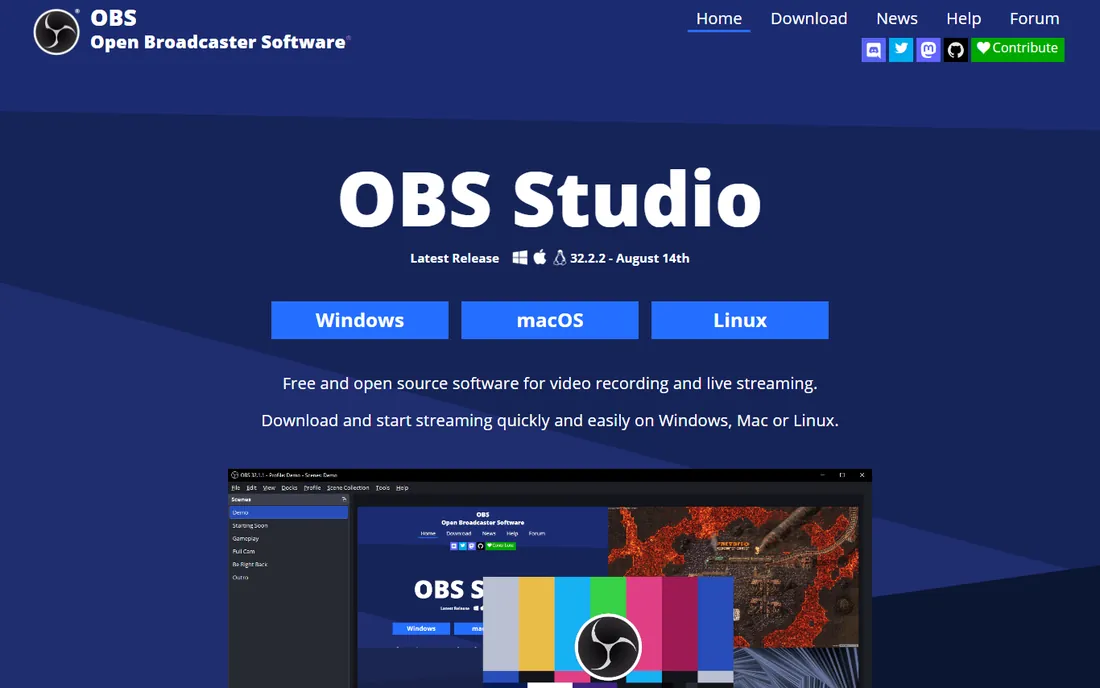
OBS Studio is the default answer for a reason. It is free, open source, and runs on Windows, Mac, and Linux, yet it handles the same core job as tools costing hundreds per year: multiple scenes, layered sources, audio mixing, and simultaneous streaming plus local recording. The plugin ecosystem adds everything from virtual cameras to advanced audio filters.
Beginners should budget an evening for setup. Audio routing, encoder settings, and scene collections have real learning curves, and help comes from forums and guides rather than a support desk. Once configured, though, OBS is remarkably stable. If your budget is zero and your ambitions are not, start here.
What we like- Full scene and source control
- Records and streams at once
- Huge plugin and community ecosystem
Watch out for- Setup takes patience
- No official support channel
Starting price$27/month (Ultra) or $189/year
Free planYes (Starter)
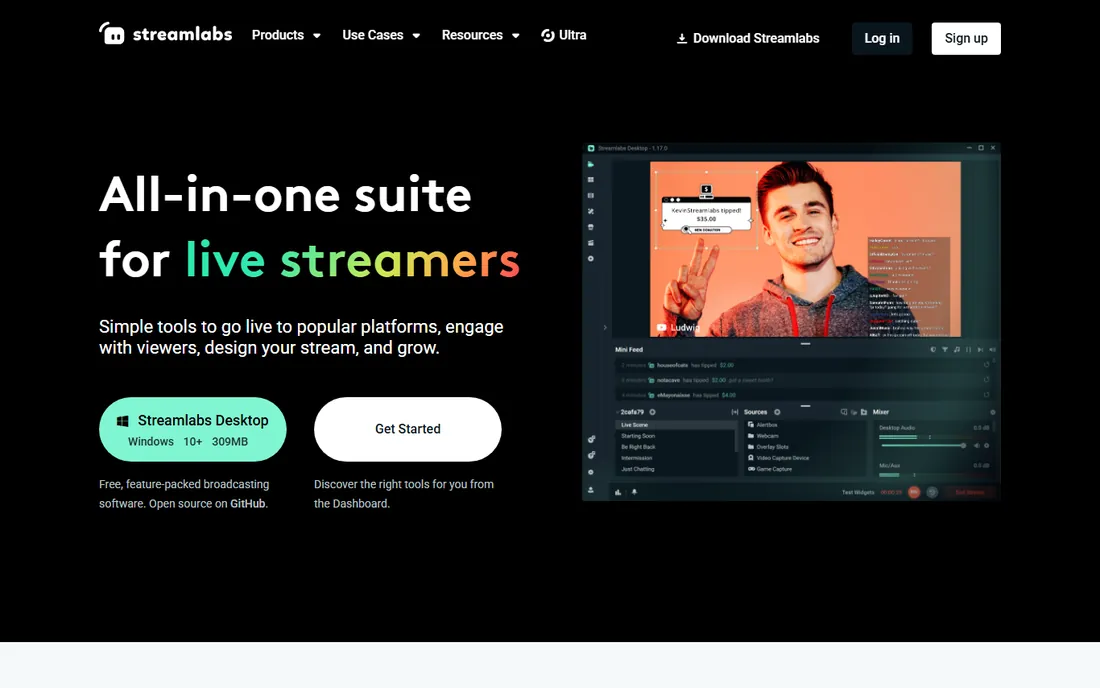
Streamlabs takes the OBS engine and wraps it in a friendlier package. Alert boxes, donation tickers, chat overlays, and event lists work out of the box instead of requiring plugins and browser sources. The theme library gives a new channel a finished look in minutes, and Ultra subscribers get cloud backup so scenes follow them between machines.
The free Starter tier covers basic streaming, but multistreaming, premium themes, and the full app library sit behind Ultra at $27 per month or $189 per year. Streamlabs also uses more CPU and RAM than plain OBS, which matters on modest laptops. It is the right pick when presentation speed beats raw efficiency.
What we like- Built-in alert boxes, chat, and widgets
- Theme library speeds up branding
- Cloud backup of scenes
Watch out for- Ultra subscription needed for the best features
- Heavier on system resources than OBS
Starting price$14.99/month (Premium) or $59.99/year
Free planYes (720p with watermark)
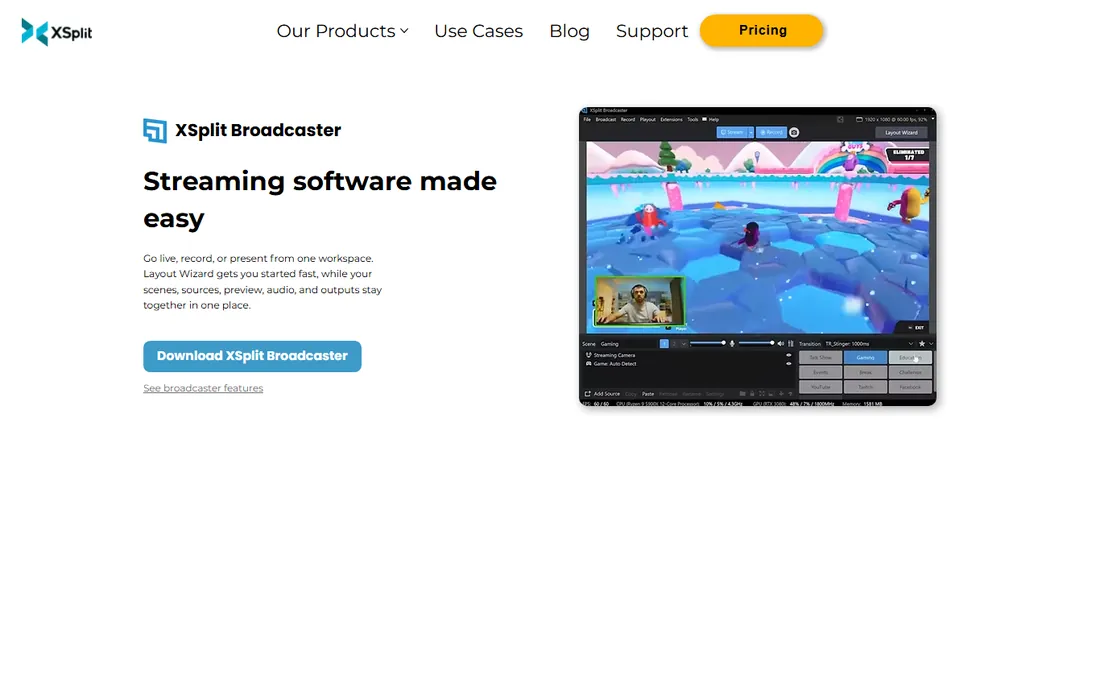
XSplit Broadcaster has chased the easy-but-powerful middle ground for years. The scene builder is genuinely pleasant: drag sources onto a canvas, snap them into place, and switch with one click. Game capture, webcam layering, and media playback all behave well, and the interface stays out of your way during a live show.
The free tier is honest about its limits: 720p output with a watermark. Premium at $14.99 per month or $59.99 per year removes those caps. Windows-only support rules out Mac-based teams entirely. For Windows creators who found OBS intimidating and Streamlabs too heavy, XSplit hits a comfortable middle.
What we like- Clean drag-and-drop scene builder
- Good console and camera capture
- Active development
Watch out for- Windows only
- Free tier watermarks output and caps resolution
Starting price$35/month (Studio) or $299/year
Free planFree trial
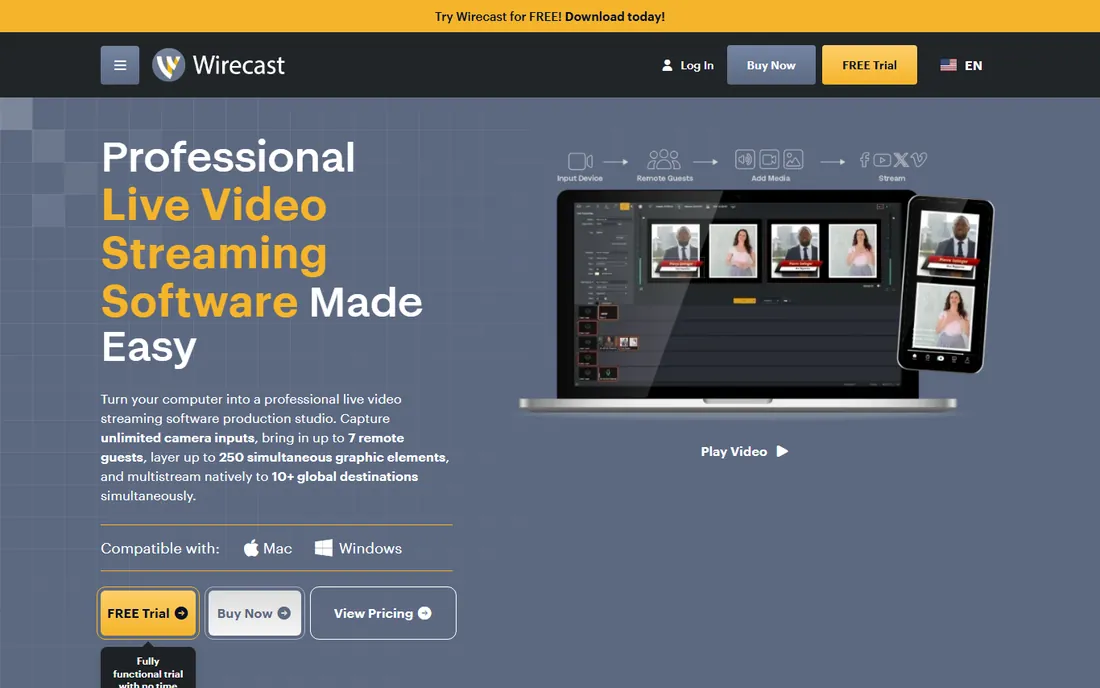
Wirecast is built for productions with more than one camera and more than one person involved. ISO recording captures each source separately for post-production, instant replay suits sports and events, and the built-in title and graphics tools look broadcast-ready without outside design help. Telestream's support is a real step up from community forums.
That professionalism costs. Studio starts at $35 per month or $299 per year, and Pro climbs to $46 per month or $399 per year. You will also want a strong CPU and plenty of RAM, since Wirecast is not light. Churches, schools, and event companies running weekly multi-camera shows are the natural buyers.
What we like- Professional switching and replay features
- Built-in stock media and titles
- Strong support options
Watch out for- Subscription pricing adds up
- Demands a powerful machine
#5
vMix
Best for: Windows live production with a one-time license
Visit vmix.com
Starting price$60 one-time (Basic HD)
Free planFree trial (60 days)
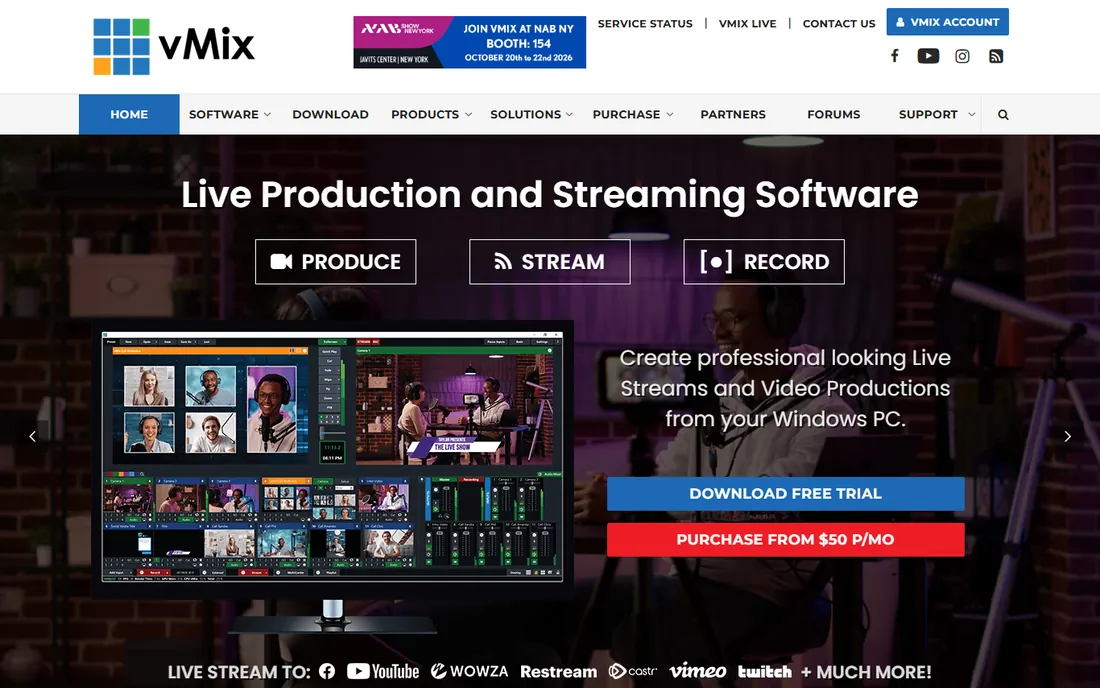
vMix earns loyalty with a pricing model the industry has mostly abandoned: pay once, own it. Basic HD costs $60, HD is $350, 4K is $700, and Pro is $1,200, each a single payment. A $50 per month MAX subscription exists for those who prefer it. The 60-day trial gives you a full two months to prove it fits your workflow.
Under the hood, vMix is a serious switcher. It ingests cameras, NDI sources, web streams, and recorded media, then outputs to stream, record, or both. The interface assumes you know production basics, so beginners face a climb. Windows-only support is the other boundary. For dedicated Windows production PCs, the one-time pricing is compelling.
What we like- One-time pricing up to 4K tier
- Handles many inputs well
- 60-day trial is generous
Watch out for- Windows only
- Interface favors experienced operators
Starting price$19/month (Standard, $16/month billed annually)
Free planYes
Restream solves the Tuesday-afternoon problem from the intro directly. Connect YouTube, LinkedIn, Twitch, Facebook, and dozens of others, then send one stream that fans out everywhere. The browser-based studio lets guests join from a link with no software install, and chat from every platform lands in a single window.
The free plan works but carries Restream branding and limits. Standard at $19 per month ($16 on annual billing) removes branding and opens up core multistreaming, while Professional at $49 per month ($39 annual) adds more channels and analytics. Restream is not a full production switcher, so pair it with OBS or Ecamm when you need complex scenes.
What we like- Streams to 30-plus platforms from one dashboard
- Browser-based studio needs no install
- Chat aggregation in one view
Watch out for- Free plan adds Restream branding
- Advanced analytics need higher tiers
Starting price$20/month (Standard, $16/month billed annually)
Free planFree trial (14 days)
Mac users often find Windows-first tools awkward, and Ecamm Live fills that gap completely. Camera switching, screen sharing, overlays, and guest interviews all feel native to macOS. Interview mode isolates each guest's audio and video, which makes post-production far easier, and local recording captures up to 4K while you stream.
Pricing is subscription only: Standard at $20 per month ($16 annual) and Pro at $40 per month ($32 annual), with a 14-day trial. There is no Windows version and never will be. If your whole team runs Macs and you stream interviews, webinars, or demos, Ecamm is the most comfortable option here.
What we like- Designed for macOS from the ground up
- Interview mode with guest isolation
- Records 4K locally
Watch out for- Mac only
- Pro features cost double the Standard tier
Starting price$33.26/year (Personal)
Free planYes (5-minute recording cap)
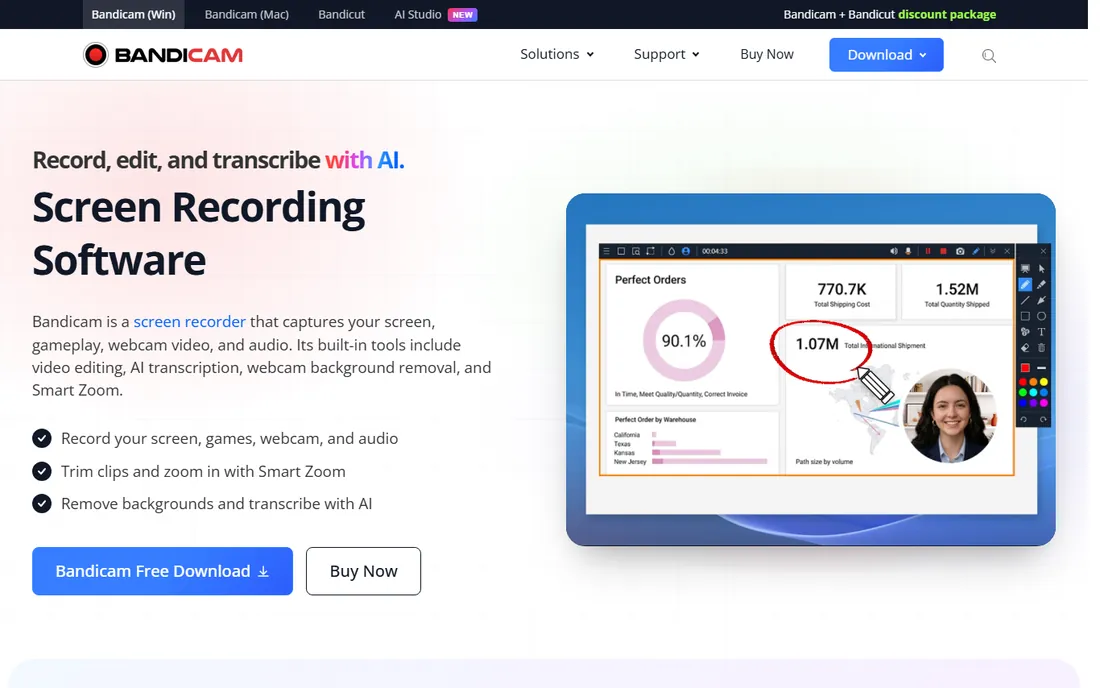
Bandicam is for the buyer who records far more than they stream. It captures screen regions, games via DirectX and Vulkan hooks, and external devices like webcams, all with a smaller performance hit than full production suites. Scheduled recording starts captures automatically, useful for webinars you cannot attend live.
The free version limits recordings to 5 minutes and stamps a watermark on them. Personal licensing runs $33.26 per year, with one-time and business options above that. Bandicam is Windows only and offers no real live-streaming scene control. As a pure recorder for tutorials, demos, and gameplay clips, it is efficient and fairly priced.
What we like- Small footprint with good performance
- Game and device capture modes
- Simple scheduling
Watch out for- Windows only
- Free version caps recordings at 5 minutes with a watermark
Starting price$39/year (Starter, exports with watermark)
Free planFree trial
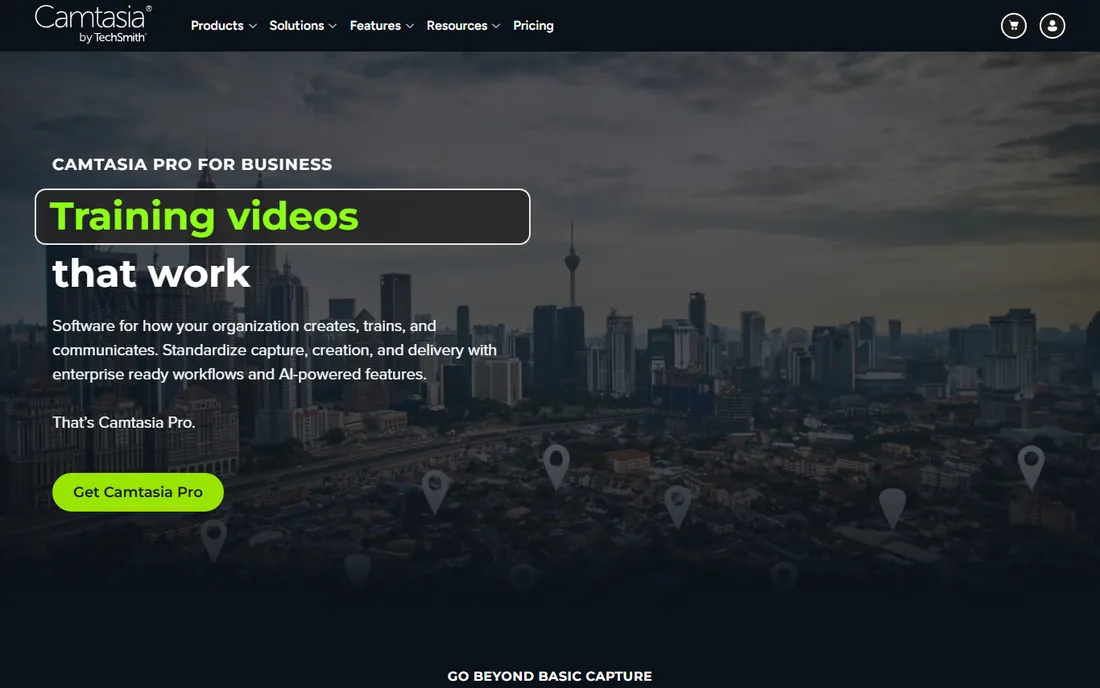
Camtasia closes the loop between recording and publishing. Capture your screen, then cut, annotate, zoom, and add quizzes or captions in the built-in editor without exporting to another program. Training teams love the interactive features: quizzes, table of contents, and closed captions turn a raw recording into a finished course.
TechSmith moved Camtasia to subscription pricing. Starter at $39 per year watermarks exports, Essentials at $179.88 per year is the real entry point, and Create and Pro tiers climb to $249 and $599 per year. It does not stream live at all. When your output is polished recorded video rather than live shows, Camtasia saves the round trip through editing software.
What we like- Recorder plus a real video editor in one
- Animations and quizzes for training
- Huge template library
Watch out for- Subscription only now
- Not built for live streaming
What to look for before you buy
Start with your output. Live streaming and screen recording stress different parts of a program: streaming needs stable encoders and scene switching, while recording needs clean capture and editing. Tools like OBS, vMix, and Wirecast do both; Bandicam and Camtasia lean hard toward recording; Restream leans toward distribution. Be honest about which side pays your bills.
Check platform support early. Several strong tools here are Windows only (XSplit, vMix, Bandicam) and one is Mac only (Ecamm Live). Mixed teams either standardize on OBS or Restream or accept two different tools. Nothing kills a purchase faster than discovering the license does not run on your machine.
Look at how pricing scales. One-time licenses (vMix up to 4K, Bandicam's lifetime option) favor buyers who hate subscriptions. Per-month plans (Streamlabs Ultra, Wirecast, Ecamm) favor teams that want support and constant updates. Add up two years of cost before you decide, since streaming tools tend to stick around.
Test audio before anything else. Viewers forgive 720p video; they leave over echoing, drifting, or clipping audio. Every tool here has audio mixing, but the quality of noise suppression and per-source control varies. Run a ten-minute test recording with your actual microphone and listen on headphones.
Finally, confirm multistreaming rules. Some platforms restrict simulcasting for partnered creators, and some tools charge extra for it. Restream exists specifically for this job, while OBS needs plugins or a service. Know your platforms' terms before you pay.
Pure live shows reward switching speed and stability. OBS Studio, Streamlabs, XSplit, vMix, Wirecast, and Ecamm Live all switch scenes live, take multiple inputs, and push to one or more platforms. Pick based on your OS, camera count, and budget, not on feature checklists that look identical.
Pure recording rewards capture quality and editing. Bandicam captures efficiently with minimal fuss, and Camtasia pairs capture with an editor so the recording becomes the finished product. If nobody watches live, do not pay for live features.
Most small businesses need both, which is why the record-while-streaming pattern matters. OBS, vMix, Wirecast, and Ecamm all record a clean local copy during the stream, giving you a reusable asset for YouTube, training libraries, or social clips. Restream plus any recorder achieves the same with two tools. Plan the reuse before you go live, and the recording stops being an afterthought.
How we chose
We mapped the category the way buyers actually shop: free open-source foundations, creator-focused suites, professional multi-camera production, multistreaming services, and recording-first tools. Candidates came from G2, Capterra, and Reddit threads where streamers, churches, educators, and marketers describe what survived real weekly use.
Every price and plan detail comes from the vendor's own pricing page, checked in October 2026. Where a vendor lists several tiers, we report the entry point that fits a small business and name what the higher tiers add. We did not claim hands-on testing; the picks reflect documented features, honest free-tier limits, platform support, and fit for teams without a production department.
Frequently asked questions
Is OBS Studio really enough for professional streaming?
For many teams, yes. OBS handles multi-scene switching, layered sources, and simultaneous streaming and recording at no cost. What you miss is official support, built-in widgets, and hand-holding. Businesses that stream weekly revenue-adjacent events sometimes pay for Wirecast or vMix for the support alone.
Can I stream to YouTube and LinkedIn at the same time?
Yes, with a multistreaming tool or service. Restream is the simplest path: one outgoing stream fans out to many platforms. OBS can do it with plugins or by sending to a multistreaming service. Check each platform's terms first, since some partnership programs restrict simulcasting.
What computer specs do I need for streaming?
A modern quad-core CPU, 16 GB of RAM, and a wired internet connection with at least 10 Mbps upload cover most 1080p streams. Multi-camera productions in vMix or Wirecast want more CPU headroom and ideally a dedicated GPU for encoding. Always test with your real setup before an important broadcast.
Should I record while I stream?
Almost always. A local recording gives you a clean copy for YouTube, training, or highlight clips even if the live stream glitches. OBS, vMix, Wirecast, and Ecamm Live all record locally during a stream. Storage is cheap; a lost broadcast is not.
What is the cheapest good option for recorded tutorials?
Bandicam at $33.26 per year is the budget pick for pure screen recording on Windows. If you need editing too, Camtasia Essentials at $179.88 per year replaces a separate editor. For free, OBS records well but you will edit elsewhere.
Sources we checked (9)
- https://obsproject.com
- https://streamlabs.com
- https://www.xsplit.com
- https://www.telestream.net/wirecast/
- https://www.vmix.com
- https://restream.io
- https://www.ecamm.com
- https://www.bandicam.com
- https://www.techsmith.com
Is your product missing or out of date?
We review this list regularly. Vendors can request a listing, send updated pricing or ask about featured placement.

Shihab Mia · Founder, Rankite
Shihab has spent more than a decade helping SaaS and e-commerce brands grow through search. He writes Rankite's software buying guides from pricing pages, documentation and public user reviews. More about Shihab.