How we make this list: we compare pricing pages, product documentation and public user reviews. Rankite is independent; if a vendor ever pays for a featured spot, that listing is clearly labeled Partner.
Key takeaways
- IBM SPSS Statistics remains the default in universities and social science research, at $109 per user per month for the base subscription.
- JMP at $1,390 per user per year is the strongest pick for engineers and quality teams who want serious statistics without writing code.
- The best free statistical software is genuinely good now: jamovi and JASP cover most of what SPSS does for teaching and standard analyses.
- Stata, SAS, Minitab and GraphPad Prism each dominate a niche (economics, enterprise analytics, quality control, life sciences), so match the tool to your field.
Quick comparison
| Tool | Best for | Starting price | Free plan |
|---|
 IBM SPSS Statistics IBM SPSS Statistics | social science research and university teaching | $109 per user/month (base subscription) | Free trial |
 Stata Stata | economists and anyone who values reproducibility | See website | No |
 JMP JMP | engineers, scientists and quality teams | $1,390 per user/year | Free trial |
 Minitab Minitab | Six Sigma programs and manufacturing quality control | See website | Free trial |
 GraphPad Prism GraphPad Prism | biologists and clinical researchers who need graphs and stats together | See website | Free trial |
 SAS SAS | large enterprises with regulated, large-scale analytics | See website | Free trial |
 jamovi jamovi | students and teachers who want SPSS-style analysis for free | Free | Yes |
 JASP JASP | researchers who want Bayesian statistics without the pain | Free | Yes |
Is your product missing or out of date?
We review this list regularly. Vendors can request a listing, send updated pricing or ask about featured placement.
The best statistical analysis software
#1
IBM SPSS Statistics
Best for: social science research and university teaching
Visit ibm.com
Starting price$109 per user/month (base subscription)
Free planFree trial
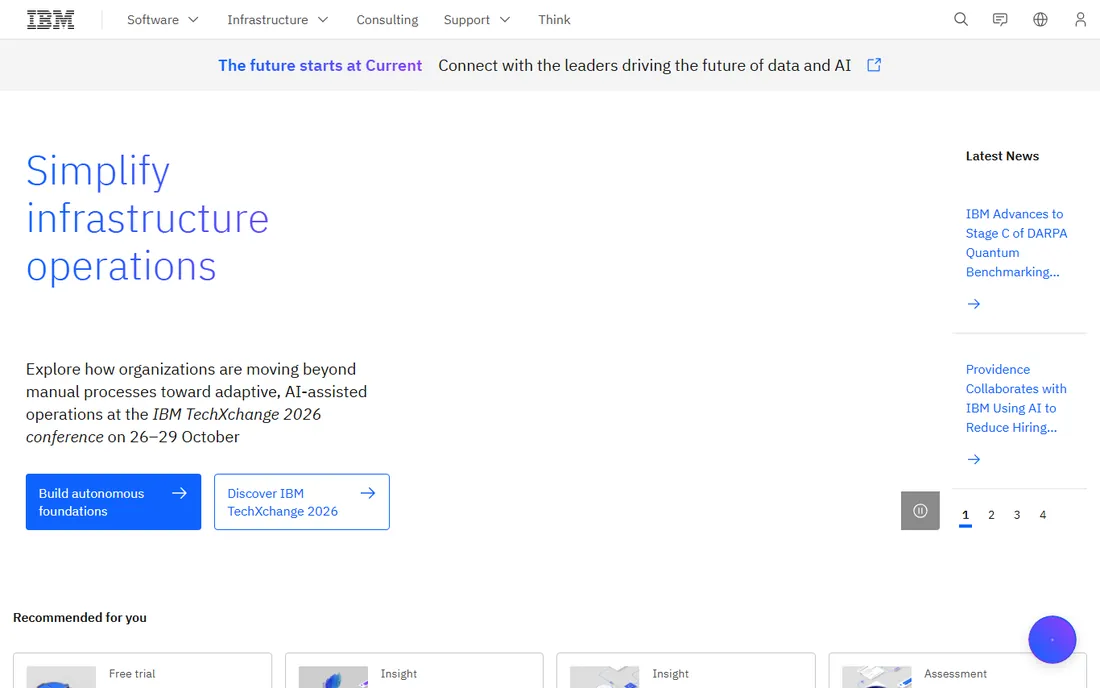
SPSS is the statistics package most researchers have actually used, which is a bigger advantage than it sounds. When your co-authors, reviewers and students all know the same menus, collaboration gets easier and methods sections write themselves. The base subscription starts at $109 per user per month on IBM's site, with monthly, quarterly or annual billing and add-on modules for things like custom tables, forecasting and complex samples.
The honest assessment: SPSS is not the most powerful tool here, and it is not the cheapest. What it offers is familiarity and a gentle learning curve backed by decades of textbooks and tutorials. Syntax mode lets you save and rerun analyses for reproducibility, which matters for published research. If your department already teaches it, switching costs are real. If you are starting fresh, check the free alternatives below before committing to the subscription.
What we like- The standard in social sciences, so collaborators and reviewers know it
- Point-and-click plus syntax for reproducibility
- Huge tutorial base
Watch out for- Expensive for what it is
- Add-on modules for advanced methods cost extra
- Interface feels dated
#2
Stata
Best for: economists and anyone who values reproducibility
Visit stata.com
Starting priceSee website
Free planNo
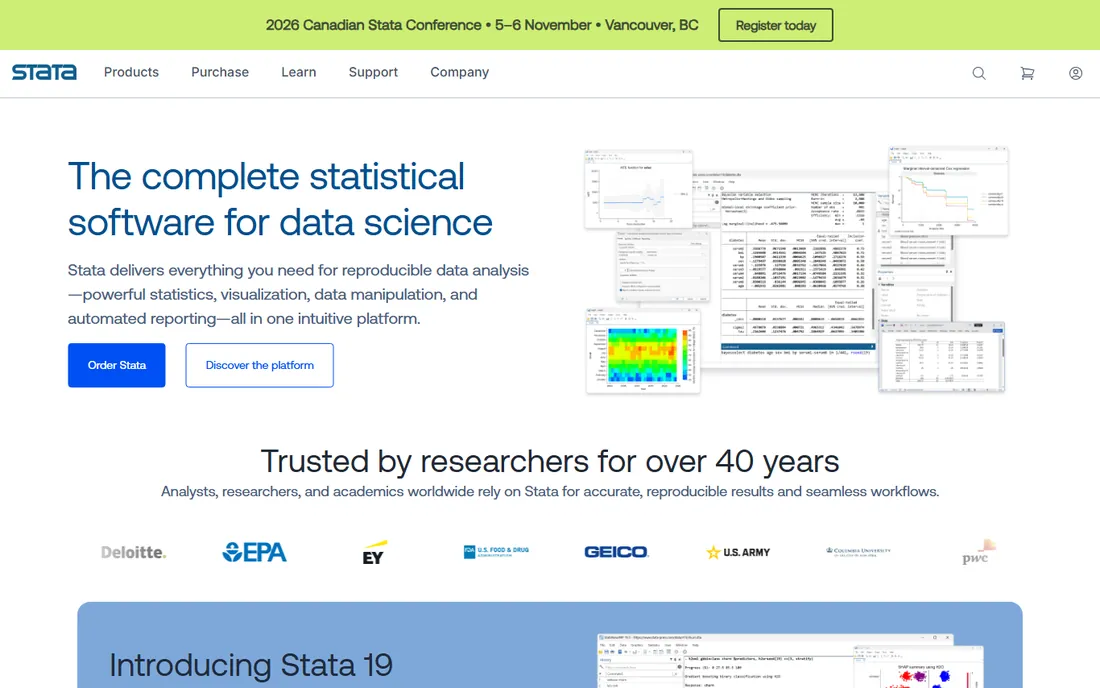
In economics, Stata is not just software, it is the shared language of the discipline. Journals expect Stata code, replication packages ship as do-files, and the documentation is widely considered the best in the business. The command-driven design means every analysis is a script by default, which makes reproducibility the path of least resistance rather than an extra chore.
StataCorp sells perpetual and annual licenses in several editions (BE, SE, MP) with academic discounts, but prices are not published on a simple rate card, so expect a quote. There is no free tier and no free trial for commercial users. The learning curve is steeper than SPSS for pure point-and-click users, but for researchers who will run the same analyses repeatedly, the syntax-first design pays off quickly.
What we like- Superb documentation
- Command syntax makes every analysis reproducible
- Fast and consistent across platforms
Watch out for- Pricing is not published and varies by edition
- Smaller point-and-click audience than SPSS
#3
JMP
Best for: engineers, scientists and quality teams
Visit jmp.com
Starting price$1,390 per user/year
Free planFree trial
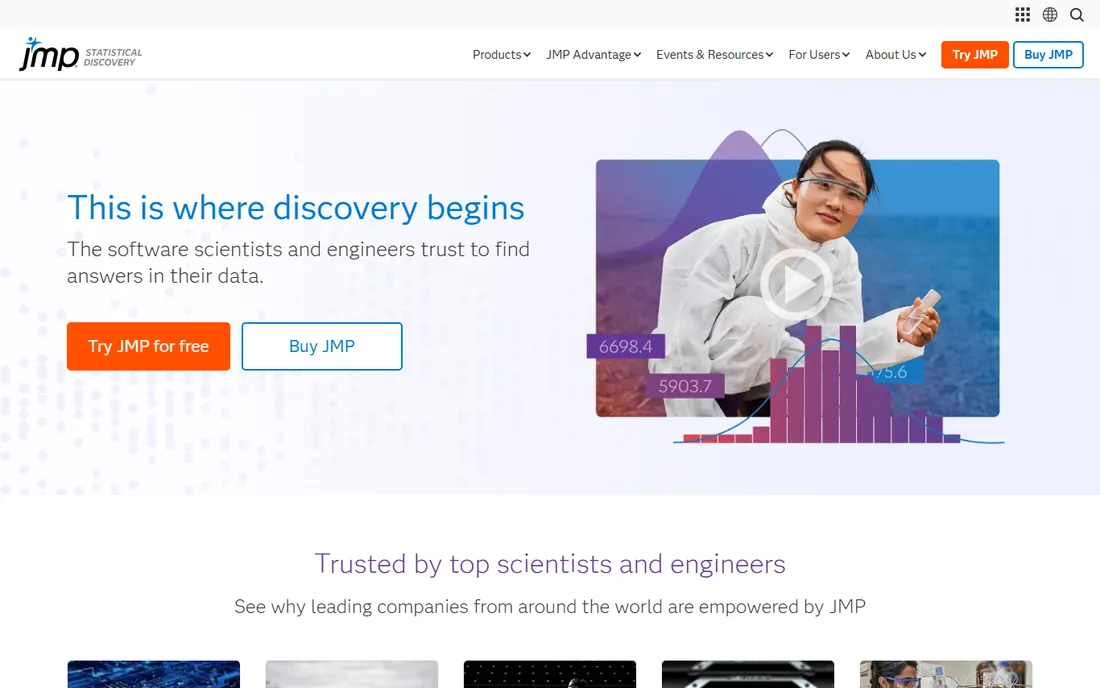
JMP, from SAS, takes a different approach from the menu-driven packages: everything is visual and interactive. Click a point in a graph and the corresponding row highlights in the data table. Drag variables onto a canvas and the analysis builds itself. For engineers and scientists exploring data rather than running canned tests, that interactivity changes how fast you find things.
The design of experiments (DOE) tools are the standout feature and the reason JMP dominates in manufacturing and R&D. Pricing starts at $1,390 per user per year for the base product, with JMP Pro considerably higher. That is serious money, but for a quality engineer whose alternative is mis-designed experiments, it is cheap. The free trial is the right way to feel the difference before buying.
What we like- Interactive visualizations linked to the data
- Excellent design of experiments tools
- No coding required for advanced methods
Watch out for- Premium price
- Less common in social sciences, so fewer field-specific resources
#4
Minitab
Best for: Six Sigma programs and manufacturing quality control
Visit minitab.com
Starting priceSee website
Free planFree trial
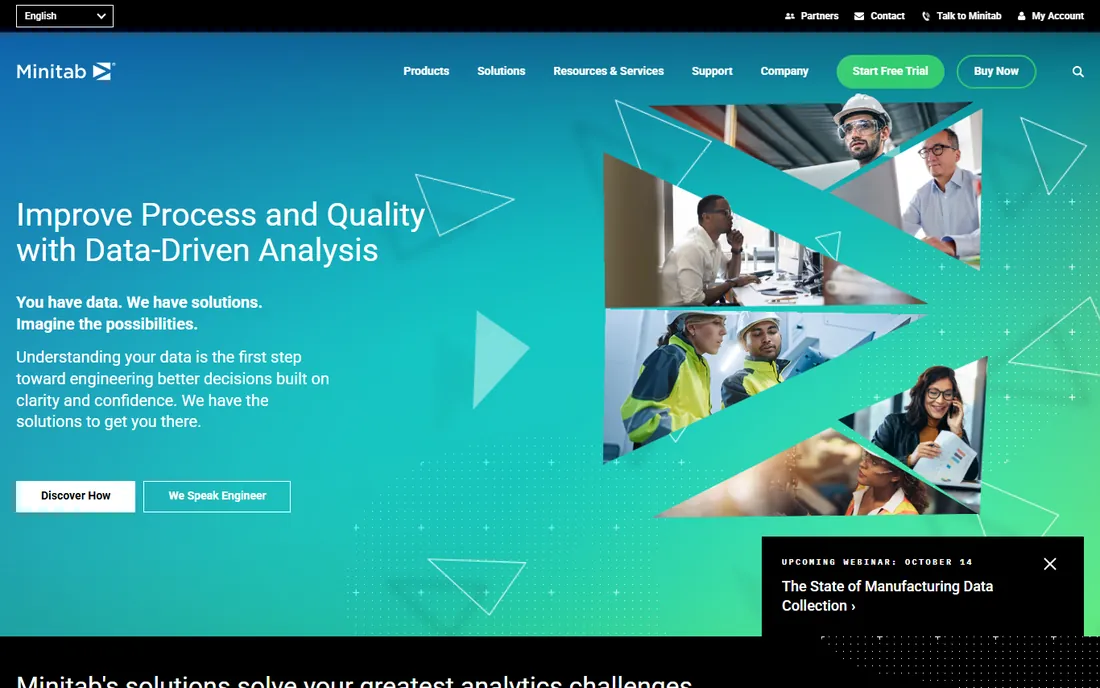
If your job involves control charts, capability analysis and designed experiments on a factory floor, Minitab is probably already the answer. The Assistant feature is genuinely useful: it asks what you are trying to do, recommends the right analysis and interprets the output in plain language. That hand-holding is why Six Sigma training programs pair with it so consistently.
Minitab does not publish list pricing, so you will talk to sales, and the statistical range is narrower than SPSS or Stata for general research. It also leans Windows and desktop, though cloud access is now included. For quality departments, none of that matters much. It is the right tool for the job it was designed for, and the free trial confirms that fast.
What we like- Purpose-built for quality control and Six Sigma
- Guided Assistant walks you through the right test
- Trusted in manufacturing for decades
Watch out for- Pricing not published
- Narrower statistical range than general packages
#5
GraphPad Prism
Best for: biologists and clinical researchers who need graphs and stats together
Visit graphpad.com
Starting priceSee website
Free planFree trial
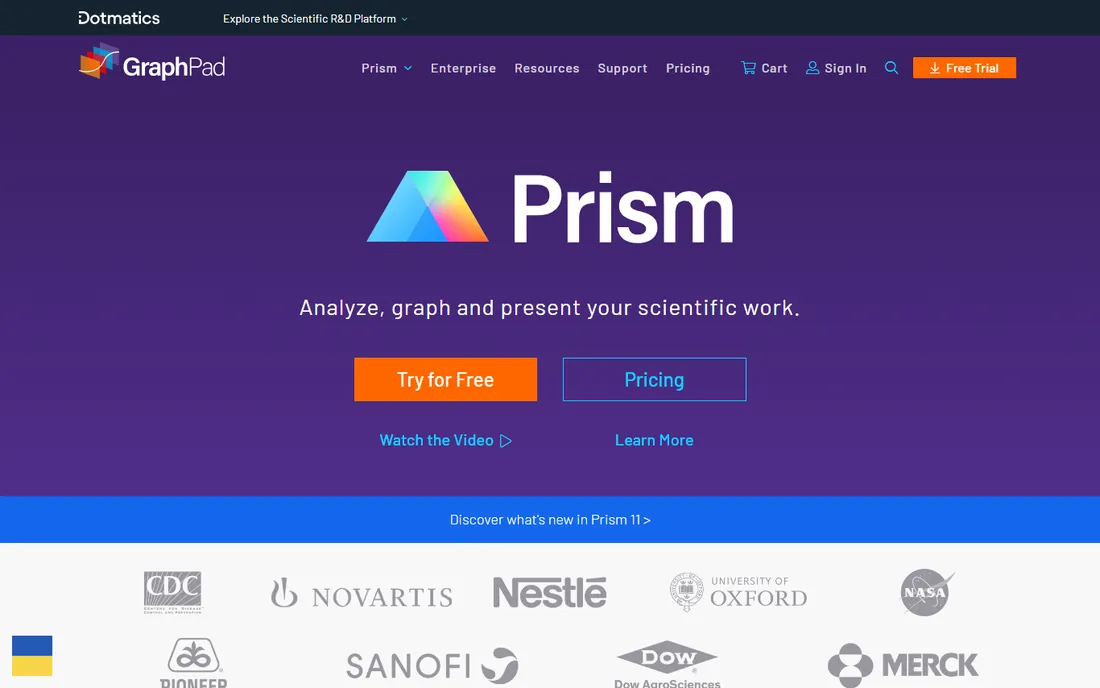
Prism is built for bench scientists, and it shows in every design decision. You enter data the way lab experiments produce it, the analysis options are described without statistical jargon, and the output is a publication-ready graph rather than a table you have to reformat. T-tests, ANOVA, survival analysis, nonlinear regression and curve fitting cover the large majority of what life science papers actually need.
It will not replace a full statistics package for complex modeling, and it does not try to. Pricing runs on annual subscriptions with academic discounts, typically a few hundred dollars per year, but the exact figure depends on license type. Now part of Dotmatics, Prism remains the fastest path from lab data to a figure you can submit. The free trial is worth running with your own dataset.
What we like- Scientific graphing and statistics in one workflow
- Analysis choices explained in plain language
- Publication-ready figures
Watch out for- Not a general statistics package
- Pricing varies by license type and is not on a simple public page
#6
SAS
Best for: large enterprises with regulated, large-scale analytics
Visit sas.com
Starting priceSee website
Free planFree trial
SAS is the enterprise incumbent, the system that banks, insurers and government agencies run their analytics on. The modern platform is SAS Viya, which adds cloud-native deployment and machine learning alongside the traditional statistical procedures. In regulated industries where audit trails and validated processes matter, SAS is often the only acceptable answer.
This is not software you buy with a credit card. Pricing is quote-based and enterprise-scale, implementations involve professional services, and the learning curve is real. Small teams and individual researchers should look elsewhere. But if your organization needs analytics that auditors trust and that scale to millions of records, SAS remains the reference standard.
What we like- Proven at massive scale
- Strong in regulated industries
- Comprehensive analytics portfolio beyond statistics
Watch out for- Quote-based enterprise pricing
- Steep learning curve
- Overkill for small teams
#7
jamovi
Best for: students and teachers who want SPSS-style analysis for free
Visit jamovi.org
Starting priceFree
Free planYes
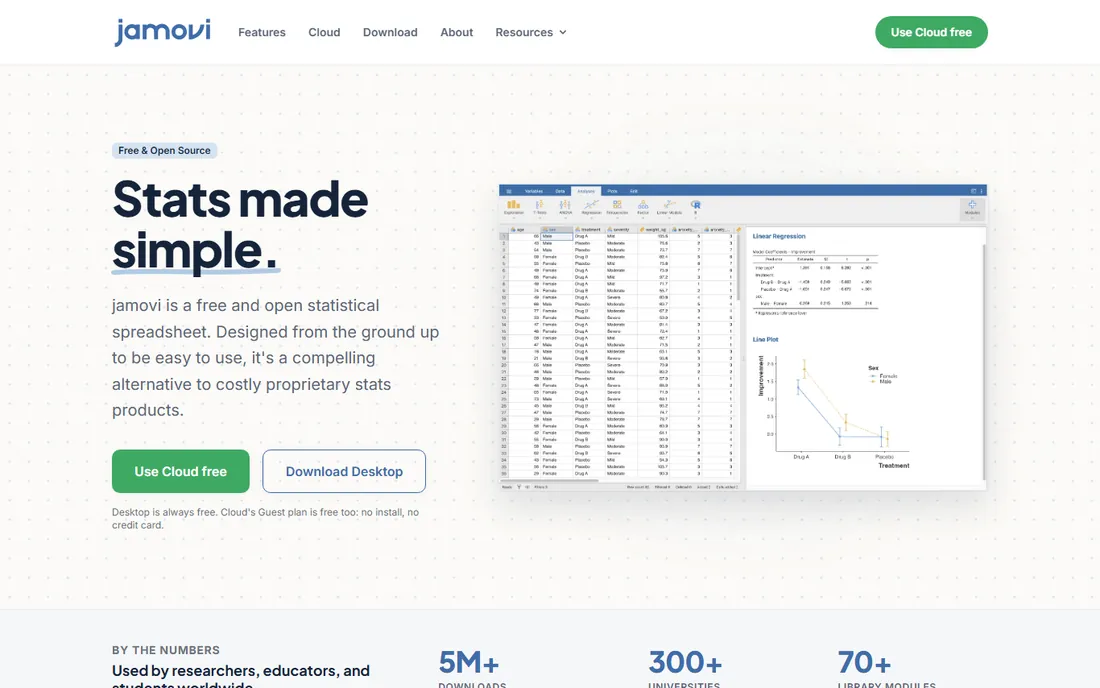
jamovi is the strongest argument that you might not need to pay for statistics software at all. It is free, open source, and deliberately designed to feel familiar to SPSS users, which makes it the natural pick for teaching. The standout trick is that results update in real time as you change the data or options, so students see the connection between choices and output immediately.
The analysis library is smaller than the commercial packages, though modules extend it, and support comes from the community rather than a vendor. For standard analyses (t-tests, ANOVA, regression, descriptives), it is more than enough. Universities watching their software budgets should evaluate jamovi before renewing SPSS site licenses.
What we like- Completely free and open source
- Familiar SPSS-like interface
- Analyses update live as data changes
Watch out for- Smaller analysis library than commercial tools
- Community support rather than a vendor helpdesk
Starting priceFree
Free planYes
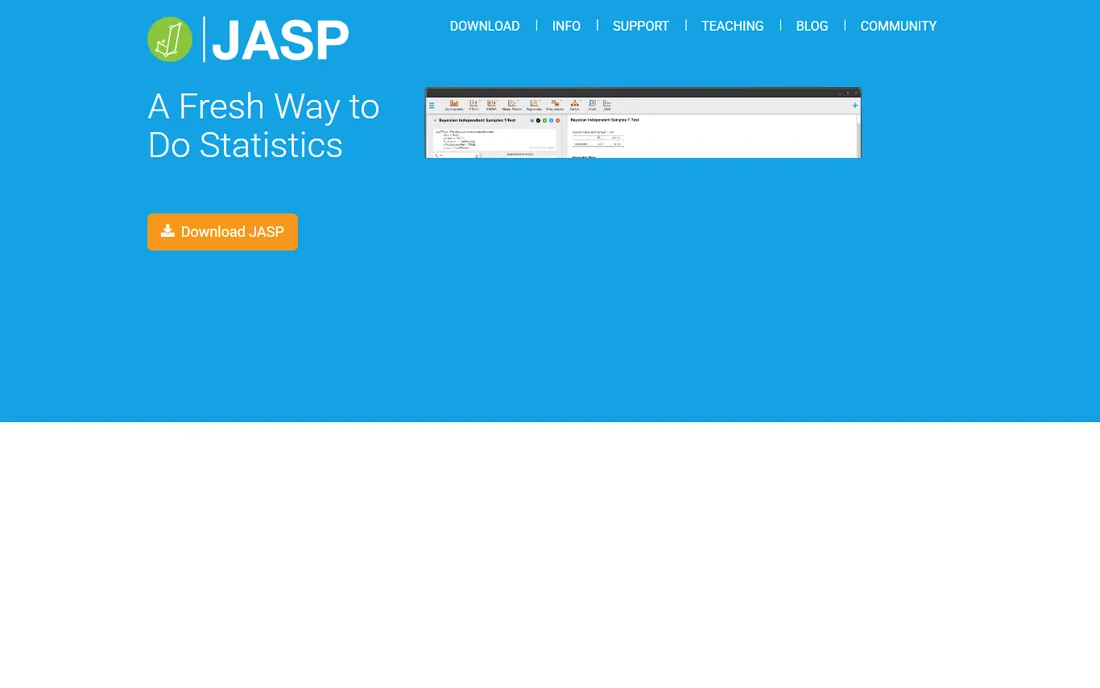
JASP shares jamovi's free and open-source DNA but carves its own niche with first-class Bayesian statistics. Where most packages treat Bayesian methods as an advanced add-on, JASP puts Bayes factors and credible intervals next to the classical output, which has made it popular in psychology and the open science movement. The interface is clean, results are publication-ready, and everything updates live.
Like jamovi, it covers standard analyses well and advanced ones less so, and textbooks built around it are still catching up. For researchers who want to report Bayesian results without learning a programming language, JASP is the easiest path available at any price, and the price is zero.
What we like- Free and open source
- Bayesian analyses alongside classical tests
- Clean, modern interface
Watch out for- Also smaller than commercial packages
- Newer, so fewer textbooks built around it
How we chose
We selected tools that ship as real products in 2026 and fit statistical analysis for research, business or teaching. Starting prices come from the vendors' own published pricing where available; where vendors do not publish prices, we say so rather than quoting third-party estimates. The free tools were verified as genuinely free and open source. We weighed field reputation, learning curve and method coverage from public documentation and user reviews, and we ignored vendor awards and user-count claims.
Free statistical software: how far the free options go
The free tier of statistics software used to mean R with a steep learning curve or a crippled demo. That is no longer true. jamovi and JASP are full applications that handle the analyses most people actually run: descriptives, t-tests, ANOVA, regression, and in JASP's case Bayesian methods. For teaching undergraduates and for researchers running standard analyses, they are legitimate replacements for paid packages.
What the free tools do not do is the long tail: complex survey designs, advanced mixed models, specialized procedures for niche fields, and the validated pipelines regulated industries require. They also lack vendor support contracts, which matters when a deadline depends on the software working. The practical rule: if your analyses fit in a textbook chapter, try the free tools first. If you need methods your field's journals expect from a specific commercial package, pay for that package.
How to choose the right statistics package
Match the tool to your field first, because your field determines what your collaborators use and what journals expect. Social scientists default to SPSS or Stata, economists to Stata, engineers to JMP or Minitab, life scientists to Prism, and large enterprises to SAS. Swimming against your field's current costs time on every collaboration.
Next, be honest about the coding question. If you will learn R or Python eventually, you may not need a commercial GUI package at all. If you need results this month without programming, the GUI tools earn their price. Then check the licensing model against your reality: subscriptions like SPSS suit short projects, perpetual licenses like Stata's suit long-term use, and site licenses change the math for departments.
Finally, run your own data through the trial before buying. Every tool here offers a trial or is free, and an hour with your actual dataset reveals more than any feature list. Check that it imports your data cleanly, runs the analyses you need, and exports results in a form you can use.
Frequently asked questions
What is the best statistical software for beginners?
For complete beginners, jamovi or JASP are the best starting points: free, visual, and they teach the concepts without syntax. Among paid tools, SPSS has the gentlest learning curve thanks to its menus and the mountain of tutorials available. Minitab's Assistant is also excellent if your work is quality-control focused.
Is there a free alternative to SPSS?
Yes, two strong ones. jamovi is the closest free alternative to SPSS in look and feel, covering descriptives, t-tests, ANOVA and regression. JASP offers similar classical analyses plus Bayesian methods. Both are free and open source. R and Python are also free and far more powerful, but they require programming.
How much does SPSS cost?
IBM SPSS Statistics starts at $109 per user per month for the base subscription, with annual billing bringing the effective rate down. Add-on modules for advanced statistics, forecasting and complex samples cost extra. Perpetual licenses are also available at a higher upfront price. Academic pricing is substantially lower through institutional licenses.
Which is better, SPSS or Stata?
It depends on your field and workflow. SPSS is easier for beginners and dominates in social sciences and psychology. Stata has better documentation, a cleaner command syntax and stronger reproducibility, and it rules in economics. For large datasets Stata is generally faster. If your collaborators and target journals use one of them, follow suit.
Do I need statistics software if I know Excel?
Excel handles basic descriptives and simple tests, but it falls apart on anything serious: no proper ANOVA, weak regression diagnostics, no reproducible workflow, and notorious numerical accuracy issues in older versions. If your analysis matters enough to publish or to base decisions on, use real statistics software. The free options cost nothing.
What do most universities use for statistics teaching?
SPSS remains the most common teaching package in social sciences, Stata in economics, and Minitab in business and engineering quality courses. That said, jamovi and JASP are gaining ground fast in teaching because they are free and students can install them anywhere. R is standard in statistics departments themselves.
Sources we checked (8)
- https://www.ibm.com/products/spss-statistics
- https://www.stata.com/
- https://www.capterra.com/p/151815/JMP-Statistical-Software/pricing/
- https://www.minitab.com/
- https://www.graphpad.com/
- https://www.sas.com/
- https://www.jamovi.org/
- https://jasp-stats.org/
Is your product missing or out of date?
We review this list regularly. Vendors can request a listing, send updated pricing or ask about featured placement.

Shihab Mia · Founder, Rankite
Shihab has spent more than a decade helping SaaS and e-commerce brands grow through search. He writes Rankite's software buying guides from pricing pages, documentation and public user reviews. More about Shihab.