How we make this list: we compare pricing pages, product documentation and public user reviews. Rankite is independent; if a vendor ever pays for a featured spot, that listing is clearly labeled Partner.
Key takeaways
- Microsoft Excel (from $6.99/month) remains the power standard for modeling, with a free web version.
- Google Sheets is free and unmatched for real-time collaboration.
- LibreOffice Calc, Apple Numbers, and Zoho Sheet are all free and cover most everyday needs.
- Smartsheet ($9/user/month) and Airtable (from $20/user/month) turn spreadsheets into project and data management.
Quick comparison
| Tool | Best for | Starting price | Free plan |
|---|
 Microsoft Excel Microsoft Excel | power modeling and analysis | $6.99/month (Microsoft 365 Personal) | Yes (free web version) |
 Google Sheets Google Sheets | real-time collaboration | Free (Google Workspace from $6/user/month) | Yes |
 LibreOffice Calc LibreOffice Calc | free open-source desktop spreadsheet | Free | Yes |
 Apple Numbers Apple Numbers | beautiful spreadsheets on Apple devices | Free | Yes |
 Zoho Sheet Zoho Sheet | free cloud spreadsheet with AI help | Free | Yes |
 Smartsheet Smartsheet | spreadsheet-based project management | $9/user/month (Pro, billed annually) | Free trial (30 days) |
 Airtable Airtable | spreadsheet-database hybrid | $20/user/month (Team, billed annually) | Yes |
Is your product missing or out of date?
We review this list regularly. Vendors can request a listing, send updated pricing or ask about featured placement.
The best spreadsheet software
Starting price$6.99/month (Microsoft 365 Personal)
Free planYes (free web version)
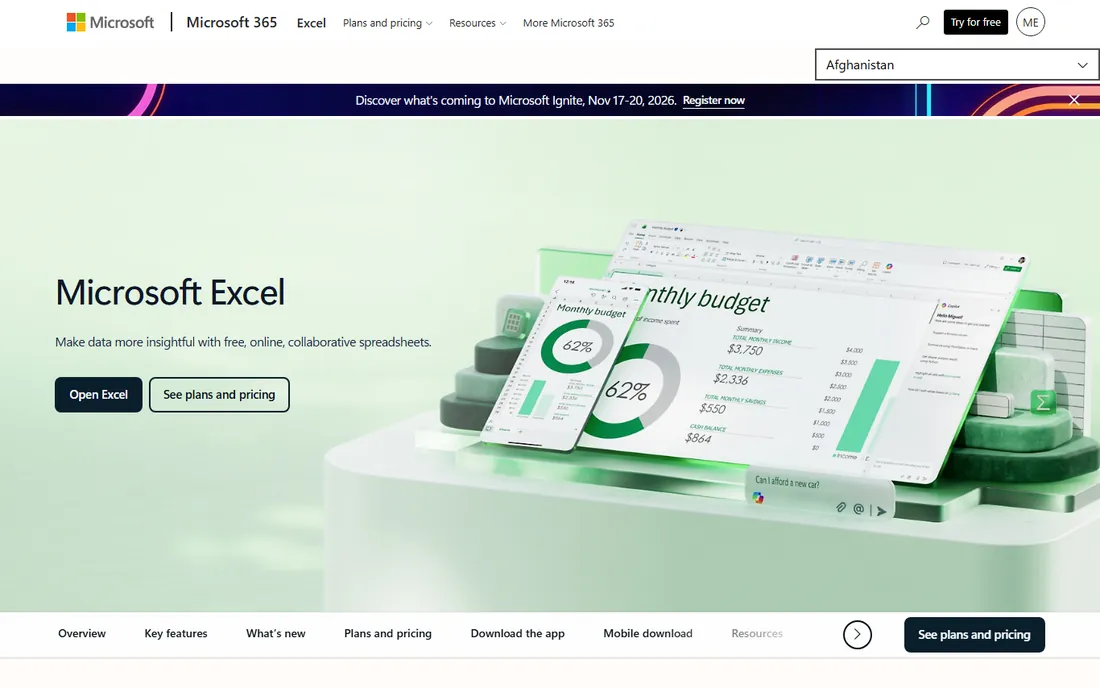
Microsoft Excel remains the undisputed king of serious spreadsheet work: pivot tables, Power Query data transformation, Power Pivot data modeling, VBA macros, and dynamic arrays give it analytical depth nothing else matches. Microsoft 365 Personal at $6.99 a month ($69.99 a year) includes the desktop apps plus 1TB of OneDrive, and business plans start at $7 per user per month for web apps after the July 2026 price adjustments.
Copilot integration brings AI formula help and data insights to subscribers, and Excel for the web keeps improving for quick edits and sharing. A free web version with a Microsoft account covers light use with 5GB of storage.
The honest catch: real-time co-authoring still feels bolted on compared with Google Sheets, and the most powerful features demand the desktop app. For finance teams and analysts, though, Excel is not a choice; it is the job requirement.
What we like- The industry standard for serious analysis
- Power Query, Power Pivot, and VBA depth
- Copilot AI features
Watch out for- Collaboration still trails Google Sheets
- Full power needs the desktop app
- Subscription pricing adds up
Starting priceFree (Google Workspace from $6/user/month)
Free planYes
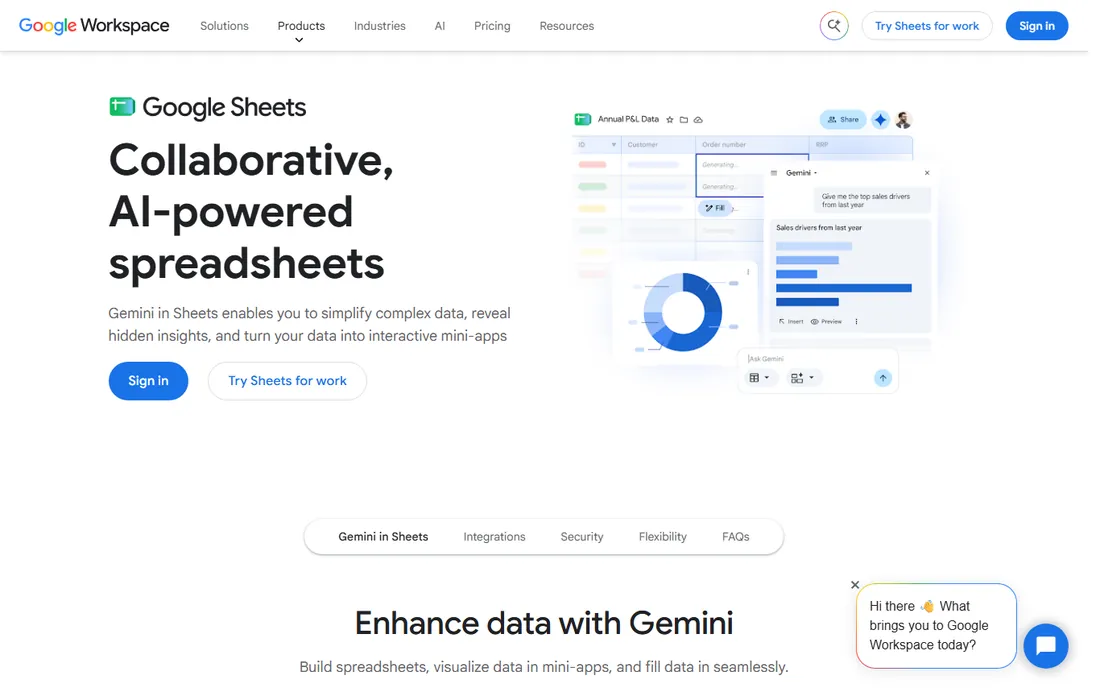
Google Sheets won the collaboration war: multiple people editing the same spreadsheet simultaneously with comments, version history, and protected ranges, all free with a Google account. For teams that live in shared documents, nothing else feels as natural.
Sheets handles formulas, pivot tables, charts, and conditional notifications capably, opens and saves Excel files, and connects to BigQuery through Connected Sheets for serious data work. Google Workspace plans from $6 per user per month add business controls, but the core product is free.
The catches: performance degrades on very large or complex workbooks, advanced modeling tools lag Excel, and offline editing requires setup. For shared budgets, trackers, and collaborative lists, Sheets is the default.
What we like- Best-in-class real-time collaboration
- Free for everyone
- Integrates with the whole Google ecosystem
Watch out for- Struggles with very large datasets
- Fewer advanced analysis tools than Excel
- Offline mode is limited
Starting priceFree
Free planYes
LibreOffice Calc is the free desktop spreadsheet that just works: full-featured, open source under the MPL, running on Windows, Mac, and Linux with no account, no subscription, and no cloud required. It opens and saves Excel formats reliably and supports over a million rows per sheet.
The function library covers financial, statistical, and engineering needs, including modern functions like IFS, SWITCH, TEXTJOIN, MAXIFS, and MINIFS. PDF export is built in, and the whole LibreOffice suite means Writer and Impress come along free.
The catches: real-time collaboration is essentially absent, the interface shows its age, and cloud sync is DIY. For individuals and organizations that want a free, private, offline-capable spreadsheet, Calc is the answer.
What we like- Completely free with no account
- Excellent Excel file compatibility
- Over a million rows supported
Watch out for- Collaboration features are basic
- Interface feels dated
- No native cloud sync
#4
Apple Numbers
Best for: beautiful spreadsheets on Apple devices
Visit apple.com
Starting priceFree
Free planYes
Apple Numbers takes a different approach: a freeform canvas where tables, charts, images, and text coexist, producing spreadsheets that look designed rather than gridded. It comes free with Mac, iPhone, and iPad, with hundreds of functions, pivot tables, and smart categories for analysis.
Real-time collaboration works across Apple devices and even PCs through iCloud in a browser. The templates for budgets, invoices, and planning are genuinely beautiful, and Apple Pencil support on iPad adds a creative dimension.
The catches: it is Apple-only for full functionality, power features trail Excel, and very large files can slow down. For Apple-centric individuals and small teams making presentable spreadsheets, Numbers is free and delightful.
What we like- Free with Apple devices
- Gorgeous templates and canvas layout
- Real-time collaboration via iCloud
Watch out for- Apple ecosystem only
- Advanced features trail Excel
- Large-file performance can suffer
#5
Zoho Sheet
Best for: free cloud spreadsheet with AI help
Visit zoho.com
Starting priceFree
Free planYes
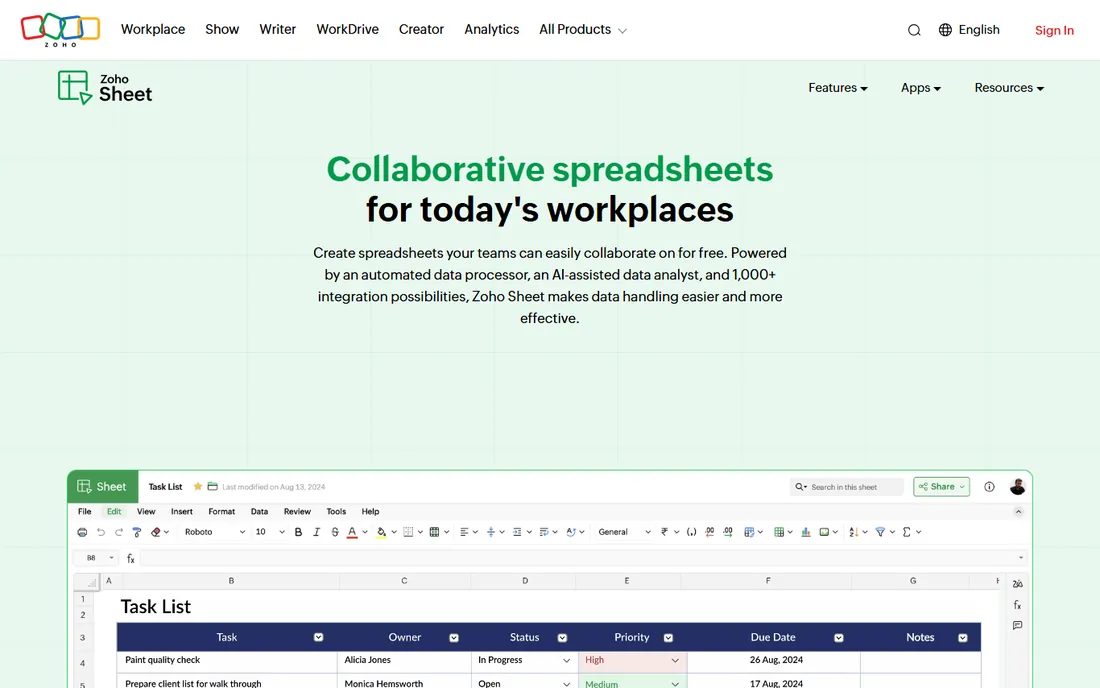
Zoho Sheet is the free cloud spreadsheet most people overlook: full-featured, real-time collaboration, and AI-assisted formulas via Zia, all free as a standalone product with no hidden charges. It sits naturally inside the Zoho ecosystem alongside CRM, Books, and Projects.
The AI formula assistance helps non-experts build complex calculations, data cleaning tools tidy messy imports, and macros automate repetitive work. Paid entry typically comes through Zoho One bundles rather than Sheet-specific tiers.
The catches: some advanced Excel formulas have no equivalent, large datasets can lag, and collaborators may need convincing to try a less familiar tool. For Zoho users and budget-conscious teams, it is strong value at zero cost.
What we like- Free as a standalone cloud app
- Zia AI assists with formulas
- Strong Zoho ecosystem integration
Watch out for- Formula gaps versus Excel
- Performance on large datasets
- Less familiar to collaborators
Starting price$9/user/month (Pro, billed annually)
Free planFree trial (30 days)
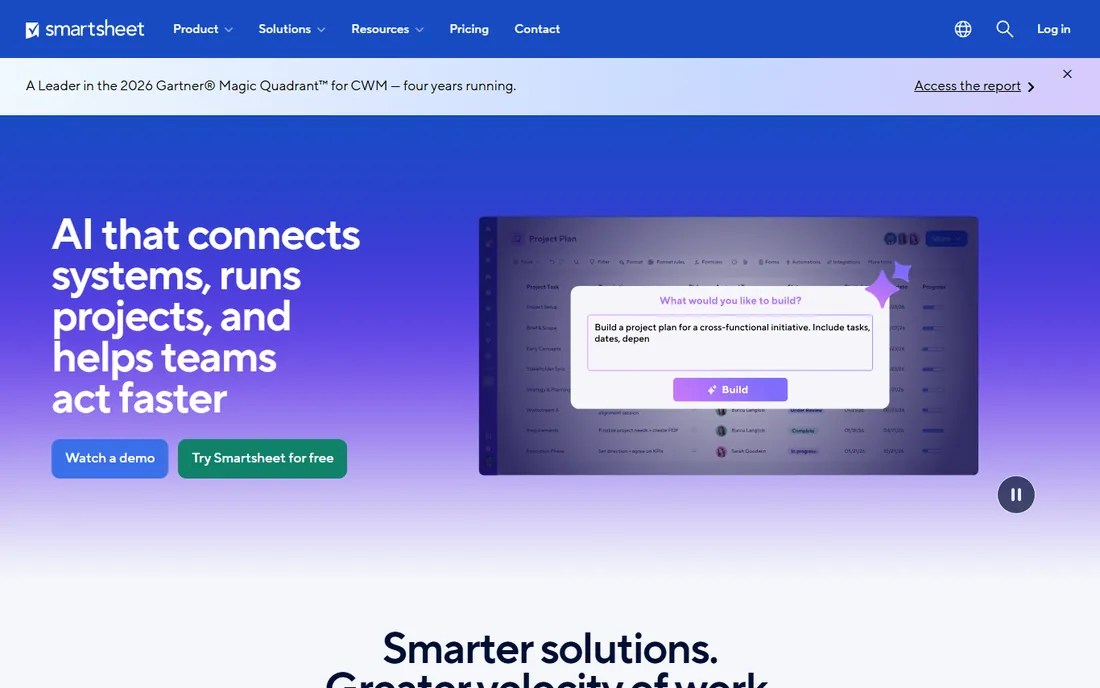
Smartsheet turns the familiar grid into a work management platform: the same rows and columns, but with Gantt charts, kanban boards, calendars, automated workflows, forms, and dashboards built in. Pro at $9 per user per month billed annually covers teams up to 10; Business at $19 adds workload tracking and unlimited automations.
The licensing model is team-friendly: unlimited free collaborators can view, comment, and submit forms without paid seats. That makes it practical for project tracking across departments where most people just need visibility.
The catches: there is no permanent free plan, only a 30-day trial, and resource management and other advanced features are paid add-ons. For teams managing projects in a spreadsheet metaphor, Smartsheet bridges the gap between Excel and a PM tool.
What we like- Gantt, card, and calendar views on grid data
- Automation and dashboards
- Unlimited free collaborators
Watch out for- No free plan
- Add-ons for resource management cost extra
- Overkill for simple spreadsheets
Starting price$20/user/month (Team, billed annually)
Free planYes
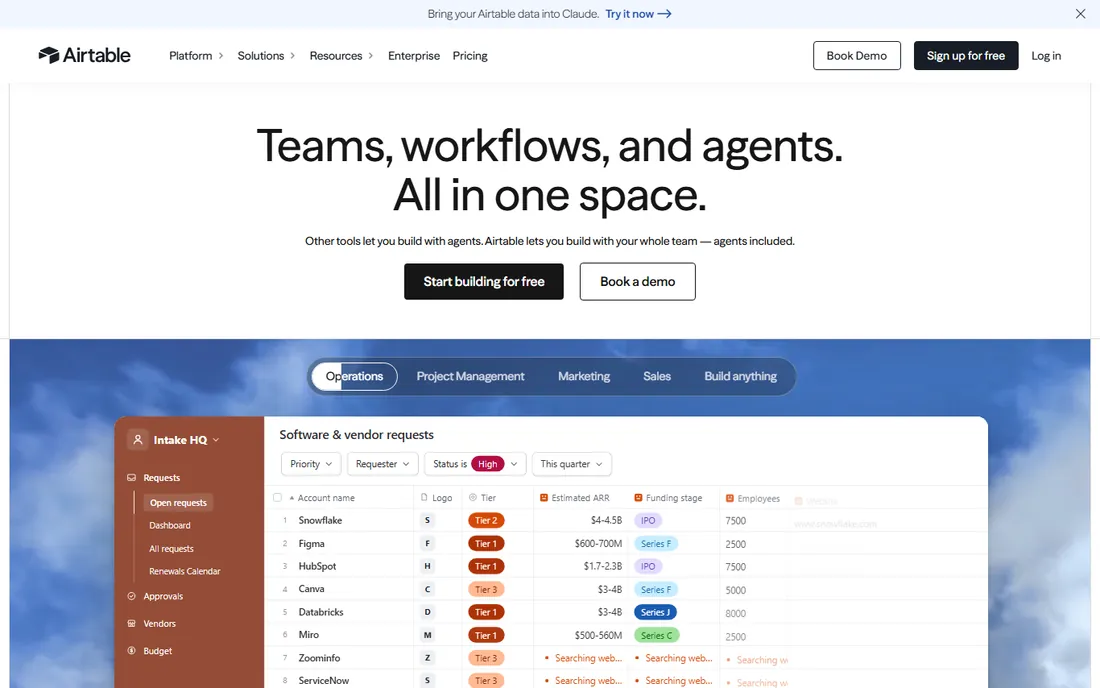
Airtable is what happens when a spreadsheet grows up into a database: linked records, rich field types (attachments, barcodes, ratings), kanban, gallery, calendar, and Gantt views, plus automations and an interface designer for building apps on your data. The free plan covers individuals with 1,000 records per base.
Team at $20 per user per month billed annually raises limits to 50,000 records per base with 25,000 automation runs, while Business at $45 adds 125,000 records and admin controls. Read-only collaborators are free, which matters for wider teams.
The catches: 2026 pricing doubled the entry point from the old $10 tier, and the gap between free and Team is a cliff. For content calendars, CRMs, and product catalogs that outgrew a spreadsheet but do not need a real database, Airtable is the sweet spot.
What we like- Relational database power in a spreadsheet interface
- Rich field types and views
- Strong automations
Watch out for- Entry price doubled to $20 a seat
- Record limits constrain growth
- Steep jump from free to paid
How we chose
We compared spreadsheet software using vendor pricing pages and official documentation, plus reviews on G2, Capterra, and TechRepublic. We evaluated calculation and analysis depth, collaboration, platform availability, file compatibility, and pricing. We covered classic spreadsheets, free alternatives, and spreadsheet-database hybrids. We did not perform hands-on modeling.
Choosing between Excel, Sheets, and the hybrids
Pick Excel when the work is analytical: financial models, heavy pivot tables, VBA automation, or files that must survive audit. Pick Google Sheets when the work is collaborative: shared trackers, budgets the whole team touches, and anything where version history matters more than horsepower.
Consider Smartsheet or Airtable when the spreadsheet has become a system: project plans with dependencies, content pipelines, lightweight CRMs, or inventory tracking. The grid is still there, but the structure, automation, and views turn data entry into workflow.
Budget reality check: five people on Airtable Team costs $1,200 a year, while the same team on Google Sheets costs nothing and on Smartsheet Pro costs $540. Match the price to the problem. A shared content calendar does not need a relational database, and a 50,000-row product catalog does not belong in a free sheet that slows to a crawl.
Migration is easier than it looks. Every tool here imports Excel files, so start with what your team already uses, export when you hit limits, and let the pain of the current tool define the requirements for the next one. The spreadsheet you already have is usually the right spreadsheet until it provably is not. Switching tools costs training time, so make the current one fail first.
Frequently asked questions
What is the best free spreadsheet software?
Google Sheets is the best free spreadsheet for collaboration, LibreOffice Calc for offline desktop use, and Apple Numbers for Apple users. All three handle everyday spreadsheet work without costing anything.
Is Google Sheets as good as Excel?
For collaboration and everyday use, yes. For advanced financial modeling, Power Query, and VBA automation, Excel remains ahead. Many teams use both: Excel for models, Sheets for shared trackers.
How much does Microsoft Excel cost?
Excel comes with Microsoft 365: Personal at $6.99 a month or $69.99 a year, Family at $9.99 a month for up to six people. Business plans start at $7 per user per month for web apps. A limited web version is free.
What is the difference between Airtable and a spreadsheet?
Airtable looks like a spreadsheet but works like a relational database: records link across tables, field types are richer, and views (kanban, gallery, calendar) present the same data multiple ways. It suits structured data workflows that outgrow grids.
Can Smartsheet replace Excel?
For project tracking and collaborative work management, yes. For complex financial modeling and analysis, no: Smartsheet's formulas are simpler and its calculation engine is not built for heavy modeling.
Is LibreOffice Calc compatible with Excel files?
Yes, Calc opens and saves Excel formats including XLSX reliably for most everyday files. Very complex workbooks with advanced macros or pivot tables may need checking after conversion.
Sources we checked (9)
- https://www.trustradius.com/products/microsoft-excel/pricing
- https://www.techradar.com/reviews/microsoft-excel
- https://uctoday.com/microsoft-365-prices-rise-on-1-july-what-it-teams-need-to-do-before-the-deadline
- https://apkpure.com/google-sheets/com.google.android.apps.docs.editors.sheets
- https://en.wikipedia.org/wiki/LibreOffice_Calc
- https://www.apple.com/eg/numbers/
- https://www.g2.com/products/zoho-sheet/pricing
- https://www.smartsheet.com/pricing?utm_source=spotsaas.com&utm_medium=cpc&sub1=so&sub3=alternatives&sub4=c
- https://www.appypie.com/blog/airtable-alternatives
Is your product missing or out of date?
We review this list regularly. Vendors can request a listing, send updated pricing or ask about featured placement.

Shihab Mia · Founder, Rankite
Shihab has spent more than a decade helping SaaS and e-commerce brands grow through search. He writes Rankite's software buying guides from pricing pages, documentation and public user reviews. More about Shihab.