How we make this list: we compare pricing pages, product documentation and public user reviews. Rankite is independent; if a vendor ever pays for a featured spot, that listing is clearly labeled Partner.
Key takeaways
- Adobe Premiere Pro remains the safest choice for teams that collaborate, because everyone else already uses it.
- DaVinci Resolve's free version handles professional work at zero cost, and the $295 Studio license is the best value in paid editing.
- Final Cut Pro's $299.99 one-time price is a bargain for Mac-only creators, but it locks you into Apple hardware.
- Filmora, Movavi and PowerDirector cover beginners and marketers well under $65 a year, with different strengths in AI tools and effects.
- Clipchamp and CapCut are genuinely free starting points for short-form and browser-based work, with paid tiers only when you need 4K or premium stock.
Quick comparison
| Tool | Best for | Starting price | Free plan |
|---|
 Adobe Premiere Pro Adobe Premiere Pro | Teams, agencies and freelancers who collaborate | $22.99 per month (annual plan, billed monthly) | Free trial (7 days) |
 Final Cut Pro Final Cut Pro | Mac creators who value speed and simplicity | $299.99 one-time (Mac App Store) | Free trial |
 DaVinci Resolve DaVinci Resolve | Color grading and editors who want everything in one app | Free (Studio version $295 one-time) | Yes |
 Filmora Filmora | Beginners and creators focused on social content | $49.99 per year (perpetual license $79.99) | Yes (exports carry watermark) |
 VEGAS Pro VEGAS Pro | Windows editors who cut fast and mix audio seriously | $99.95 per year | Free trial |
 Movavi Video Editor Movavi Video Editor | Marketers who need finished videos this afternoon | $64.95 per year (1-year subscription) | Yes (watermarked exports, length limits) |
 CyberLink PowerDirector CyberLink PowerDirector | Hobbyists and prosumers who want maximum features per dollar | $48.99 per year (Ultimate 365, annual billing) | Free trial |
 Corel VideoStudio Corel VideoStudio | Windows users who want to own their editor outright | $79.99 one-time (Ultimate $99.99) | Free trial |
 Clipchamp Clipchamp | Quick edits inside a Microsoft-centered workflow | Free (premium features via Microsoft 365) | Yes |
 CapCut CapCut | Short-form social video on desktop and mobile | Free (Pro from $7.99 per month or $74.99 per year) | Yes |
Is your product missing or out of date?
We review this list regularly. Vendors can request a listing, send updated pricing or ask about featured placement.
The best video editing software
#1
Adobe Premiere Pro
Best for: Teams, agencies and freelancers who collaborate
Visit adobe.com
Starting price$22.99 per month (annual plan, billed monthly)
Free planFree trial (7 days)
Premiere Pro is the default answer for professional teams for a simple reason: it is what everyone else uses. Client project files, freelancer handoffs and post-house pipelines all assume Premiere, and features like text-based editing, auto reframe and Dynamic Link to After Effects keep it ahead for collaborative work. The 100GB of cloud storage and Frame.io review tools bundled into the single-app plan are genuinely useful for review cycles.
The honest catch is the rental model. There is no way to buy Premiere outright, so a decade of editing means a decade of payments. It can also be temperamental on underpowered machines. If you live outside the Adobe ecosystem, one of the cheaper or free options below does the same basic job for far less.
What we like- Industry-standard project format
- Dynamic Link with After Effects
- Text-based editing
Watch out for- Subscription only, no perpetual license
- Occasional stability complaints
- Demands strong hardware
#2
Final Cut Pro
Best for: Mac creators who value speed and simplicity
Visit apple.com
Starting price$299.99 one-time (Mac App Store)
Free planFree trial
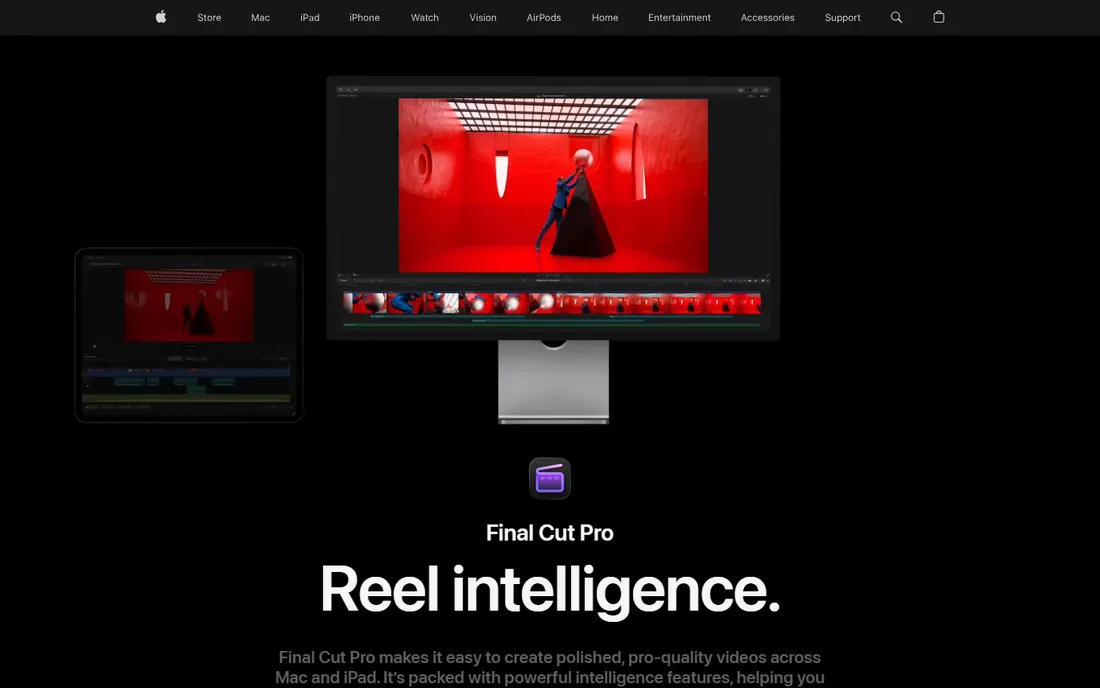
For Mac users, Final Cut Pro is the value play hiding in plain sight. One payment of $299.99 buys the full professional editor with free updates, and on Apple silicon hardware it exports faster than nearly anything else. The magnetic timeline still divides opinion, but editors who commit to it cut dialogue and interviews remarkably fast.
The honest catch is the platform lock. There is no Windows version and never will be. Apple has also started reserving some premium content for its Creator Studio subscription, though the core app remains a one-time buy. If your whole team is on Macs, this is the easiest recommendation on the list.
What we like- One-time purchase
- Blazing performance on Apple silicon
- Magnetic timeline
Watch out for- Mac only
- Some premium content now tied to the Creator Studio subscription
Starting priceFree (Studio version $295 one-time)
Free planYes
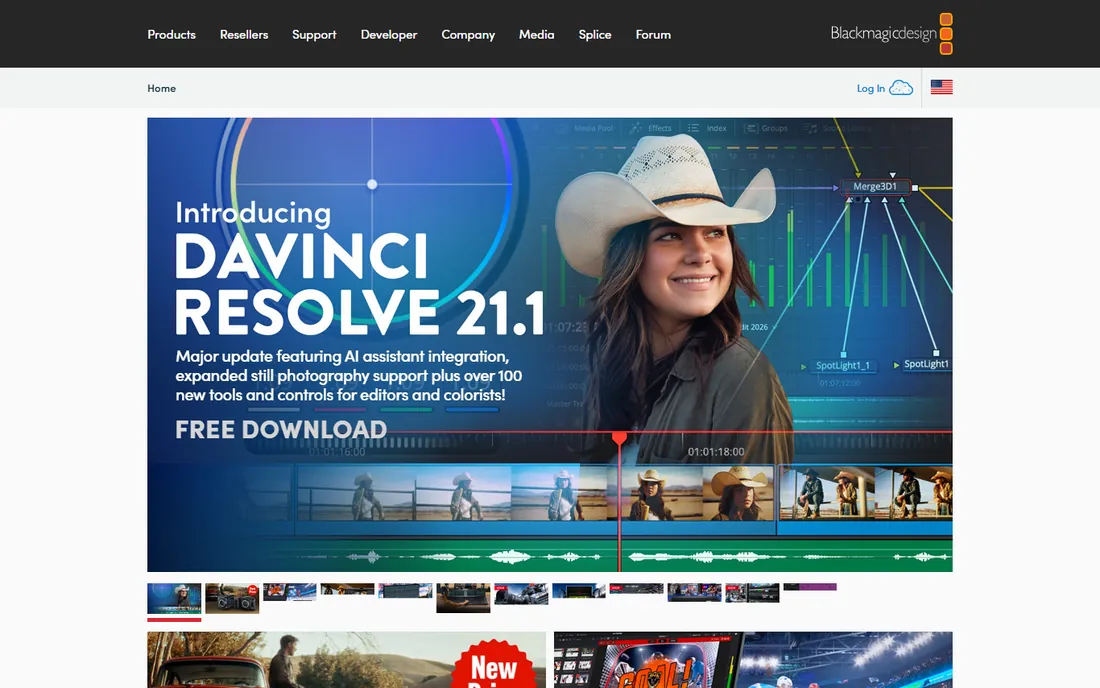
DaVinci Resolve is the most generous free editor ever shipped. Editing, color, visual effects and Fairlight audio live on separate pages inside one application, with no watermark and no export limits. Colorists consider its grading tools the industry benchmark, and features like the neural engine and HDR grading keep it competitive with tools costing far more.
The honest catch is the learning curve and the hardware appetite. The interface assumes you will learn its ways, and smooth 4K playback wants a real GPU. The $295 Studio license removes the remaining limits in one payment, which makes the paid tier the best value in this entire guide for anyone who outgrows the free version.
What we like- Free version is remarkably complete
- Studio is a one-time purchase
- Best-in-class color tools
Watch out for- Steep learning curve
- Wants a powerful GPU for smooth playback
Starting price$49.99 per year (perpetual license $79.99)
Free planYes (exports carry watermark)
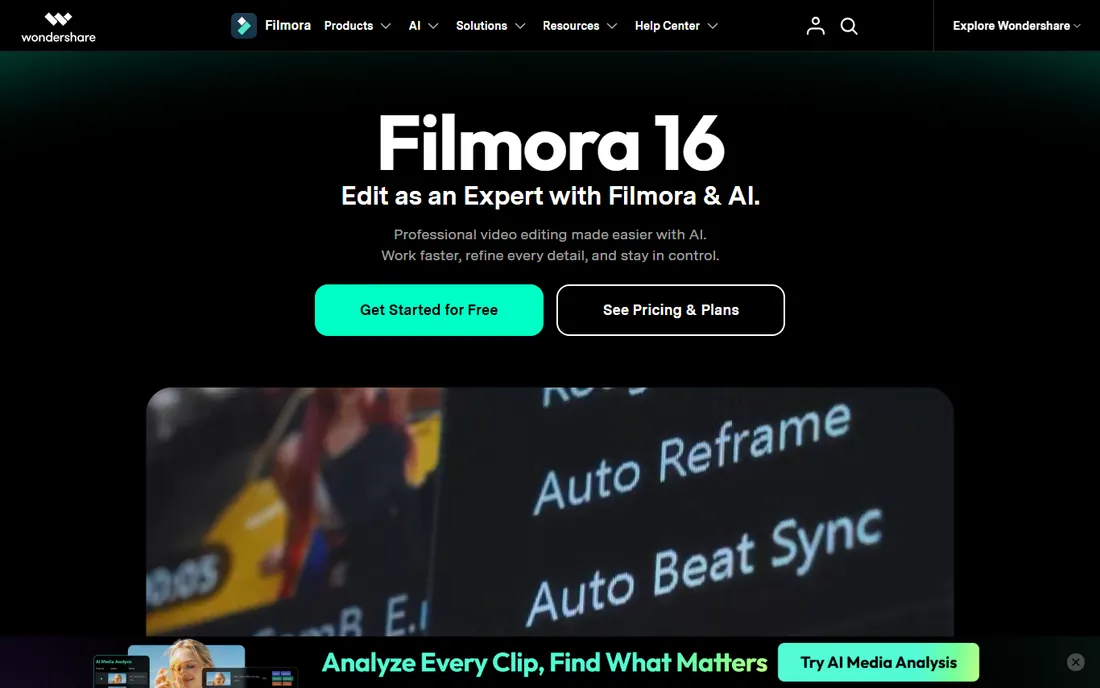
Filmora has quietly become the default recommendation for YouTubers and small business creators who find Premiere intimidating. The timeline is straightforward, templates and effects are plentiful, and the AI toolkit, auto captions, background removal, text-based editing, punches above the price. At $49.99 a year it undercuts nearly everything here.
The honest catch is the credit system sitting on top of the subscription. Heavy AI use burns through monthly credits, and the $79.99 perpetual license covers only the current major version. Decide on a paid plan before you invest hours in an edit, because the free version watermarks every export.
What we like- Very easy to learn
- Strong AI features for the price
- Cheap annual plan
Watch out for- AI features consume credits
- Free exports are watermarked
- Perpetual license excludes major upgrades
Starting price$99.95 per year
Free planFree trial
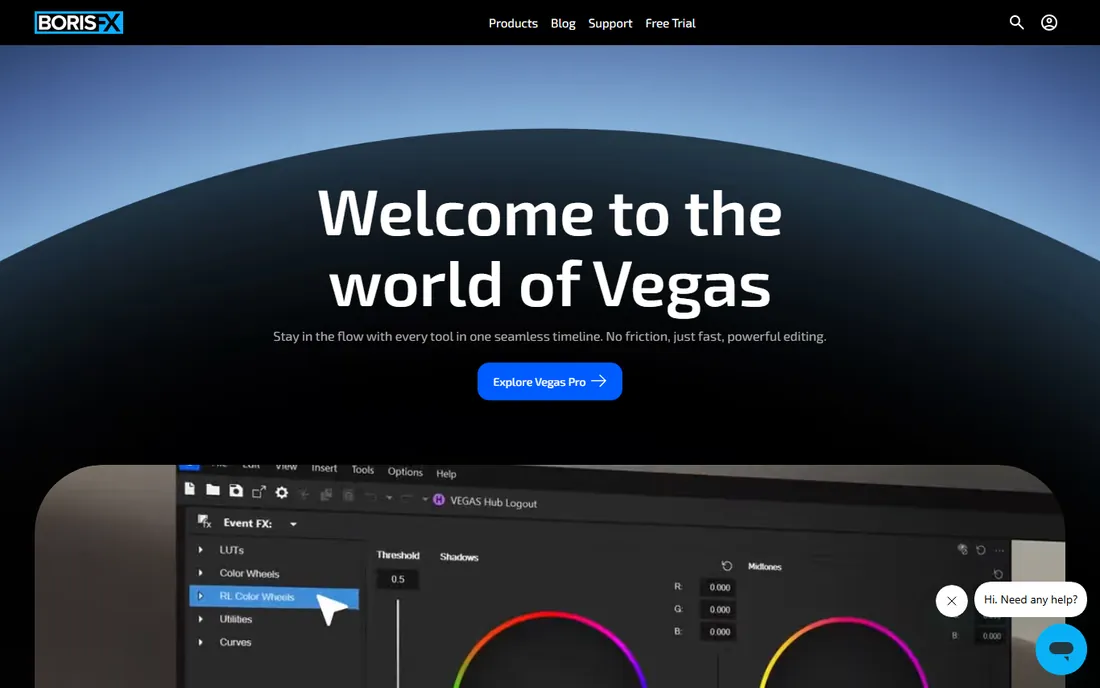
VEGAS Pro comes from a long lineage, Sony to Magix to its current independent team, and it shows in the editing experience. The timeline is famously fluid, audio editing is deeper than in most NLEs, and longtime users cut at remarkable speed. The 2026 tiers start at $99.95 a year, with higher bundles adding sound design and effects tools.
The honest catch is the platform and the ecosystem. There is no Mac version, and the community producing tutorials and templates is a fraction of Premiere's. Windows editors who prioritize cutting speed over collaboration will feel at home; everyone else should weigh the network effects.
What we like- Fast, fluid timeline editing
- Strong built-in audio tools
- Flexible track handling
Watch out for- Windows only
- Smaller tutorial community than Premiere or Resolve
#6
Movavi Video Editor
Best for: Marketers who need finished videos this afternoon
Visit movavi.com
Starting price$64.95 per year (1-year subscription)
Free planYes (watermarked exports, length limits)
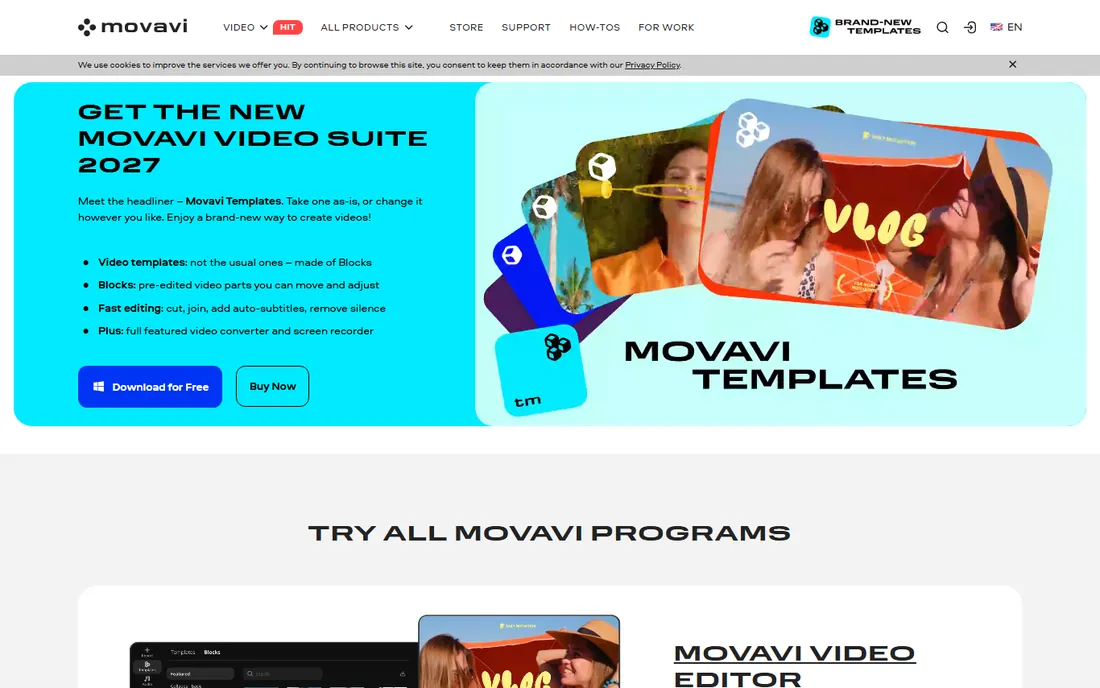
Movavi is built for people who do not think of themselves as video editors. Marketing managers, teachers and small business owners can assemble a polished promo in an afternoon: cut clips, drop in titles, auto-generate subtitles, export. The 2027 version adds genuinely useful AI tools, and the $64.95 yearly subscription is easy to expense.
The honest catch is the upsell architecture. The effects store constantly tempts, the free version watermarks exports and limits length, and serious color work belongs elsewhere. For quick turnaround content it is ideal. For craft, look upmarket.
What we like- Extremely simple interface
- One-click AI subtitles and effects
- Frequent updates
Watch out for- Effects library upsells
- Free version is heavily restricted
- Advanced color tools are thin
#7
CyberLink PowerDirector
Best for: Hobbyists and prosumers who want maximum features per dollar
Visit cyberlink.com
Starting price$48.99 per year (Ultimate 365, annual billing)
Free planFree trial
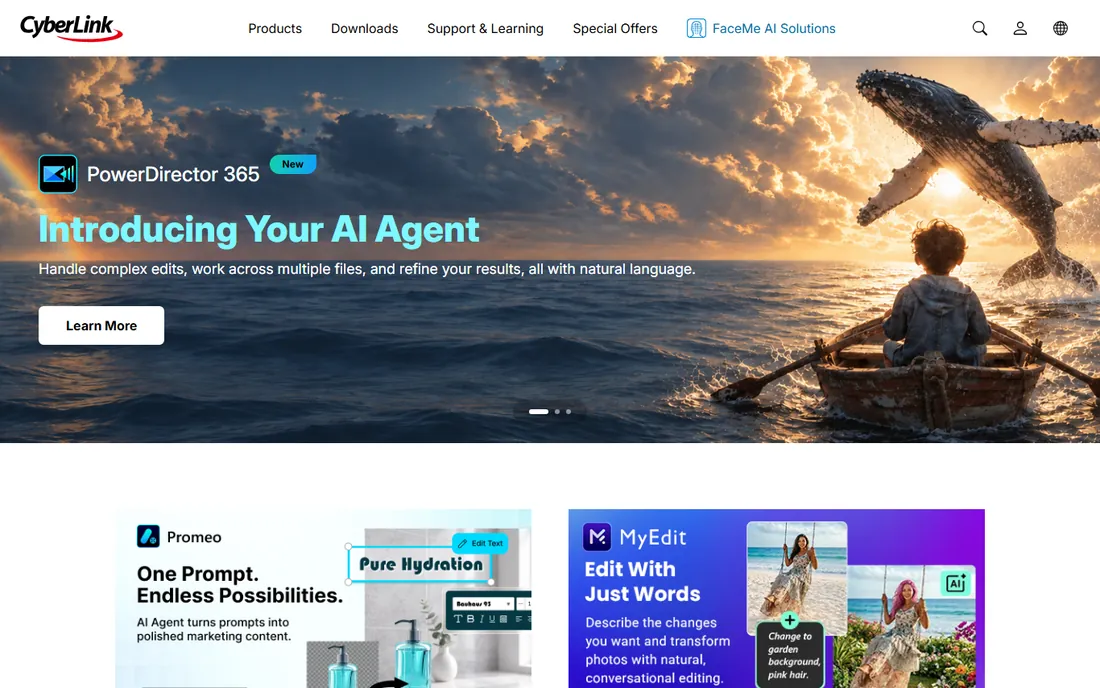
PowerDirector packs an almost absurd amount of capability into $48.99 a year. AI background removal, motion tracking, thousands of effects and templates, screen recording and fast hardware-accelerated rendering make it the spec-sheet champion of the budget tier. It has been refining this formula for years.
The honest catch is the experience around the software. The interface is busy, the app steers hard toward the subscription, and the $129.99 perpetual license only makes sense if you are sure you will not want upgrades. Feature hunters will love it; minimalists will bounce off.
What we like- Enormous effects and template library
- Fast rendering
- Strong AI tools
Watch out for- Busy interface
- Subscription nudges are persistent
- Perpetual license costs more upfront
Starting price$79.99 one-time (Ultimate $99.99)
Free planFree trial
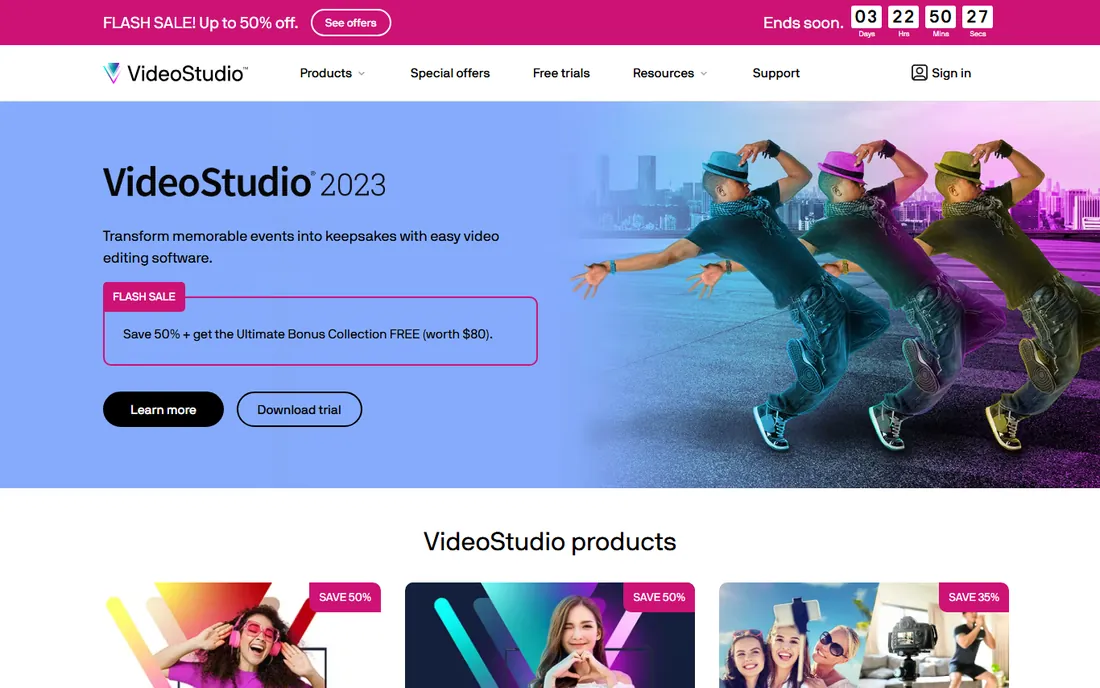
VideoStudio is for buyers with a specific allergy to subscriptions. One payment of $79.99, or $99.99 for the Ultimate edition with extra effect packs, and the software is yours permanently. Multicam editing, motion tracking and a deep template library cover most consumer and prosumer needs on Windows.
The honest catch is momentum. The current version dates to 2023, Corel's own pricing page has had issues, and the industry has moved on in AI features. If you want a stable, known tool that never bills you again, it delivers. If you want the latest tricks, it does not.
What we like- True perpetual license
- Multicam editing
- Good template collection
Watch out for- Still on the 2023 version
- Windows only
- Development pace has slowed
Starting priceFree (premium features via Microsoft 365)
Free planYes
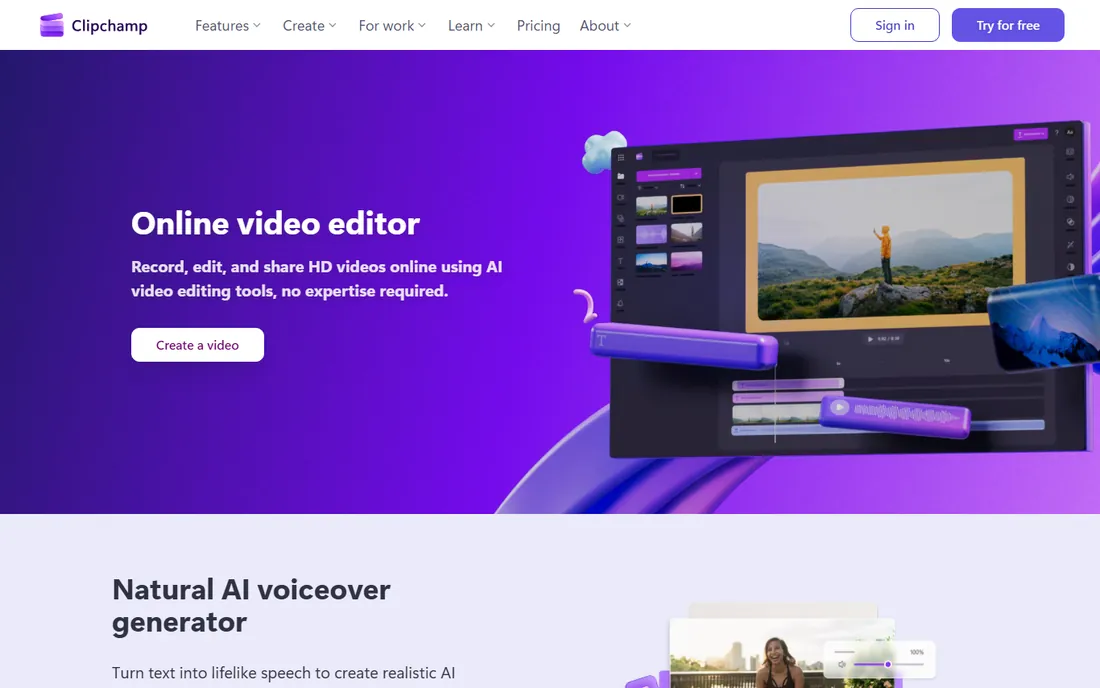
Clipchamp is the rare free editor with no watermark on 1080p exports. Owned by Microsoft and preinstalled on Windows 11, it runs in the browser with a clean timeline, templates, screen recording and AI auto-captions. For internal training videos, quick promos and social clips, it is often all a small team needs.
The honest catch is the ceiling. Free exports top out at 1080p, premium stock and 4K require Microsoft 365 Personal or Family, and Mac users are stuck in Chrome or Edge. It is a genuinely good free tool with a firm boundary around what "free" includes.
What we like- Free 1080p exports with no watermark
- Runs in the browser
- Templates and AI captions included
Watch out for- Browser-only on Mac
- 4K export needs a paid Microsoft 365 plan
- No phone editing
#10
CapCut
Best for: Short-form social video on desktop and mobile
Visit capcut.com
Starting priceFree (Pro from $7.99 per month or $74.99 per year)
Free planYes
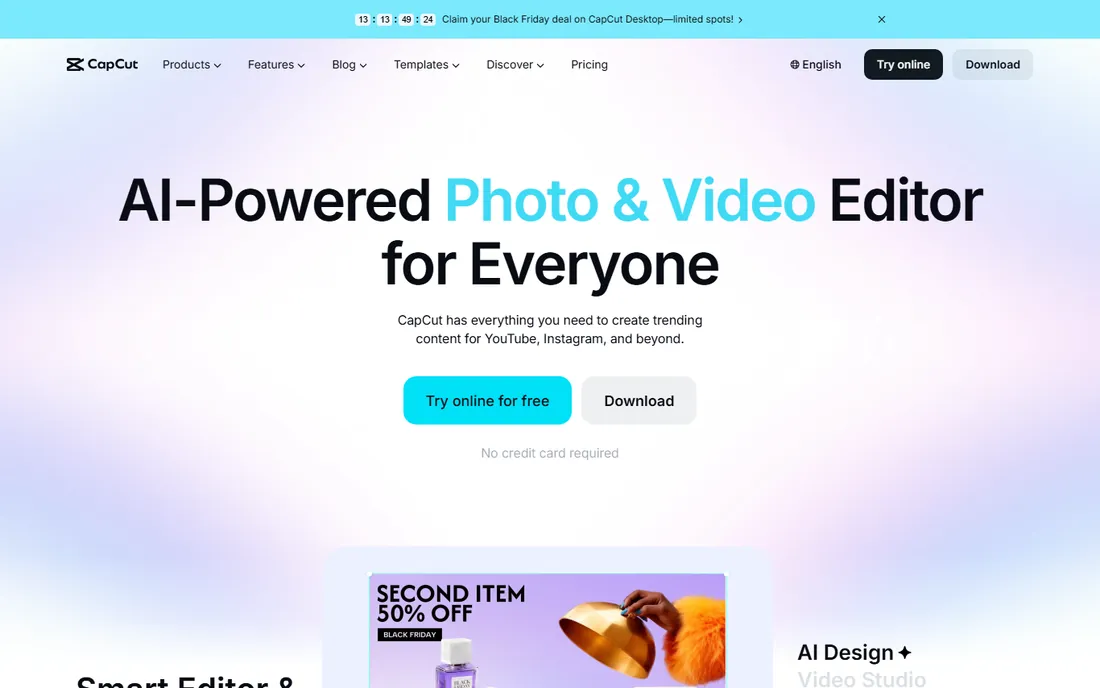
CapCut grew up on phones and earned its desktop version. The free tier covers the full editing basics plus the auto-captioning and templates that made it famous, with 1080p export and no watermark on core features. For TikTok, Reels and Shorts workflows, nothing is faster from idea to posted.
The honest catch is the two-tier reality. Pro templates, effects and 4K export cost $7.99 a month or $74.99 a year, and the desktop app, while capable, is not a substitute for Premiere or Resolve on long-form work. Use it for what it is brilliant at and you will never feel the limits.
What we like- Completely free core editor
- Best-in-class auto captions
- Huge template library
Watch out for- Pro features and assets sit behind the paywall
- Desktop app less deep than pro NLEs
How to pick the right editor for your team
Start with the footage, not the feature list. If your team shoots on phones and publishes to social, CapCut or Clipchamp will outperform a pro NLE you never fully learn. If you cut interviews and courses weekly, Filmora or PowerDirector hit the sweet spot of price and power. If clients send project files or you collaborate with freelancers, Premiere Pro's ubiquity is worth the subscription.
Then check the hardware you already own. Final Cut Pro only makes sense on Macs, and it sings on Apple silicon. VEGAS Pro and VideoStudio are Windows-only. DaVinci Resolve wants a real GPU wherever it runs. Buying software your machines cannot comfortably run is the most common mistake in this category.
Finally, do the subscription math honestly. Premiere Pro at $22.99 a month is $275.88 a year, every year. Resolve Studio at $295 once, or Final Cut Pro at $299.99 once, breaks even against Premiere in about thirteen months and then costs nothing. Subscriptions buy always-current software and collaboration features; perpetual licenses buy peace of mind.
How we chose
We verified pricing on each vendor's own site or current pricing pages, confirmed platform support and checked what the free tiers actually allow, watermarked exports and resolution caps included. We weighed public reviews on G2, Capterra and Reddit, and favored tools with active development and clear upgrade paths. Every price above was current at the time of writing; vendors run promotions often, so confirm at checkout.
Subscription versus perpetual: the real math
The industry has sorted itself into two camps. Premiere Pro, VEGAS Pro, Movavi and PowerDirector rent by the month or year. Final Cut Pro, DaVinci Resolve Studio and VideoStudio sell once. Filmora, CapCut and Clipchamp mix free tiers with paid upgrades.
Neither model is morally superior, but the math favors honesty about your horizon. Editing for three months? Rent. Editing for three years? A $295 or $299.99 one-time purchase wins by a wide margin. The subscription camp counters with continuous updates and cloud features, which matter most to teams. Solo creators keeping the same workflow for years should almost always buy.
Frequently asked questions
Can I really edit professionally with free software?
Yes, with the right pick. DaVinci Resolve's free version cuts broadcast work, and CapCut and Clipchamp cover social content completely. The free tiers mostly limit resolution, stock assets or export watermarks rather than core editing ability.
Which editor is best for a complete beginner?
Filmora or CapCut. Filmora teaches timeline editing with training wheels, while CapCut is unbeatable for vertical social video. Both are free to start, so try each for an afternoon before spending anything.
Why is Premiere Pro still so popular if Resolve is free?
Ecosystem gravity. Agencies, freelancers and post houses standardized on Premiere years ago, and project files, templates and hiring all assume it. Switching a team means retraining and converting workflows, which costs more than the subscription.
Do I need a powerful computer for 4K editing?
For most of these, yes, or at least a sensible workflow. Proxy editing in Premiere, Resolve and Final Cut Pro makes 4K smooth on modest machines. CapCut and Clipchamp handle lighter 4K through the cloud and browser, but a dedicated GPU still helps everywhere.
What is the cheapest way to get 4K exports?
CapCut Pro at $74.99 a year and PowerDirector 365 at $48.99 a year are the cheapest paid paths. DaVinci Resolve exports 4K free with no watermark, which makes it the cheapest path of all if your hardware can run it.
Sources we checked (10)
- https://www.adobe.com/products/premiere.html
- https://apps.apple.com/dk/app/final-cut-pro/id424389933?mt=12
- https://www.blackmagicdesign.com/my/products/davinciresolve/
- https://filmora.wondershare.com/video-editing/crop-video-in-final-cut-pro.html
- https://www.tvtechnology.com/news/vegas-creative-software-unveils-vegas-pro-19-new-pricing-plans
- https://www.movavi.com/video-editor-plus/?asrc=main_menu
- https://www.cyberlink.com/stat/edms/ppc/video-editing-software/powerdirector/17/0-30P_BackSchool/us/comparison.jsp
- https://findstack.com/products/corel-videostudio-pro/reviews
- https://www.firmsuggest.com/blog/clipchamp-overview-microsofts-web-based-video-editing-software/
- https://www.capcut.com/resource/capcut-desktop-download
Is your product missing or out of date?
We review this list regularly. Vendors can request a listing, send updated pricing or ask about featured placement.

Shihab Mia · Founder, Rankite
Shihab has spent more than a decade helping SaaS and e-commerce brands grow through search. He writes Rankite's software buying guides from pricing pages, documentation and public user reviews. More about Shihab.