How we make this list: we compare pricing pages, product documentation and public user reviews. Rankite is independent; if a vendor ever pays for a featured spot, that listing is clearly labeled Partner.
Key takeaways
- Patch My PC is the best free starting point for most people. It is portable, ad-free and updates over 500 common apps with one click.
- Ninite wins for fresh PC setups and simple households. You pick your apps once, and re-running the installer updates them silently.
- Power users should look at Chocolatey or UniGetUI. They treat software like packages, which scales better once you manage multiple machines.
- IObit and UCheck offer more hand-holding but reserve automatic updates for paid tiers. Read the plan limits before expecting full automation.
- Run only one updater with automation enabled. Two tools updating the same apps will fight each other and create a mess.
Quick comparison
Is your product missing or out of date?
We review this list regularly. Vendors can request a listing, send updated pricing or ask about featured placement.
9 software updaters worth installing in 2026
Outdated apps are a security risk and a source of bugs. These tools scan your installed software, find newer versions and install them, with varying degrees of automation and control.
Starting priceSee website
Free planYes

Patch My PC Home Updater scans your PC, lists outdated apps in red and updates them silently with one click. The supported catalog covers more than 500 common applications, from browsers to media players. It strips out bundled toolbars and crapware during installs, which is a small mercy that adds up.
It is free for home users because the same company sells enterprise patch management. The paid version only matters for businesses. For a home PC, this is the default recommendation: download, run, update, done. Set a weekly schedule if you want it fully automatic.
What we like- Free for home use with no ads or bundled junk
- Portable with no installation required
- Optional scheduled silent updates
Watch out for- Windows only with a utilitarian interface
- Some niche apps are outside its catalog
Starting priceSee website
Free planYes
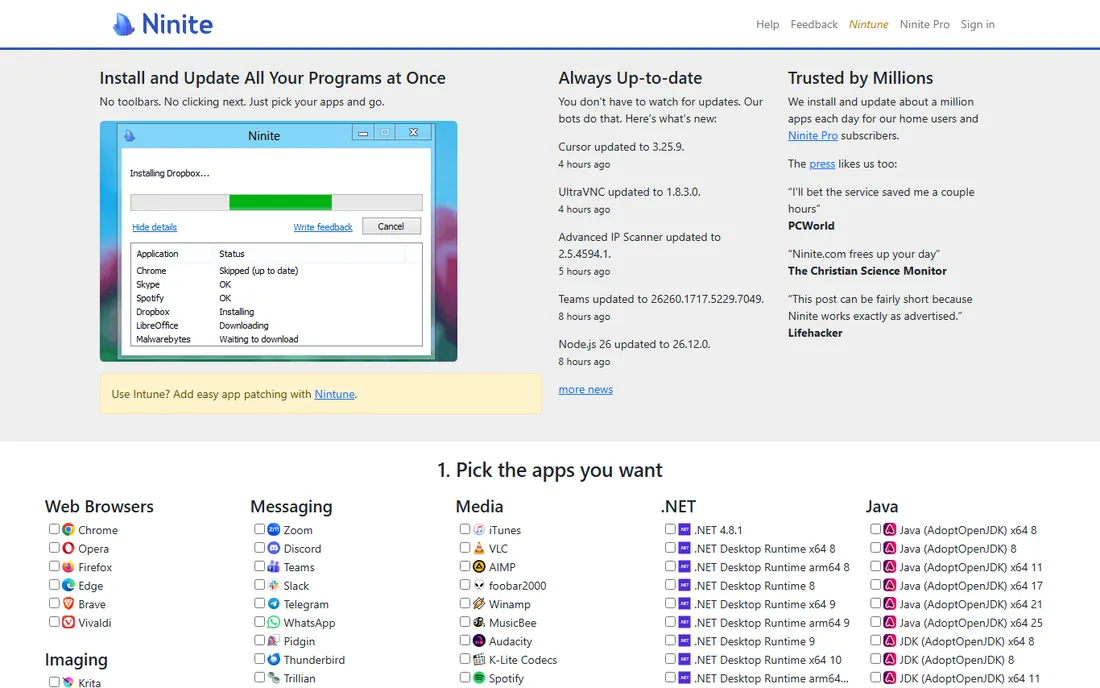
Ninite is the simplest tool here. You tick boxes on its website for the apps you want, download a single stub installer and it installs them all with default settings and no toolbars. Months later, re-run the same installer and it updates everything it manages to the latest version.
The catalog is curated and small, which is both the charm and the limit. If your apps are mainstream, Ninite is perfect for a fresh PC or a relative's computer you maintain. If you live in developer tools and niche utilities, you will outgrow it fast.
What we like- Dead simple: pick apps, get one installer
- Re-running updates everything silently
- Refuses bundled junk automatically
Watch out for- Limited app catalog compared to package managers
- No scheduling or detailed reporting
Starting priceSee website
Free planYes
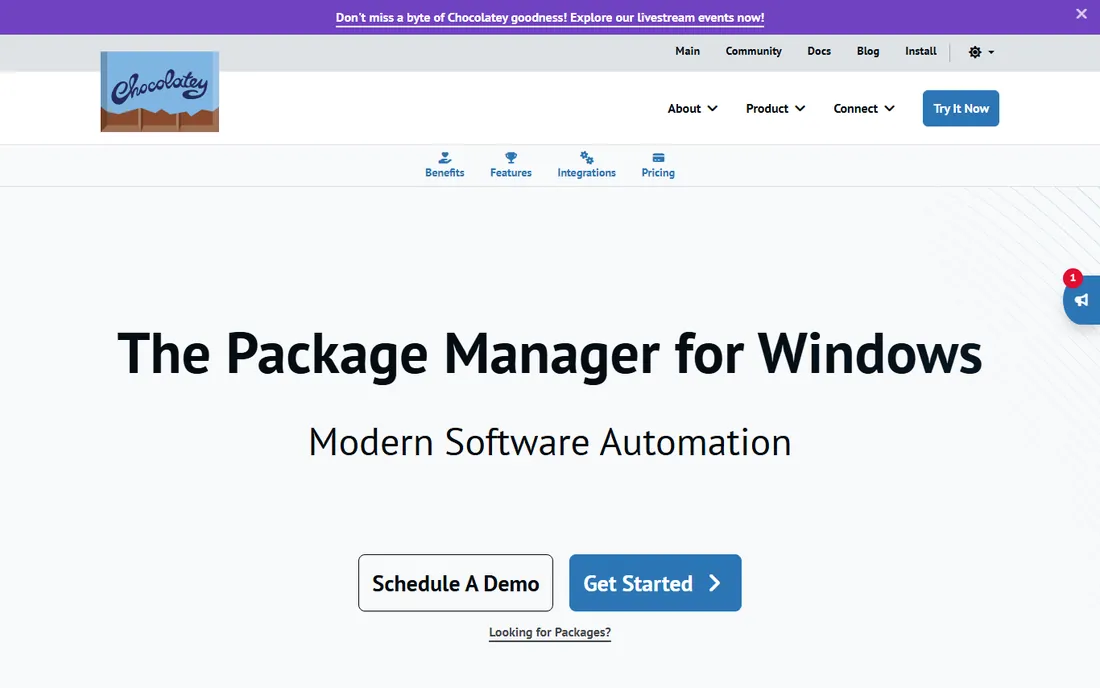
Chocolatey brings Linux-style package management to Windows. You install software with a command, update everything with another command, and script the whole thing for multiple machines. The community repository holds thousands of packages, and organizations can run their own private feeds.
The learning curve is real if you have never used a terminal. But for anyone managing more than one PC, or who wants updates fully scripted, it is the most capable free option. The paid editions add enterprise features like malware scanning of packages; home users rarely need them.
What we like- Huge community package repository
- Scriptable installs and updates
- Standard in IT automation
Watch out for- Command line is the natural interface
- Community packages vary in quality
Starting priceSee website
Free planYes
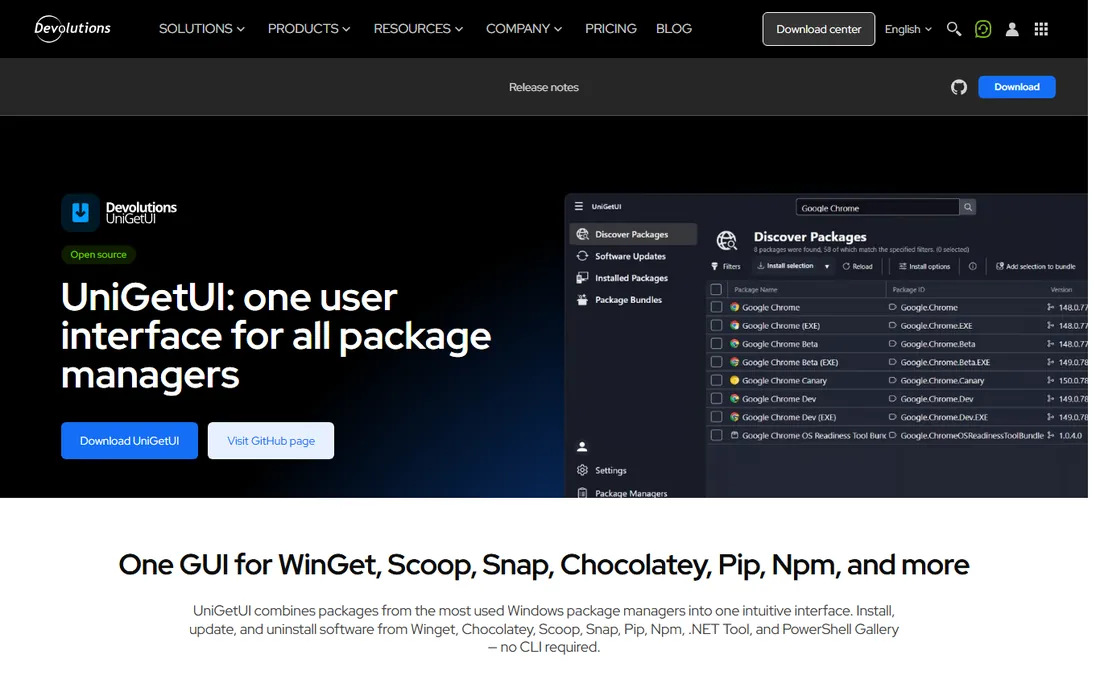
UniGetUI (formerly WingetUI) is a graphical front end for the command-line package managers Windows power users already run. It discovers, installs, updates and uninstalls software from WinGet, Scoop, Chocolatey, npm, pip and more through one window. In 2026 the project moved under Devolutions stewardship while staying free and open source.
It is the friendly face of package management. You get the breadth of every package manager without memorizing commands. The catch is that it inherits the quirks of each manager it wraps. Power users love it; casual users are better served by Patch My PC.
What we like- One interface for WinGet, Chocolatey, Scoop and more
- Free and open source
- Scheduled updates and package bundles
Watch out for- Still maturing
- A front end only, quality depends on underlying package managers
Starting priceSee website
Free planYes
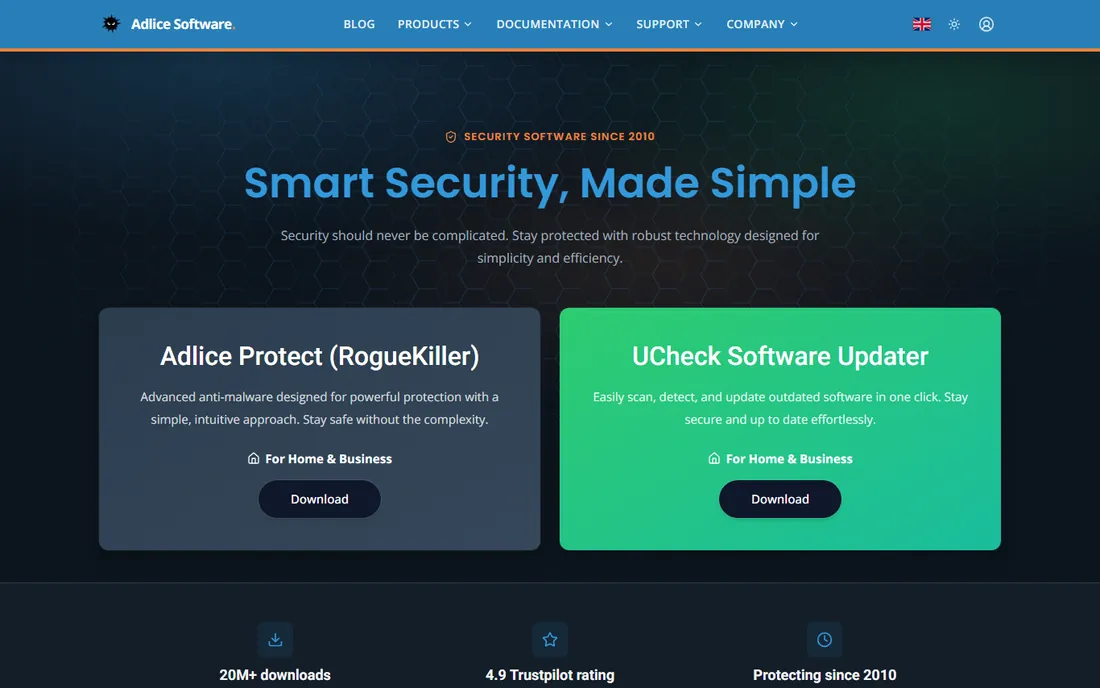
UCheck from Adlice Software handles the full lifecycle: it scans your installed software, flags outdated apps, updates them, installs new ones from its catalog and removes what you no longer need. The interface is cleaner than most competitors, and it runs light.
The free version scans and updates on demand. If you want updates to happen automatically in the background, that is the paid tier. It suits users who want a tidy single dashboard for software hygiene and do not mind clicking through updates themselves.
What we like- Scans, updates, installs and uninstalls in one tool
- Clean modern interface
- Lightweight
Watch out for- Automatic updates require the paid plan
- Smaller community than the big names

#6
IObit Software Updater
Best for: Guided updates with recommendations
Visit iobit.com
Starting priceSee website
Free planYes

IObit Software Updater covers a wide range of apps, updates them on a schedule and recommends popular software you might be missing. It is polished and easy, with one-click updating that non-technical users grasp immediately.
The honest complaint is the ecosystem. The free tool nudges you toward other IObit products, and uninstalling leaves you aware of the full catalog. If you already use IObit's utilities, it fits naturally. If upsells irritate you, pick one of the ad-free alternatives above.
What we like- Large supported app list
- Suggests useful popular apps
- Scheduled auto-updates available
Watch out for- Free version pushes IObit product offers
- Some users dislike the upsell pressure
Starting priceSee website
Free planYes
RuckZuck is the minimalist choice. It detects outdated software and updates it with a minimum of interface and fuss. Being open source, there is no upsell, no account and no telemetry to wonder about. It stays out of your way.
The catalog is the limitation. It covers common apps well and little else. It is a good pick for someone who wants the lightest possible updater for mainstream software and nothing more.
What we like- Free and open source
- Tiny footprint
- Simple detection and silent update flow
Watch out for- Small app catalog
- Minimal features beyond updating
Starting priceSee website
Free planYes

Heimdal's free home product focuses on what matters most: keeping security-relevant software patched automatically and silently. It is built by a security company, so the philosophy is patch-first rather than feature-first. Set it and forget it is the entire point.
The free tier covers the basics. Full threat prevention and traffic scanning sit in paid plans. Use it when your priority is closing security holes without thinking about it, ideally alongside a general updater for the rest of your apps.
What we like- Silent automatic patching focused on security
- Traffic filtering in the paid version
- Reputable security vendor
Watch out for- Free edition is limited in features
- Update catalog narrower than general updaters

#9
Avast Software Updater
Best for: Updates inside antivirus
Visit avast.com
Starting priceSee website
Free planSee website

Avast bundles a software updater into its antivirus suite, which means one agent handles both malware protection and outdated apps. If you already run Avast, the updater is right there in the dashboard and costs you nothing extra to enable.
The limitation is the lock-in. It is not a standalone product you would install for its own sake, and the free version steers you toward Premium. It earns its spot for the large number of people who already have Avast installed and should turn the updater on.
What we like- Included with a widely used antivirus
- One dashboard for security and updates
- Automatic patching on paid tiers
Watch out for- Tied to the Avast ecosystem
- Free version prompts for upgrades
How we chose
We compared tools on app coverage, automation quality, safety practices (no bundled junk, publisher installers), pricing and plan limits. We read vendor documentation and pricing pages, reviews on G2 and Capterra, and independent tests from tech publications. We favored tools that download from official publishers and warn before risky changes. We did not run hands-on tests of every tool.
Set it up right, or do not bother
An updater only helps if it actually runs. The biggest mistake is installing one and never scheduling it. Pick your automation level and stick to it: fully automatic silent updates, scheduled weekly updates with a notification, or manual one-click runs you trigger yourself.
Never enable automatic updates in two tools at once. Overlapping installers corrupt downloads, trigger restarts and double-install. Choose one updater as the automatic one and keep the other as a manual scanner, or uninstall the spare.
Before any updater touches a production machine, create a restore point. Bulk updates occasionally break an app, and the rollback is your safety net. Also review the exclusion list: keep browsers and critical work tools on manual or delayed updates if a bad release would cost you a workday.
Updaters are not a security strategy
Keeping apps updated closes known holes, which is important, but it is one layer. A fully patched machine with no backups and reused passwords is still one phishing email from disaster. Pair your updater with automatic backups, a password manager and the built-in OS updates you probably already ignore.
Watch the difference between app updates and driver updates. Most tools here update applications only. Driver updaters are a separate category with real risk: a bad driver kills hardware features. If your updater offers driver updates, treat them as manual review items, never automatic.
Frequently asked questions
Do I need a software updater if apps update themselves?
Not always. Browsers and major apps self-update reliably. An updater adds value as a single dashboard for the long tail of utilities that never update themselves, and as a second opinion that nothing is months out of date.
Are free software updaters safe?
The reputable ones are: Patch My PC, Ninite, Chocolatey, UniGetUI and RuckZuck have clean track records. Stick to the vendor's own download page. Avoid updaters bundled with freeware downloads or advertised through pop-ups.
Will a software updater slow down my computer?
A scanner uses resources only while running. Problems come from tools that run constant background services or bundle extra system utilities. Pick a portable or on-demand tool if you want zero background footprint.
Should I let an updater install updates automatically?
For most home users, yes for routine apps. For work-critical software, schedule updates weekly and review what changed first. One bad automatic update on deadline day costs more than a month of manual clicking.
Can software updaters update Windows itself?
They update third-party applications, not Windows. Windows Update handles the OS. Some updaters surface missing OS updates as information, but the actual install goes through Microsoft's own channel.
What is the difference between an updater and a package manager?
A package manager like Chocolatey installs, updates and removes software from repositories using commands and scripts. An updater like Patch My PC scans what is already installed and brings it current. Package managers do more; updaters are simpler to start with.
Sources we checked (11)
- https://www.patchmypc.com
- https://www.ninite.com
- https://www.chocolatey.org
- https://www.devolutions.net/unigetui/
- https://www.adlice.com
- https://www.iobit.com
- https://www.ruckzuck.tools
- https://www.heimdalsecurity.com
- https://www.avast.com
- https://www.g2.com/categories/software-deployment
- https://www.reddit.com/r/software/
Is your product missing or out of date?
We review this list regularly. Vendors can request a listing, send updated pricing or ask about featured placement.

Shihab Mia · Founder, Rankite
Shihab has spent more than a decade helping SaaS and e-commerce brands grow through search. He writes Rankite's software buying guides from pricing pages, documentation and public user reviews. More about Shihab.
 Patch My PC
 Ninite
 Chocolatey
 UniGetUI
 UCheck
 RuckZuck
 Heimdal Free