How we make this list: we compare pricing pages, product documentation and public user reviews. Rankite is independent; if a vendor ever pays for a featured spot, that listing is clearly labeled Partner.
Key takeaways
- For single perfect cutouts, remove.bg still sets the quality bar, though its credit pricing adds up fast at volume.
- Adobe Express removes backgrounds for free with no watermark, which makes it the best no-cost option on this list.
- PhotoRoom wins for ecommerce sellers who need batch processing, product staging, and listing-ready exports in one flow.
- If you edit in Photoshop already, its Remove Background and mask refinement tools beat every automatic tool on hard edges like hair and fur.
Quick comparison
| Tool | Best for | Starting price | Free plan |
|---|
 remove.bg remove.bg | Flawless automatic cutouts | From $9/month (40 HD credits) | Yes (1 preview credit to test) |
 PhotoRoom PhotoRoom | Online sellers shipping listing images | From $7.50/month (billed annually) | Yes |
 Canva Canva | Designers placing cutouts in templates | $15/month (Pro) | Yes (Background Remover needs Pro) |
 Adobe Express Adobe Express | Free watermark-free background removal | $9.99/month (Premium) | Yes (background removal included) |
 Slazzer Slazzer | Developers automating image pipelines | From $11/month (100 credits) | Yes (2 free credits plus unlimited previews) |
 Removal.AI Removal.AI | Occasional users buying cheap credits | From $5.99/month (40 credits) | Yes (unlimited low-res previews, 1 free HD credit) |
 Pixlr Pixlr | Full photo editing in the browser | From $2.49/month (Plus) | Yes (ad-supported) |
 Fotor Fotor | Marketers doing batch edits and design | $8.99/month (Pro) | Yes (Basic) |
 Adobe Photoshop Adobe Photoshop | Professionals who need total control | $22.99/month (single app) | Free trial (7 days) |
Is your product missing or out of date?
We review this list regularly. Vendors can request a listing, send updated pricing or ask about featured placement.
Starting priceFrom $9/month (40 HD credits)
Free planYes (1 preview credit to test)
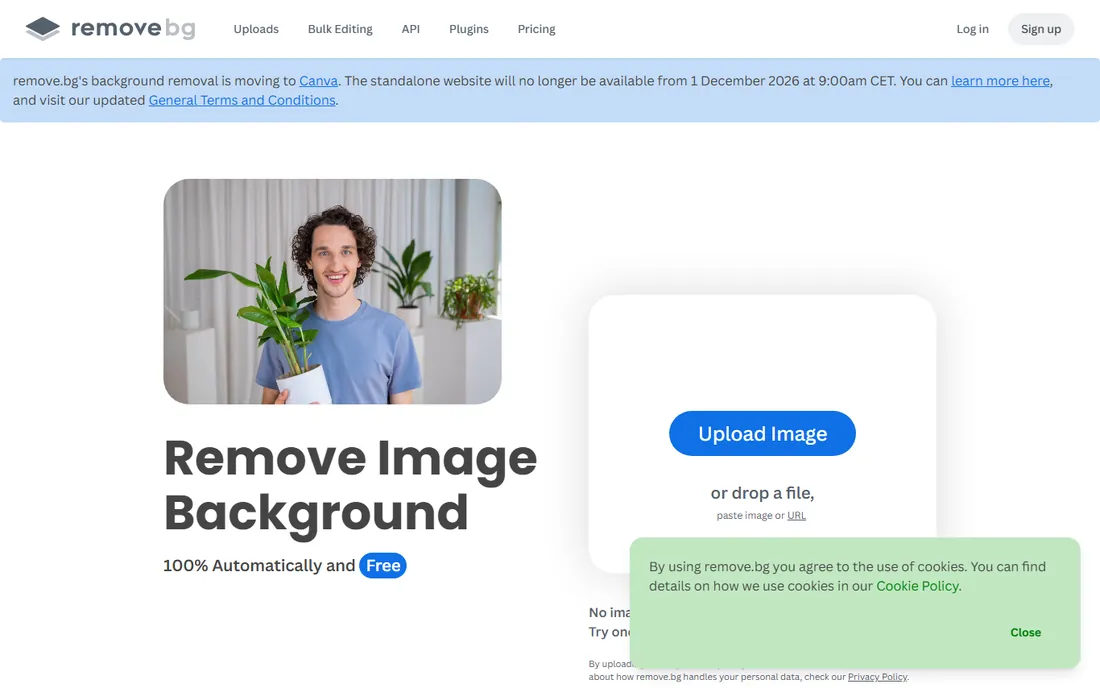
The tool that made one-click background removal famous still holds up. Upload any photo and the subject is isolated in about five seconds, with edge quality on hair and fur that most competitors cannot match. Desktop apps for Windows, Mac, and Linux handle batch folders, and the API is a staple in ecommerce image pipelines.
The honest catch is the credit model. The free tier only covers a single preview-quality test image, and every full-resolution download burns one credit. A 40-credit subscription covers casual use, but catalog sellers processing hundreds of SKUs should price out the pay-as-you-go packs before committing. One thing to watch: a competitor page has claimed remove.bg will shut down in December 2026, while the company blog stays active, so check the current status before buying long-term credits.
What we like- Best-in-class edge detection
- API and desktop apps for batch work
- Plugins for Photoshop and Figma
Watch out for- Full-resolution downloads cost credits
- Free tier is too limited for real work
Starting priceFrom $7.50/month (billed annually)
Free planYes
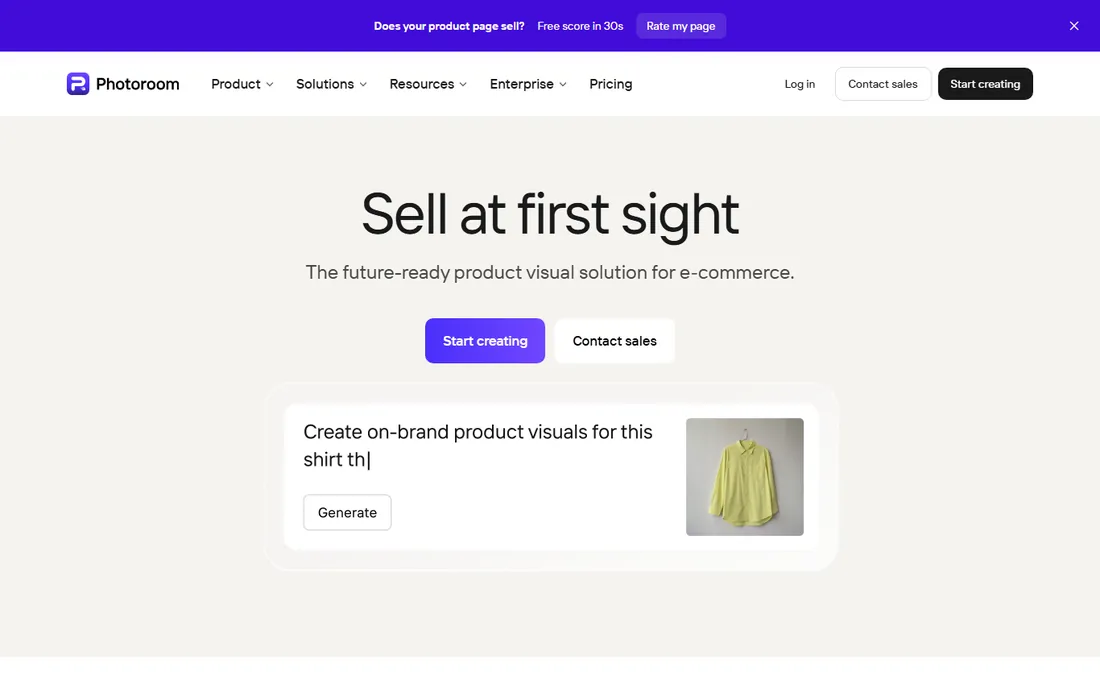
PhotoRoom is built for one job: turning phone photos into marketplace-ready product shots. Beyond background removal it adds AI-generated backgrounds, preset shadows, retouch tools, and even virtual fashion models, so a plain bedroom photo becomes a clean listing image without leaving the app. The cross-device workflow moves between phone and desktop without friction.
The free plan includes 250 exports a month with a watermark, which is genuinely useful for testing cutout quality on your own catalog. Paid plans remove the watermark and open higher export limits, but note that some generative AI features burn a separate credit pool from exports. If your catalog is large, compare the Pro and Max tiers by export count rather than headline price, since hitting the export cap mid-month forces an upgrade or a wait.
What we like- Batch mode processes up to 250 images at once
- AI backgrounds, shadows, and virtual models built in
- Shopify integration
Watch out for- Export caps can interrupt big catalog runs
- Best AI features cost extra credits beyond exports
Starting price$15/month (Pro)
Free planYes (Background Remover needs Pro)

Canva's Background Remover is one click inside the editor, and the real value is what happens next. The cutout lands directly in your design, ready to layer over gradients, mockup templates, thumbnails, or ad layouts, with no export and reimport dance. For bloggers and social media managers producing cover images daily, this removes minutes of friction per image.
The drawback is the price gate. Free Canva cannot remove backgrounds at all, so occasional users pay $15 a month for what is essentially one feature unless they use the rest of Pro. There is also no batch mode or API, so catalog work is off the table. Buy Canva Pro for the whole design suite, not for background removal alone.
What we like- Cutouts drop straight into 250,000+ templates
- Strong results on hair and complex edges
- Transparent PNG export
Watch out for- Background Remover is locked behind the Pro paywall
- No API for bulk automation
#4
Adobe Express
Best for: Free watermark-free background removal
Visit adobe.com
Starting price$9.99/month (Premium)
Free planYes (background removal included)
Here is the surprise of this list. Adobe Express removes image backgrounds for free, with no watermark, powered by the same AI behind Photoshop's subject selection. It also handles video backgrounds, which almost nobody else offers at this price point. If you already pay for Creative Cloud, Express Premium is bundled in.
The tradeoff is workflow. Express is a full design workspace, so a simple background removal takes more clicks and loading time than a single-purpose tool. There is no batch mode, which rules it out for sellers with hundreds of photos. For one-off cutouts and social graphics, though, the free tier is the strongest value on this page.
What we like- Unlimited free removals with no watermark
- Video background removal too
- Bundled free with most Creative Cloud plans
Watch out for- No batch processing
- The editor loads slower than single-purpose tools for quick jobs
Starting priceFrom $11/month (100 credits)
Free planYes (2 free credits plus unlimited previews)
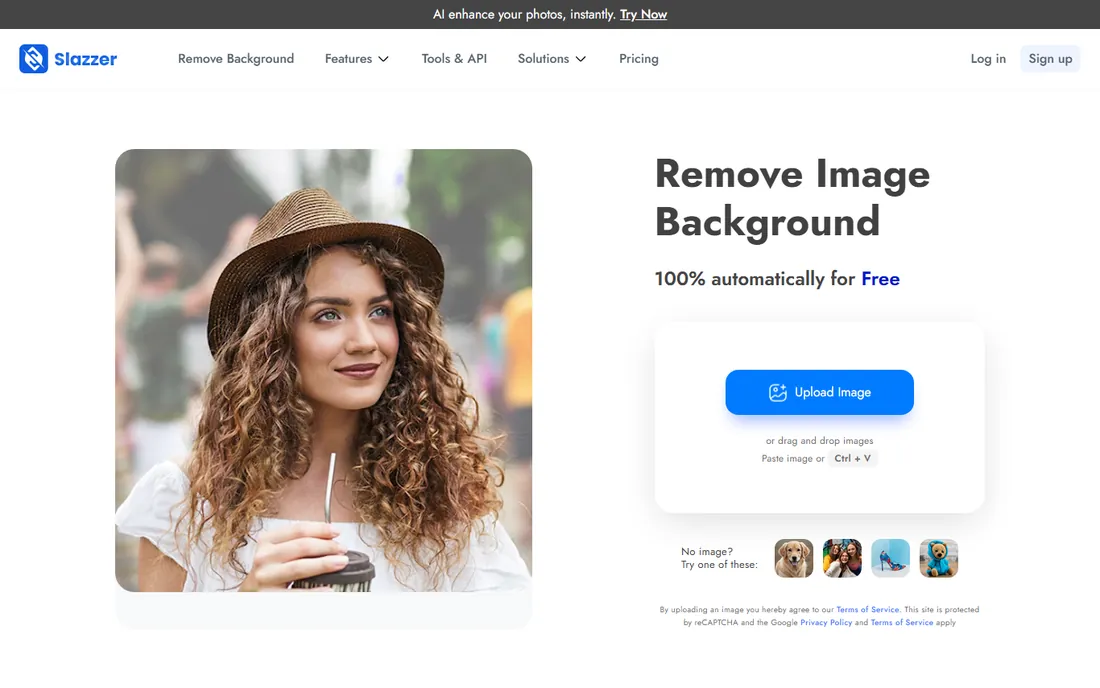
Slazzer covers more ground than a pure background remover. Alongside the cutout API it offers AI upscaling, enhancement, relighting, and shadow tools, all billed from the same credit pool. The top-up packs stay valid for two years, which suits seasonal businesses that process images in bursts rather than monthly.
Two honest warnings come from user reviews. Customer support is frequently described as unresponsive, especially around billing and credit issues. And the free tier only gives two full-resolution credits, so you cannot properly test edge quality on your catalog before paying. For high-volume API use, compare its per-image cost against remove.bg and PhotoRoom's API, since Slazzer usually wins on price but not on reliability reputation.
What we like- API plus Windows, Mac, Linux and Photoshop integrations
- Extra AI tools (upscale, enhance, sky replacement)
- Credits valid two years on top-up plans
Watch out for- Support quality is a common complaint in reviews
- Free tier is effectively just a demo
Starting priceFrom $5.99/month (40 credits)
Free planYes (unlimited low-res previews, 1 free HD credit)
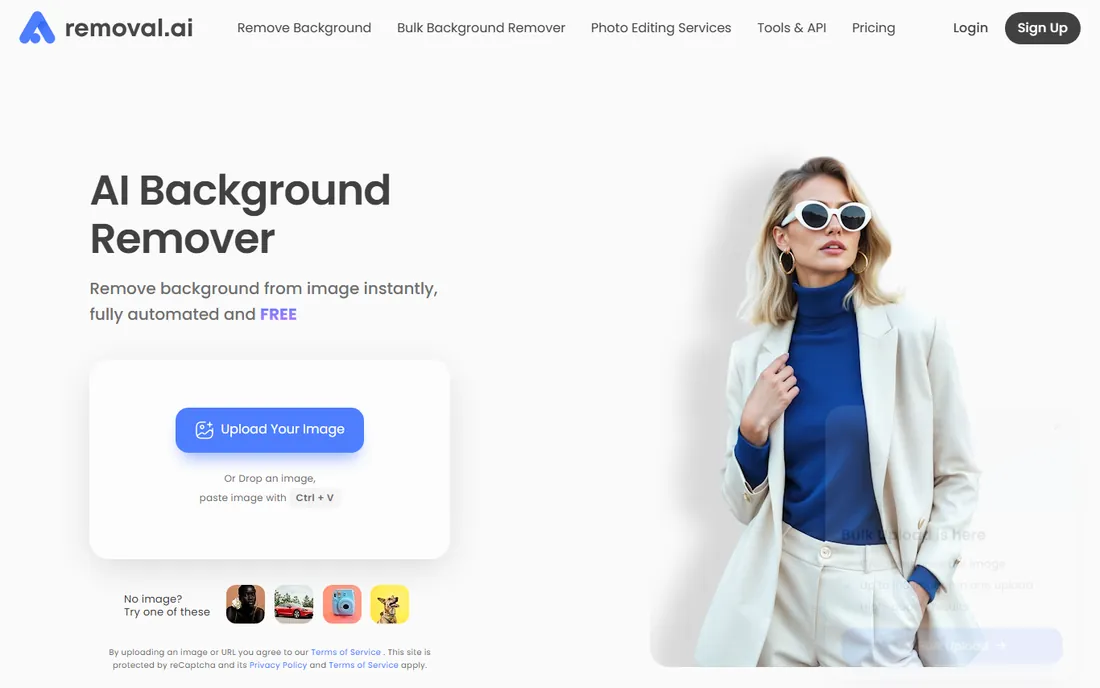
Removal.AI undercuts nearly everyone on price. The monthly plan starts lower than remove.bg's equivalent tier, and the one-time credit packs suit people who remove backgrounds a few times a quarter and hate subscriptions. Free previews are unlimited at low resolution, so you can check the cutout quality on your own images before spending anything.
What you give up is ecosystem depth. There is no polished desktop batch app or Figma plugin here, and the company is smaller and less established than remove.bg or PhotoRoom, which matters if you need help at 2 AM during a product launch. For freelancers and small shops with light, irregular volume, the math is hard to argue with. For mission-critical pipelines, the bigger vendors are the safer bet.
What we like- Lowest per-image prices in this lineup
- One-time credit packs with no subscription
- Simple interface
Watch out for- Fewer extras than bigger rivals (no batch desktop app features)
- Weaker brand track record for support
Starting priceFrom $2.49/month (Plus)
Free planYes (ad-supported)
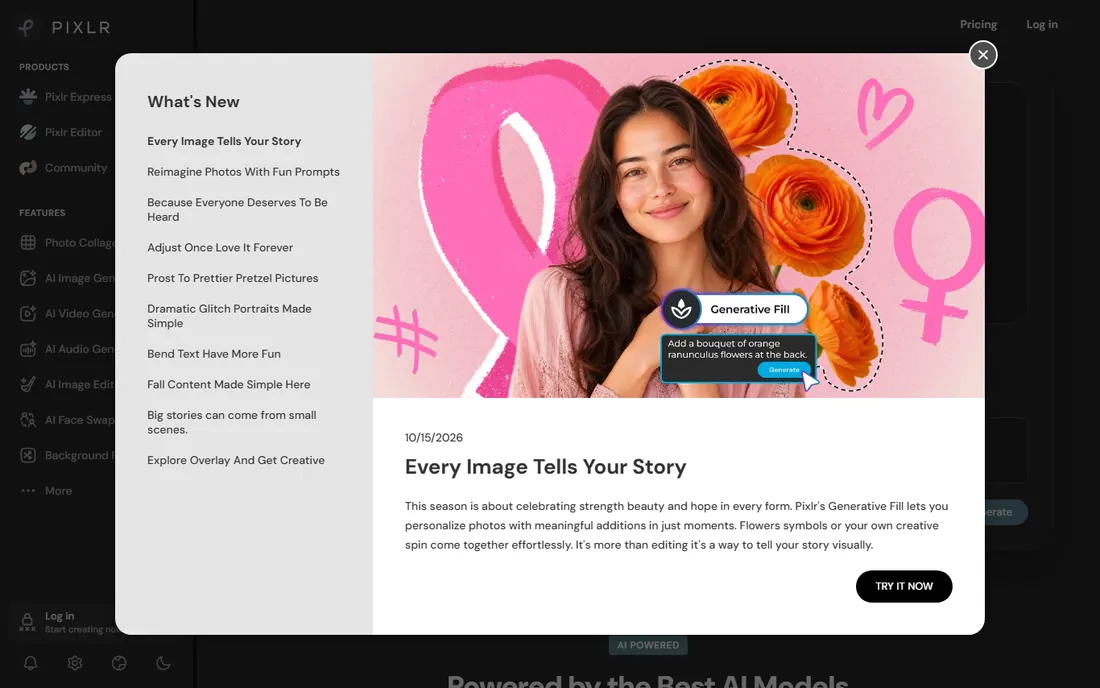
Pixlr is not a background remover with an editor attached, it is a real photo editor that happens to remove backgrounds well. Pixlr X handles quick jobs and Pixlr E offers layers, masks, and selection tools for people who want to refine a cutout by hand. The free tier includes background removal, which already beats Canva's paywall.
The friction is the AI credit system. Background removal and generative tools draw from a monthly credit pool that can run out faster than expected, and the free tier's ads get intrusive during client work. Paid plans start at just $2.49 a month, among the cheapest in this category, but light users may find the free tier plus occasional credit packs covers their needs.
What we like- Two real editors (quick Pixlr X and layered Pixlr E)
- Background removal free on the free tier
- Works on any device with no install
Watch out for- AI credits deplete quickly on generative features
- Free tier shows ads and caps saves
Starting price$8.99/month (Pro)
Free planYes (Basic)
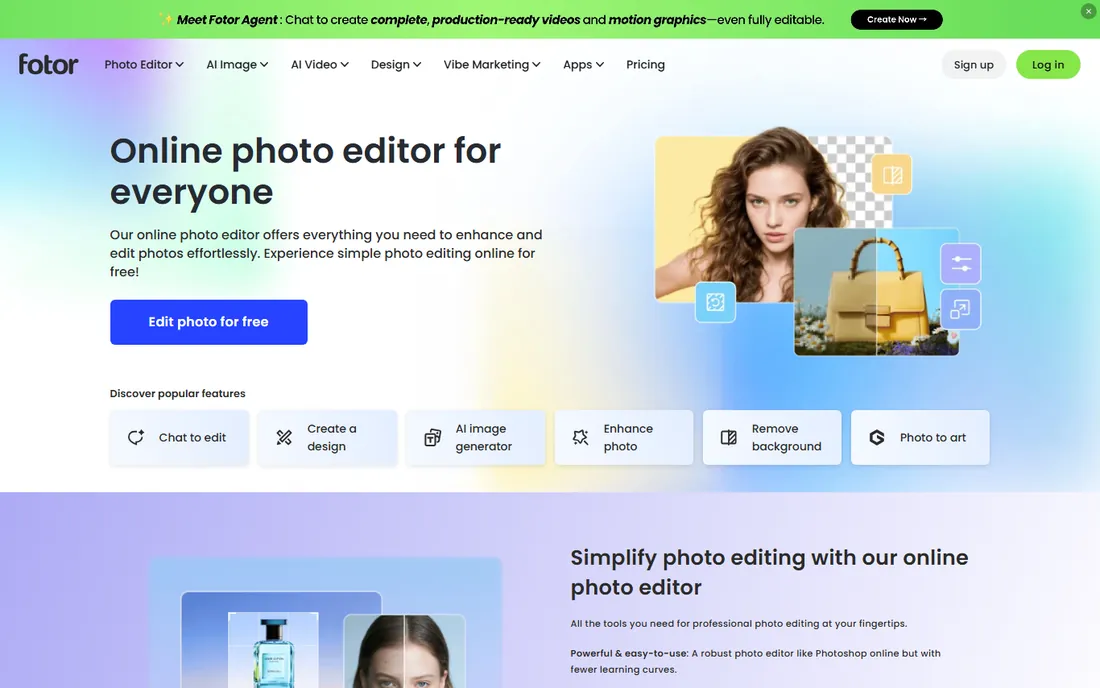
Fotor pairs background removal with a full design platform: templates, collage layouts, and a wide AI toolkit covering enhancement, object removal, and image generation. Batch editing processes up to 50 images at once on Pro plans, which covers small sellers and content teams without a dedicated pipeline. Support for formats like WebP and HEIC is broader than most rivals.
The weakness is edge quality on difficult subjects. Reviews and tests consistently note that fine hair, reflective surfaces, and semi-transparent boundaries need manual touch-up, so this is a speed tool rather than a precision one. The free Basic tier only allows watermarked non-HD downloads, so real work starts at Pro. Choose Fotor if you also want the design suite; choose a specialist if cutout quality is the priority.
What we like- Batch editing of up to 50 images on paid plans
- Broad template library for marketing assets
- Full-resolution transparent PNG exports
Watch out for- AI quality is inconsistent on tricky edges
- Free version shows ads and watermarks HD downloads
#9
Adobe Photoshop
Best for: Professionals who need total control
Visit adobe.com
Starting price$22.99/month (single app)
Free planFree trial (7 days)
When automatic tools fail, Photoshop succeeds. Its Remove Background command, Select Subject, and the Refine Edge brush give you pixel-level control over hair, fur, glass, and motion blur that no AI remover matches yet. Because the result is a layer mask, you can refine it days later without reprocessing, and there are no per-image credits or export caps.
The price only makes sense if you already use Photoshop for other work. At $22.99 a month for the single app, buying it purely to remove backgrounds is poor value next to the free and cheap options above. The Photography plan bundles Photoshop with Lightroom for less, and that is the smarter buy for photographers. Photoshop is the finishing tool for hard images, not the daily driver for bulk cutouts.
What we like- Select Subject plus mask refinement handles the hardest edges
- Non-destructive layer masks
- No per-image fees
Watch out for- Expensive for background removal alone
- Real learning curve for beginners
How we chose
We reviewed the official pricing pages, feature lists, and support docs for each vendor, then cross-checked against independent reviews on G2, Capterra, Reddit threads from photographers and ecommerce sellers, and current comparison roundups. We scored on cutout quality for hair and edges, batch and API options, export resolution and watermarks, pricing transparency, and how the free tier actually performs. We did not run hands-on lab tests, so quality claims reflect published reviews and documented specs.
What to check before you pay
Match the tool to your volume first. A few images a month means the free tier of Adobe Express, Pixlr, or Fotor is enough, and paying for anything is a waste. A few hundred product photos a month means batch processing and per-image cost dominate the decision, which puts PhotoRoom, Slazzer, and Removal.AI in the conversation.
Watch the fine print on credits. Credits per image, export caps, and separate pools for generative features vary wildly, and a cheap-looking plan can double in cost once you exceed limits. Check whether credits roll over and how long top-up packs stay valid.
Test with your own hardest images. Every vendor looks great on clean studio shots. Upload the flyaway hair, the white dog on a white background, and the glass bottle before you pay, since that is where quality differences actually show up.
Frequently asked questions
Which background remover is completely free?
Adobe Express is the strongest free option, with unlimited background removal and no watermark on its free plan. Pixlr and Fotor also offer free background removal, though with ads, export limits, or watermarks on full-resolution downloads.
Which tool gives the best quality on hair and fur?
remove.bg has the best reputation for tricky edges, followed closely by Adobe Photoshop's manual refinement tools. For most product shots and portraits, the differences between the top tools are small, but flyaway hair and fur still separate the leaders from the pack.
Can I remove backgrounds from many images at once?
Yes. PhotoRoom's batch mode handles up to 250 images at a time, Slazzer and remove.bg offer batch desktop apps, and Fotor processes up to 50 images per batch on paid plans. Photoshop supports actions and droplets for scripted batch work.
Is there an API for automatic background removal?
remove.bg, Slazzer, and Removal.AI all offer APIs billed per image or per credit, and PhotoRoom has a separate API wallet. These are the standard choice for developers building product-photo pipelines into stores or apps.
Do I need Photoshop to remove backgrounds professionally?
No. For standard portraits and product shots, modern AI tools produce client-ready results without Photoshop. Photoshop is worth it when images have difficult edges, when you need non-destructive masks for later revisions, or when it is part of a larger retouching workflow.
Will free tools watermark my images?
Some do. Adobe Express does not watermark free background removals. Pixlr's free tier is ad-supported and Fotor's free Basic tier watermarks HD downloads, while PhotoRoom's free plan adds a watermark to exports.
Sources we checked (12)
- https://www.remove.bg/b/remove-more-backgrounds-for-less-credits
- https://www.slazzer.com/pricing
- https://removal.ai/pricing/
- https://www.pixlr.com
- https://www.fotor.com
- https://photoroom.com
- https://www.canva.com
- https://www.adobe.com/express
- https://www.adobe.com/products/photoshop
- https://www.costbench.com/software/ai-design-tools/remove-bg/
- https://top50aitools.com/pricing/photoroom
- https://www.saasworthy.com/product/fotor/pricing
Is your product missing or out of date?
We review this list regularly. Vendors can request a listing, send updated pricing or ask about featured placement.

Shihab Mia · Founder, Rankite
Shihab has spent more than a decade helping SaaS and e-commerce brands grow through search. He writes Rankite's software buying guides from pricing pages, documentation and public user reviews. More about Shihab.