How we make this list: we compare pricing pages, product documentation and public user reviews. Rankite is independent; if a vendor ever pays for a featured spot, that listing is clearly labeled Partner.
Key takeaways
- Topaz Video is the quality benchmark for AI upscaling and restoration, but it moved to a $299/year subscription in late 2025.
- HitPaw VikPea (formerly HitPaw Video Enhancer) is the easiest one-click option for casual users at $42.99/month.
- If you already edit video, DaVinci Resolve Studio and Adobe Premiere Pro can sharpen, denoise and upscale without a second purchase.
- Cloud-based Pixop suits teams that would rather pay per minute of footage than buy and maintain GPU hardware.
- Every AI enhancer is GPU-hungry; budget render time as well as money, and always preview on your own footage before buying.
Quick comparison
Is your product missing or out of date?
We review this list regularly. Vendors can request a listing, send updated pricing or ask about featured placement.
AI upscaling works, but the fine print matters
A few years ago, "enhancing" a blurry video meant cranking the sharpness slider and hoping. Modern AI tools genuinely reconstruct detail, remove noise and upscale old footage to 4K, but they differ enormously in price, hardware demands and how much control they give you. The nine tools below cover the full range, from one-click consumer apps to the pro restoration suites.
Starting price$299 per year (Personal)
Free planFree trial
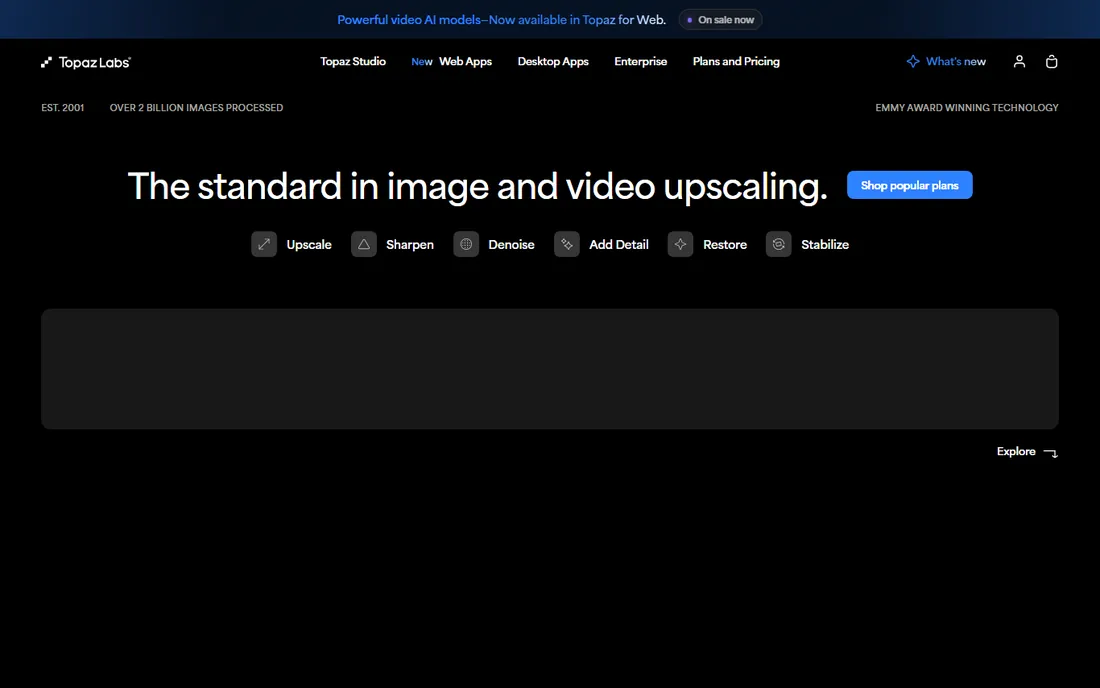
Topaz Video, formerly Topaz Video AI, remains the tool professionals reach for when footage is genuinely difficult: heavy noise, interlaced archives, motion blur. Its specialized models for denoising, deinterlacing, stabilization and upscaling to 16K outperform general-purpose enhancers, and the preview workflow lets you compare models before committing to an hours-long export.
The big change: since late 2025, new customers buy a subscription at $299/year for Personal (or $59/month), with Pro at $699/year. The old $299 perpetual license is gone. You also need a serious dedicated GPU; integrated graphics will struggle. If quality is the priority and you have the hardware, nothing else matches it.
Support is ticket-based and generally knowledgeable, though response times stretch during major releases. The community forum is active with model recommendations for specific footage types. One practical limit: rendering is slow, often slower than real time on long projects, so factor overnight renders into your schedule. Also note that model updates arrive regularly; keeping current matters because newer models visibly outperform old ones on the same footage.
What we like- Best-in-class detail reconstruction
- Specialized models for different footage types
- Unlimited local rendering
Watch out for- Now subscription-only for new buyers
- Demands a powerful GPU
- Slow on long projects
Starting price$42.99 per month
Free planFree trial
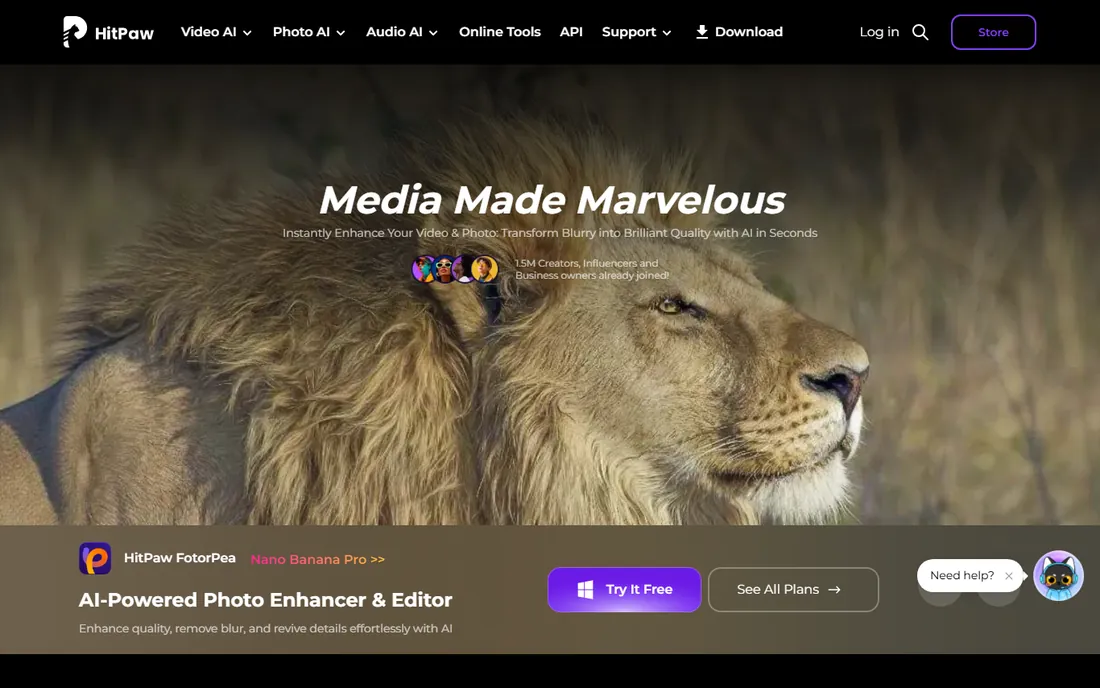
HitPaw Video Enhancer rebranded to HitPaw VikPea, and the pitch stayed the same: drop in a video, pick an AI model, get a sharper 4K result. Face enhancement is a particular strength, and the batch processing handles folders of clips without babysitting. It also bundles extras like background removal, watermark removal and video repair.
The trade-off is depth. You get presets and sliders, not Topaz's model-by-model control, and $42.99 a month is steep if you only enhance a few clips a year. For creators who want better-looking footage without learning restoration theory, it is the friendliest option here.
Setup is trivial: install, import, pick a model. The mobile app extends the same one-click workflow to phone footage, which is convenient for creators who shoot on their phones. Support is email and live chat, adequate for a consumer product. The limitation is cost structure: the monthly plan punishes occasional users, so check whether a longer-term plan or a competitor's one-time license fits your usage pattern better.
What we like- Extremely simple workflow
- Good face enhancement
- Works on Windows, Mac and mobile
Watch out for- Less control than Topaz
- Monthly cost adds up for occasional use
Starting priceSee website
Free planFree trial
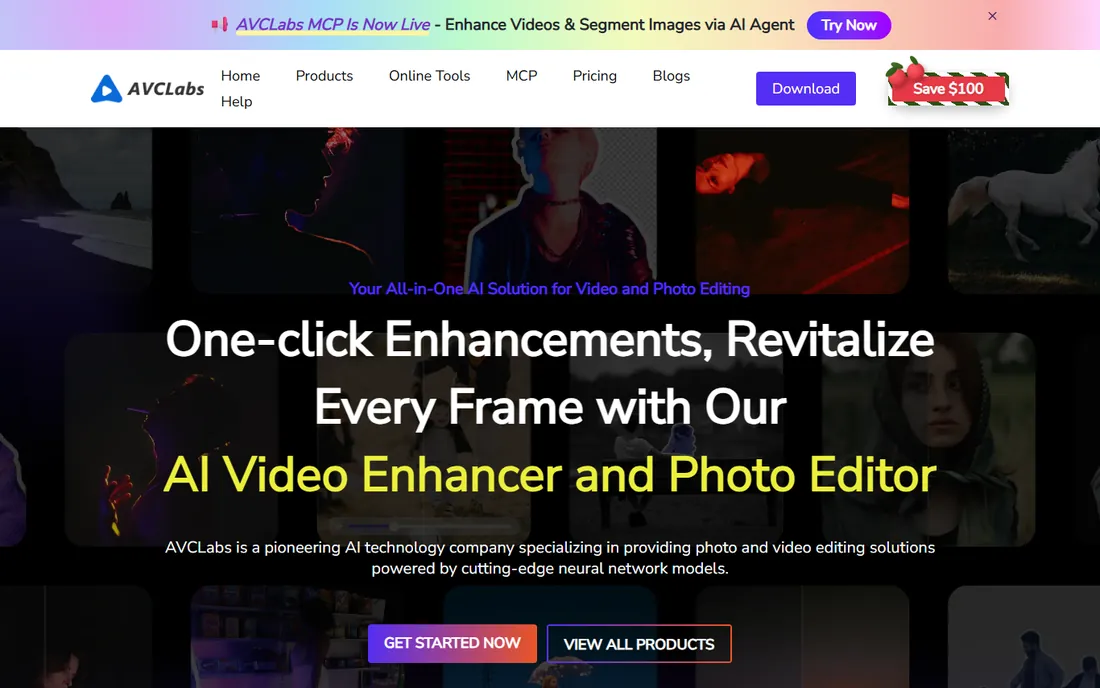
AVCLabs Video Enhancer AI focuses on what most people actually want enhanced: faces. Its multi-frame processing analyzes surrounding frames to reconstruct facial details that single-frame upscalers smear, and it handles general denoising, deblurring and upscaling competently. The interface is simpler than Topaz's, which many users prefer.
Pricing transparency is the weak spot; you will need to visit the site or start a trial to see current plans. Like all desktop AI enhancers, it wants a decent GPU. Consider it when faces are the priority and Topaz feels like overkill.
The trial is the real pricing page: it watermarks output but lets you test every model on your own footage, which you should do before paying. Support is email based. The main risk is the company's smaller profile; verify the current plan terms and refund policy at purchase time rather than assuming they match a review from last year.
What we like- Strong facial detail recovery
- Multi-frame enhancement
- Straightforward interface
Watch out for- Pricing is not published clearly
- Processing can be slow on modest hardware

#4
DVDFab Video Enhancer AI
Best for: Upscaling DVDs and old footage
Visit dvdfab.cn
Starting priceSee website
Free planFree trial
DVDFab Video Enhancer AI targets a specific job: taking old DVDs, downloaded clips and low-resolution archives and enlarging them to HD or 4K with AI detail reconstruction. If your source material is a box of DVDs or decade-old family videos, its models are tuned for exactly that kind of degraded footage.
The interface feels older than competitors, and like AVCLabs, pricing requires a site visit. But for the narrow task of rescuing old discs and SD footage, it is a focused tool rather than a generalist pretending to be one.
It shines on a specific input: interlaced SD video from DVDs, where its models were trained. Feed it modern HD footage and the advantage disappears. Support is email based and the product updates less frequently than competitors. Buy it for the archive job, not as a general enhancer.
What we like- Built for old and low-resolution sources
- Enlarges up to 4K
- Simple workflow
Watch out for- Dated interface
- Pricing and plan details are murky

#5
UniFab Video Enhancer
Best for: All-in-one AI video toolkit
Visit unifab.ai
Starting priceSee website
Free planFree trial
UniFab bundles AI video enhancement with a wider toolkit: HDR upscaling, denoising, deinterlacing, format conversion and more, all GPU-accelerated. If you want one purchase that covers enhancement plus the surrounding chores of a video workflow, the breadth is appealing.
The flip side is that no single module goes as deep as a specialist. Restoration purists will still pick Topaz for the hardest footage. UniFab fits the generalist who enhances video as one part of a bigger production routine.
What we like- Enhancement plus conversion, HDR and denoising in one suite
- GPU-accelerated
- Regular updates
Watch out for- Jack-of-all-trades means less restoration depth than Topaz
- Pricing unclear upfront
Starting priceSee website
Free planFree trial
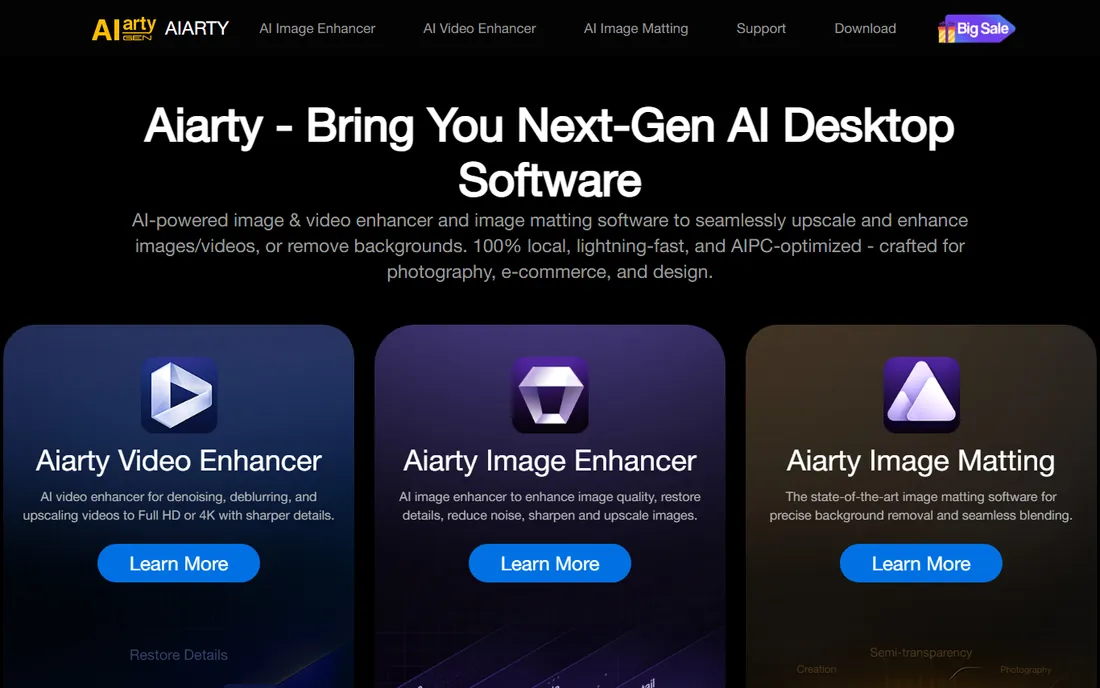
Aiarty positions itself as the affordable AI enhancer: the core upscaling, denoising and deblurring features without the premium price tag or the pro learning curve. The interface is clean, processing is straightforward, and for everyday jobs like sharpening phone footage or old clips, the results satisfy most users.
It does not offer the model zoo that Topaz does, and the community is smaller if you hit a weird artifact. But when the choice is between a budget enhancer and no enhancer, Aiarty makes the budget option respectable.
What we like- Lower price point than the big names
- Clean interface
- Good for casual upscaling jobs
Watch out for- Fewer specialized models
- Smaller user community for troubleshooting
Starting priceSee website
Free planFree trial

Pixop takes a different approach: instead of installing software and buying a GPU, you upload footage and its cloud service applies broadcast-grade enhancement filters, denoising, deinterlacing, upscaling, sharpening, and you pay per minute processed. For a team with terabytes of archive footage and no render farm, the economics can beat buying workstations.
Per-minute pricing means costs scale linearly with volume, so heavy users should do the math against a desktop license. Uploading large files also takes time. It is the right call when hardware is the constraint, not budget.
Onboarding involves uploading test footage and working with their team to pick the right filter chain, which is more hand-holding than desktop tools offer. Support is personal and responsive, reflecting the per-minute pricing. The friction is upload bandwidth: moving terabytes of archive footage to the cloud takes real time and planning.
What we like- No hardware to buy
- Pay per minute of footage
- Pro-grade filters from broadcast tech
Watch out for- Costs scale with footage volume
- Upload and download times add friction
Starting price$295 one-time
Free planYes (free version available)
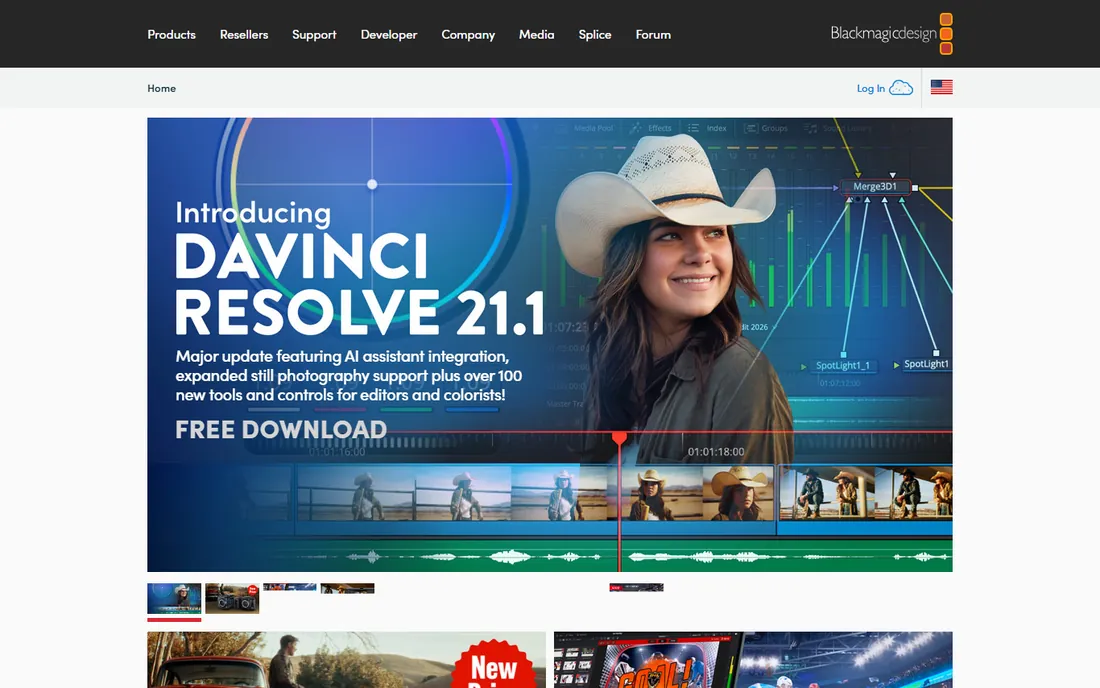
If you already edit video, you may not need a separate enhancer. DaVinci Resolve Studio's noise reduction, sharpening, stabilization and Super Scale upscaling handle most quality improvements inside the edit, and the $295 one-time license includes the entire professional editor. The free version covers a surprising amount too.
Dedicated AI enhancers still win on the hardest restoration jobs; Resolve's tools are general-purpose by comparison. But for footage that is merely soft, noisy or shaky rather than ruined, Resolve Studio is the best value on this list by a wide margin.
What we like- Full pro editor included
- Excellent noise reduction and sharpening
- One-time price
Watch out for- AI upscaling less advanced than Topaz
- Learning curve for beginners
Starting price$22.99 per month (annual plan, monthly billing)
Free planFree trial (7 days)
Premiere Pro's Enhance Speech, denoise, sharpening and stabilization tools keep improving, and the plugin ecosystem adds AI upscaling from third parties. At $22.99 a month on the annual plan, it is the industry-standard editing environment with quality cleanup built in.
Like Resolve, it is an editor first and an enhancer second; it will not resurrect badly degraded footage the way Topaz can. Choose it when enhancement is part of professional editing work you are already doing in Adobe's ecosystem.
What we like- Industry-standard editor
- Growing AI cleanup features
- Huge plugin ecosystem
Watch out for- Subscription only
- Enhancement features lag behind dedicated tools
Desktop AI vs cloud vs your editor: which route?
Buy a desktop AI enhancer like Topaz or HitPaw when quality is the goal and you have the GPU. Use a cloud service like Pixop when you have footage volume but no hardware. Stay inside your editor (Resolve, Premiere) when the footage needs a touch-up, not a rescue. Mixing routes is fine; many pros rough-cut in an editor and send only the problem clips to Topaz.
Always test with your own worst footage, not the vendor's demo clips. Every enhancer looks good on clean samples; the differences appear on your noisy, shaky, interlaced material. Run the free trials side by side on the same clip and compare at full resolution before spending. And check the refund policy; restoration quality is subjective, and you want an exit if the results disappoint on your material.
How we chose
We compared the AI enhancers most cited in 2026 roundups and creator communities, plus the two pro editors buyers most often ask about, verifying current pricing and plan structures against each vendor's own site. We weighted real restoration quality, hardware demands, pricing transparency and trial availability. We did not render test footage ourselves.
Frequently asked questions
Can AI really add detail that is not in the original video?
It reconstructs plausible detail based on patterns learned from training footage; it does not recover information that was never recorded. Good models produce convincing results on faces and textures, but fine text and intricate patterns can come out wrong. Always inspect the output. This is why text, license plates and fine patterns are the classic failure cases: the model guesses, and sometimes guesses wrong.
How powerful a GPU do I need?
For serious AI enhancement, a mid-range or better dedicated GPU with at least 8 GB of VRAM is the practical minimum; Topaz's heaviest models want more. Integrated graphics will run some tools but very slowly. If your machine is weak, consider a cloud option like Pixop. Apple Silicon Macs handle these tools reasonably well, but check each vendor's stated support before buying.
Will enhancing an old DVD make it look like modern 4K?
It will look much better than the raw DVD, sharper with less noise, but it will not match footage shot on a modern camera. Set expectations accordingly: enhancement removes the worst artifacts of old formats; it cannot invent the sharpness of a better lens. For family archives, the improvement is usually dramatic enough that relatives notice; for professional work, manage client expectations explicitly.
Is upscaling the same as enhancement?
No. Upscaling only increases resolution; enhancement also reduces noise, fixes blur, corrects color and reconstructs detail. The AI tools on this list do both, which is why they outperform a simple resize. Some tools market upscaling as enhancement; read the feature list to confirm denoising and deblurring are included.
Do these tools work on Mac?
Topaz Video, HitPaw VikPea, Adobe Premiere Pro and DaVinci Resolve all run on Mac; some smaller Windows-first tools do not. Check system requirements before buying, especially GPU requirements on Apple Silicon. DVDFab is the main Windows-only exception on this list; confirm current platform support on the vendor site.
Sources we checked (9)
- https://www.topazlabs.com/
- https://www.hitpaw.com/
- https://www.avclabs.com/
- https://www.dvdfab.cn/
- https://www.unifab.ai/
- https://www.aiarty.com/
- https://www.pixop.com/
- https://www.blackmagicdesign.com/
- https://www.adobe.com/
Is your product missing or out of date?
We review this list regularly. Vendors can request a listing, send updated pricing or ask about featured placement.

Shihab Mia · Founder, Rankite
Shihab has spent more than a decade helping SaaS and e-commerce brands grow through search. He writes Rankite's software buying guides from pricing pages, documentation and public user reviews. More about Shihab.
 Topaz Video
 HitPaw VikPea
 AVCLabs Video Enhancer AI
 Aiarty Video Enhancer
 Pixop
Pixop DaVinci Resolve Studio
 Adobe Premiere Pro