How we make this list: we compare pricing pages, product documentation and public user reviews. Rankite is independent; if a vendor ever pays for a featured spot, that listing is clearly labeled Partner.
Key takeaways
- Adobe Acrobat remains the most complete PDF editor, but Foxit and Nitro match most of its features for less money.
- PDF-XChange Editor is the standout value: a $62 one-time license with a genuinely useful free version.
- PDFgear is completely free with no watermark, though its maker hints that may change.
- Sejda, Smallpdf and PDFescape are the best no-install options for quick browser-based edits.
Quick comparison
| Tool | Best for | Starting price | Free plan |
|---|
 Adobe Acrobat Adobe Acrobat | The most complete PDF toolkit | See website | Free trial (7 days) |
 Foxit PDF Editor Foxit PDF Editor | Acrobat-level features for less | $10.99 per user/month | Free trial (14 days) |
 Nitro PDF Pro Nitro PDF Pro | Office-style PDF editing for teams | $15 per user/month | Free trial (14 days) |
 PDF-XChange Editor PDF-XChange Editor | One-time license with a strong free tier | $62 one-time | Yes |
 PDFgear PDFgear | Fully free desktop and web editor | Free | Yes |
 Sejda Sejda | Browser edits with a desktop twin | $7.50 per month | Yes (limited) |
 Smallpdf Smallpdf | Simple web tools for occasional use | $10 per month | Yes (limited) |
 PDFescape PDFescape | Free online form filling and editing | See website | Yes |
Is your product missing or out of date?
We review this list regularly. Vendors can request a listing, send updated pricing or ask about featured placement.
The best software to edit PDF
Starting priceSee website
Free planFree trial (7 days)
An office manager at a logistics company told us their team edits hundreds of shipping documents a week, and Acrobat is simply the tool nobody questions. As the company behind the PDF format itself, Adobe sets the standard: text and image editing, page organization, conversion to and from Office formats, OCR that turns scans into searchable documents, redaction, document comparison and e-signatures, all in one place.
The newer additions keep it ahead. AI Assistant summarizes documents and answers questions about their contents, and Acrobat Studio adds PDF Spaces, shared AI-powered workspaces where teams collaborate on collections of files. The Reader mobile app and Adobe Scan extend the workflow to phones. The 7-day free trial requires a credit card, which is worth knowing before you start it.
The honest catch is the business model. Adobe no longer sells perpetual Acrobat licenses to new customers, so you are on a subscription indefinitely. It is also the priciest option on this list. If your team edits PDFs all day, the depth justifies it. If you edit a few documents a week, Foxit or PDF-XChange will do the same job for a fraction of the cost.
What we like- Deepest feature set including OCR, redaction and document comparison
- E-signature workflows built in
- Desktop, web and mobile apps that sync through Document Cloud
Watch out for- Subscription pricing is the highest here
- Perpetual licenses were discontinued for new customers
#2
Foxit PDF Editor
Best for: Acrobat-level features for less
Visit foxit.com
Starting price$10.99 per user/month
Free planFree trial (14 days)
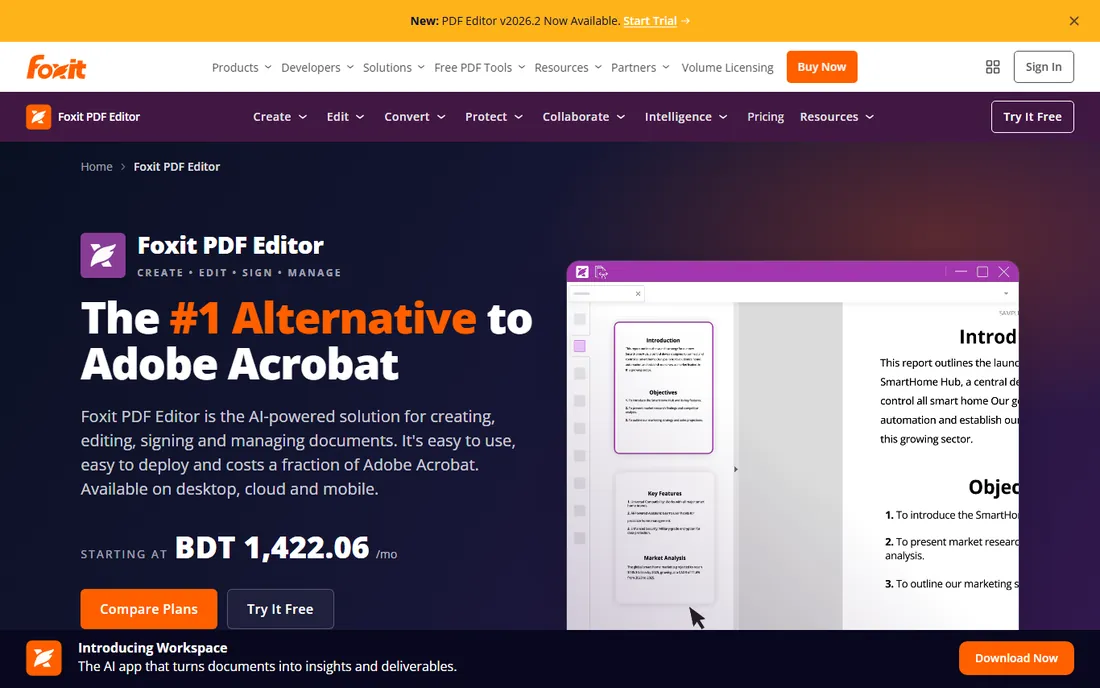
Foxit has spent two decades positioning itself as the cheaper Acrobat, and it is the alternative reviewers reach for first. The feature list covers editing, conversion, OCR, forms, redaction, password security and document comparison, plus integrations with Microsoft 365, SharePoint, Google Drive and Salesforce. The vendor claims a 44 percent lower cost per license than Acrobat Pro.
What sets Foxit apart from the other alternatives is the bundle. Every subscription includes Foxit DMS, a document management system with version history and check-in controls, and 300 AI credits a month for summaries and document chat. A 14-day free trial needs no credit card, and subscriptions start at $10.99 per user per month on annual billing.
The tiering matters. The base PDF Editor covers desktop and web; the Plus tier adds mobile apps, AI-powered Smart Redact for PII removal and Foxit eSign with 150 envelopes a year. There is also a perpetual license for buyers who refuse subscriptions, which Adobe no longer offers. For a team standardizing on PDF tools, Foxit is the most credible Acrobat replacement here.
What we like- Matches Acrobat on editing, conversion, OCR and collaboration
- Perpetual license still available
- Free document management system and AI credits included
Watch out for- Entry plan is desktop and web only
- Mobile apps and Smart Redact need the higher tier
Starting price$15 per user/month
Free planFree trial (14 days)
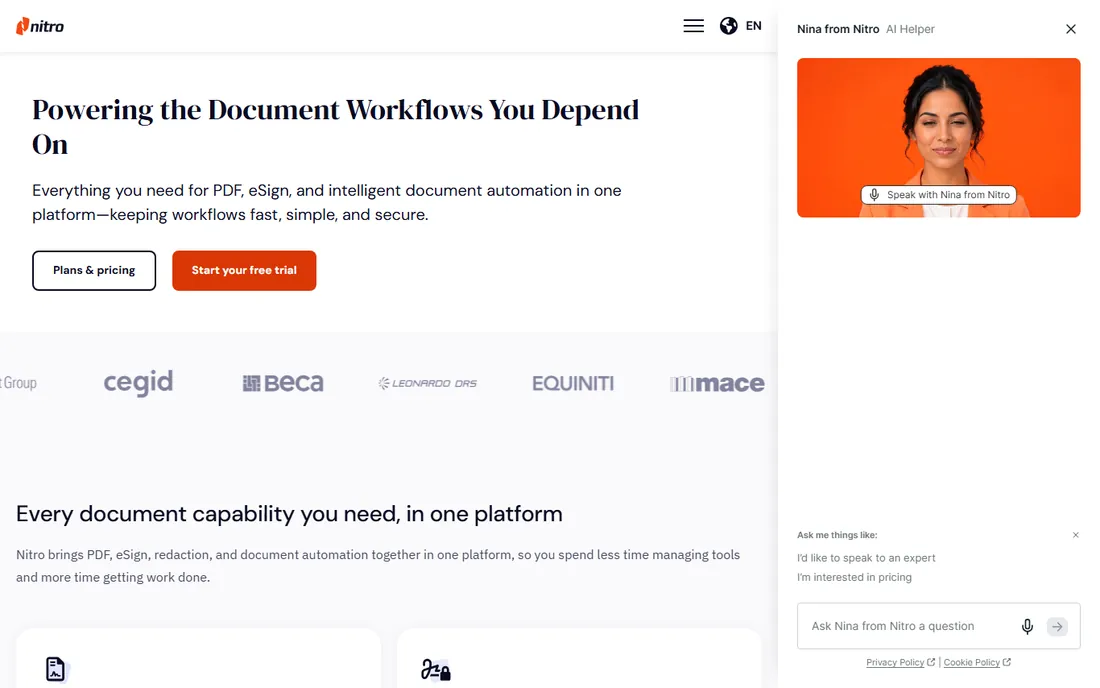
Nitro's pitch is simple: everything Acrobat does, in an interface your staff already understand. The ribbon-style layout mirrors Microsoft Office, which cuts training time to near zero for office teams. Underneath it sits a complete editor with creation, conversion, OCR, annotation, security and e-signing, plus AI tools for summarizing documents, extracting tables and detecting form fields.
For businesses, Nitro adds the management layer that individual tools skip: an admin portal for provisioning and reassigning licenses, usage analytics to prove ROI, and a central workspace with web-based tools. Nitro PDF Standard runs $15 per user per month billed annually, with a 14-day trial that needs no credit card. A Windows-only three-year Classic license at $270 exists for buyers who want to avoid subscriptions.
The limitations are real. There is no free version at all, and Smart Redact, the AI PII detection, costs extra. Nitro Sign is a separate product with its own licenses. But for a company deploying PDF software to dozens of staff who just need to get document work done, the combination of familiar design and centralized management is hard to beat.
What we like- Familiar Microsoft Office-style interface
- Built-in AI tools for summaries and data extraction
- Admin portal and analytics for license management
Watch out for- No free version, trial only
- Smart Redact is a separate paid add-on
Starting price$62 one-time
Free planYes
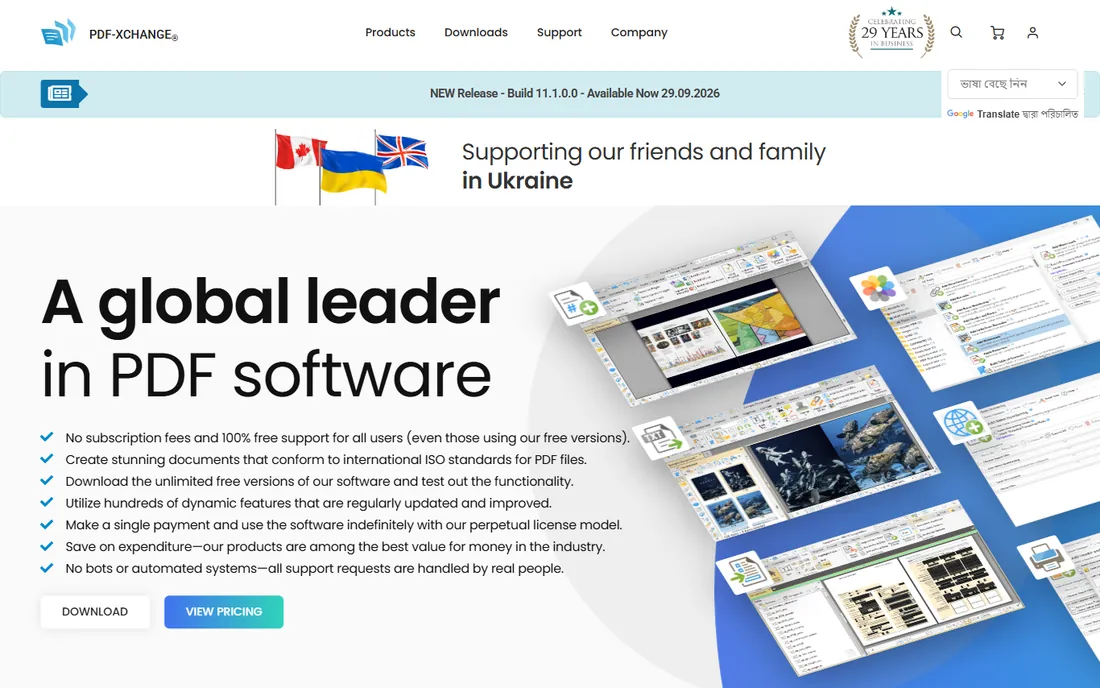
PDF-XChange Editor is the enthusiast favorite, and the reason is the pricing model. A single-user license costs $62 as a one-time purchase with a year of updates, and the free version handles reading, commenting and most everyday edits without paying anything. Paid features still run in the free version but stamp a watermark on the file, so you can test everything before buying.
The feature depth surprises people at this price. Multi-language OCR, annotations, page markup, stamps, an integrated JavaScript engine, fillable form support, document splitting and merging, and scanning direct to PDF are all here. Reviewers consistently note it runs fast even on older computers, and the vendor's tutorials cover nearly every task step by step.
The catch is the platform. PDF-XChange is Windows only, so Mac and Linux users need another pick. And if your work depends on the paid features like enhanced OCR, form creation or document comparison, the $62 license or the $79 Editor Plus tier is required to remove watermarks. For a Windows user who wants to buy once and own it, nothing else here comes close.
What we like- Perpetual license with no subscription
- Free version covers more than 70 percent of features
- Fast and light on older hardware
Watch out for- Windows only
- Paid-only features watermark files until you buy a license
Starting priceFree
Free planYes
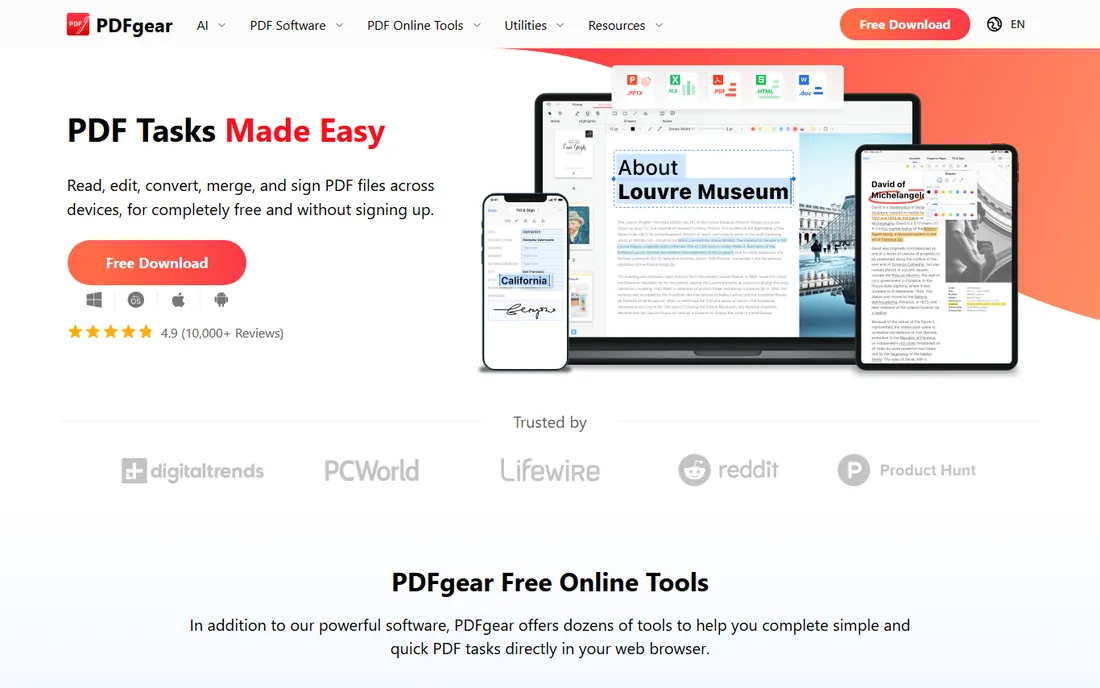
PDFgear is the tool that sounds too good to be true and, for now, is not. The desktop, mobile and web versions are completely free: full text editing, OCR, conversion, merging, form filling, signatures, password protection and even an AI chat that summarizes documents. No watermark, no account, no premium tier hiding features.
Reviewers have verified the claim repeatedly. TechRadar's testing found everything worked as advertised with no catch, and the company told them directly that PDFgear is free at the current stage, with no paid version containing more functions. The vendor makes its money on enterprise licensing rather than individual users, which is why the free tier is so generous.
The honest caveat is the phrase at the current stage. The company has hinted the free model could change in the future. For today, though, a small business that needs real PDF editing without a budget line should install this before paying anyone. It handles the everyday work, merges, conversions, signatures and OCR, that most teams actually do.
What we like- Full editing, OCR, conversion and signing free with no watermark
- No account required
- Desktop, mobile and web apps
Watch out for- Newer company with a smaller support footprint
- Free-forever status not guaranteed
Starting price$7.50 per month
Free planYes (limited)
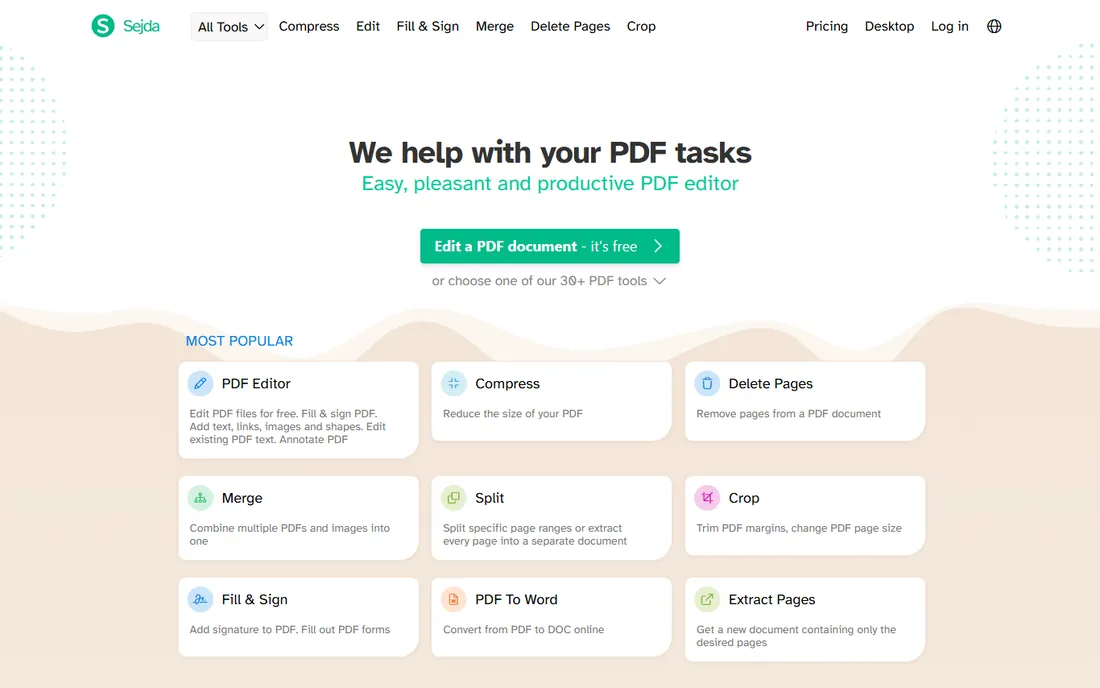
Sejda is the Swiss army knife of PDF tools. Beyond the editor, the site offers more than forty utilities: compress, merge, split, convert, Bates numbering, watermarks, metadata editing, PDF repair, grayscale conversion and more. The web version runs in the browser with no install, and the desktop app offers the same features with local processing, so sensitive files never leave your computer.
The free version is genuinely useful for occasional work, though it is metered: three tasks a day, files up to 200 pages or 50 MB, and limited OCR. Paid plans start at $7.50 a month or $63 a year and remove all limits across both web and desktop. That yearly price is less than two months of Acrobat.
The weakness is text editing on complicated layouts. TechRadar's testing found text could shift alignment or change color on complex documents, which is the known trade-off of Sejda's approach. For straightforward edits, forms, conversions and the long tail of PDF utilities, it is one of the best values in this category.
What we like- Web and desktop versions with the same tools
- Desktop app processes files locally for privacy
- Huge range of utilities beyond editing
Watch out for- Free version limited to three tasks a day and 200-page files
- Text editing can be flaky on complex layouts
Starting price$10 per month
Free planYes (limited)
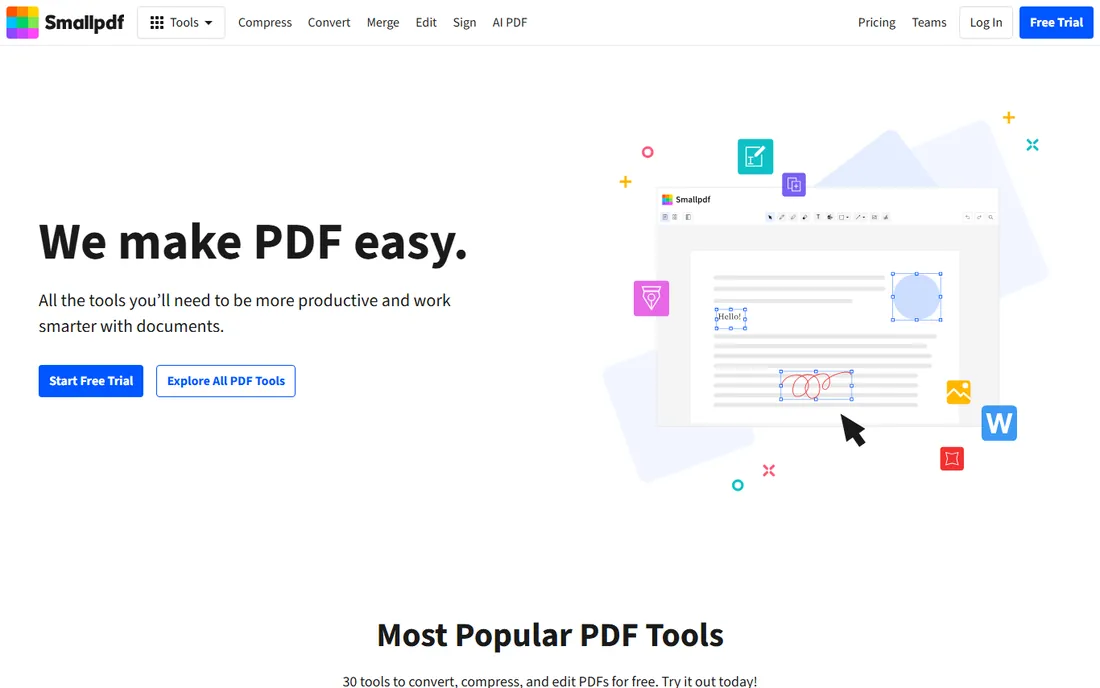
Smallpdf is the PDF tool for people who hate PDF tools. The interface is clean and organized by use case, convert, edit, sign, compress, AI tools, so a non-technical user finds what they need in seconds. Thirty tools cover the everyday jobs, and the mobile apps add document scanning on the go.
The free plan handles light use with a daily download limit, and the 7-day free trial gives full access to everything. Pro at $10 a month billed annually ($15 month to month) removes the limits and adds text editing, OCR, strong compression, batch processing and the Sign.com premium e-signature platform. The vendor also offers team plans with centralized billing.
The honest assessment is that Smallpdf is a convenience tool, not a power tool. Heavy editors will hit the ceiling quickly and should look at Foxit, Nitro or PDF-XChange. But for a marketing manager or office admin who needs to merge, compress, convert and sign a few documents a week without learning software, the simplicity is the product.
What we like- Polished, beginner-friendly interface
- 30 tools for the common jobs
- Solid mobile apps and integrations
Watch out for- Free plan has a daily download limit
- Full editing and OCR sit behind the Pro plan
Starting priceSee website
Free planYes
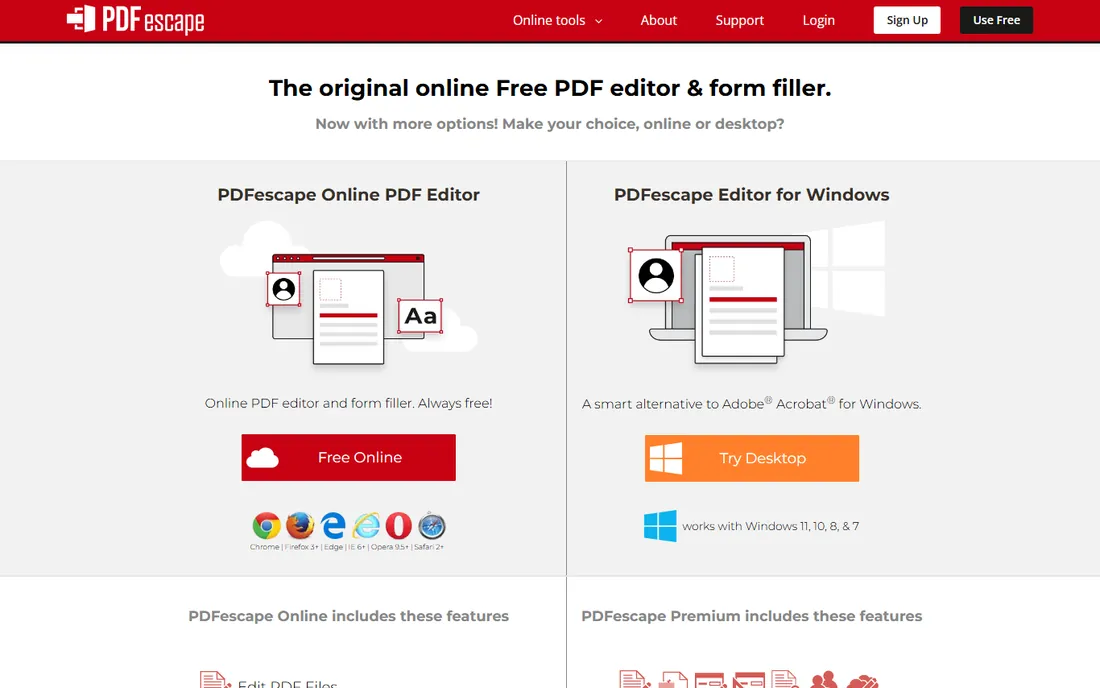
PDFescape has been the go-to free online PDF editor since before most of the competition existed. Open the site, upload a file, and you can add text, shapes, photos, signatures, annotations and form fields, all in the browser with no account. It is especially good at form filling, which is the task most free tools handle worst.
The free online editor covers the basics, and the Premium plan adds the power features: editing existing text and images, print to PDF, merging, conversion to Word, watermarks and compression. There is also a desktop version for Windows that bundles the premium features locally.
The vendor does not publish pricing on its homepage, so you will need to check the site for current Premium rates. The free version's file size limits also rule out very large documents. But for the common case, filling out a form, signing a document, adding a comment, PDFescape remains the fastest free answer.
What we like- Online editor free with no install
- Strong on forms and annotations
- Desktop version for Windows
Watch out for- True text and image editing needs the Premium plan
- Free online version has file size limits
How we chose
We opened each vendor's homepage and pricing page to confirm the current product, plan prices and trial terms. We compared feature lists and documentation for editing depth, OCR, conversion, e-signatures and platform support, and read public reviews on G2, Capterra and Reddit plus hands-on reviews from PCWorld, TechRadar and ITPro to see how the tools perform on real documents. We weighted editing capability against price, the quality of the free tier and fit for small and mid-size business use. We did not test the software hands-on.
What to check before you pay for a PDF editor
Start by separating two different jobs. Editing a PDF means changing text, images and pages inside the document. Working with PDFs means merging, splitting, converting, compressing and signing. Most people need the second job far more often than the first, and the free tools, PDFgear, Sejda, Smallpdf and PDFescape, handle it well. Pay for an editor only if you regularly change content inside documents.
If you do need true editing, check the OCR story. Scanned documents are images until OCR turns them into searchable text, and the quality of that step varies. Acrobat, Foxit and PDF-XChange all have strong OCR engines. Sejda and Smallpdf gate OCR behind paid plans. PDFgear includes it free, which is remarkable at its price of zero.
Then look at the pricing model. Subscriptions from Adobe, Foxit, Nitro, Smallpdf and Sejda spread the cost but never end. Perpetual licenses from PDF-XChange and Foxit cost more up front and then stop costing. A $62 one-time PDF-XChange license pays for itself against a $10-a-month subscription in about six months. And check the platform: PDF-XChange is Windows only, while the rest here cover Mac and often mobile.
Why free PDF editors are better than they used to be
A few years ago, free meant watermarked, crippled or ad-covered. That is no longer true. PDFgear gives away a full desktop editor with OCR. Sejda's free tier covers dozens of utilities. PDF-XChange's free version handles most everyday edits. The free tools caught up because the core PDF technology matured and the vendors found other ways to make money, enterprise licenses, paid tiers for heavy users, and subscriptions for teams.
The practical result is that most small businesses never need to pay. A company that merges, converts, signs and occasionally edits PDFs can run entirely on PDFgear plus Sejda. The paid tools earn their money at the extremes: Acrobat for the deepest feature set, Foxit and Nitro for teams that need management and deployment, PDF-XChange for buyers who want to own their software. Start free, and only pay when you can name the feature you are missing.
Frequently asked questions
What is the best software to edit a PDF?
Adobe Acrobat is the most complete, with the deepest editing, OCR and e-signature features. Foxit PDF Editor matches most of it for less money, PDF-XChange Editor is the best value with a $62 one-time license, and PDFgear is the best free option with full editing and no watermark.
Is there a free PDF editor with no watermark?
Yes. PDFgear is completely free with no watermark and no account required. PDF-XChange Editor has a strong free version, though paid features watermark files until you buy a license. Sejda and PDFescape are free for light use with daily or file-size limits.
Can I edit a PDF without installing software?
Yes. Sejda, Smallpdf and PDFescape all run in the browser with no install. Foxit and Nitro also offer web versions. Browser editors are best for quick edits, conversions and signing; heavy editing is smoother in a desktop app.
What is the cheapest alternative to Adobe Acrobat?
PDF-XChange Editor at $62 for a perpetual license is the cheapest paid alternative, and PDFgear is free. Foxit PDF Editor starts at $10.99 per user per month on annual billing, roughly half of Acrobat's subscription cost, and Nitro PDF Pro runs $15 per user per month billed annually.
Do PDF editors work on Mac?
Most do. Adobe Acrobat, Foxit, Nitro, Smallpdf, Sejda and PDFescape all support Mac through desktop apps or the browser. PDFgear has native Mac, iOS and Android apps. PDF-XChange Editor is the exception: it is Windows only.
Which PDF editor is best for filling out forms?
PDFescape is built for form filling and its free online editor handles forms well. Adobe Acrobat and Foxit both create and manage fillable forms with more polish. Sejda includes a free form creator. For simple fill-and-sign jobs, Smallpdf's Sign tool is the easiest to use.
Sources we checked (12)
- https://www.adobe.com/acrobat.html
- https://www.foxit.com/pdf-editor/
- https://gonitro.com/
- https://www.pdf-xchange.com/
- https://www.pdfgear.com/
- https://pdfescape.com/
- https://www.sejda.com/
- https://smallpdf.com/
- https://www.techradar.com/reviews/sejda
- https://www.techradar.com/pro/software-services/pdfgear-review
- https://www.pcworld.com/article/827552/nitro-pro-pdf-editor-review.html
- https://techdows.com/download-pdf-xchange-editor-for-pc-windows-11-10-mac.html
Is your product missing or out of date?
We review this list regularly. Vendors can request a listing, send updated pricing or ask about featured placement.

Shihab Mia · Founder, Rankite
Shihab has spent more than a decade helping SaaS and e-commerce brands grow through search. He writes Rankite's software buying guides from pricing pages, documentation and public user reviews. More about Shihab.