How we make this list: we compare pricing pages, product documentation and public user reviews. Rankite is independent; if a vendor ever pays for a featured spot, that listing is clearly labeled Partner.
Key takeaways
- Gamma ($9/seat/month billed annually) is the strongest all-round AI deck builder with a generous free tier.
- Beautiful.ai ($12/month billed annually) enforces professional design rules automatically on every slide.
- Slidesgo ($3/month billed annually) is the cheapest route to thousands of templates with AI generation.
- Presentations.ai ($240/user/year billed annually) and SlidesAI.io ($10/month billed annually) focus on editable PowerPoint output.
Quick comparison
| Tool | Best for | Starting price | Free plan |
|---|
 Gamma Gamma | all-round AI deck creation | $9/seat/month (billed annually) | Yes |
 Beautiful.ai Beautiful.ai | design-quality professional decks | $12/month (billed annually) | 14-day trial |
 Canva Canva | AI-assisted design in one workspace | $144/year (about $12/month) | Yes |
 Pitch Pitch | team pitch decks with analytics | Free; Plus from €10/month billed annually | Yes |
 Slidesgo Slidesgo | template library plus AI generation | $3/month (billed annually) | Yes |
 Presentations.ai Presentations.ai | brand-synced business decks | $240/user/year (billed annually) | Yes (limited) |
 SlidesAI.io SlidesAI.io | Google Slides-native generation | $10/month (billed annually) | Yes |
Is your product missing or out of date?
We review this list regularly. Vendors can request a listing, send updated pricing or ask about featured placement.
Starting price$9/seat/month (billed annually)
Free planYes
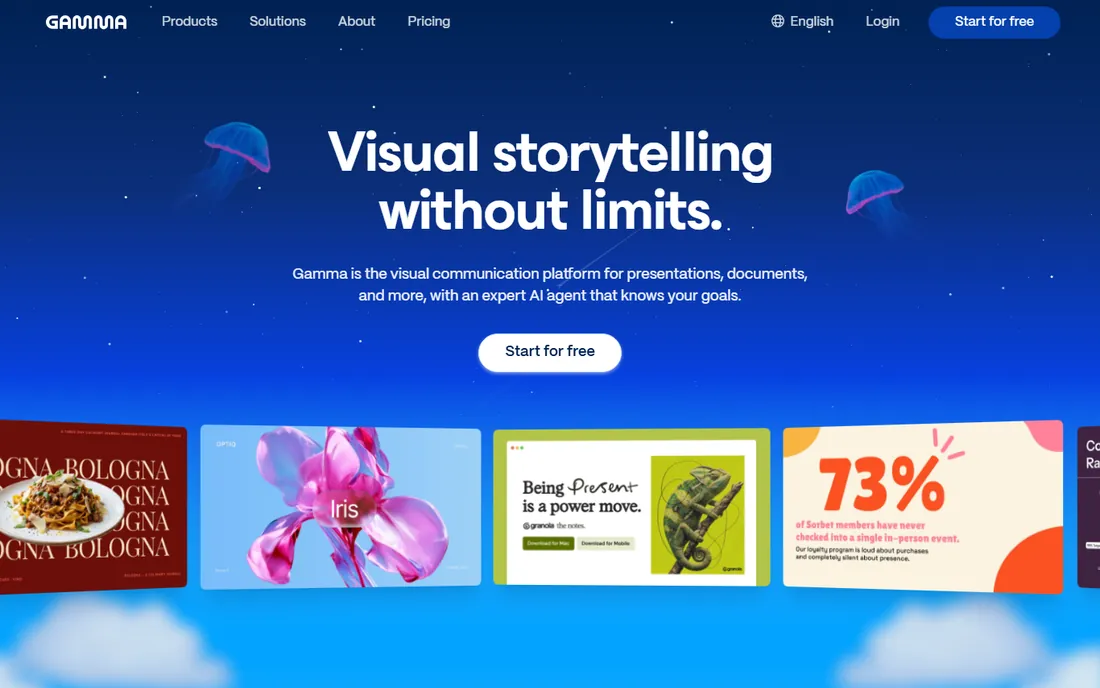
Gamma is the AI presentation tool most people mean when they say "AI PowerPoint." Describe your topic or upload a document, and Gamma builds a polished deck of "cards" that you can restyle, rearrange, and export to PowerPoint, Google Slides, PDF, or a live website.
The free plan includes 400 signup credits and up to 10 cards per prompt, enough to try several real decks. Plus at $9 a seat a month billed annually ($108) brings 1,000 monthly credits and removes branding, while Pro at $18 adds premium AI image models, custom branding, and API access.
The catches: Gamma's fluid cards are not classic slides, so heavily custom layouts may need manual work after export. Premium AI models consume credits on top of the base allowance. For speed from idea to shareable deck, Gamma leads the field.
What we like- 400 free credits at signup
- Exports to PPTX and Google Slides
- Uses Claude, GPT, Gemini and Imagen models
Watch out for- Card-based format differs from classic slides
- Premium image models cost extra credits
- No offline mode
Starting price$12/month (billed annually)
Free plan14-day trial
Beautiful.ai takes the opposite approach from one-click generators: its Smart Slides enforce design rules in real time as you build, so adding a bullet or an image rebalances the layout automatically. Bad design is structurally prevented, which is ideal for non-designers at small companies.
Pro costs $12 a month billed annually and includes unlimited slides, AI content generation, AI image generation, viewer analytics, and PowerPoint import and export. Team at $40 a seat a month adds shared libraries and brand controls. A 14-day trial opens full Pro access, though it requires a credit card.
The catches: there is no permanent free tier, month-to-month Pro billing jumps to $45, and users report PowerPoint exports sometimes need formatting fixes. For client-facing decks where design quality matters most, the trade is worth it.
What we like- Smart Slides auto-balance every layout
- Unlimited AI generation on paid plans
- Strong brand controls
Watch out for- No permanent free plan
- Monthly billing is steep at $45
- PowerPoint exports can need cleanup
Starting price$144/year (about $12/month)
Free planYes
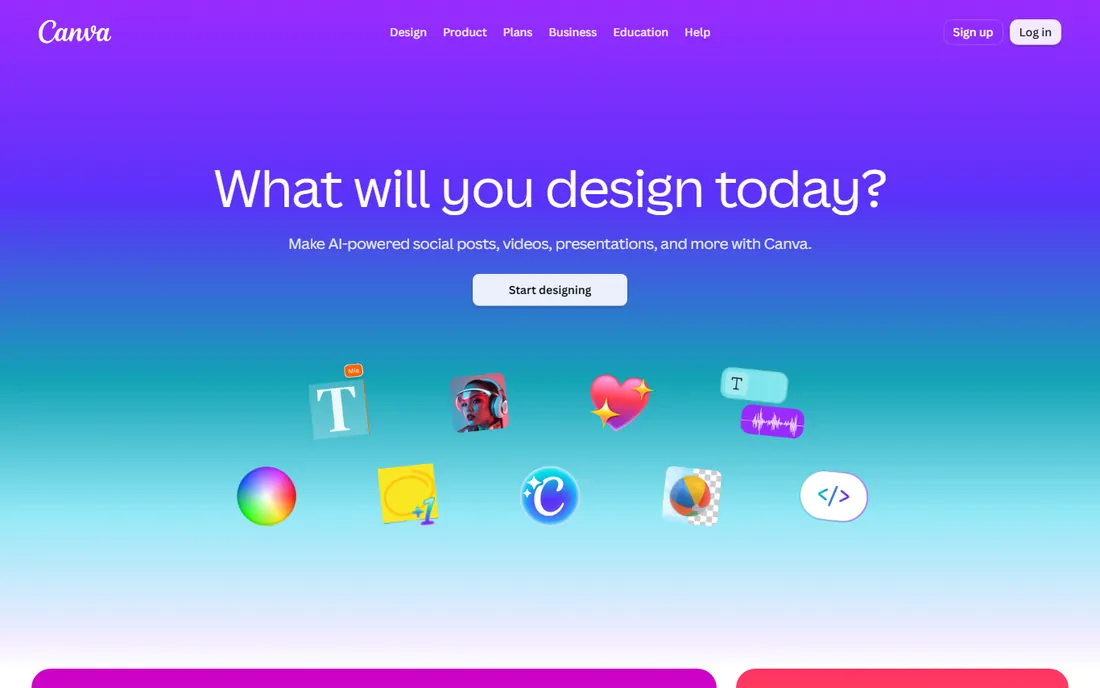
Canva's Magic Studio brings AI generation to presentations inside the design app your team probably already uses: Magic Design suggests full layouts from a prompt, Magic Write drafts slide copy, and Magic Media generates images. Everything stays editable in a familiar visual editor.
Canva Pro at $144 a year (about $12 a month) opens up full Magic Studio with a much larger AI allowance, premium assets, and Brand Kit. The free plan includes a limited monthly AI allowance, so you can test the whole workflow before paying.
The catches: AI use is metered from a shared monthly credit pool with no rollover, and AI-written copy can sound generic or get facts wrong, so verify before presenting. For teams that also need social graphics and docs, Canva keeps everything in one subscription.
What we like- Magic Studio AI across design and video
- Huge template and stock library
- Free tier is genuinely useful
Watch out for- AI uses are metered by credits
- Image generation trails dedicated AI tools
- AI facts need verification
Starting priceFree; Plus from €10/month billed annually
Free planYes
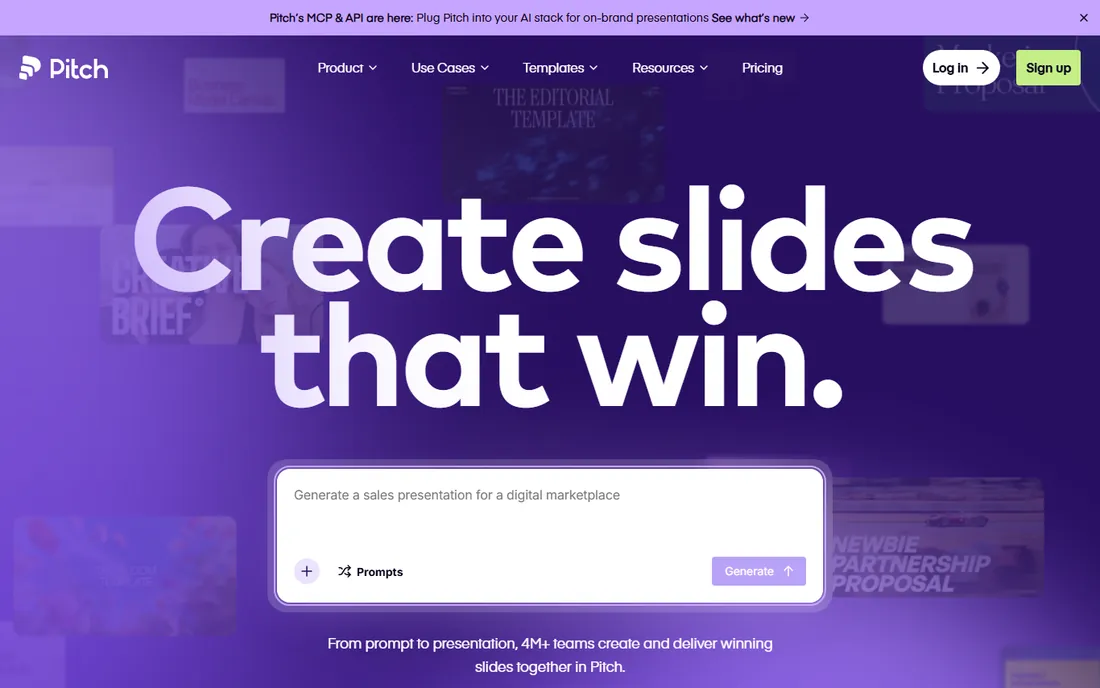
Pitch is the presentation platform built for teams that present to win business: real-time co-editing, designer-quality templates, and analytics that show who opened your deck and how long they spent on each slide. The "Start with AI" feature generates a full deck from a prompt.
The free plan covers unlimited presentations for teams up to 5 with templates and sharing. Paid tiers read from the vendor's own pricing page include Plus at €10 a month, Team at €15, and Business at €20, billed annually, adding brand kits, analytics, and advanced link controls.
The catches: pricing displays in euros, AI generation is less sophisticated than Gamma's, and offline editing is limited. For sales teams and startups that live in pitch decks, the analytics alone can justify the upgrade.
What we like- Free plan for teams up to 5
- Real-time collaboration
- Deck analytics show who viewed what
Watch out for- Paid tiers are euro-priced
- AI generation is basic
- Limited offline editing
Starting price$3/month (billed annually)
Free planYes
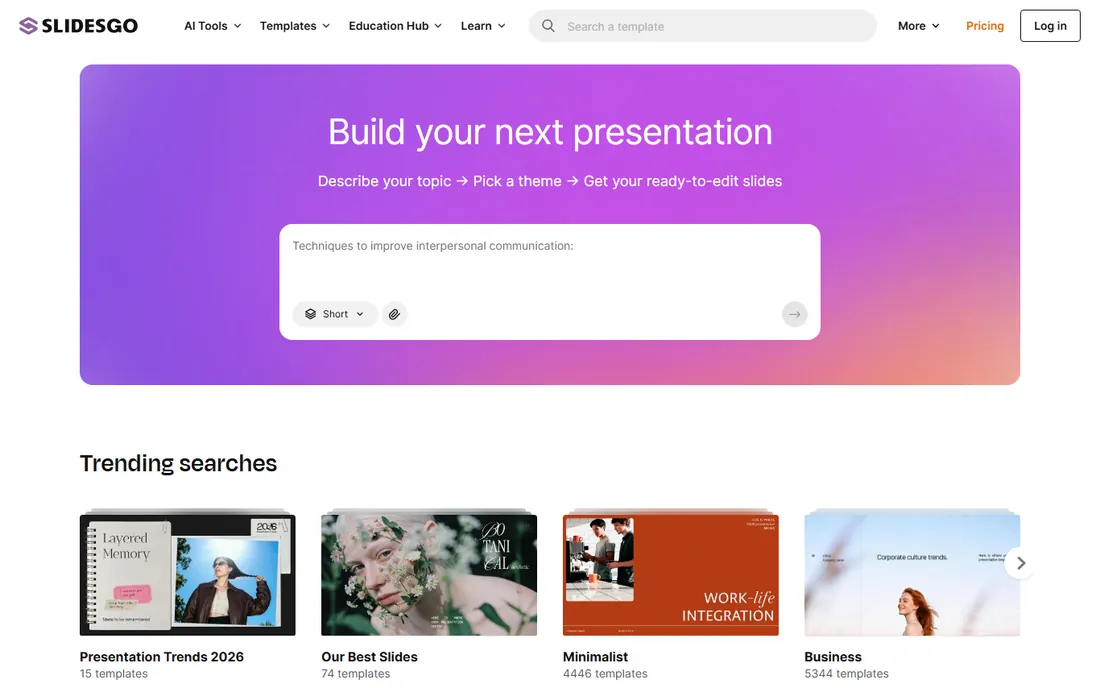
Slidesgo, from the Freepik company, pairs the web's largest dedicated presentation template library with an AI presentation maker: enter a topic, choose a tone (formal, creative, minimalist, playful) and an aesthetic, and it builds a full narrative deck. Templates download natively for Google Slides or PowerPoint.
The free plan allows 3 downloads a month with a Slidesgo attribution slide. Premium at $5.99 monthly or $3 a month billed annually ($35.99) gives you 15,000+ templates, 150 AI generations a month, 150 downloads a month, and removes attribution.
The catches: AI output lands in the lightweight Wepik editor, so expect a finishing pass, and the free tier runs out fast. At $3 a month, it is the cheapest paid option in this comparison by a wide margin.
What we like- 10,000+ templates for Slides and PowerPoint
- AI maker with tone and style choices
- Cheapest paid tier here
Watch out for- Free plan caps at 3 downloads a month
- Free slides require attribution
- AI output needs editing in Wepik
Starting price$240/user/year (billed annually)
Free planYes (limited)
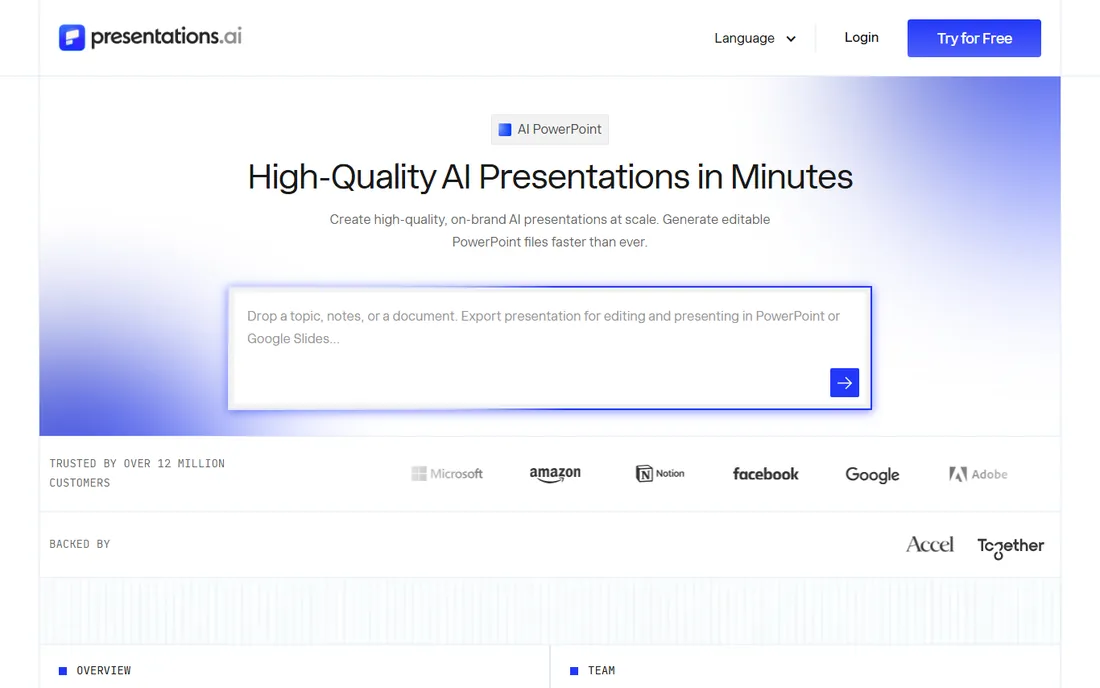
Presentations.ai positions itself as "ChatGPT for presentations" aimed at business teams: generate decks from prompts, PDFs, Word and Excel files, or website URLs, with automatic brand sync that applies your visual identity from just your company website. Exports are native editable .pptx files.
The Starter plan is free with limited credits but no export. Pro costs $240 per user per year ($20 a month billed annually) with 5,000 credits, high-quality PowerPoint export, analytics, and brand customization. A Team plan at $720 a year covers unlimited seats with a shared 30,000-credit allowance.
The catches: Pro is annual-only with no monthly option, and the free tier cannot export decks. For consulting, sales, and finance teams producing branded decks repeatedly, the document-to-deck workflow stands out.
What we like- Automatic brand sync from your website URL
- Native editable PPTX export
- Converts documents to decks
Watch out for- Annual-only billing on Pro
- Starter plan cannot export
- Limited creative control
Starting price$10/month (billed annually)
Free planYes
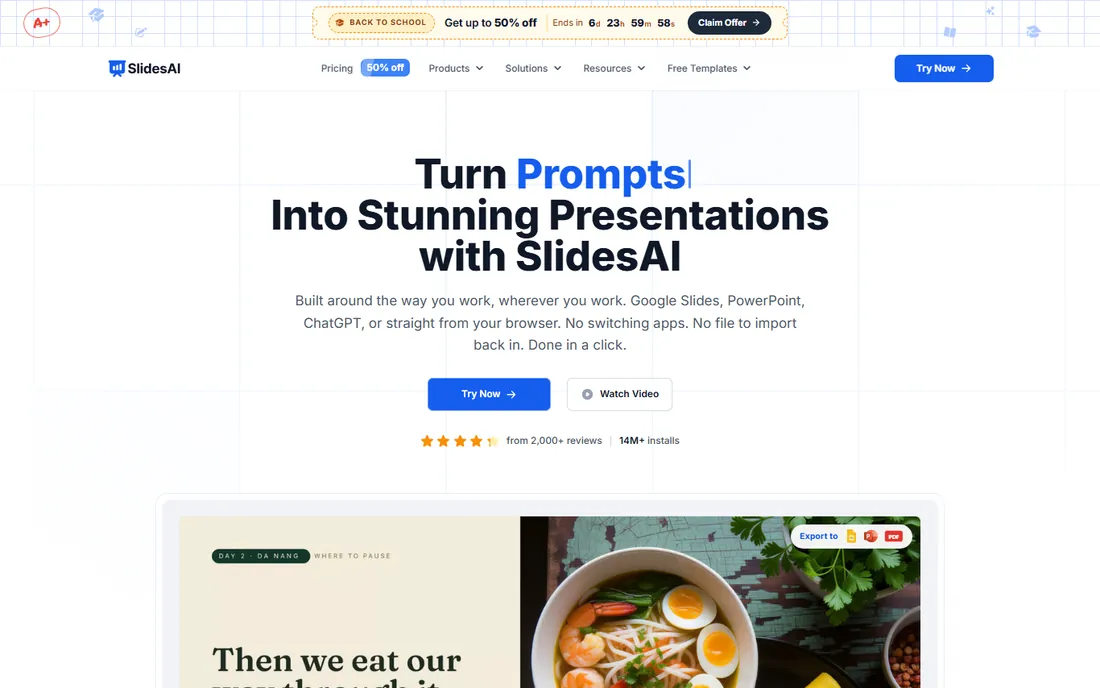
SlidesAI.io is an add-on that lives inside Google Slides itself: open the Extensions menu, paste your text or upload a document, and it generates a structured, themed deck in about two minutes, with AI images, automatic animations, and exports to PPTX, PDF, and even MP4.
The Basic plan is free with 12 presentations a year and 120 AI credits. Pro at $10 a month billed annually ($120) allows 120 presentations a year with 6,000-character inputs and document upload; Premium at $20.83 ($250) is unlimited.
The catches: lower tiers cap input length, which restricts complex presentations, and the designs are serviceable rather than striking. If your team already lives in Google Slides, it removes the need to learn another platform.
What we like- Works directly inside Google Slides
- 100+ languages
- 14 million+ marketplace installs
Watch out for- Lower-tier plans limit input length
- Output needs a manual finishing pass
- Design polish lags Gamma
What AI still gets wrong in slide decks
AI deck builders are fast, but they share a few blind spots worth knowing before you commit. First, factual accuracy: generated statistics, dates, and quotes are frequently invented, and a confident-looking chart can rest on numbers that never existed. Every AI deck needs a human fact-check pass, especially for client or investor material.
Second, originality: most tools draw on similar models and template libraries, so AI-generated decks have a recognizable sameness. If your pitch needs to stand out visually, budget time for custom imagery and layout tweaks. Third, complex data: multi-series charts, financial models, and technical diagrams usually need rebuilding by hand. Use AI for the 80% draft, then finish the last 20% yourself.
Match the tool to your output: if decks must end up as editable .pptx files your whole company uses, weight native PowerPoint export heavily and shortlist Presentations.ai, SlidesAI.io, and Slidesgo. If you present from a link and speed matters most, Gamma and Beautiful.ai produce better-looking decks faster.
Watch the credit systems: most tools meter AI generation, and heavy image use burns credits fastest. Estimate your monthly deck volume before choosing a tier, and trial the free plan with a real upcoming presentation rather than a test prompt.
One more practical check: ownership of the output. Confirm your plan grants commercial use rights for AI-generated images and that your company data is not used to train models. SlidesAI.io, for example, states it does not use customer data for AI training, a standard worth demanding from any vendor.
How we chose
We compared AI presentation tools using vendor pricing pages and documentation, plus 2026 reviews and the status of discontinued products. We checked whether each tool is still active (Tome, for example, shut down in 2025), compared real PowerPoint export quality, credit systems, free tiers, and pricing. We did not build full client decks on every platform.
Frequently asked questions
What happened to Tome?
Tome discontinued its AI presentation product in April 2025 and pivoted to sales software under a new name, Lightfield. Its website went offline. If you have old Tome decks, they are no longer accessible there; export any remaining content immediately.
Which AI tool makes the best PowerPoint files?
Presentations.ai exports native editable .pptx files with strong fidelity, and Slidesgo and SlidesAI.io also produce real PowerPoint files. Always open the export in PowerPoint and check fonts, charts, and layouts before sharing.
Are free AI presentation tools good enough?
For occasional decks, yes: Gamma's 400 free credits and SlidesAI.io's 12 free presentations a year cover light use well. Regular presenters will hit credit limits and branding watermarks quickly and should budget for a paid plan.
How accurate is AI-generated slide content?
Drafts are usually well structured but facts, dates, and numbers need verification: AI tools confidently invent statistics. Treat generated content as a first draft, not a final source.
Can AI tools keep my branding consistent?
Beautiful.ai, Canva, and Presentations.ai all offer brand kits or automatic brand sync that applies your colors, fonts, and logos. Set this up once and every deck inherits it.
Do these tools work with Google Slides?
Gamma, Slidesgo, and SlidesAI.io export or work natively with Google Slides. SlidesAI.io is the only one here that generates directly inside the Google Slides interface.
Sources we checked (8)
- https://venturebeat.com/ai/tomes-founders-ditch-viral-presentation-app-with-20m-users-to-build-ai
- https://gamma.app/pricing/?ref=postmake.io
- https://getalai.com/blog/beautiful-ai-alternative
- https://www.therundown.ai/tools/canva-magic-studio
- https://storyflow.so/blog/best-pitch-deck-tools-2026
- https://ailab.mobi/tool/slidesgo/
- https://www.toolify.ai/tool/presentations-ai
- https://www.slidesai.io/
Is your product missing or out of date?
We review this list regularly. Vendors can request a listing, send updated pricing or ask about featured placement.

Shihab Mia · Founder, Rankite
Shihab has spent more than a decade helping SaaS and e-commerce brands grow through search. He writes Rankite's software buying guides from pricing pages, documentation and public user reviews. More about Shihab.