How we make this list: we compare pricing pages, product documentation and public user reviews. Rankite is independent; if a vendor ever pays for a featured spot, that listing is clearly labeled Partner.
Key takeaways
- Fathom, tl;dv, and Grain offer genuinely useful free plans, so most small teams can start without paying.
- Fireflies.ai and Otter.ai are the best all-rounders for teams that live in Zoom, Meet, and Teams.
- Fellow is the pick for regulated industries that need consent capture and data retention controls.
- Avoma is built for sales teams, with coaching and revenue intelligence beyond simple notes.
- Bot-free recording (Fellow, Grain, Otter) matters if you hate having a visible notetaker bot join your calls.
Quick comparison
| Tool | Best for | Starting price | Free plan |
|---|
 Fireflies.ai Fireflies.ai | all-round meeting notes with deep integrations | $10 per user/month (billed annually, Pro plan) | Yes |
 Otter.ai Otter.ai | live transcription and team collaboration | $19.99 per user/month (Business plan) | Yes |
 Fathom Fathom | a generous free notetaker that just works | See website (free plan available) | Yes |
 tl;dv tl;dv | shareable clips and meeting highlights | $18 per user/month (billed annually, Pro plan) | Yes |
 Fellow Fellow | regulated teams needing compliance controls | $7 per user/month (billed annually, Team plan) | Yes |
 Avoma Avoma | sales teams wanting coaching and CRM automation | $19 per user/month (billed annually, Startup plan) | Free trial (14 days) |
 Grain Grain | conversation intelligence without enterprise pricing | $15 per user/month (paid plans start at $15) | Yes |
 Notta Notta | multilingual transcription on a budget | $7 per month (Premium plan) | Yes |
Is your product missing or out of date?
We review this list regularly. Vendors can request a listing, send updated pricing or ask about featured placement.
The best minute taking software
#1
Fireflies.ai
Best for: all-round meeting notes with deep integrations
Visit fireflies.ai
Starting price$10 per user/month (billed annually, Pro plan)
Free planYes
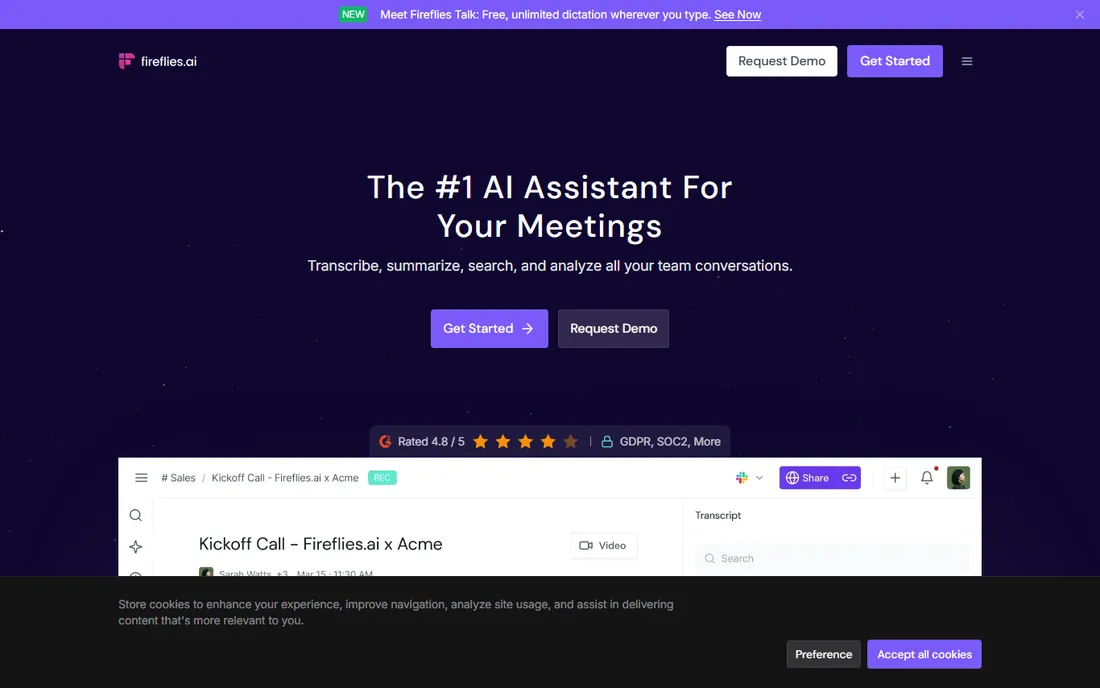
Fireflies.ai is the most well-rounded minute-taking tool on this list. It joins your Zoom, Meet, or Teams calls, transcribes with speaker labels in 100+ languages, and produces AI summaries with action items automatically. The free plan is genuinely useful: unlimited transcription, unlimited AI summaries, and hundreds of minutes of meeting storage per team. Few competitors give away that much before asking for money.
Where Fireflies pulls ahead is the ecosystem. It connects to more than 100 tools, from Salesforce and HubSpot to Slack, Asana, and Notion, so action items and notes flow into the systems your team already uses. AskFred, its conversational search, lets you ask questions like "what were the next steps from Tuesday's call" across your whole meeting history. The catch is that video recording sits on the Business plan and above, and paid plans run on AI credits for summaries, so heavy users should map credits to their meeting volume. For most teams, though, Fireflies is the safest default pick.
What we like- Generous free plan with unlimited transcription
- 100+ integrations including Salesforce and HubSpot
- AskFred lets you query past meetings in plain language
Watch out for- Video recording requires Business plan or higher
- AI credits govern summaries on paid plans
#2
Otter.ai
Best for: live transcription and team collaboration
Visit otter.ai
Starting price$19.99 per user/month (Business plan)
Free planYes
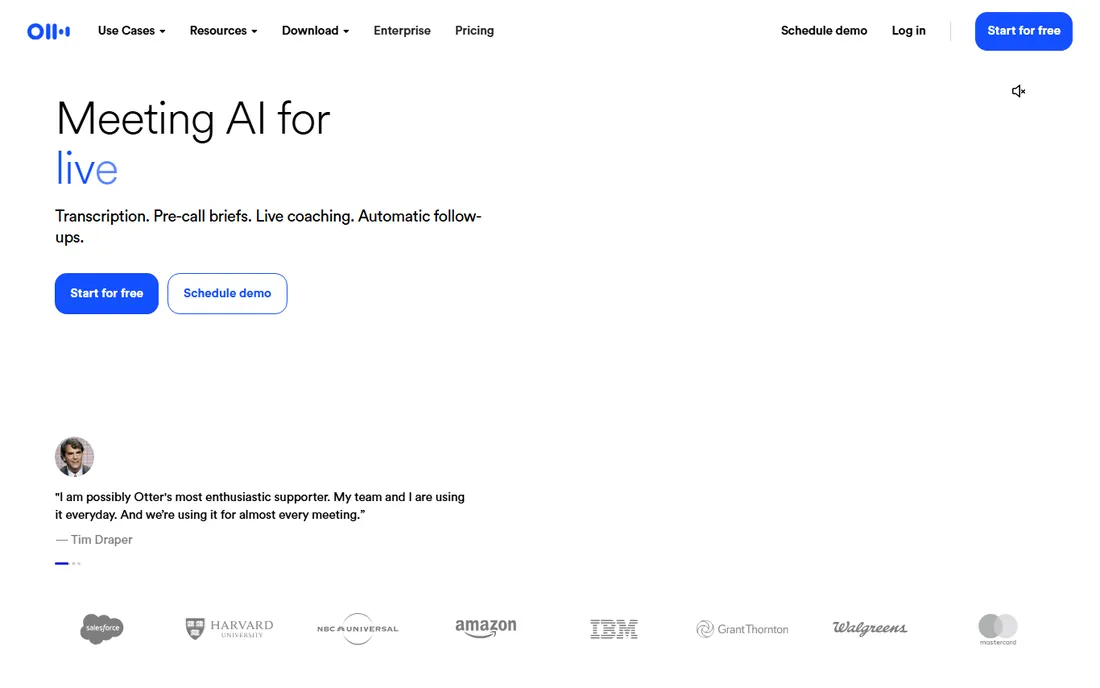
Otter.ai built its name on live transcription, and it still does that better than anyone. Words appear on screen as they are spoken, with speaker identification, so participants can follow along in text while the conversation happens. That makes it valuable for accessibility, for multilingual teams, and for anyone who processes information better by reading than listening. The desktop app can record bot-free, capturing system audio without a visible notetaker joining the call.
The free Basic plan covers individuals and small teams with automated summaries and integrations for Zoom, Meet, Teams, and Slack. The Business plan at $19.99 per user per month adds 6,000 monthly transcription minutes, collaborative editing, and unlimited audio and video file imports, with a 7-day free trial. The catch is price: at $19.99, Otter's paid tier costs nearly double some competitors, and the free plan caps conversation length at 30 minutes. If live transcription is your priority, it earns the premium. If not, cheaper options cover the basics.
What we like- Real-time transcription you can watch during the call
- Bot-free desktop recording option
- Otter AI Chat answers questions across meetings
Watch out for- Business plan is pricier than rivals
- Free plan limits conversation length
Starting priceSee website (free plan available)
Free planYes
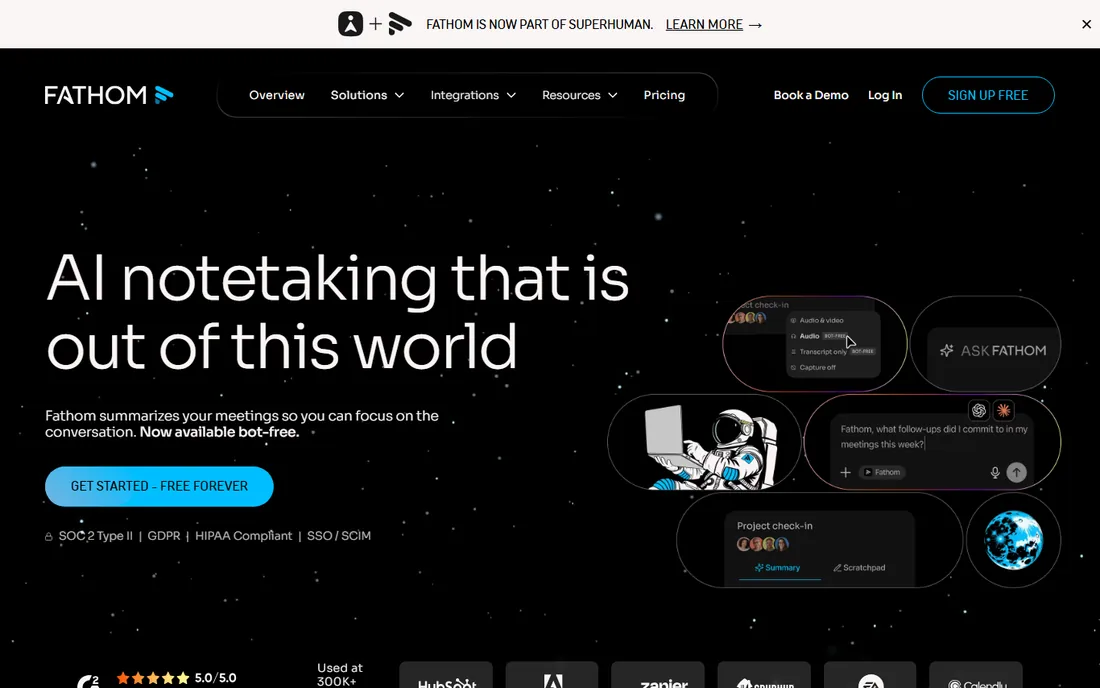
Fathom is the tool you recommend to a friend who just wants meeting notes without a pricing spreadsheet. The free plan includes unlimited recording and transcription across Zoom, Google Meet, and Teams, which is more generous than almost anyone else. After each call, you get structured summaries with action items and decisions, plus an Ask Fathom search across all your past meetings. It records through either a visible bot or bot-free capture, your choice.
During the call, a small toolbar lets you flag highlights, action items, and decisions with one click, which teaches the AI what matters to you. Paid tiers add CRM sync with HubSpot and Salesforce, team sharing, and coaching scorecards. The catch is that the free tier is intentionally the product: if you need deep CRM automation or team analytics, you will pay. But for individuals and small teams who simply need reliable minutes, Fathom's free plan is the best deal in this category.
What we like- Free plan includes unlimited recording and transcription
- Summaries ready within seconds of call end
- One-click highlight, action item, and decision buttons during calls
Watch out for- Advanced CRM sync and team features need paid tiers
- No offline recording
#4
tl;dv
Best for: shareable clips and meeting highlights
Visit tldv.io
Starting price$18 per user/month (billed annually, Pro plan)
Free planYes
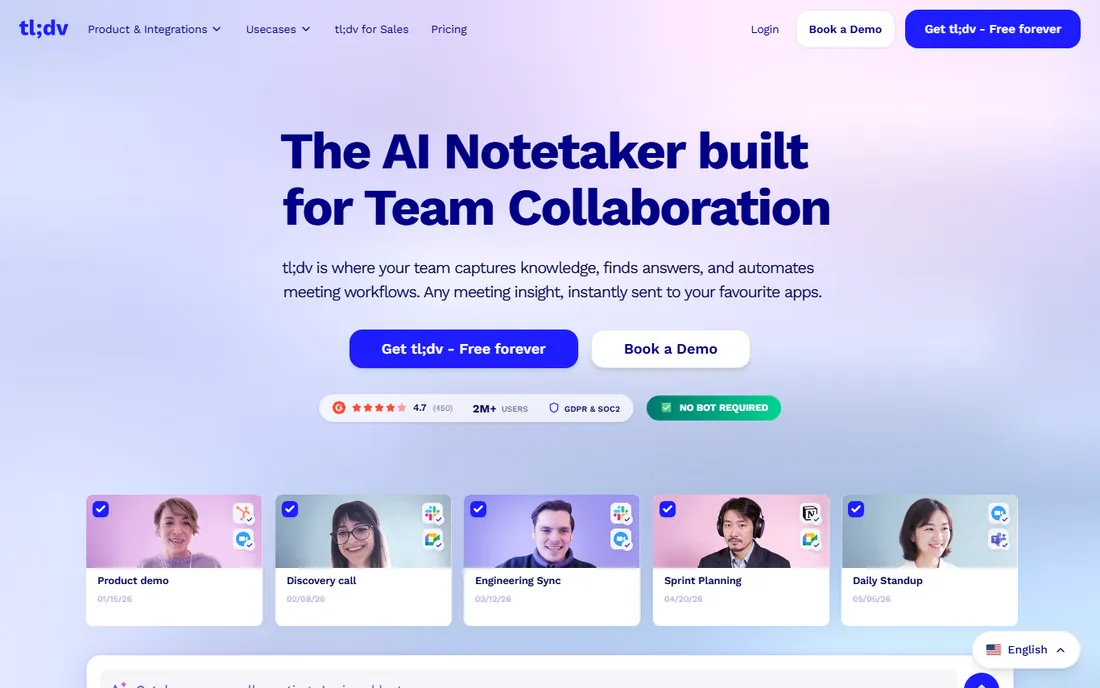
tl;dv starts from a different insight than the others: most people do not need a full transcript, they need the one moment that matters, packaged so they can send it to someone who missed the call. Its timestamped video clips do exactly that. Highlight a moment during the meeting, and you get a shareable clip for Slack, Notion, or a direct link. For async-first teams, this replaces a surprising number of follow-up meetings.
The free plan includes unlimited recordings and transcriptions with no time limit, which is remarkable, though recordings are retained for three months and AI features are limited. The Pro plan at $18 per user per month billed annually ($29 month-to-month) adds full AI notes, longer retention, and CRM integrations, while Business at $29 adds coaching and playbooks. The catch is the retention limit on free and the fact that the best AI features sit behind the paywall. If your team communicates in clips and highlights rather than documents, tl;dv is purpose-built for you.
What we like- Timestamped video clips are perfect for async teams
- Unlimited recordings and transcriptions on the free plan
- 30+ languages with translation
Watch out for- Recordings on the free plan are retained for only three months
- Advanced AI features need paid plans
#5
Fellow
Best for: regulated teams needing compliance controls
Visit fellow.ai
Starting price$7 per user/month (billed annually, Team plan)
Free planYes
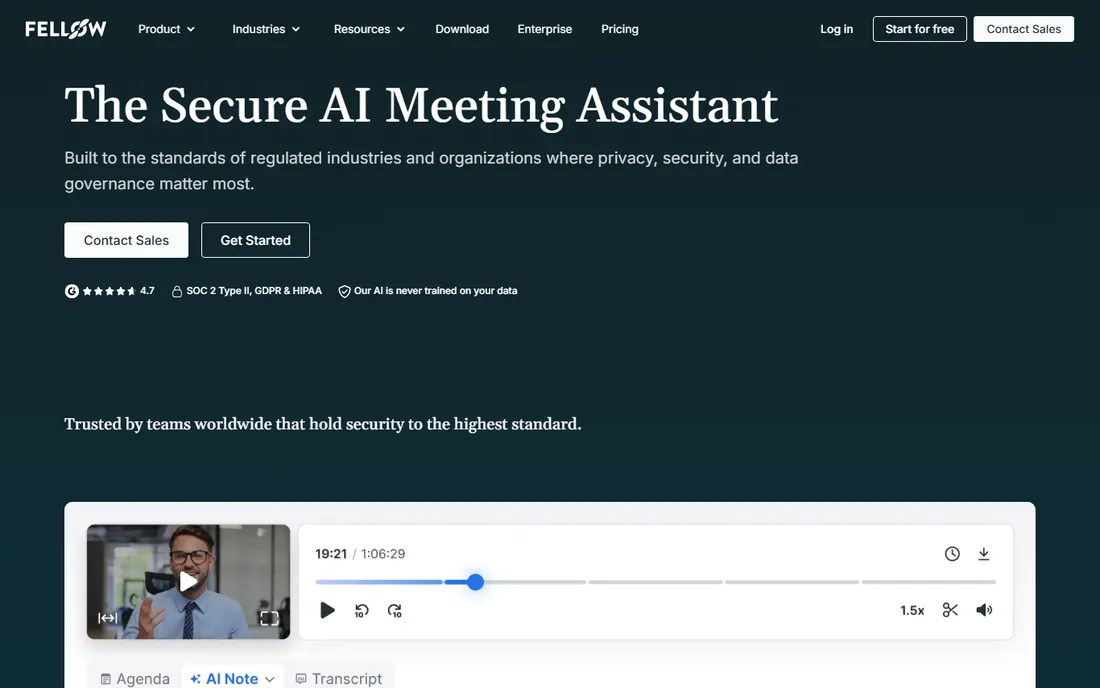
Fellow is the minute-taking tool for teams that cannot get security wrong. It holds SOC 2 Type II, HIPAA, and GDPR compliance across every plan, offers zero-day retention for teams that need meeting data gone immediately, and gives admins recording rules, consent capture, transcript redaction, and audit logs. Financial services, healthcare, and legal teams get governance here that most notetakers reserve for enterprise tiers. Note that Fellow moved from fellow.app to fellow.ai in 2025 as part of its shift to an AI-first platform.
Beyond compliance, Fellow combines AI notes with structured meeting workflows: agendas, action items, and follow-ups in one place rather than a separate transcript library. The Team plan costs $7 per user per month billed annually, Business $15 removes AI note limits, and Enterprise starts at $25. The free plan gives 5 AI notes and 5 recordings total per user, which is enough to evaluate but not to build a habit on. The catch is that Fellow is heavier than a simple notetaker; if you just want transcripts, simpler tools will feel faster.
What we like- Enterprise-grade compliance (SOC 2, HIPAA, GDPR) on every plan
- Bot and botless recording options
- Structured agendas and meeting workflows built in
Watch out for- Free plan is limited to 5 lifetime AI notes
- Overkill if you only want simple transcripts
#6
Avoma
Best for: sales teams wanting coaching and CRM automation
Visit avoma.com
Starting price$19 per user/month (billed annually, Startup plan)
Free planFree trial (14 days)
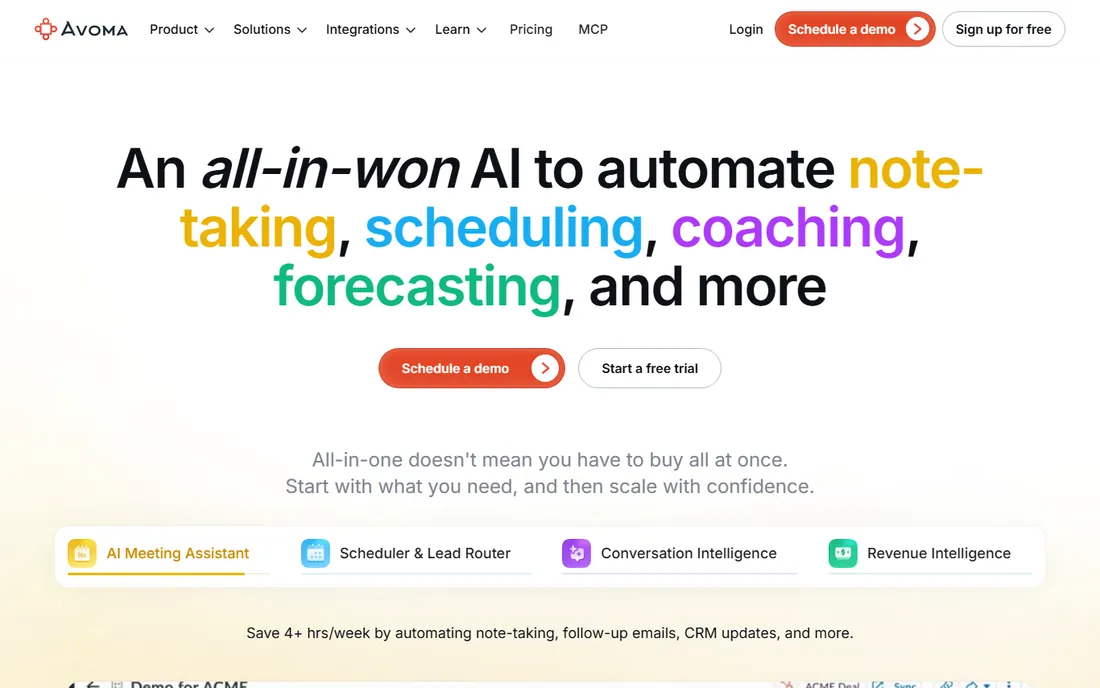
Avoma is not just a notetaker; it is a meeting platform for revenue teams. The AI meeting assistant records and transcribes in 75+ languages, generates notes from custom templates, drafts follow-up emails, and updates CRM fields for methodologies like MEDDIC automatically. Add-ons for conversation intelligence ($29 per seat) bring AI call scoring, talk-pattern analysis, and coaching, while revenue intelligence adds deal risk alerts and forecasting. The built-in scheduler and lead router mean it can replace several point tools at once.
The Startup plan costs $19 per recorder seat per month billed annually, and view-only seats are free and unlimited, so the whole company can watch recordings without adding to the bill. The catch is that there is no free plan, only a 14-day trial, and a sales team that wants the full coaching and analytics stack pays considerably more than $19 per seat. Buy Avoma when meeting notes are the start of a sales process, not the end of it.
What we like- Combines notes, scheduling, coaching, and forecasting in one platform
- Free view-only seats for the whole company
- Strong Salesforce and HubSpot CRM automation
Watch out for- No free plan, trial only
- Full conversation intelligence costs significantly more
#7
Grain
Best for: conversation intelligence without enterprise pricing
Visit grain.com
Starting price$15 per user/month (paid plans start at $15)
Free planYes
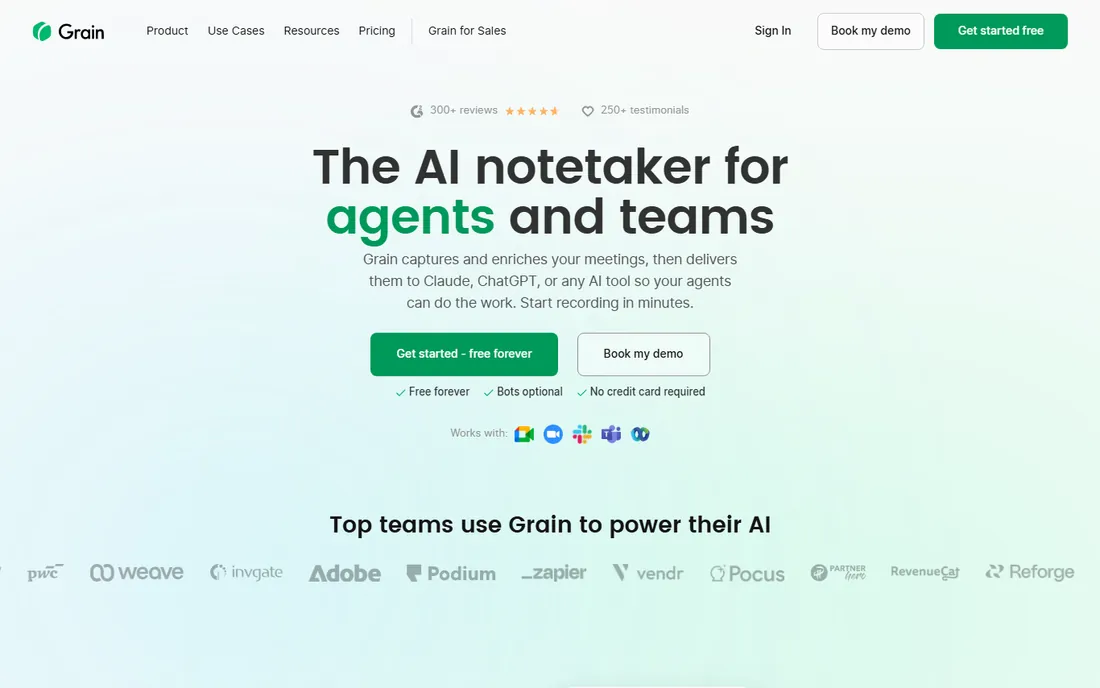
Grain positions itself as conversation intelligence for teams that cannot justify Gong or Chorus pricing. It records, transcribes, and summarizes meetings across Zoom, Teams, Google Meet, Webex, and Slack huddles, then turns every call into a searchable library of clips, highlights, and insights the team can reuse. The newer positioning feeds meeting context directly into AI agents like Claude and ChatGPT, so your agents can do follow-up work from real conversation data.
The free plan is strikingly generous: unlimited meetings, one notetaker seat, basic AI notes, desktop capture, and unlimited viewer seats. Paid plans start at $15 per user per month for advanced AI and conversation intelligence. The catch is the single notetaker seat on free, which limits teams where several people host meetings, and the most advanced coaching features sit on higher tiers. For product and revenue teams that want searchable call intelligence on a budget, Grain is one of the best values here.
What we like- Free plan includes unlimited meetings
- Bot-less desktop capture available
- Meeting data feeds directly into Claude and ChatGPT
Watch out for- Free plan limited to one notetaker seat
- Advanced coaching features need higher tiers
#8
Notta
Best for: multilingual transcription on a budget
Visit notta.ai
Starting price$7 per month (Premium plan)
Free planYes
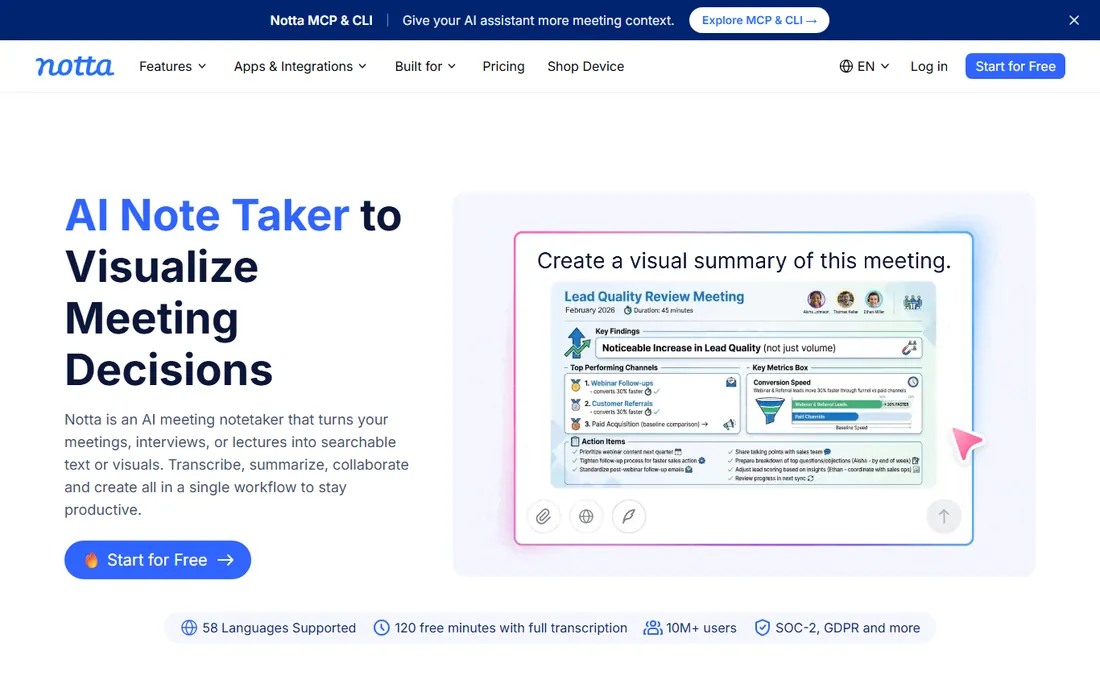
Notta is the budget multilingual pick. It transcribes in 58 languages with translation support, which is more than most competitors, and its paid plans start around $7 per month, making it one of the cheapest ways to get serious transcription volume. The transcript editor is clean, exports work well, and it handles uploaded audio and video files in addition to live meetings.
The free plan includes 120 minutes of transcription per month, which covers light users but not meeting-heavy teams. The catch is that Notta's meeting integrations and bot features are less mature than Fireflies or Fathom; it shines more as a transcription and summarization tool than as a full meeting assistant. For teams working across languages, or anyone who needs accurate transcripts of recordings on a tight budget, it is hard to beat at the price.
What we like- Supports 58 languages with translation
- Very affordable paid plans
- Clean transcript editor with export options
Watch out for- Free plan limited to 120 minutes per month
- Meeting-bot features less mature than rivals
How we chose
We started with the AI notetakers that teams actually use and recommend: Fireflies.ai, Otter.ai, Fathom, tl;dv, Fellow, Avoma, Grain, and Notta. We checked each vendor's own site for current pricing and plan details, reading pricing pages and FAQs directly. Where vendor pages were unclear, we cross-checked against recent third-party reviews from 2026. We compared recording methods (bot vs bot-free), free plan generosity, integration depth, and compliance features, since those drive real buying decisions. We read user reviews on G2, Capterra, and Reddit for the complaints that only appear after months of daily use. We did not run hands-on tests; this comparison reflects vendor-published information and public user feedback.
What to check before you pick a meeting notetaker
Start with how your team meets. If everyone is on Zoom, Meet, or Teams, every tool here works. If you need in-person or phone call capture, check specifically: Fellow, Grain, and Otter support it, while others are video-call only. If your team hates visible bots, filter for bot-free recording options before you compare anything else.
Next, look at the free plan honestly. Fathom, tl;dv, and Grain give away enough that many small teams never pay. Fireflies and Otter have solid free tiers with clear limits. Avoma has no free plan at all. Run your actual meeting load against the free tier for two weeks before entering a credit card anywhere.
Match the tool to the job, not the hype
A sales team that needs coaching scorecards and CRM updates should look at Avoma or Grain. A regulated company that needs consent capture and retention policies should look at Fellow. A founder who wants to share call highlights with the team should look at tl;dv. A team that just wants reliable minutes should start with Fathom or Fireflies and stop there. The most expensive tool is rarely the best one for simple needs.
Mind the privacy question
Every tool here records conversations, which means privacy is a buying criterion, not an afterthought. Check where data is stored, whether the vendor trains AI models on your meetings, and what compliance certifications they hold. Fellow, Grain, and Fireflies publish strong compliance stories; others vary. And whatever you choose, tell participants they are being recorded. It is required by law in many places and by basic courtesy everywhere.
Bot vs bot-free: why the recording method matters
Most notetakers join your call as a visible participant, a bot with a name like "Fathom Notetaker" sitting in the attendee list. This is fine for internal meetings, but it can feel awkward on sales calls and sensitive conversations. Some prospects ask what the bot is, and in regulated contexts, its presence raises questions.
Bot-free recording captures audio from your computer instead, with no extra participant in the call. Fellow, Grain, and Otter all offer it through desktop apps. The tradeoff is setup: bot-free usually requires installing a desktop app and granting audio permissions, while bot-based tools work with just a calendar connection. If your use case is mostly internal standups and planning sessions, do not overthink this. If you record customer calls, the bot-free option is worth prioritizing.
Frequently asked questions
Is it legal to record meetings with an AI notetaker?
It depends on where you are and who is on the call. Many US states require only one party's consent, while others require all parties to consent, and rules differ internationally. Always inform participants that the meeting is being recorded, which most of these tools do automatically with a visible bot or notification. When in doubt, ask your legal counsel.
Do AI notetakers work with Zoom, Google Meet, and Microsoft Teams?
Yes, all eight tools here support the major video conferencing platforms. Most connect through your calendar and auto-join scheduled calls. A few also support Slack huddles, Webex, in-person recordings, and uploaded audio or video files, so check the specific platforms you use.
Which AI notetaker has the best free plan?
Fathom's free plan is the most generous for pure notetaking, with unlimited recording and transcription. tl;dv and Grain also offer strong free tiers with unlimited recordings. Fireflies and Otter have capable free plans with usage limits. Avoma is the only tool here without a free plan.
Can these tools replace a human taking minutes?
For most routine meetings, yes. AI notetakers capture more detail than a human can while participating, and summaries with action items arrive minutes after the call. Humans still add value for judgment calls: deciding what mattered, resolving disagreements about decisions, and writing minutes for formal or legal purposes.
How accurate are AI meeting transcripts?
Accuracy is high for clear audio in supported languages, with vendors claiming 90% or better, but names, jargon, accents, and crosstalk still cause errors. Always skim the transcript for critical meetings rather than trusting it blindly, and correct speaker labels when they matter.
Will the notetaker bot annoy my meeting guests?
Usually not, though it depends on the audience. Internal teams get used to it quickly. For external calls, most tools let you customize the bot's name and control which meetings it joins. If a visible bot is a dealbreaker, choose a tool with bot-free recording like Fellow, Grain, or Otter.
Sources we checked (15)
- https://fireflies.ai/
- https://FireFlies.ai/blog/take-meeting-notes-in-google-meet
- https://otter.ai/
- https://fathom.video/
- https://www.adai.news/p/fathom-ai-meeting-assistant-review
- https://tldv.io/
- https://circleback.ai/compare/tldv-vs-fireflies-ai
- https://fellow.ai/
- https://fellow.ai/blog/ai-meeting-notetaker-chatgpt-plugin/
- https://meetgeek.ai/blog/fellow-ai-review
- https://www.avoma.com/
- https://meetgeek.ai/blog/avoma-review
- https://grain.com/
- https://www.notta.ai/
- https://www.cirrusinsight.com/blog/meeting-transcription-apps
Is your product missing or out of date?
We review this list regularly. Vendors can request a listing, send updated pricing or ask about featured placement.

Shihab Mia · Founder, Rankite
Shihab has spent more than a decade helping SaaS and e-commerce brands grow through search. He writes Rankite's software buying guides from pricing pages, documentation and public user reviews. More about Shihab.