How we make this list: we compare pricing pages, product documentation and public user reviews. Rankite is independent; if a vendor ever pays for a featured spot, that listing is clearly labeled Partner.
Key takeaways
- 4K Video Downloader Plus is the easiest pick for most people: paste a link, choose quality up to 8K, and download playlists without touching a command line.
- JDownloader 2 costs nothing and handles batch downloads from thousands of sites, but its dated interface asks for patience.
- If you also need conversion and light editing, VideoProc Converter AI and YT Saver bundle downloading with format conversion in one app.
- Only download videos you own, that are Creative Commons licensed, or that you have permission to save; the tools below do not change YouTube's terms or copyright law.
Quick comparison
| Tool | Best for | Starting price | Free plan |
|---|
 4K Video Downloader Plus 4K Video Downloader Plus | Everyday high-quality downloads | $15/year | Free tier (daily download limits) |
 SnapDownloader SnapDownloader | Bulk playlists and 8K downloads | $19.95/year | Free trial |
 YT Saver YT Saver | Downloading plus built-in conversion | See website | Yes (free version; Pro adds unlimited downloads) |
 ByClick Downloader ByClick Downloader | One-click simple downloads | See website | Limited free version |
 JDownloader 2 JDownloader 2 | Free power-user batch downloading | Free | Yes (free and open source) |
 Allavsoft Allavsoft | Playlists and format conversion | See website | Free trial |
 YTD Video Downloader YTD Video Downloader | Beginners who want simple | See website | Yes (free basic version) |
 VideoProc Converter AI VideoProc Converter AI | Downloading plus editing workflow | See website | Free trial |
 ClipGrab ClipGrab | Free and open-source basics | Free | Yes (free and open source) |
Is your product missing or out of date?
We review this list regularly. Vendors can request a listing, send updated pricing or ask about featured placement.
The best software to download YouTube videos
Starting price$15/year
Free planFree tier (daily download limits)
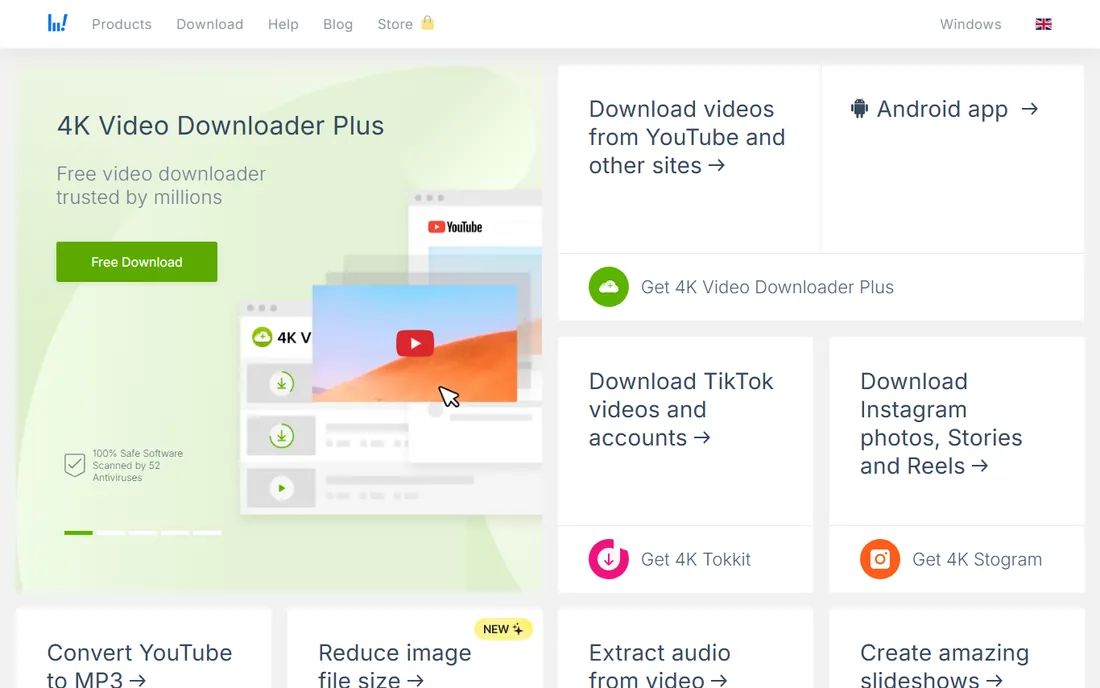
For most people looking for the best software for downloading YouTube videos, this is where the search ends. You paste a link, pick a quality up to 8K, and the file lands on your drive. Playlists and whole channels download in one job, subtitles come along if you want them, and the app handles YouTube's codec changes without drama.
The free tier is genuinely usable for occasional downloads, but daily limits push regular users toward the $15 per year personal plan, which is modest by software standards. The installer is clean, which matters in a category full of bundled junk. If you download a few videos a week and want zero learning curve, start here.
What we like- True 4K and 8K downloads
- Playlist and channel downloads
- Clean interface with no bundled adware
Watch out for- Free tier caps daily downloads
- Subscriptions renew yearly
Starting price$19.95/year
Free planFree trial
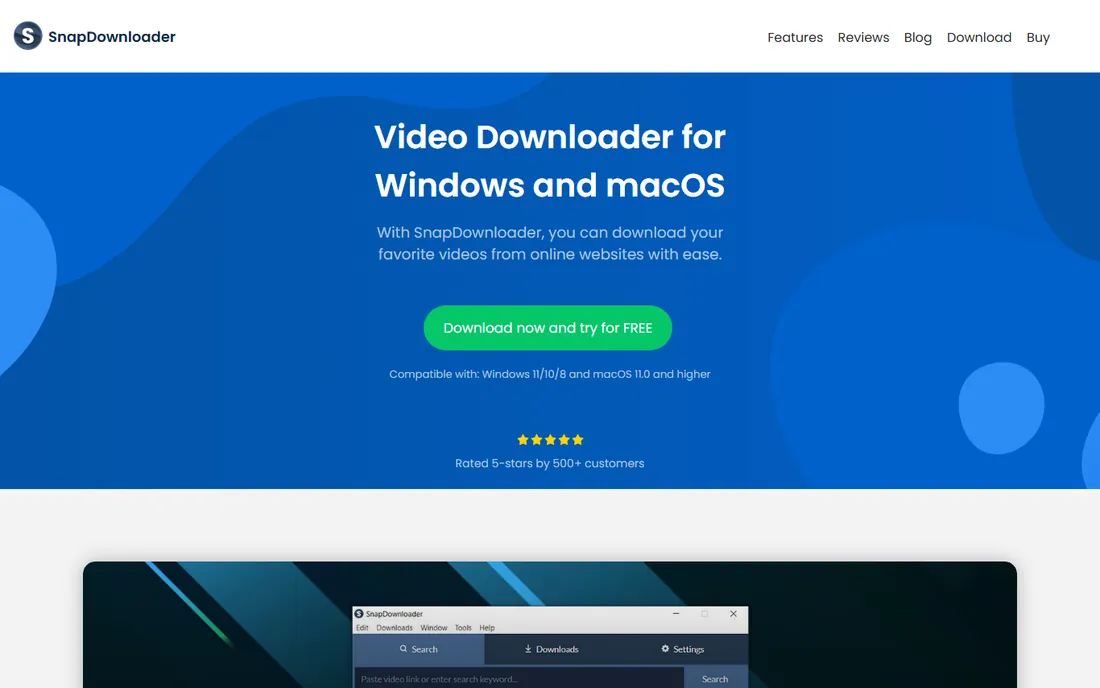
SnapDownloader is built for volume. The queue manager handles dozens of videos at once, parallel connections keep speeds high, and 8K downloads work where many competitors silently cap at 1080p. A built-in search means you can find and queue videos without switching to a browser, and proxy settings help with videos restricted in your region.
Pricing runs about $19.95 per year for one computer, with lifetime licenses sometimes offered at a discount. There is no free-forever tier, only a trial, so this is a buy-once-you-are-serious tool. Power users who archive channels or build offline libraries will get their money's worth; casual users who grab one video a month should look at the free options below.
What we like- 8K support with fast parallel downloads
- Built-in video search
- Proxy support for region-restricted videos
Watch out for- No permanent free tier
- Interface packs in a lot of options
Starting priceSee website
Free planYes (free version; Pro adds unlimited downloads)
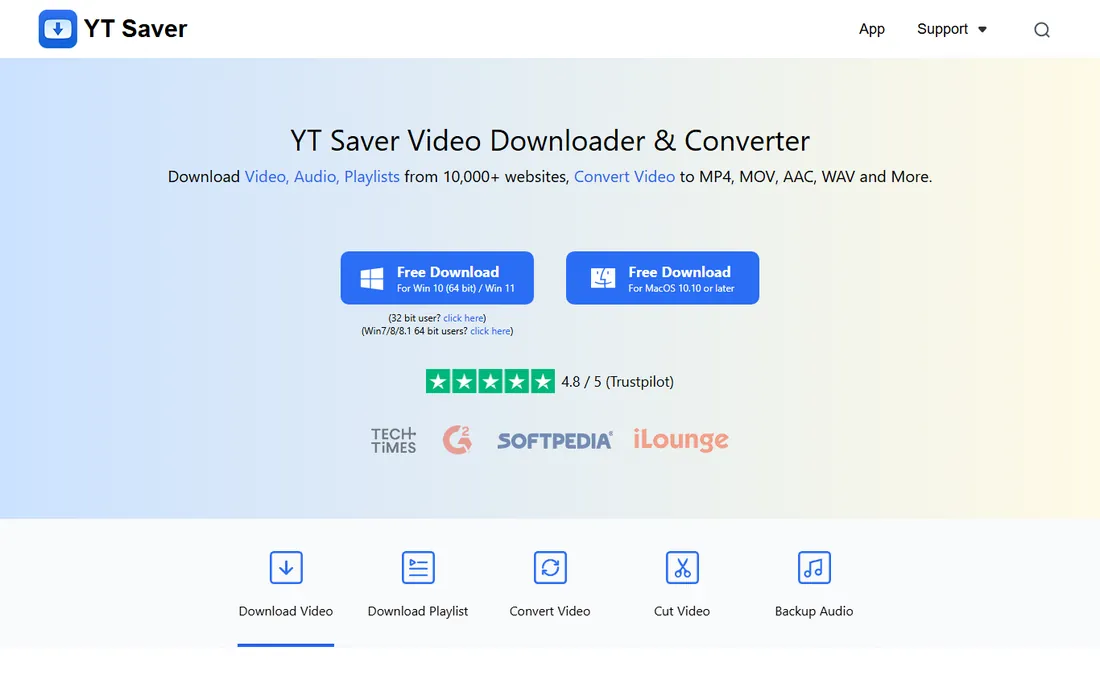
YT Saver pairs downloading with the tools people usually need next. Beyond YouTube, it pulls from more than 10,000 sites, converts between 20+ formats, trims clips with a built-in cutter, and extracts audio up to 320kbps. The private mode locks downloads in a password-protected folder, a thoughtful touch for shared computers.
The free version covers the basics, while YT Saver Pro removes download limits and adds batch playlist speed. Check the current pricing page before buying, since plans change. For creators who download reference footage and immediately need it in another format, having conversion in the same app saves a second install.
What we like- Downloads from 10,000+ sites
- Built-in converter and video cutter
- Private mode with password protection
Watch out for- Pro needed to remove limits
- Windows and Mac only
Starting priceSee website
Free planLimited free version
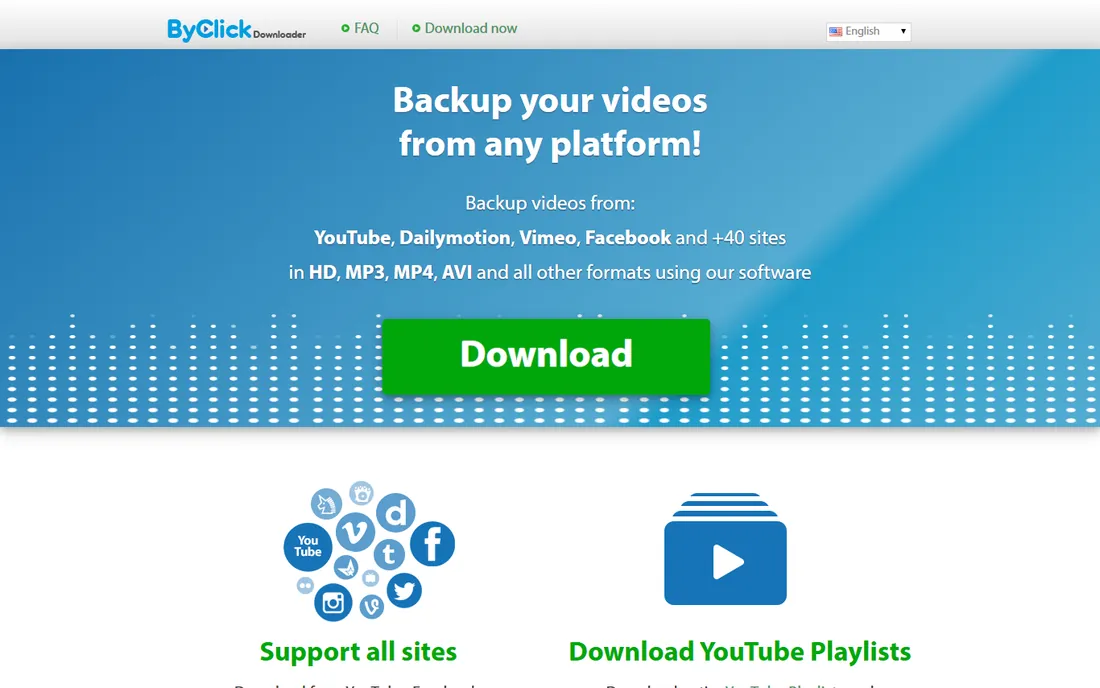
ByClick is the simplest tool on this list to actually use. Install it, and it watches your browser: when you open a YouTube video, a popup offers the download in your chosen quality and format. Playlists and full channels download with one click, and MP3 extraction is built in.
The trade is platform and depth. There is no Mac or Linux version, and the free version limits how much you can do before a paid plan is needed. For a Windows user who wants the smallest possible gap between "I want this video" and "it is on my drive," the auto-detect workflow is genuinely the fastest here.
What we like- Auto-detects videos from your browser
- Playlist and channel downloads
- Simple interface
Watch out for- Windows only
- Free version is limited
Starting priceFree
Free planYes (free and open source)
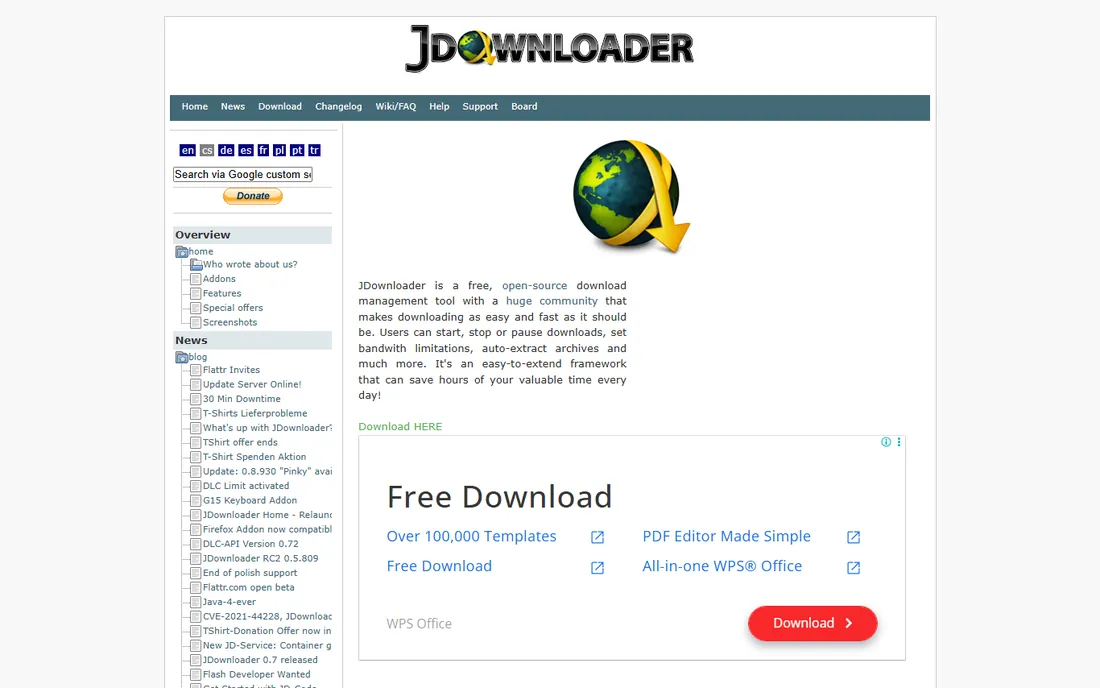
JDownloader 2 is the free power tool that refuses to die, in the best way. It is open source, costs nothing, and downloads from thousands of sites with automatic link extraction, CAPTCHA handling, and bandwidth management. When YouTube changes something and breaks simpler downloaders, JDownloader's frequent updates usually fix it within days.
The interface looks like it time-traveled from 2010, and the first-run setup asks more questions than a beginner expects. Stick with it for an hour and you get batch automation that paid tools charge for. If your budget is zero and your download list is long, this is the answer.
What we like- Completely free
- Downloads from thousands of sites
- Handles CAPTCHAs and reconnects automatically
Watch out for- Dated, cluttered interface
- Setup takes longer than simpler tools
Starting priceSee website
Free planFree trial
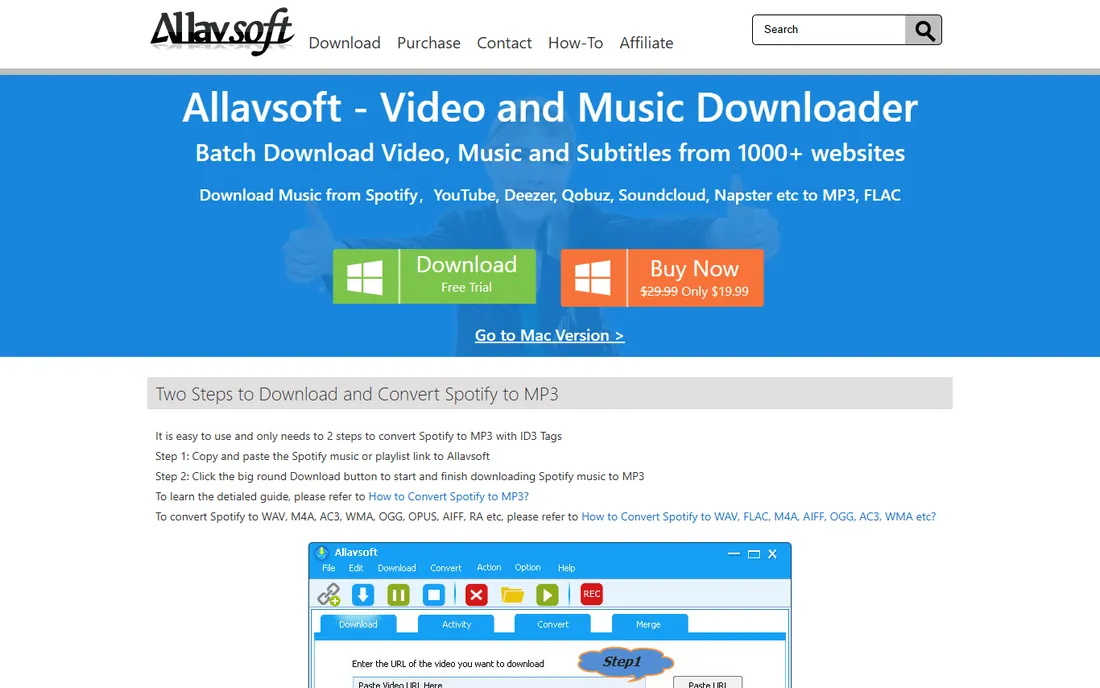
Allavsoft keeps the workflow to three steps: paste, choose format, download. Under that simplicity it supports 8K video, batch playlists, subtitle downloads, and conversion to formats for phones, tablets, and editing software. It covers the common sites beyond YouTube too.
There is no free tier beyond the trial, so evaluate it during the trial window and check the pricing page for current plans. It is a solid middle choice for someone who wants more format control than 4K Video Downloader's free tier offers but does not need JDownloader's complexity.
What we like- 8K downloads with broad format conversion
- Playlist and subtitle downloads
- Simple three-step workflow
Watch out for- Paid only after trial
- Interface is basic
Starting priceSee website
Free planYes (free basic version)
YTD has been around for years doing one thing: making the first download easy. The interface is a URL field, a quality picker, and a download button. The free basic version handles everyday downloads and converts to MP4 and MP3 without fuss.
Speed caps and feature limits on the free version nudge heavy users toward Pro, so check what the paid tier adds before assuming you need it. For a parent saving videos for offline car rides or a student grabbing lectures, the free version is enough and the learning curve is zero.
What we like- Extremely simple interface
- Free basic version
- Converts to common formats
Watch out for- Free version has speed and feature limits
- Windows and Mac only
Starting priceSee website
Free planFree trial
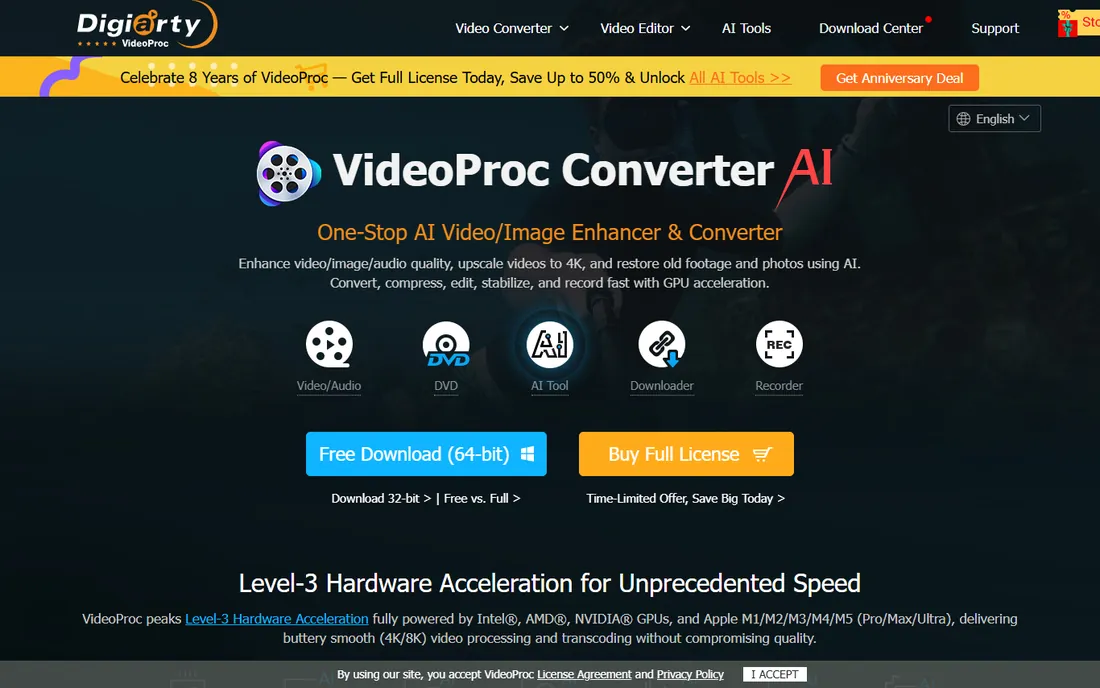
VideoProc Converter AI treats downloading as the start of a workflow, not the whole job. The media downloader pulls from 1,000+ sites, then the same app converts, compresses, edits, and even AI-upscales the footage. GPU acceleration keeps 4K processing fast on decent hardware.
If you only ever download and never edit, this is more app than you need, and the trial limits will push you to buy. For creators who download stock or reference clips and then cut them into projects, replacing two or three separate tools with one license is the real value. Check the pricing page for current deals; Digiarty runs sales often.
What we like- Downloader plus converter, editor, and screen recorder in one app
- GPU acceleration
- AI upscaling for old footage
Watch out for- Downloading is one module of a bigger suite
- Paid after trial
Starting priceFree
Free planYes (free and open source)
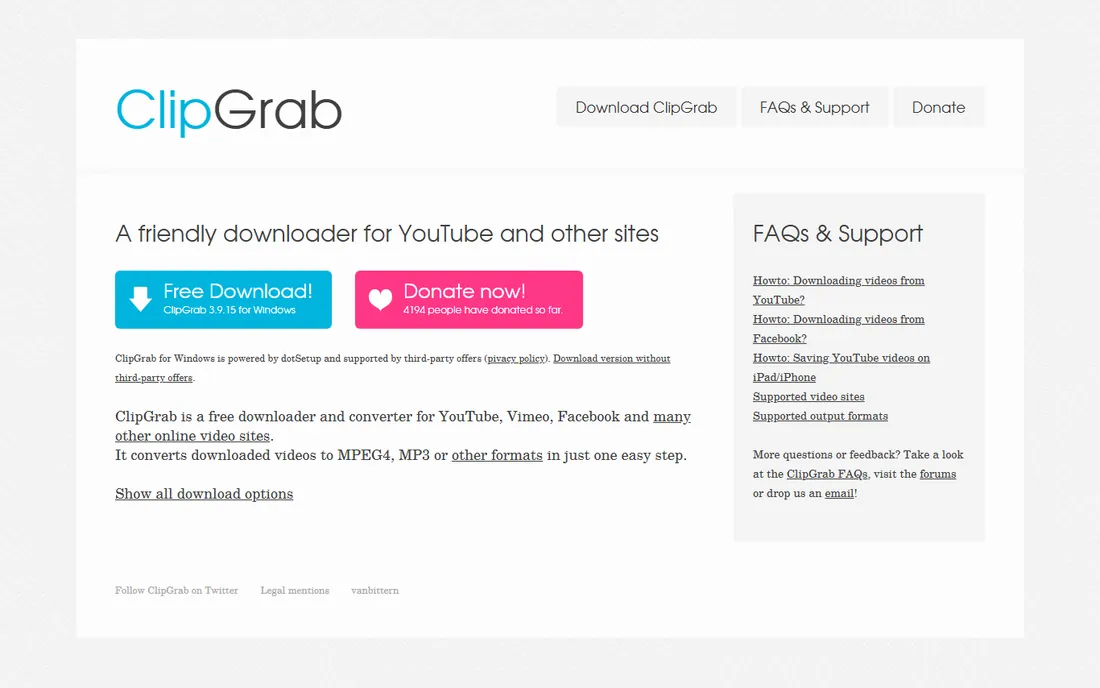
ClipGrab is the no-cost, no-account option for simple downloads. Paste a link or use the built-in search, pick a format, and download. It converts to MP4, WMV, and MP3 variants, covering what most people need.
Being volunteer-maintained open-source software, it can lag behind when YouTube changes its internals, and the feature set stays deliberately small: no playlists, no 8K promises. For occasional downloads on any of the three major desktop platforms, it is honest, free software that does the job.
What we like- Free forever
- Built-in search
- Converts to common formats
Watch out for- Basic feature set
- Update pace depends on volunteers
A quick word on legality
Downloading a YouTube video is not automatically legal or illegal; it depends on the video and your use. YouTube's terms of service restrict downloading except where the platform provides a button for it, and copyright law protects most videos by default. Safe uses include your own uploads, Creative Commons licensed videos, public domain material, and anything you have explicit permission to save. When in doubt, use YouTube Premium's official offline feature or ask the creator. The tools above do not grant rights; they only move files.
What to look for before you pick
Start with quality honesty. Many downloaders advertise 4K but deliver 1080p because they cannot parse YouTube's newer codecs; the tools in this guide were chosen partly because independent testing confirms their quality claims. Next, check batch support if you download playlists: single-video tools get tedious fast. Then look at the installer. This category has a long history of bundled adware, so download only from the vendor's official site, the URLs listed above, and decline every optional offer during setup. Finally, match the tool to your platform: several good options here are Windows-only.
Frequently asked questions
Is it legal to download YouTube videos?
It depends on the video. Downloading your own content, Creative Commons videos, or public domain material is generally fine. Downloading copyrighted videos without permission can violate YouTube's terms of service and copyright law. Use these tools for content you have the right to save.
What is the best free software to download YouTube videos?
JDownloader 2 for power users who want batch downloads at no cost, and ClipGrab for simple one-off downloads. 4K Video Downloader Plus has the most polished free tier if you want an easy interface with daily limits.
Why do some downloaders fail or only get 720p?
YouTube regularly changes its streaming formats and codecs, which breaks downloaders that are not updated. Tools with active development, like the ones in this guide, adapt faster. Stick to maintained software and update it when downloads start failing.
Can I download entire playlists or channels?
Yes. 4K Video Downloader Plus, SnapDownloader, ByClick Downloader, YT Saver, and Allavsoft all support playlist and channel downloads. Free tiers may limit how many videos per playlist you can grab.
Do these tools work on Mac?
4K Video Downloader Plus, SnapDownloader, YT Saver, JDownloader 2, YTD Video Downloader, VideoProc Converter AI, Allavsoft, and ClipGrab all have Mac versions. ByClick Downloader is Windows-only.
Which downloader is fastest for batch downloads?
SnapDownloader and JDownloader 2 lead for bulk jobs, thanks to parallel connections and queue management. 4K Video Downloader Plus is fast enough for most playlist jobs with a much simpler interface.
How we chose
We started from each vendor's own site and pricing page, then cross-checked quality claims against independent 2026 roundups that tested actual download resolutions, since "4K support" is the most exaggerated claim in this category. We excluded web-only downloaders stuffed with pop-up ads, tools with bundled adware in their installers, and products that had not been updated in over a year. We did not test-download copyrighted material; our method rests on documentation, pricing pages, public reviews on G2 and Trustpilot, and reported test results from independent reviewers.
Sources we checked (12)
- https://www.4kdownload.com
- https://www.snapdownloader.com
- https://ytsaver.net/
- https://byclickdownloader.com/
- https://jdownloader.org
- https://www.allavsoft.com
- https://www.ytdvideodownloader.com
- https://videoproc.com/
- https://clipgrab.org
- https://seowebster.com/blog/best-4k-youtube-video-downloader
- https://gadgetshigh.com/online-media-tools/best-video-downloader-tools/
- https://www.softwaretestingmaterial.com/best-free-youtube-video-downloader/
Is your product missing or out of date?
We review this list regularly. Vendors can request a listing, send updated pricing or ask about featured placement.

Shihab Mia · Founder, Rankite
Shihab has spent more than a decade helping SaaS and e-commerce brands grow through search. He writes Rankite's software buying guides from pricing pages, documentation and public user reviews. More about Shihab.