How we make this list: we compare pricing pages, product documentation and public user reviews. Rankite is independent; if a vendor ever pays for a featured spot, that listing is clearly labeled Partner.
Key takeaways
- Adobe Acrobat remains the reference standard for PDF editing, forms and e-signatures, with a free Reader for viewing.
- Nitro PDF Pro and Foxit PDF Editor are the two main Acrobat alternatives for businesses, each with AI features built in.
- PDF-XChange Editor offers a genuinely useful free version and one-time licensing for Windows users.
- Smallpdf, iLovePDF and Sejda cover most everyday PDF tasks free in the browser, with paid plans for heavy use.
Quick comparison
| Tool | Best for | Starting price | Free plan |
|---|
 Adobe Acrobat Adobe Acrobat | the full-featured PDF standard | See website | Free trial |
 Nitro PDF Pro Nitro PDF Pro | businesses replacing Acrobat | See website | Free trial |
 Foxit PDF Editor Foxit PDF Editor | a fast, lightweight Acrobat alternative | See website | Free trial |
 PDF-XChange Editor PDF-XChange Editor | Windows users who want value | See website | Yes |
 PDFelement PDFelement | an affordable all-rounder | From $129.99 (perpetual, 1 user) | No |
 Smallpdf Smallpdf | quick PDF tasks in the browser | See website | Yes |
 Sejda Sejda | free online PDF editing | See website | Yes |
 iLovePDF iLovePDF | free everyday PDF tools | See website | Yes |
Is your product missing or out of date?
We review this list regularly. Vendors can request a listing, send updated pricing or ask about featured placement.
The best software to create PDFs
Starting priceSee website
Free planFree trial
Adobe invented the PDF, and Acrobat remains the benchmark everything else is measured against. Acrobat Pro creates PDFs from virtually any source, edits text and images directly, builds fillable forms, compares document versions, redacts sensitive content, and handles legally binding e-signatures through Adobe Sign integration. The AI Assistant answers questions about long documents and summarizes contracts in seconds.
The free Acrobat Reader covers viewing, commenting and basic signing. The catch is the subscription model: Acrobat Pro is priced per user per month, which is the most expensive option here. For professionals who live in PDFs all day, it is worth it; for occasional use, the free tools below cover most needs.
What we like- The most complete PDF feature set: editing, forms, e-sign, comparison
- AI Assistant summarizes and answers questions about documents
- Acrobat Reader free for viewing
Watch out for- Subscription pricing adds up
- Heavier than rivals
- Some features require higher tiers
Starting priceSee website
Free planFree trial
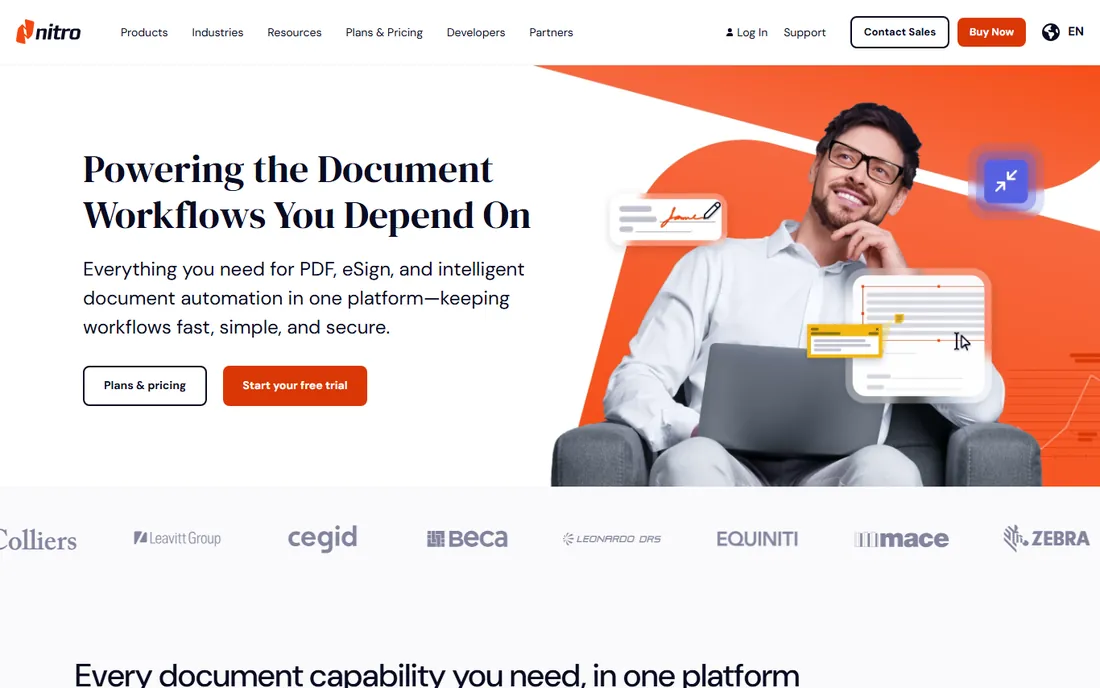
Nitro positions itself as the business alternative to Acrobat: PDF Pro for creation and editing, Nitro Sign for e-signatures, Smart Redact for AI-assisted redaction, and an admin portal for license management. Every plan includes built-in AI tools for summarizing and extracting document data, and the interface deliberately mirrors Microsoft Office so new users feel at home.
One honest caveat: in 2025 Nitro told owners of older perpetual licenses that those licenses would be deactivated unless they moved to subscriptions, which drew significant public criticism. New buyers should go in expecting a subscription and verify current licensing terms directly.
What we like- Full PDF editing plus eSign in one platform
- AI tools for redaction and data extraction included
- Admin portal and analytics for IT teams
Watch out for- Subscription-only for new licenses
- 2025 saw backlash over deactivation of older perpetual licenses
#3
Foxit PDF Editor
Best for: a fast, lightweight Acrobat alternative
Visit foxit.com
Starting priceSee website
Free planFree trial
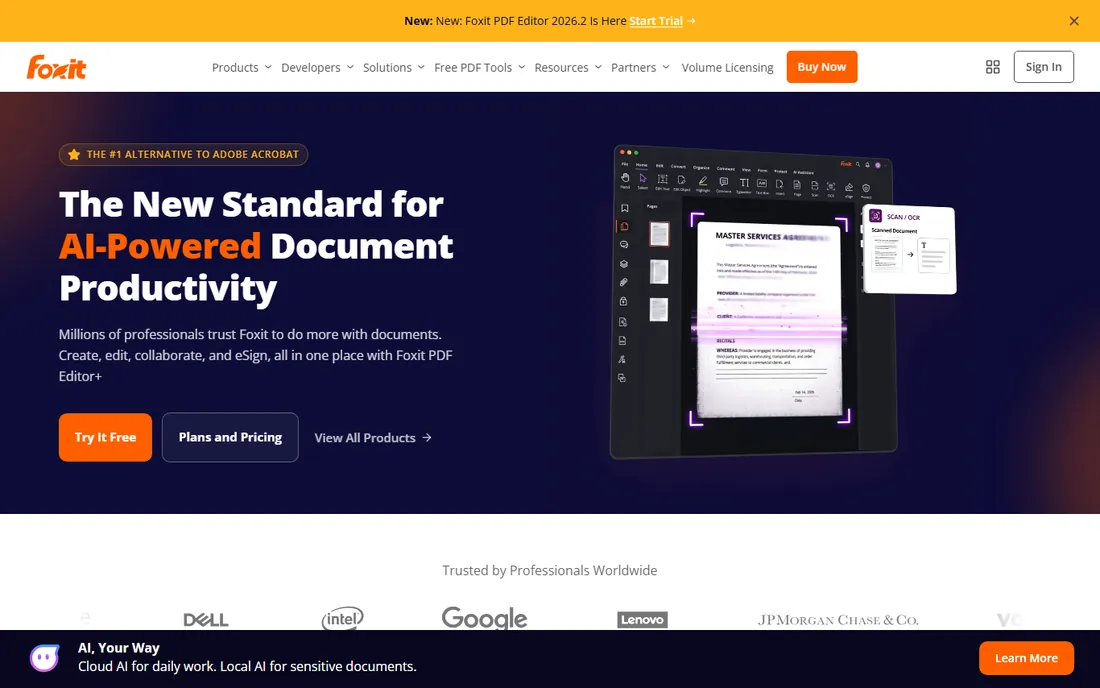
Foxit has spent two decades as the "faster Acrobat." PDF Editor opens large documents quickly, uses less memory, and covers the full professional feature set: editing, conversion, forms, OCR, eSign, batch processing and collaboration. The newer PDF Editor+ adds AI features like document summarization and smart redaction, plus unlimited e-signing.
Foxit highlights compliance credentials (ISO 27001, SOC 2, HIPAA) that matter for regulated industries. The catch is depth in niche areas: prepress tools, complex form logic and some accessibility workflows still favor Acrobat. For general business document work, most teams will not miss them.
What we like- Noticeably faster and lighter than Acrobat
- AI-powered tools for summarization and redaction
- Strong enterprise security and compliance credentials
Watch out for- Some advanced features trail Acrobat
- Interface can feel busy
Starting priceSee website
Free planYes
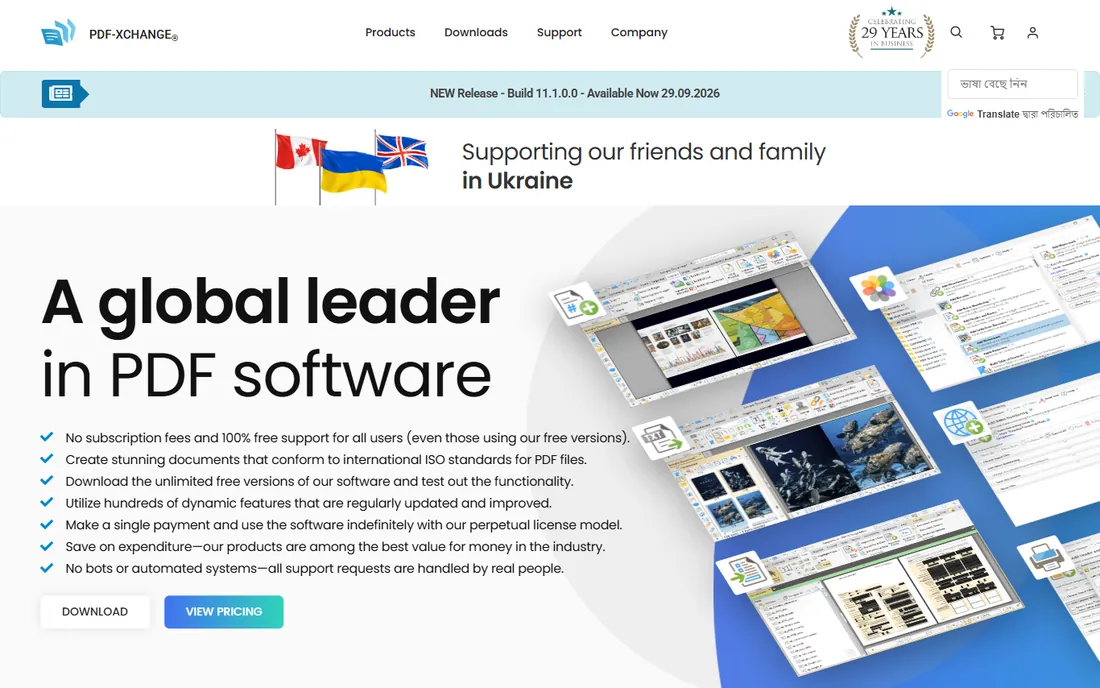
PDF-XChange Editor is the enthusiast favorite: a fast, full-featured PDF editor whose free version handles viewing, annotation and basic editing with no trial period. Paying for a license opens up OCR, advanced editing and PDF creation tools, and Tracker Software still sells perpetual licenses rather than subscriptions.
The free OCR alone makes it worth installing for anyone who scans documents. The catch is platform and polish: it is Windows-only, the interface has not kept pace with modern design, and a few premium features stamp watermarks unless licensed. For Windows users who hate subscriptions, it is the obvious pick.
What we like- Generous free version with no time limit
- One-time perpetual licenses available
- Fast and lightweight on older hardware
Watch out for- Windows only
- Interface looks dated
- Some features leave watermarks in the free version
Starting priceFrom $129.99 (perpetual, 1 user)
Free planNo
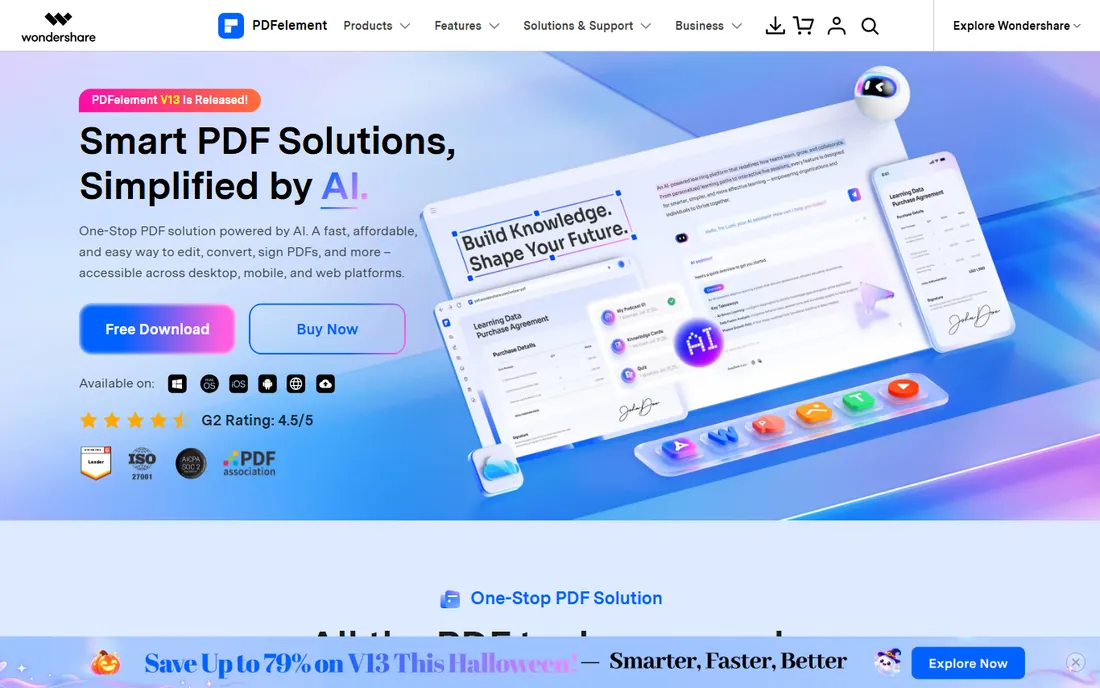
Wondershare PDFelement covers nearly everything Acrobat does: edit text like a word processor, convert to and from Office formats, OCR scans in 26 languages, build fillable forms, compress files, batch-process, and e-sign. The homepage currently lists the Personal perpetual plan at $129.99 for one user, with team and education pricing also published, and AI features (summarize, translate, chat with documents) are built in.
The value proposition is straightforward: similar capability to Acrobat at a lower price with a one-time option. The catch is consistency: some users report crashes with very large or complex documents, and Wondershare support gets mixed reviews. For typical office documents, though, it handles the job well.
What we like- Full editing, OCR, forms and eSign at roughly half Acrobat's cost
- Perpetual licenses available
- Works on Windows, Mac, iOS, Android and web
Watch out for- Occasional stability complaints with very large files
- Support responsiveness varies
Starting priceSee website
Free planYes
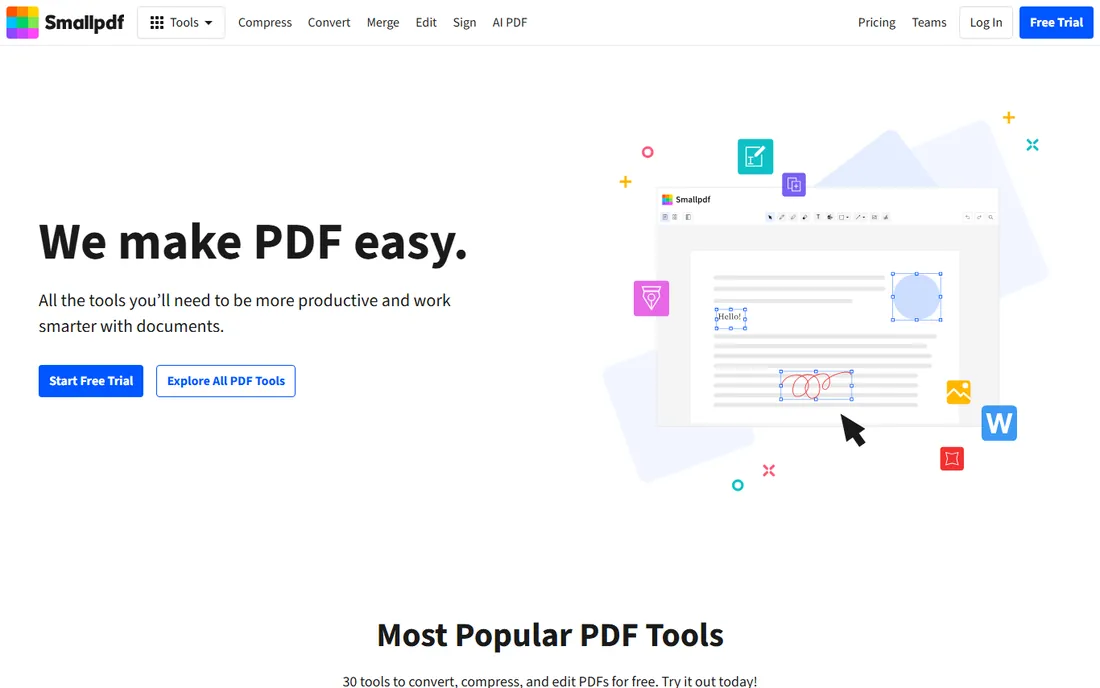
Smallpdf is the tool most people reach for when they need to compress, merge, convert or sign a PDF right now. The web app runs 30 tools in the browser, the free tier covers occasional use, and a 7-day trial opens up the paid plan for unlimited work. There is also a mobile app for scanning and organizing documents.
The company claims over a billion users, and the interface is genuinely the easiest here. The catch is the free-tier limit: process a handful of files a day and you will hit the paywall. It is perfect for occasional tasks, not for someone editing PDFs all day.
What we like- 30 tools free in the browser with no install
- Clean simple interface
- Mobile apps and integrations with Google Workspace and Dropbox
Watch out for- Free usage has daily limits
- Heavier work needs the paid plan
Starting priceSee website
Free planYes
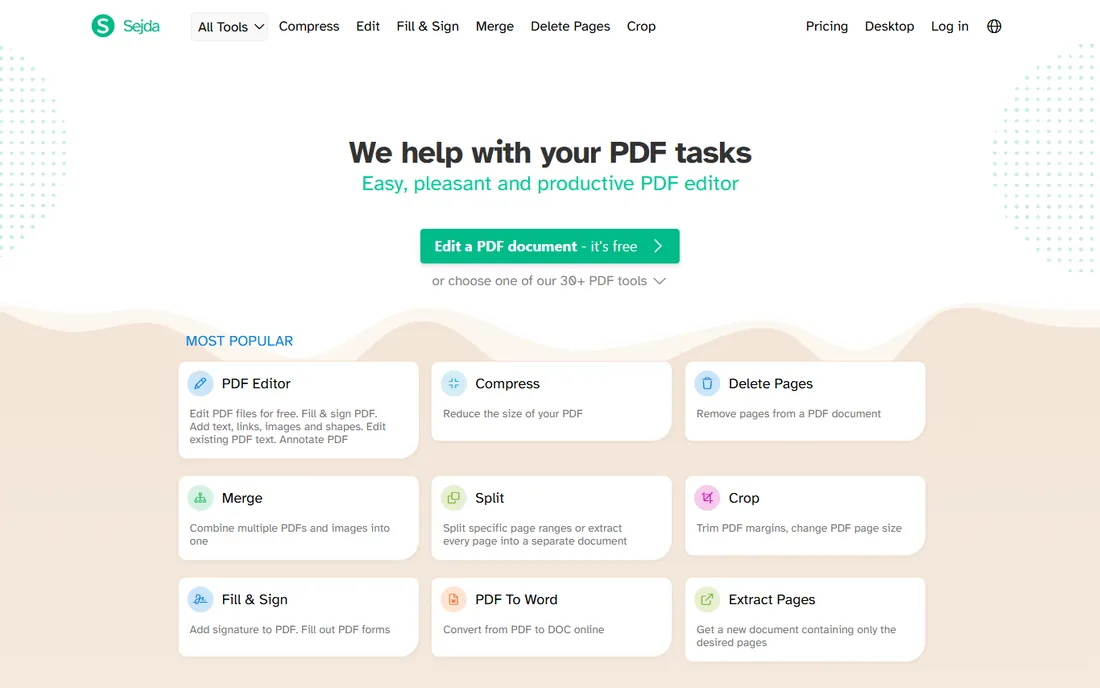
Sejda is the power user's free option. The browser tools edit existing PDF text (not just overlay new text), fill and sign forms, compress, merge, split, OCR scans, add Bates numbering, and even repair damaged PDFs. Most tools work without creating an account, and files are deleted from servers after processing.
There is also a free Sejda Desktop app for Mac, Windows and Linux that processes files locally. The catch is the free-tier throughput: larger files and frequent use hit hourly limits, and the interface prioritizes function over beauty. For free, though, the depth is unmatched.
What we like- Generous free tier with no account required
- Wide toolset including OCR, forms and Bates numbering
- Desktop app for offline use
Watch out for- Free tier limits file size and tasks per hour
- Interface is functional rather than polished
Starting priceSee website
Free planYes
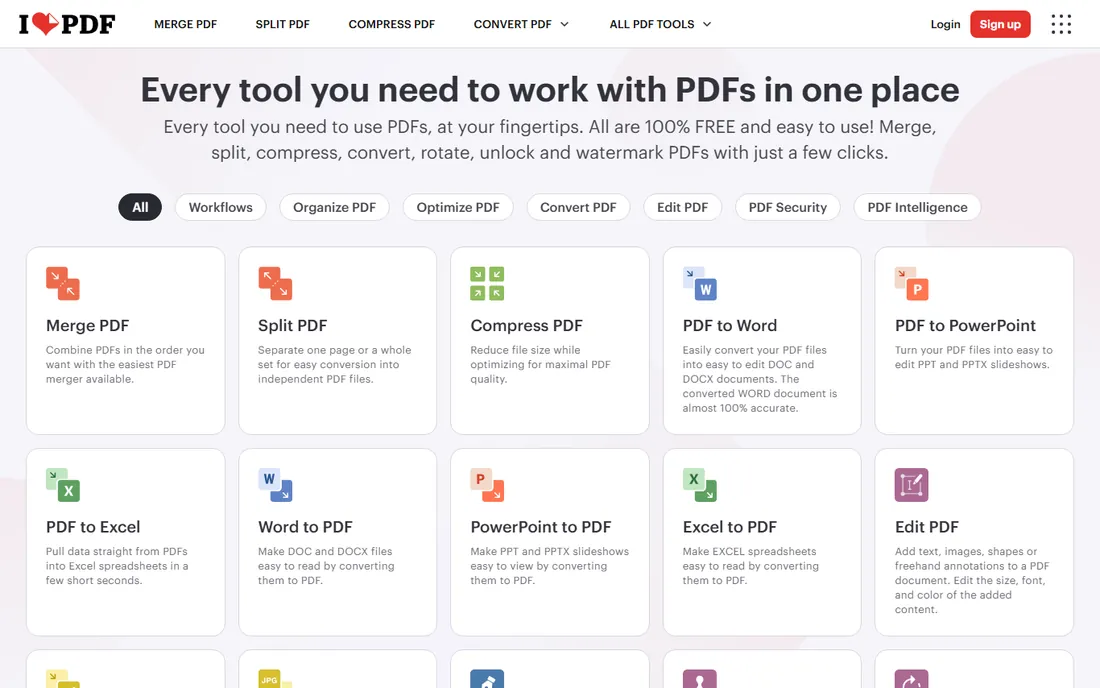
iLovePDF covers the everyday toolkit: merge, split, compress, convert, rotate, watermark, protect, open up, OCR and e-sign, all free in the browser. Recent additions show where the category is heading: an AI summarizer, AI PDF translation, PDF-to-Markdown conversion, and custom workflows that chain tools together.
The Premium plan opens up desktop offline work, advanced OCR and higher limits. The catch is the same as Smallpdf: free users face daily limits, and for serious document editing you still want a desktop editor like Acrobat or PDF-XChange. But for the tasks most people do weekly, iLovePDF is fast, free and sufficient.
What we like- All core tools free and easy to use
- Newer AI tools (summarizer, translator, PDF to Markdown)
- Desktop app for offline batch work
Watch out for- Free tier has usage limits
- Advanced editing weaker than desktop editors
How we chose
We evaluated PDF tools using vendor documentation and pricing pages, feature comparisons, and public reviews on G2, Capterra and Reddit. We weighted PDF creation and conversion quality, editing depth, e-signature support, pricing transparency, free-tier generosity, and fit for small and mid-size US businesses. We did not perform hands-on testing; all assessments reflect publicly available information as of October 2026.
If you touch PDFs a few times a week, start free: Smallpdf, iLovePDF or Sejda will handle compression, conversion, merging and signing without installing anything. If PDFs are daily work, a desktop editor pays for itself quickly. PDF-XChange is the budget pick for Windows, PDFelement the affordable all-rounder, Foxit the fast business choice, and Acrobat the standard when compatibility and depth matter most.
Browser vs desktop
Browser tools win on convenience: nothing to install, works on any device. Desktop editors win on power: true text editing, OCR, batch processing, forms and offline work. Many people end up with both: a browser tool for quick jobs and a desktop editor for real work.
Watch the subscription math
Several vendors push subscriptions hard. If you use a PDF editor daily, a subscription is fine. If you use it monthly, a perpetual license (PDF-XChange, PDFelement) or a free tool saves real money over a few years. Check whether the price quoted is per month billed annually, and whether renewal pricing differs from the first-year deal.
AI summarization and data extraction are now standard in paid PDF editors, and they are genuinely useful for long contracts and reports. Treat them as reading aids, not legal advice: verify anything important against the source document. For sensitive documents, check whether the AI processing happens locally or in the cloud, and whether your plan's data handling meets your compliance needs.
Frequently asked questions
What is the best free software to create PDFs?
For occasional use, Smallpdf, iLovePDF and Sejda all create and convert PDFs free in the browser. For a free desktop editor, PDF-XChange Editor (Windows) offers the most capability without a time limit. Every operating system also has built-in options: Print to PDF on Windows, and Save as PDF on Mac.
Can I create a PDF from Word or Excel?
Yes. All the tools here convert Office documents to PDF, either by uploading the file (browser tools) or through Office add-ins and virtual printers (desktop tools). Microsoft Office itself can also save directly as PDF via File > Save As.
How do I create a fillable PDF form?
Desktop editors (Acrobat, Nitro, Foxit, PDFelement, PDF-XChange) include form builders that add text fields, checkboxes and dropdowns. Sejda and iLovePDF also offer free form-creation tools online, which is enough for simple forms.
What is the cheapest Acrobat alternative?
PDF-XChange Editor has the most generous free version for Windows users. For a paid one-time license, PDF-XChange and PDFelement both sell perpetual plans that cost less over time than a subscription. Foxit and Nitro compete on subscription value for businesses.
Do I need OCR?
If you scan paper documents and want searchable, selectable text, yes. PDF-XChange, PDFelement, Foxit, Acrobat and Nitro all include OCR in paid tiers, and Sejda and iLovePDF offer OCR in their online tools. Without OCR, a scanned PDF is just a picture of text.
Are online PDF tools safe for sensitive documents?
Reputable tools use encrypted connections and delete files after processing (Sejda, Smallpdf and iLovePDF all state this). For highly sensitive documents like legal contracts or medical records, a desktop app that processes files locally is the safer choice.
Sources we checked (8)
- https://www.adobe.com/
- https://gonitro.com/
- https://www.foxit.com/
- https://tracker-software.com/
- https://pdf.wondershare.com/
- https://smallpdf.com/
- https://www.sejda.com/
- https://ilovepdf.com/
Is your product missing or out of date?
We review this list regularly. Vendors can request a listing, send updated pricing or ask about featured placement.

Shihab Mia · Founder, Rankite
Shihab has spent more than a decade helping SaaS and e-commerce brands grow through search. He writes Rankite's software buying guides from pricing pages, documentation and public user reviews. More about Shihab.