How we make this list: we compare pricing pages, product documentation and public user reviews. Rankite is independent; if a vendor ever pays for a featured spot, that listing is clearly labeled Partner.
Key takeaways
- Screen-recorded tutorials are the cheapest format to produce well: Camtasia, Loom and OBS Studio cover everything from quick explainers to polished course lessons.
- If you need quizzes, SCORM export and LMS tracking, you need an authoring suite (Articulate 360, iSpring Suite, Adobe Captivate territory), not a video editor.
- AI presenters have gone mainstream: Synthesia starts at $18 a month billed annually with a free tier, while Vyond and Powtoon cover animated explainers from $49 a month.
- Free is genuinely viable here. OBS Studio and DaVinci Resolve cost nothing and outperform paid tools at recording and editing, if you can handle the learning curve.
- Canva is the sleeper pick for teachers who need decent videos fast: the free plan handles basic video, and Pro at $180 a year adds the stock library and brand tools.
Quick comparison
| Tool | Best for | Starting price | Free plan |
|---|
 Camtasia Camtasia | screen-recorded tutorials | $179.88/year (Essentials) | Free (watermarked exports) |
 Articulate 360 Articulate 360 | full e-learning courses | $1,199/year (Personal) | 30-day free trial |
 iSpring Suite iSpring Suite | PowerPoint-based courses | $970/year (per author) | 14-day free trial |
 Vyond Vyond | animated training videos | $49/month (Essential) | Free trial |
 Synthesia Synthesia | AI presenter videos | $18/month (billed annually) | Yes |
 Powtoon Powtoon | animated explainers on a budget | $49/month (Lite) | Yes |
 Canva Canva | quick teacher-made videos | $180/year (Pro) | Yes |
 Loom Loom | async video lessons and feedback | $10/user/month (Business) | Yes |
 DaVinci Resolve DaVinci Resolve | free professional editing | $0 (Studio $295 one-time) | Yes |
 OBS Studio OBS Studio | free lecture recording and streaming | $0 | Yes |
Is your product missing or out of date?
We review this list regularly. Vendors can request a listing, send updated pricing or ask about featured placement.
The best software to create educational videos
Starting price$179.88/year (Essentials)
Free planFree (watermarked exports)
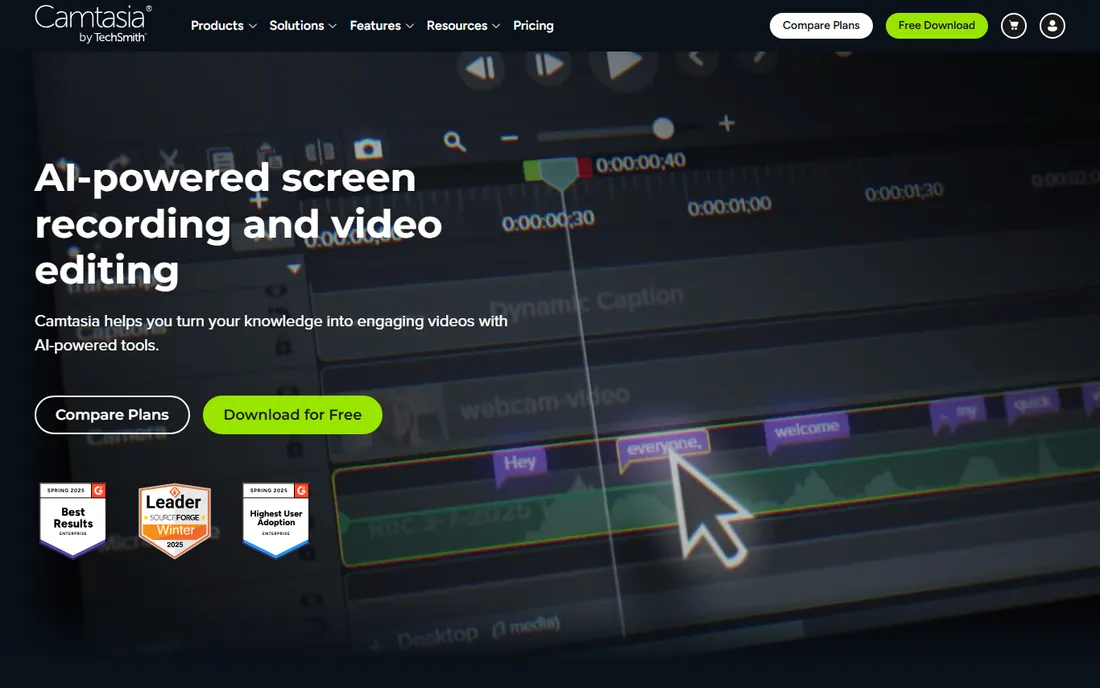
Camtasia is the tool most teachers picture when they think of making a tutorial: hit record, capture your screen and webcam together, then edit on a timeline with callouts, zoom effects, cursor highlights and captions. Quizzes can be embedded right in the video with results reported to a SCORM-compliant LMS, which is why so many corporate trainers and teachers standardize on it.
The pricing changed in 2025. Camtasia is now subscription-only: Starter at $39 a year covers advanced screen capture with a watermarked editor, while Essentials at $179.88 a year opens up the full editor. Create ($249 a year) and Pro ($599 a year) add AI voices, avatars and translation. The free download lets you use the full editor with watermarked exports, and education pricing is discounted, so verify eligibility before you pay full price.
What we like- Records screen, webcam, mic and system audio on separate tracks
- Timeline editor built for tutorials with quizzes and captions
- Generous education discounts
Watch out for- Moved to subscription pricing in 2025
- Starter plan at $39 a year only gives a watermarked editor
Starting price$1,199/year (Personal)
Free plan30-day free trial
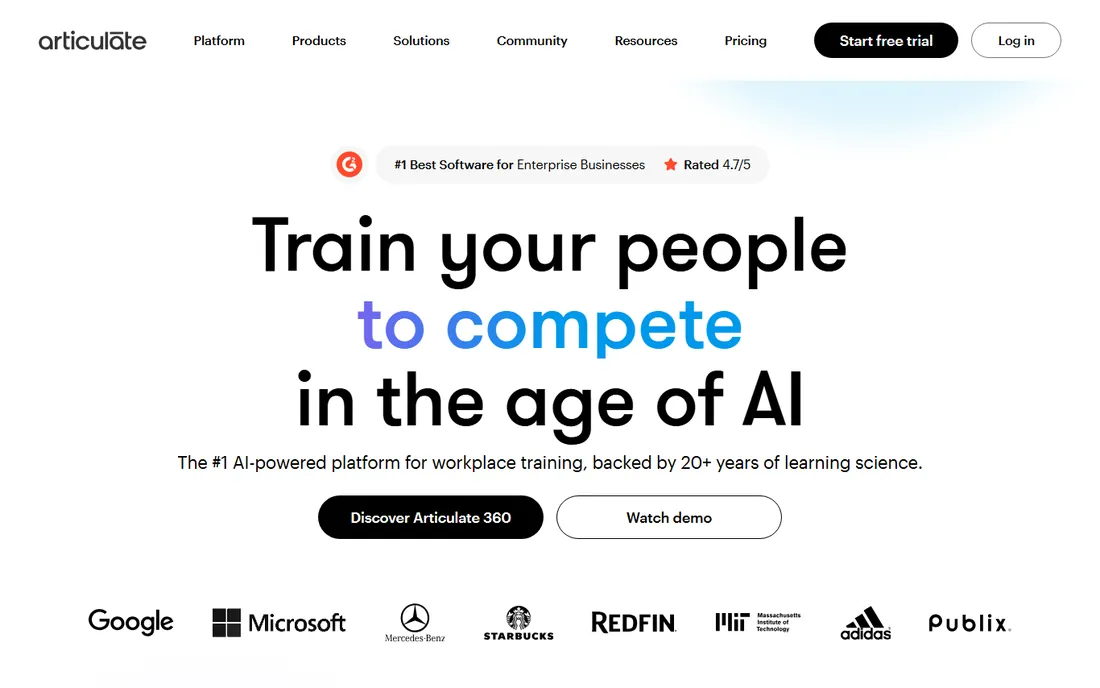
Articulate 360 is the industry standard for professional e-learning, and it shows in what you get: Storyline 360 for custom interactive courses with branching and simulations, Rise 360 for clean responsive lessons that adapt to any screen, plus Review, a content library with millions of assets, and an AI assistant that drafts courses from your source material. It can even generate AI avatar videos and translate courses into 80+ languages.
The cost reflects that scope. Personal starts at $1,199 a year, AI Personal at $1,449, and Teams at $1,749 per seat, with academic discounts available. A 30-day trial with no credit card lets you test everything. This is the right tool if you build training for a living; if you just need videos, one of the cheaper options below will do.
What we like- Storyline plus Rise covers everything from simple pages to complex branching
- AI avatars, translation and course generation built in
- Huge template and asset library
Watch out for- The price is steep for solo educators
- You will use a fraction of the suite unless you build courses full-time
Starting price$970/year (per author)
Free plan14-day free trial
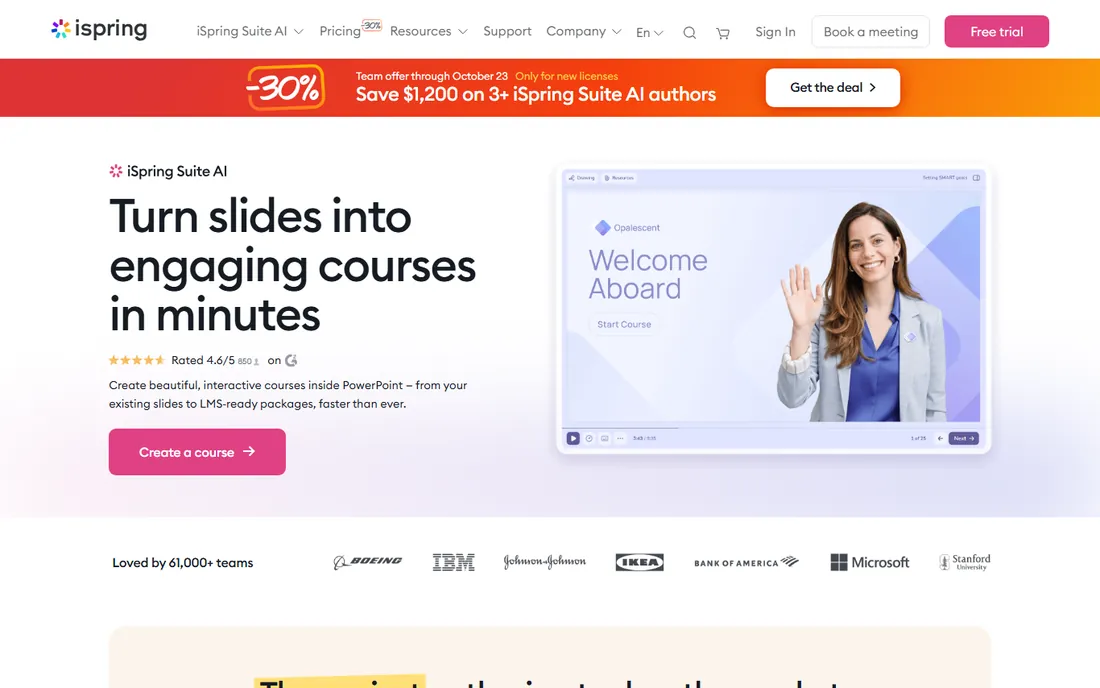
iSpring Suite takes the tool your subject-matter experts already know, PowerPoint, and turns it into a course authoring platform. A single tab adds quizzes, role-play scenarios, branching, video tutorials and screen recordings, then publishes a SCORM package that runs in any LMS. For teams sitting on hundreds of existing decks, that is the fastest path from slides to training.
Pricing is per author per year: $970 for iSpring Suite, $1,290 for the AI version with course generation and cloud authoring, with volume discounts for teams. The 14-day trial needs no credit card. The honest limitation is platform: this is a Windows and PowerPoint product, so Mac-only teams should look at Articulate Rise or a browser tool instead.
What we like- Works inside PowerPoint, so the learning curve is nearly zero
- Publishes clean SCORM, xAPI and cmi5 packages
- 24/7 human support with fast response times
Watch out for- Windows and PowerPoint only
- Per-author pricing adds up for teams
Starting price$49/month (Essential)
Free planFree trial
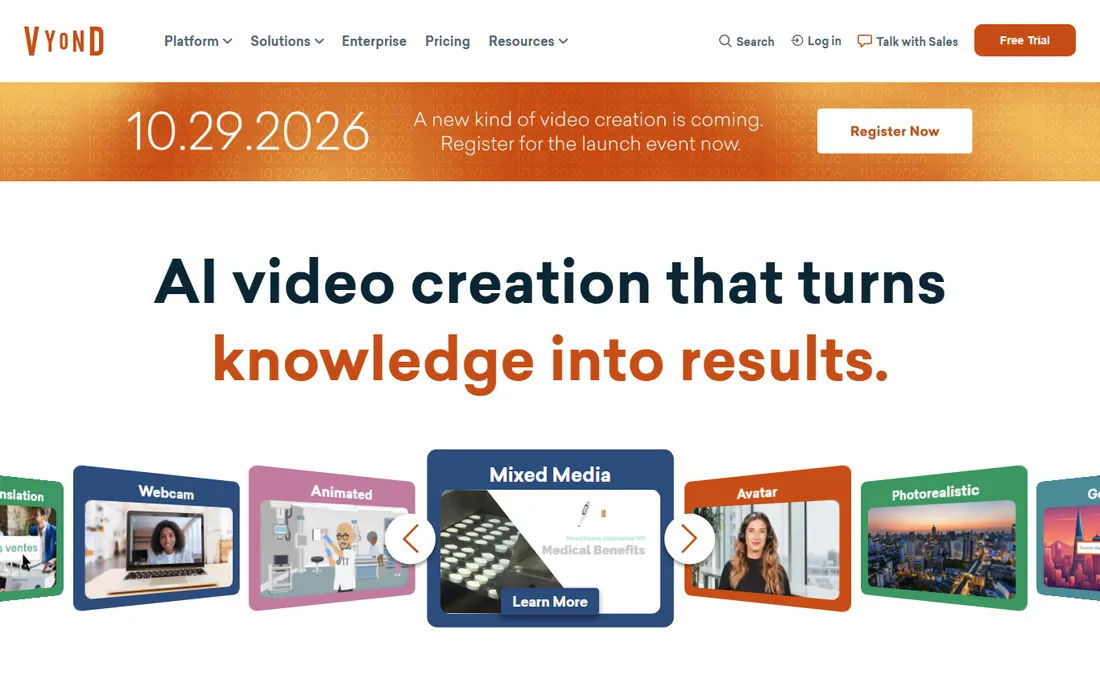
Vyond is the go-to for animated videos that explain processes, policies and soft skills without filming anyone. The template library is organized around training use cases, with characters, props and scenes you drag into place, and Vyond Go now converts a document or URL into a draft video automatically. L&D teams at large companies use it because a consistent animated style scales across hundreds of lessons.
The entry plan, Essential, is $49 a month, and there is no free tier beyond the trial. That is a real commitment for a solo teacher, but reasonable for a training department. The look is recognizably "corporate animation," so if you want a human face on screen, Synthesia's AI presenters may land better with your learners.
What we like- Purpose-built character animation for training scenarios
- Vyond Go turns documents into videos with AI
- Strong e-learning template library
Watch out for- No free plan, only a trial
- Character animation can look dated next to AI avatar tools
Starting price$18/month (billed annually)
Free planYes
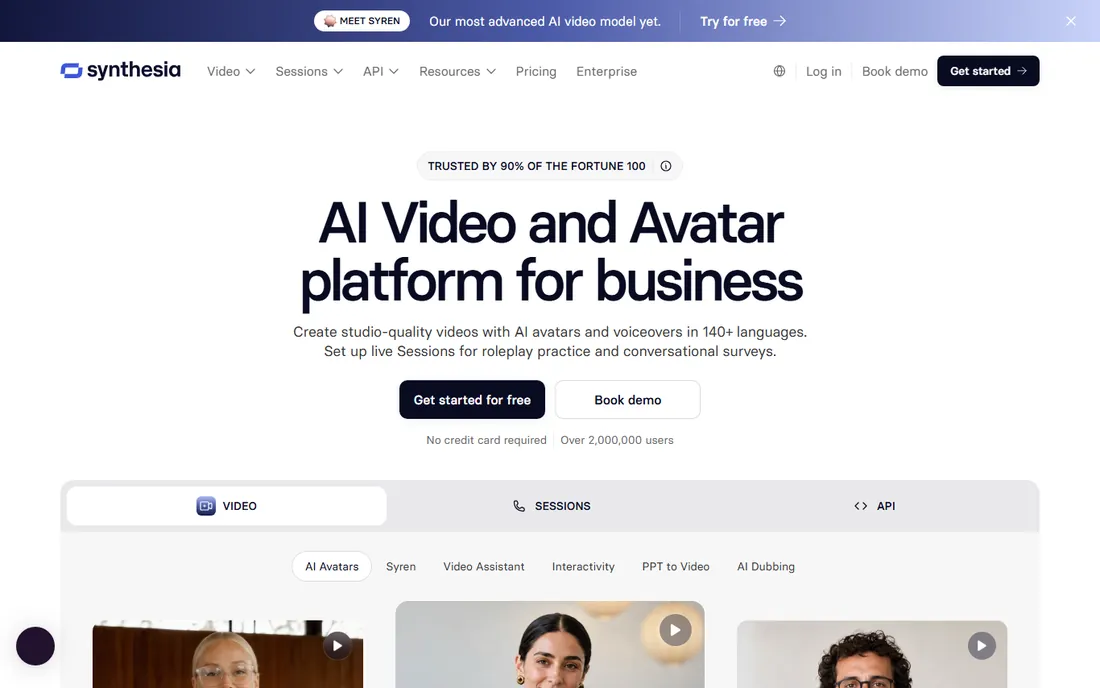
Synthesia is the fastest way to put a "person" on screen without a camera, a microphone or a filming day. You type or paste a script, pick one of 125+ AI avatars, and get a studio-style video in minutes, with translation and dubbing into 140+ languages. For compliance updates, product walkthroughs and multilingual training, it cuts production time dramatically.
The free Basic plan gives you 10 minutes a month with a watermark and no downloads, enough to test the workflow. Starter is $18 a month billed annually ($29 monthly) for about 120 minutes a year, and Creator at $64 a month billed annually adds API access and interactivity. Watch the minute caps: at roughly $1.80 per finished minute on Starter, long courses get expensive fast.
What we like- Type a script, get a presenter speaking it in 140+ languages
- Free Basic plan with no credit card
- Personal avatars and SCORM export on higher tiers
Watch out for- Starter minutes are tight at around 10 minutes a month
- AI presenters still feel flat for emotional or hands-on topics
Starting price$49/month (Lite)
Free planYes
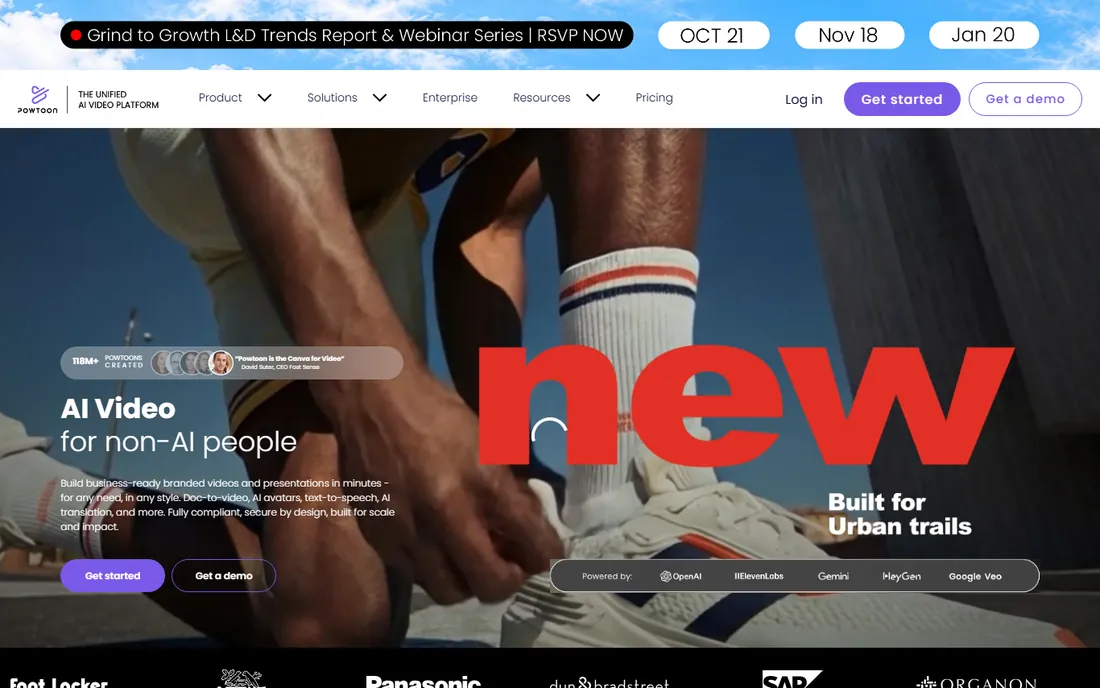
Powtoon calls itself the Canva for video, and the comparison is fair: templates, drag-and-drop, and a low barrier to a decent result. It offers a real free plan (branded exports, 3-minute videos), plus AI tools for script writing, text-to-speech, avatars and translation. Notably, it has a dedicated education offering for teachers and students, which Vyond lacks.
Paid plans start with Lite at $49 a month, which removes branding and allows MP4 downloads up to 10 minutes. Professional at $99 a month adds full character customization and lip-sync. For classroom explainers and student projects, the free tier plus the education program make Powtoon the budget-friendly animated option.
What we like- Free plan for trying the full editor
- Education solution for teachers and students
- AI script writer, avatars and translation on paid plans
Watch out for- Free exports carry Powtoon branding
- Paid plans jump quickly from Lite to Professional
Starting price$180/year (Pro)
Free planYes
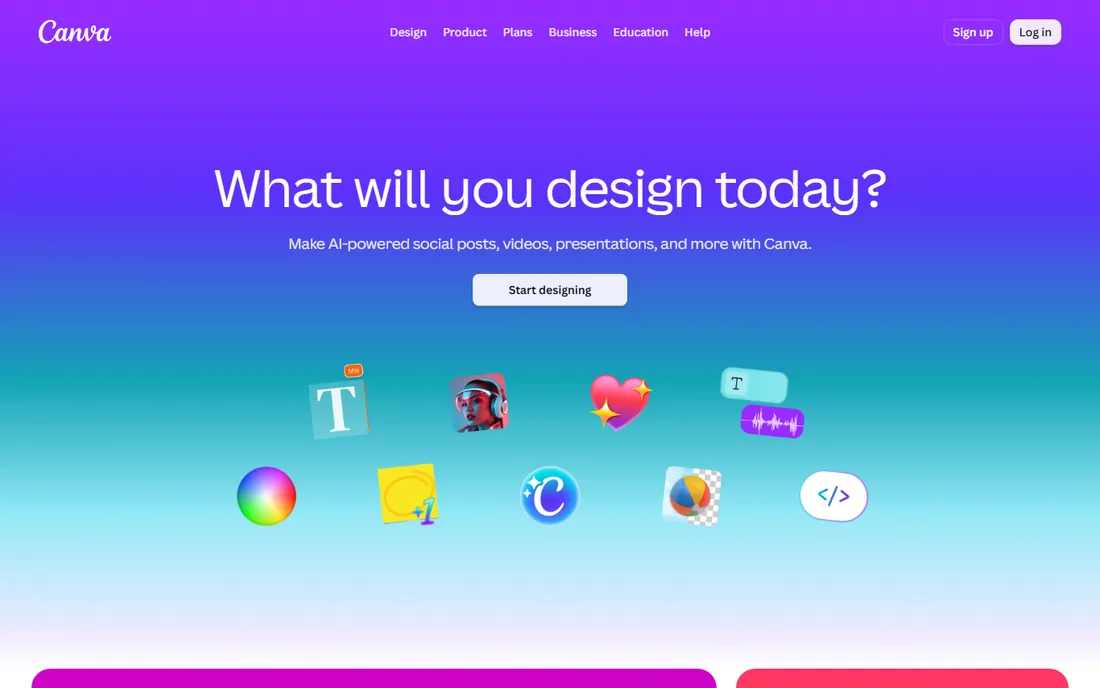
Canva's video editor will not replace Premiere, but for teachers it is often all they need: drag clips onto a timeline, add text, transitions, music and stock footage, and export. The free plan includes 5 GB of storage and a solid template library, while Pro at $180 a year for one person adds 141M+ premium assets, 100 GB of storage, brand kits and more AI usage.
The catch is scope. Multi-track editing, precise audio work and long-form projects strain the tool, and heavy AI use may require the AI Pass add-on at extra cost. But for lesson intros, social clips, student projects and quick explainers, Canva is the fastest path from idea to finished video.
What we like- Video editing inside the tool teachers already use
- Huge stock library of footage, music and graphics
- Free plan is genuinely usable
Watch out for- Not a real video editor, so complex projects hit walls
- AI features can cost extra through the AI Pass add-on
Starting price$10/user/month (Business)
Free planYes
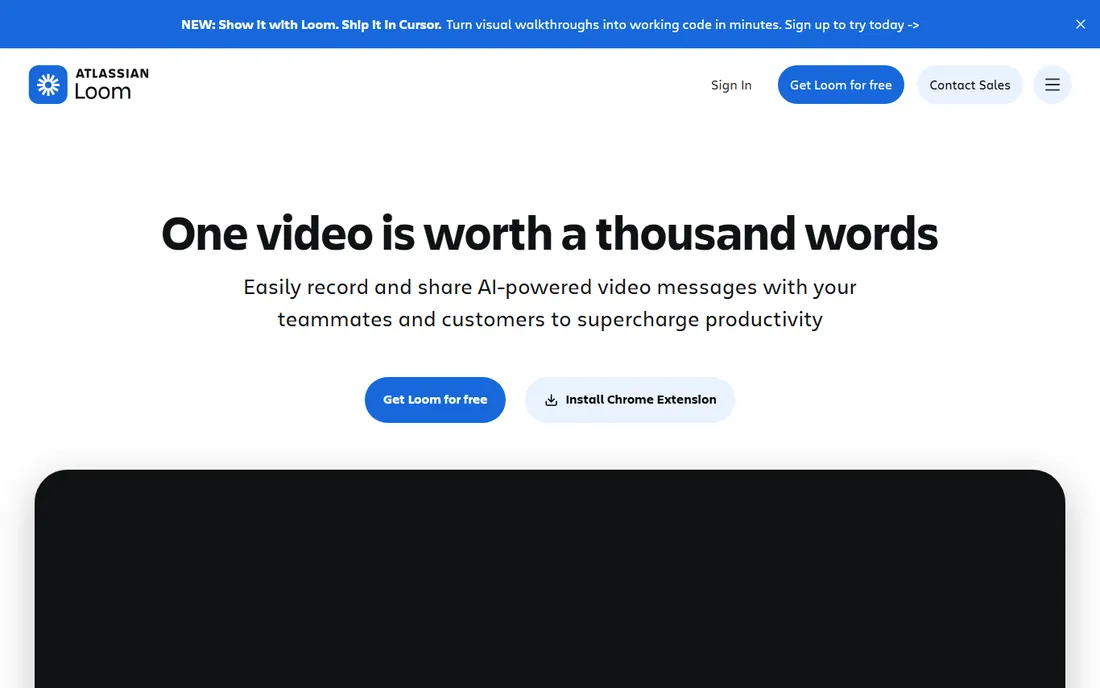
Loom is less a video maker than a communication tool that happens to record video, and that is exactly why teachers love it. Record your screen, your camera, or both, and Loom gives you a shareable link instantly, no export, no upload, no LMS wrestling. Students watch, comment with timestamps, and you see who actually finished the video.
The free Starter plan covers short recordings, while Business at $10 per creator per month adds longer recordings, more storage, custom branding and deeper analytics. It will not replace Camtasia for a polished course, but for assignment feedback, flipped-classroom lessons and quick explainers, nothing is faster.
What we like- Record and share a video link in under a minute
- Viewer analytics show who watched what
- Comments and tasks on videos
Watch out for- Not a real editor, just trim and stitch
- Free plan limits recording length and storage
Starting price$0 (Studio $295 one-time)
Free planYes
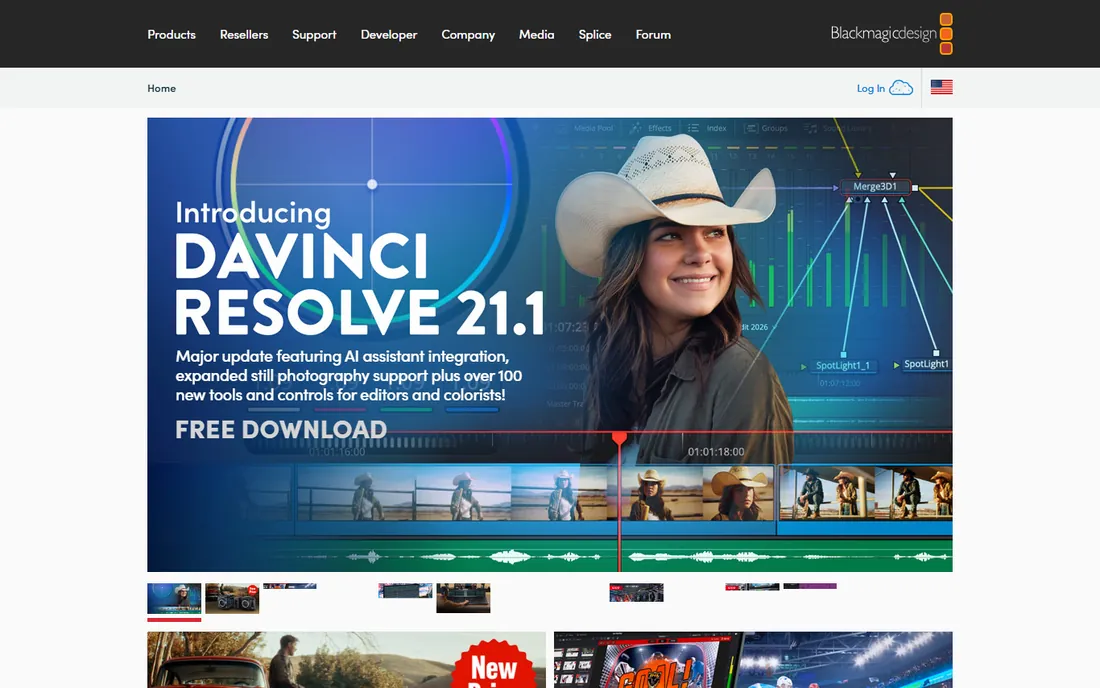
DaVinci Resolve is the best free software in this entire guide, full stop. The free version includes professional editing, the industry's best color grading tools, Fairlight audio and visual effects, with no watermark and no export limits. Hollywood films are cut on the same engine. The paid Studio version is a $295 one-time purchase that adds AI tools, more effects and higher resolutions.
The trade-off is the learning curve. Resolve assumes you want to learn editing properly, and its interface can overwhelm a teacher who just wants to trim a lecture. But if you plan to make videos regularly, investing a weekend in Resolve tutorials pays off more than any subscription. For schools and creators on zero budget, it is unmatched.
What we like- Full professional editor, color grading and audio tools for free
- No watermark, no export limits
- Runs on Windows, Mac and Linux
Watch out for- Steep learning curve for beginners
- Needs a reasonably powerful computer
Starting price$0
Free planYes
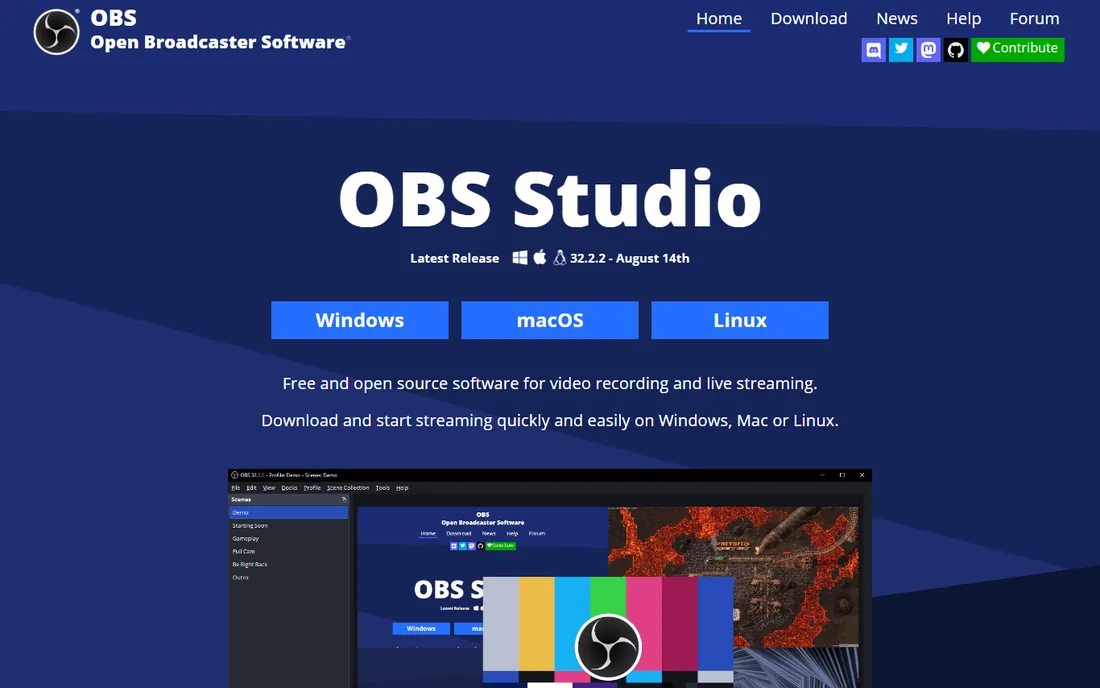
OBS Studio is the free, open-source standard for recording and live streaming, used by everyone from lecturers to game streamers. You build scenes from sources (screen, webcam, slides, browser), switch between them live, and record or stream the result. For lecture capture, it replaces hardware that used to cost thousands.
There is no pricing because there is no price: it is free, with development funded by sponsors. The honest catch is usability. OBS looks like broadcast software because it is broadcast software, so expect an hour of setup and tutorials before your first clean recording. Pair it with DaVinci Resolve for editing and you have a complete, free production studio.
What we like- Free and open source
- Records and live-streams with scenes, sources and transitions
- Huge plugin ecosystem
Watch out for- Interface intimidates first-timers
- No built-in editing, pair it with an editor
How we chose
We picked tools that real educators, trainers and course creators use to make videos in 2026, covering the four jobs that matter: recording your screen, editing footage, animating explainers, and publishing courses with quizzes and tracking. We verified pricing on each vendor's own site or pricing page, and checked public reviews on G2, Capterra, Trustpilot and Reddit for how the tools hold up in daily use. We mixed free and open-source tools with mid-range editors and full authoring suites. We did not test the software hands-on.
The hidden costs: captions, quizzes, and LMS export
The sticker price is rarely the whole story. Three features quietly decide what you will actually pay. First, captions: accessibility rules and learner expectations make them non-negotiable, and while most tools now auto-generate them, accuracy in technical subjects still needs a human pass, so budget editing time, not just software.
Second, interactivity. If your course needs graded quizzes and completion tracking in an LMS, a video editor is not enough, you need SCORM or xAPI export, which means an authoring suite like Articulate or iSpring. Buying Camtasia and discovering this later is an expensive mistake. Third, AI minutes: Synthesia and similar tools meter video minutes, and unused minutes do not roll over, so a 10-minute monthly cap covers a few short videos, not a course catalog.
Start with the format, not the feature list. Screen tutorials and software training: Camtasia if you want guided ease, OBS Studio plus DaVinci Resolve if you want free and powerful, Loom if speed beats polish. Animated explainers: Powtoon on a budget, Vyond for a training department, Synthesia when you want a human presenter without filming.
Full courses with quizzes and LMS tracking: iSpring Suite if you live in PowerPoint, Articulate 360 if you need the deepest interactivity. Quick classroom videos and student projects: Canva. One more rule: if you only make videos occasionally, favor the free tools and per-project effort over subscriptions you will forget to cancel.
Frequently asked questions
What is the best free software to create educational videos?
OBS Studio for recording and DaVinci Resolve for editing give you a complete free production setup with no watermarks. Canva's free plan handles quick simple videos, Loom's free plan covers short async lessons, and Synthesia and Powtoon both offer free tiers for AI and animated videos.
Do I need SCORM for my training videos?
Only if you need graded quizzes, completion tracking or compliance records inside a learning management system. If you do, you need an authoring tool like Articulate 360 or iSpring Suite, not just a video editor. If you just need people to watch a video, YouTube, Vimeo or your LMS video player is enough.
Camtasia vs OBS Studio: which should I pick?
Pick Camtasia if you want recording and editing in one guided package with tutorial-specific features like quizzes and SmartFocus, and you can pay $179.88 a year for Essentials. Pick OBS Studio if your budget is zero and you are comfortable learning broadcast-style software, then edit in DaVinci Resolve.
Can AI make my training videos for me?
Partly. Synthesia turns scripts into presenter videos, Vyond Go turns documents into animated drafts, and Powtoon's AI writes scripts and generates voiceovers. They handle first drafts and updates well, but you still need to write good scripts, check accuracy, and add the subject expertise only you have.
How much does it cost to make educational videos?
Anywhere from $0 to $1,700+ a year. A free setup (OBS Studio plus DaVinci Resolve) costs nothing. A solo creator setup (Camtasia Essentials plus Canva Pro) runs about $360 a year. A corporate training setup (Articulate 360 or iSpring Suite) starts around $970 to $1,449 per author per year.
Which tool is best for teachers specifically?
For classroom use, start with Canva (free, fast, familiar) and Loom (free, instant sharing for feedback and flipped lessons). Powtoon has a dedicated education offering for animated projects. If your school needs LMS tracking, ask about education discounts on Camtasia, Articulate or iSpring before paying list price.
Sources we checked (18)
- https://www.techsmith.com/camtasia/
- https://www.elitecontentmarketer.com/deals/camtasia-black-friday/
- https://articulate.com
- https://www.articulate.com/360/pricing/
- https://www.visla.us/blog/listicles/4-best-interactive-training-tools-we-tested-in-2026/
- https://www.ispringsolutions.com
- https://vyond.com/
- https://rigorousthemes.com/blog/best-vyond-alternatives/
- https://www.synthesia.io
- https://dlcuration.com/synthesia-review/
- https://powtoon.com/
- https://www.getapp.com/it-communications-software/a/powtoon/
- https://canva.com/
- https://scored.tools/blog/canva-review-2026/
- https://loom.com/
- https://www.trustradius.com/compare-products/atlassian-loom-vs-canva
- https://www.blackmagicdesign.com
- https://obsproject.com/
Is your product missing or out of date?
We review this list regularly. Vendors can request a listing, send updated pricing or ask about featured placement.

Shihab Mia · Founder, Rankite
Shihab has spent more than a decade helping SaaS and e-commerce brands grow through search. He writes Rankite's software buying guides from pricing pages, documentation and public user reviews. More about Shihab.