How we make this list: we compare pricing pages, product documentation and public user reviews. Rankite is independent; if a vendor ever pays for a featured spot, that listing is clearly labeled Partner.
Key takeaways
- PayHOA is the most practical pick for small self-managed associations, starting at $54 per month with all features included at every tier and a free trial.
- RunHOA charges a flat $399 per year regardless of unit count, which makes it the cheapest full management option for larger communities that do not want per-unit pricing.
- Buildium starts at $62 per month and suits HOAs with rental units mixed in, since it handles both association and landlord workflows in one system.
- AppFolio is the enterprise choice at $1.49 per unit per month with a $298 monthly minimum, built for management companies running large portfolios.
- Processing fees are the real cost driver everywhere: budget roughly 1 percent for ACH and about 3 percent for credit cards on top of every subscription here, and get the fee schedule in writing.
Quick comparison
| Tool | Best for | Starting price | Free plan |
|---|
 PayHOA PayHOA | Small self-managed HOAs | $54/month (0-25 units, billed monthly) | Free trial |
 Buildium Buildium | HOAs with rental units mixed in | $62/month (Essential) | Free trial (14 days) |
 RunHOA RunHOA | Flat-fee budgeting for any size | $399/year | Free trial |
 EasyHOA EasyHOA | Simple all-inclusive pricing | $49/month | Free trial |
 HOA Central HOA Central | Boards wanting a free starting point | Free plan available; paid plans quoted | Yes |
 Condo Control Condo Control | Mid-size and large associations | See website | Free trial |
 TownSq TownSq | Communities wanting a resident portal | See website | No |
 AppFolio AppFolio | Management companies, large portfolios | $1.49/unit/month ($298/month minimum) | No |
 eUnify eUnify | Associations needing recurring payments | See website | No |
Is your product missing or out of date?
We review this list regularly. Vendors can request a listing, send updated pricing or ask about featured placement.
The best software to collect HOA dues
Starting price$54/month (0-25 units, billed monthly)
Free planFree trial
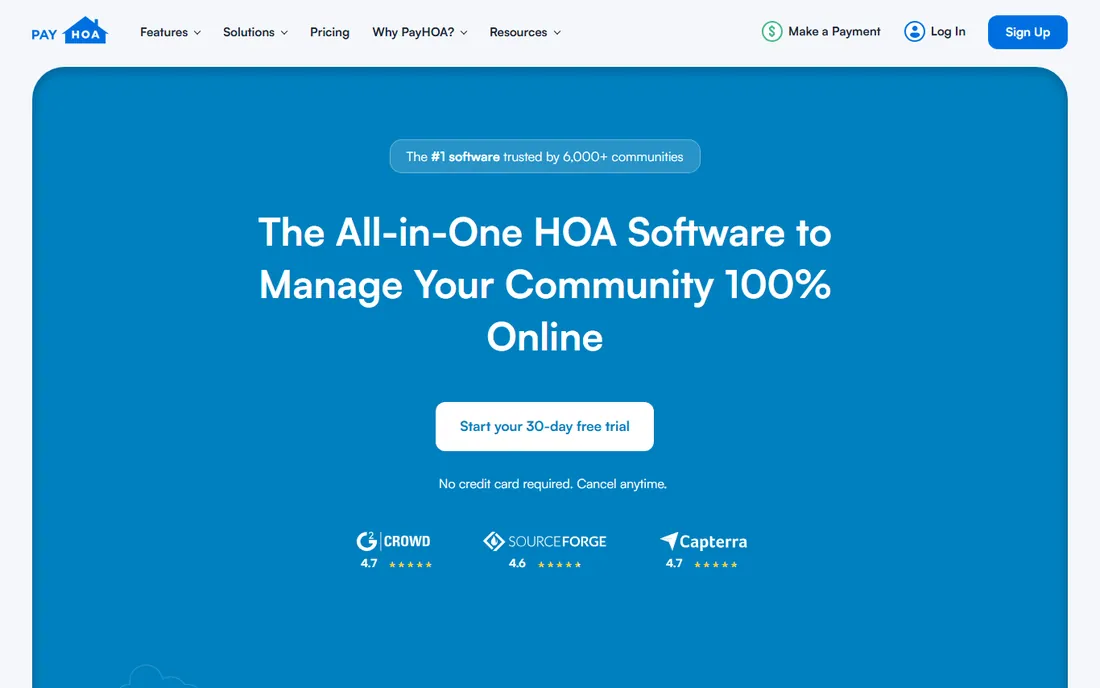
PayHOA is designed for the volunteer treasurer, not the property management firm. Pricing is published by unit count, starting at $54 per month for up to 25 units billed monthly or $49 billed annually, and every tier includes the full feature set: automated homeowner invoicing, online payments, autopay, full HOA accounting, maintenance and architectural requests, and broadcast communications. There is no upsell standing between you and a needed feature.
The cost to watch is payment processing, which is not included in the subscription. Get the current ACH and credit card fee schedule in writing before signing, since reviews note fees can shift. For a small association whose whole problem is getting off paper checks and onto online dues collection, PayHOA is the most sensible first call on this list.
What we like- All features included at every tier with no gating
- Published per-unit pricing a volunteer board can understand
- Built specifically for HOAs, not rentals
Watch out for- Payment processing fees sit on top of the subscription
- Less depth for large professional management companies
Starting price$62/month (Essential)
Free planFree trial (14 days)

Buildium is property management software that takes HOAs seriously, which matters for associations with rental units mixed among owner-occupied homes. The Essential plan starts at $62 per month with accounting, maintenance, violations, resident and board portals and communications, and pricing scales with the number of units managed. Growth at $192 and Premium at $400 add reporting automation, lower transaction fees and AI features.
The fee schedule deserves attention because it varies sharply by tier. Essential charges $1.99 per incoming EFT transaction and 2.99 percent for credit cards, while higher tiers cut those costs substantially. A busy association can save more on fees than the plan upgrade costs, so model a year of your actual transaction volume before picking a tier.
What we like- Handles HOA and rental workflows in one system
- No unit minimums
- 14-day free trial with no credit card
Watch out for- Per-transaction fees are highest on the Essential tier
- Pricing scales with unit count beyond the starting figure
Starting price$399/year
Free planFree trial
RunHOA's pitch is arithmetic a board can do in its head: $399 per year, flat, no matter how many units. For a 200-unit community, that is under $2 per unit per year, which undercuts every per-unit vendor on this list by a wide margin. The platform covers dues management, accounting, communications, document storage, e-voting, surveys, a website builder and vendor tracking.
The tradeoff is refinement. The interface and feature depth do not match the newer venture-backed tools, and professional management companies will miss portfolio-level features. But for a self-managed board that needs to collect dues, run votes and keep records without a per-unit bill that grows every year, the flat fee is hard to argue with.
What we like- One flat annual price with no per-unit math
- Full suite of accounting, dues, voting and communications
- Easy for a board to approve
Watch out for- Less polished than newer competitors
- Limited advanced portfolio features
Starting price$49/month
Free planFree trial
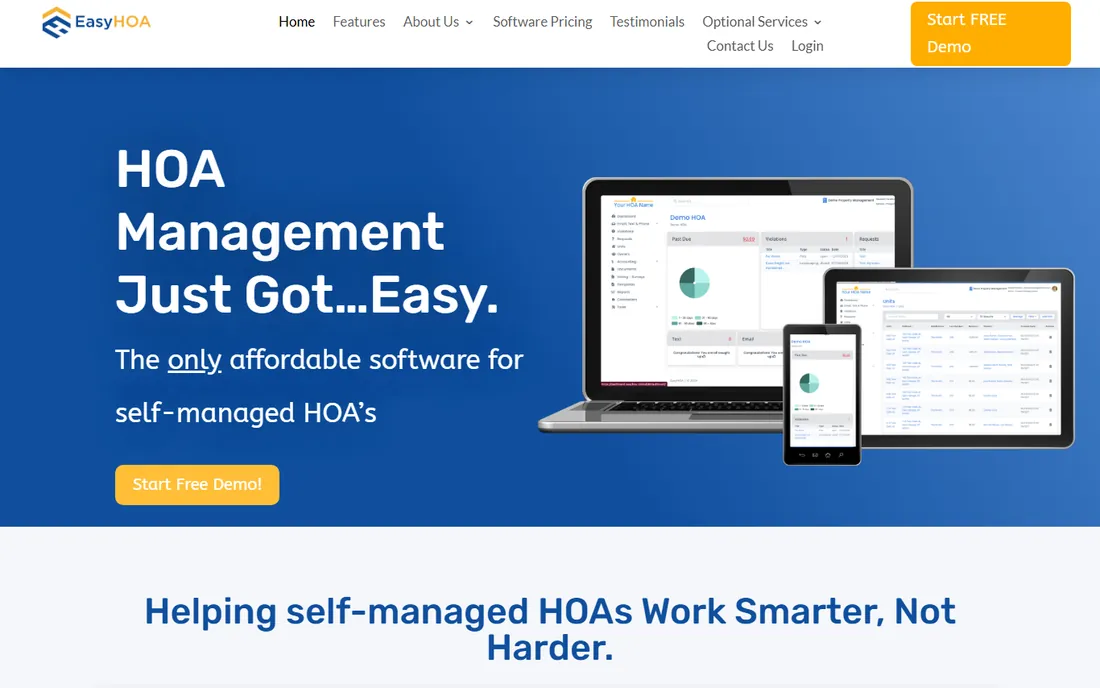
EasyHOA takes the same all-inclusive philosophy as PayHOA: one package, every feature, no tiers to decode. Starting at $49 per month, it covers accounting, communications, violations, dues billing and payments, and document storage in a single subscription aimed squarely at self-managed associations. Boards that found per-unit pricing confusing tend to land here or at RunHOA.
The limits show at scale. There is no public API, and the reporting and integration options are thinner than what a professional management company needs. It is built for smaller associations, and it is honest about that. If your HOA is under a hundred units and self-managed, the simplicity is a feature, not a gap.
What we like- Every feature available at every price point
- Built exclusively for self-managed HOAs
- Straightforward onboarding
Watch out for- No public API
- Reporting and integrations are limited for complex portfolios
Starting priceFree plan available; paid plans quoted
Free planYes
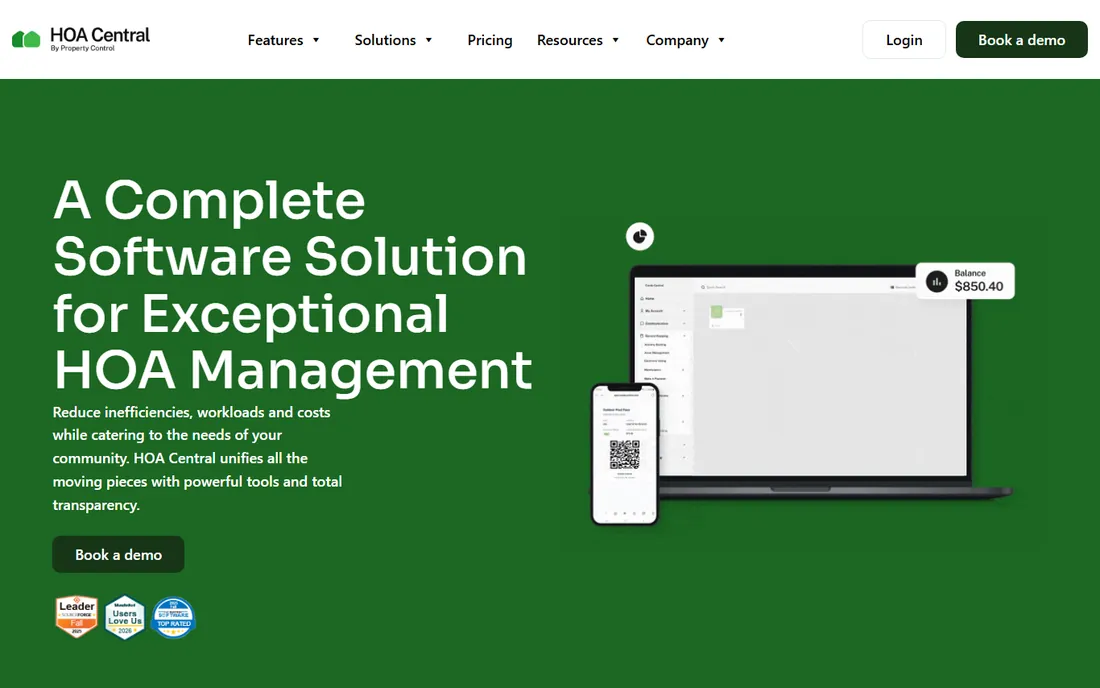
HOA Central is the only tool here with a genuine free tier, which removes the main objection small boards have to adopting software at all. The platform gives boards and managers one cloud workspace to collect dues, issue violations, process work orders, run votes and keep residents informed, with a branded portal and mobile app plus QuickBooks integration for the treasurer.
Paid plans are quoted based on unit count and selected modules, so budgeting takes a sales conversation. The free tier will not cover everything a larger association needs, and the module-based pricing can get complicated. Still, for a board that wants to prove the concept before spending, starting free and upgrading when the value is obvious is a reasonable path.
What we like- Free tier lets a board start at zero cost
- Dues collection, violations, work orders and voting in one workspace
- QuickBooks integration
Watch out for- Paid pricing is quote-based and varies by units and modules
- Feature depth varies across the free and paid tiers
Starting priceSee website
Free planFree trial
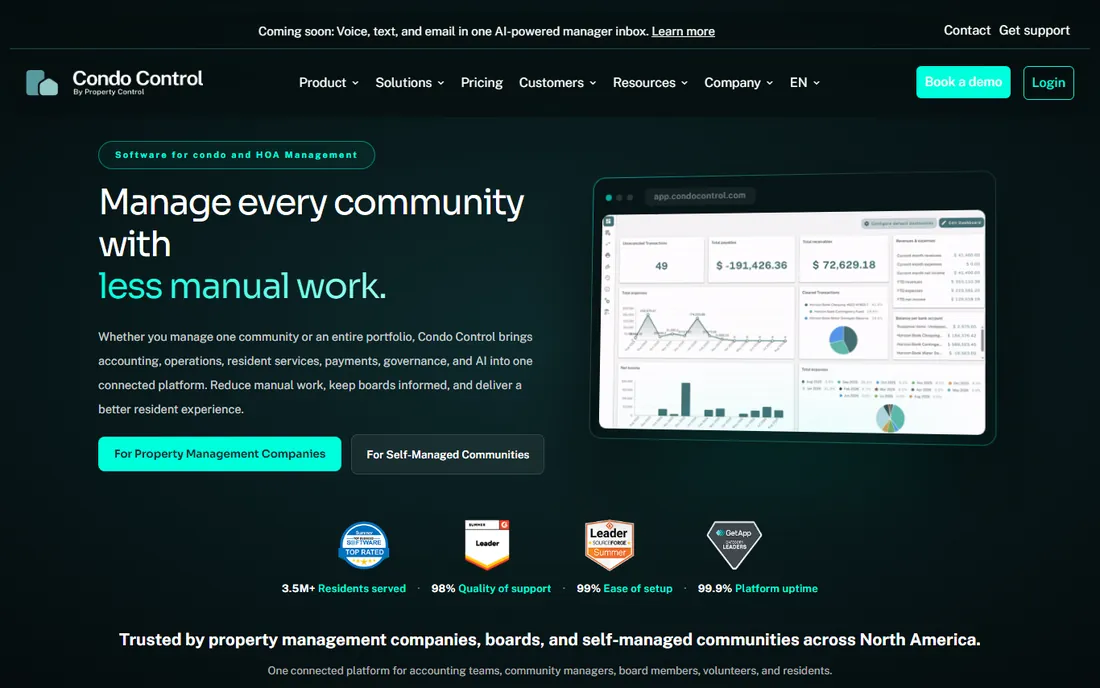
Condo Control targets the associations that have outgrown simple dues tools: mid-size and large HOAs and condos that need payments alongside maintenance, events, document management, service requests, amenity bookings and communications. The resident self-service portal is a genuine strength, cutting the routine questions that eat a manager's day.
Pricing is not public, which slows down comparison shopping, and the breadth that serves large associations is simply more than a 30-unit HOA should buy. It fits professional managers and larger self-managed communities that want one system for the whole operation. Smaller boards should start with PayHOA, RunHOA or EasyHOA and only step up when the feature list justifies it.
What we like- Broad feature set from payments to amenity bookings
- AI-assisted tools on higher tiers
- Strong resident self-service portal
Watch out for- No public pricing
- More system than a small HOA needs
Starting priceSee website
Free planNo
TownSq describes itself as the technology choice for community management companies, board members and residents across North America, and its footprint backs that up. The platform unifies dues collection, online payments, payment reminders, budgets, reserves, delinquency processing and financial reporting, with document organization and multiple account types for the treasurer.
Everything about it signals scale: quote-based pricing, a real implementation process, and a feature set built for professional management. A self-managed 40-unit HOA will find it heavy. A management company running dozens of communities, or a large association that wants the most adopted platform in the space, will find it fits.
What we like- Widely adopted across North America
- Strong financial tools from dues to reserves and delinquencies
- Good mobile experience for residents
Watch out for- Quote-based pricing
- Implementation is a bigger project than the simple tools
Starting price$1.49/unit/month ($298/month minimum)
Free planNo

AppFolio is the enterprise end of this list. The Core package for community associations runs $1.49 per unit per month with a $298 monthly minimum and a 50-unit floor, rising through Plus and Max tiers with deeper automation and reporting. It brings the full weight of a major property management platform: accounting, communications, operations, maintenance and payments with serious automation.
Small associations should not bother; the minimums alone rule them out. But a management company overseeing a large HOA portfolio gets automation, reporting and AI features that the simpler tools cannot match. It is the pick when dues collection is one part of running a real property management business.
What we like- Purpose-built association package within a proven platform
- Deep automation across accounting and operations
- Scales to thousands of units
Watch out for- $298 monthly minimum and 50-unit floor exclude small HOAs
- Pricing requires a custom quote
Starting priceSee website
Free planNo

eUnify is a cloud-based property management system designed for community associations, with recurring payments, work orders, budgeting and reporting at its core, plus mobile inspections and vendor management. It sits in the middle of this list: more association-focused than the rental-first tools, less enterprise-heavy than AppFolio or TownSq.
The main drawback is transparency. With no public pricing, evaluating it means a demo and a quote, which puts it at a disadvantage against PayHOA and Buildium for boards that want numbers now. It fits associations that want a dedicated community platform with recurring payment workflows and are comfortable with a sales-led buying process.
What we like- Cloud system built for community associations
- Recurring payments with budgeting and reporting
- Mobile inspections and vendor management
Watch out for- No public pricing
- Smaller brand than the category leaders
How we chose
We compared these nine tools using published pricing pages, plan details, documentation and public reviews on G2, Capterra and GetApp. We verified every price against a published source and marked quote-only vendors clearly. We prioritized tools that fit US homeowner associations, from small self-managed boards to professional management companies, and we weighted dues collection, autopay and fee transparency over general property features. No vendor paid for placement, and we did not claim hands-on testing.
The fee question every board should ask
The subscription price is the smaller half of the bill. Every tool here charges payment processing fees on top, and the difference between ACH and credit card rates is large enough to change which tool is cheapest for your community. As a rough guide, expect around 1 percent for ACH bank transfers and close to 3 percent for credit cards, with some vendors charging flat per-transaction fees instead.
Before signing anything, get three numbers in writing: the subscription cost at your unit count, the ACH fee per transaction, and the credit card rate. Then estimate a year of dues payments through each method your homeowners actually use. Boards that skip this step routinely discover the cheapest subscription carries the most expensive processing, and by then the data migration is done.
Autopay is the feature that actually matters
Every tool on this list collects dues online, so the differentiator is not the payment button. It is autopay adoption. The associations with the fewest delinquencies are the ones where most homeowners pay automatically each month, which means the software's real job is making autopay enrollment easy and keeping it running when cards expire.
When you demo these tools, ignore the dashboard and watch the homeowner experience instead. How many clicks does autopay setup take. What happens when a card expires. How clear are the payment reminders. A board member will forgive an ugly admin panel, but homeowners will abandon a confusing payment flow, and every abandoned setup is another check to chase.
Frequently asked questions
What is the cheapest software to collect HOA dues?
HOA Central has a free tier, and RunHOA charges a flat $399 per year regardless of unit count, which is the cheapest full option for larger communities. PayHOA starts at $54 per month and EasyHOA at $49 per month. Remember to add payment processing fees to every option.
Can homeowners pay HOA dues by credit card and ACH?
Yes, all nine tools accept both. ACH bank transfers are much cheaper, usually around 1 percent or a flat per-transaction fee, while credit cards run close to 3 percent. Most boards encourage ACH and either absorb the card fees or pass them to the homeowner.
Do these tools handle delinquencies and late fees?
Most do. PayHOA, Buildium, TownSq and AppFolio include delinquency tracking, late fee automation and collections workflows. The simpler flat-fee tools cover the basics, while the enterprise platforms add the reporting and escalation features that management companies need.
How long does it take to set up HOA dues software?
Simple tools like PayHOA, EasyHOA and RunHOA can collect the first payment within days if the homeowner list is ready. Importing owner records, setting up autopay and training the board typically takes two to four weeks. Enterprise platforms like AppFolio and TownSq take longer because of data migration and configuration.
Will the software integrate with our accounting?
Most integrate with QuickBooks, and several include full HOA accounting in the subscription. PayHOA, Buildium and HOA Central all list QuickBooks integration. Confirm whether your desktop or online version is supported before committing.
What happens to our data if we switch software later?
Ask before you sign. Data export policies vary, and some vendors make historical records hard to extract. Confirm in writing that you can export homeowner records, payment history and documents in a usable format, and clarify any fees for data access after cancellation.
Sources we checked (9)
- https://managecasa.com/articles/payhoa-reviews-features-pros-cons
- https://www.g2.com/products/payhoa/pricing
- https://www.buildium.com/blog/best-hoa-management-software-platforms/
- https://www.usecarly.com/blog/buildium-pricing/
- https://www.capterra.ca/software/1011438/runhoa
- https://softwareconnect.com/comparisons/appfolio-vs-buildium/
- https://slashdot.org/software/comparison/HOA-Central-vs-HOA-Start/
- https://www.getapp.com/real-estate-property-software/a/payhoa-1/
- https://aldeahq.com/blog/how-to-collect-hoa-dues-online
Is your product missing or out of date?
We review this list regularly. Vendors can request a listing, send updated pricing or ask about featured placement.

Shihab Mia · Founder, Rankite
Shihab has spent more than a decade helping SaaS and e-commerce brands grow through search. He writes Rankite's software buying guides from pricing pages, documentation and public user reviews. More about Shihab.