How we make this list: we compare pricing pages, product documentation and public user reviews. Rankite is independent; if a vendor ever pays for a featured spot, that listing is clearly labeled Partner.
Key takeaways
- Most PCs do not need aggressive registry cleaning; the real gains come from clearing junk files, managing startup programs, and uninstalling bloat.
- CCleaner ($44.95/year) remains the best-known all-rounder, but its free version covers the basics most home users need.
- BleachBit is completely free and open source, which makes it the pick for privacy-minded users and anyone who distrusts subscription cleaners.
- Advanced SystemCare ($29.99/year) and Glary Utilities ($39.95/year) bundle the widest toolkits for users who want one dashboard for everything.
- Paid plans across this category run roughly $30 to $70 per year, so try the free versions first and upgrade only if you will actually use the automation.
Quick comparison
Is your product missing or out of date?
We review this list regularly. Vendors can request a listing, send updated pricing or ask about featured placement.
The best software to clean up pc
A dental office in Florida watched its front-desk computer take eleven minutes to boot every morning, and the practice manager had already picked out a replacement. A free cleanup tool found the real problem: 40 programs launching at startup and a hard drive 92 percent full. After one cleaning pass, boot time dropped under two minutes. PC cleanup software cannot fix failing hardware, but most "slow computer" complaints are software problems a good cleaner can solve.
Starting price$44.95/year
Free planYes
CCleaner is the default PC cleaner for a reason: it has been doing this job for two decades, and its free version handles the essentials, temporary files, browser traces, and startup management, without charging a cent. The Professional tier at $44.95 per year adds scheduled cleaning, automatic updates for installed apps, a driver updater, and the Performance Optimizer that puts resource-hungry apps to sleep.
The honest take is that most home users never need to upgrade. The free version is genuinely useful, not a crippled demo. Professional makes sense if you manage PCs for family members and want the maintenance to happen on its own. Just decline the bundled extras during install, and do not expect registry cleaning to transform an old machine; nothing short of an SSD or a fresh Windows install does that.
What we like- The name everyone knows
- Strong junk, browser, and startup cleanup
- Performance Optimizer puts idle apps to sleep
Watch out for- Paid tiers are annual subscriptions
- Installer and upsells can be pushy
- Registry cleaning adds little real speed

#2
IObit Advanced SystemCare
Best for: one-click whole-PC maintenance
Visit iobit.com
Starting price$29.99/year
Free planYes

Advanced SystemCare is built for people who want to press one button and be done. Its AI-guided scan bundles junk cleanup, startup optimization, privacy sweeping, and system tweaks into a single pass, and the free version covers the basics. Pro, listed at $29.99 per year, adds real-time protection, automatic maintenance, deeper cleaning, and 24/7 support.
At that price for up to three PCs, it is one of the cheaper ways to get hands-off maintenance across a household. The trade-off is the salesmanship: the installer and the dashboard both push other IObit products, so read every screen during setup. Used carefully, with each recommended change reviewed before applying, it is a solid convenience tool rather than a miracle cure.
What we like- Guided one-click care suits beginners
- Includes startup, RAM, and driver tools
- Pro covers up to 3 PCs at a fair price
Watch out for- Interface promotes other IObit products
- Dashboard can feel crowded
- Windows only
Starting price$39.95/year
Free planYes
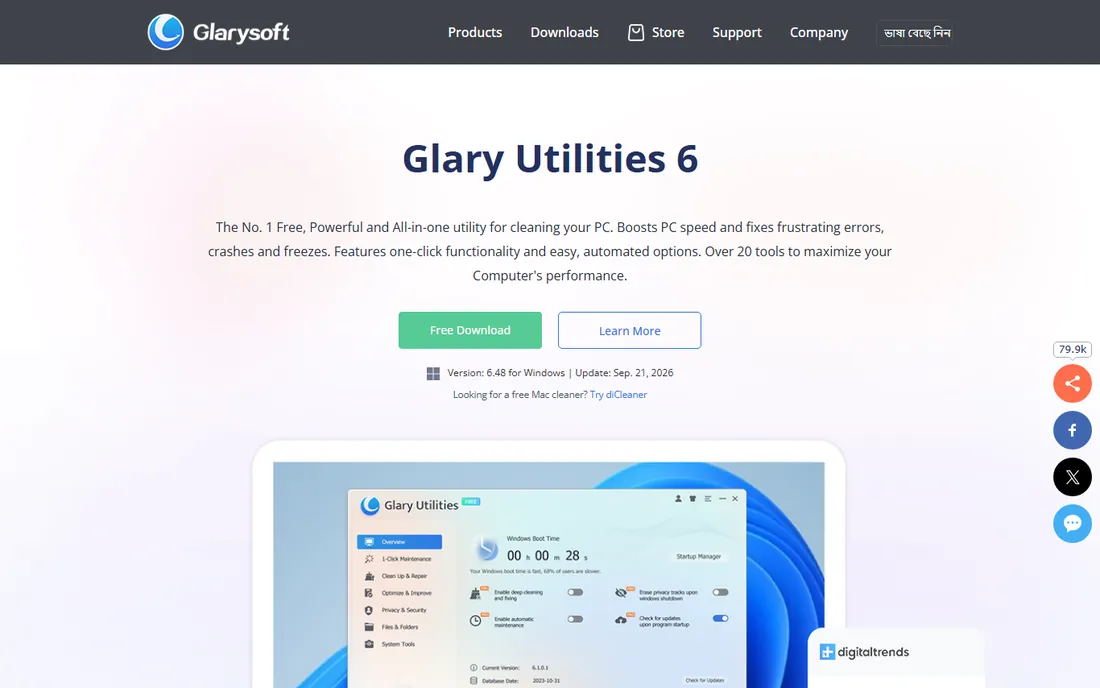
Glary Utilities is the Swiss army knife of this list, with more than 20 tools covering disk cleanup, registry repair, startup management, duplicate finding, file shredding, and software updates. The free version includes most of the toolkit; the Pro license at $39.95 per year mainly adds scheduled maintenance, automatic updates, and priority support.
Tech reviewers keep coming back to it because it does the unglamorous jobs well, especially the uninstaller, which hunts down leftovers that Windows leaves behind. The interface will not win design awards, and patient users can replicate most Pro automation with the free version on a schedule. But for tinkerers who want every maintenance tool in one lightweight package, it remains a favorite.
What we like- Over 20 individual tools in one package
- Excellent uninstaller with leftover cleanup
- Frequent updates
Watch out for- Interface looks dated
- Pro mainly adds automation you can do manually
- Free version prompts upgrades
Starting price$29.95/year
Free planYes
Wise Care 365 does one thing well: a quick, clear PC checkup that scans for junk, registry issues, privacy traces, and startup drag, then fixes them in one pass. The interface is clean and fast, and at under 40 MB it is lighter than most rivals. Pro, listed at $29.95 per year for one PC, adds real-time protection, silent auto-cleaning, and faster boot optimization.
WiseCleaner claims over 200 million downloads, though independent review coverage is thinner than for CCleaner or IObit. The free version is more than enough for routine upkeep on a healthy PC. Upgrade only if you want the set-and-forget automation, and create a restore point before letting any registry tool, this one included, make changes.
What we like- Fast one-click PC checkup
- Genuinely lightweight
- Free version is capable for daily use
Watch out for- Pro upsell prompts in the free version
- Smaller brand with fewer independent reviews
- Windows only

#5
AVG TuneUp
Best for: automatic background maintenance
Visit avg.com
Starting price$39.99/year
Free planFree trial
AVG TuneUp's headline feature is Sleep Mode, which puts background programs to sleep so they stop draining CPU and battery, then wakes them when you need them. Combined with disk and browser cleaning, software updating, and an Undo Center that rolls back unwanted changes, it is a genuinely capable maintenance suite. The first year lists at $39.99 and covers up to 10 devices, which suits multi-device households.
Watch the renewal math: the regular annual price is notably higher than the introductory rate, which is standard practice for AVG but worth knowing upfront. The free trial is limited, so this is a buy-it-or-skip-it decision more than the others here. If you want maintenance that runs itself across every PC in the house, it earns its keep.
What we like- Patented Sleep Mode tames background apps
- Covers up to 10 devices
- Automatic maintenance runs weekly
Watch out for- Renewal price jumps after the first year
- Subscription pop-ups annoy
- Limited free tier
Starting price$59.99/year
Free planFree trial
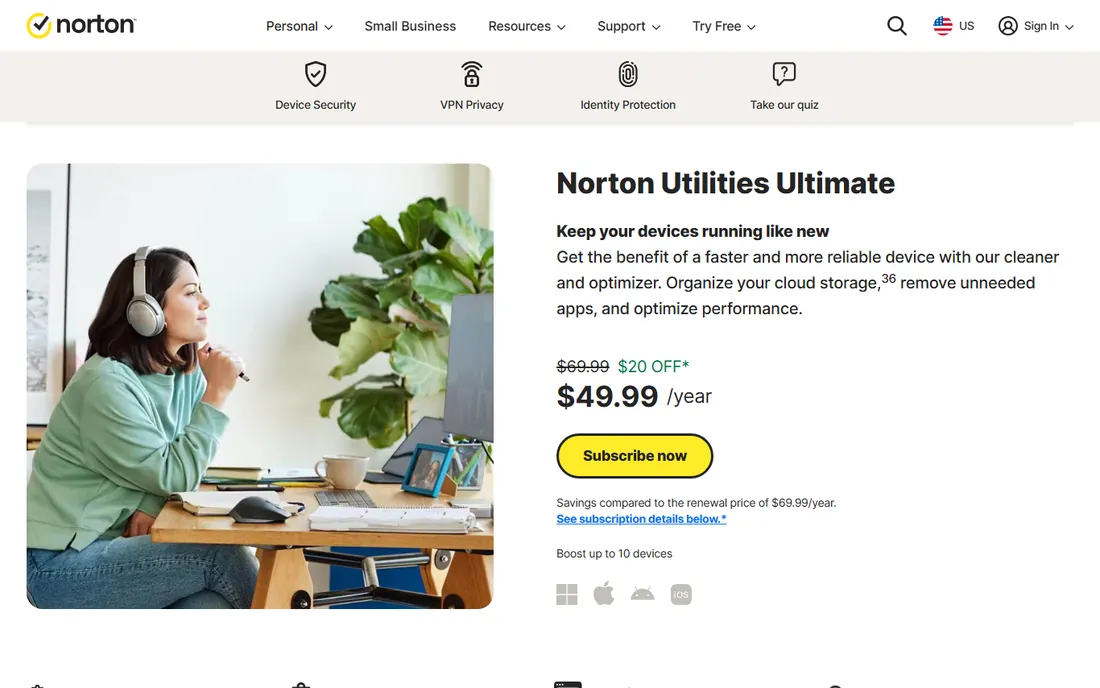
Norton Utilities Ultimate is the premium-priced option here at $59.99 per year, but that single subscription covers up to 10 PCs, which changes the value math for families and small offices. Beyond standard junk and registry cleanup, it includes file recovery, a drive scrubber, and on-demand boost modes for gaming and streaming.
Norton is famously aggressive with first-year discounts and renewal pricing, so expect the sticker price to move. The seven-day trial requires payment details, which is worth noting. If you already trust Norton for security and you have several PCs to maintain, bundling cleanup into the same vendor relationship is convenient. Single-PC users will find better value elsewhere.
What we like- One subscription covers up to 10 PCs
- Includes file recovery and drive scrubber tools
- Strong brand trust
Watch out for- Highest renewal price on this list
- Windows focused
- Requires credit card for the trial
Starting priceFree
Free planYes
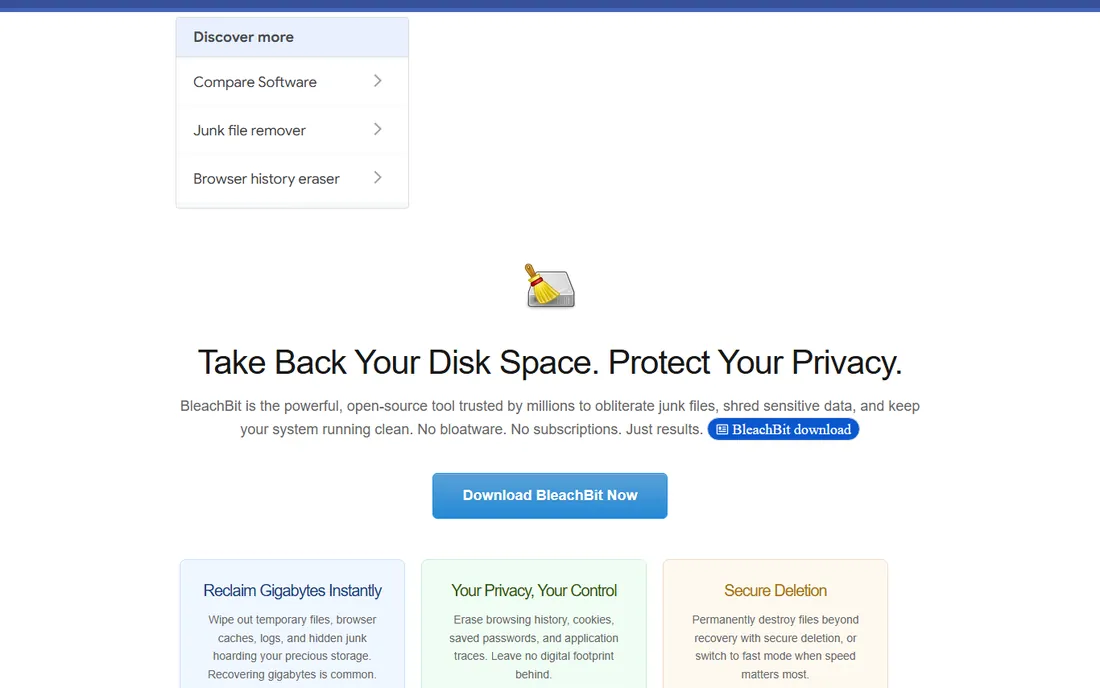
BleachBit is the anti-commercial cleaner: open source, free forever, no ads, no upsells, no accounts. It deletes junk files, wipes browser traces and cookies, and can securely shred files beyond recovery. Power users get command-line automation and custom CleanerML rules for targeting any application, and everything works offline without registration.
The trade-off is guidance. There is no friendly AI scan or one-click wizard, so beginners should stick to the safe default cleaners and preview what will be deleted first. For privacy advocates, system administrators, and anyone who finds subscription cleaners distasteful, BleachBit is the honest tool. It does exactly what it says, shows you every file before deletion, and costs nothing.
What we like- Completely free with no upsells
- Open source under GPLv3
- Secure file deletion and no-registration privacy
Watch out for- No hand-holding for beginners
- Interface is utilitarian
- No automatic maintenance scheduling
Starting priceSee website
Free planYes

Auslogics BoostSpeed goes further than basic cleaners, with a suite of more than 20 tools covering junk removal, registry cleaning and defrag, internet optimization, SSD-specific tools, and real-time hardware monitoring that warns about CPU temperature. Version 14 streamlined the dashboard and added genuinely useful touches like separate SSD and HDD optimization.
It is the enthusiast's pick: the Tweak Manager and system advisors give knowledgeable users fine control, with automatic backups before risky changes as a safety net. Pricing for the Pro version varies by region and promotion, so check the live price on the vendor site. Casual users may find simpler tools less intimidating, but tinkerers will appreciate the depth.
What we like- 20-plus tools including SSD optimizer and hardware monitoring
- Modern interface
- Automatic backups before risky changes
Watch out for- Pro pricing varies by region and promotion
- Deep tweaking can overwhelm casual users
- Windows only
How we chose
We focused on Windows PC cleaners with real 2026 availability: tools you can still download from a live vendor site, with current pricing we could verify from recent vendor or review sources rather than stale roundups. We included both commercial suites and the leading open-source option, and we weighted honest free tiers heavily, since many buyers never need to pay. We excluded defunct tools, pure antivirus products, and anything that looked like scareware. We did not run hands-on tests; this ranking reflects documented features, current pricing, and each tool's reputation among reviewers and users.
What actually speeds up a slow PC
Set expectations before spending money. No cleaner fixes a failing hard drive, insufficient RAM, or a Windows install corrupted beyond repair. The improvements these tools reliably deliver come from three things: removing gigabytes of temporary and cached files, stopping unnecessary programs from launching at startup, and uninstalling software you no longer use. Windows' own Storage Sense, Task Manager startup tab, and the Apps settings page do much of this for free.
Registry cleaning, the classic selling point, provides minimal measurable speed gains on modern Windows. Use registry tools only for obvious orphaned entries, always with a restore point or backup, and skip registry defragging entirely on SSDs. If a cleaner promises dramatic speedups, treat the marketing with skepticism. The best maintenance routine is boring: run a junk cleanup monthly, review startup programs quarterly, and keep Windows and your drivers updated.
Why free versions are often enough
Nearly every commercial cleaner on this list ships a free version, and for routine maintenance they are surprisingly complete. CCleaner Free, Glary Utilities Free, and BleachBit handle the core jobs, junk removal, browser cleanup, and startup management, without costing anything. The paid tiers mostly buy convenience: scheduled automatic cleaning, real-time monitoring, and priority support.
That convenience is worth paying for in specific situations: maintaining PCs for non-technical family members, managing several household computers, or running a small office without IT staff. For a single healthy PC that you use daily, a free cleaner plus Windows' built-in tools is usually sufficient. Try free first, and only upgrade when you can name the paid feature you actually need.
Frequently asked questions
Are PC cleaners safe to use?
Reputable cleaners from established vendors are safe when used sensibly. Stick to junk file and browser cleanup, review changes before applying them, and create a system restore point before registry operations. Avoid obscure cleaners advertised through pop-ups or scare tactics, which are often bundled with adware or worse.
Does registry cleaning actually speed up my PC?
Very little on modern Windows. Registry cleaning can remove orphaned entries left by uninstalled software, but measurable performance gains are minimal. The real speedups come from freeing disk space, reducing startup programs, and upgrading slow hardware like spinning hard drives.
Which PC cleaner is best for beginners?
IObit Advanced SystemCare and AVG TuneUp are the most beginner-friendly, with guided one-click scans and automatic maintenance. CCleaner is also approachable, and its free version is a good starting point before spending anything.
Is BleachBit really free?
Yes. BleachBit is open source software released under the GPLv3 license. It is free forever with no ads, no upsells, and no premium tier. Donations support development, but the software itself costs nothing and includes all features.
Should I pay for a PC cleaner or use the free version?
Try the free version first. For most single-PC users, free cleaners plus Windows' built-in Storage Sense and Task Manager cover routine maintenance. Paid versions make sense when you want automated scheduled cleaning across multiple PCs or priority support.
Can a PC cleaner replace antivirus software?
No. Cleaners remove junk files and optimize settings; they do not provide real-time malware protection. Some suites bundle basic security features, but they are not substitutes for dedicated antivirus software like Windows Security or a commercial antivirus product.
Sources we checked (8)
- https://www.ccleaner.com/
- https://www.iobit.com/
- https://www.glarysoft.com/
- https://www.wisecleaner.com/
- https://www.avg.com/
- https://us.norton.com/norton-utilities-ultimate
- https://www.bleachbit.org/
- https://www.auslogics.com/
Is your product missing or out of date?
We review this list regularly. Vendors can request a listing, send updated pricing or ask about featured placement.

Shihab Mia · Founder, Rankite
Shihab has spent more than a decade helping SaaS and e-commerce brands grow through search. He writes Rankite's software buying guides from pricing pages, documentation and public user reviews. More about Shihab.
 CCleaner
 Glary Utilities
 Wise Care 365
 Norton Utilities Ultimate
 BleachBit
 Auslogics BoostSpeed