How we make this list: we compare pricing pages, product documentation and public user reviews. Rankite is independent; if a vendor ever pays for a featured spot, that listing is clearly labeled Partner.
Key takeaways
- Most leading PC optimizers have capable free versions, so try before you pay for anything.
- Paid plans typically run $30 to $60 per year, with multi-device licenses covering 3 to 10 PCs.
- CCleaner remains the best-known name, while Norton Utilities Ultimate covers Windows, Mac, Android, and iOS in one subscription.
- If you want deep registry and disk tools, Auslogics BoostSpeed and Iolo System Mechanic are the specialist picks.
- Registry cleaners carry some risk, so back up or use the undo feature before making aggressive changes.
Quick comparison
| Tool | Best for | Starting price | Free plan |
|---|
 CCleaner CCleaner | Simple one-click PC cleanup | See website | Yes |
 Advanced SystemCare Advanced SystemCare | One-click optimization for beginners | $29.99 per year (1 PC) | Yes |
 Glary Utilities Glary Utilities | A toolkit of 20-plus utilities | $39.95 per year (3 PCs) | Yes |
 AVG TuneUp AVG TuneUp | Automatic background maintenance | See website | Free trial (7 days) |
 Auslogics BoostSpeed Auslogics BoostSpeed | Deep disk, registry, and SSD optimization | $59.95 per year (3 PCs) | Free trial |
 Wise Care 365 Wise Care 365 | Fast, lightweight free cleanup | $39.95 per year (3 PCs) | Yes |
 Norton Utilities Ultimate Norton Utilities Ultimate | One subscription for Windows, Mac, Android, and iOS | $59.99 per year | No |
 Iolo System Mechanic Iolo System Mechanic | Hands-off automated PC maintenance | $54.95 per year (base plan) | Free trial (30 days) |
Is your product missing or out of date?
We review this list regularly. Vendors can request a listing, send updated pricing or ask about featured placement.
The best pc optimizer software
WiseCleaner reports that Wise Care 365 alone has passed 200 million downloads worldwide. That figure shows how many PCs still feel sluggish enough that their owners go looking for help. Junk files, bloated startup lists, and fragmented drives accumulate quietly, and most people never touch Windows' own maintenance tools.
PC optimizer software automates that cleanup: scanning for junk, fixing registry entries, managing startup programs, and protecting privacy traces. Some tools are free; others charge a yearly fee for automation and deeper repair. A few warnings apply too: registry cleaners can cause problems if used aggressively, so stick with established tools and their safety features.
Here are eight PC optimizers worth comparing.
Starting priceSee website
Free planYes
CCleaner is the name most people reach for when their PC slows down, and it has been doing this job longer than nearly anyone else. The free version handles the basics: clearing temporary files, browser history, and cookies, plus a registry cleaner and startup manager. It works well enough that many users never pay.
The Professional tier adds automated smart cleaning, real-time monitoring, scheduled cleaning, a driver updater, and a software updater. It is the set-it-and-forget-it version of the same product. CCleaner is a safe first pick for anyone who wants the category's most familiar interface and a free edition that actually does useful work.
What we like- Long-established and easy to use
- Removes junk, cookies, and tracking data
- Scheduled cleaning and real-time monitoring on paid tiers
Watch out for- Free version is manual-only with limited features
- Pricing is hard to find on the site without starting checkout
#2
Advanced SystemCare
Best for: One-click optimization for beginners
Visit iobit.com
Starting price$29.99 per year (1 PC)
Free planYes

IObit's Advanced SystemCare is built around a single button: run the scan and the tool cleans junk files, sweeps privacy traces, repairs registry entries, and tunes system settings. The Pro tier adds real-time optimization, deeper cleaning, automatic RAM release, and faster internet tweaks. It is designed for people who want maintenance without decisions.
The free version covers quicker startup, junk cleaning, and basic privacy protection, which makes it a legitimate daily driver. Pricing starts at $29.99 per year for one PC, making it one of the cheapest paid optimizers here. If you like IObit's ecosystem, it pairs with the company's driver updater and uninstaller.
What we like- AI-powered one-click scan covers junk, privacy, and performance
- Free version covers everyday cleanup
- 60-day money-back guarantee
Watch out for- Pro features overlap with several other IObit products
- Aggressive upselling inside the app annoys some users
Starting price$39.95 per year (3 PCs)
Free planYes
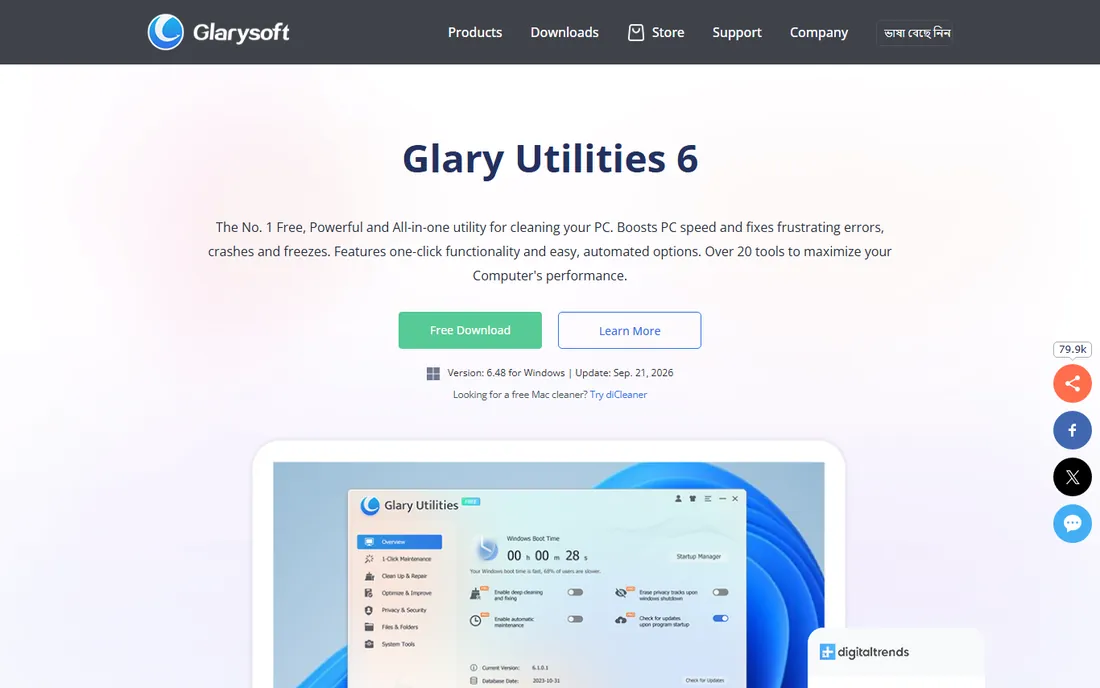
Glary Utilities is less a single optimizer and more a workshop: more than 20 tools covering junk cleanup, registry repair, disk defragmentation, privacy protection, duplicate files, file recovery, and disk space analysis. The one-click maintenance mode runs the important ones together, while advanced users can run each tool individually.
The free version is fully functional for manual use, and Pro at $39.95 per year for three PCs adds automatic maintenance, automatic updates, and priority support. For tinkerers who want lots of individual utilities under one roof, it remains a favorite.
What we like- Over 20 tools including file recovery, duplicate finder, and disk analyzer
- One-click maintenance mode
- 90-day money-back guarantee
Watch out for- Interface looks dated compared to rivals
- Disk cleaning can delete restore points, so check settings first
#4
AVG TuneUp
Best for: Automatic background maintenance
Visit avg.com
Starting priceSee website
Free planFree trial (7 days)
AVG TuneUp comes from a security company, and it shows in the polish. Its standout feature is Sleep Mode, which temporarily puts resource-draining background programs to sleep so more CPU and memory stay available for what you are actually doing. Automatic maintenance keeps the system clean without you opening the app, and the software updater patches third-party programs to close security gaps.
There is no permanent free tier; you get a seven-day trial without needing a payment card. Paid plans cover up to 10 devices across Windows, Mac, and Android, which makes it a strong fit for households with mixed devices. The automatic updates feature is genuinely useful for small businesses that cannot babysit every PC.
What we like- Patented Sleep Mode puts resource-heavy apps to sleep
- 24/7 automatic maintenance
- Works on Windows, Mac, and Android
Watch out for- No free plan, only a 7-day trial
- Renewal pricing is higher than the intro rate
Starting price$59.95 per year (3 PCs)
Free planFree trial
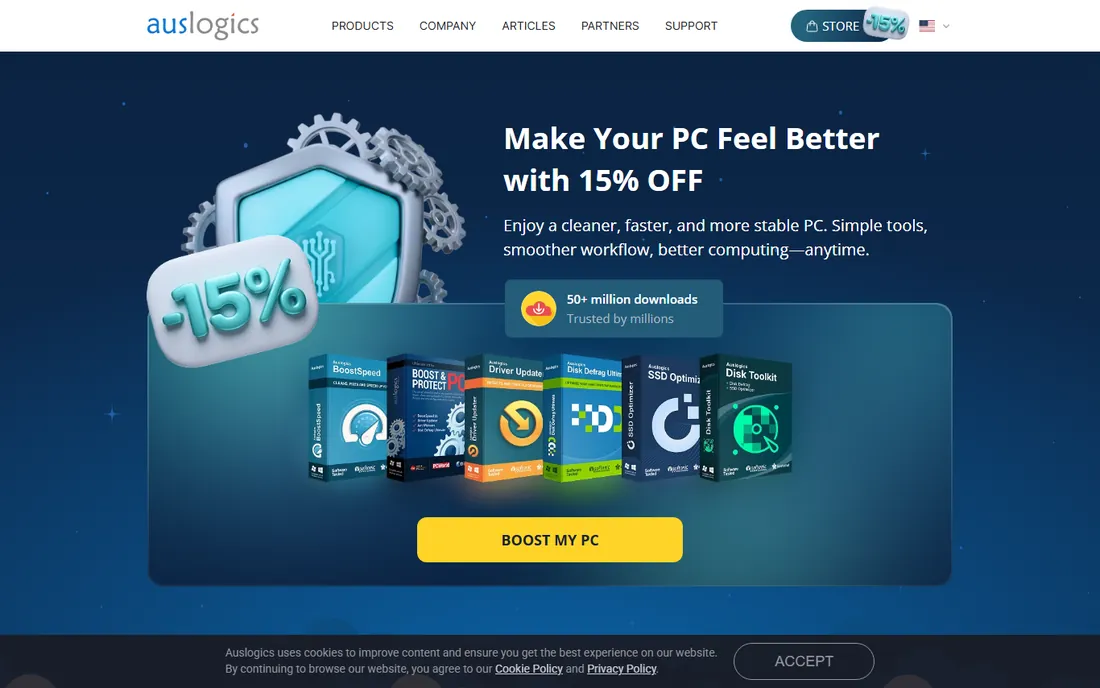
Auslogics has sold PC optimization tools since 2008, and BoostSpeed is its flagship suite. It goes deeper than surface cleaners: full SSD optimization, registry defragmentation, internet connection tweaking, and detailed disk cleanup across more than 100 junk categories. Every registry operation backs up first, which matters when edits go wrong.
The interface is modern, with dark mode and customizable dashboards, and the company says more than 50 million people have downloaded its software. At $59.95 per year for three PCs, it costs more than CCleaner or Advanced SystemCare, but the depth of the toolset justifies it for enthusiasts who like control.
What we like- Full SSD optimization tools
- Thorough registry cleaning with backups
- 18 years of development and 50 million-plus downloads
Watch out for- Higher price than most rivals
- Windows only, with no macOS support
Starting price$39.95 per year (3 PCs)
Free planYes
Wise Care 365's free edition handles routine cleanup well, which explains part of those 200 million downloads. One-click checkup scans junk files, registry entries, and privacy traces, and the system monitor shows hardware specs and running processes. It is light on resources and quick to scan.
Pro at $39.95 per year for three PCs adds real-time system protection, silent automatic cleaning, faster startup optimization, and premium support. For users who just want a fast free cleaner with a paid upgrade path, Wise Care 365 is one of the easiest recommendations on this list.
What we like- Free version is genuinely capable
- Fast scans with low resource use
- Privacy eraser and system monitoring included
Watch out for- Pro mainly adds automation rather than new tools
- Interface feels crowded at times
#7
Norton Utilities Ultimate
Best for: One subscription for Windows, Mac, Android, and iOS
Visit us.norton.com
Starting price$59.99 per year
Free planNo
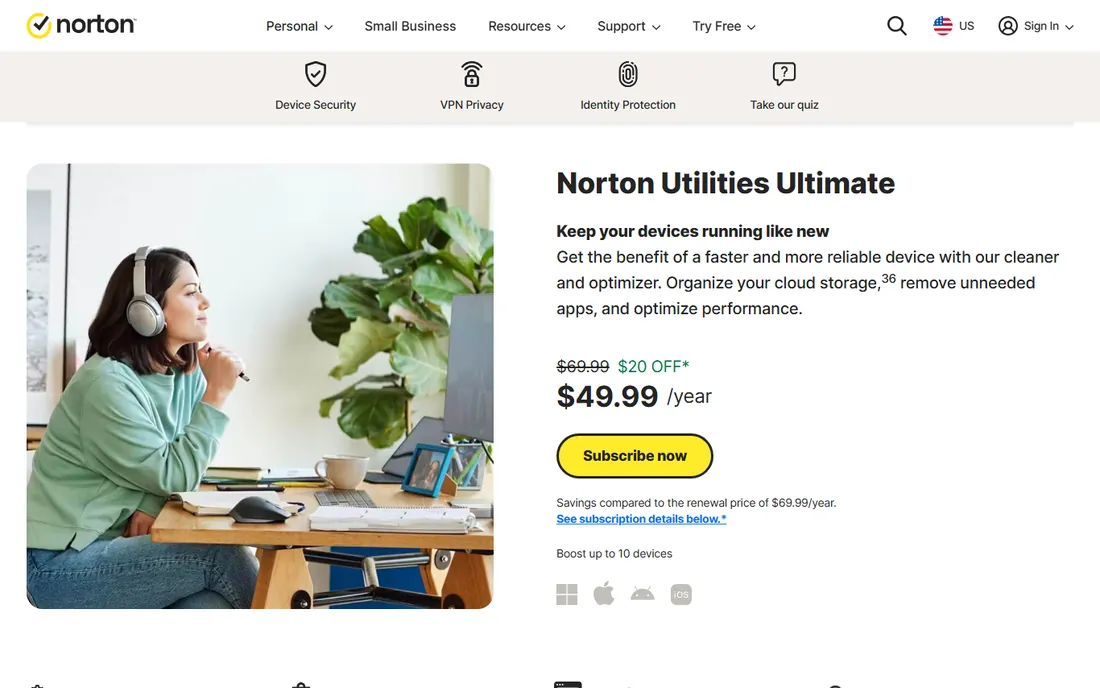
Norton Utilities Ultimate is the newer, more advanced replacement for Norton Utilities Premium, and the multi-platform coverage sets it apart. One subscription covers up to 10 devices across Windows, Mac, Android, and iOS. It cleans system junk, manages startup and background processes, uninstalls bloatware, organizes cloud storage, and includes data recovery and automatic cleaning.
The $59.99 per year price covers the whole household, and Norton offers a 60-day refund window on annual purchases. There is no free tier, and trials require a payment method. It fits best for families or small offices that want one brand handling cleanup on every device.
What we like- Covers up to 10 devices across four platforms
- Cloud storage cleaner for Dropbox, Google Drive, and OneDrive
- Data recovery and file shredder included
Watch out for- No free plan or free trial without payment
- Annual subscription only
#8
Iolo System Mechanic
Best for: Hands-off automated PC maintenance
Visit iolo.com
Starting price$54.95 per year (base plan)
Free planFree trial (30 days)
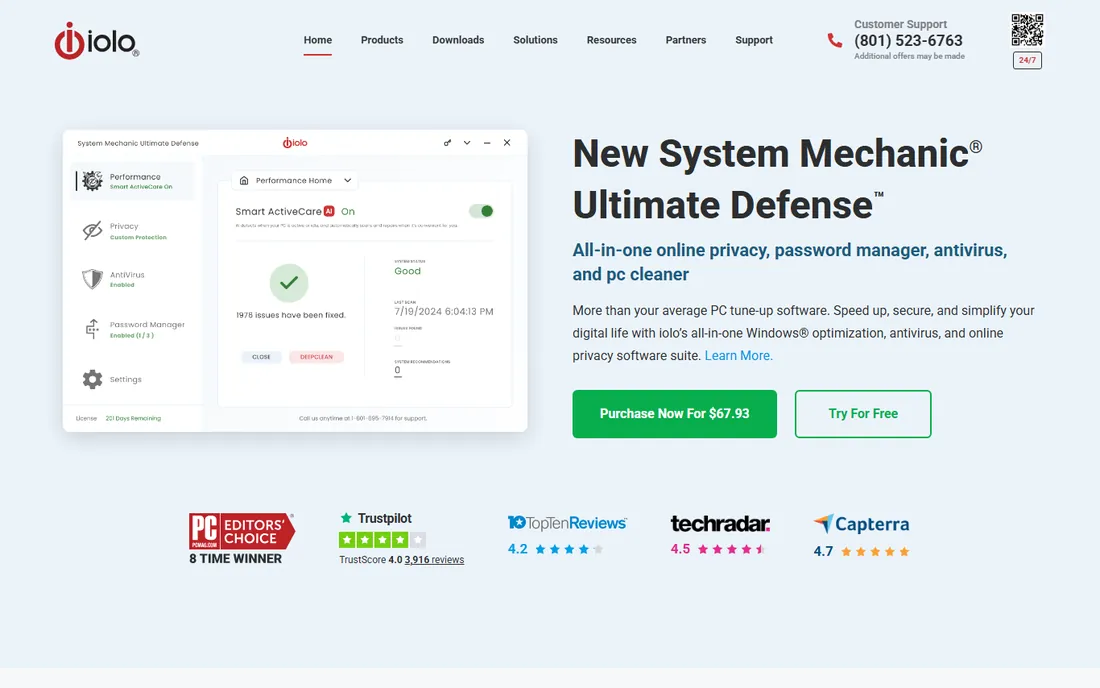
Iolo's System Mechanic has been a PC Magazine Editors' Choice multiple times, and its signature feature is Smart ActiveCare: an AI-driven engine that learns your usage patterns and runs maintenance automatically when your PC is idle. Deep registry repair, junk removal, startup optimization, and real-time performance monitoring all happen without you clicking anything.
The base plan starts at $54.95 per year and covers up to 10 PCs in one household. Higher tiers add antivirus with real-time protection, a password manager, and privacy tools. A 30-day free trial lets you test the full experience. For users who want to install it once and never think about maintenance again, this is the strongest pick.
What we like- Smart ActiveCare runs maintenance automatically when the PC is idle
- Covers up to 10 PCs per license
- Long track record with strong press reviews
Watch out for- No free version, trial only
- Higher tiers add cost for security and privacy features
How we chose
We compared tools using their official product pages and pricing pages, focusing on cleanup depth, automation, safety features, platform support, and pricing transparency. We weighed free-plan quality heavily, since many users never pay, and we checked public reviews on sites like G2, Capterra, Trustpilot, and tech publications for recurring complaints. We did not claim hands-on testing; our assessments reflect documented features, pricing, and reported user experience.
What to check before you buy a PC optimizer
Start with the free version. Nearly every tool here offers one, and it usually shows you the interface, scan speed, and how much junk it finds. If the free edition solves your problem, stop there. Pay only for automation: scheduled cleaning, real-time monitoring, and automatic updates are the features that justify a subscription.
Registry cleaners need respect
Registry cleaning is where PC optimizers can do real harm. Bad entries can break programs or destabilize Windows. Only use the registry cleaner in an established tool, always let it back up before making changes, and never run an aggressive "deep" registry clean on a production machine. The tools here all include backup or undo features; use them.
Check device limits and platforms
Some licenses cover one PC, others cover three or ten devices. If your household or office has several machines, a multi-device license at $40 to $60 per year often costs less per PC than a single-device plan. Also check platform support: most optimizers are Windows-only, while AVG TuneUp and Norton Utilities Ultimate cover Mac and mobile.
Beware the renewal price
Many vendors sell the first year at a discount and renew at a higher rate. Check the renewal price in the terms before subscribing, and set a calendar reminder before the auto-renewal date. A 30- to 60-day money-back guarantee is standard in this category, so use the refund window if the tool underwhelms.
Do PC optimizers actually work?
Yes, within limits. Removing gigabytes of junk files, trimming startup programs, and updating outdated software can make an older PC noticeably more responsive, and AVG's own figures cite measurable startup and performance improvements. What optimizers cannot do is fix hardware: a failing hard drive, overheating CPU, or 4 GB of RAM in 2026 will not be solved by software. If cleanup helps only a little, the next upgrade is usually an SSD or more memory, not another utility.
Frequently asked questions
Are free PC optimizers safe to use?
Established free optimizers like CCleaner Free, Glary Utilities Free, and Wise Care 365 Free are safe when downloaded from the official sites. The risk comes from lookalike sites bundling adware with fake cleaners. Always download from the vendor's own domain, and avoid any optimizer that demands payment before showing you a scan.
How often should I run a PC optimizer?
Weekly scans are plenty for most users. Daily cleaning offers little benefit and can waste time rewriting files. Set up automatic weekly maintenance if your paid plan supports it, and run a manual scan whenever the PC feels sluggish or disk space runs low.
Do I still need antivirus if I have a PC optimizer?
Yes. Optimizers and antivirus do different jobs. An optimizer cleans junk and tunes performance; it does not reliably detect malware. Some suites like Iolo System Mechanic Pro and AVG bundle both, but a dedicated optimizer is not a substitute for real antivirus protection.
Will a PC optimizer speed up gaming?
It can help at the margins by closing background programs and freeing RAM, and AVG TuneUp's Sleep Mode is designed for exactly this. But the biggest gaming gains come from driver updates, graphics settings, and hardware. Expect smoother multitasking rather than higher frame rates.
What is the difference between disk cleanup and registry cleaning?
Disk cleanup removes files: temporary files, caches, logs, and leftover installers that waste space. Registry cleaning removes stale entries in Windows' configuration database left behind by uninstalled software. Disk cleanup is safe and effective; registry cleaning is more delicate and should always be done with a backup.
Is Norton Utilities Ultimate better than Norton Utilities Premium?
Norton Utilities Ultimate is the newer product and replaces Premium. It adds cleaning for Mac, Android, and iOS, a cloud storage cleaner, and updated optimization technology. Norton positions it as the advanced version, and Premium is the legacy product, so new buyers should choose Ultimate.
Sources we checked (11)
- https://www.ccleaner.com/
- https://iobit.com/
- https://glarysoft.com/
- https://www.avg.com/en-us/avg-pctuneup
- https://auslogics.com/
- https://wisecleaner.com/
- https://www.wisecleaner.com/update-wisecare365.html
- https://us.norton.com/norton-utilities-ultimate
- https://iolo.com/
- https://www.geekbyter.com/review/pc-optimization/auslogics-boostspeed-pro-review/
- https://www.geekbyter.com/review/pc-optimization/iolo-system-mechanic-ultimate-defense-review/
Is your product missing or out of date?
We review this list regularly. Vendors can request a listing, send updated pricing or ask about featured placement.

Shihab Mia · Founder, Rankite
Shihab has spent more than a decade helping SaaS and e-commerce brands grow through search. He writes Rankite's software buying guides from pricing pages, documentation and public user reviews. More about Shihab.