How we make this list: we compare pricing pages, product documentation and public user reviews. Rankite is independent; if a vendor ever pays for a featured spot, that listing is clearly labeled Partner.
Key takeaways
- Freedom ($3.33/month annual) is the best cross-device blocker, syncing one blocklist across phone, tablet and computer.
- Cold Turkey ($39 one-time) is the strictest desktop blocker; once a block starts, it cannot be stopped.
- SelfControl, StayFocusd and LeechBlock-style extensions are completely free and cover most needs.
- Opal ($19.99/month) leads for phone-first users who want screen-time control with focus scores.
- The blocker only works if you cannot easily disable it; prioritize locked modes over feature lists.
Quick comparison
| Tool | Best for | Starting price | Free plan |
|---|
 Freedom Freedom | Cross-device blocking | $3.33 per month (Premium, billed annually) | Yes |
 Cold Turkey Cold Turkey | Maximum strictness on desktop | $39 one-time (Pro) | Yes |
 Opal Opal | Phone-first focus | $19.99 per month (Pro) | Yes |
 BlockSite BlockSite | Simple browser blocking | Free | Yes |
 SelfControl SelfControl | Free unbreakable Mac blocking | Free | Yes |
 StayFocusd StayFocusd | Free Chrome discipline | Free | Yes |
 AppBlock AppBlock | App and site blocking on mobile | Free | Yes |
 1Focus 1Focus | Simple blocking for Mac | See website | Free trial |
 FocusMe FocusMe | Scheduled blocking with coaching | See website | Free trial |
Is your product missing or out of date?
We review this list regularly. Vendors can request a listing, send updated pricing or ask about featured placement.
Strictness beats features
Every website blocker can block a list of sites. What separates them is how hard they are to escape: can you just turn it off when willpower fades? The tools below range from gentle nudges to digital locks you cannot pick, and the right strictness level matters more than any feature comparison.
Starting price$3.33 per month (Premium, billed annually)
Free planYes
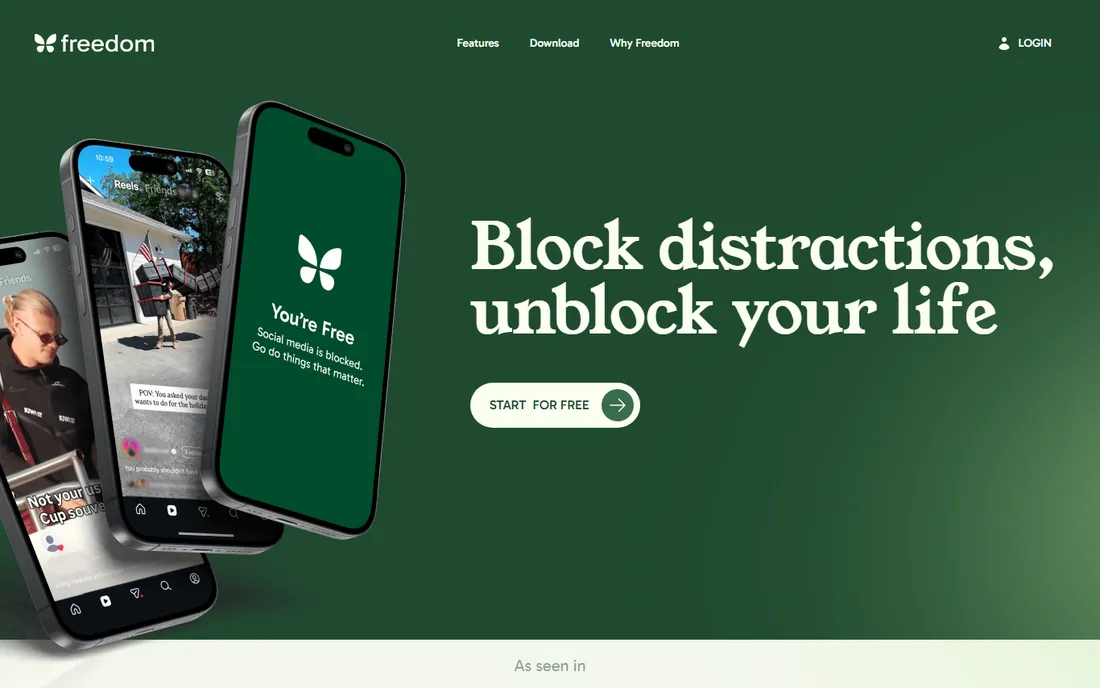
Freedom's killer feature is sync: start a session and your distracting sites are blocked on your laptop, phone and tablet simultaneously, closing the "I'll just check on my phone" loophole. Premium costs $8.99 a month or $3.33 a month billed annually, with a $199 lifetime option, and Locked Mode prevents ending sessions early.
The free plan covers basic blocking. An account is required, which privacy-minded users dislike. If your distraction problem spans devices, Freedom is the only tool here that solves all of them at once.
Setup takes minutes: install the apps, build a blocklist, and create recurring schedules for work hours. Locked Mode is the feature that matters most, since it removes the escape hatch, but note that it requires Premium and is easy to forget to enable. Support is email-based and adequate; the product is mature enough that most questions are answered in the help center. The main limitation is on iOS, where Apple's restrictions make blocking less airtight than on desktop, a caveat that applies to every blocker here.
What we like- One blocklist syncs across Mac, Windows, iOS, Android and Chromebook
- Recurring schedules
- Locked Mode
Watch out for- Requires an account
- The strictest features need Premium
Starting price$39 one-time (Pro)
Free planYes
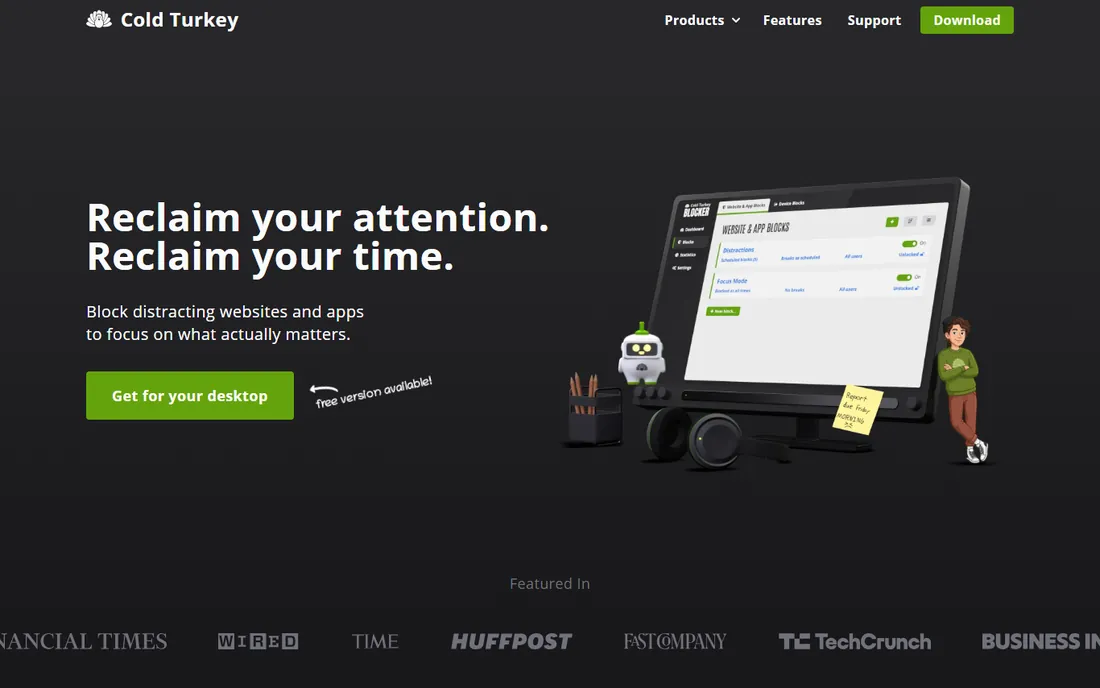
Cold Turkey is famous for one thing: when a block starts, it does not stop until the timer ends, not even if you restart or uninstall. The free version covers basic website blocking; the $39 one-time Pro adds scheduling, app blocking, Frozen Turkey full-computer lockdown and password locks.
There is no mobile version and no sync, so phone discipline needs a separate tool like Opal. The interface looks dated. But for desktop procrastinators who defeat every other blocker, this is the nuclear option that actually works.
Installation is simple, but take the setup seriously: configure your blocklists and schedules before you need them, because changing a running block is deliberately painful. There is no account, no sync and no support portal; help comes from the website FAQ and email. The Windows version is the most capable; the Mac version covers the essentials. One honest limitation: it cannot block phone apps, so budget for a companion mobile tool if the phone is part of the problem.
What we like- Nearly impossible to bypass once started
- Blocks sites, apps and the whole internet
- One-time price
Watch out for- Windows and Mac only
- Dated interface
- No mobile blocking
Starting price$19.99 per month (Pro)
Free planYes
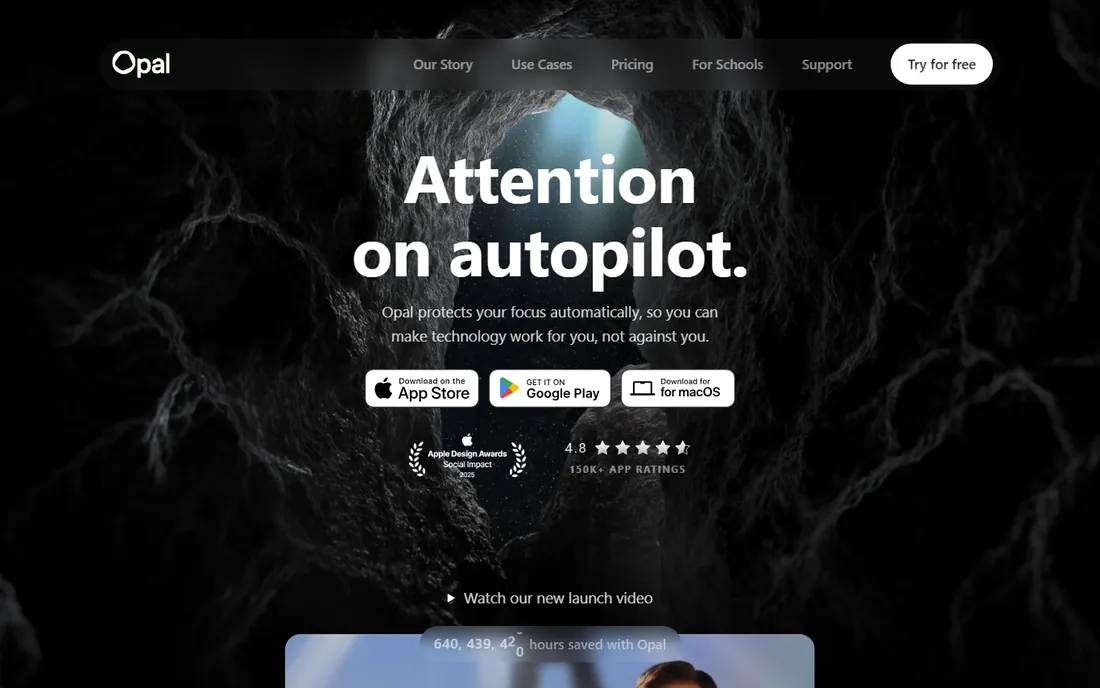
Opal started as the iPhone focus app and remains the best phone-first blocker: scheduled focus blocks, category blocking for social media and games, daily app limits, and a focus score that gamifies staying on task. Basic features are free; Pro at $19.99 a month or $99 a year adds unlimited sessions and harder blocking modes.
It is the most expensive tool on this list, and the Mac app is newer and less mature. But if your problem is the phone, not the laptop, Opal addresses the actual battlefield.
Onboarding is smooth: pick your distracting apps, set a schedule, and the focus score starts tracking immediately. The reports are genuinely useful for spotting patterns, like the 11 PM scroll. Support runs through in-app chat and is responsive. The limitation is the subscription price relative to the job; $99 a year is a lot for an app whose free tier covers basic blocking. It also asks for significant screen-time permissions, which privacy-conscious users should weigh.
What we like- Excellent iPhone and Android blocking
- Focus scores and reports
- Category blocking
Watch out for- Priciest option here
- Desktop features less mature than mobile
Starting priceFree
Free planYes
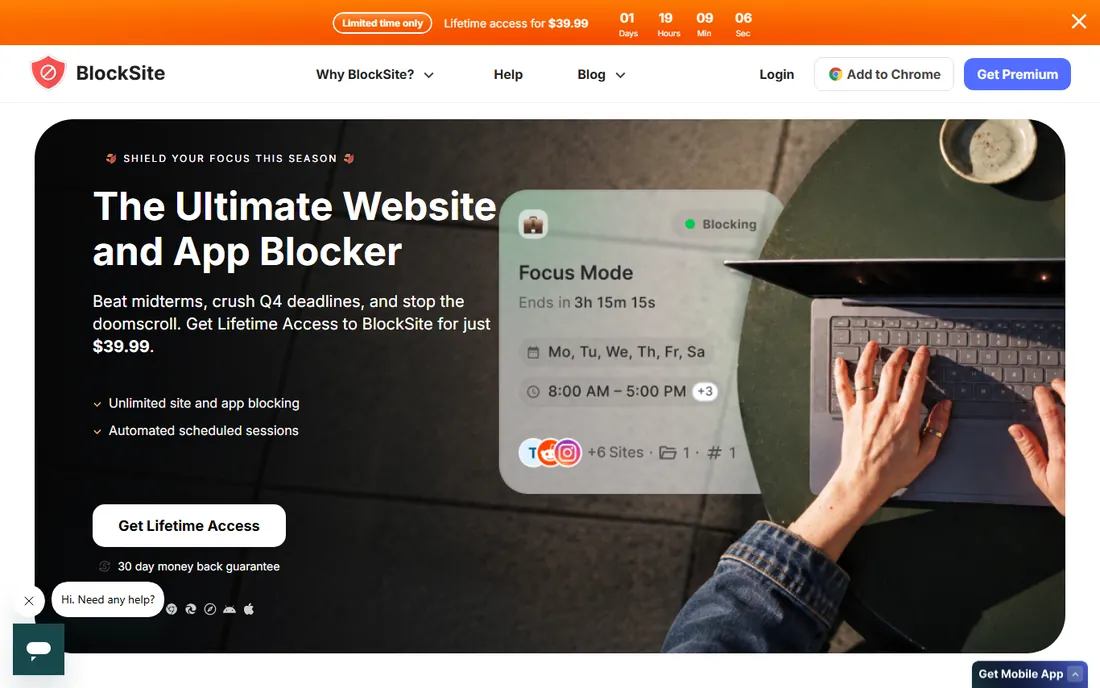
BlockSite is the straightforward browser extension: block distracting sites, block adult content categories, schedule focus sessions, and get gentle redirect pages. The free tier covers the essentials, with premium adding unlimited blocking and advanced scheduling.
The honest catch applies to all extensions: you can disable it in two clicks when tempted. It works for people with mild discipline problems, not for those who need a lock. As a free first step, though, it is the easiest install here.
Install the extension, add sites or categories, and optionally set a work schedule with Pomodoro breaks. The premium tier adds password protection and stricter modes that close some of the bypass routes. Support is limited to email and a help center. The real limit is architectural: any browser extension can be removed in seconds, so treat BlockSite as a reminder system for mild habits rather than a lock for serious addiction.
What we like- Easy browser extension
- Category blocking
- Focus mode with Pomodoro
Watch out for- Easy to disable by removing the extension
- Premium needed for full features
Starting priceFree
Free planYes
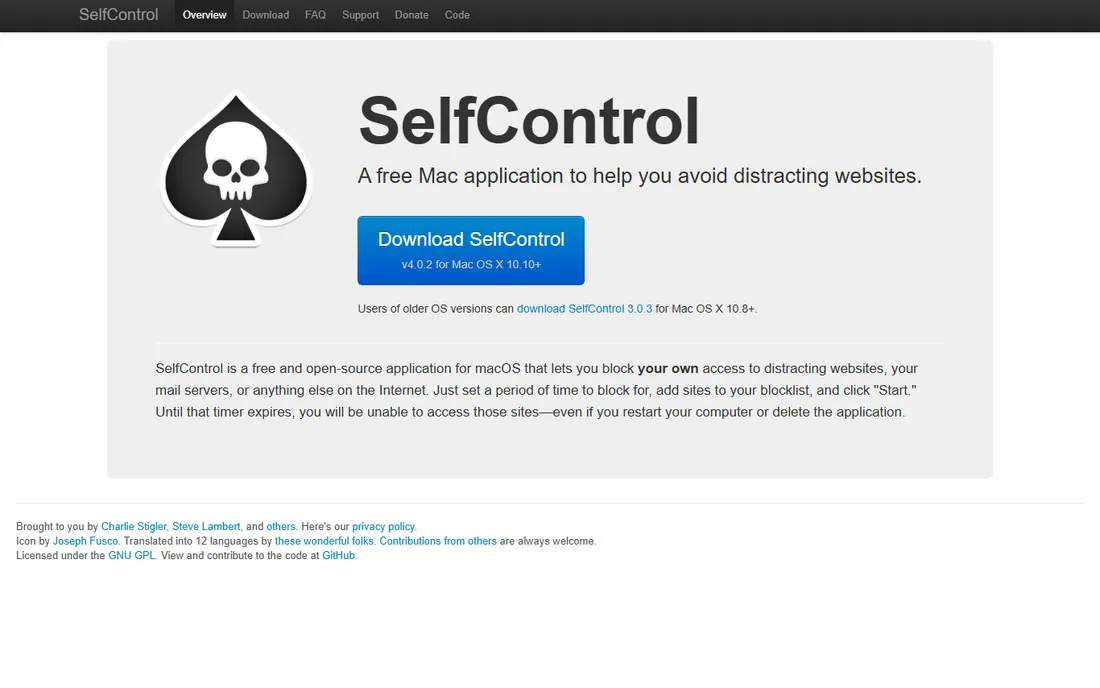
SelfControl is a Mac legend: add sites to a blocklist, set a timer, and those sites are unreachable until it expires, even if you delete the app or restart the machine. It is free, open source, and requires no account.
There is no scheduling, no app blocking, and no Windows version. It does exactly one thing with total commitment. For Mac users who want the strictest free option, nothing beats it.
There is no setup beyond downloading the app and adding sites to the blocklist. Because there is no account and no sync, it works fully offline, which privacy-minded users appreciate. Support is community and email based; the app changes rarely, which is a feature for a tool like this. The limitation is the fixed timer: once started it cannot be shortened, so misjudging a session means waiting it out.
What we like- Completely free and open source
- Blocks survive restarts and uninstalls
- No account
Watch out for- Mac only
- No scheduling
- Manual timer only
Starting priceFree
Free planYes
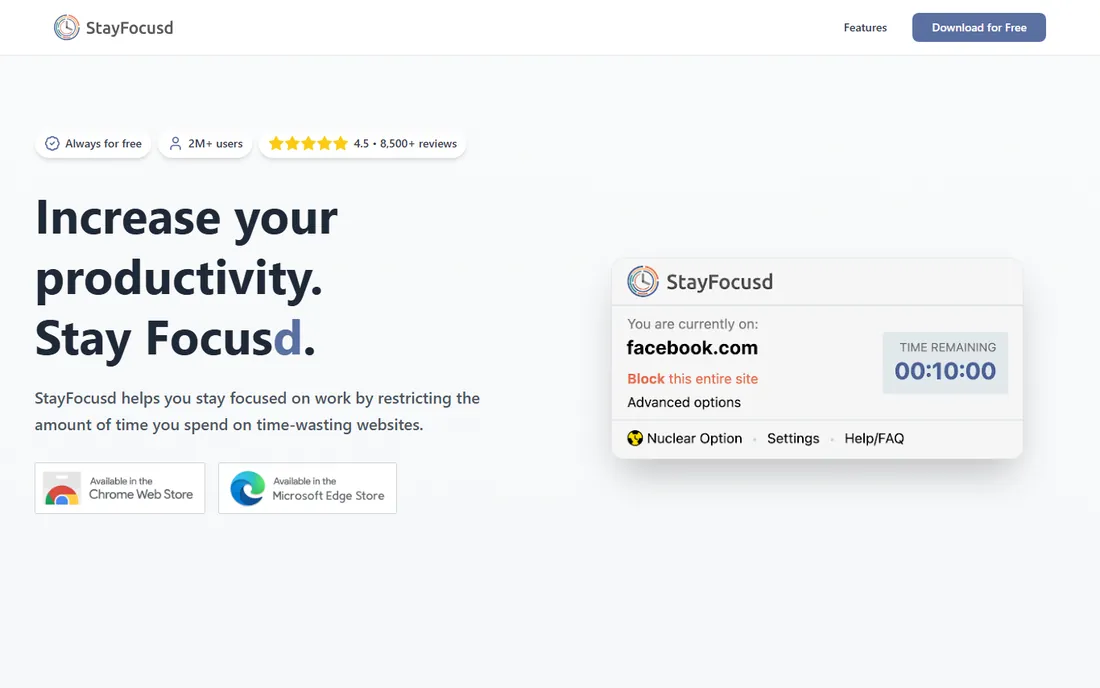
StayFocusd rations your distracting sites instead of banning them: set a daily allowance, say 30 minutes of social media, and it locks you out when the budget runs out. The Nuclear Option blocks everything for a set period with no way back.
It only works in Chrome, and switching browsers defeats it. But as a free, thoughtful approach to time budgeting rather than cold-turkey bans, it suits people who want limits, not prohibition.
Configuration lives in the extension settings, where you set daily allowances per site and define the Nuclear Option duration. The settings page itself can be locked with a challenge, which is worth enabling. There is no real support channel; it is a free extension maintained as a side project. The obvious limitation is Chrome-only coverage, and power users should know that reinstalling Chrome resets everything.
What we like- Free Chrome extension
- Daily time budgets per site
- The Nuclear Option
Watch out for- Chrome only
- Bypassable by switching browsers
Starting priceFree
Free planYes
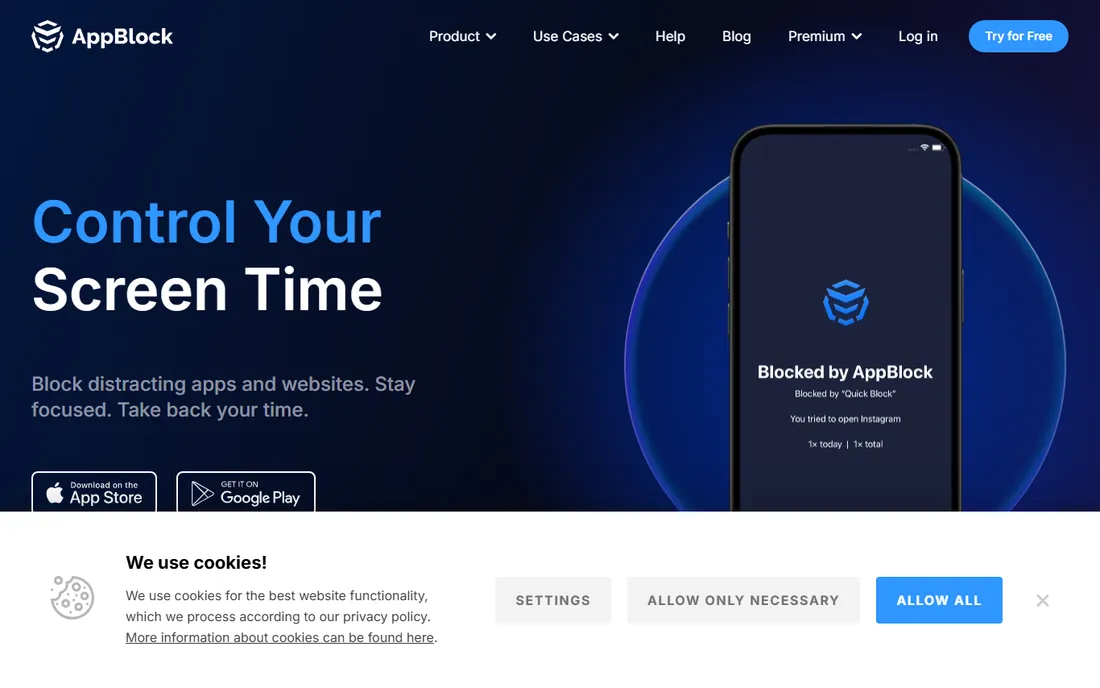
AppBlock covers what desktop blockers miss: your phone's apps. Block distracting apps and websites on schedules, enforce strict mode that resists tampering, and review usage statistics. The free tier handles basic blocking, with premium adding schedules and stricter locks.
Free limits push toward paid for serious use. Paired with Cold Turkey on desktop, it closes the full loop: computer locked by Cold Turkey, phone locked by AppBlock.
Setup involves granting usage-access permissions on Android or screen-time permissions on iOS, then building profiles for work, sleep and study. Strict mode can be made very hard to disable, including requiring a plugged-in charger to change settings. Support is email based. The free tier is genuinely useful but the strict-mode features that make it effective sit behind premium, so factor that into the real price.
What we like- Blocks apps and websites on Android and iOS
- Schedules and strict mode
- Usage stats
Watch out for- Free tier limited
- Strict mode can feel punitive
Starting priceSee website
Free planFree trial
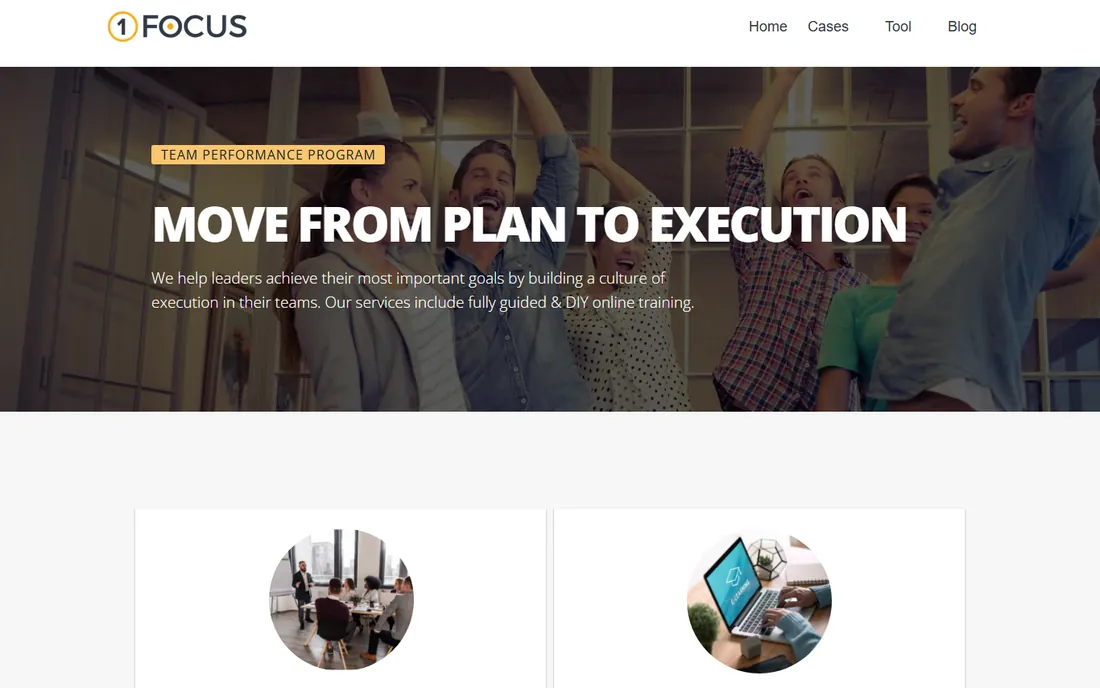
1Focus is the polished Mac-native alternative to SelfControl: block distracting websites and apps with a clean interface, scheduled sessions, and presets for work hours. It looks and feels like a proper Mac app rather than a utility.
It is Mac-only and the full feature set is paid. For Mac users who want SelfControl's simplicity with a nicer interface and scheduling, it fills the gap.
It installs from the Mac App Store and walks through a simple setup: pick sites and apps, set a schedule, done. The presets for work hours make it nearly zero-configuration. Support is email based and the developer is responsive. The limitation is value for money: the paid features overlap heavily with free alternatives like SelfControl, so you are mostly paying for the nicer interface and scheduling.
What we like- Clean Mac-native design
- Simple to configure
- Scheduled blocking
Watch out for- Mac only
- Paid for full features
Starting priceSee website
Free planFree trial
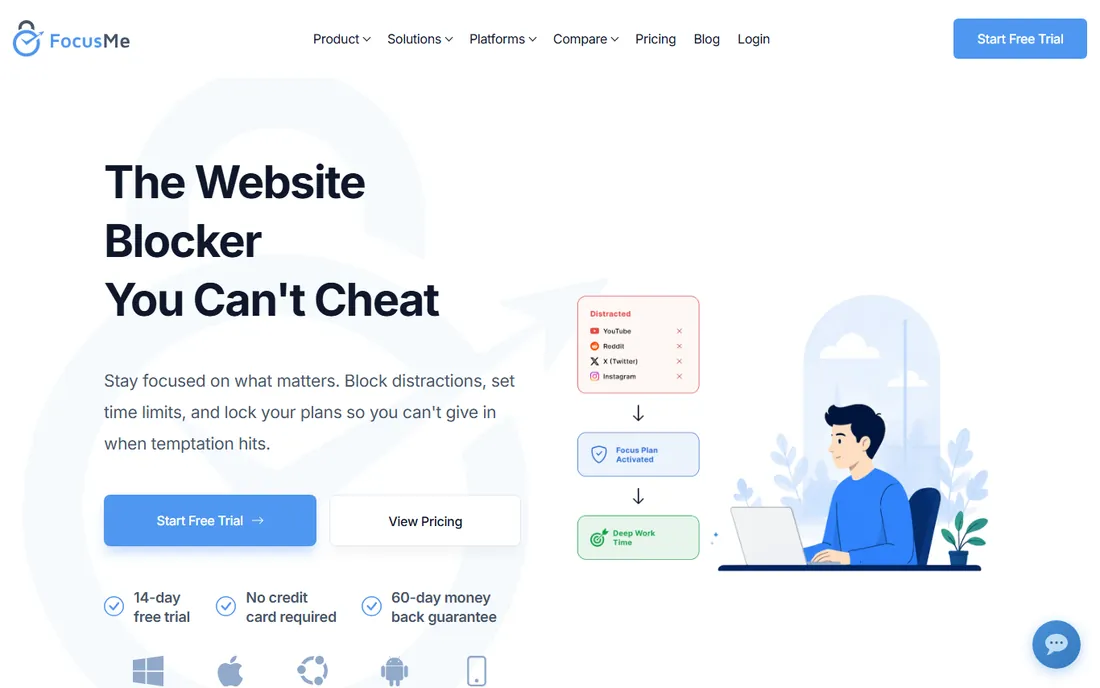
FocusMe combines website and app blocking with Pomodoro-style break scheduling and productivity coaching, aimed at people who want structure rather than just bans. It covers Windows and Mac with detailed rules.
The depth can overwhelm users who just want a blocklist, and pricing requires a site visit. It fits knowledge workers who want their blocker to also manage their work rhythm.
The initial wizard builds a blocking plan around your work rhythm, including scheduled breaks, which is more setup than competitors but also the point of the product. Coaching features add weekly reviews of your focus patterns. Support includes email and a knowledge base. The limitation is complexity: users who just want to block Twitter will find the configuration overhead annoying, and the unpublished pricing means you cannot budget without a site visit.
What we like- Deep scheduling and break planning
- Productivity coaching features
- Windows and Mac
Watch out for- More complex than needed for simple blocking
- Pricing not published clearly
The two-device rule
Blocking your laptop while your phone sits unblocked is theater. Whatever desktop tool you choose, pair it with a mobile blocker: Freedom does both natively, while Cold Turkey plus Opal or AppBlock covers the split approach. Close both doors or the habit walks through the open one.
Cost is a secondary consideration: the most expensive tool here is $99 a year, which is trivial next to the value of recovered focus hours. What actually determines success is friction: how many steps stand between an urge and a workaround. Audit your own escape routes honestly. If you routinely defeat blockers, buy strictness, not features. And set up the schedules during a calm moment; configuring discipline tools in the middle of a procrastination spiral rarely works.
How we chose
We compared the website blockers most recommended in 2026 productivity roundups, verifying pricing against vendor pages and current reviews. We weighted blocking strictness, cross-device coverage, scheduling and cost. We did not test bypass resistance ourselves.
Frequently asked questions
Can website blockers be bypassed?
Most can, by determined users: disabling extensions, switching browsers or devices. The strictest tools, Cold Turkey's locks and SelfControl's timer, resist even uninstalls. No software replaces the decision to focus; blockers just raise the cost of cheating. A useful test: if you can name the workaround in under five seconds, so can your future distracted self. Choose a tool whose bypass you cannot describe.
Are there completely free website blockers?
Yes: SelfControl (Mac), StayFocusd (Chrome), LeechBlock (Firefox/Chrome) and the free tiers of BlockSite, Freedom and AppBlock all work without paying. Free tools tend to cover one platform well; paid tools buy you cross-device coverage and stricter locks.
Should I block websites or set time limits?
It depends on the habit. Total bans work for addictive feeds you never use productively. Time budgets suit tools you need in moderation, like YouTube or news. StayFocusd and Opal handle budgets; Cold Turkey and SelfControl handle bans. Many people use both: bans for the worst offenders, budgets for the tools that are useful in small doses.
Do these work for kids' devices?
Somewhat, but dedicated parental control software with device-level management is more appropriate for children. These tools are designed for self-discipline, and a tech-savvy kid will defeat most of them. For children, look at platform-level parental controls from Apple or Google, which operate at the device level these tools cannot reach.
Will a blocker slow down my browser?
Reputable blockers have negligible performance impact. If you notice slowdowns, check for conflicting extensions rather than blaming the blocker. If you run many extensions, audit them periodically; a bloated browser slows everything, blocker or not.
Sources we checked (9)
- https://www.freedom.to/
- https://www.getcoldturkey.com/
- https://www.opal.so/
- https://www.blocksite.co/
- https://www.selfcontrolapp.com/
- https://www.stayfocusd.com/
- https://www.appblock.app/
- https://www.1focus.com/
- https://www.focusme.com/
Is your product missing or out of date?
We review this list regularly. Vendors can request a listing, send updated pricing or ask about featured placement.

Shihab Mia · Founder, Rankite
Shihab has spent more than a decade helping SaaS and e-commerce brands grow through search. He writes Rankite's software buying guides from pricing pages, documentation and public user reviews. More about Shihab.