How we make this list: we compare pricing pages, product documentation and public user reviews. Rankite is independent; if a vendor ever pays for a featured spot, that listing is clearly labeled Partner.
Key takeaways
- Most people should not pay: Google Docs, LibreOffice Writer, Zoho Writer and Apple Pages are free and handle everyday documents well.
- Microsoft Word ($99.99/year via Microsoft 365 Personal) is still the compatibility king for business documents with tracked changes and complex formatting.
- LibreOffice Writer is the best free offline word processor for Windows, Mac and Linux.
- Long-form writers should look past the generalists: Scrivener is built for books, theses and scripts.
Quick comparison
| Tool | Best for | Starting price | Free plan |
|---|
 Microsoft Word Microsoft Word | Business documents where formatting must survive sharing | $99.99/year (Microsoft 365 Personal, US pricing) | Free trial (1 month) |
 Google Docs Google Docs | Free writing with the best real-time collaboration | Free | Yes |
 LibreOffice Writer LibreOffice Writer | A free, full-featured word processor that works offline | Free (open source) | Yes |
 Zoho Writer Zoho Writer | Free writing with a cleaner interface than the other free tools | Free | Yes |
 WPS Writer WPS Writer | A free Word clone for users who want familiar menus | Free (Premium tier, see website) | Yes |
 Apple Pages Apple Pages | Elegant documents on Mac, iPad and iPhone at no cost | Free | Yes |
 ONLYOFFICE ONLYOFFICE | Free editing with the strongest Office-format fidelity | Free (desktop editors; paid workspace editions, see website) | Yes |
 Scrivener Scrivener | Books, theses, scripts and any long writing project | See website (one-time license) | Free trial (30 days) |
Is your product missing or out of date?
We review this list regularly. Vendors can request a listing, send updated pricing or ask about featured placement.
The best software for word processing
Word processing is a solved problem, which is why the market is strange: the default costs $100 a year while four excellent alternatives cost nothing. The real differences are compatibility, collaboration and offline access. These eight cover every serious option, from the free browser tools to the professional standard.
#1
Microsoft Word
Best for: Business documents where formatting must survive sharing
Visit microsoft.com
Starting price$99.99/year (Microsoft 365 Personal, US pricing)
Free planFree trial (1 month)
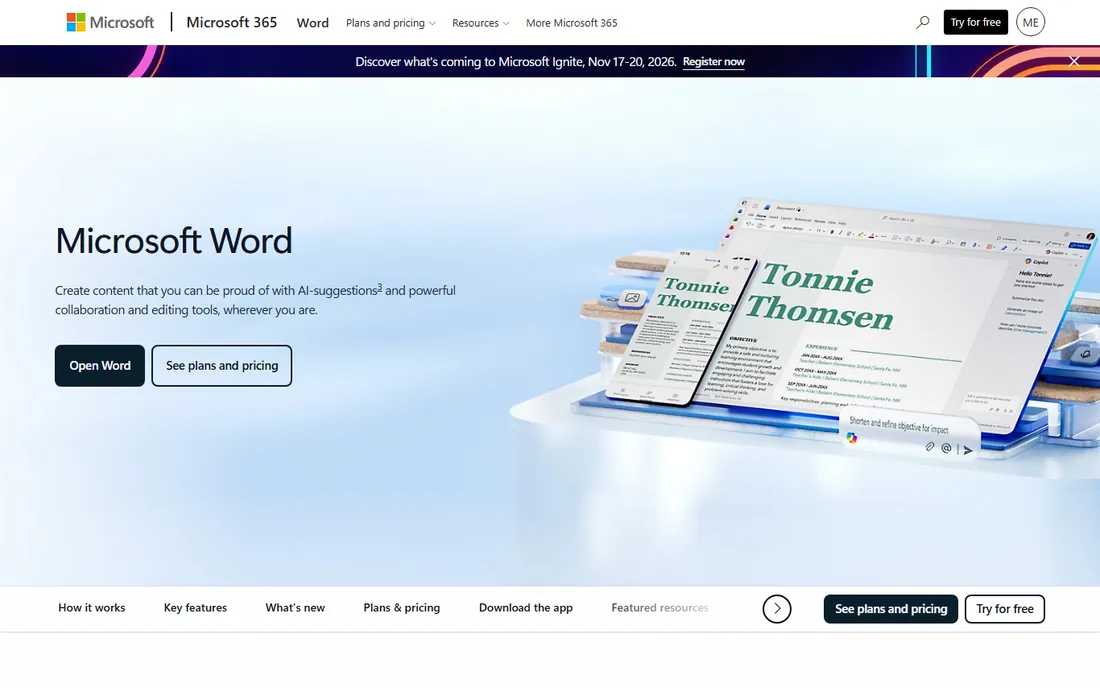
Microsoft Word remains the word processor the business world runs on. Complex documents with tracked changes, styles, cross-references and mail merge behave predictably, and a .docx from Word opens correctly in Word everywhere. The $99.99 per year Personal subscription also buys Excel, PowerPoint, Outlook and 1 TB of OneDrive storage.
The subscription grates when all you write is letters and reports. The free web version covers basics but lacks the desktop's full feature set. If your work involves exchanging marked-up documents with clients, colleagues or publishers, Word is not optional. If you write alone, the free tools below do the job.
What we like- The compatibility standard: Word files open correctly everywhere
- Tracked changes, comments and templates are the business default
- Desktop apps work fully offline
Watch out for- A subscription for software many people use lightly
- The free web version is limited compared to the desktop apps
Starting priceFree
Free planYes
Google Docs won by being free and collaborative. Multiple people editing one document at the same time, with comments, suggestions and a complete revision history, still works better here than in any competitor. For teams, students and anyone who shares drafts, it is the default.
The limits appear at the edges. Offline work needs setup, very long or heavily formatted documents can lag, and round-tripping complex Word files sometimes rearranges things. Privacy-conscious users may also prefer not to keep everything in Google's cloud. For everyday writing and collaboration, nothing beats free.
What we like- Completely free with generous storage
- Simultaneous editing and commenting work better than anywhere else
- Autosaves every keystroke with full version history
Watch out for- Needs a browser and a Google account
- Complex Word formatting can shift on import and export
#3
LibreOffice Writer
Best for: A free, full-featured word processor that works offline
Visit libreoffice.org
Starting priceFree (open source)
Free planYes
LibreOffice Writer is the free offline answer. It opens and saves Word formats well, handles styles, tables of contents, mail merge and PDF export, and never asks for money or an account. For a home PC, a Linux machine or anyone who distrusts the cloud, it is the complete package.
It looks like software from another decade because, in style terms, it is. Real-time collaboration is essentially absent, and the interface will not delight anyone. But as a free Word replacement for solo offline work, it is the most capable option that costs nothing.
What we like- Completely free with no account, ads or upsells
- Strong Word-format compatibility for a free tool
- Runs on Windows, Mac and Linux
Watch out for- The interface feels dated
- Collaboration features trail Google Docs badly
#4
Zoho Writer
Best for: Free writing with a cleaner interface than the other free tools
Visit zoho.com
Starting priceFree
Free planYes
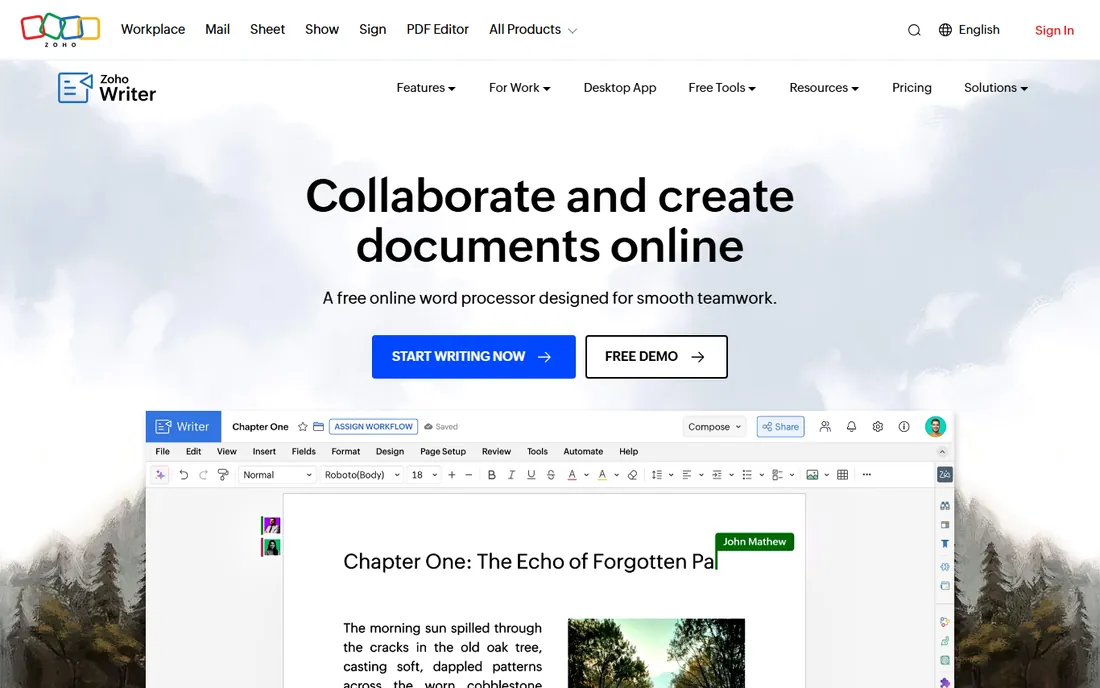
Zoho Writer is the free tool for people who care how the app feels. The interface is clean and modern, the writing experience is calm, and collaboration, comments and version history all work. It sits inside Zoho's broader office suite, so teams on Zoho get native integration.
The ecosystem is the limitation. Fewer templates, fewer tutorials, and fewer people to ask for help than Google Docs. Complex Word documents can also shift slightly in conversion. For individual writers and small teams who want a free, pleasant editor, it deserves a look.
What we like- Free with a modern, distraction-free writing interface
- Good collaboration and commenting
- Integrates with the rest of the Zoho suite
Watch out for- Smaller user base means fewer templates and community resources
- Word compatibility is good but not perfect
#5
WPS Writer
Best for: A free Word clone for users who want familiar menus
Visit wps.com
Starting priceFree (Premium tier, see website)
Free planYes
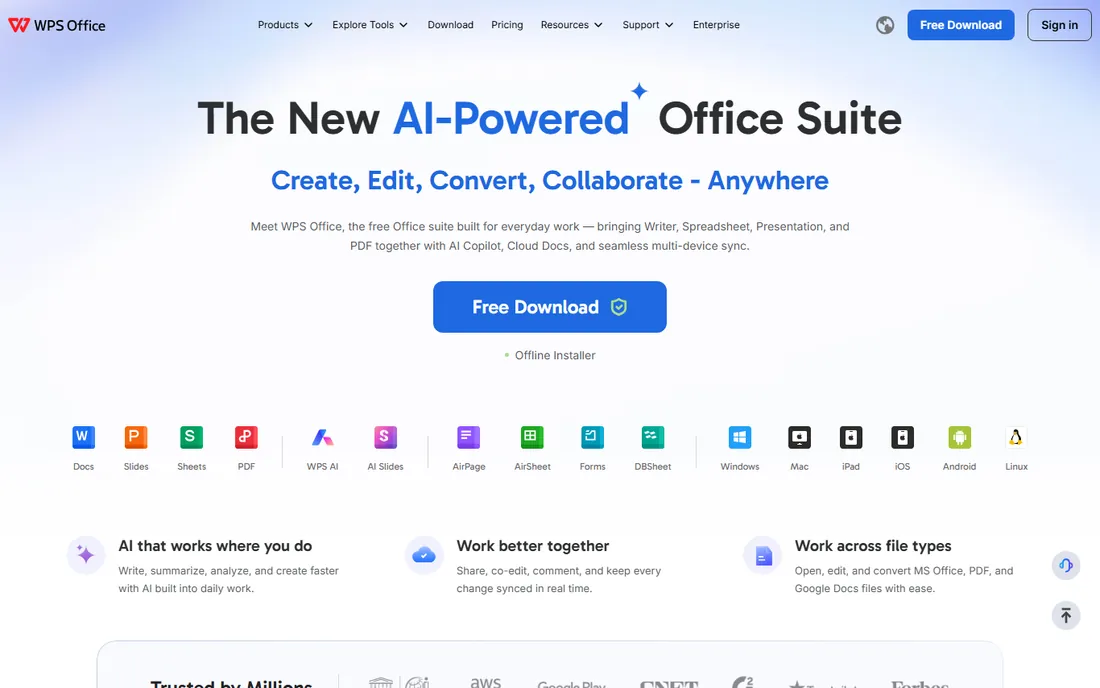
WPS Writer mimics Word so closely that transitioning users need no retraining. It opens .docx files faithfully, includes spreadsheet and presentation apps in the same suite, and the tabbed interface lets multiple documents share one window. For a free Office replacement, the familiarity is the selling point.
The free tier monetizes through ads and upsell prompts, which some users find intrusive. The vendor's data practices have also drawn scrutiny, so businesses should review the privacy terms. For personal use on a budget, it is the closest free ride to Word.
What we like- Free with an interface Word users recognize instantly
- Strong compatibility with Word file formats
- Tabbed documents and PDF tools built in
Watch out for- The free version shows ads and nudges toward Premium
- Privacy policies deserve a read before business use
#6
Apple Pages
Best for: Elegant documents on Mac, iPad and iPhone at no cost
Visit apple.com
Starting priceFree
Free planYes
Pages is the free word processor Apple users forget they have. Its templates for resumes, newsletters, flyers and reports look better than anything in Word's gallery, and the layout tools handle images and text flow gracefully. iCloud keeps documents synced across Mac, iPad and iPhone.
Outside Apple's world it barely exists. The web version at iCloud.com works but feels secondary, and exchanging heavily formatted files with Word users needs a careful export check. For Apple-only households and small businesses, it is free and genuinely good.
What we like- Free on every Apple device with beautiful templates
- Excellent for layouts, newsletters and visually rich documents
- ICloud sync across devices
Watch out for- Apple-only
- Word compatibility is decent but complex documents can reflow
Starting priceFree (desktop editors; paid workspace editions, see website)
Free planYes
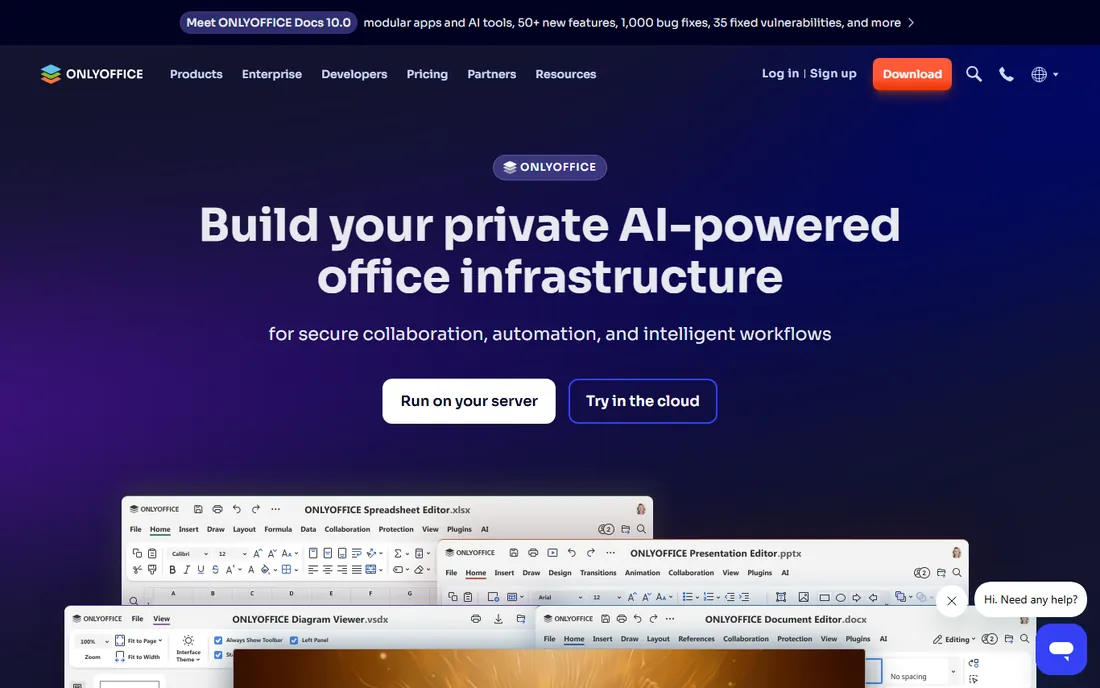
ONLYOFFICE's free desktop editors are the compatibility pick among free tools. Documents round-trip to Word format with fewer surprises than most free alternatives, and the ribbon interface feels familiar to Office users. Teams can self-host the workspace edition for collaborative editing on their own servers.
The free desktop version is solo software: no real-time collaboration without the server edition. And while compatibility is strong, it is still a smaller project than LibreOffice with a thinner template library. For mixed Office environments on a budget, it hits a sweet spot.
What we like- Free desktop editors with excellent .docx compatibility
- Tabbed interface and familiar ribbon layout
- Self-hosted workspace option for teams
Watch out for- The free desktop apps lack real-time co-editing
- The ecosystem is smaller than the big suites
Starting priceSee website (one-time license)
Free planFree trial (30 days)

Scrivener is not a better Word; it is a different tool for a different job. Novelists, academics and screenwriters manage chapters, scenes, research and notes in one project, then compile to a clean manuscript. The corkboard and outliner views let you restructure a book by dragging index cards.
That power needs learning. The interface is dense until you understand the project model, and for everyday documents it is the wrong tool entirely. But for anyone writing something book-length, the one-time license pays for itself in avoided frustration. The 30-day trial is generous enough to draft real chapters.
What we like- Built for long-form structure: corkboard, outliner and research binder in one
- Compiles manuscripts to Word, PDF and ebook formats
- One-time license, no subscription
Watch out for- A learning curve before the structure pays off
- Overkill for letters and short reports
How we chose
We started with the terms buyers use: word processing software, word processor, Microsoft Word alternatives and free word processor. For each candidate we confirmed the product is current, checked pricing against the vendor's own pages, and compared capabilities across reviews on G2, Capterra and practitioner discussion on Reddit. Where a price was not published on the vendor's page, we wrote "See website". We weighted real document workflows: compatibility with Word formats, collaboration, offline access and long-form writing.
Frequently asked questions
What is the best free word processing software?
Google Docs for collaboration, LibreOffice Writer for offline desktop work, Zoho Writer for a clean interface, and Apple Pages for Apple devices. All four are genuinely free and handle everyday documents well.
Is Microsoft Word worth paying for?
If you exchange tracked-changes documents with clients or colleagues, yes: Word's $99.99 per year Personal plan buys the compatibility standard plus the rest of Microsoft 365. If you write mostly for yourself, the free tools are enough.
Can Google Docs replace Microsoft Word?
For most personal and team writing, yes. It struggles with very long documents, complex formatting and offline work, and Word files sometimes shift on conversion. Businesses with strict document workflows usually keep Word.
What is the best word processor for writing a book?
Scrivener, built specifically for long-form projects with chapter management, research storage and manuscript compilation. For the actual drafting, any of the tools here work; Scrivener's value is organizing a book-length project.
Does LibreOffice open Word documents?
Yes. LibreOffice Writer opens and saves .docx files with good fidelity for typical documents. Very complex files with advanced Word features may show minor formatting differences, so verify before sending to a client.
Is WPS Office safe to use?
WPS Writer is a legitimate free Office alternative, but the free version shows ads and the vendor's data practices have drawn questions. Read the privacy policy before using it for business documents, and consider LibreOffice or ONLYOFFICE if that concerns you.
What to look for before you buy
Start with compatibility. If your documents travel to Word users with tracked changes intact, you need Word or a tool with excellent .docx fidelity like ONLYOFFICE or WPS. Test the round trip with a real complex document before committing: open it, edit it, save it, reopen in Word. The free tools vary more than their marketing suggests.
Then decide where you write. Browser-first writers get collaboration and autosave from Google Docs or Zoho Writer. Offline writers need desktop apps: Word, LibreOffice or Pages. Mixed environments should standardize on one format, .docx, and verify every tool in the chain handles it.
Finally, match the tool to the document length. Short documents work everywhere. Long structured documents reward Word's styles and navigation pane or Scrivener's project model. Do not buy Scrivener for memos and do not write a thesis in a tool without a real outline view.
Free vs. paid: where the $100 goes
Microsoft's $99.99 per year buys three things the free tools cannot fully match: perfect Word compatibility, the desktop feature depth (mail merge, advanced styles, full tracked changes), and the bundle value of Excel, PowerPoint, Outlook and 1 TB of storage. For a business, that is cheap insurance against formatting surprises.
For everyone else, the free tier of this category is remarkably complete. Google Docs, LibreOffice, Zoho Writer and Pages each handle 90 percent of writing tasks at zero cost. The paid alternatives worth considering are specialists: Scrivener for books, or Microsoft 365 when document exchange demands it. Pay for the workflow, not the logo.
Sources we checked (9)
- https://www.microsoft.com/en-us/microsoft-365/word
- https://docs.google.com/
- https://www.libreoffice.org/
- https://www.zoho.com/writer/
- https://www.wps.com/
- https://www.apple.com/pages/
- https://www.onlyoffice.com/
- https://www.literatureandlatte.com/
- https://www.g2.com/categories/word-processing
Is your product missing or out of date?
We review this list regularly. Vendors can request a listing, send updated pricing or ask about featured placement.

Shihab Mia · Founder, Rankite
Shihab has spent more than a decade helping SaaS and e-commerce brands grow through search. He writes Rankite's software buying guides from pricing pages, documentation and public user reviews. More about Shihab.