How we make this list: we compare pricing pages, product documentation and public user reviews. Rankite is independent; if a vendor ever pays for a featured spot, that listing is clearly labeled Partner.
Key takeaways
- ClickUp and Notion give VAs and their clients a shared workspace for tasks, docs, and SOPs with generous free plans.
- Hubstaff and Time Doctor add the time tracking and visibility hourly VA relationships need.
- 1Password solves the credential-sharing problem every VA engagement runs into.
- Calendly, Loom, and Slack cover scheduling, async instructions, and daily communication.
Quick comparison
| Tool | Best for | Starting price | Free plan |
|---|
 ClickUp ClickUp | shared task management for VA teams | Free | Yes |
 Notion Notion | SOPs, wikis, and client documentation | Free | Yes |
 Hubstaff Hubstaff | time tracking with productivity proof | From $4.99/user/month | Free trial (14 days) |
 Time Doctor Time Doctor | workforce visibility for distributed teams | See website | Free trial |
 Loom Loom | async video instructions and updates | See website | Yes |
 Calendly Calendly | booking calls without email ping-pong | See website | Yes |
 1Password 1Password | secure credential sharing with VAs | See website | See website |
 Slack Slack | day-to-day client communication | See website | Yes |
Is your product missing or out of date?
We review this list regularly. Vendors can request a listing, send updated pricing or ask about featured placement.
The best software for virtual assistants
Starting priceFree
Free planYes
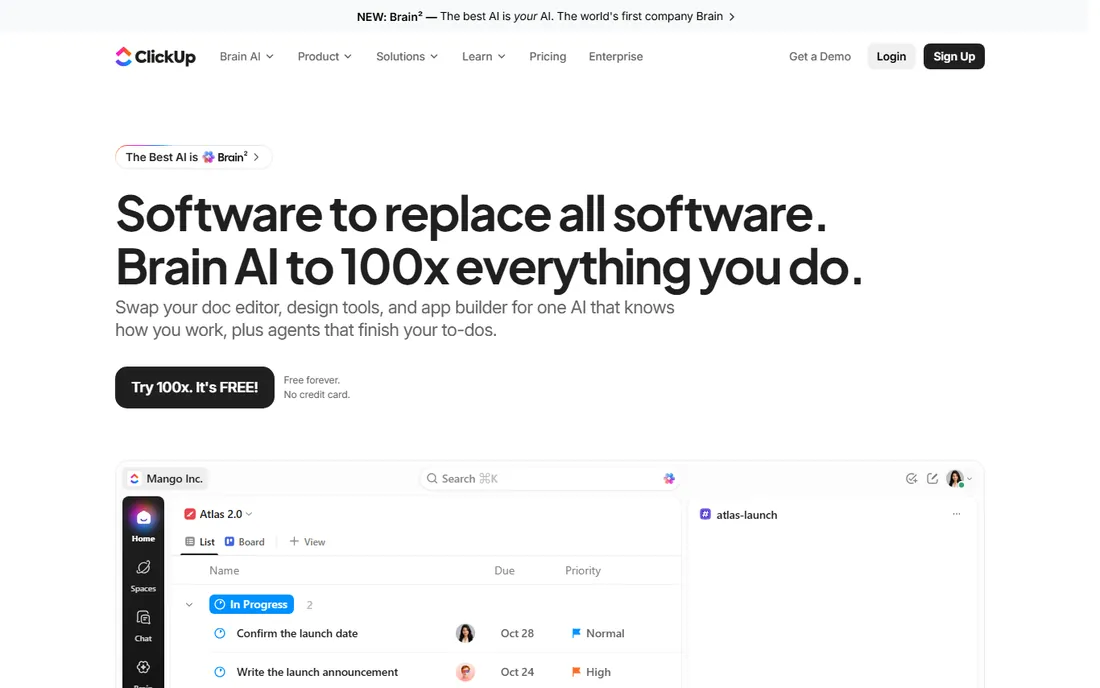
ClickUp is the command center many VA relationships run on. Tasks with due dates, checklists, docs for SOPs, built-in chat, and whiteboards live in one workspace that both the VA and the client can see. The free forever plan needs no credit card and covers enough for a small operation, which is why budget-conscious businesses adopt it fast.
The honest catch is complexity. ClickUp can do almost anything, which means a new user faces a wall of features. Spend an afternoon configuring your first space properly, or the freedom becomes chaos. For owners willing to invest setup time, it consolidates half a dozen subscriptions into one.
What we like- Free forever plan with real features
- Tasks, docs, chat, and whiteboards in one place
- Replaces several tools at once
Watch out for- Overwhelming for beginners
- Setup takes deliberate effort
Starting priceFree
Free planYes
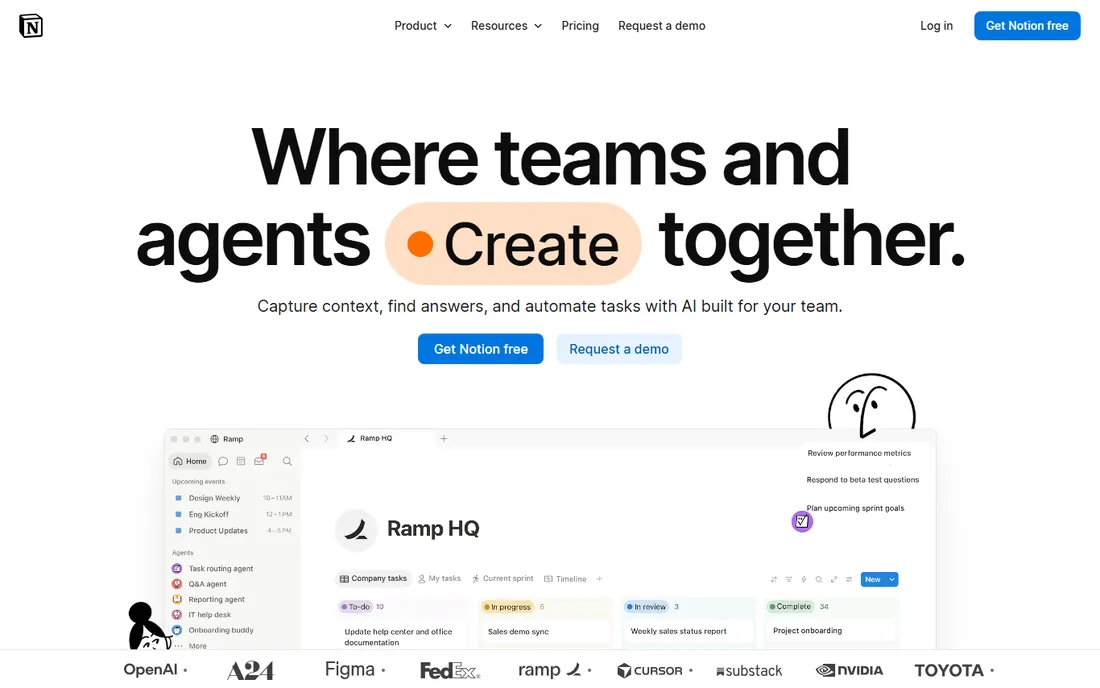
Notion is where VA knowledge lives. Build your standard operating procedures, client onboarding guides, brand voice docs, and project trackers as linked pages and databases. With over 100 million users, a template exists for nearly every VA workflow, from content pipelines to inbox triage systems. The free plan is genuinely capable.
The honest catch is structure discipline. Notion gives you a blank canvas, and without naming conventions and ownership rules it turns into a junk drawer fast. It also needs configuration before it behaves like a task manager. Pair it with a dedicated task tool like ClickUp if execution tracking matters more than documentation.
What we like- Free and flexible for docs and databases
- Perfect for VA training libraries
- 100M users means templates everywhere
Watch out for- Can become a cluttered junk drawer
- Not a true task manager without configuration
Starting priceFrom $4.99/user/month
Free planFree trial (14 days)
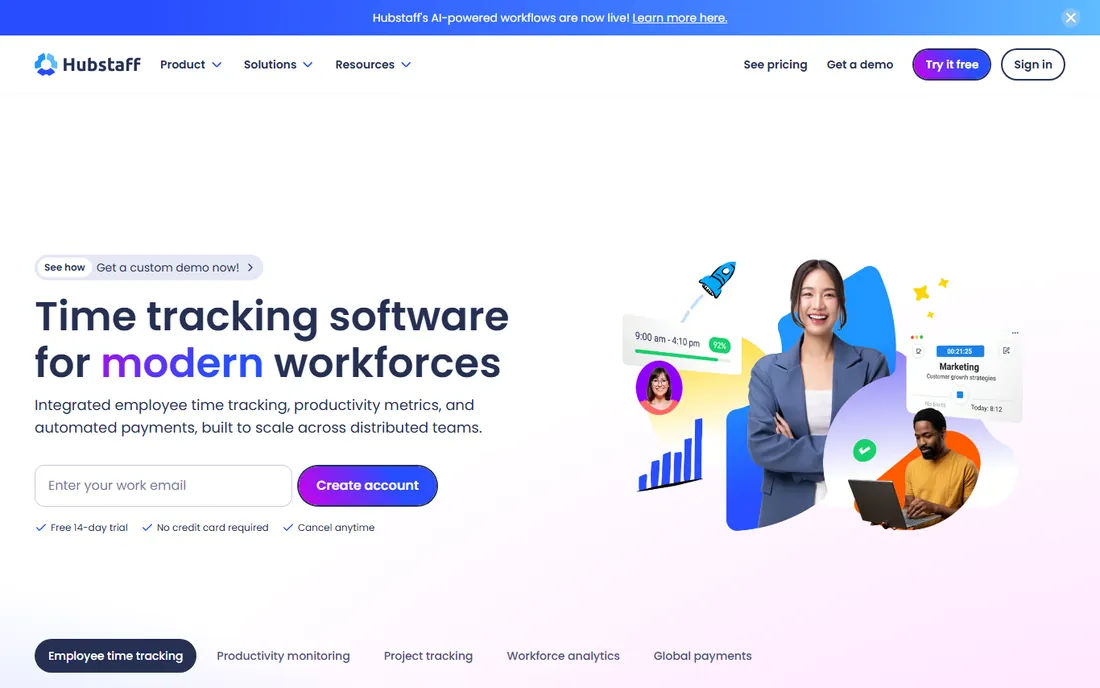
Hubstaff is built for exactly this working relationship: a remote VA billing hourly. The timer tracks work to projects and tasks, screenshots and activity levels give clients visibility, and approved hours convert directly into payments through PayPal, Wise, Payoneer, or Deel. The homepage even calls out VAs as a target audience, and a 14-day trial needs no credit card.
The honest catch is trust dynamics. Screenshots prove productivity but can also sour a relationship that runs on trust. Set expectations in writing before enabling monitoring features. For hourly arrangements where accountability matters, Hubstaff removes every timesheet argument.
What we like- Automated timesheets with screenshots and activity levels
- Built-in payments via Wise, PayPal, and Deel
- VA-specific use cases on the site
Watch out for- Screenshots feel like surveillance to some VAs
- No permanent free tier
Starting priceSee website
Free planFree trial
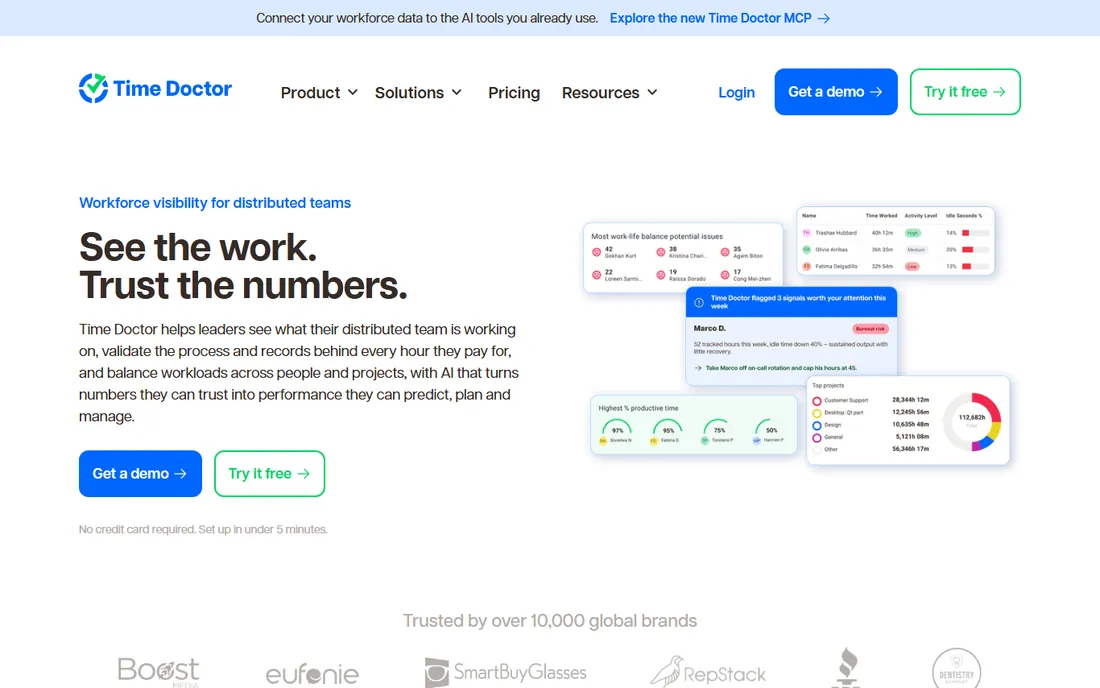
Time Doctor approaches remote work tracking with a trust-based pitch: verification without surveillance. It shows what the team is working on, validates the records behind every hour for payroll and client invoices, and spots overloaded team members before deadlines slip. Sixty-plus integrations connect it to the payroll and AI tools you already use, and Time Doctor AI is included in every plan.
The honest catch is fit. Pricing was not displayed on the homepage when researched, so visit timedoctor.com for current plans. It is also built for teams, not a single VA engagement. For agencies managing multiple VAs across clients, the workload view is the feature Hubstaff lacks.
What we like- Activity, records, and workload in one view
- 60+ integrations including payroll tools
- Verification without heavy surveillance
Watch out for- Pricing was not listed on the homepage
- More than a solo VA needs
Starting priceSee website
Free planYes
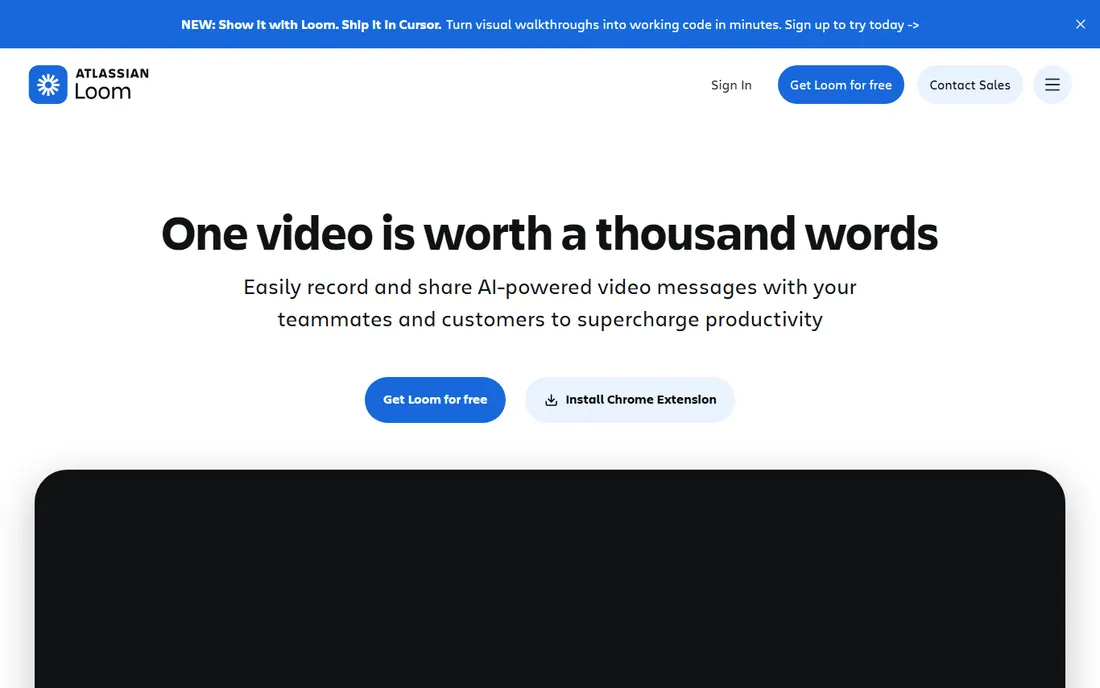
Loom is how you train a VA without living on Zoom. Record your screen once explaining the task, share the link, and your VA watches when they are online. Comments, tasks, and reactions attach directly to the video, and AI features summarize talking points and chapters on paid plans. For cross-timezone VA relationships, it eliminates half your meetings.
The honest catch is the free tier's limits on video counts, so heavy trainers eventually pay. Some people also learn better from written SOPs than videos, so use Loom alongside a Notion playbook, not instead of one. Still, a five-minute Loom beats a thirty-minute call every time.
What we like- Record screen walkthroughs in a few clicks
- Replaces meetings across time zones
- Transcripts and captions in 50+ languages
Watch out for- Free plan has video count limits
- Some clients prefer written instructions
Starting priceSee website
Free planYes
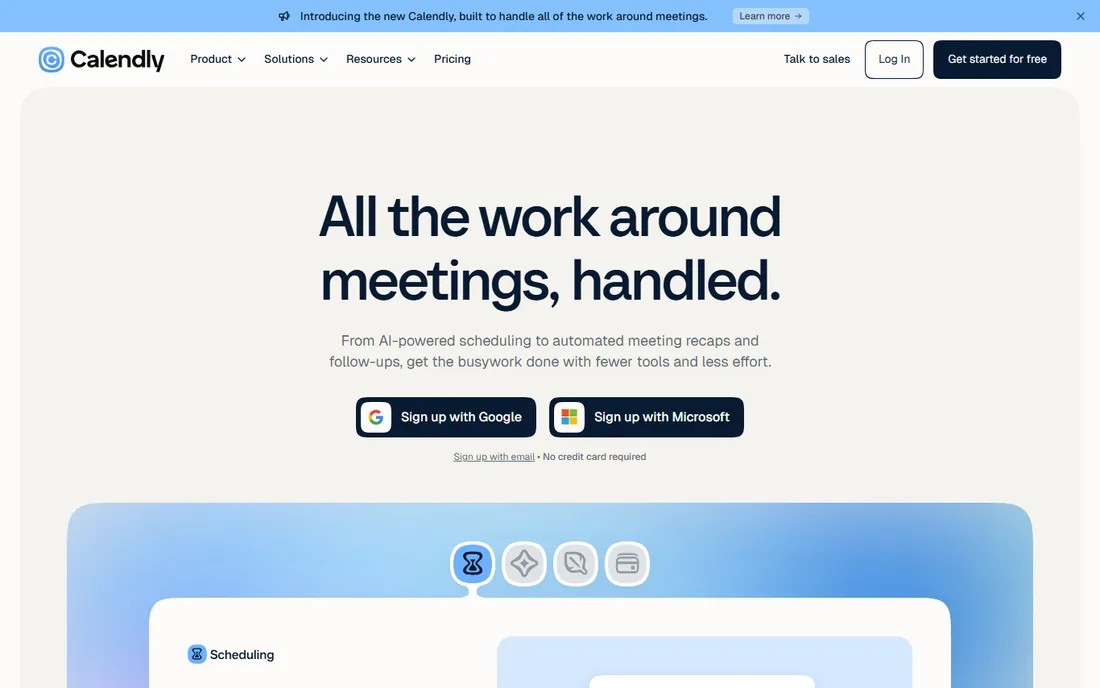
Calendly ends the scheduling thread. Share a booking link, the VA or client picks a time that respects your availability, and reminders cut no-shows. It connects to 150+ tools, and recent additions include an AI assistant called Callie, meeting notetaking, and payment collection at booking, which matters for VAs billing per session.
The honest catch is transparency, again. Pricing was not shown on the homepage when researched. And while sending a link is efficient, it can feel cold for the first conversation with a new VA. Use it for recurring check-ins, not first impressions.
What we like- The standard for scheduling external meetings
- 150+ integrations
- Now adds AI meeting recaps and payments
Watch out for- Pricing was not displayed on the homepage
- Etiquette debates aside, it is impersonal for warm relationships
Starting priceSee website
Free planSee website
Every VA engagement hits the password question, and emailing credentials is not an answer. 1Password lets you share access to accounts without revealing the actual passwords, organize vaults per client or project, and revoke access instantly when the engagement ends. Its security architecture, including a local secret key, is among the best reviewed in the business.
The honest catch is adoption. It only works if both you and your VA use it consistently, and pricing was not displayed on the homepage. For agencies sharing dozens of client logins with VAs, though, it is the professional answer to a genuinely risky problem.
What we like- Share logins without revealing passwords
- Vaults separate by client or project
- Industry-leading security reputation
Watch out for- Pricing was not listed on the homepage
- Everyone in the chain must adopt it
Starting priceSee website
Free planYes
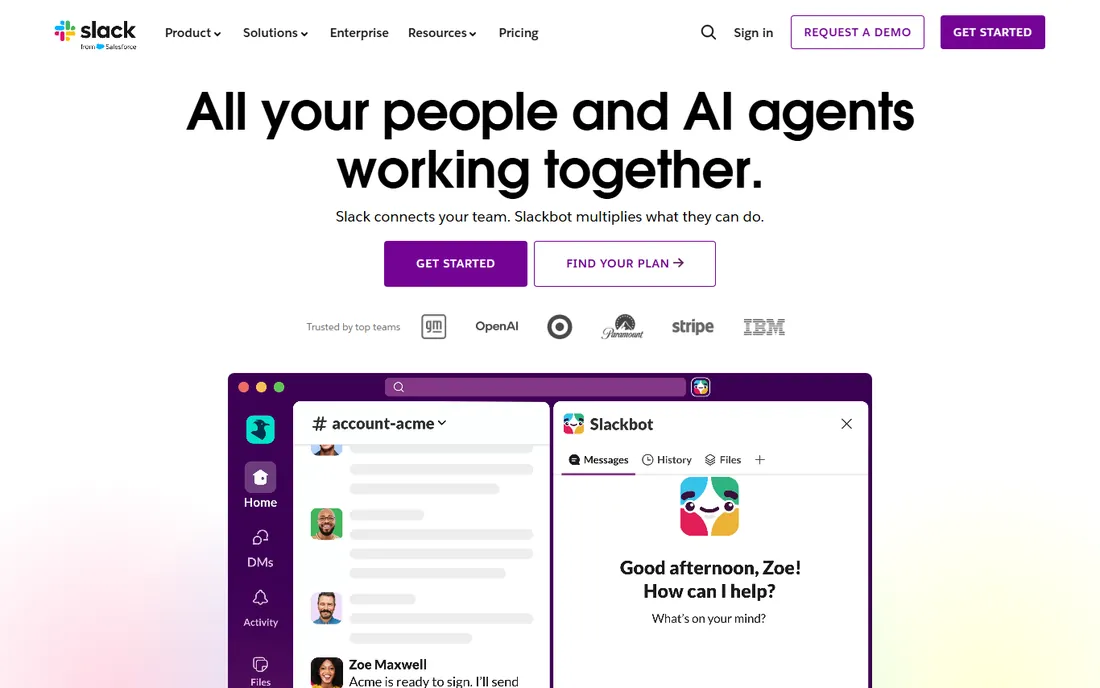
Slack is the office hallway for remote VA work. Organize channels by client, project, or topic so nothing gets lost in email threads. Slack Connect lets you message clients directly in shared channels, huddles handle quick voice chats, and the free plan covers small teams well.
The honest catch is noise. An always-on Slack with a VA in a different time zone creates notification debt and the pressure to reply instantly. Set communication norms: which channel is urgent, what waits for morning, and when DMs are acceptable. Pricing was not shown on the homepage, so check slack.com for current plans.
What we like- Channels keep conversations organized by topic
- Slack Connect chats with clients in real time
- Huddles replace quick calls
Watch out for- Pricing was not displayed on the homepage
- Notification overload without discipline
How we chose
We opened each vendor's homepage to verify the product is live, pulled pricing only from vendor pages, and cross-checked with public reviews on G2, Reddit, and comparison sites. We weighted what matters to US small businesses working with VAs: low onboarding friction, free or cheap starting points, async-friendly workflows across time zones, and the trust dynamics of remote work. We never claim hands-on testing; judgments come from public sources and vendor documentation.
The minimum viable VA stack
If you are hiring your first VA, you need four things, not eight. A task home (ClickUp or Notion) where work is assigned and visible. A communication channel (Slack or even email) with agreed response times. An instruction method (Loom plus a short written SOP) so you stop repeating yourself. And a password tool (1Password) before you share a single login. Add time tracking (Hubstaff) only when the arrangement is hourly and trust needs proof. Everything else can wait until the relationship earns it.
Keep the stack small on purpose. Every tool you add is another login, another notification stream, and another thing to troubleshoot across time zones. Start with four tools and add a fifth only when a real problem demands it.
Hiring the VA is the easy part
Most VA relationships fail on process, not people. Write the SOP before you hire, not after. Record one Loom per recurring task. Agree on working hours, response times, and what "done" looks like in writing. Review the first two weeks closely, then loosen up. The tools on this list make good process easier, but they cannot create it. A great VA with no process produces chaos faster than no VA at all.
Pay special attention to the first task you delegate. Pick something small, well-defined, and easy to check, like data entry or calendar cleanup. How the VA handles it tells you everything about their communication style and attention to detail. Promote them to bigger work only after the small work is boringly reliable.
Frequently asked questions
What software do I need to work with a virtual assistant?
At minimum: a task manager like ClickUp, a communication channel like Slack, a way to record instructions like Loom, and a password manager like 1Password. Add Hubstaff or Time Doctor for hourly time tracking.
How do I track my virtual assistant's hours?
Hubstaff and Time Doctor both track hours to projects with screenshots and activity levels, then convert approved hours into payments. For trust-based arrangements, a simple shared timesheet in Notion may be enough.
How do I share passwords with a VA safely?
Use a password manager like 1Password with shared vaults. The VA gets access without seeing the actual password, and you can revoke it instantly when the engagement ends. Never share credentials over email or chat.
Should my VA use my tools or their own?
Your tools, your rules. Provide the licenses or seats so the VA works inside your systems, which keeps your data, history, and access control with you. This also makes replacing or offboarding a VA painless.
How much should I pay for VA software?
The core stack can start free: ClickUp, Notion, Slack, Loom, and Calendly all have free plans. Paid costs kick in with time tracking (Hubstaff from $4.99/user/month) and password management. Budget under $50/month total for a small setup.
Sources we checked (8)
- https://hubstaff.com/
- https://www.timedoctor.com/
- https://clickup.com/
- https://notion.so/
- https://www.loom.com/
- https://1password.com/
- https://calendly.com/
- https://slack.com/
Is your product missing or out of date?
We review this list regularly. Vendors can request a listing, send updated pricing or ask about featured placement.

Shihab Mia · Founder, Rankite
Shihab has spent more than a decade helping SaaS and e-commerce brands grow through search. He writes Rankite's software buying guides from pricing pages, documentation and public user reviews. More about Shihab.