How we make this list: we compare pricing pages, product documentation and public user reviews. Rankite is independent; if a vendor ever pays for a featured spot, that listing is clearly labeled Partner.
Key takeaways
- Figma is still the default for product teams, but $16 per editor per month and forced bundling of FigJam and Slides have pushed budget-conscious teams elsewhere.
- Sketch remains the strongest native Mac option at $12 per editor per month, with real offline work and a $120 one-time Mac-only license.
- Penpot and Lunacy are the only genuinely free paths: Penpot is open source with self-hosting, Lunacy is a free desktop app with built-in assets.
- ProtoPie, Axure RP and UXPin are prototyping specialists, Uizard serves non-designers who need a mockup fast, and Zeplin handles developer handoff.
Quick comparison
| Tool | Best for | Starting price | Free plan |
|---|
 Figma Figma | Product teams designing together in the browser | $16 per editor/month (billed annually) | Yes (Starter, limited to 3 design files) |
 Sketch Sketch | Mac-based designers who want native speed and offline work | $12 per editor/month (billed annually) | Free trial (30 days, no permanent free plan) |
 Framer Framer | Designers who want to publish real websites from their designs | $10 per month (Basic, billed annually) | Yes (free tier for unpublished design work) |
 Penpot Penpot | Teams that want open source design software or self-hosting | $7 per user/month (Unlimited cloud plan, capped at $175/month) | Yes (free Professional cloud plan for up to 8 users; self-hosting is free) |
 Lunacy Lunacy | Solo designers who want a capable free desktop app | Free | Yes (fully free for personal and commercial use) |
 ProtoPie ProtoPie | Realistic no-code interactive prototypes | $11 per month (Individual, billed annually) | Free trial |
 Axure RP Axure RP | Logic-heavy enterprise prototypes and specifications | $29 per user/month (Pro, billed annually) | Free trial (30 days) |
 Uizard Uizard | Non-designers who need editable mockups in minutes | $12 per creator/month (Pro, billed annually) | Yes (limited to a few AI generations and projects) |
 Zeplin Zeplin | Design-to-developer handoff and living styleguides | $8 per user/month (Team) | Yes (one project) |
 UXPin UXPin | Design systems built with real code components | $6 per editor/month (Essentials, billed annually) | Free trial |
Is your product missing or out of date?
We review this list regularly. Vendors can request a listing, send updated pricing or ask about featured placement.
Most roundups of the best UI design software pretend the choice is wide open. It is not. Figma owns the middle of the market, and nearly every other tool here survives by doing one thing Figma does poorly, or by costing far less. That is the honest starting point for anyone shopping for the best UX design app in 2026.
#1
Figma
Best for: Product teams designing together in the browser
Visit figma.com
Starting price$16 per editor/month (billed annually)
Free planYes (Starter, limited to 3 design files)
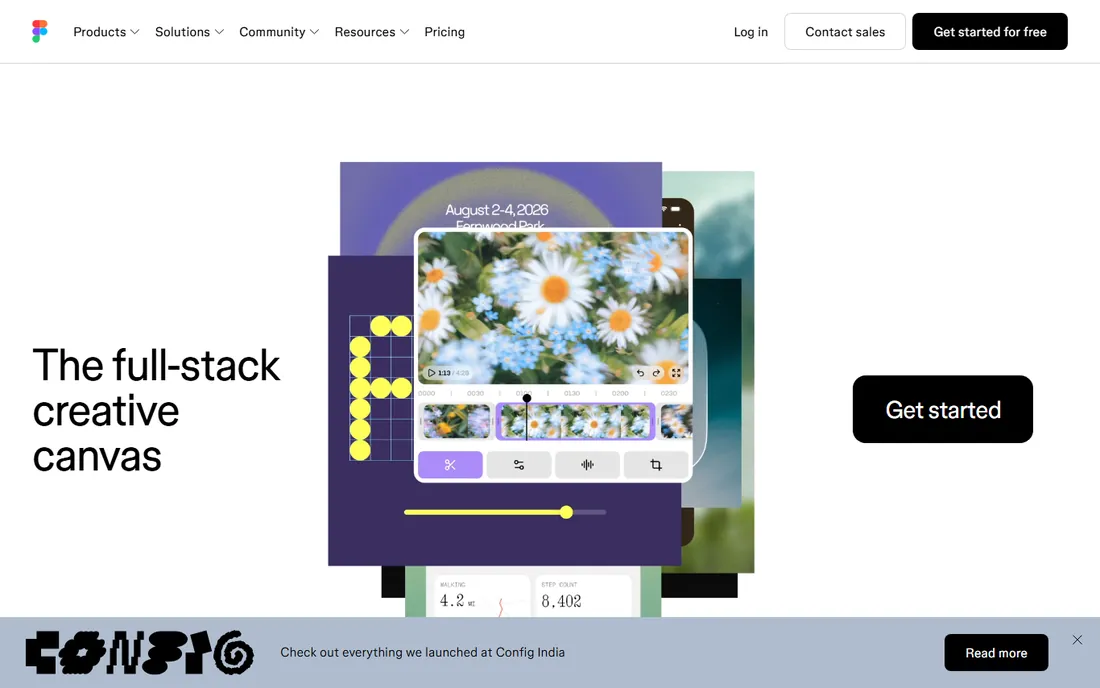
Figma is the reason most designers never installed a desktop design app. Everything happens in the browser, multiple people edit the same file at once, and developers inspect designs without a full editor seat. The community files and plugin ecosystem are the deepest in the industry.
The catch is pricing. Professional is $16 per full editor seat per month on annual billing, with Dev seats at $12 and Collab seats at $3, and AI features run on a separate credit allowance. A 10-person design team costs roughly $1,920 a year before add-ons, and the free Starter plan's three-file cap pushes any real team project onto a paid seat quickly.
What we like- Real-time multiplayer editing in the browser
- Deep component libraries and plugin ecosystem
- Dev Mode gives developers measurements and code without a design seat
Watch out for- Per-seat costs scale fast on bigger teams
- FigJam and Slides are bundled into paid seats
- Free plan caps team files at three
#2
Sketch
Best for: Mac-based designers who want native speed and offline work
Visit sketch.com
Starting price$12 per editor/month (billed annually)
Free planFree trial (30 days, no permanent free plan)
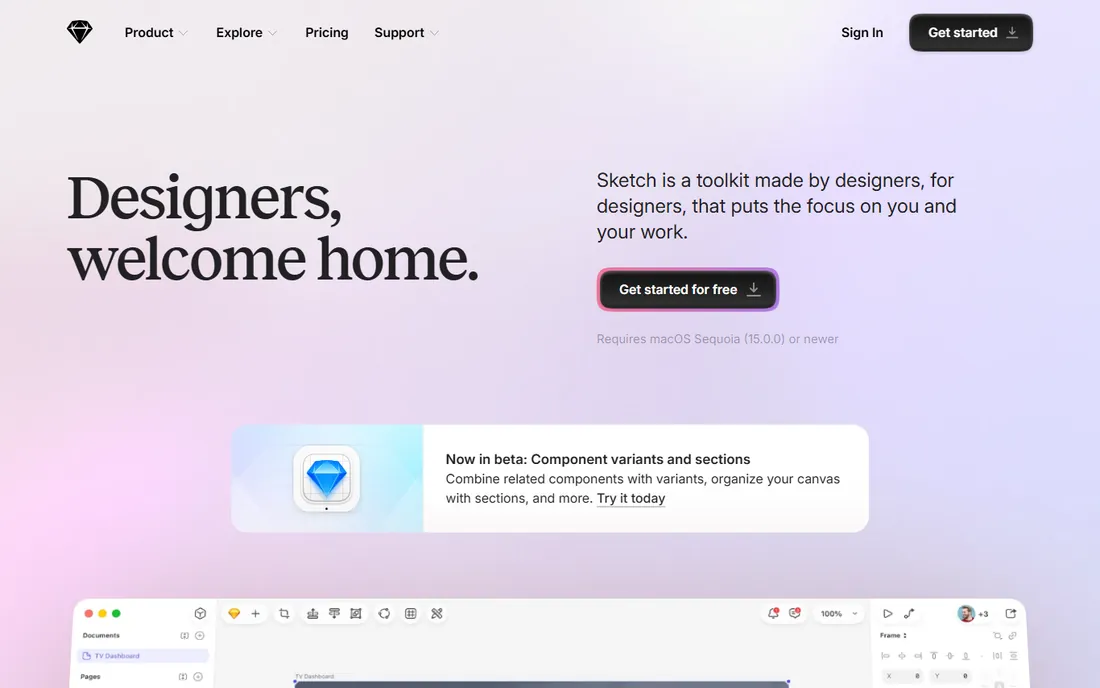
Sketch invented the modern UI design tool category and still earns its loyal users. The native Mac editor feels faster than any browser canvas, it works on a plane with no compromises, and the subscription adds real-time collaboration, shared libraries, and a web app where the rest of the team can view, comment, and inspect.
The limitation is the platform. All-Mac teams get a calm, well-built tool at $12 per editor per month billed annually. Mixed-platform teams split between the desktop app and the web app, and that split is why so many moved to Figma. The $120 one-time Mac-only license suits freelancers, but it drops collaboration entirely.
What we like- Native macOS app that is fast and works fully offline
- Unlimited free viewers and developer handoff on paid plans
- $120 one-time Mac-only license for solo use
Watch out for- Mac only, so Windows and Linux teammates are stuck in the web app
- Collaboration requires the subscription, not the one-time license
#3
Framer
Best for: Designers who want to publish real websites from their designs
Visit framer.com
Starting price$10 per month (Basic, billed annually)
Free planYes (free tier for unpublished design work)
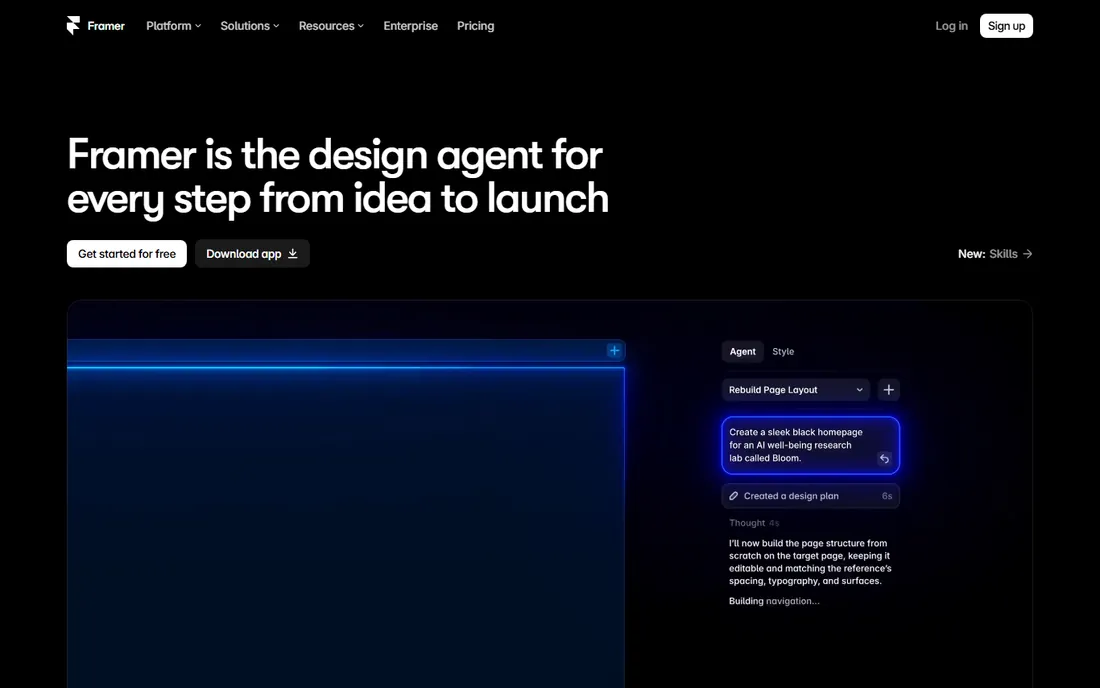
Framer began as a prototyping tool and grew into a full site builder, which makes it an unusual entry among UI design tools. You design on a Figma-like canvas, then publish the result as a real website with CMS, hosting, and analytics. The AI agent generates and refines layouts in place, shortening the distance between mockup and shipped marketing page.
Treat Framer as a specialist. It is excellent for landing pages, portfolios, and marketing sites, and the $10 per month Basic plan covers a custom-domain site. It is a weaker pick for mobile apps or complex product flows, and teams should budget the full stack: site plans plus extra editor seats at $20 per month each.
What we like- Designs become live hosted websites with CMS and hosting included
- AI design agent works directly on the canvas
- Familiar Figma-like editing model
Watch out for- Now a website builder first, so app prototyping is not its strength
- Pricing is per site plus per editor, which adds up for agencies
#4
Penpot
Best for: Teams that want open source design software or self-hosting
Visit penpot.app
Starting price$7 per user/month (Unlimited cloud plan, capped at $175/month)
Free planYes (free Professional cloud plan for up to 8 users; self-hosting is free)
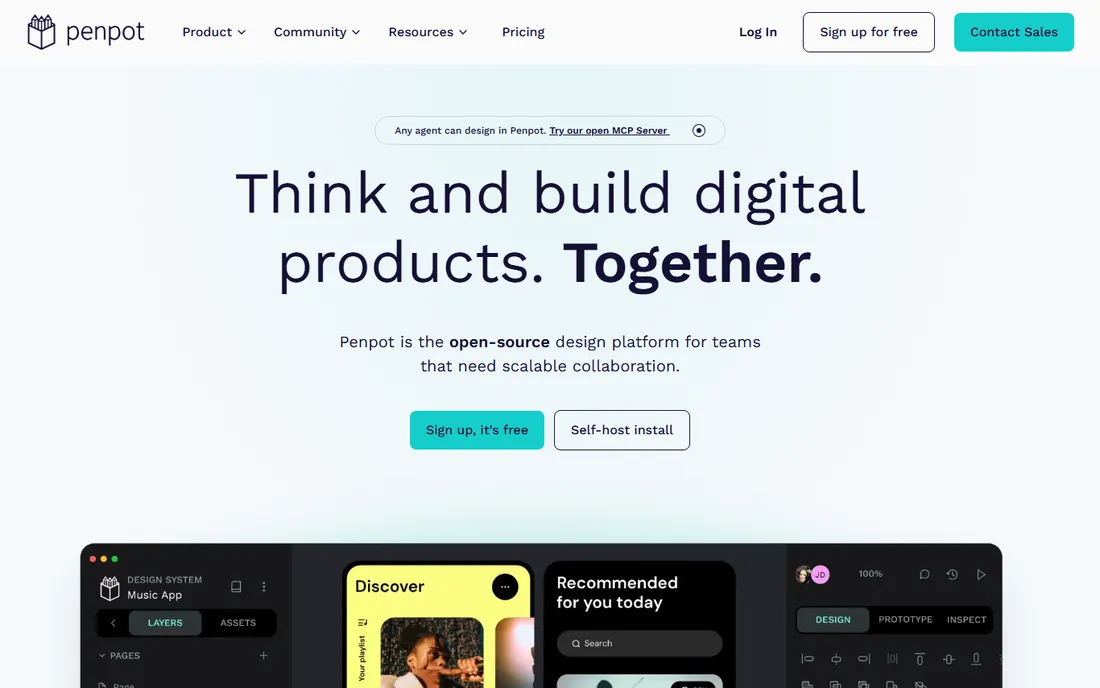
Penpot is the most credible open-source answer to Figma, and its pricing is the friendliest here. Cloud Professional is free for teams up to 8, Unlimited is $7 per user per month with the total bill capped at $175 regardless of team size, and you can self-host the whole platform free on your own infrastructure.
On the canvas, Penpot covers components, prototyping, and design tokens that map cleanly to code. The trade-off is ecosystem maturity: fewer plugins, fewer templates, fewer community files. If your team lives on community resources, that gap matters.
What we like- Fully open source with no vendor lock-in, designs stored in SVG, CSS and JSON
- Self-hosting for teams with data control needs
- Native design tokens aligned with W3C standards
Watch out for- Plugin and template ecosystem is smaller than Figma
- Hosted performance depends on browser and network
#5
Lunacy
Best for: Solo designers who want a capable free desktop app
Visit icons8.com
Starting priceFree
Free planYes (fully free for personal and commercial use)
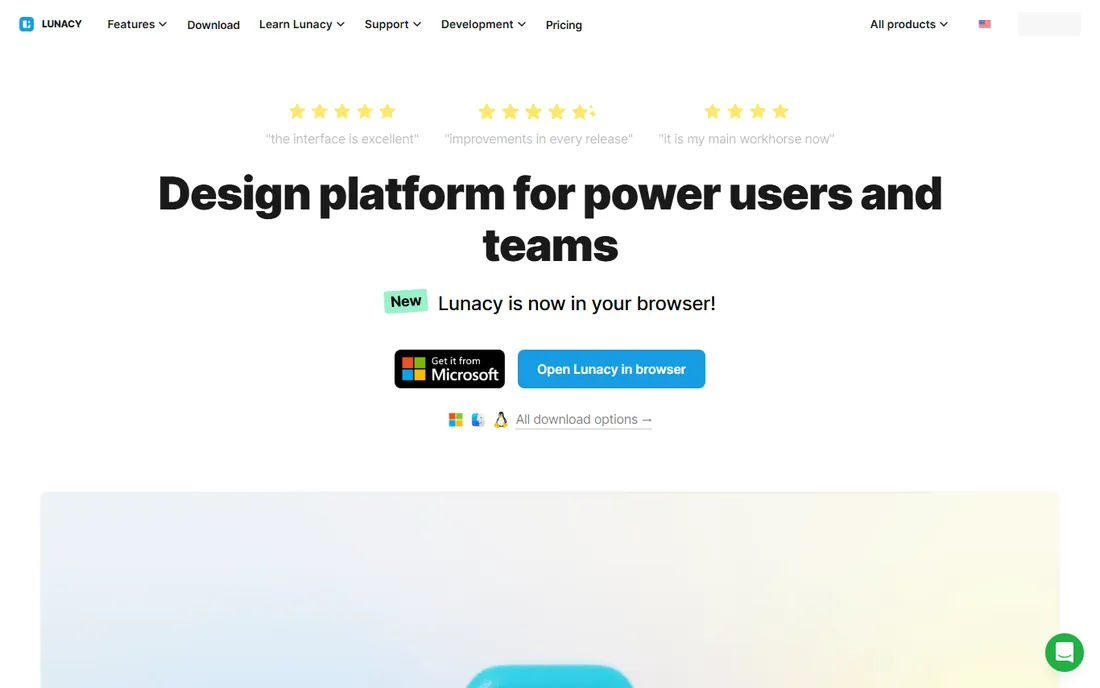
Lunacy is the quiet bargain of UI design. It is a native desktop app for Windows, Mac and Linux that opens Sketch files, handles components and prototyping, and ships with a large built-in graphics library. It is free for commercial work, works offline, and asks for no account before you start designing. For a freelancer or student who wants a real tool without a subscription, nothing else matches it.
The compromises are about teamwork, not the canvas. Multiplayer collaboration exists but is not as smooth as Figma or Penpot, and the small community means fewer templates. Some built-in stock graphics also carry licensing quirks worth checking before client work.
What we like- Completely free with no account needed to start
- Native apps for Windows, Mac and Linux that run offline
- Built-in library of icons, photos and illustrations
Watch out for- Real-time collaboration is weaker than browser-first tools
- Smaller community means fewer tutorials and templates
Starting price$11 per month (Individual, billed annually)
Free planFree trial
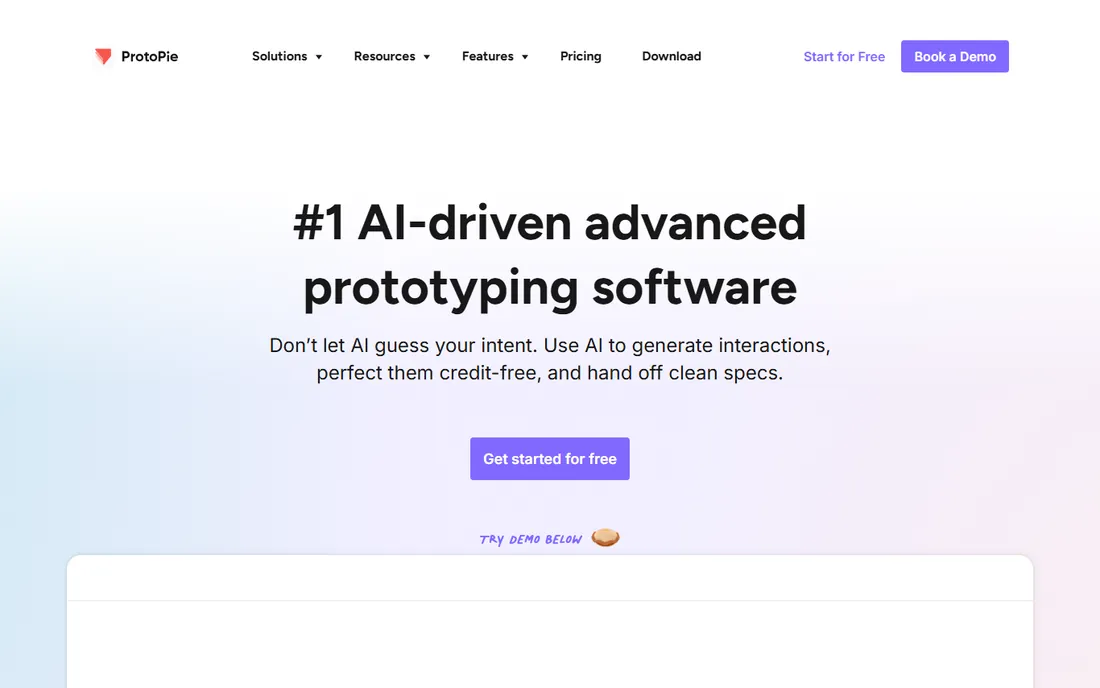
When a Figma prototype is not convincing enough for user testing, designers turn to ProtoPie. It builds prototypes that behave like the real product: conditional logic, formulas, variables, camera and sensor input, multi-device interactions. The Figma plugin imports designs in a click, and the Player app lets stakeholders test on real phones.
Pricing starts at $11 per month for an Individual on annual billing, reasonable for a freelancer doing client demos. The Team plan at $42 per editor per month is where costs climb, and it is the plan most studios need. ProtoPie sits next to your design tool rather than replacing it.
What we like- Highly realistic prototypes with sensors, voice and device hardware, no code needed
- Imports directly from Figma and Sketch
- Desktop, cloud and mobile player cover testing anywhere
Watch out for- Team plan at $42 per editor per month adds up fast
- A prototyping specialist, not a full design tool
#7
Axure RP
Best for: Logic-heavy enterprise prototypes and specifications
Visit axure.com
Starting price$29 per user/month (Pro, billed annually)
Free planFree trial (30 days)
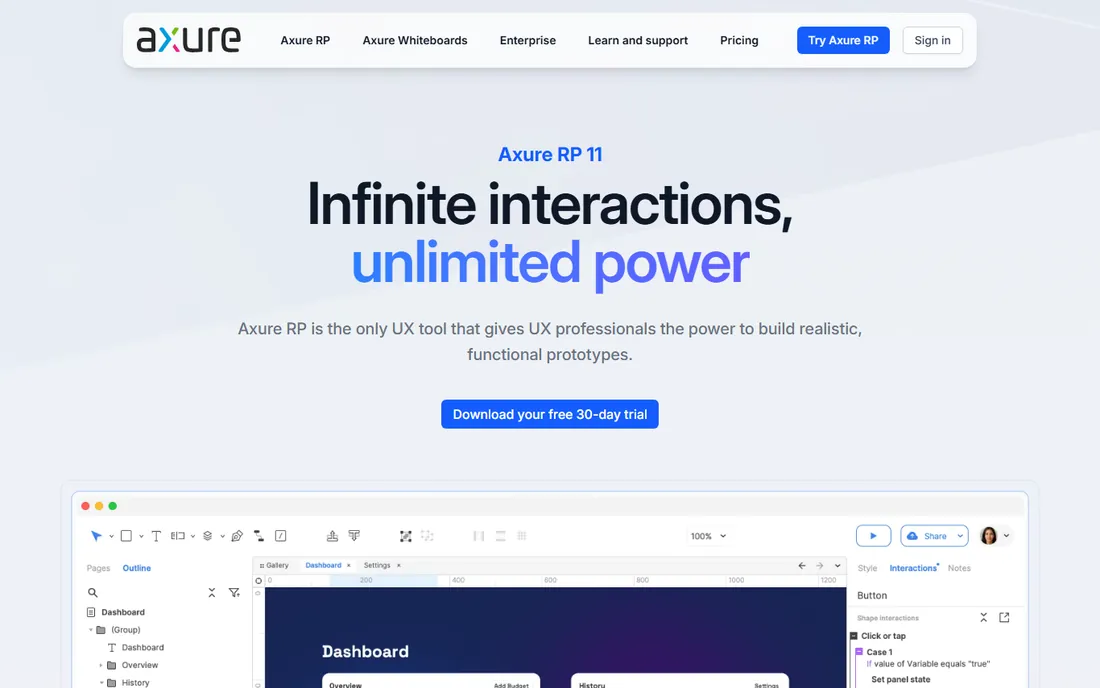
Axure RP is the old guard of UX prototyping and still unmatched at one job: prototypes with real logic. Dynamic panels, adaptive views, and data-driven repeaters simulate complex software flows, multi-step forms, and role-based interfaces in ways click-through tools cannot. It doubles as a specification tool, with documentation living next to the prototype.
Everything else is a trade-off. The desktop-only editor feels dated, learning the logic system takes real time, and Pro is $29 per user per month billed annually with no free tier beyond the trial. Choose Axure when specifying enterprise software where the prototype must behave like the product.
What we like- Conditional logic, variables and repeaters produce the most realistic complex prototypes
- Combines wireframes, flow diagrams and documentation in one file
- Unlimited reviewers on cloud publishing
Watch out for- Desktop-only editor with a dated interface
- Steeper learning curve
- Visual design features lag behind Figma and Sketch
#8
Uizard
Best for: Non-designers who need editable mockups in minutes
Visit uizard.io
Starting price$12 per creator/month (Pro, billed annually)
Free planYes (limited to a few AI generations and projects)
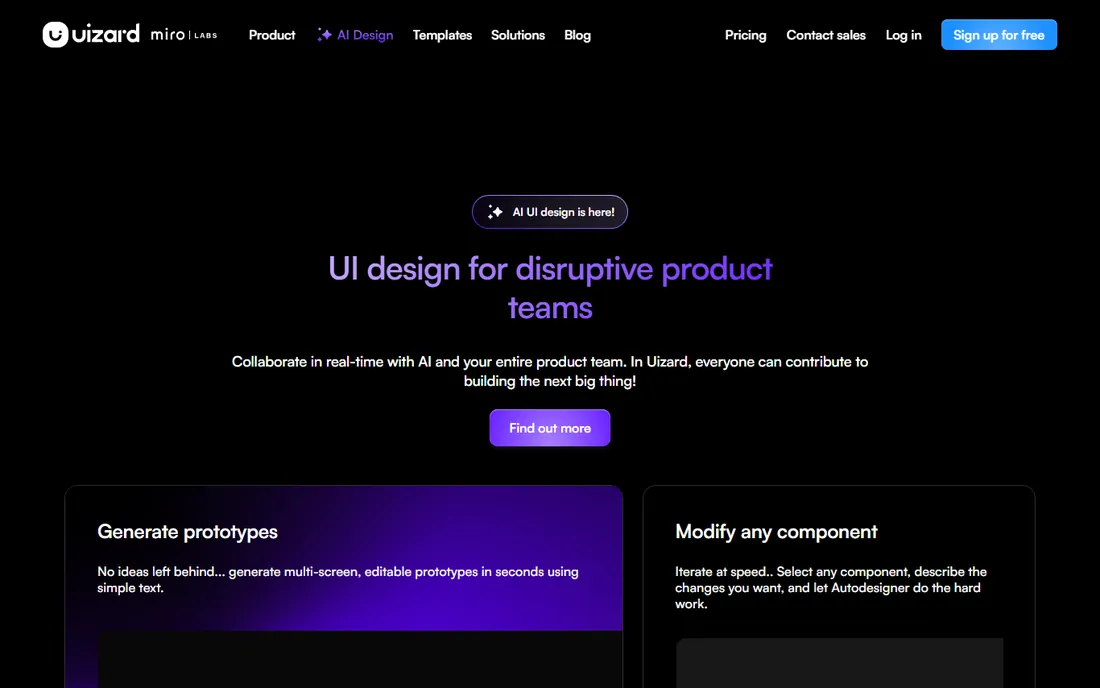
Uizard is built for whoever needs a clickable story before a designer is available: founders, product managers, marketers. Type a prompt and Autodesigner produces editable multi-screen mockups. Photograph a whiteboard sketch and the scanner converts it into a working wireframe. The free tier offers a few AI generations and two projects, enough to test the approach.
Set expectations correctly and Uizard earns its place. The output is a starting point for discussion, not a finished design system. Pro at $12 per creator per month billed annually buys 500 AI generations and 100 projects for people who iterate weekly.
What we like- Text prompts generate multi-screen mockups
- Screenshot and hand-sketch scanners turn existing material into editable designs
- Viewers and commenters are free
Watch out for- Output is mid-fidelity, not pixel-perfect
- Free plan AI generations run out quickly
- Not a replacement for a production design tool
#9
Zeplin
Best for: Design-to-developer handoff and living styleguides
Visit zeplin.io
Starting price$8 per user/month (Team)
Free planYes (one project)
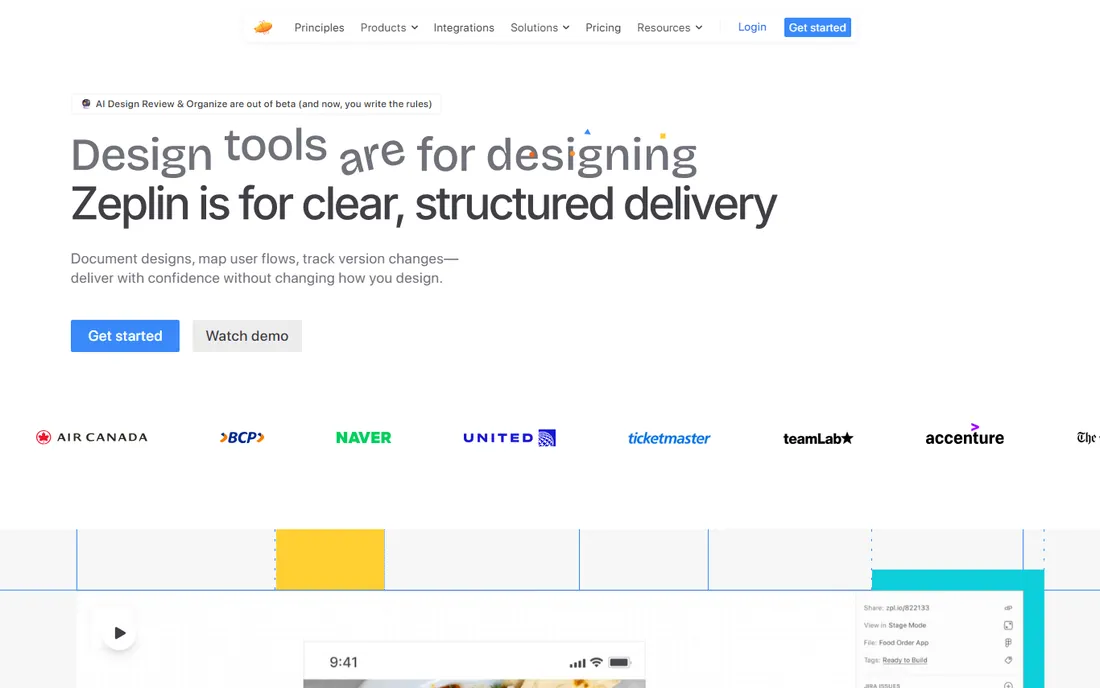
Zeplin answers a specific pain: the moment designs leave the design tool and developers need specs. Designers publish from Figma or Sketch, and developers get an organized workspace with measurements, assets, code snippets, and version history. Styleguides document components so everyone references the same source as the system evolves.
The honest framing is that Zeplin is an add-on cost. You still pay for Figma or Sketch, then add Zeplin seats, with Team around $8 per user per month and a free tier limited to one project. For teams where handoff is currently screenshots and Slack threads, it pays for itself in avoided rework.
What we like- Publishes specs, assets and code snippets developers can use
- Versioned styleguides document the design system
- Integrates with Figma, Sketch, Jira and Slack
Watch out for- A handoff layer, not a design tool, so it adds a subscription on top of your editor
- Per-user pricing grows with every developer invited
#10
UXPin
Best for: Design systems built with real code components
Visit uxpin.com
Starting price$6 per editor/month (Essentials, billed annually)
Free planFree trial
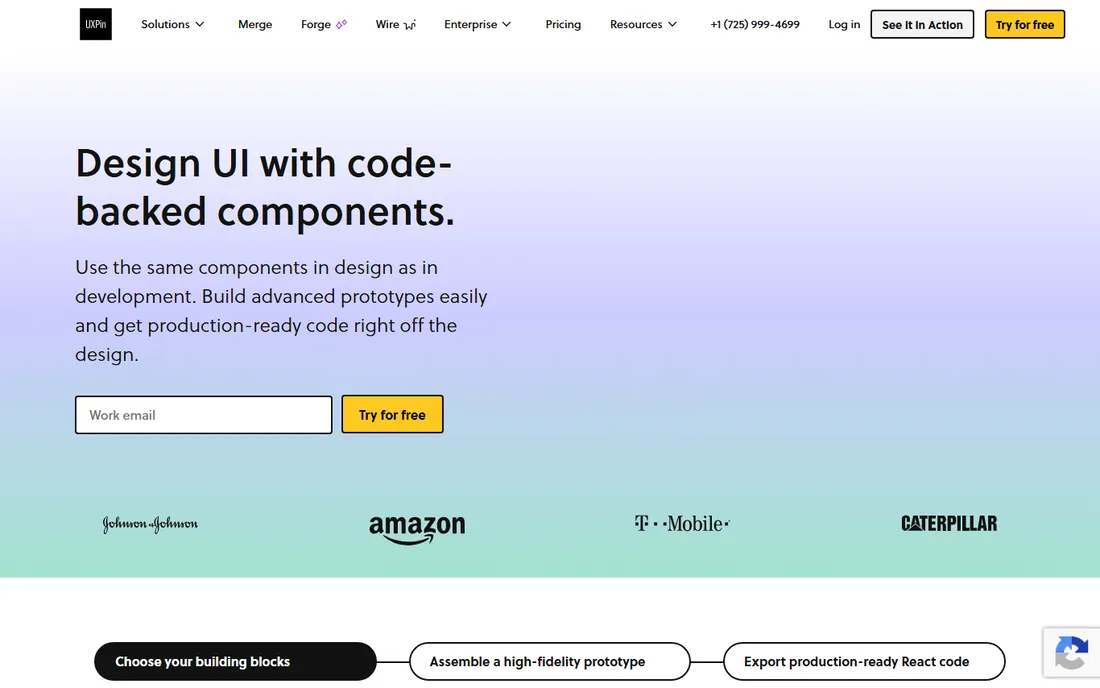
UXPin's big idea is that prototypes should be built from the components engineers ship. Its Merge technology connects design libraries to coded React components, so what stakeholders click is the actual component, not a picture of it. For design-system teams at larger companies, that closes the gap between design and production like nothing else here.
The pricing ladder deserves a careful read. Essentials starts at $6 per editor per month billed annually and covers basic prototyping, but conditional logic, code components, and AI-assisted building live in Advanced at $29 and Merge AI at $39 per editor per month. UXPin suits teams with an established component library and matching budget; smaller teams will find Figma or Penpot simpler and cheaper.
What we like- Merge technology renders real coded components on the canvas, so prototypes use production code
- Conditional logic, variables and states for complex interactions
- Imports from Sketch and Photoshop
Watch out for- The meaningful features sit in pricier tiers, Advanced at $29 and Merge AI at $39 per editor
- Steeper learning curve than simpler canvas tools
How we chose
We compared tools that are actively maintained and available today, checking each vendor's homepage and current pricing page rather than old reviews. The list mixes the dominant platform (Figma), the native desktop alternative (Sketch), free and open-source options (Penpot, Lunacy), prototyping specialists (ProtoPie, Axure RP, UXPin), an AI-first option for non-designers (Uizard), and a handoff layer (Zeplin). We excluded discontinued products: Adobe XD is end-of-life and InVision shut down at the end of 2024. We did not claim hands-on testing; picks reflect feature lists, public documentation, review sentiment on G2 and Capterra, and fit for different team sizes.
Start with how your team actually works, not with feature checklists. A product team that iterates daily belongs in a browser-based multiplayer tool, which means Figma or Penpot. A solo designer on a Mac who values speed and offline work will be happier and spend less with Sketch. If nobody on the team designs yet, Uizard gets you a credible mockup this week.
Match the tool to the deliverable
Marketing sites favor Framer, because the design becomes the published site. Mobile apps and complex product flows favor Figma, Sketch, or Penpot for design, with ProtoPie or Axure RP added when the prototype must behave like real software. Design-system teams maintaining coded components should weigh UXPin's Merge approach against the simpler path of Figma libraries plus Zeplin for handoff.
Watch the seat math before you commit
Per-seat pricing is where design tool budgets quietly double. Count who needs an editor seat versus who can live as a free viewer or commenter. Figma's Dev and Collab seat types exist so you stop paying full price for engineers and stakeholders, so audit seat assignments quarterly. Penpot's $175 monthly cap and Lunacy's free license matter if every new hire currently means another $16 to $29 per month.
Plan the handoff, not just the canvas
The prettiest mockup fails if developers cannot build from it. Confirm that your choice exports clean specs, assets, and design tokens, and decide whether you need a dedicated handoff layer like Zeplin or whether built-in inspection is enough.
What to watch out for in 2026
Two former giants are gone. Adobe XD reached end of life and InVision shut down at the end of 2024, so any comparison still listing them is out of date. The other shift is AI pricing: Figma runs AI on a credit allowance and Uizard rations AI generations by plan, so ask what happens when the team hits the cap mid-month. Figma also bundles FigJam and Slides into every paid seat, so you pay for whiteboarding and presentations whether the team uses them or not.
Frequently asked questions
What is the best UI UX design software for beginners?
Figma is the easiest start: the free Starter plan covers learning, nothing needs installing, and tutorials are everywhere. If you want a desktop app without paying, Lunacy is free and runs offline. Non-designers who need a mockup fast should try Uizard's free tier first.
Is there a free alternative to Figma?
Yes. Penpot is the closest: open source, with a free cloud plan for teams up to 8 and free self-hosting. Lunacy is a free desktop app for Windows, Mac and Linux. Both cover core UI design and prototyping, though their plugin ecosystems are smaller.
Which is better, Figma or Sketch?
It depends on the team. Figma wins for cross-platform teams that need browser collaboration and the largest plugin ecosystem. Sketch wins for Mac-only designers who want a fast native app, real offline work, and a one-time license option.
Do I need a separate prototyping tool?
Not always. Figma, Sketch and Penpot all build clickable prototypes that cover most user testing. Add ProtoPie for sensor input or hardware-level realism, and consider Axure RP when specifying complex enterprise software where the prototype must simulate real data and logic.
What happened to Adobe XD and InVision?
Adobe XD reached end of life and InVision shut down at the end of 2024. Teams still on either should migrate to Figma, Sketch, or Penpot, which offer import paths and stronger long-term support.
How much should a small team budget for UI design software?
Five designers on Figma Professional cost about $960 per year at $16 per editor per month billed annually, plus Dev seats for engineers. The same headcount on Penpot's Unlimited plan hits the $175 monthly cap, while Lunacy costs nothing. Count editors only, since stakeholders comment for free on most tools.
Sources we checked (20)
- https://figma.com
- https://www.figma.com/pricing/
- https://sketch.com/
- http://Sketch.com/pricing/
- https://framer.com/
- https://penpot.app/
- https://penpot.app/pricing
- https://icons8.com/lunacy
- https://www.protopie.io
- https://www.axure.com
- https://uizard.io
- https://zeplin.io
- https://uxpin.com
- https://www.saasworthy.com/product/sketch/pricing
- https://appstackinsider.com/insights/figma-vs-sketch/
- https://www.saasworthy.com/product/protopie-io/pricing
- https://www.saasworthy.com/product/uizard-io/pricing
- https://www.saasworthy.com/product/zeplin-io
- https://www.techradar.com/pro/uxpin-review
- https://uxpickle.com/tool/axure/
Is your product missing or out of date?
We review this list regularly. Vendors can request a listing, send updated pricing or ask about featured placement.

Shihab Mia · Founder, Rankite
Shihab has spent more than a decade helping SaaS and e-commerce brands grow through search. He writes Rankite's software buying guides from pricing pages, documentation and public user reviews. More about Shihab.