How we make this list: we compare pricing pages, product documentation and public user reviews. Rankite is independent; if a vendor ever pays for a featured spot, that listing is clearly labeled Partner.
Key takeaways
- Office Timeline (now Lucen Software) is the standard for timelines inside PowerPoint presentations.
- Aeon Timeline suits writers and researchers juggling complex chronologies with many events.
- Tiki-Toki, TimeGraphics, and TimeToast make beautiful interactive web timelines with minimal effort.
- TimelineJS is the free, open source option for journalists and educators embedding timelines in articles.
- Preceden, Timeline Maker Pro, and Sutori cover business roadmaps, desktop timeline creation, and classroom use.
Quick comparison
Is your product missing or out of date?
We review this list regularly. Vendors can request a listing, send updated pricing or ask about featured placement.
The best software for timelines
Starting priceSee website
Free planYes
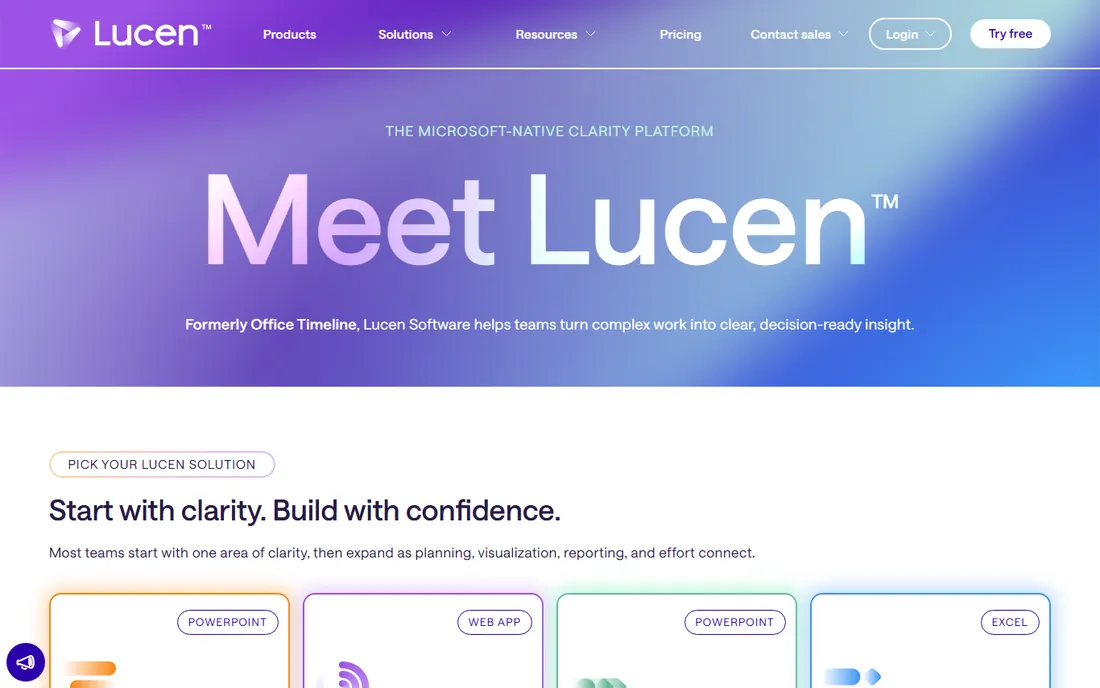
Office Timeline (the product is now sold by Lucen Software, formerly Office Timeline) is the tool behind countless executive presentations. It runs as a PowerPoint add-in: enter your milestones and dates, and it generates a polished timeline slide you can restyle with a click. For project reviews, roadmaps, and history slides, nothing is faster.
The obvious constraint is PowerPoint itself. If your team does not live in PowerPoint, the value drops. Advanced templates and features need a paid license, though the free version handles basic timelines. For business users who present timelines regularly, it pays for itself in saved formatting time.
What we like- Lives inside PowerPoint
- Professional templates
- Fast for executives
Watch out for- PowerPoint-dependent
- Advanced features need paid plans
Starting priceSee website
Free planNo
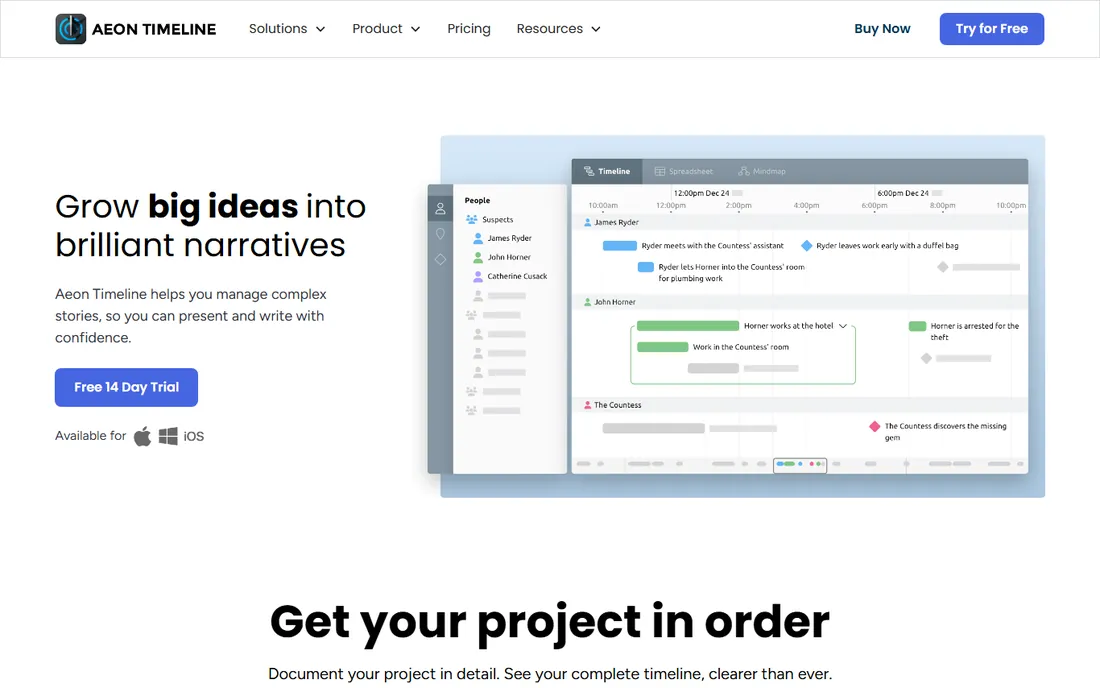
Aeon Timeline is built for people whose timelines are genuinely complicated: novelists tracking multiple character arcs, researchers managing historical events, lawyers building case chronologies. Events link to entities, arcs, and dependencies, and the timeline view keeps it all navigable. Integration with writing apps like Scrivener connects the timeline to the manuscript.
For a simple project roadmap, Aeon is overkill; use Preceden or Office Timeline instead. But when the chronology itself is the work, no general tool matches Aeon's depth. Writers and researchers who think in timelines will find it indispensable.
What we like- Handles complex chronologies
- Great for fiction and research
- Syncs with writing apps
Watch out for- Overkill for simple timelines
- Desktop-focused
Starting priceSee website
Free planNo
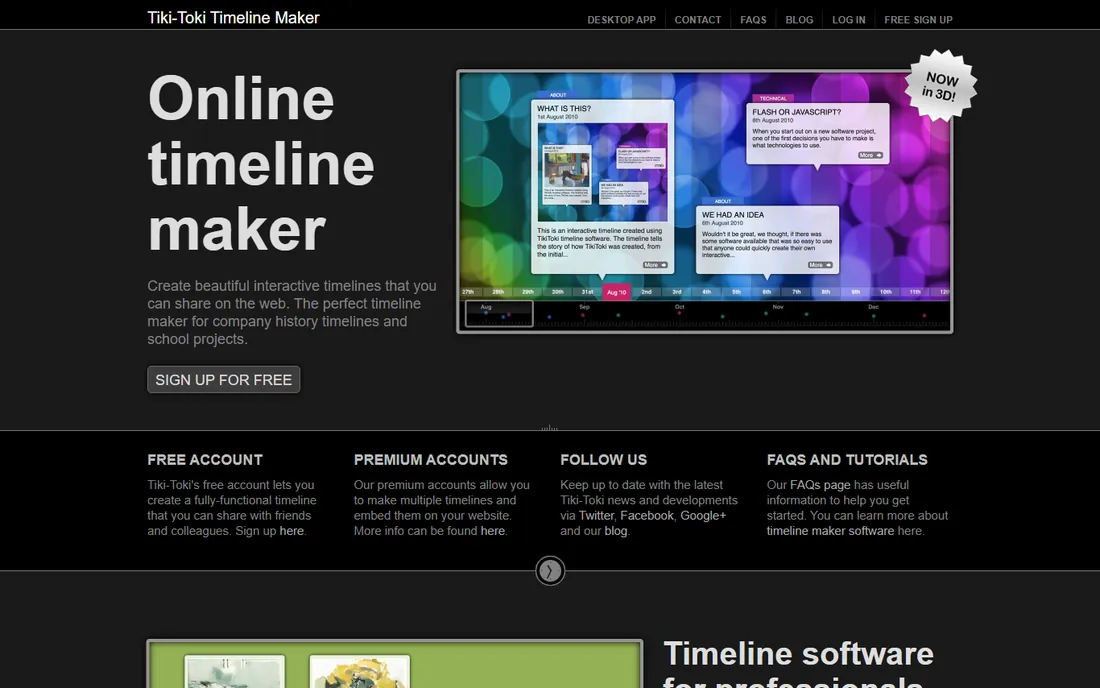
Tiki-Toki makes timelines that look impressive on the web, including a distinctive 3D view that sets it apart. Add images, videos, and rich text to events, then embed the timeline in any website. Educators, museums, and businesses use it for histories and project showcases that need to look good publicly.
There is no free tier worth mentioning; this is subscription software. The account side feels dated compared with the timelines themselves. But for public-facing interactive timelines where visual impact matters, Tiki-Toki's output justifies the cost.
What we like- Beautiful 3D timeline views
- Multimedia support
- Easy embedding
Watch out for- Subscription required
- Dated account management
Starting priceFree
Free planYes
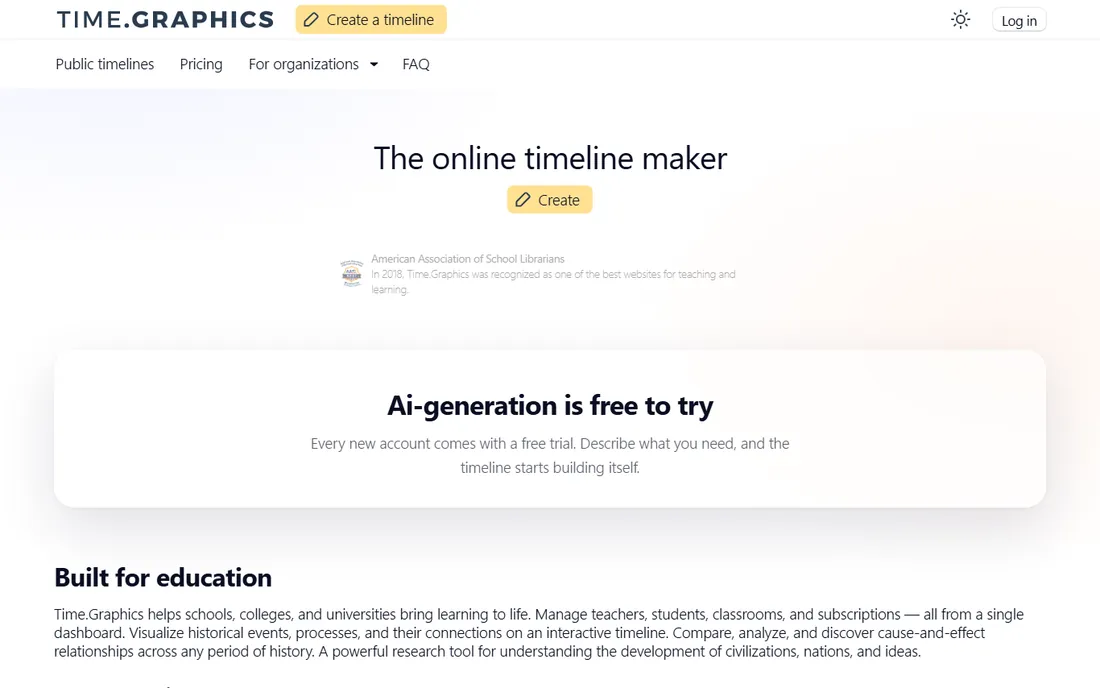
TimeGraphics is the quick-and-clean option: sign up, add events, get a shareable timeline. The free tier covers personal and educational use well, and the interface stays out of your way. It suits students, teachers, and anyone who needs a decent timeline without learning software.
Power users will hit limits on customization, data depth, and presentation polish. But most timeline needs are simple, and TimeGraphics respects that. When the job is "make a timeline for tomorrow's class," this is the fastest honest answer.
What we like- Free to start
- Fast and simple
- Good sharing options
Watch out for- Limited advanced features
- Simpler visuals
Starting priceFree (open source)
Free planYes
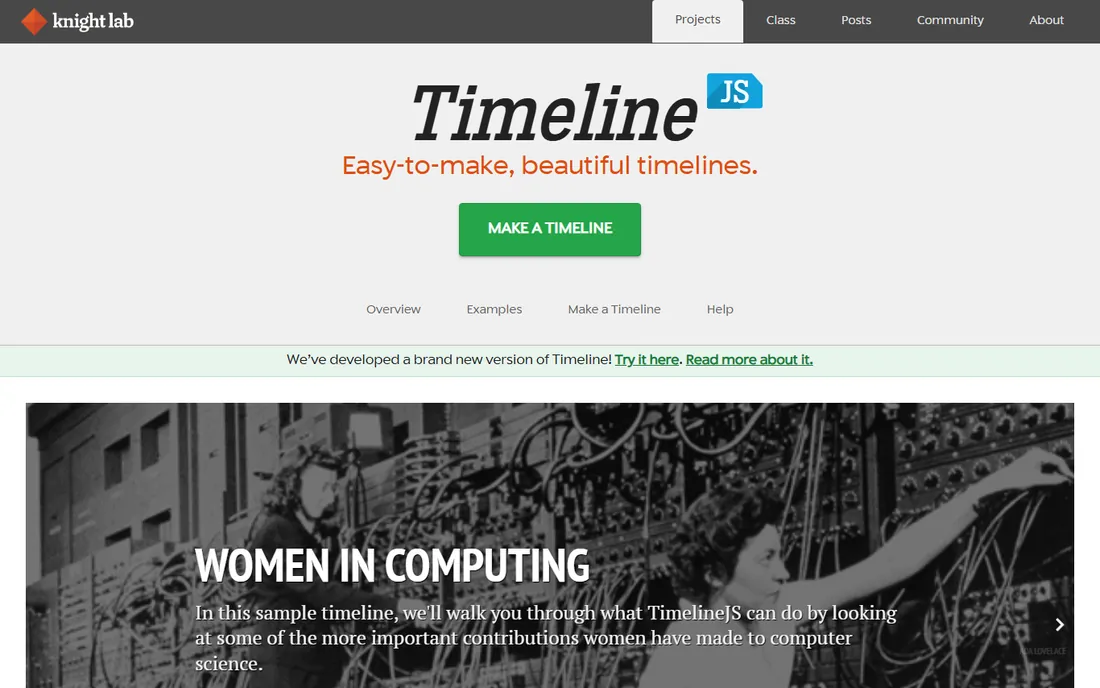
TimelineJS, from Northwestern University's Knight Lab, is the open source standard for embeddable timelines. Authors build the timeline in a Google Sheets template, publish, and embed the result in any article or page. Journalists love it for visual storytelling, and educators use it for interactive history lessons. It costs nothing and looks professional.
Customization is limited to what the tool offers; you cannot redesign it freely. You also need somewhere to embed it. But for publishers and educators who need beautiful timelines without budget or developers, TimelineJS remains unmatched.
What we like- Completely free
- Great for journalism
- Easy Google Sheets input
Watch out for- Limited styling
- Needs a website to embed in
Starting priceSee website
Free planNo
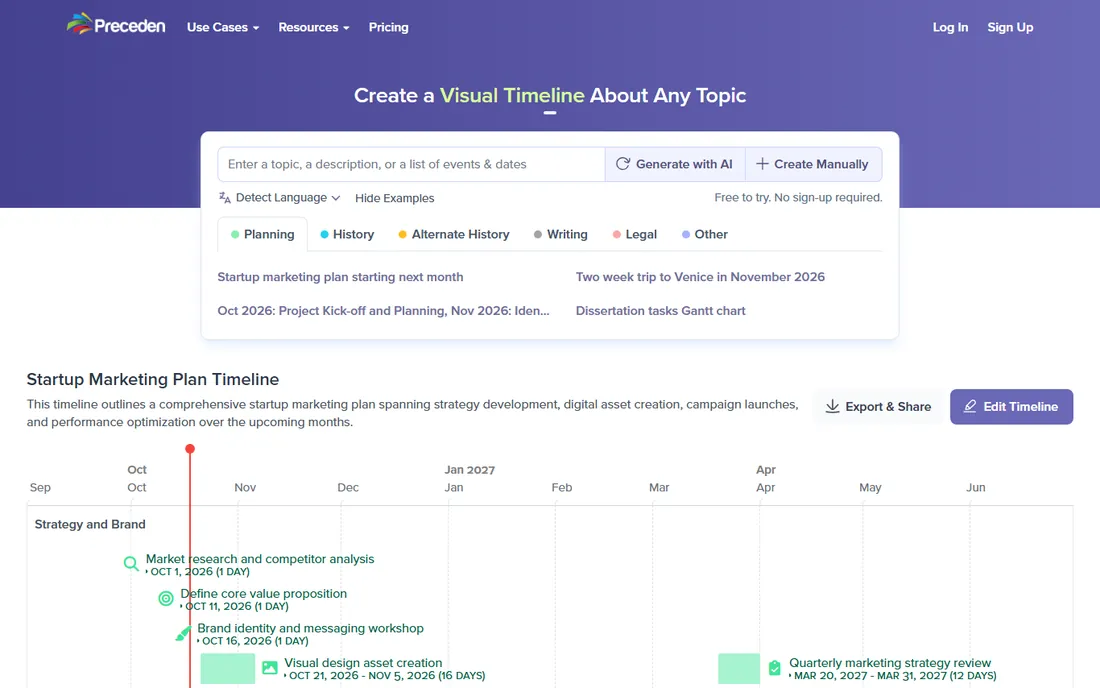
Preceden focuses on the business use case: project roadmaps, product timelines, and company histories that need to look sharp in presentations and on the web. Layers let you show multiple projects or teams on one timeline, and sharing options cover embedding, PDF export, and live links.
It is subscription software aimed at professionals, not a free classroom tool. Historical and storytelling timelines fit less naturally than business ones. For product managers and executives communicating plans over time, Preceden's clarity is its selling point.
What we like- Clean roadmap visuals
- Layers for multiple projects
- Easy sharing
Watch out for- Subscription only
- Less for historical timelines
Starting priceSee website
Free planNo
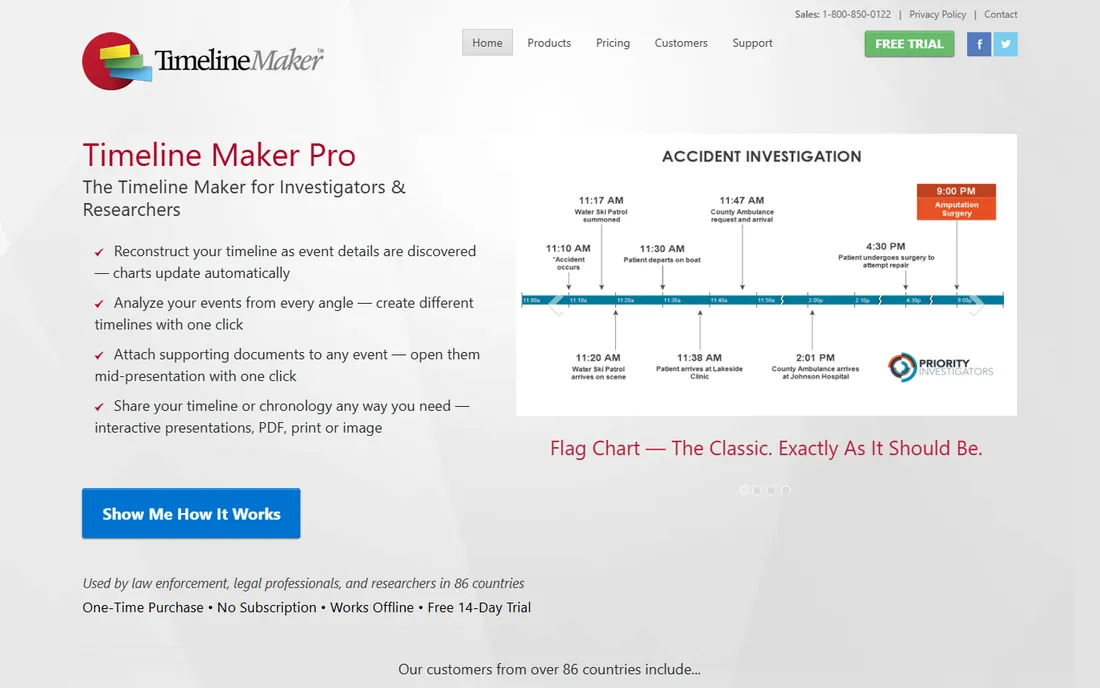
Timeline Maker Pro is traditional desktop software for people who make timelines regularly: consultants, lawyers, project managers. It offers deep formatting control, many timeline styles, and one-time purchase licensing rather than subscriptions. Data stays on your machine, which some professionals prefer.
The Windows focus limits Mac users, and the interface reflects its desktop heritage. But for professionals who want a capable timeline tool they buy once and own, Timeline Maker Pro fills a niche the web tools do not. Legal and consulting timelines with precise formatting requirements are its home turf.
What we like- Full-featured desktop app
- No subscription needed
- Good for professionals
Watch out for- Windows-focused
- Interface shows its age
Starting priceSee website
Free planYes
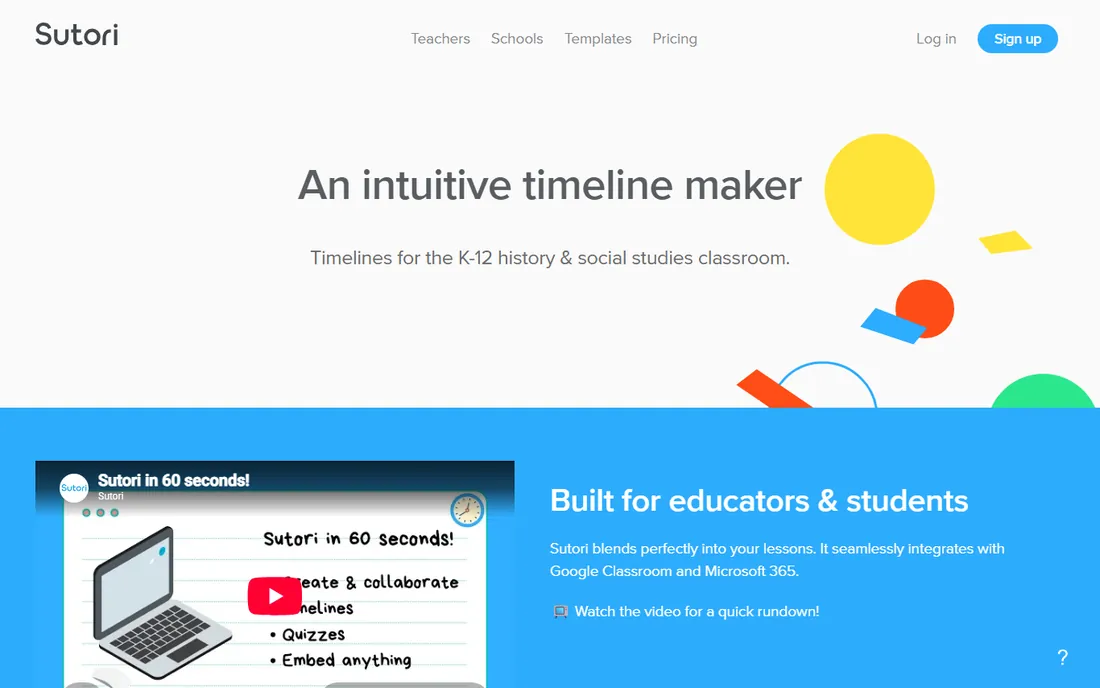
Sutori turns timelines into interactive stories for the classroom. Teachers build multimedia timeline presentations, students create their own as assignments, and the platform supports the collaborative, visual learning style schools favor. The free tier covers basic classroom use.
Businesses will find the education framing awkward for their needs. Premium features (more stories, advanced options) require paid plans. But for teachers, Sutori understands the classroom in a way generic timeline tools do not, and students engage with the format.
What we like- Built for education
- Interactive stories
- Teacher-friendly
Watch out for- Education focus limits business use
- Premium features cost
Starting priceFree
Free planYes
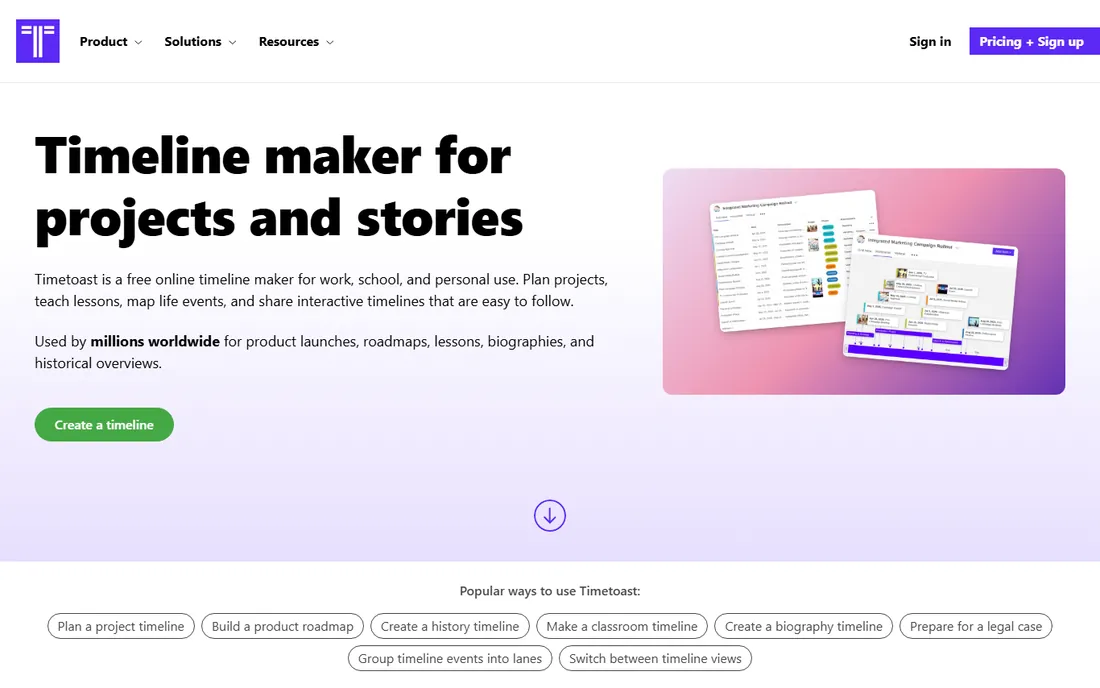
TimeToast is the simplest option here: create a timeline, add events with images, share the link. The free tier handles personal projects and homework, and the public library of user-created timelines (history, biographies, pop culture) is fun to browse. It does the basics without fuss.
Advanced features are thin, and free timelines carry ads. Nobody will mistake it for a professional tool. But for a quick personal or school timeline, TimeToast's simplicity is exactly right. Sometimes the best software is simply the one you do not have to learn.
What we like- Very easy
- Free tier
- Huge public timeline library
Watch out for- Basic features
- Ads on free tier
Picking the right timeline for the job
Timelines serve different masters, and the software follows. Executive presentations need PowerPoint-native tools (Office Timeline). Public storytelling needs beautiful web embeds (Tiki-Toki, TimelineJS). Complex research needs depth (Aeon Timeline). Classrooms need education features (Sutori). Business roadmaps need clarity (Preceden). The most common mistake is using a presentation tool for a web timeline or a simple tool for complex chronology. Define the audience and the destination first: who views this timeline, and where? The answer points straight to the right category, and from there the choice is easy.
It also helps to think carefully about how often you will build timelines. A one-off timeline for a school project deserves a free, simple tool you can learn in minutes. A consultant who produces client timelines monthly should invest in professional software with templates and branding. Frequency decides whether the learning curve and cost of a serious tool pay off, so be honest about whether this is a one-time task or an ongoing part of your regular work.
What to check before you buy
Output format and embedding
Where will the timeline live? PowerPoint slides, a website embed, a printed poster, or a PDF? Each tool excels at specific outputs. Verify the export and embed options match your destination before investing time in building.
Multimedia and interactivity
Photos, videos, and links transform a timeline from a list into a story. Tiki-Toki, Sutori, and TimelineJS handle multimedia well. Desktop and presentation tools are more static. If your timeline needs rich media, prioritize the web-native options.
Collaboration needs
Classrooms and teams need multiple editors, comments, and sharing controls. Sutori and Preceden handle this better than single-user desktop tools. Solo creators can ignore this entirely.
Cost over time
Free tiers (TimeGraphics, TimelineJS, TimeToast, Sutori basic) suit occasional use. Regular professional use justifies subscriptions (Tiki-Toki, Preceden) or one-time purchases (Timeline Maker Pro, Aeon Timeline). Match the pricing model to how often you build timelines, and re-evaluate yearly.
How we chose
We selected software designed for creating timelines in 2026, spanning presentation, web, research, education, and business uses. We evaluated vendor documentation, output quality, ease of use, and fit for different audiences. We excluded generic diagramming tools and project management Gantt features that are not really timeline software. No vendor paid for placement, and we did not build test timelines for this guide.
Frequently asked questions
What is the best free timeline software?
TimelineJS is the best free option for web publishing: open source, professional-looking, and easy to build from a spreadsheet. TimeGraphics and TimeToast offer simpler free tiers for personal and school use. For PowerPoint, Office Timeline's free version covers basic needs.
How do I make a timeline in PowerPoint?
The fastest way is Office Timeline's PowerPoint add-in, which generates timeline slides from your data. You can also build timelines manually with SmartArt or shapes, but the add-in saves hours on formatting. For occasional timelines, SmartArt is fine; for regular use, the add-in pays off.
What is the difference between a timeline and a Gantt chart?
A timeline shows events in chronological order for communication and storytelling. A Gantt chart shows tasks, durations, and dependencies for project management. Use timelines to explain what happened or what will happen; use Gantt charts to manage the work itself. Different jobs, different tools.
Can I embed a timeline on my website?
Yes. Tiki-Toki, TimelineJS, Preceden, and TimeGraphics all offer embedding via iframe or link. TimelineJS is free and popular with publishers. Check the embed options and mobile responsiveness before choosing, since timelines vary widely on small screens.
Which timeline tool is best for students?
Sutori is built for classrooms, with teacher-friendly features and student assignments. TimeGraphics and TimeToast work well for individual school projects with their free tiers. For a history project that needs to look impressive, TimelineJS produces the most professional result.
Do I need timeline software or just a Gantt chart?
If you only track task dependencies, a Gantt chart in your project tool is enough. Dedicated timeline software earns its place when you present chronologies to clients or executives. For internal planning, keep it simple.
Sources we checked (9)
- https://www.lucensoftware.com
- https://www.aeontimeline.com
- https://www.tiki-toki.com
- https://time.graphics
- https://timeline.knightlab.com
- https://www.preceden.com
- https://timelinemaker.com
- https://www.sutori.com
- https://www.timetoast.com
Is your product missing or out of date?
We review this list regularly. Vendors can request a listing, send updated pricing or ask about featured placement.

Shihab Mia · Founder, Rankite
Shihab has spent more than a decade helping SaaS and e-commerce brands grow through search. He writes Rankite's software buying guides from pricing pages, documentation and public user reviews. More about Shihab.
 Office Timeline
 Aeon Timeline
 Tiki-Toki
 TimeGraphics
 TimelineJS
 Preceden
 Timeline Maker Pro
 Sutori
 TimeToast