How we make this list: we compare pricing pages, product documentation and public user reviews. Rankite is independent; if a vendor ever pays for a featured spot, that listing is clearly labeled Partner.
Key takeaways
- Most small teams land on one of three patterns: a chat hub (Slack or Teams), a project hub (Asana, ClickUp or Notion), or a bundled suite (Microsoft 365 or Google Workspace) that covers both.
- Already paying for Microsoft 365 or Google Workspace? Start there. Teams and Chat with Spaces ship inside plans you may already own, which makes a separate chat app hard to justify.
- If your team spans time zones, an async-first tool like Twist protects focus better than always-on chat. If company data must stay on your own servers, self-hosted Mattermost is the only option on this list.
- Almost every tool here offers a free tier or trial, but free plans cap history, storage or member counts. Open the vendor's pricing page and price your real headcount before committing a whole team.
What to look for before you buy
Start with how your team actually works, not with feature lists. If most coordination happens in conversation, a chat-first tool (Slack, Teams, Twist) fits. If work stalls because nobody knows who owns what, you need a project tool (Asana, ClickUp) more than you need better chat. If knowledge keeps getting lost, a docs hub (Notion) matters most. Buying the wrong shape is the most common mistake.
Decide how synchronous you want to be. Always-on chat rewards teams in similar time zones and punishes deep work. Async-first tools like Twist protect focus but feel slow in a crisis. Pick the default your culture already has, because software rarely changes it.
Read the free plan like a contract. History caps, storage limits, member ceilings and missing guest access are where free tiers bite, usually six months in, when migrating is painful. If you plan to grow on the tool, price the paid tier for your headcount on day one.
Check the integrations before you fall in love. A chat app that does not connect to your project tracker, CRM or code repository becomes another tab people ignore. Count the integrations you actually use, not the thousands in the directory.
Match admin features to your reality. A ten-person startup needs almost none of this. A regulated company needs retention policies, single sign-on and audit logs, which usually means Teams, Slack's business tiers or self-hosted Mattermost. Do not pay for compliance tooling you will never configure.
The best software for team collaboration
In Buffer's 2023 State of Remote Work survey, 98 percent of remote workers said they wanted to keep working remotely for the rest of their careers. Distributed work is not a phase, which means the tool your team talks, plans and shares files in is now core infrastructure. These ten tools cover the real market: chat-first apps, project-first platforms, docs hubs and one self-hosted option, with the honest trade-offs for each.

#1
Slack
Best for: Teams that live in chat and want the widest integration choice
Visit slack.com
Starting price$7.25/user/month (Pro, billed annually)
Free planYes (free plan; 90-day message history, up to 10 apps)
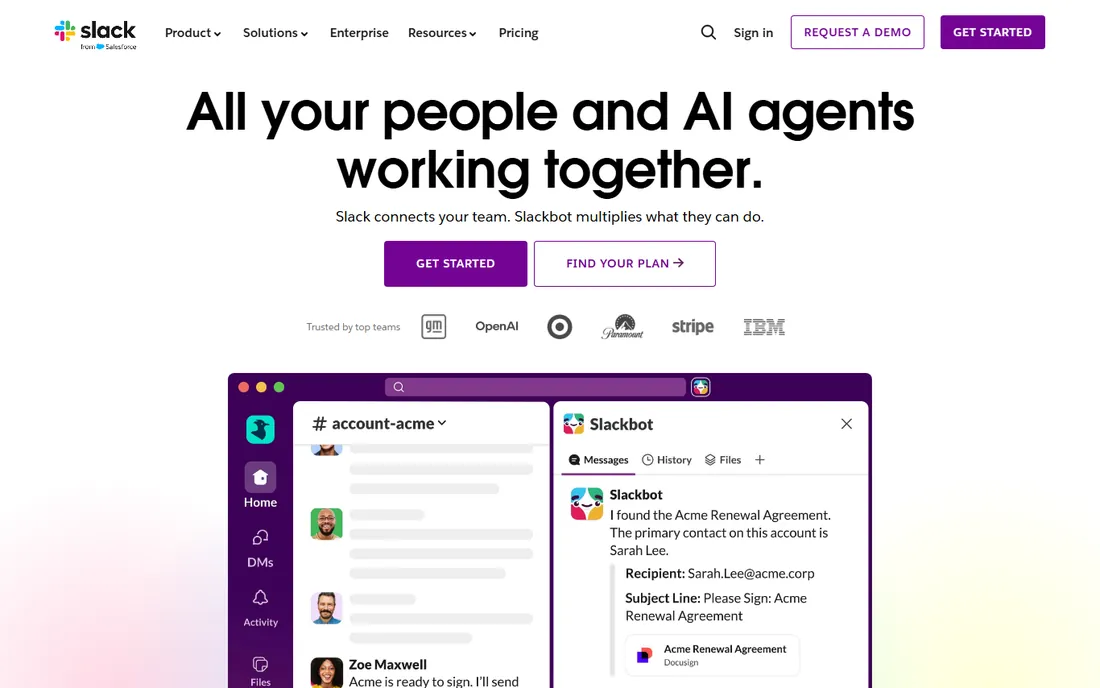
Slack turned the channel into the default unit of team conversation, and most alternatives are still reacting to that design. Channels keep project talk searchable in one place instead of scattered across inboxes, and the integration directory means standups, deploys and support tickets can all post into the rooms where people already work. Huddles add lightweight voice for the moments when typing is too slow, without the overhead of a scheduled call.
The honest weakness is cost at scale. The free tier works for trying things out, but growing teams hit the history cap, and the per-user bill climbs with every hire, including part-timers who barely log in. Notifications need discipline too: a workspace with fifty channels is a firehose unless someone sets sane defaults. If your team already lives in Microsoft 365, give Teams a hard look before paying for both.
What we like- Channel-based organization that scales from tiny teams to thousands of people
- One of the largest integration directories, covering project tools, CRMs and dev workflows
- Huddles and clips for quick voice and video without scheduling a meeting
Watch out for- Free tier caps searchable message history
- Per-user pricing adds up fast as headcount grows
- Notification sprawl needs active management
Starting priceSee website (Teams Essentials price not published)
Free planYes (free plan)
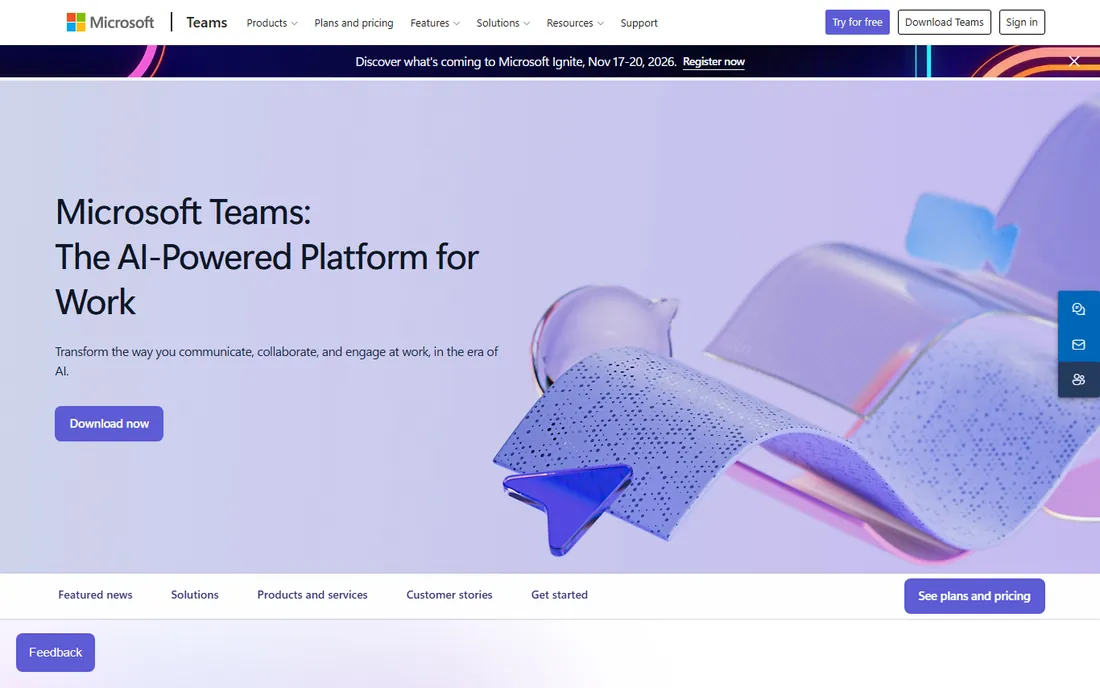
Teams wins by already being there. If your company pays for Microsoft 365, Teams arrives with chat, video meetings, file storage and the Office apps in a single window, and scheduled meetings land on Outlook calendars without plugins. For IT, the admin controls, retention policies and compliance tooling run deeper than what most standalone chat apps offer.
The trade-off is focus. Teams does everything, and the interface shows it: channels, chats, apps and meetings compete for attention, and finding one setting can take three clicks too many. Outside the Microsoft ecosystem much of the value fades, because the integrations and calendar magic assume you live in Outlook and OneDrive. Buy it because you are a Microsoft shop, not because you want the best pure chat app.
What we like- Bundled with Microsoft 365 plans, so many companies already own it
- Meetings, chat, file sharing and Office apps in one window
- Strong admin controls and compliance tooling for IT departments
Watch out for- Dense interface with settings scattered across menus
- Chat can feel secondary to meetings
- Best value only inside the Microsoft ecosystem
Starting priceSee website
Free planFree trial (14 days); Chat and Spaces free with a Google account
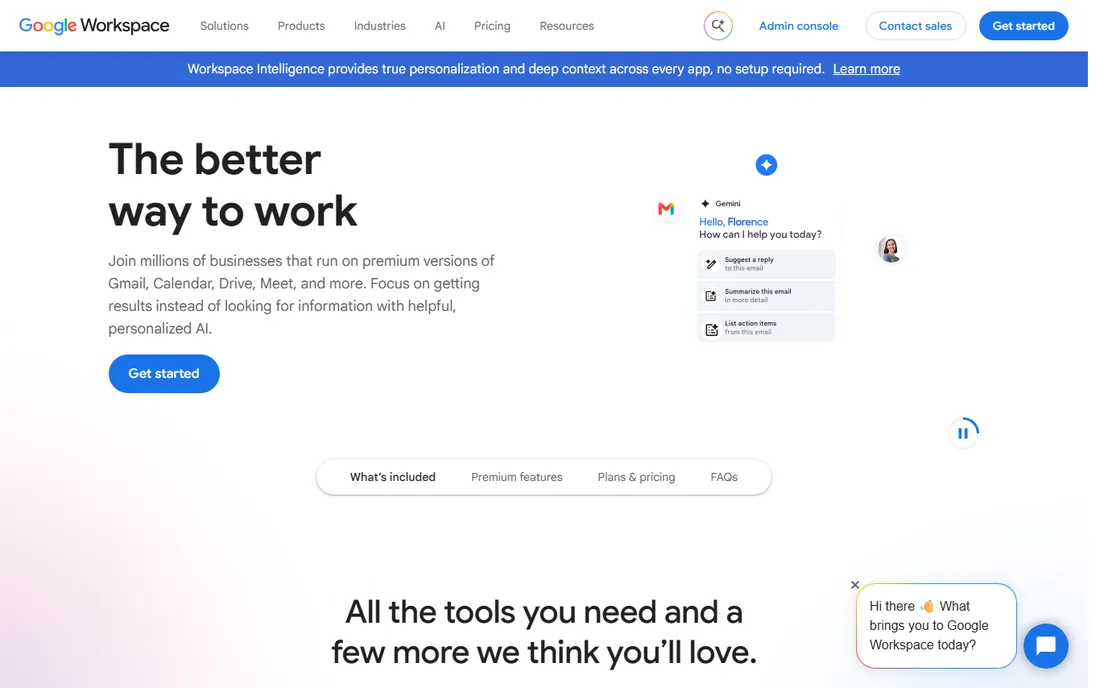
Google's pitch is the absence of friction. Chat lives in the Gmail sidebar your team already has open, Spaces give each project a room with its own files and tasks, and a Doc shared in a Space opens for everyone without permission gymnastics. For a small team on Google Workspace, this is collaboration with zero new logins and zero new tabs.
The catch is ambition. As a chat app, Chat is competent rather than delightful, with fewer integrations and workflow tricks than Slack. Spaces organize conversation and files but will not replace Asana or ClickUp once projects get complex. And while the basics are easy to administer, the compliance and retention controls that serious IT teams want sit on the pricier Workspace tiers. A good default for Google shops, not a reason to switch ecosystems.
What we like- Chat and Spaces sit inside Gmail, so there is nothing new to install
- Shared drives, Docs and Meet connect without plugins
- Simple administration for small teams
Watch out for- Weaker as a standalone chat product than Slack or Teams
- Spaces organize projects but do not replace a real project manager
- Advanced admin controls need higher Workspace tiers

#4
Asana
Best for: Teams that manage work as projects with owners and deadlines
Visit asana.com
Starting price$10.99/user/month (Starter, billed annually)
Free planYes (Personal plan free for up to 2 users)
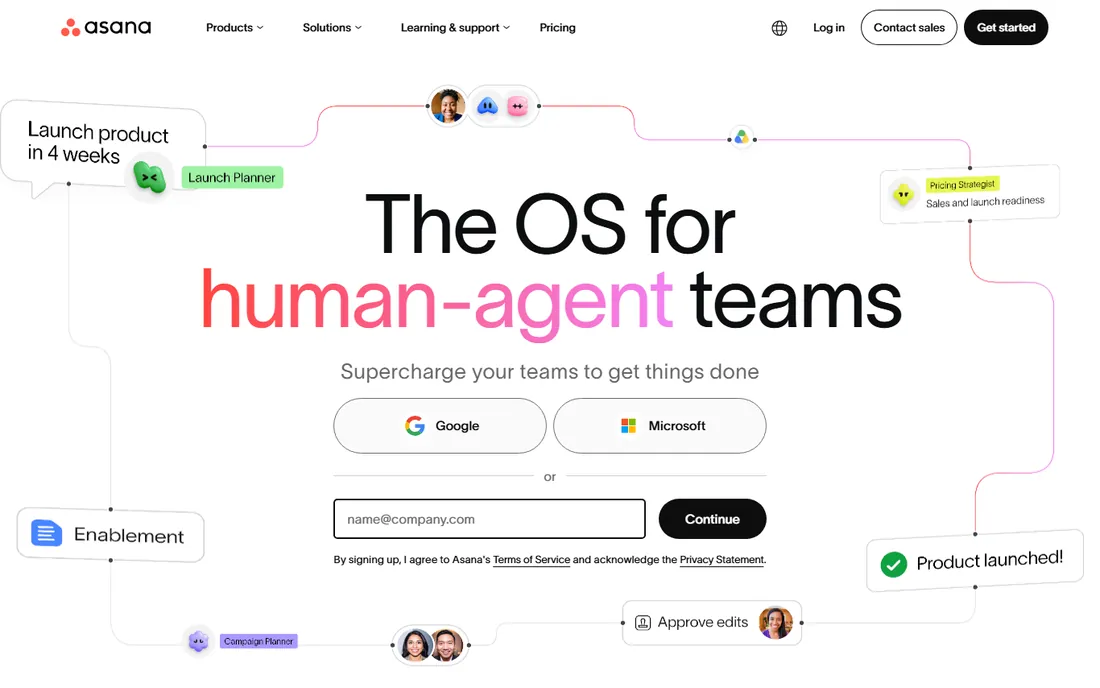
Asana is where work goes when chat is not enough. Every task has an owner, a due date and a place on a timeline, which ends the recurring meeting about who is doing what by when. Templates cover everything from content calendars to onboarding checklists, and portfolios let managers watch a dozen projects without opening each one. It is the most project-shaped tool on this list.
That shape is also the limitation. Asana is not a chat app: quick questions and hallway talk still need Slack, Teams or email, so budget for two tools, not one. Small teams sometimes find the views, rules and custom fields more machinery than they need, and the genuinely useful automation sits above the entry tier. Choose it for managed projects, not for conversation.
What we like- Task ownership, due dates and timelines are first-class, not bolted on
- Project templates speed up repeatable work
- Goals and portfolios connect daily tasks to company targets
Watch out for- Real-time conversation is thin, so most teams still need a chat app
- The interface can overwhelm small teams
- The most useful automation sits on higher tiers
#5
Notion
Best for: Teams that want docs, wikis and light task tracking in one place
Visit notion.so
Starting priceSee website
Free planYes (free plan)
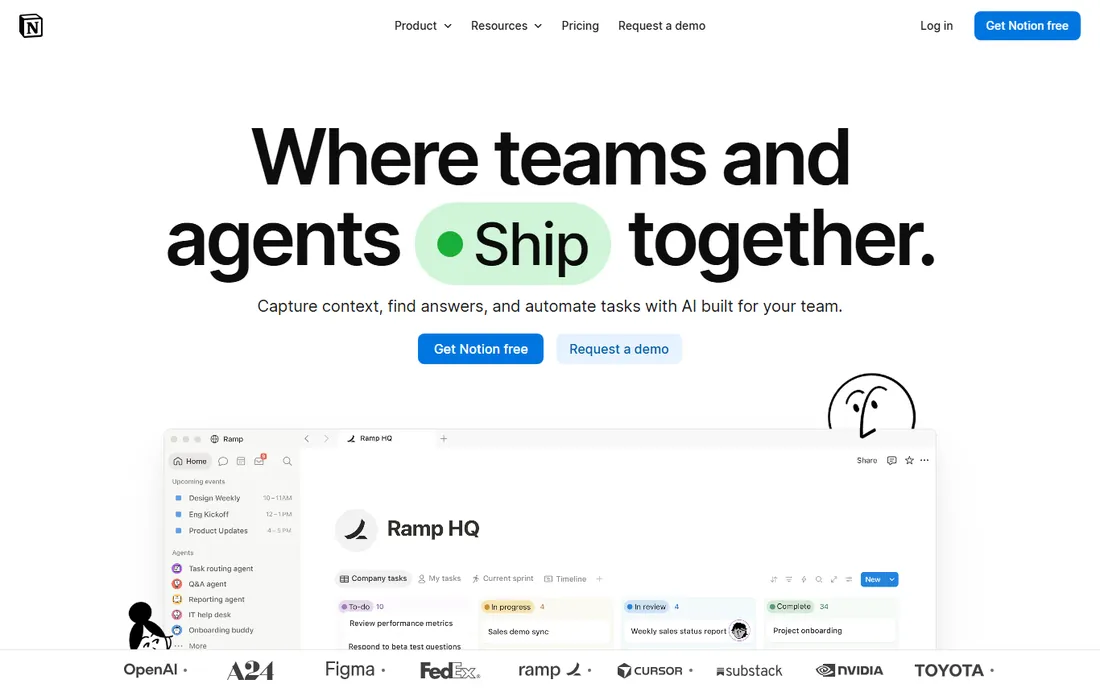
Notion's trick is that everything is a block on a page. A project doc can hold the brief, the embedded task board, the decision log and the retrospective, which kills the sprawl of one tool per artifact. Teams use it as a wiki, a lightweight CRM and a sprint board at once, and the free tier covers small groups without constant upgrade prompts.
But nobody chats in Notion. Comments exist, but real conversation happens elsewhere, so plan on a messenger alongside it. The same flexibility that makes it powerful makes it easy to build a beautiful mess: without someone owning the structure, pages multiply and search suffers. Large, relation-heavy databases can also lag. Pick it as your shared brain, not your watercooler.
What we like- Docs, databases and wikis blend, so a meeting note can become a task list
- Flexible pages replace several single-purpose tools
- Free tier is genuinely usable for small teams
Watch out for- No real team chat, so it pairs with a messenger rather than replacing one
- Large databases can feel slow
- The blank-page flexibility demands setup discipline

#6
ClickUp
Best for: Teams that want one app for tasks, docs, chat and goals
Visit clickup.com
Starting price$9/user/month (Core, billed annually)
Free planYes (Free Forever)
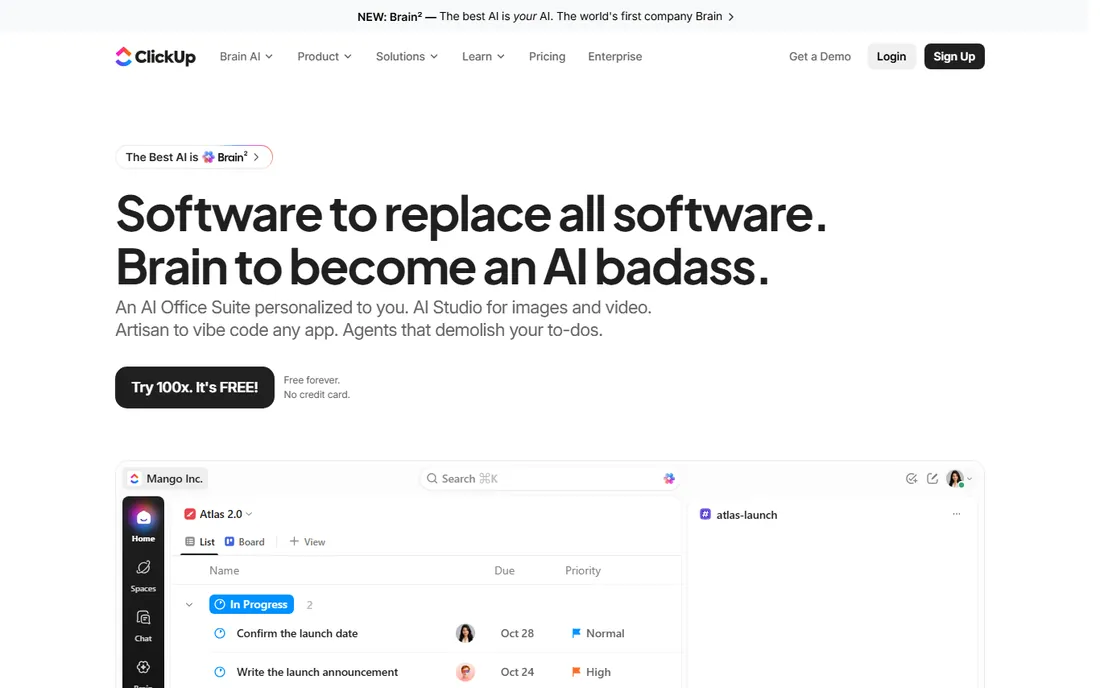
ClickUp's pitch is consolidation. Instead of Slack plus Asana plus Notion, one subscription covers tasks, docs, chat, whiteboards and goals, with a dozen views so each person can work the way they like. The free tier is unusually generous, which is why small teams adopt it fast and grow into paid plans later.
The honest cost is complexity. There is a setting for everything, which means setup takes real effort and new hires face a busy interface. Large workspaces with heavy automation can feel sluggish, and many teams discover they pay for modules nobody opens. If you want one tool to cover everything and will invest in the setup, it delivers. If you want simple, look at Asana or Notion.
What we like- Tasks, docs, whiteboards, chat and goals in a single app
- Many views (list, board, calendar, Gantt) per project
- Free tier covers unlimited tasks for small teams
Watch out for- Feature sprawl makes onboarding slow and the interface busy
- Performance dips on very large workspaces
- Many teams use a fraction of what they pay for

#7
Twist
Best for: Remote teams that prefer async threads over always-on chat
Visit twist.com
Starting price$6/user/month (Unlimited)
Free planYes (free plan; 1-month message history)
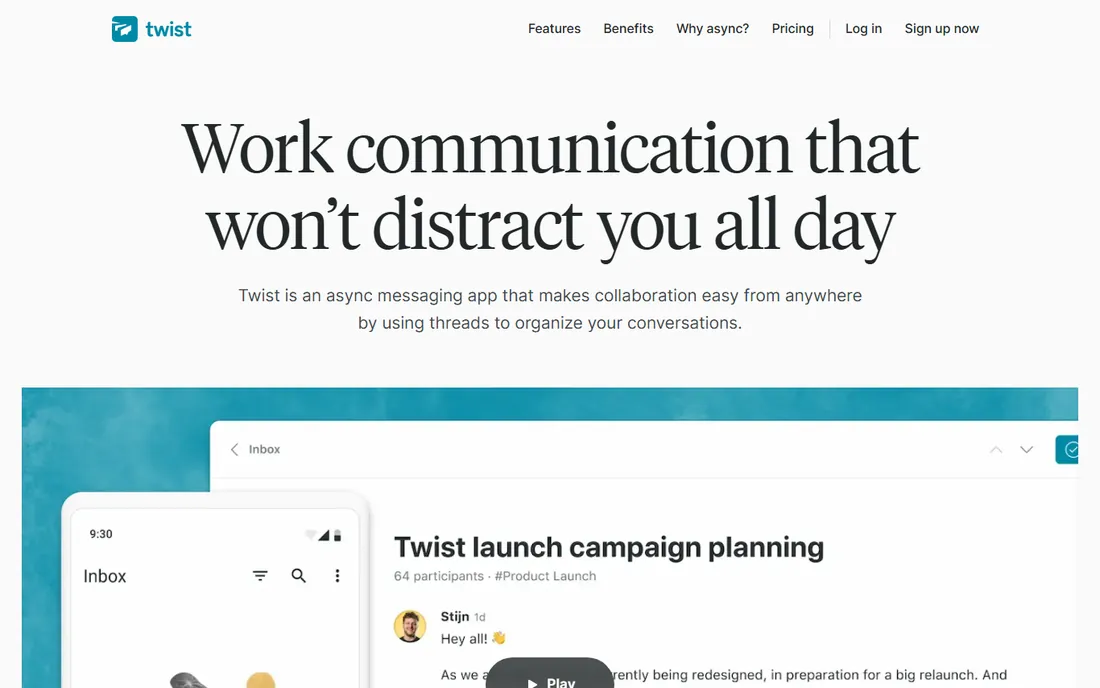
Twist is built on a bet: most team chat does not need to be instant. Every conversation is a thread with a subject, organized by channel, so a designer in another time zone can read the full context at 9am without scrolling through last night's chatter. There is no green-dot pressure, which remote teams with deep-work cultures tend to love once they adjust.
The adjustment is real. Teams coming from Slack often find Twist quiet to the point of feeling empty, and genuinely urgent issues still need a phone call or a faster channel. The integration directory is a fraction of Slack's, and the community is smaller, so niche workflow bots may not exist. Choose it for deliberate, timezone-friendly collaboration, not for a support desk.
What we like- Threaded, async-first design removes the pressure to reply instantly
- Channels stay organized by topic instead of scrolling away
- Calm notification model protects focus time
Watch out for- Small integration ecosystem next to Slack or Teams
- Teams used to real-time chat find it slow
- Fewer third-party apps and bots

#8
Chanty
Best for: Small teams that want simple chat with built-in task basics
Visit chanty.com
Starting price$3/user/month (Business, billed annually)
Free planYes (free plan for up to 5 members)
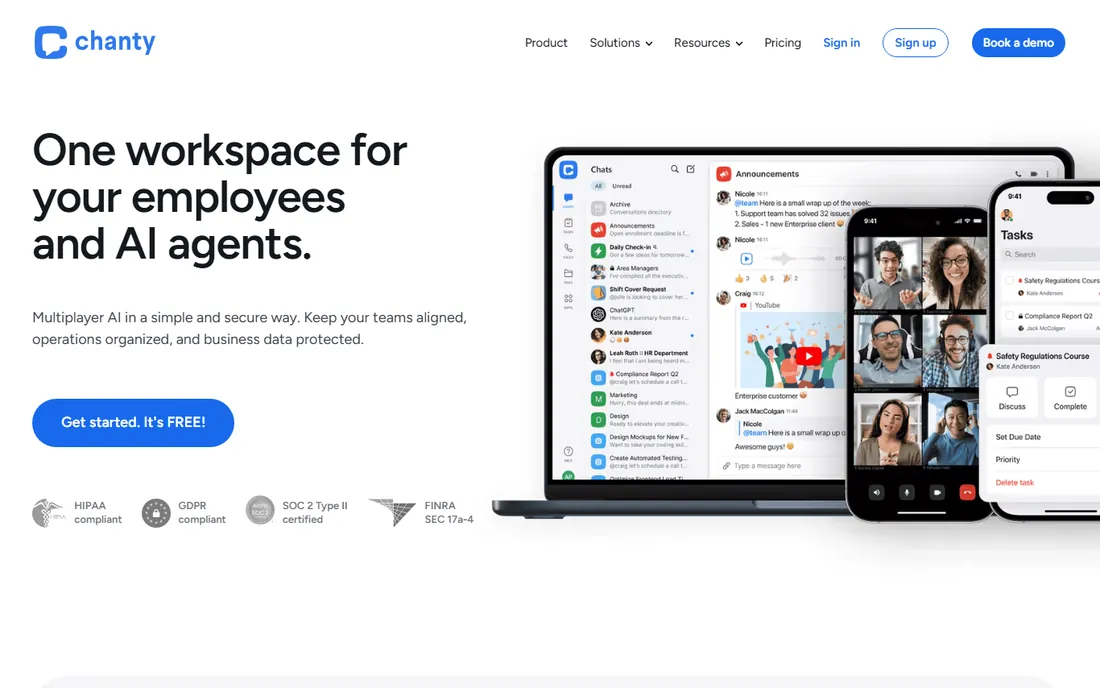
Chanty is the anti-Slack: a chat app a non-technical team can learn in an afternoon. Channels, direct messages, voice and video calls and screen sharing cover the basics, while built-in tasks and a teambook (a pinned wiki of key messages and files) handle the lightweight organization small teams need without a second app.
The trade-off is scale and ecosystem. The integration list is short, the admin controls are basic, and companies with compliance requirements or hundreds of seats will outgrow it. It also lacks the community and third-party depth that make Slack sticky. For a team of ten that just needs to talk and track a few tasks, the simplicity is the point. For everyone else, verify the limits before committing.
What we like- Simple interface with almost no learning curve
- Built-in tasks and a teambook for pinned content
- Voice and video calls with screen sharing included
Watch out for- Smaller ecosystem and fewer integrations than the leaders
- Not built for large or complex organizations
- Brand recognition lags behind Slack and Teams

#9
Mattermost
Best for: Organizations that need self-hosting and full data control
Visit mattermost.com
Starting priceSee website
Free planSee website
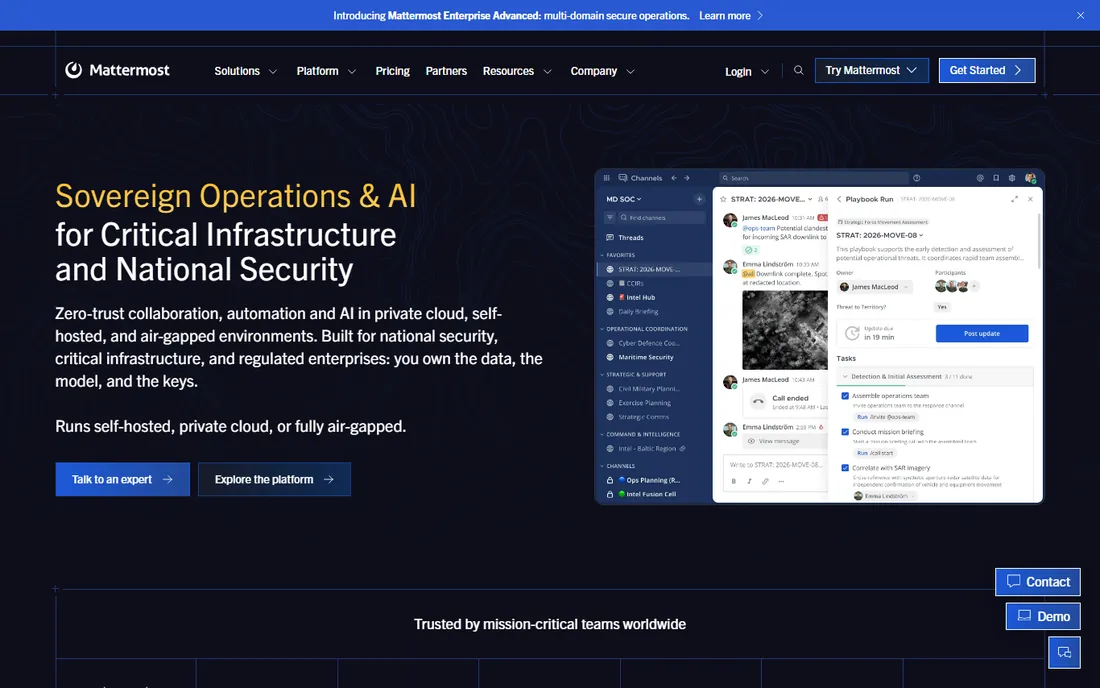
Mattermost exists for one buyer: the organization that cannot put internal conversation on someone else's servers. The open-source edition runs on your infrastructure with channels, threads, file sharing and integrations that feel familiar to Slack users, and regulated industries from defense to healthcare choose it for exactly that reason.
Freedom has an operations bill. Self-hosting means you handle upgrades, backups, monitoring and scaling, which needs real engineering time. The integration and plugin ecosystem is thinner than Slack's, and while the mobile apps work, they lack the polish of the billion-user alternatives. If data control is a requirement rather than a preference, nothing else on this list qualifies. If it is not, the operational cost is hard to justify.
What we like- Self-hosted and open source, so data never leaves your infrastructure
- Slack-like channels, threads and integrations
- Strong fit for regulated industries and government teams
Watch out for- You operate it: upgrades, backups and scaling are your job on the self-hosted tier
- Plugin ecosystem is smaller than Slack's
- Mobile apps trail the big players in polish

#10
Flock
Best for: Small and midsize teams wanting chat plus built-in polls and to-dos
Visit flock.com
Starting priceSee website
Free planYes (Starter free for teams of 1-20)
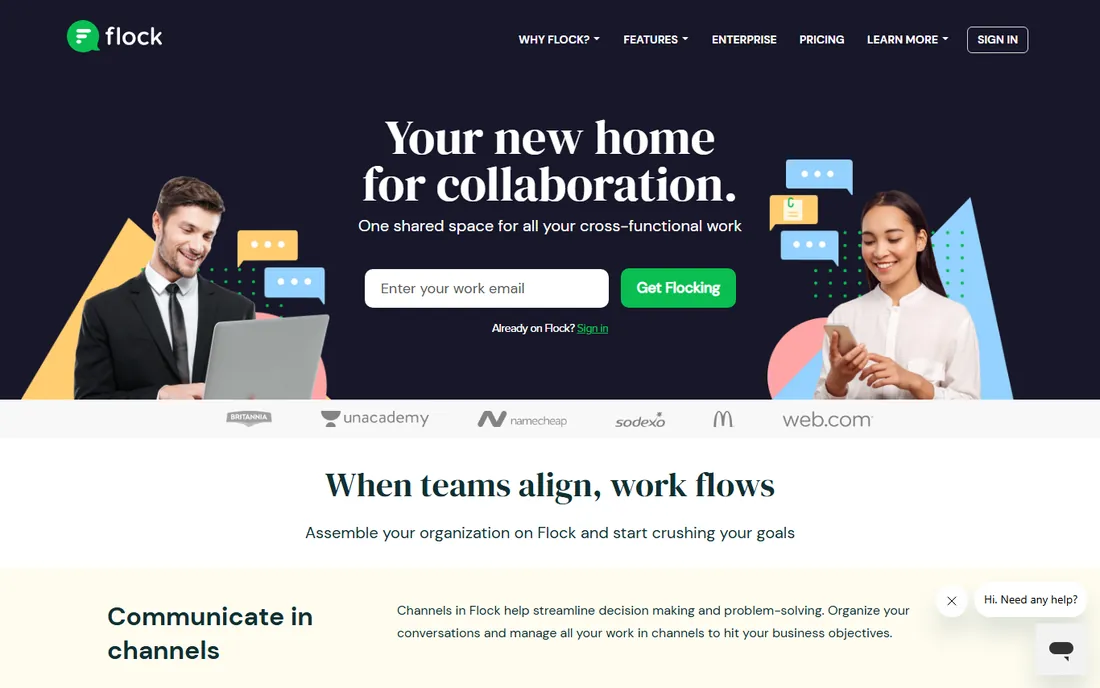
Flock packs the extras into the chat window. Polls settle lunch plans and launch dates without a plugin, shared to-dos and reminders keep small projects moving, and video calls are built in. For a small team that wants Slack-style channels with a few project basics included, it is pleasant and quick to run.
The honest weakness is momentum. The integration directory is the thinnest here, enterprise admin features lag the leaders, and finding a consultant who knows Flock is far harder than finding Slack expertise. It is strongest in the markets where it has real adoption. Elsewhere, check that your must-have integrations exist before you commit.
What we like- Channels with built-in polls, reminders and shared to-dos
- Lightweight and easy to administer
- Free tier covers small teams
Watch out for- Thinnest integration ecosystem on this list
- Limited traction and support outside its core markets
- Fewer enterprise-grade admin features
Quick comparison
| Tool | Best for | Starting price | Free plan |
|---|
| Slack | Teams that live in chat and want the widest integration choice | $7.25/user/month (Pro, billed annually) | Yes (free plan; 90-day message history, up to 10 apps) |
 Microsoft Teams Microsoft Teams | Companies already on Microsoft 365 | See website (Teams Essentials price not published) | Yes (free plan) |
 Google Workspace (Chat and Spaces) Google Workspace (Chat and Spaces) | Teams that run on Gmail, Drive and Calendar | See website | Free trial (14 days); Chat and Spaces free with a Google account |
| Asana | Teams that manage work as projects with owners and deadlines | $10.99/user/month (Starter, billed annually) | Yes (Personal plan free for up to 2 users) |
| Notion | Teams that want docs, wikis and light task tracking in one place | See website | Yes (free plan) |
| ClickUp | Teams that want one app for tasks, docs, chat and goals | $9/user/month (Core, billed annually) | Yes (Free Forever) |
| Twist | Remote teams that prefer async threads over always-on chat | $6/user/month (Unlimited) | Yes (free plan; 1-month message history) |
| Chanty | Small teams that want simple chat with built-in task basics | $3/user/month (Business, billed annually) | Yes (free plan for up to 5 members) |
| Mattermost | Organizations that need self-hosting and full data control | See website | See website |
| Flock | Small and midsize teams wanting chat plus built-in polls and to-dos | See website | Yes (Starter free for teams of 1-20) |
Is your product missing or out of date?
We review this list regularly. Vendors can request a listing, send updated pricing or ask about featured placement.
How team collaboration software is priced
Nearly every tool here charges per user per month, with annual billing discounted against monthly. That math punishes bloated seat counts: part-timers, contractors and service accounts each cost a full seat on most plans, so audit who actually needs a paid seat before you sign.
The second model is the bundle. Microsoft 365 and Google Workspace fold chat into suites you may already buy for email and documents, which can make a standalone chat app redundant. Compare the bundle you already own against the standalone you want before paying twice.
Free tiers are real but bounded. Message history caps, storage limits and member ceilings are the usual tripwires, and they tend to bite months after adoption, when switching is painful. Self-hosted open source (Mattermost) flips the model entirely: the software costs nothing, and you pay in servers and engineering time instead.
Because prices change and promos come and go, treat every number in any review as a starting point. Open the vendor's pricing page, price your actual headcount, and check what the entry tier excludes before you compare totals.
Frequently asked questions
What is the best team collaboration software for a small business?
There is no single winner. If the team lives in conversation, start with Slack's free tier. If projects stall for lack of ownership, Asana or ClickUp will help more than any chat app. If you already pay for Microsoft 365 or Google Workspace, use Teams or Chat before buying anything new. Match the tool to how work actually moves, not to feature lists.
Should we pick Slack or Microsoft Teams?
It depends on your stack. Microsoft 365 shops usually get more from Teams because meetings, files and calendars connect natively, and the company may already be paying for it. Everyone else tends to prefer Slack's cleaner chat experience and deeper integration directory. Running both side by side is the expensive mistake to avoid.
Can we use these tools for free?
Yes, with limits. Every tool on this list has a free tier or trial, but free plans typically cap message history, storage or member counts, and advanced admin features stay paid. A free tier is fine for evaluation and tiny teams. Budget for paid seats once the tool becomes critical.
Do we need separate tools for chat and project management?
Often, yes. Chat-first tools (Slack, Teams, Twist, Chanty, Flock) handle conversation. Project-first tools (Asana, ClickUp) handle owned work with deadlines. Notion covers docs and wikis. ClickUp tries to be all three, which suits teams willing to invest in setup. Most companies end up with one chat app plus one work tracker.
What if we need to keep data on our own servers?
Then the shortlist is one tool long: Mattermost's self-hosted open-source edition. None of the cloud-only tools here offer true self-hosting. Budget engineering time for upgrades, backups and scaling, or price Mattermost's cloud plans against that effort.
How hard is it to switch collaboration tools later?
The software part is easy; the history part is not. Most tools export data, but message history, threads and integrations rarely transfer cleanly, so plan a transition window where both tools run, and archive the old workspace instead of deleting it. Choose as if you are signing a two-to-three-year commitment.
How we chose
We shortlisted the tools buyers actually compare: team chat, project collaboration, shared docs and one self-hosted option. For each candidate we opened the vendor's own homepage and recorded the final address-bar URL after redirects, and opened the vendor's pricing page to confirm starting prices and free-tier terms. Prices we could not see on a vendor page are marked "See website" rather than guessed.
We described strengths and weaknesses from each product's public positioning and documentation, and checked the shortlist against the categories buyers search: team collaboration software, team chat apps and project collaboration tools. We did not run hands-on trials for this guide, and we list no ratings, awards, user counts or customer names.
Sources we checked (10)
- https://slack.com/pricing
- https://www.microsoft.com/microsoft-teams/compare-microsoft-teams-options
- https://workspace.google.com/pricing
- https://asana.com/pricing
- https://notion.com/pricing
- https://clickup.com/pricing
- https://twist.com/pricing
- https://www.chanty.com/pricing
- https://mattermost.com/pricing
- https://www.flock.com/pricing
Is your product missing or out of date?
We review this list regularly. Vendors can request a listing, send updated pricing or ask about featured placement.

Shihab Mia · Founder, Rankite
Shihab has spent more than a decade helping SaaS and e-commerce brands grow through search. He writes Rankite's software buying guides from pricing pages, documentation and public user reviews. More about Shihab.